Gaming Monitors
AOC Q27G41ZDF vs Asus ROG Swift OLED PG27AQDP: Budget vs Premium OLED Gaming
Two 27-inch 1440p OLED gaming monitors at vastly different price points. We compare brightness, color accuracy, text sharpness, refresh rates, and real-world performance to see what justifies the premium.
Introduction
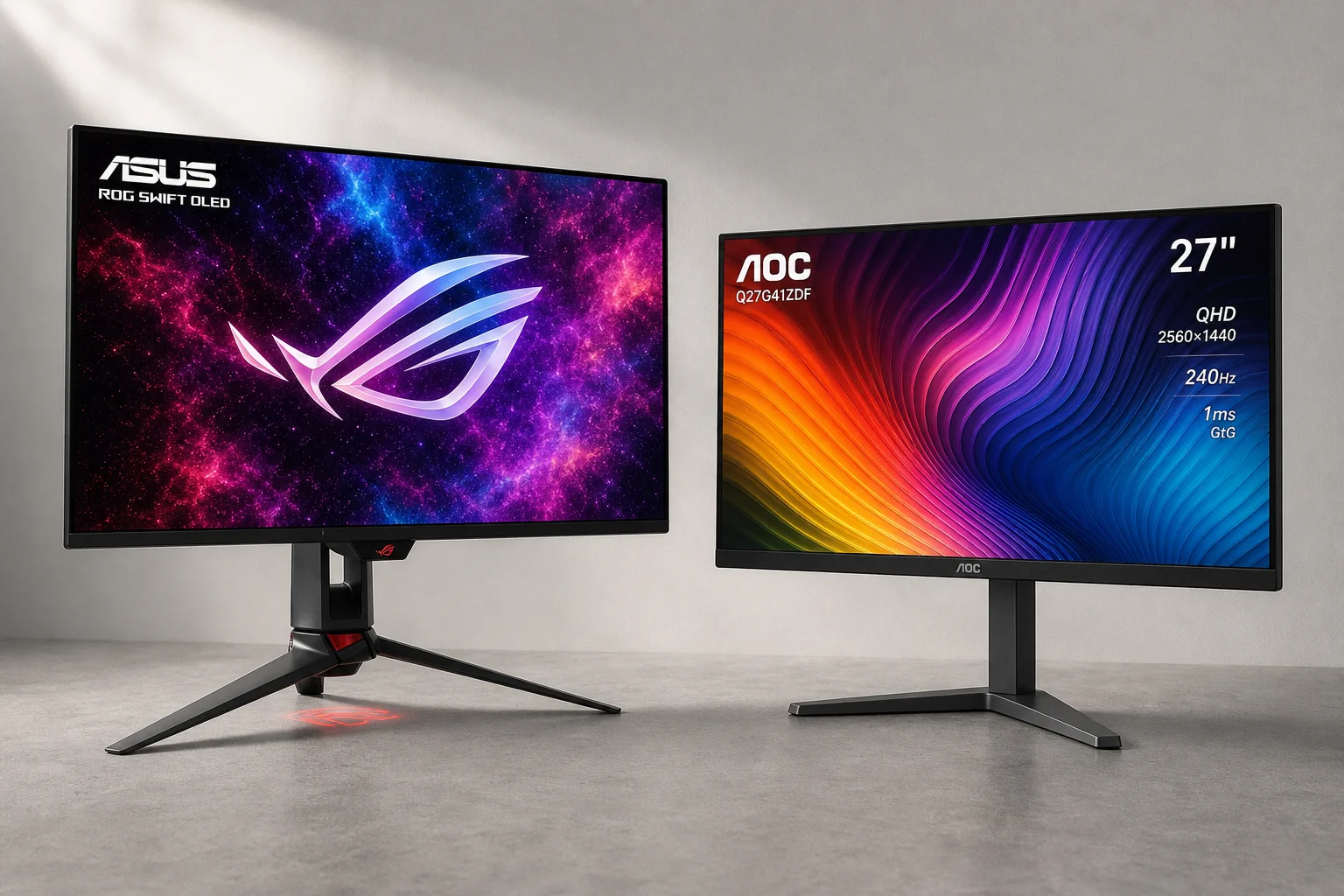
Two 27-inch 1440p OLED gaming monitors that could hardly be more different in price, yet share the same core technology. The AOC Q27G41ZDF costs around 380 dollars, making it one of the most affordable OLED gaming monitors available. The Asus ROG Swift OLED PG27AQDP, by contrast, sits at the premium end of the market, costing nearly three times as much. Both deliver the signature OLED strengths: inky blacks, instantaneous response times, and vibrant colors. But where does all that extra money go, and is the premium monitor actually three times better?
Brightness and HDR Performance
The most immediately visible difference between these monitors is brightness. At default settings with maximum brightness enabled, the Asus reaches 350 nits on full-screen white, while the AOC manages around 200 nits. That 150-nit gap translates to roughly 80 percent more brightness on paper, though human perception narrows this to about 25 percent brighter to the eye.
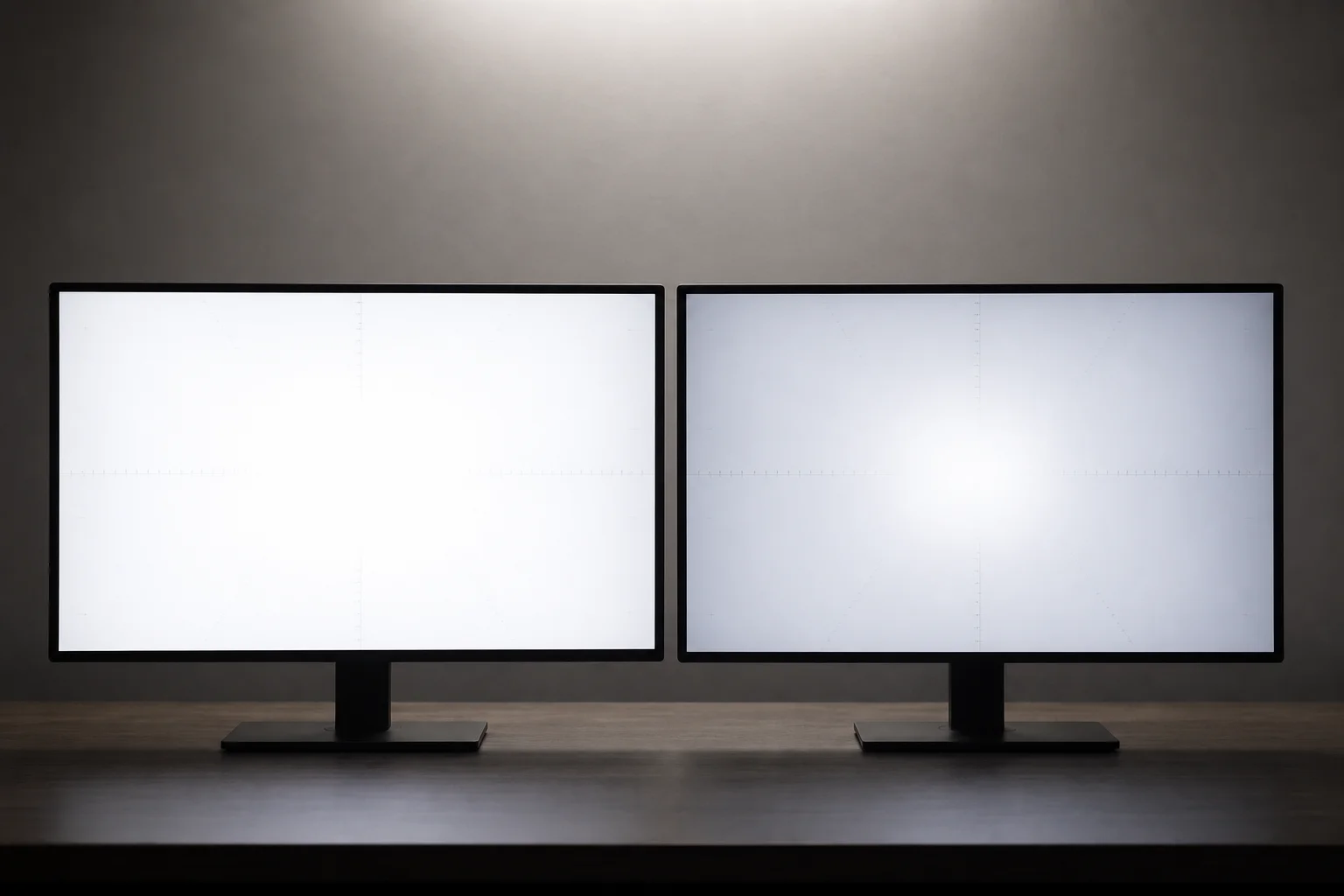
The AOC’s lower brightness becomes more problematic in bright rooms. Both monitors use glossy panels, which require sufficient brightness to overcome ambient light reflections. The AOC demands running at 100 percent brightness constantly, leaving little headroom for peaks. The Asus, by contrast, handles bright environments comfortably without needing to disable its uniform brightness setting.
HDR performance shows an even starker gap. The Asus more than triples the peak brightness of the AOC in HDR mode, making small highlights appear as actual light sources rather than dull spots. The AOC lacks a dedicated peak brightness HDR mode entirely, offering only an accuracy-focused preset. Interestingly, AOC’s own slightly more expensive variants of this panel do include a peak brightness mode, suggesting this limitation may be intentional cost-cutting rather than a panel constraint.
In isolation, the AOC still delivers respectable HDR performance. It outperforms any standard IPS or VA monitor dramatically. But side-by-side with the Asus, the difference is undeniable.
Color Accuracy and Calibration
Factory calibration reveals an unexpected result: the cheaper AOC has superior out-of-box color accuracy. Measurement data shows the AOC achieves excellent calibration for its price tier, while the Asus, despite its premium positioning, shows noticeably larger color errors. This is surprising given the Asus’s cost and suggests AOC invested heavily in quality control at the panel level.
When both monitors are optimized with OSD adjustments, they become virtually identical in color performance. The differences narrow to manufacturing variance levels. Even color saturation and color volume align closely. This underscores a key insight: much of the Asus’s price premium stems from features and panel technology rather than superior color science.
Text Sharpness and Sub-Pixel Structure
The AOC uses a triangular sub-pixel structure, a legacy design that introduces visible color fringing on sharp edges and text. Green and magenta fringes appear around high-contrast elements, degrading text clarity. The Asus employs a newer RGWB pixel layout that virtually eliminates color fringing, delivering noticeably sharper text and cleaner edges.

For gaming and content consumption, this difference is negligible. Most people do not buy OLED gaming monitors for text work. However, if you plan any productivity tasks, the Asus’s superior text rendering becomes more relevant.
Ambient Light Handling and Coating Quality
Both panels are glossy, but they handle reflections very differently. The Asus’s tandem WOLED panel reflects ambient light with sharp, mirror-like clarity. The AOC’s QD-OLED coating appears slightly hazy, producing less sharp and sometimes streaky or bloomy reflections. The QD-OLED does absorb light slightly better, making reflections appear dimmer, but the overall experience favors the Asus’s cleaner reflection profile.
This difference matters most in bright rooms. The Asus remains comfortable to use in daylight, while the AOC’s lower brightness combined with its reflection characteristics makes it less ideal for well-lit spaces.
Refresh Rate and Motion Clarity
Here lies one of the most dramatic differences. The AOC runs at 240Hz, a solid refresh rate for gaming. The Asus offers 540Hz as standard, with an optional 720Hz mode that requires dropping to 720p resolution. At 540Hz, motion clarity in the Blurbuster UFO test is exceptional, with moving objects appearing nearly as sharp as stationary ones. The 240Hz AOC, by comparison, shows noticeably more blur in the same test.
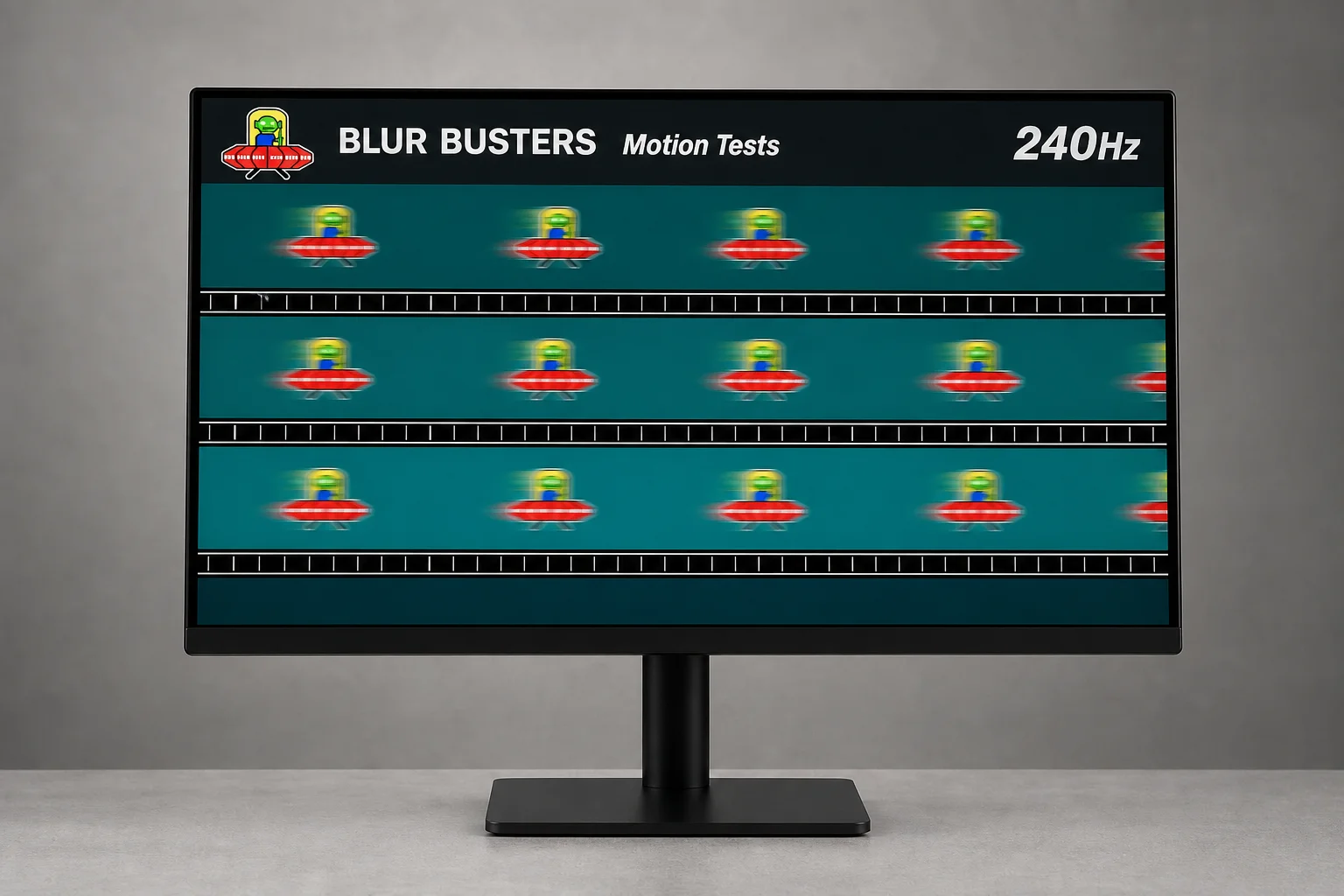
However, the practical gaming impact is more nuanced. Response times and processing lag are nearly identical between the two. The refresh rate difference matters most in fast-paced competitive games, but even then, the 240Hz AOC is already exceptionally responsive. In tactical shooters like Valorant, benefits from 540Hz represent diminishing returns. The AOC’s 240Hz is more than sufficient for excellent gaming performance.
Build Quality and Ergonomics
The Asus features a premium stand with full ergonomic adjustment, superior cable management, and a quarter-inch thread mount on top for attaching lights, webcams, or other accessories. It includes a proximity sensor that attempts to turn off the display when you leave the desk to prevent burn-in, though this feature proved unreliable in testing.
The AOC takes the opposite approach: a bare-bones design with a basic, wobbly stand that sits too low. You will need to purchase a monitor arm separately. There are no RGB lights, no gimmicks, and no extra features. Everything is stripped down to minimize cost.
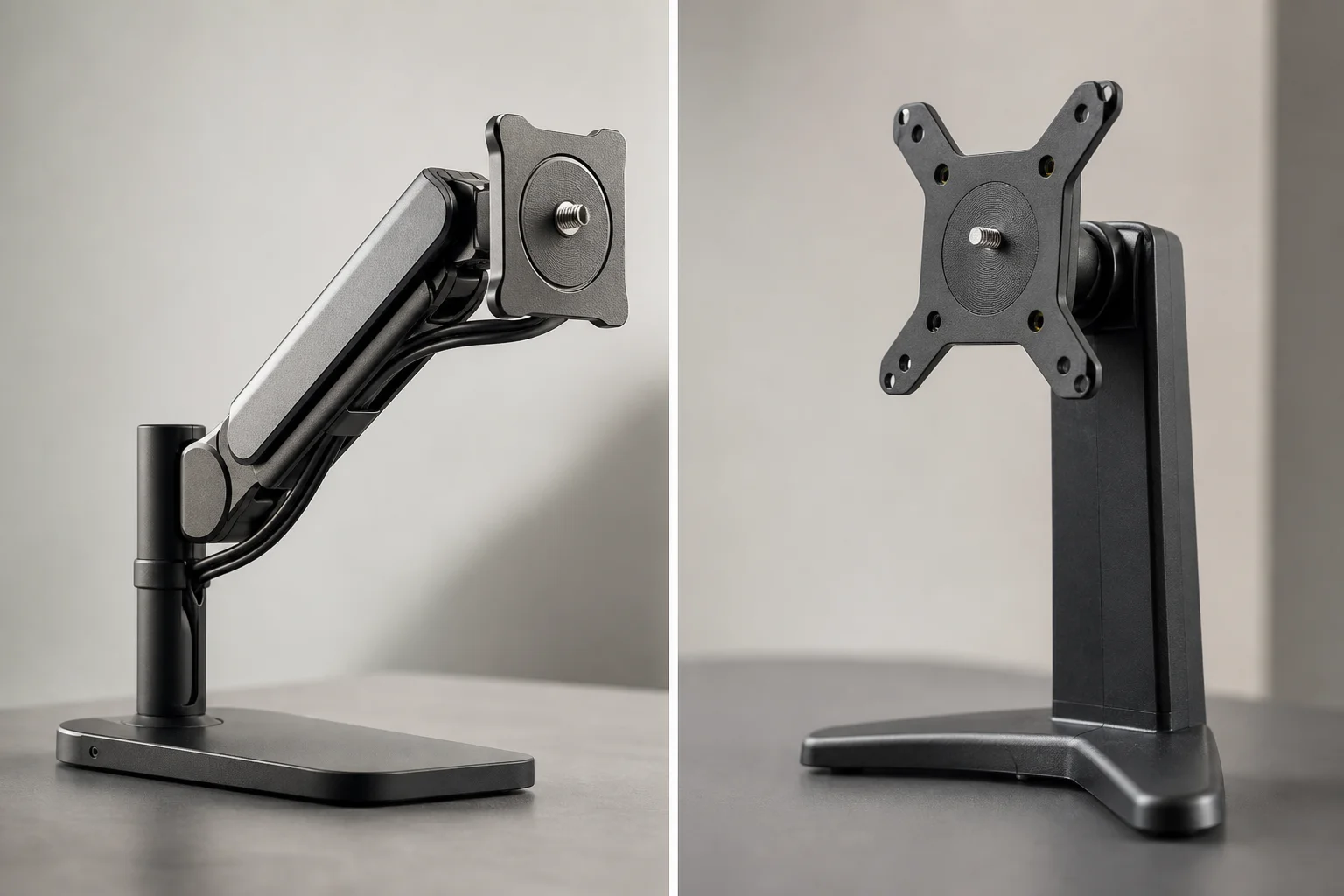
At the AOC’s price point, this minimalist approach makes sense. Spending an extra 20 to 30 dollars on a decent monitor arm gives you a fully functional setup. The Asus’s premium build quality is undeniable, but it contributes significantly to the price gap.
The Panel Technology Difference
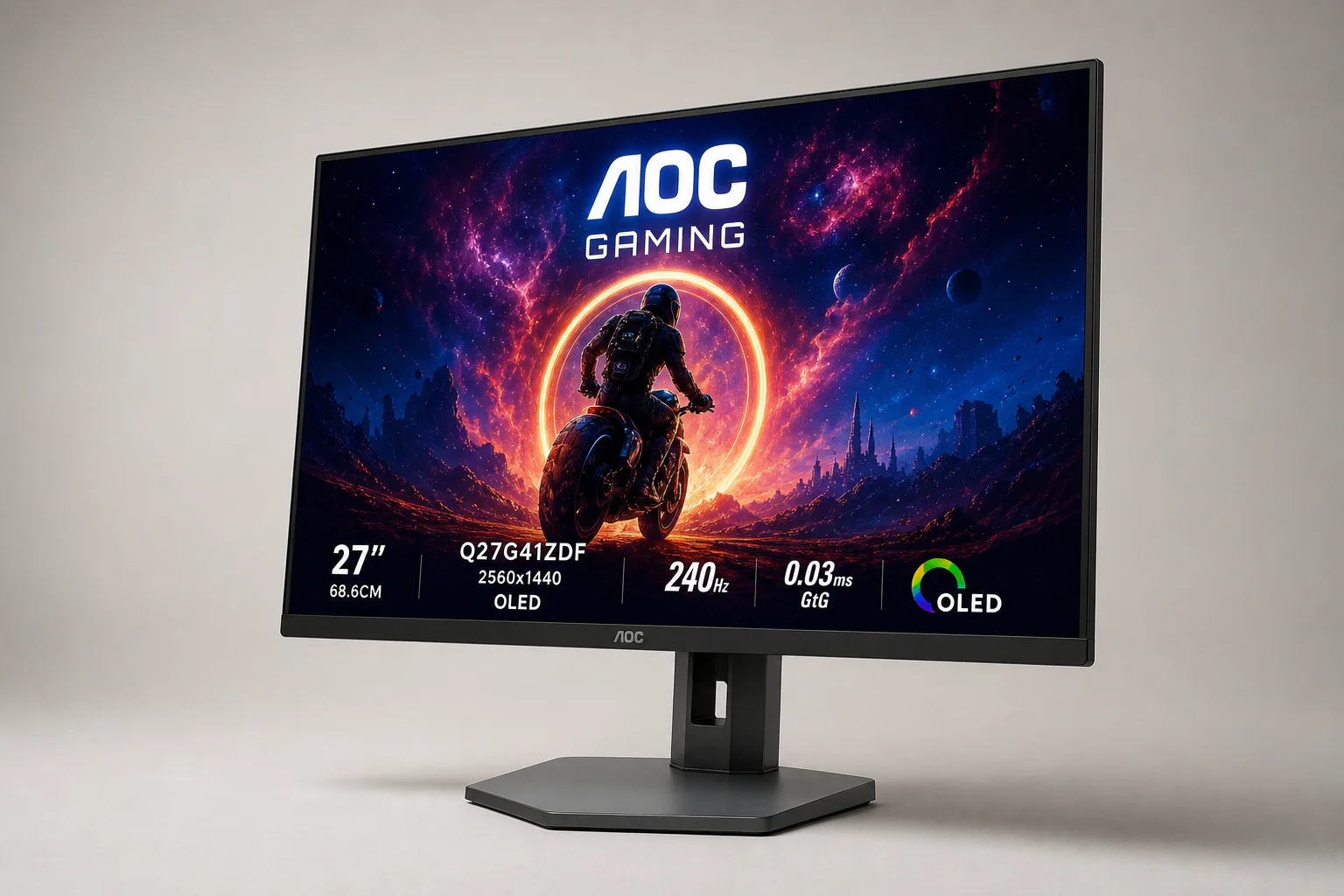
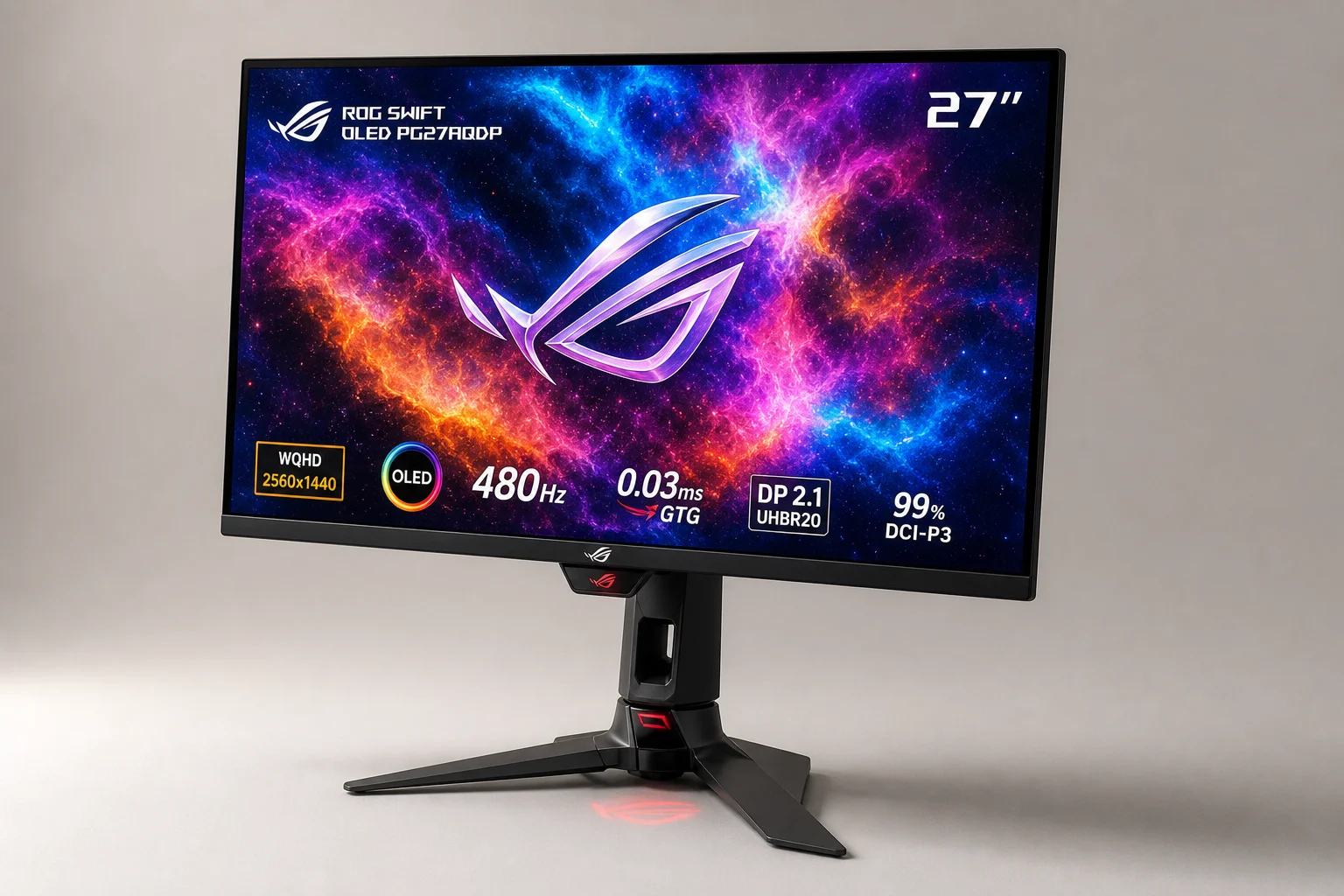
The core technical difference is the OLED panel type. The Asus uses a tandem WOLED panel, the newest and highest-tier OLED technology currently available. The AOC uses a QD-OLED panel from a few years ago. Despite this generational gap, when brightness is equalized, the two panels produce remarkably similar image quality. The tandem WOLED’s advantages emerge primarily in brightness, ambient light handling, and text sharpness rather than fundamental color or contrast performance.
Conclusion
The Asus ROG Swift OLED PG27AQDP is objectively superior in nearly every measurable category: brightness, HDR performance, text clarity, motion clarity, and build quality. However, most of these advantages stem from its tandem WOLED panel and the extreme 540Hz refresh rate, which is primarily a halo feature for enthusiasts and professional gamers.
For most buyers, the AOC Q27G41ZDF represents exceptional value. If your gaming and content consumption happen primarily in evening or night conditions, the lower brightness is manageable. The 240Hz refresh rate is more than adequate for responsive gaming. The factory calibration is genuinely impressive for the price.
If you want a premium OLED gaming monitor but cannot justify the Asus’s cost, Asus offers a 280Hz tandem WOLED alternative that delivers roughly 95 percent of the experience at a significantly lower price. The 540Hz model is a premium product for those who demand the absolute best motion clarity and can afford it.
The real takeaway: OLED gaming monitor technology has matured enough that even the budget option delivers genuine OLED benefits. The question is not whether the AOC is good, but whether the Asus’s premium features justify nearly triple the cost for your specific use case.
Further reading
Related Reviews
Gaming Monitors
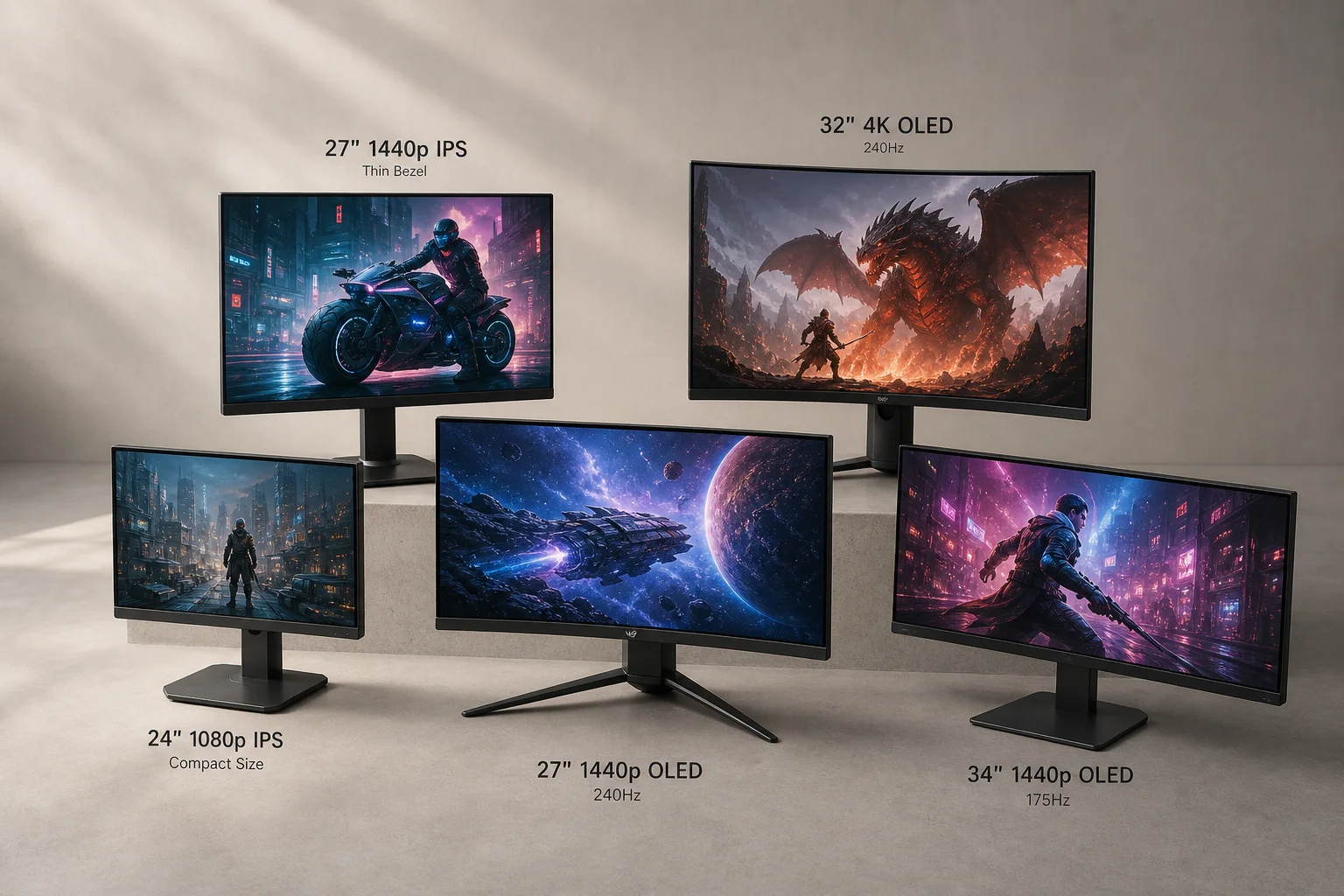
Best Value Gaming Monitors 2026: Five Picks Across Budget to High Refresh Rate
Five gaming monitors offering strong value across 1080p, 1440p, and OLED categories, from budget IPS panels to high-refresh QD OLED and Tandem OLED options.
Gaming Monitors
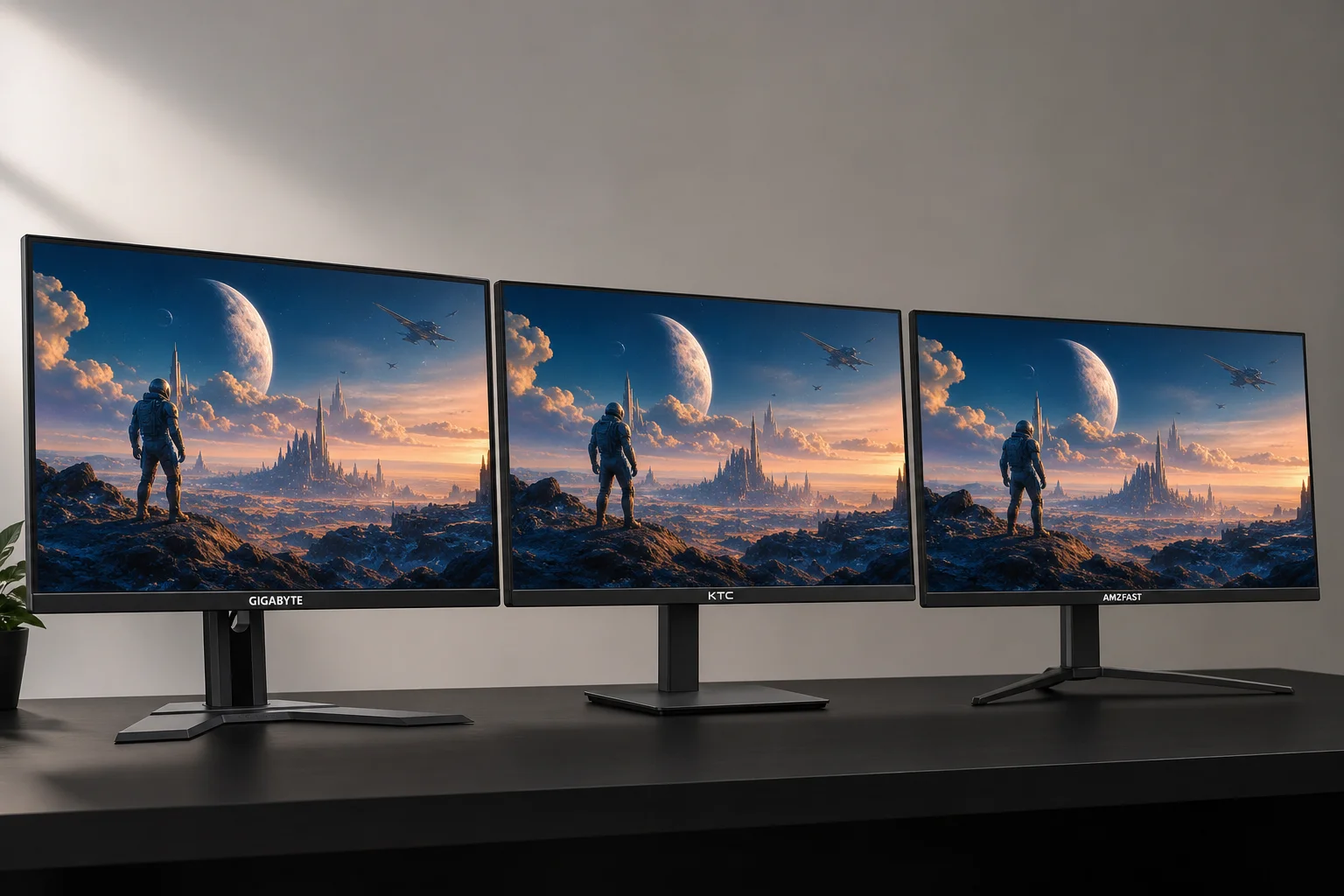
Budget 1440p Gaming Monitors: Three Solid Options Under $200
A practical comparison of three affordable 1440p gaming monitors that deliver strong value without breaking the bank.
Home Entertainment
NexiGo Aurora Pro 4K Laser Projector Review: Big Screen Gaming and Movies Without the TV Price
The Aurora Pro delivers 4K 120Hz gaming, laser brightness, and a 100-inch screen experience at a fraction of traditional TV costs. A practical look at what works, what requires patience, and who should consider it.