Tech
Apple MacBook Neo Review: A Surprisingly Capable Budget Laptop
The MacBook Neo brings M1-equivalent performance to a $599 entry-level laptop. We tested it across real workflows to see if it's worth considering over pricier alternatives.

Introduction
Apple’s newest entry-level laptop, the MacBook Neo, starts at $599 and drops to $499 with a student discount. After a week of testing, it becomes clear this is not just a budget option, but a genuinely capable machine that could reshape expectations in the affordable laptop market. The Neo uses the A18 Pro chip, the same processor found in the iPhone 16 Pro, paired with 8GB of RAM and a 13-inch LCD display. While it may seem like a compromise machine, the real story is how well Apple has engineered value into this price point.
Who This Laptop Is For
The MacBook Neo is explicitly designed for students, writers, and anyone whose work centers on web browsing, email, word processing, and light creative tasks. If you are a high school or college student considering a laptop purchase, this machine deserves serious attention. Apple has even launched marketing campaigns directly targeting this audience, and for good reason: the combination of price, build quality, and performance is difficult to match elsewhere.

Writers will find the keyboard particularly appealing. It uses the same mechanical switches as MacBook Pro models costing three times as much, minus only the backlight. The typing experience is responsive and satisfying, making it an excellent choice for anyone who spends hours composing text. Photographers and coders will find the Neo workable for basic tasks, though with some caveats we’ll explore later.
Design and Build Quality
The aluminum chassis is where the MacBook Neo reveals its premium heritage. Unlike plastic-bodied budget laptops, the Neo feels solid and resists flex when you type. The hinge is perfectly balanced, allowing you to open the lid with a single finger. These details matter because they make the laptop feel more expensive than its price suggests.
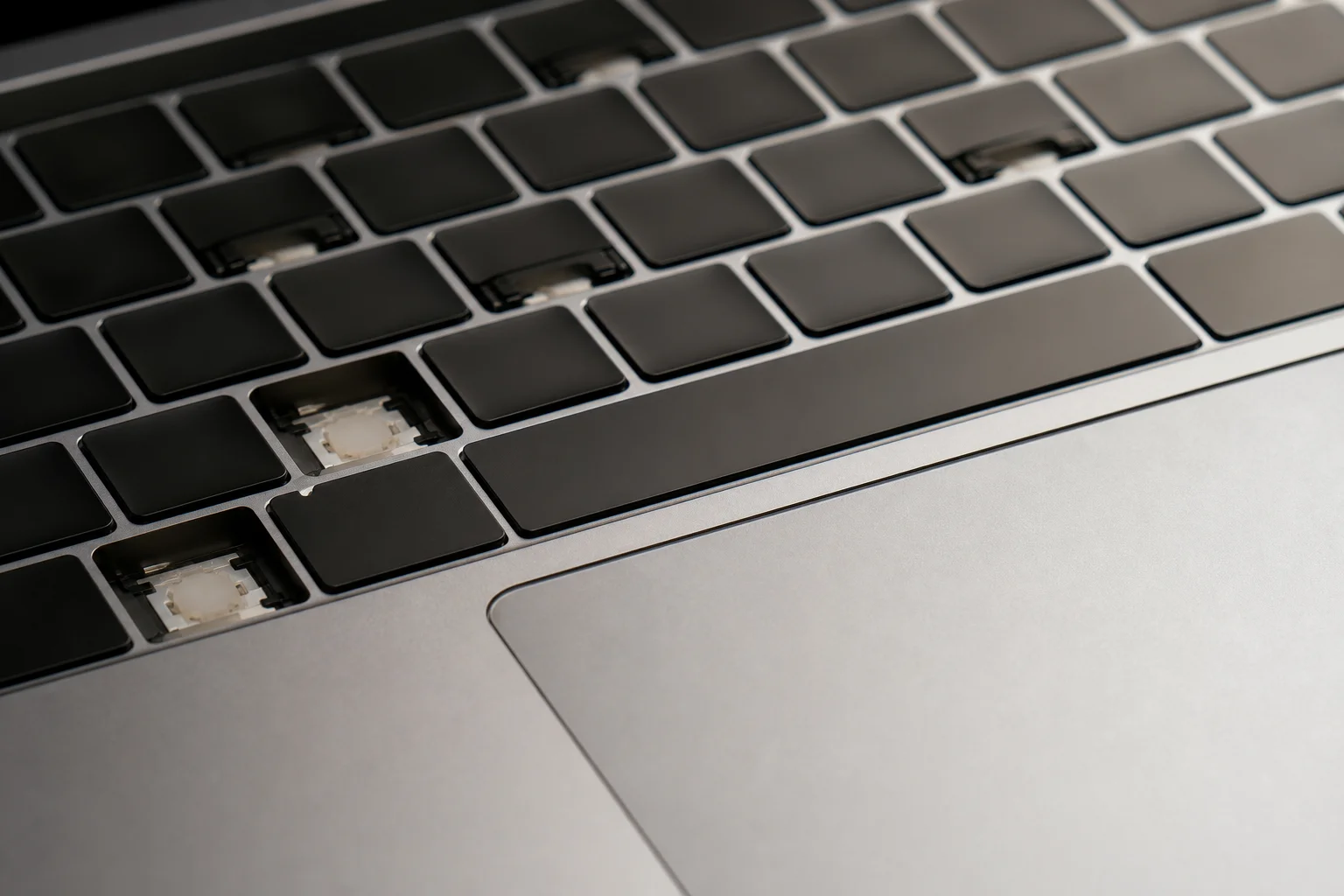
The display is a 13-inch LCD panel at roughly 1440p resolution with a 60Hz refresh rate and 500 nits of brightness. It is bright enough for indoor use and suitable for general work, though it does not cover the full DCI-P3 color space, which means photographers doing serious color-critical work will want to connect an external display via USB-C. The trackpad is excellent, offering real clicking feedback and smooth tracking. Two USB-C ports sit on the side, one supporting USB 3 and one USB 2, along with a headphone jack and stereo speakers that are merely adequate.
The design includes playful color options. The citrus variant shown here matches the shade of lemon-lime sports drinks, and Apple has extended the color theme throughout the software, with matching accent colors in the operating system and even tiny yellow feet at the bottom of the chassis. If you upgrade to the 512GB storage option for an additional $100, you gain Touch ID in the corner of the keyboard, replacing the standard lock button.
Real-World Performance Across Workflows
The A18 Pro delivers performance comparable to the M1 chip from the original MacBook Air. Geekbench multi-core scores reach over 8,500, matching M1 results. GPU benchmarks in OpenCL and Metal align with M1 performance, while single-core scores actually exceed M1, approaching M3 levels. This is not theoretical performance; it translates directly to real work.
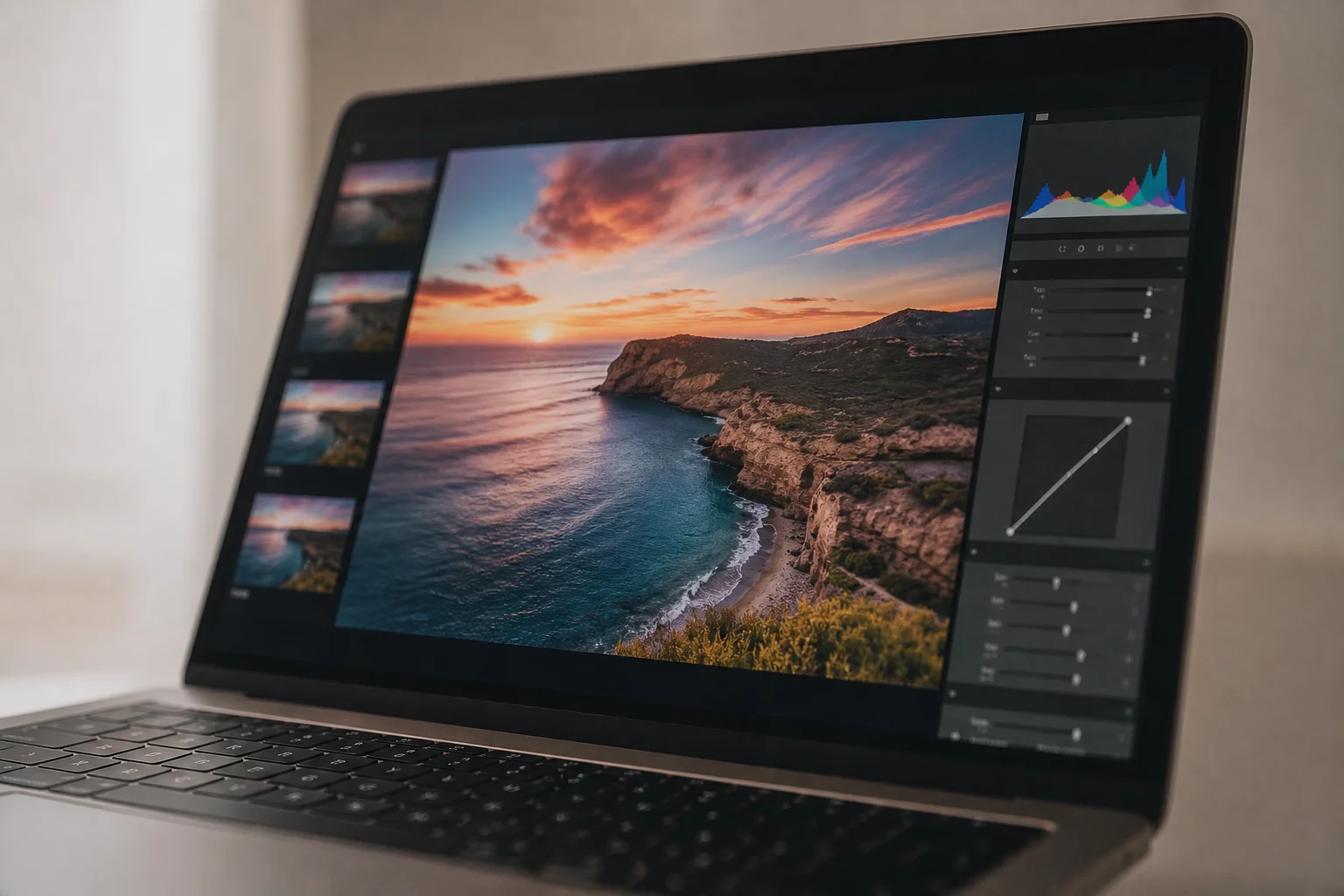
Web browsing with multiple tabs, spreadsheet work, email, music streaming, and document editing all run without hesitation. The chip’s efficiency means these tasks consume minimal power. However, the 8GB of RAM is tight, especially when using Chrome, which fills memory faster than Safari. When RAM fills, the system uses swap memory on the SSD, which reads at approximately 1,500 megabytes per second. This is slower than high-end machines but sufficient for everyday use.
For video editing, the Neo can handle basic 4K work in Final Cut Pro. You can import footage, apply LUTs, trim clips, and export without problems. However, adding plugins or attempting more complex edits causes performance to drop noticeably. Serious video editors should consider the M4 or M5 MacBook Air instead. Casual mobile video editing in CapCut runs smoothly. Photographers can use Pixelmator and Lightroom without issue, though Photoshop becomes sluggish with complex projects. Coders will find the Neo suitable for basic programming tasks, though running heavy local AI models is not practical with only 8GB of RAM. Podcasters with simple setups (one or two microphones) can manage, though the two USB-C ports mean you will likely need adapters for additional equipment.
Battery Life and Charging
Apple rates the battery to deliver nearly the same endurance as the MacBook Air, and real-world testing confirms this is approximately accurate, though slightly shorter. The clever engineering choice here is the use of a smaller lithium-ion battery instead of lithium-polymer. The A18 Pro’s low power consumption allows this smaller battery to deliver strong results.
The included 20-watt charger is sufficient for the machine’s needs. Charging from zero to full takes just over an hour with the included charger. You can use a higher-power charger for faster charging if needed. A full day of writing, browsing, video watching, and email is achievable on a single charge. Heavy performance-intensive tasks at high brightness will drain the battery faster, but for typical light work, battery anxiety is not a concern.
What Could Improve
The most obvious upgrade for a future version would be increased RAM. Moving to 12GB would address the main limitation for multitasking and future-proofing. An ambient light sensor to enable True Tone display adjustment would improve usability in varying lighting conditions. A backlit keyboard would be a quality-of-life improvement, though it is not essential at this price point.
Conclusion
The MacBook Neo represents a significant shift in the affordable laptop market. For $599, you get a machine with M1-equivalent performance, excellent build quality, and a keyboard that rivals machines costing thousands more. It is not the right choice for demanding video editors, serious gamers, or anyone requiring extensive RAM for complex workflows. But for students, writers, casual photographers, and anyone whose primary needs are browsing, email, and document work, the Neo is difficult to beat. Apple has engineered genuine value into this price point, and that makes it one of the most interesting laptops available today.
Product link
View more details for Apple MacBook Neo
This product is mentioned in the review. Check the specifications, options, and compatibility before buying.
View more details for Apple MacBook NeoFurther reading
Related Reviews
Coffee Brewing
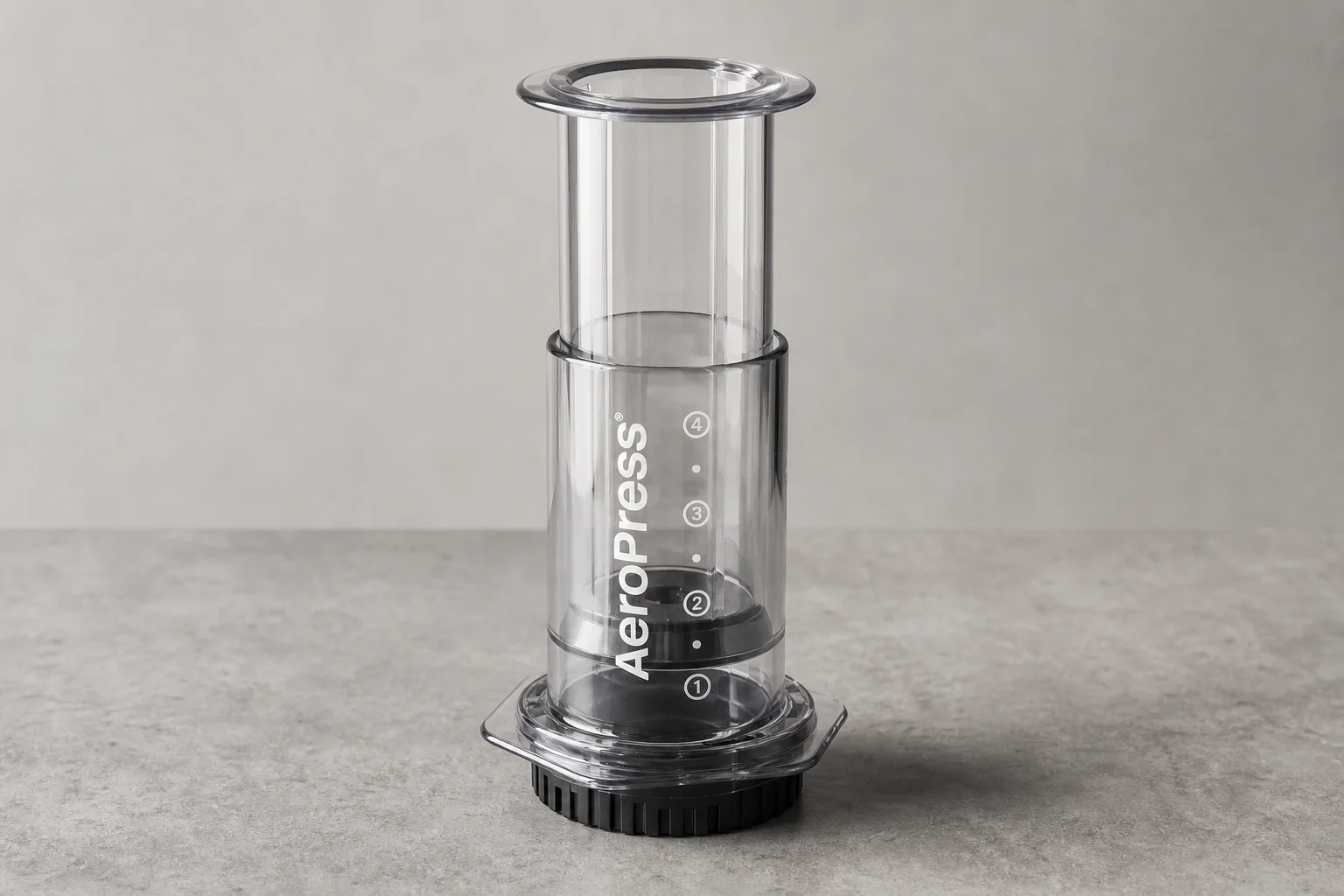
AeroPress Clear Review: A Transparent Upgrade With Caveats
The new AeroPress Clear uses Tritan material and costs $50, but doesn't brew better coffee than the original. We tested durability, staining, and what the price increase means for the brand's future.

Coffee Equipment
Aeropress Go Review: A Compact Travel Brewer That Solves One Specific Problem
The Aeropress Go shrinks the original design and adds an integrated cup, but it may not address the travel challenges most coffee enthusiasts actually face.

Coolers & Ice Packs
Arizona Ice Pack Review: A Practical Alternative to Traditional Ice
Arizona Ice packs replace up to 10 lbs of regular ice while staying colder for longer. Here's what works and what to consider before buying.