Monitors
Best Budget Monitors for Video Editing, Photo Editing, and Gaming: 8 Practical Options Under $500
Eight color-accurate monitors under $500 that balance editing precision with gaming performance, from entry-level 1080p to 4K OLED options.
Introduction
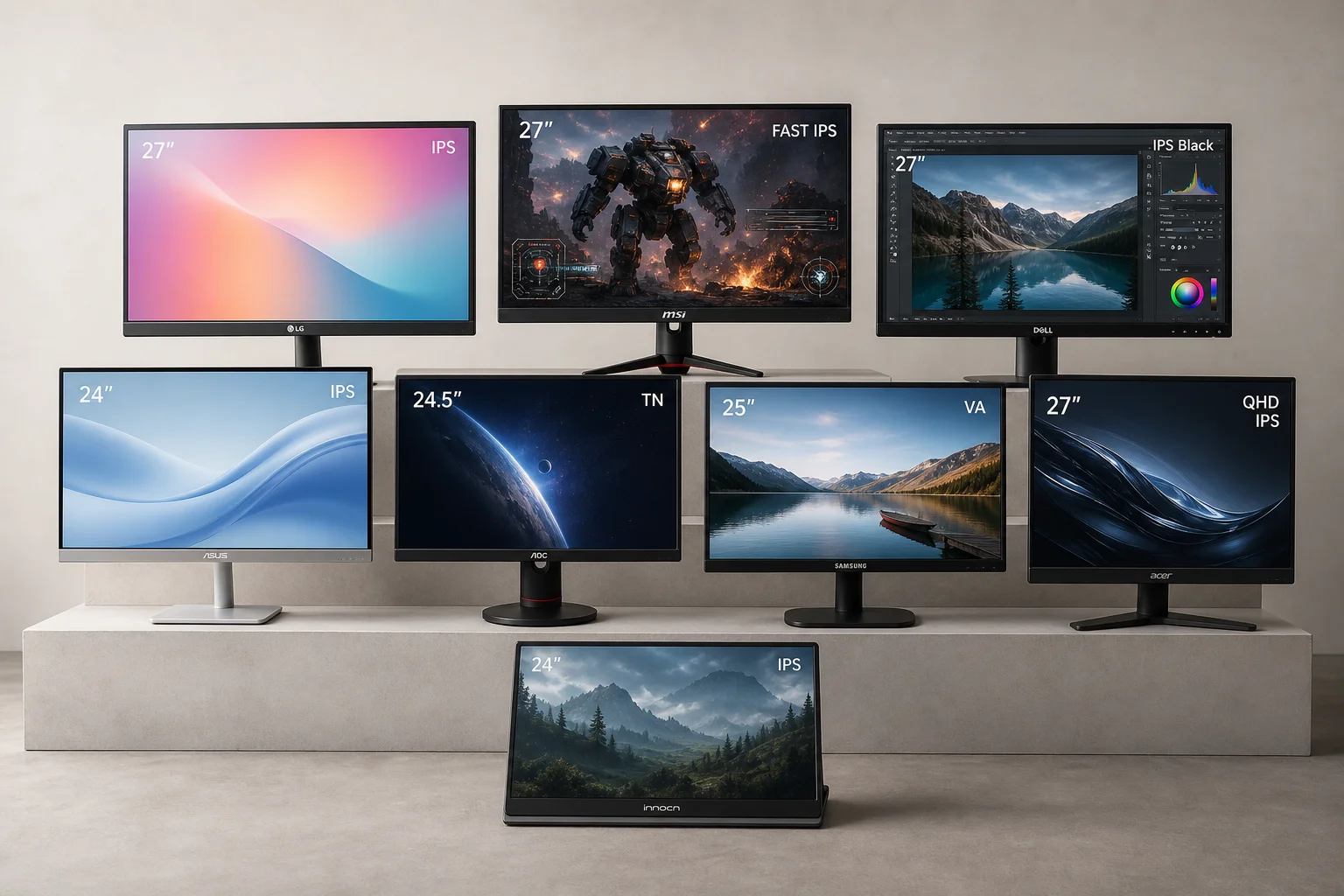
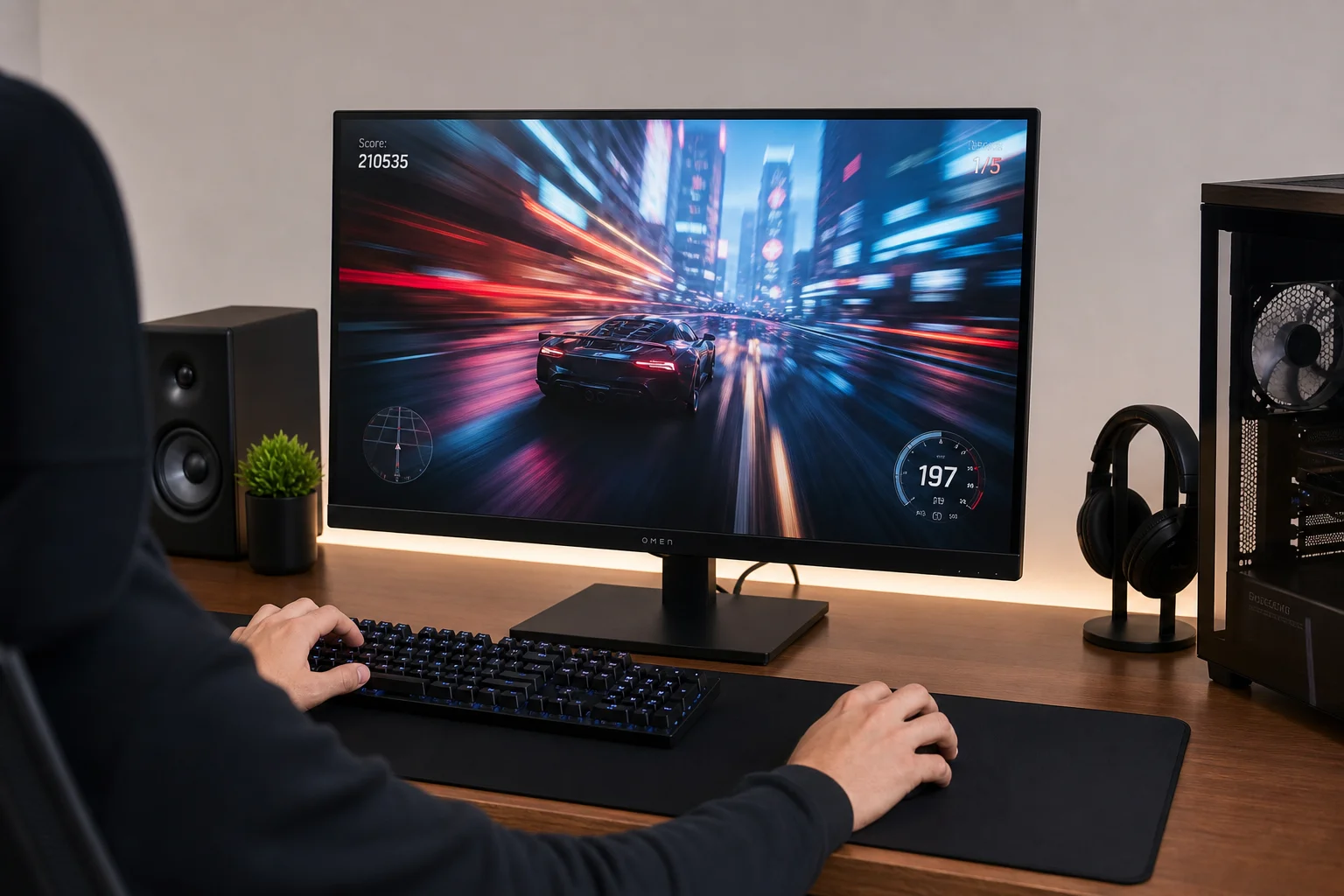
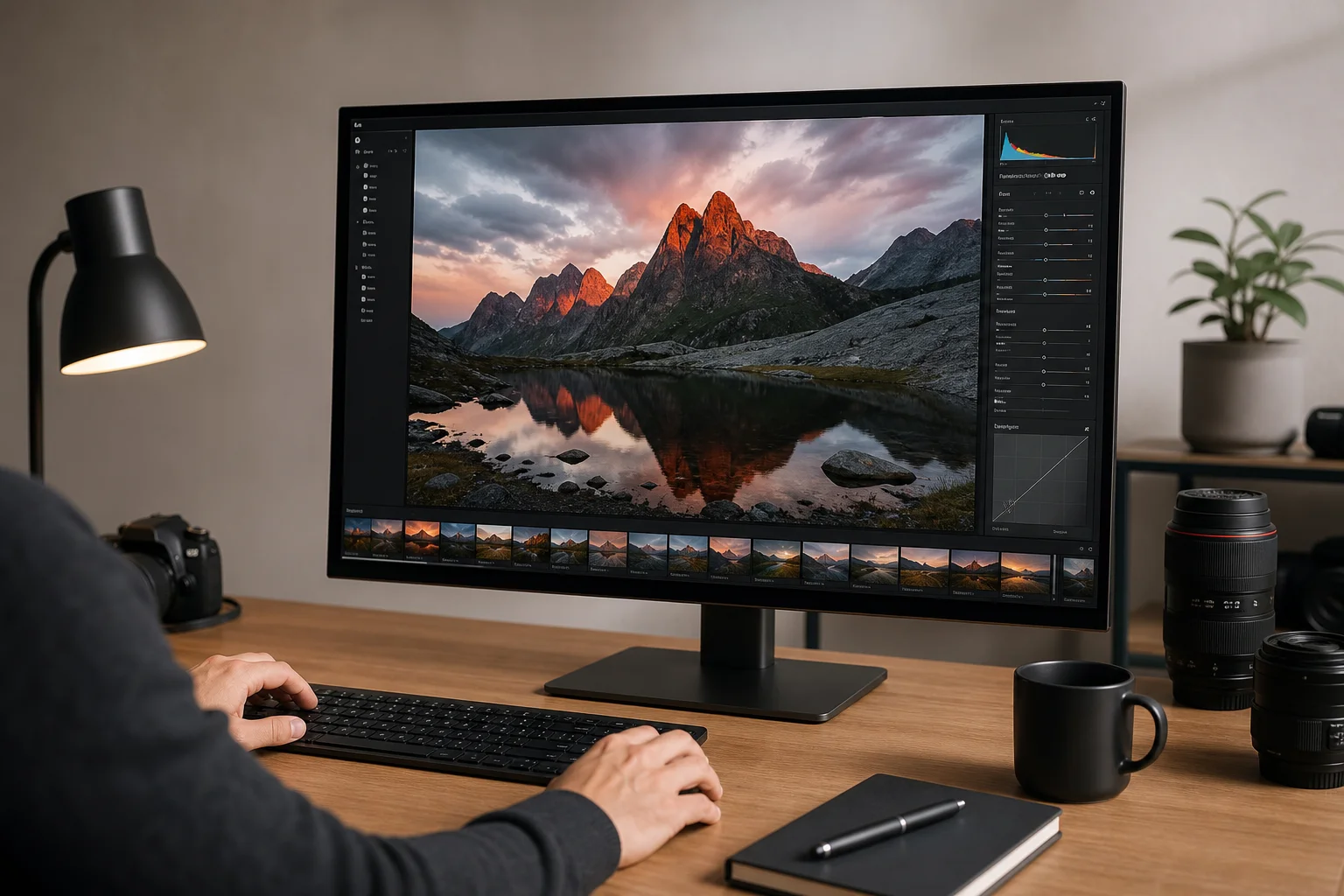
Finding a monitor that excels at both creative work and gaming on a tight budget feels nearly impossible. Most color-accurate displays sacrifice refresh rate for precision, while gaming monitors often compromise on color accuracy. This guide covers eight monitors priced at $500 or less that genuinely balance these competing demands, from entry-level 1080p options to surprising 4K and OLED performers.
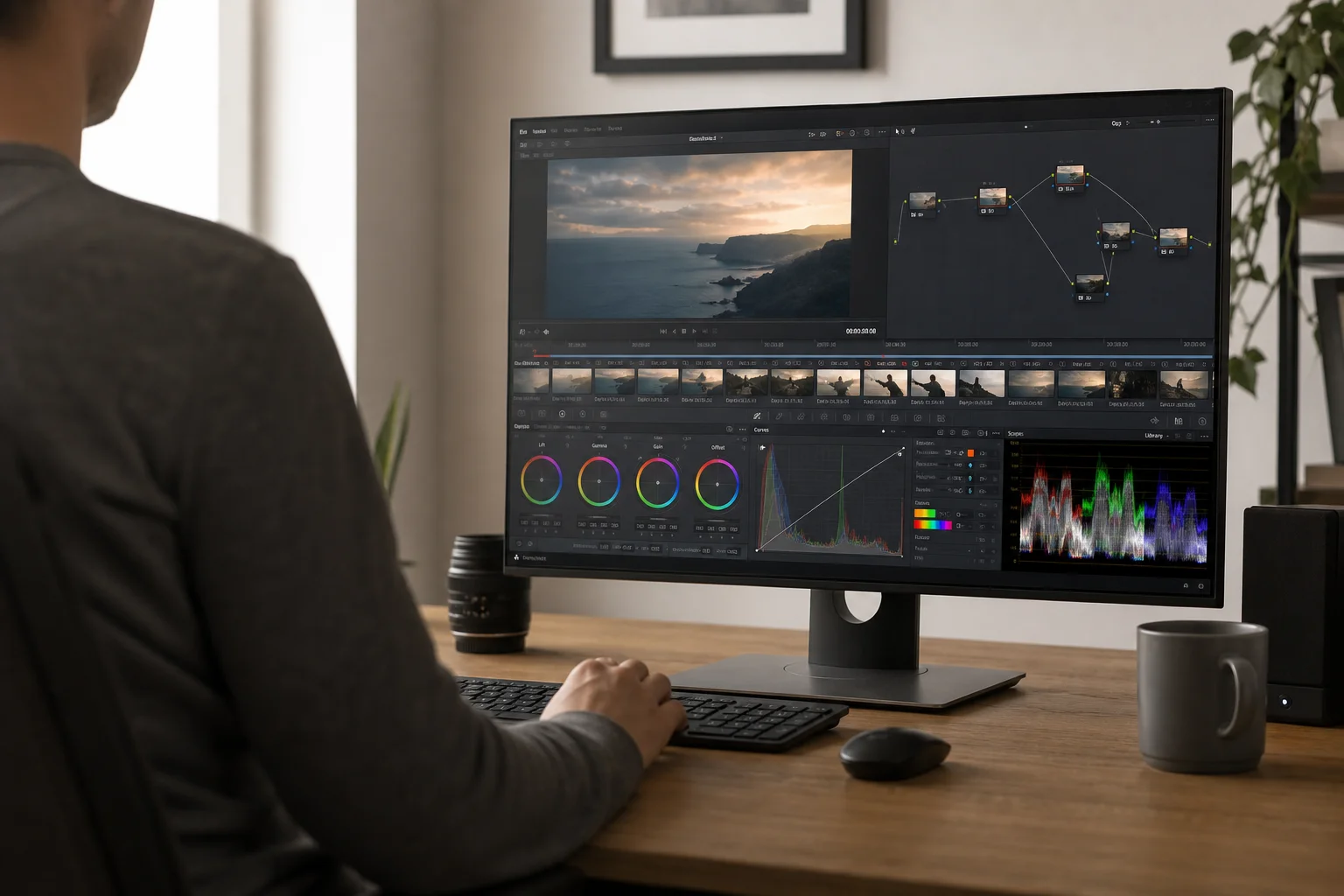
All featured monitors prioritize color accuracy essential for photo and video editing while maintaining refresh rates suitable for gaming. Each option has been selected to deliver real value at its price point, with no sponsored recommendations.
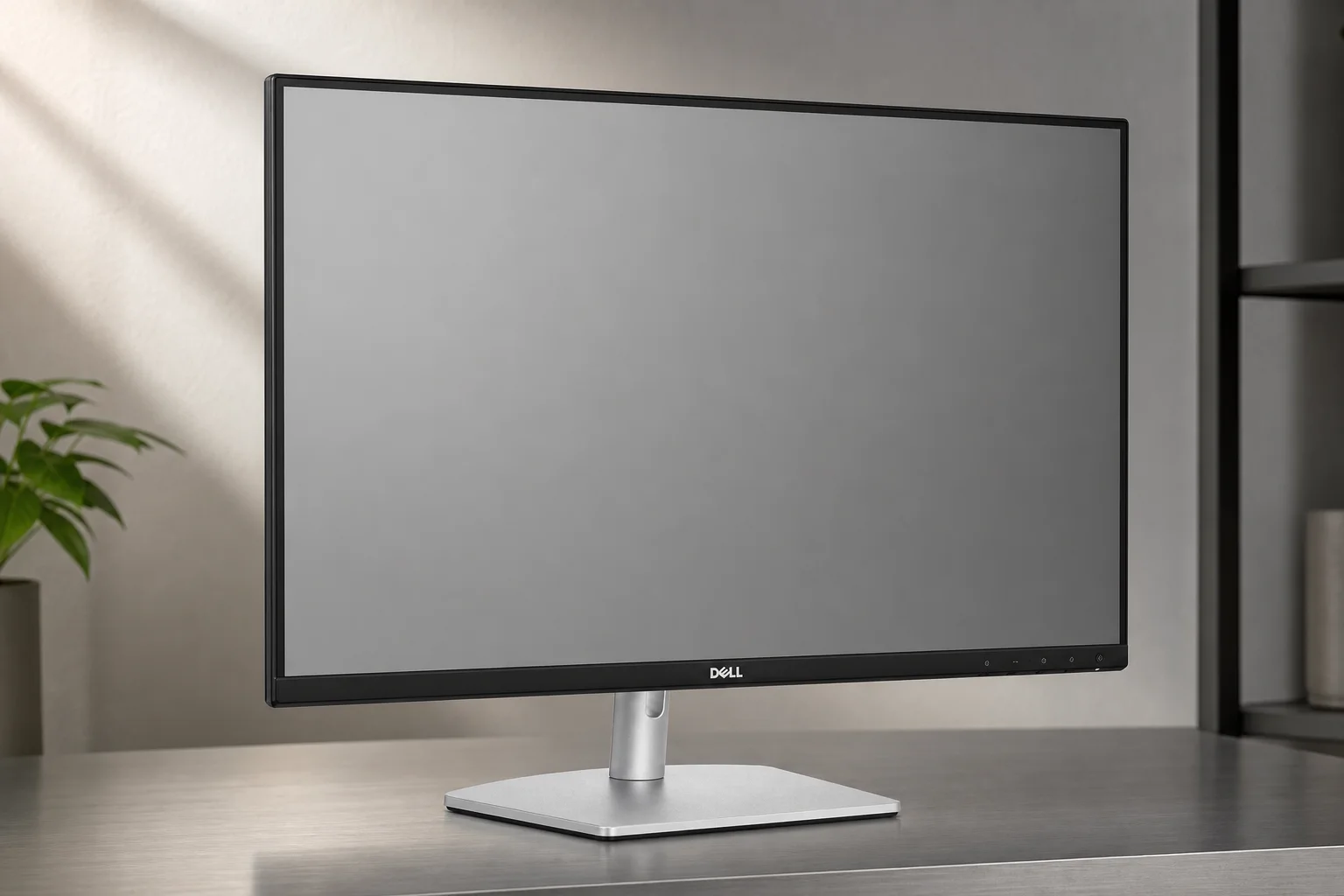
Budget Options: Dell S2425H and S2425HSM
The Dell S2425H represents the absolute entry point at approximately $109. This 24-inch 1080p monitor covers 99% of the sRGB and Rec.709 color spaces, making it genuinely color-accurate despite the budget price. The real surprise is the 100 Hz refresh rate panel, which handles gaming at up to 100 FPS without breaking the bank.
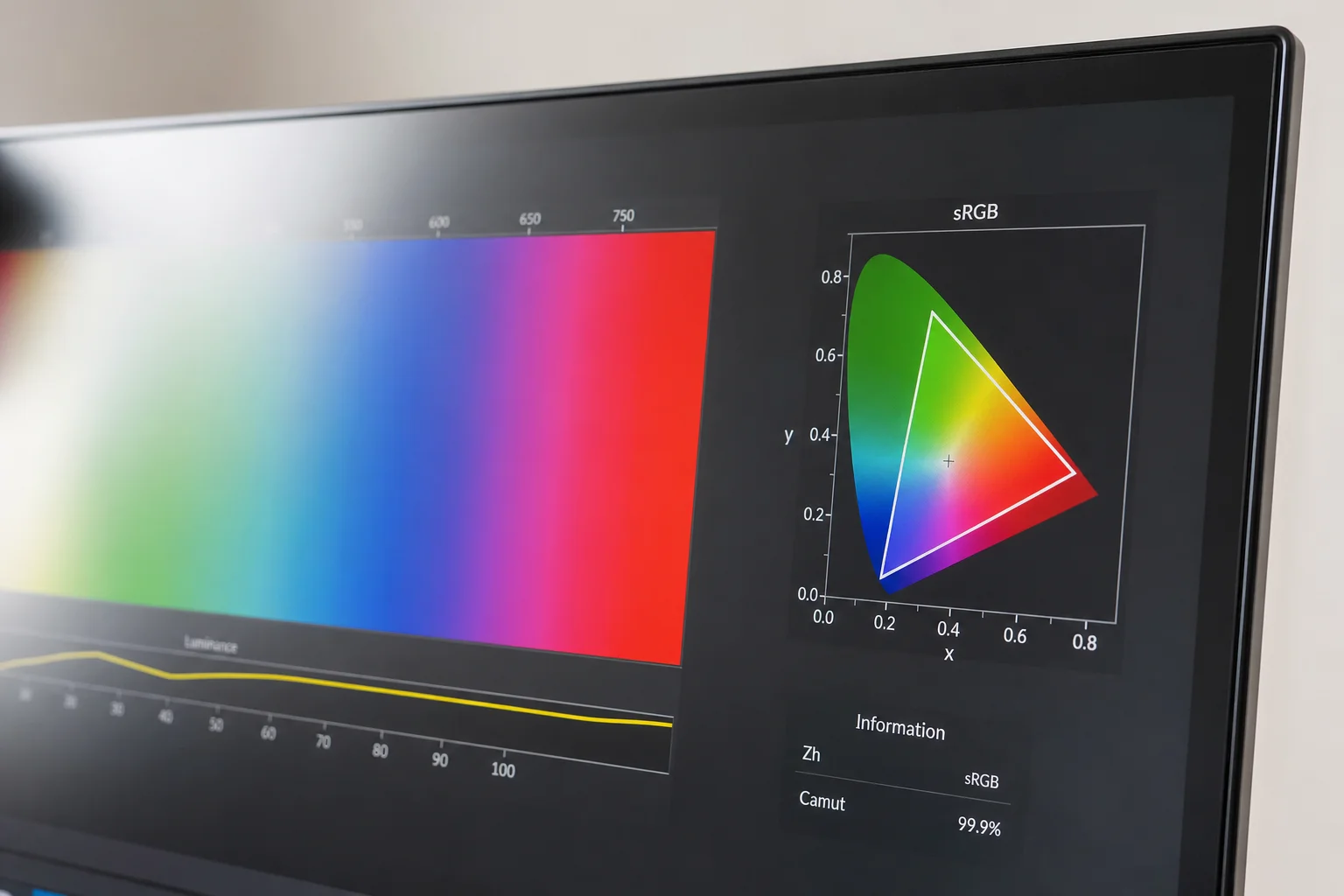
For just $20 more, the Dell S2425HSM keeps the same 24-inch 1080p panel with identical 99% sRGB and Rec.709 coverage but upgrades to a 144 Hz refresh rate. This jump to 144 FPS gaming performance makes it the better choice if you prioritize gaming alongside editing work.
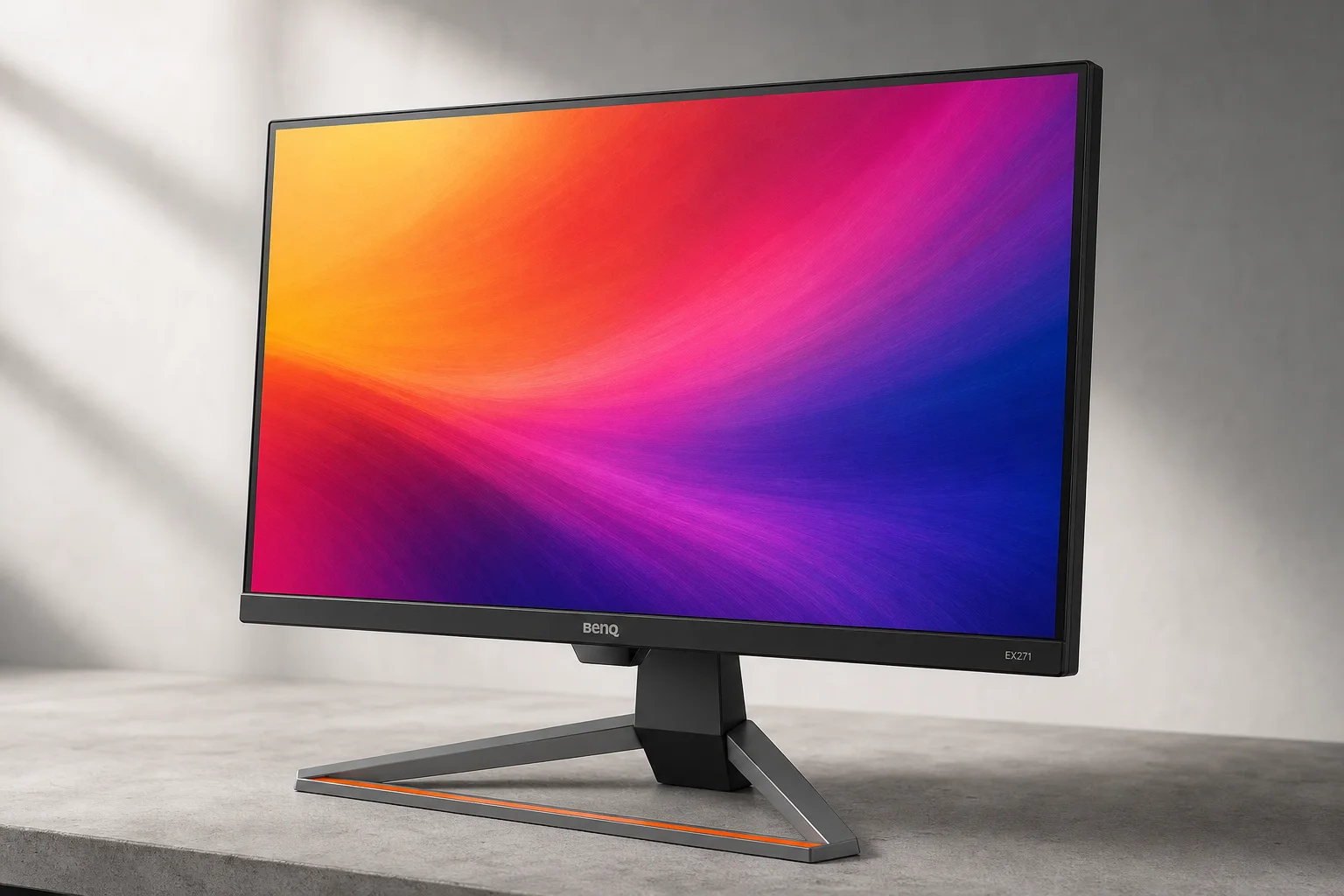
Stepping Up: BenQ EX271
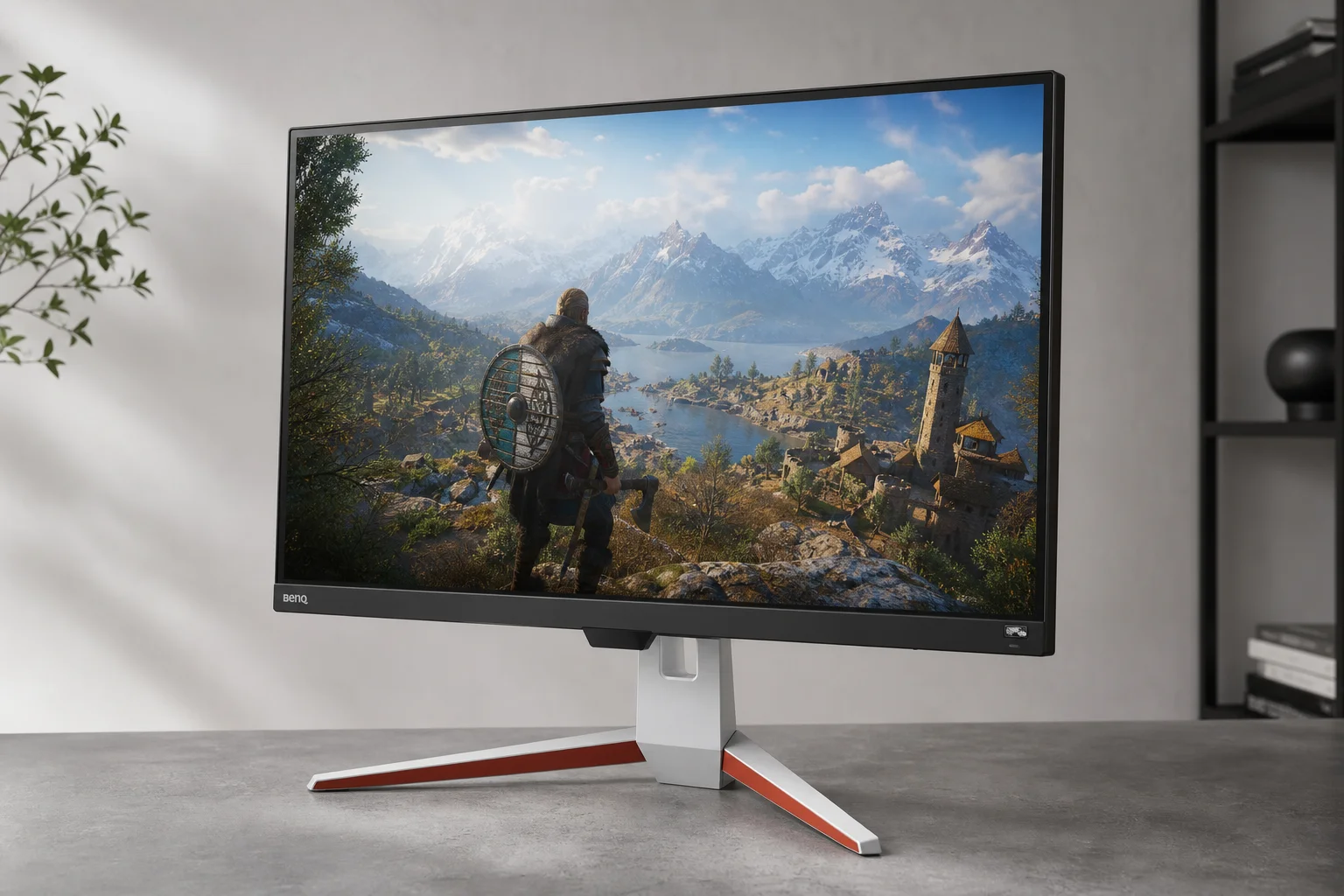
At approximately $160, the BenQ EX271 delivers a significant upgrade in screen real estate. The jump from 24 to 27 inches makes a tangible difference in editing workflows and gaming immersion. Despite remaining 1080p, this monitor covers 100% of sRGB and Rec.709, plus 95% of DCI-P3, which matters if you work with HDR or RAW video grading.
The 180 Hz refresh rate is exceptionally fast for the price, making this monitor feel snappy for both editing scrubbing and gaming. The larger screen combined with high refresh rate creates a compelling value proposition, especially if the monitor is on sale from its regular $240 price.
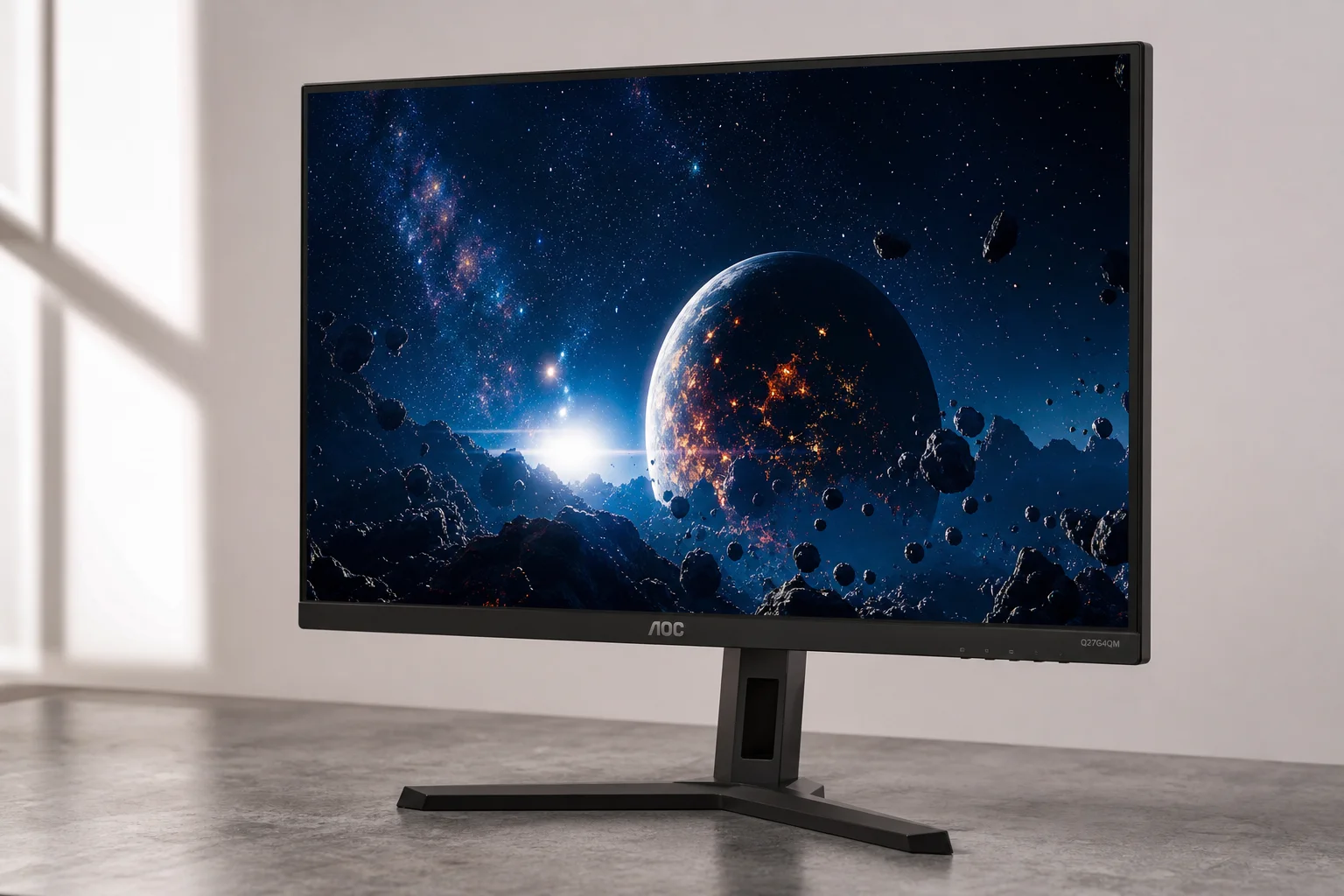
Mid-Range Powerhouse: AOC Q27G40XMN
At $230, the AOC Q27G40XMN represents a genuine leap forward. The resolution jumps to 1440p, delivering noticeably sharper text and images compared to 1080p. The real differentiator is the mini-LED backlight, which provides dramatically improved contrast with deeper blacks and brighter highlights than standard LCD panels.
This monitor covers 100% of DCI-P3, sRGB, and Rec.709, plus 95% of Adobe RGB, making it exceptionally capable for photo editing. The 180 Hz refresh rate matches the BenQ EX271, but the mini-LED technology and higher resolution create a substantially more premium experience.
The primary consideration is the VA panel type, which has narrower viewing angles than IPS panels. For editing work, sit directly in front rather than at an angle. Additionally, using a color calibrator will help dial in perfect accuracy out of the box. The monitor is primarily available at Best Buy in the US, though it ships internationally via Amazon.
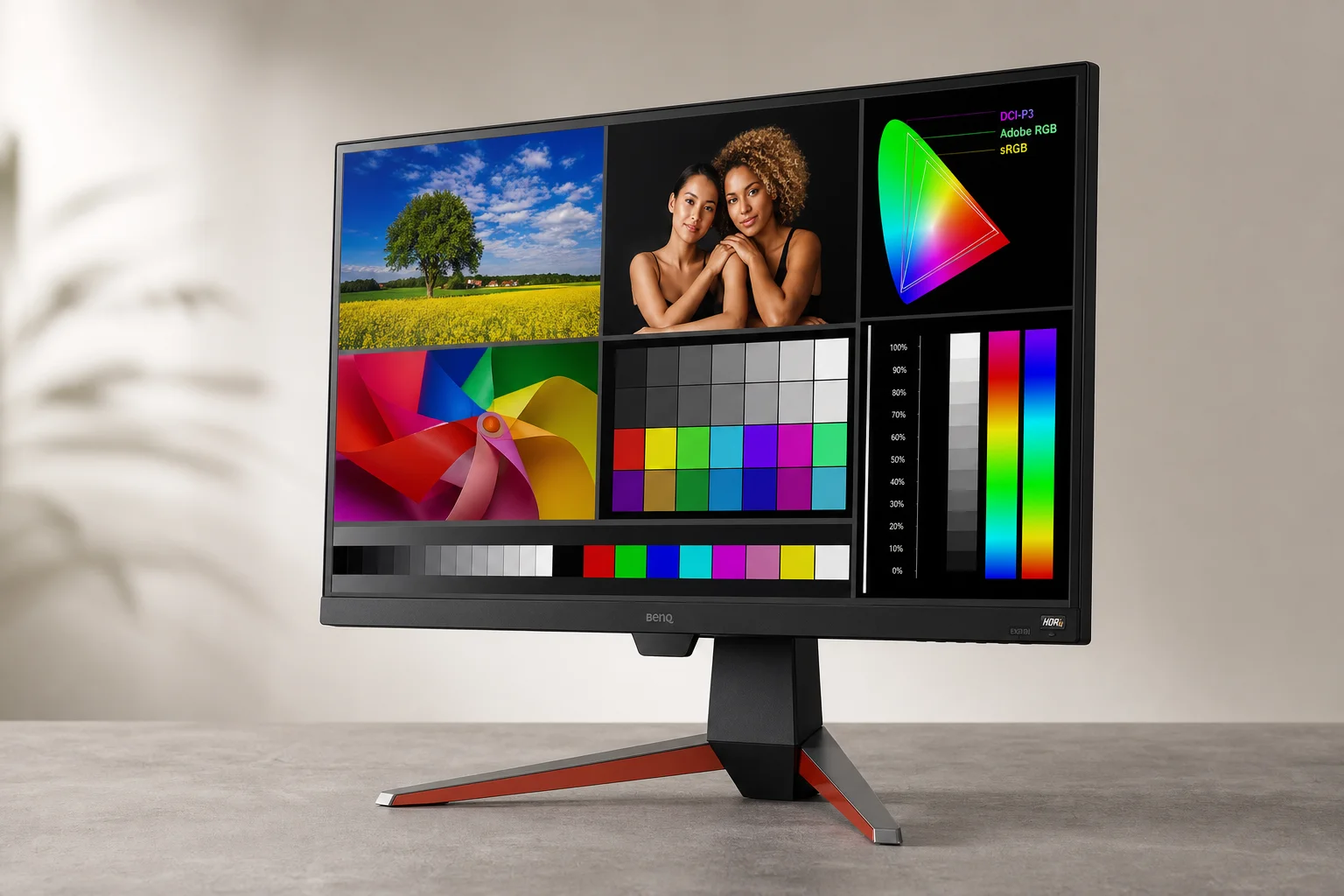
IPS Alternative: BenQ EX271Q
If you prefer IPS panel viewing angles over VA technology, the BenQ EX271Q at $240 offers a similar feature set to the AOC. It maintains the 27-inch size and 1440p resolution with 180 Hz refresh rate, plus 100% sRGB and Rec.709 coverage with 95% DCI-P3. The trade-off is less dramatic contrast compared to mini-LED technology, but the IPS panel provides better color consistency when viewing from angles.
Premium OLED Choice: AOC Q27G4ZD
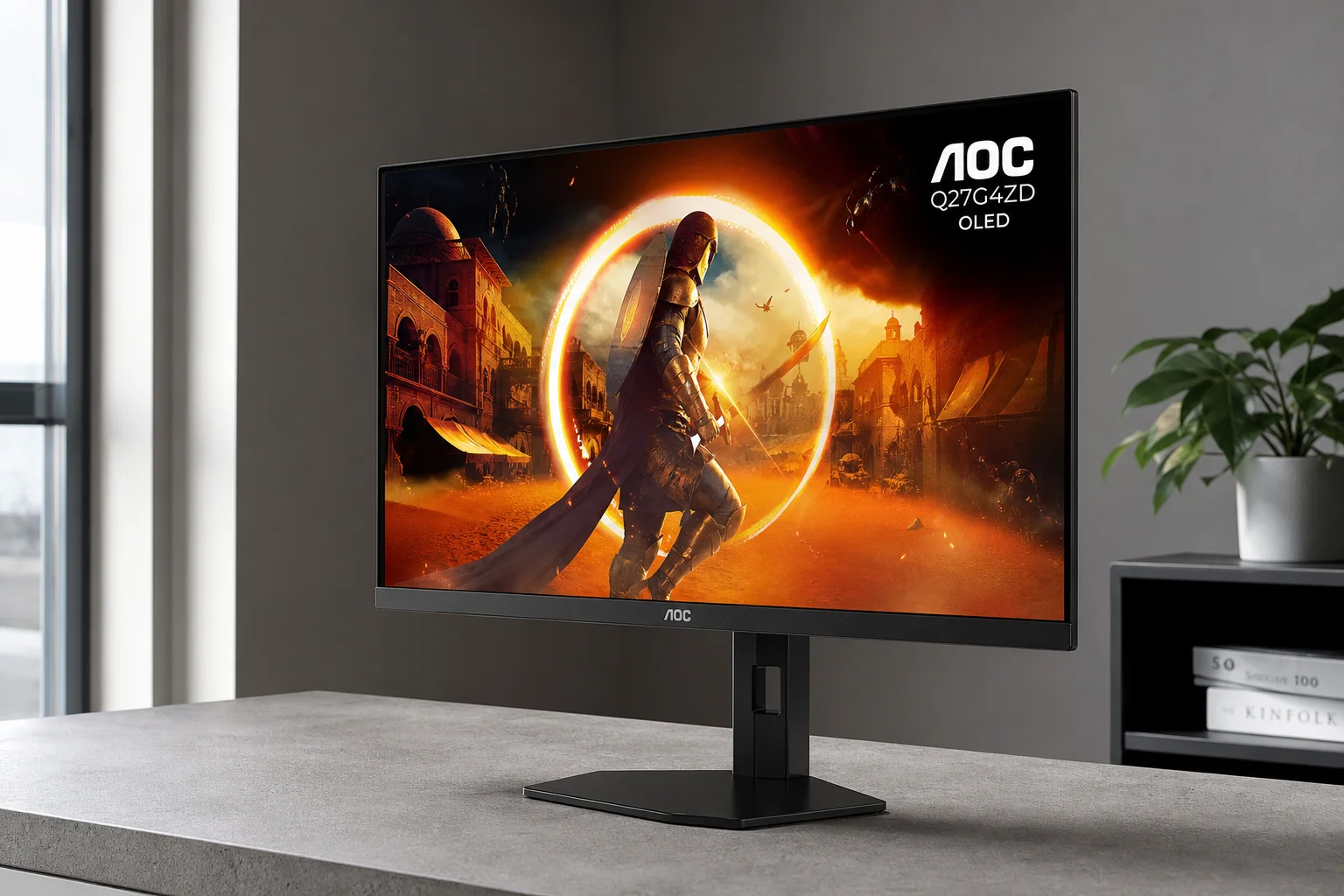
At $419, the AOC Q27G4ZD enters OLED territory, making it one of the most affordable OLED monitors available. OLED technology delivers virtually unlimited contrast ratios with perfect blacks and bright highlights, creating a visually stunning editing and gaming experience.
This 27-inch 1440p monitor covers 99% of DCI-P3, 100% of sRGB and Rec.709, and 99% of Adobe RGB, placing it among the most color-accurate displays on this list. The 240 Hz refresh rate is the fastest here, making it exceptional for competitive gaming. The combination of world-class color accuracy and extreme refresh rate makes this monitor feel like a unicorn at this price point.
Note that a newer model (AG276QZD2 Agon Pro) exists, but it uses the identical OLED panel, so the earlier version offers better value. This is the monitor to buy if budget allows, as it punches well above its price class.
4K Options: ASUS ProArt and BenQ Alternatives
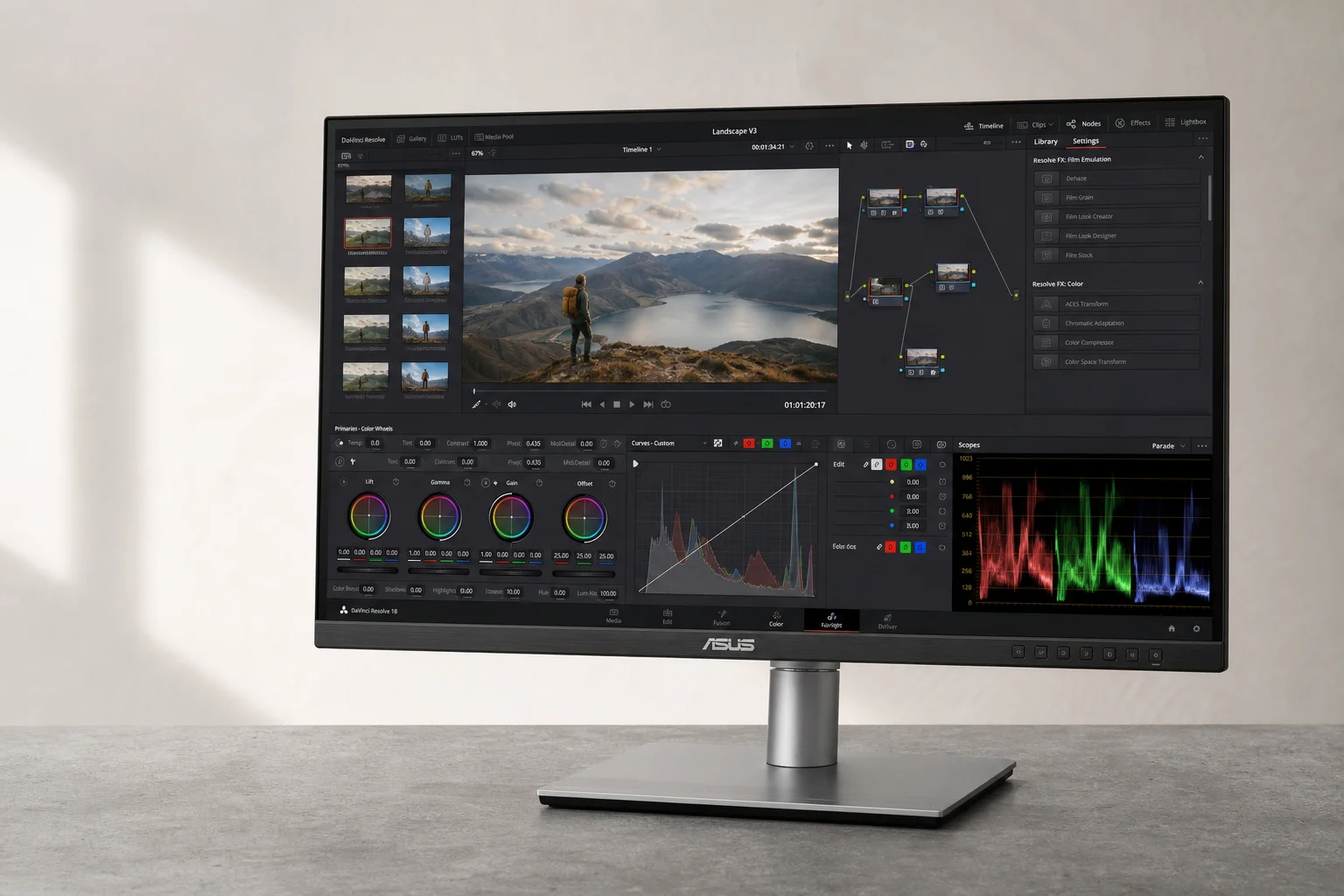
Moving to 4K resolution requires compromises in other areas. The ASUS PA279CRV at $429 is part of ASUS’s ProArt lineup, designed specifically for photo and video editing. It covers 100% sRGB and Rec.709, 99% DCI-P3, and 99% Adobe RGB, making it excellent for color-critical work.
The significant trade-off is the 60 Hz refresh rate, limiting gaming to 60 FPS. VRR support helps smooth gameplay, but this monitor is best suited for editors who game casually rather than seriously.
The BenQ EX271U normally costs $600 but frequently drops to around $440 on sale. This 27-inch 4K monitor offers 95% DCI-P3 coverage for editing work while including a 165 Hz refresh rate for gaming. If you can find it at the sale price, it represents exceptional value for a 4K monitor that handles both editing and gaming competently.
Buying Recommendations
For budget-conscious buyers, the AOC Q27G40XMN at $230 delivers the best overall value. The mini-LED backlight, 1440p resolution, and 180 Hz refresh rate create a monitor that excels at editing and gaming without requiring a large investment. Pair it with a color calibrator for optimal results.
For those with a higher budget, the AOC Q27G4ZD at $419 is the standout choice. OLED technology provides world-class color accuracy and contrast that rivals monitors costing significantly more. The 240 Hz refresh rate ensures smooth gaming, while the color performance makes it a genuine tool for professional editing work.
Conclusion
Budget monitors no longer require choosing between color accuracy and gaming performance. These eight options prove that under $500, you can find displays that genuinely serve both creative and gaming workflows. Start with the AOC Q27G40XMN for best value, or invest in the OLED Q27G4ZD if budget allows for a monitor that will satisfy demanding editing and gaming needs for years to come.
Further reading
Related Reviews
Automotive Accessories
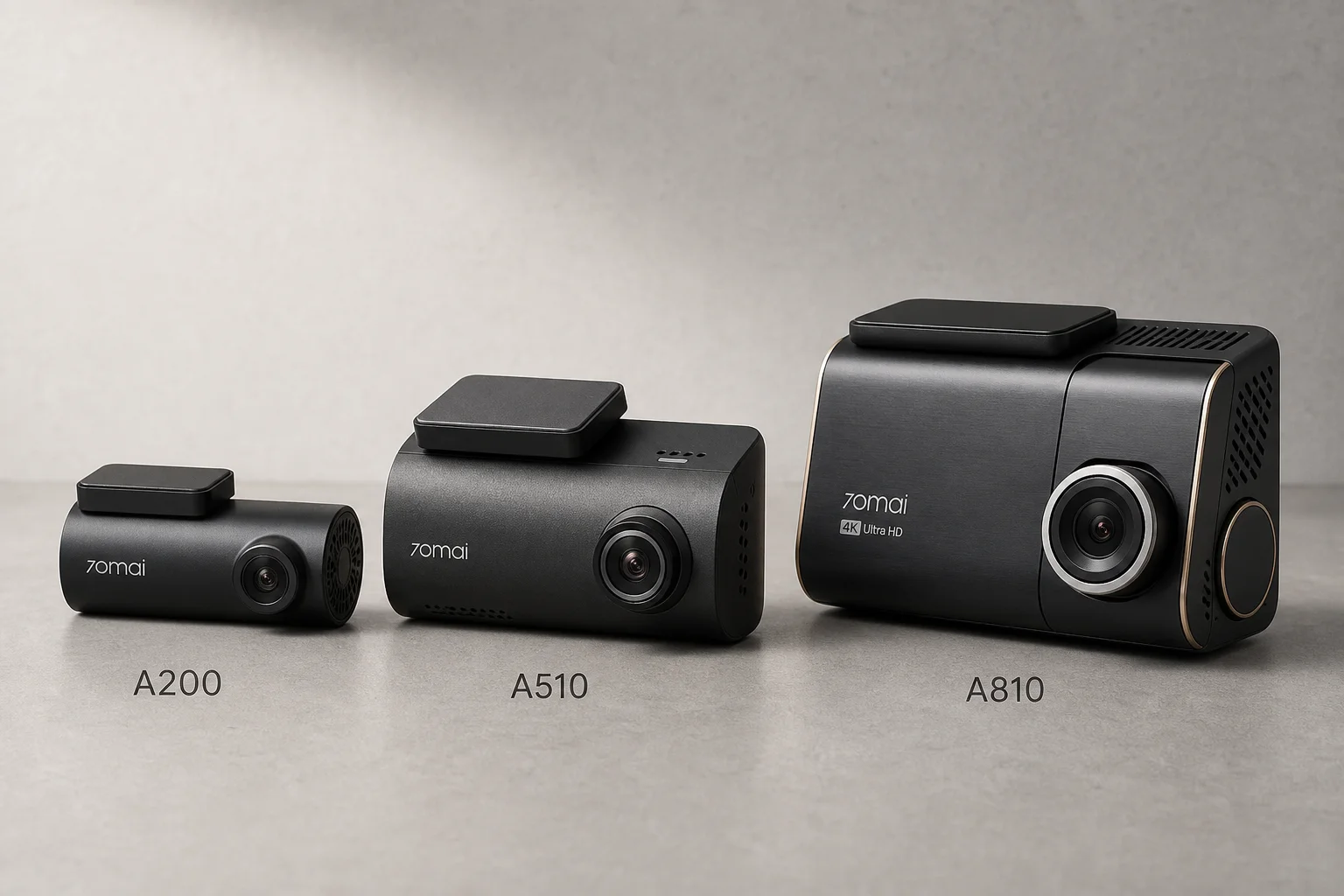
70mai Dash Cam Comparison: A200 vs A510 vs A810
Three dash cameras from 70mai across different price points reveal how resolution and sensor quality impact real-world footage clarity, especially for number plate visibility and low-light performance.
Cycling Power Meters
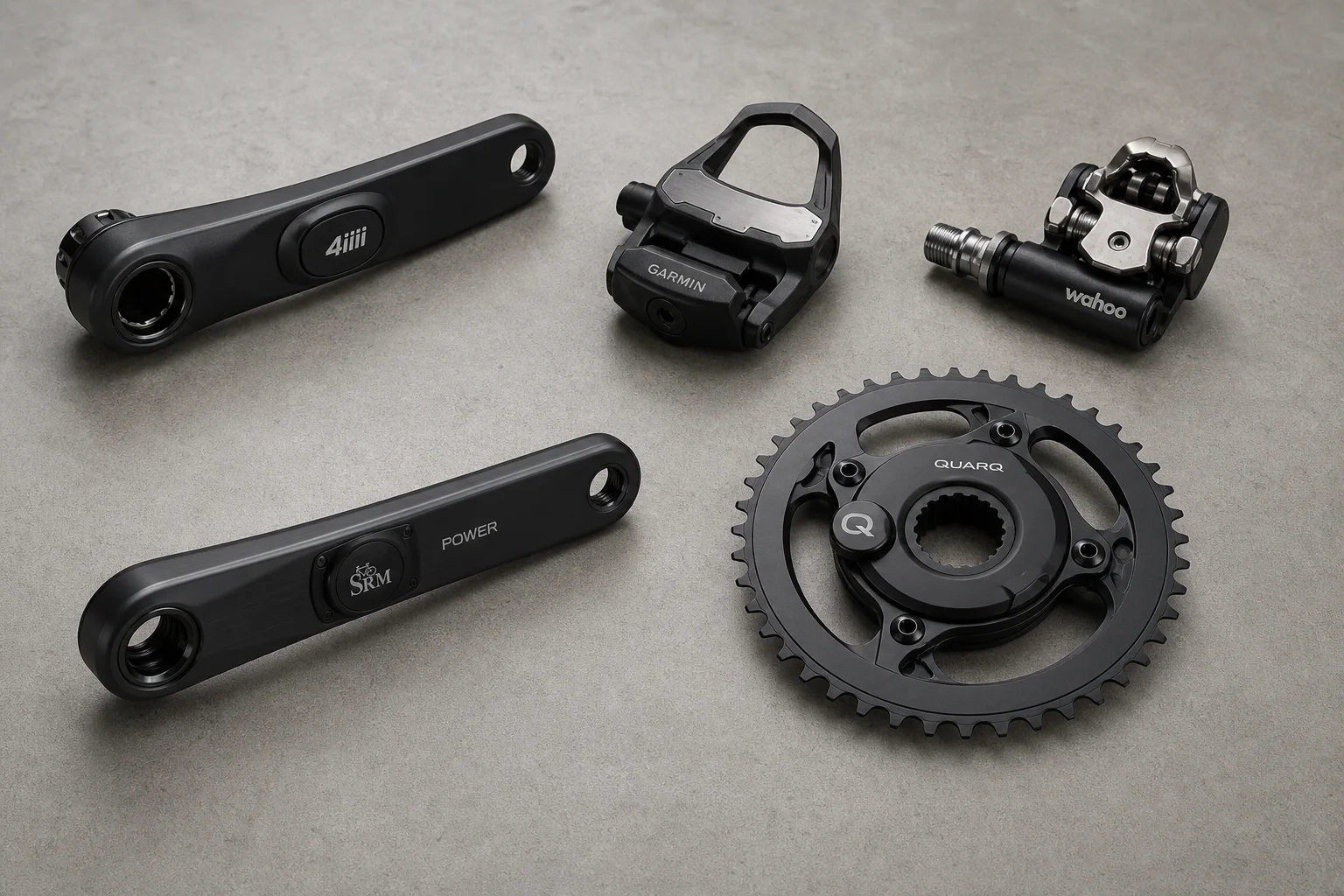
Five Affordable Power Meters for Road and Off-Road Cycling
Five practical power meter options under $500 that deliver reliable power measurement without breaking the budget.
Coffee Gear
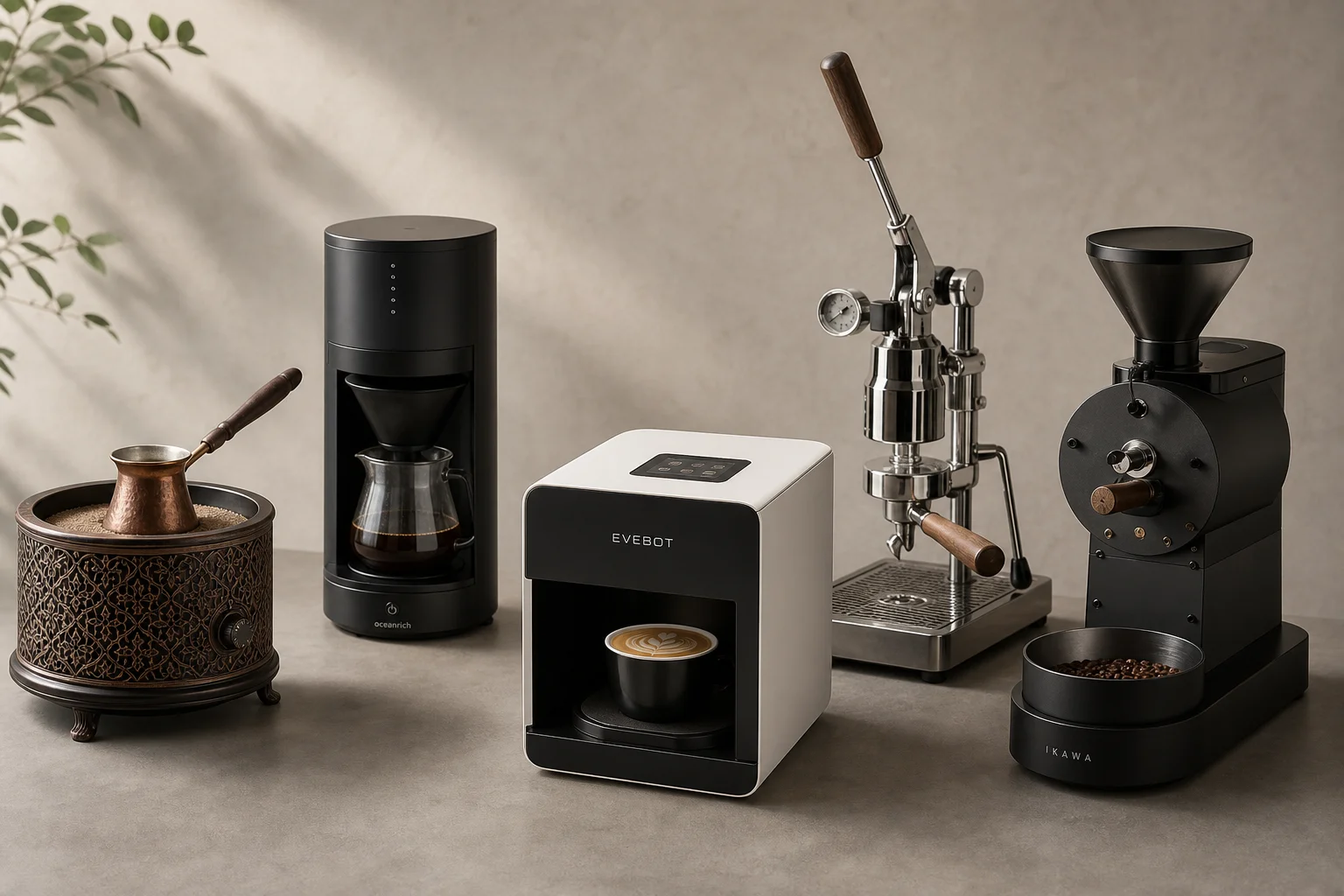
AliExpress Coffee Gear Review: Five Products Worth Testing
A practical look at five coffee tools from AliExpress, including a sand heater, automatic brewer, latte art printer, espresso machines, and home roaster.