Storage & Accessories
Best External SSDs for Mac Mini M4: Storage Solutions for Every Workflow
A practical guide to external SSDs for Mac Mini, from budget-friendly USB 3.2 drives to professional Thunderbolt solutions, with real-world speed expectations.
Introduction
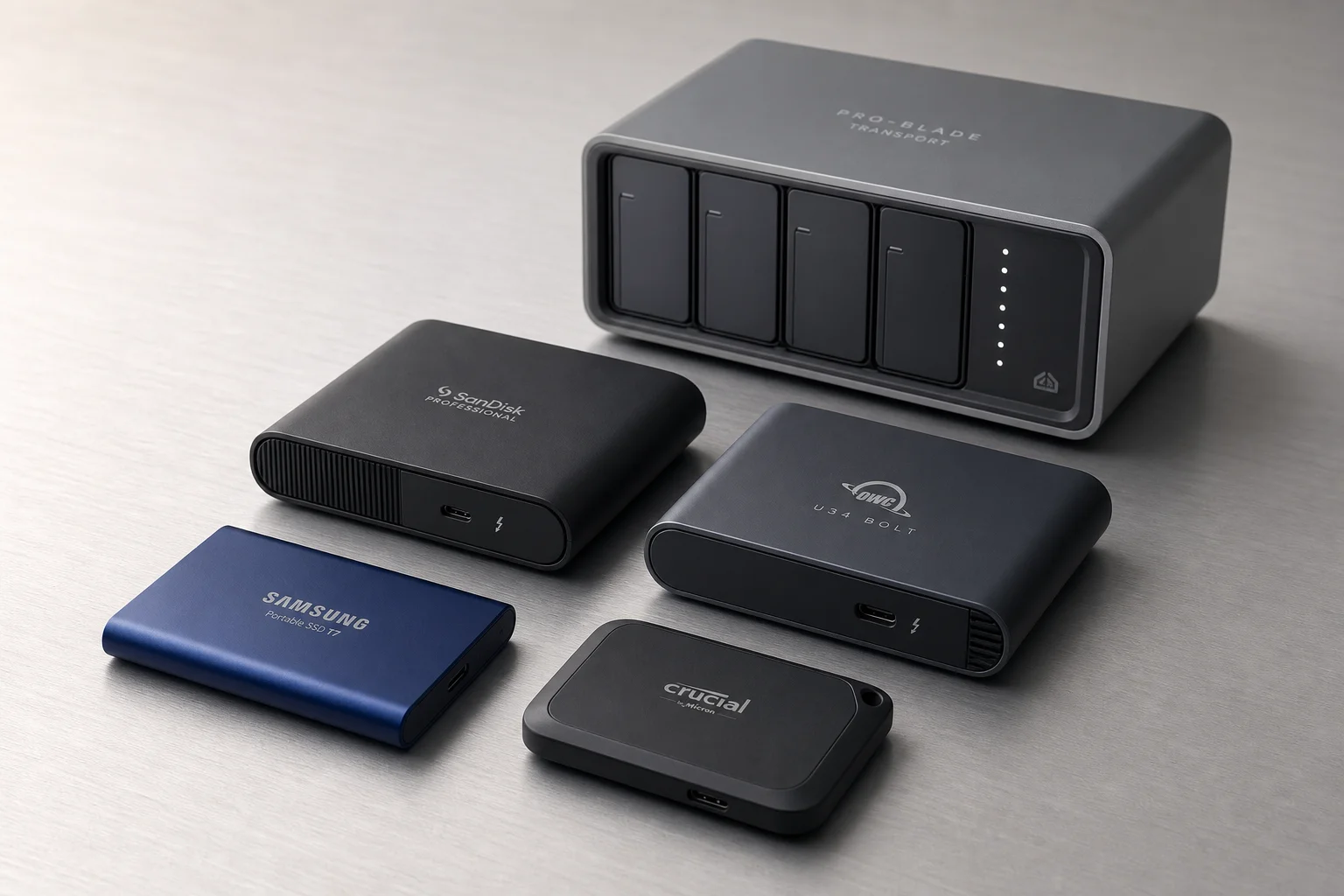
The Mac Mini M4 is an excellent value, especially at the base 256GB configuration. However, that storage capacity fills quickly for content creators, video editors, and anyone managing large project files. External SSDs bridge this gap, but the market offers vastly different performance tiers and use cases. This guide breaks down the main categories of external storage available for Mac Mini and helps you choose based on your actual workflow.
USB 3.2 Drives: Compact and Affordable
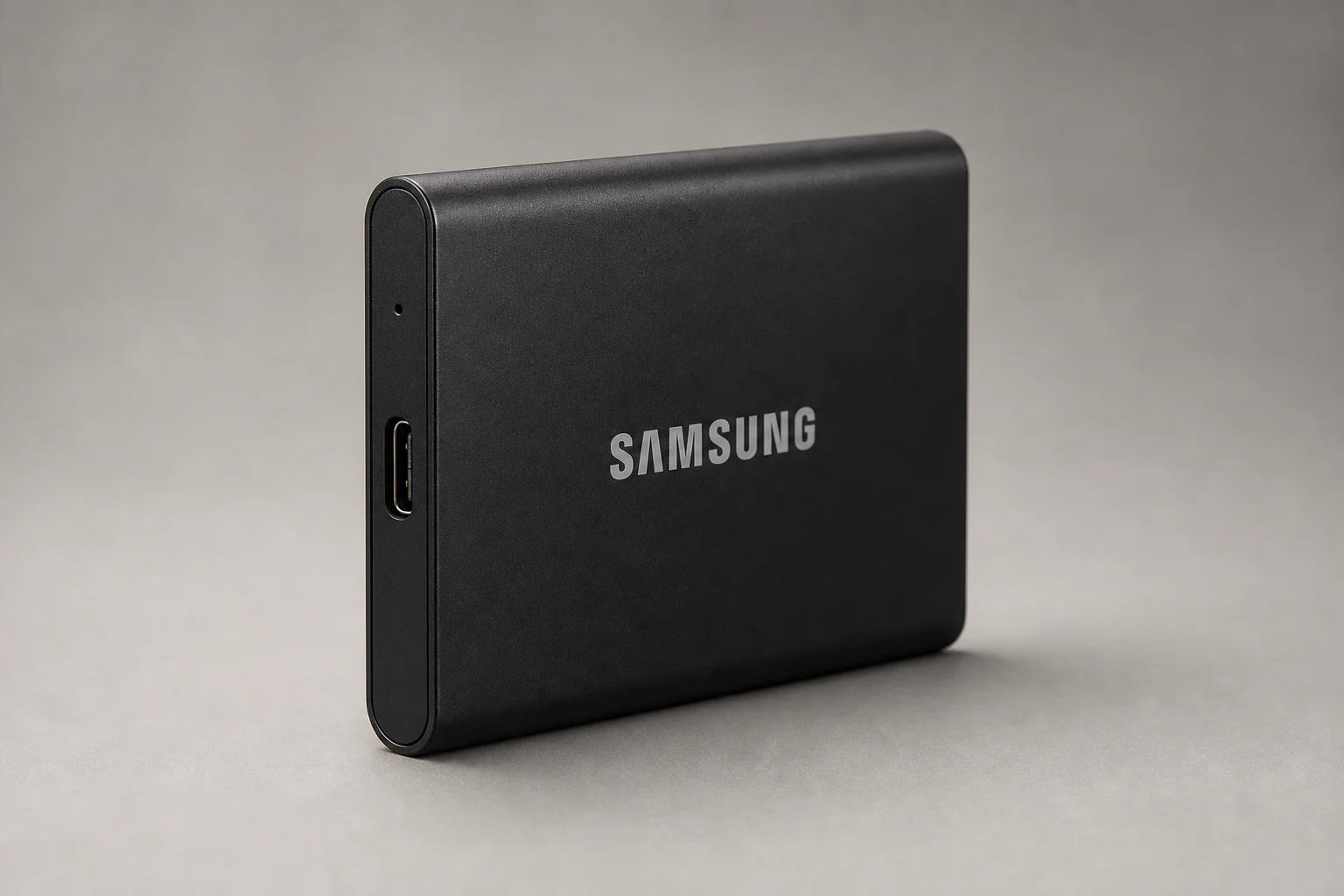
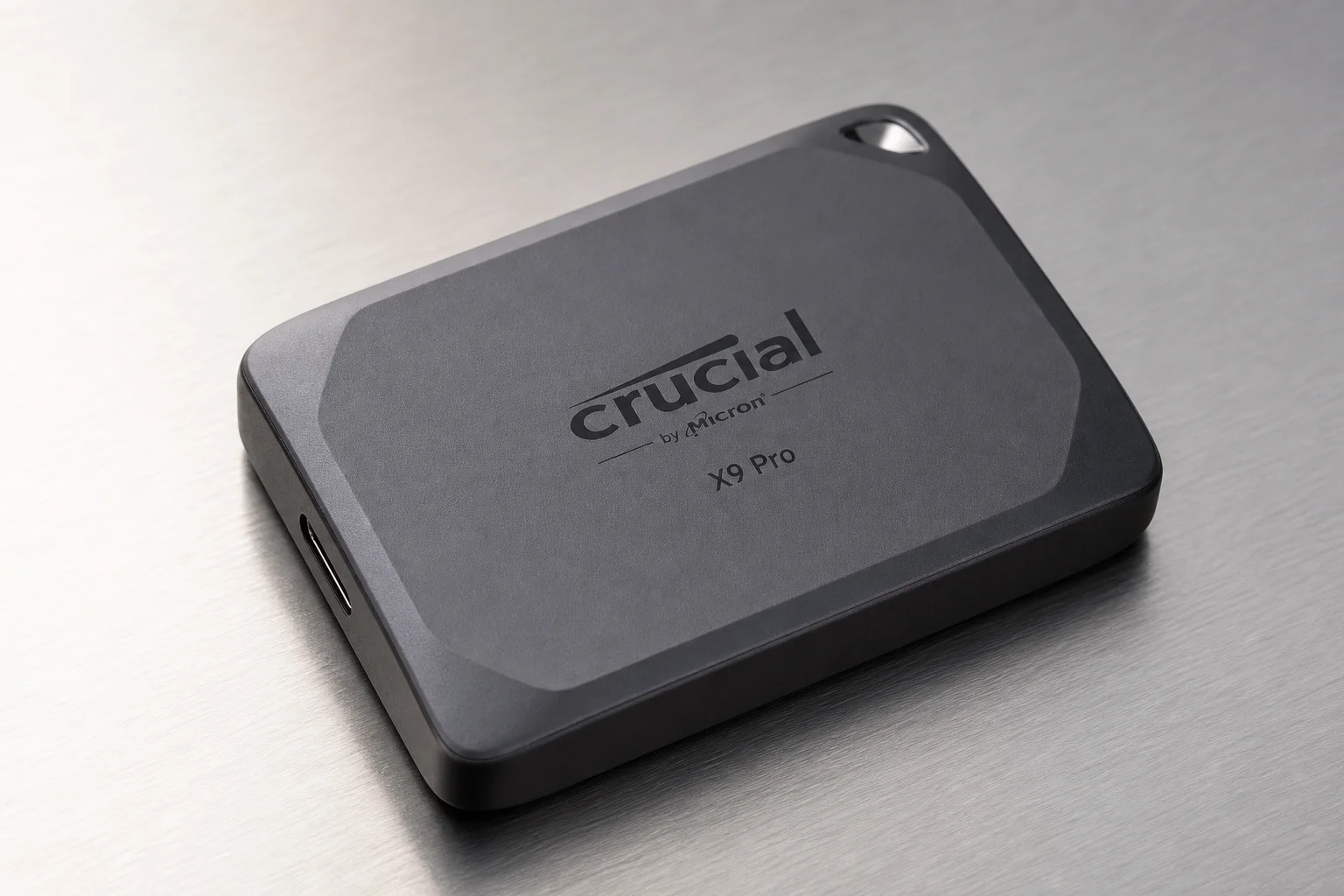
The entry-level category includes drives like the Samsung T7 and Crucial X9 Pro. These use standard USB 3.2 connections and deliver speeds around 850 to 950 megabytes per second on both read and write operations.
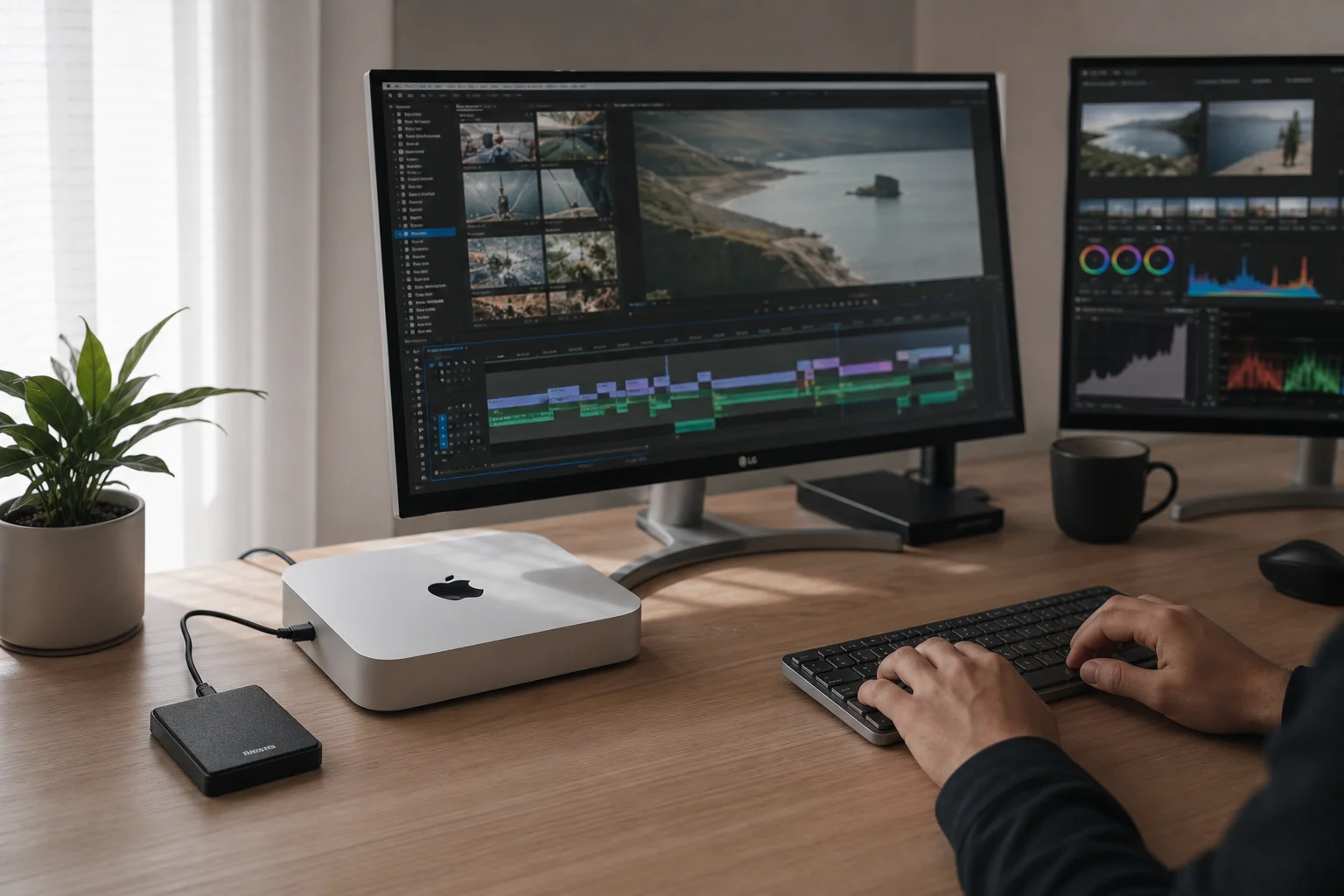
These drives excel for photo editing and basic video editing tasks. They are compact, work from any USB port on the Mac Mini, and cost significantly less than professional-grade alternatives. The trade-off is that sustained performance under heavy load can throttle slightly, particularly when moving terabytes of data or working with multi-camera video projects. For most users handling gigabytes of files, this limitation is rarely noticeable.
Thunderbolt 3 and USB4 Drives: Professional Performance
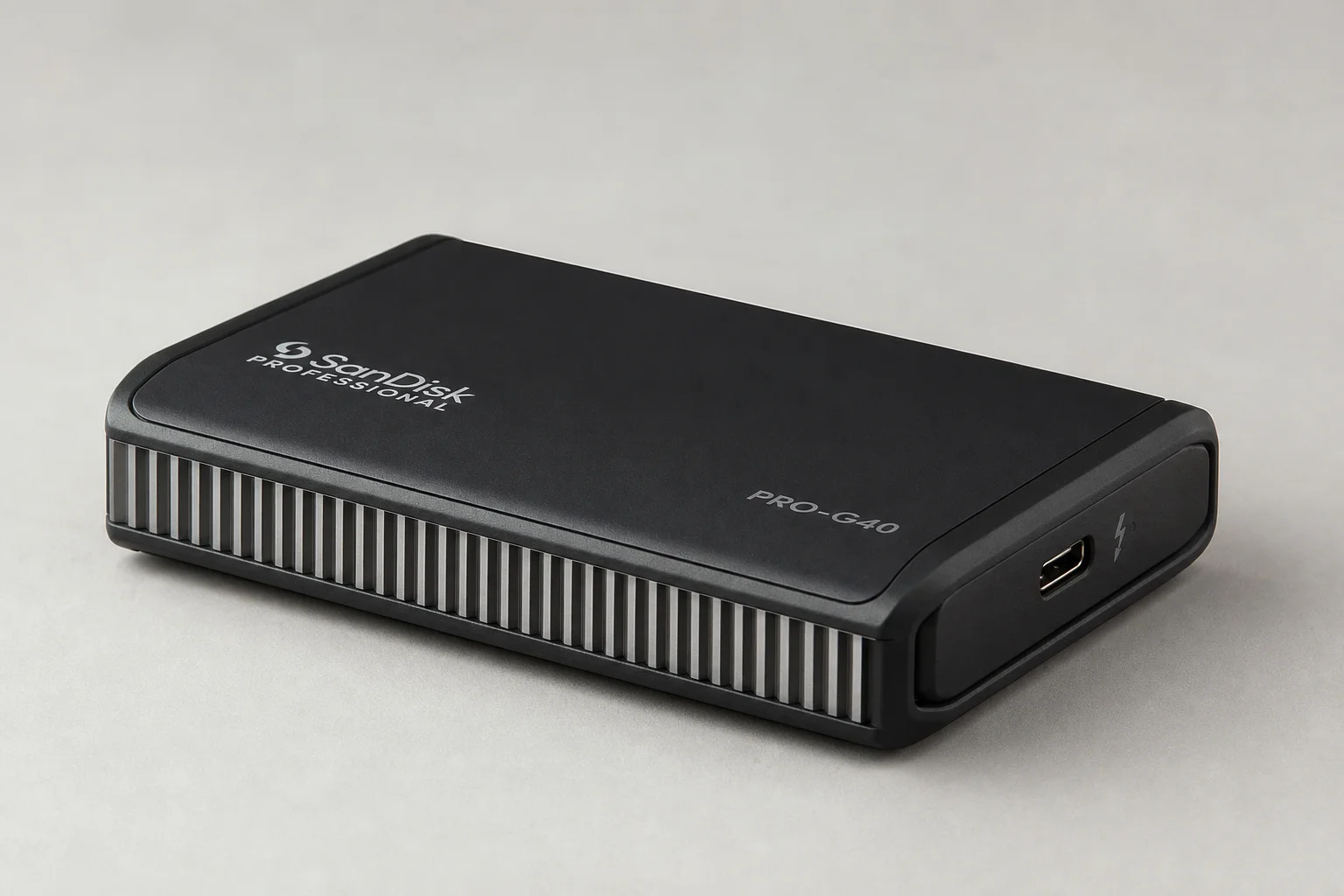
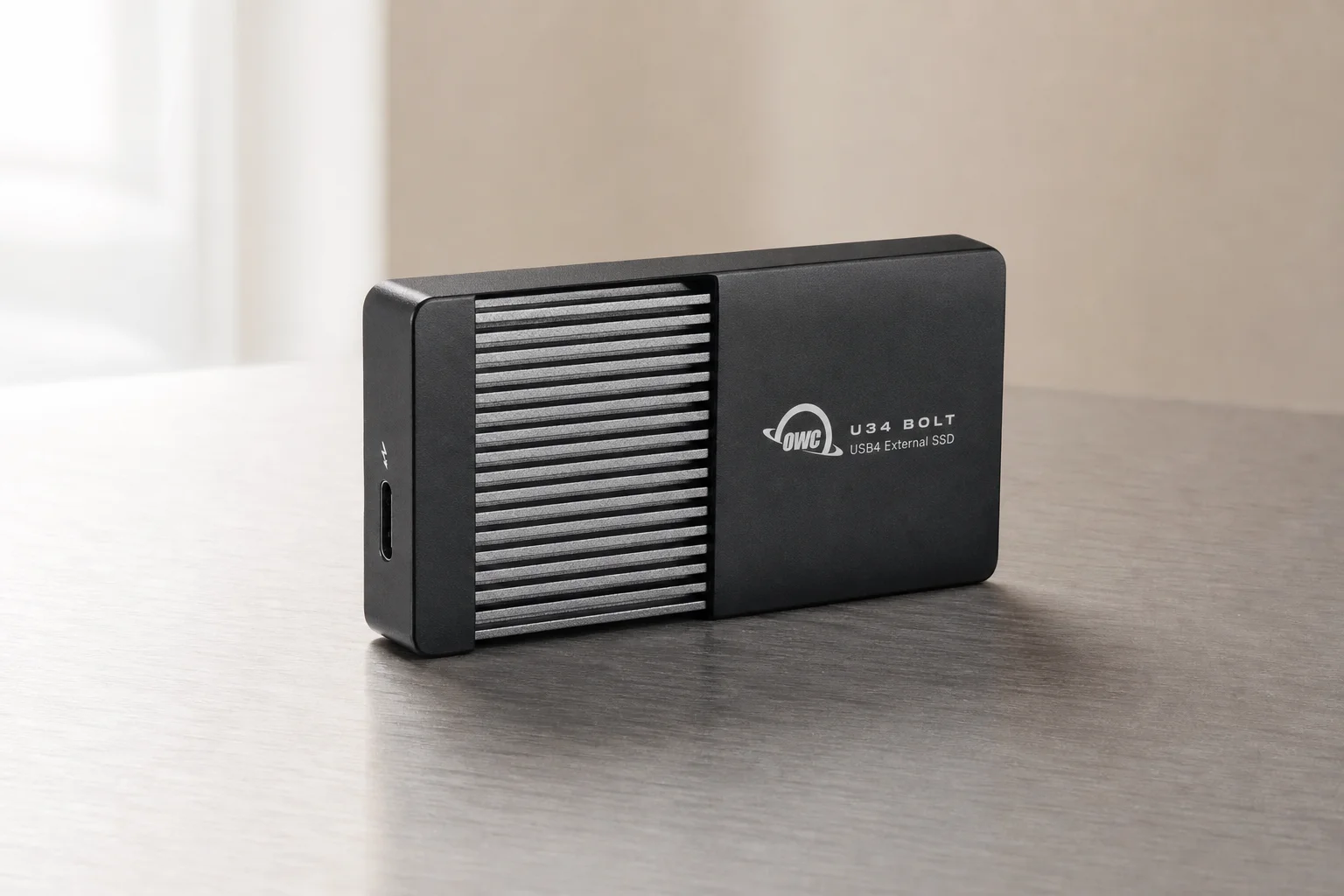
The next tier includes Thunderbolt 3 and USB4 drives designed for sustained, high-speed workflows. The SanDisk Professional Pro-G40 uses Thunderbolt 3 and delivers approximately 2,500 megabytes per second. The OWC U34 Bolt uses USB4 (backward compatible with Thunderbolt 4 and 3) and achieves slightly faster speeds, reaching close to 3,000 megabytes per second.
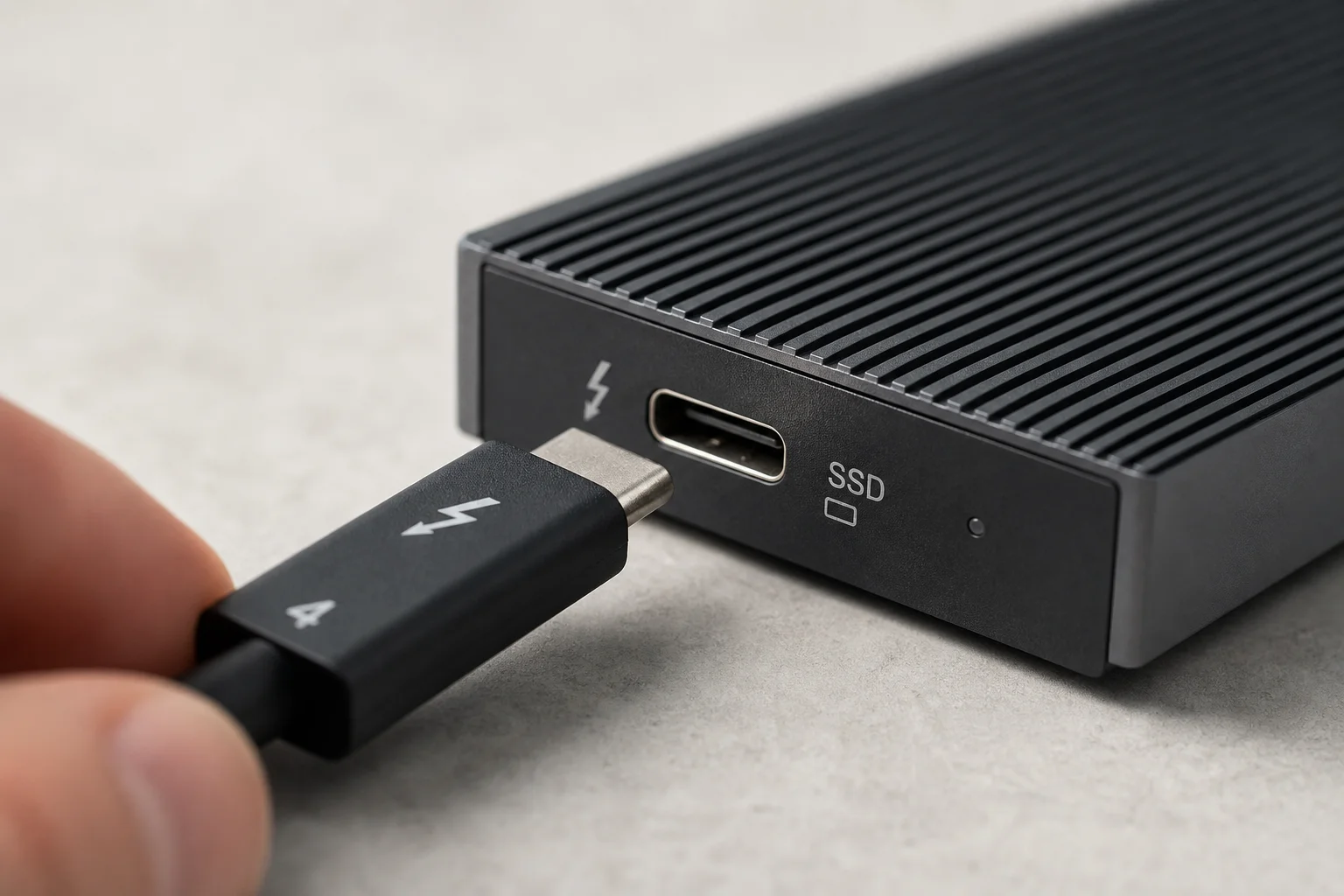
Both drives feature aluminum cooling cores that allow them to maintain performance throughout extended editing sessions without thermal throttling. The OWC U34 Bolt offers better value when purchasing larger capacities like 8TB, making it a practical choice for video editors who need substantial fast storage without paying for Mac Mini internal SSD upgrades. These drives are roughly three times faster than USB 3.2 alternatives, which translates to noticeably quicker file transfers and smoother playback of high-resolution video timelines.
Custom Enclosures: Speed and Flexibility
For users who prefer to supply their own NVMe SSD, the Satechi USB4 NVMe SSD Pro Enclosure offers speeds comparable to or exceeding the OWC U34 Bolt. Installation is straightforward: insert the drive, secure it with a stopper, and close the enclosure. The primary drawback is the lack of manufacturer testing guarantees. Since enclosure makers do not necessarily validate every SSD model with their hardware, real-world performance can vary. Pre-built drives come with lab-tested specifications, whereas enclosures offer flexibility at the cost of performance certainty.
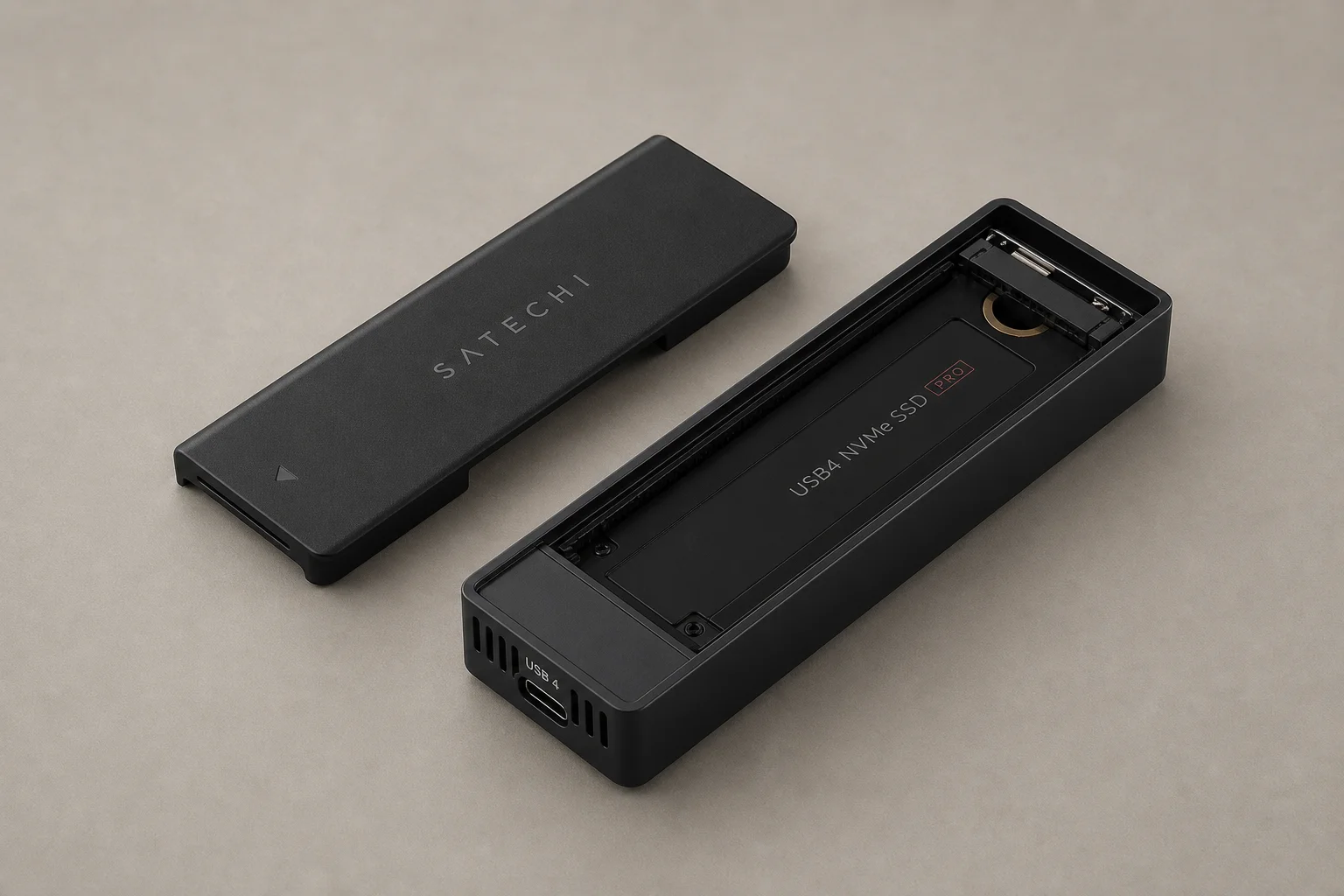
Modular Systems: The SanDisk Pro-Blade Approach
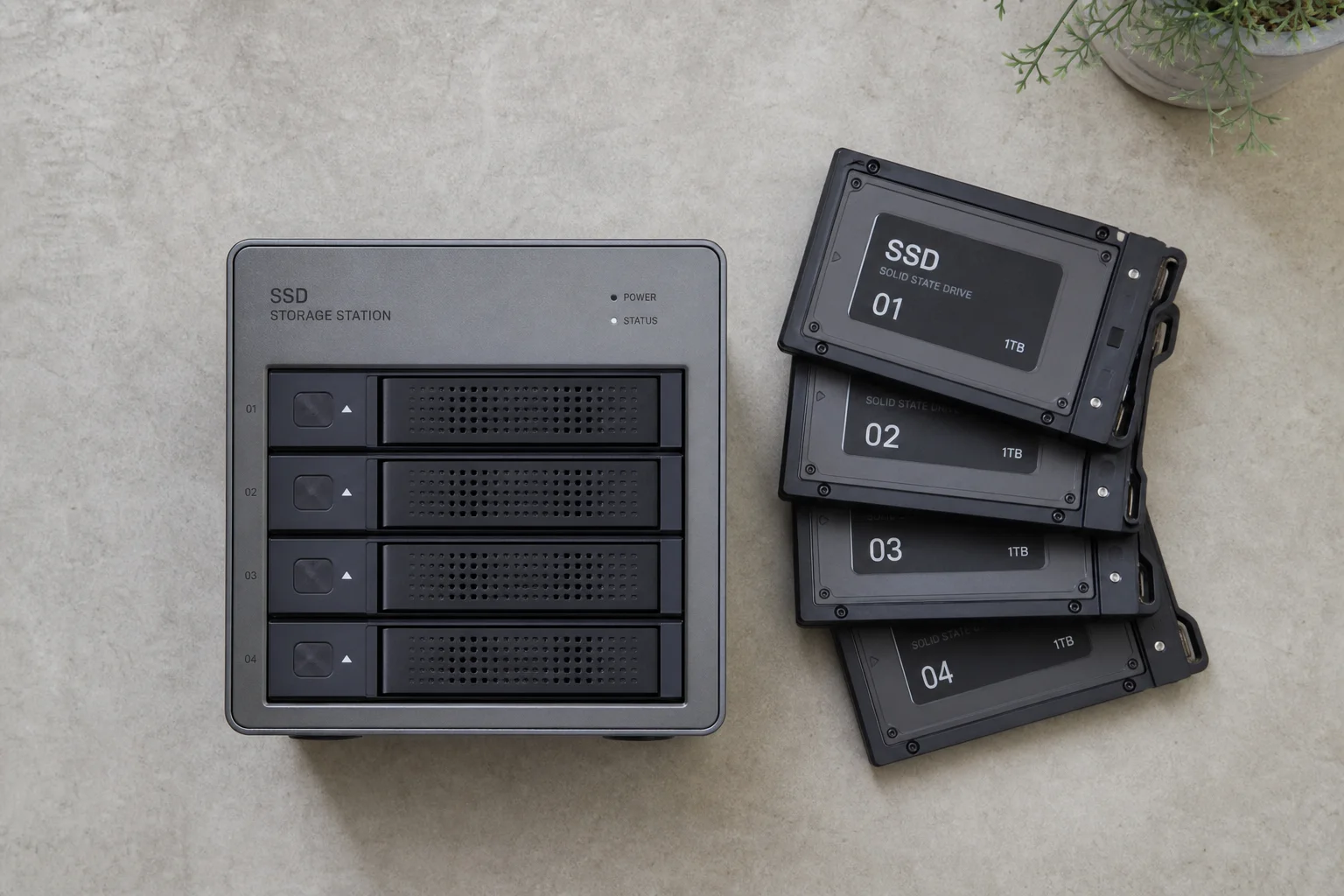
The SanDisk Professional Pro-Blade system takes a different approach. A Thunderbolt-connected station accepts up to four removable blade magazines, each available in 1TB, 2TB, or 4TB capacities. This allows building a 16TB modular storage array with speeds near 2,500 megabytes per second. The system excels for editors managing multiple projects simultaneously, as each blade can be labeled and swapped without unplugging cables. The trade-off is the need to track individual magazines and the additional setup complexity compared to a single external drive.
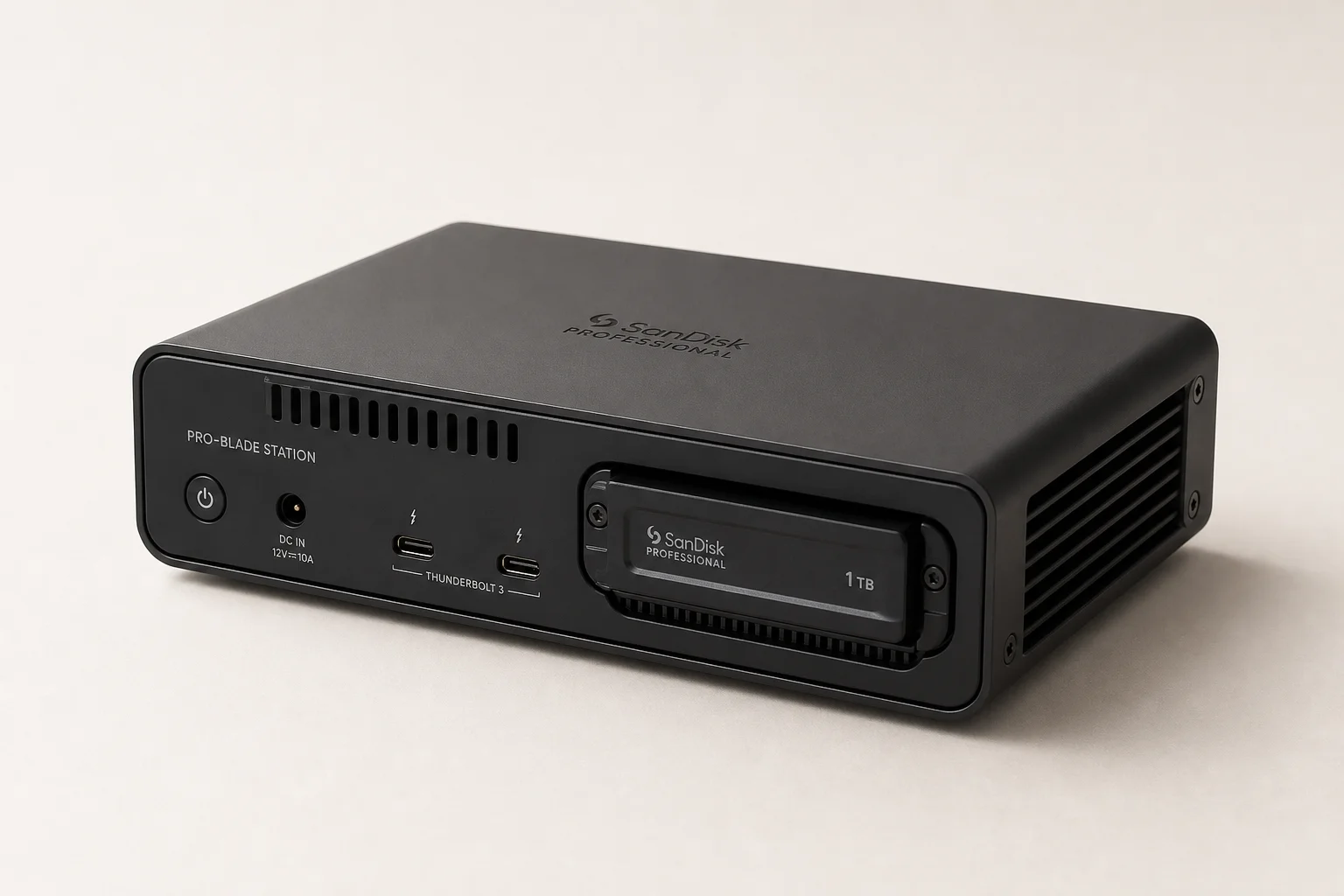
Choosing the Right Drive for Your Needs
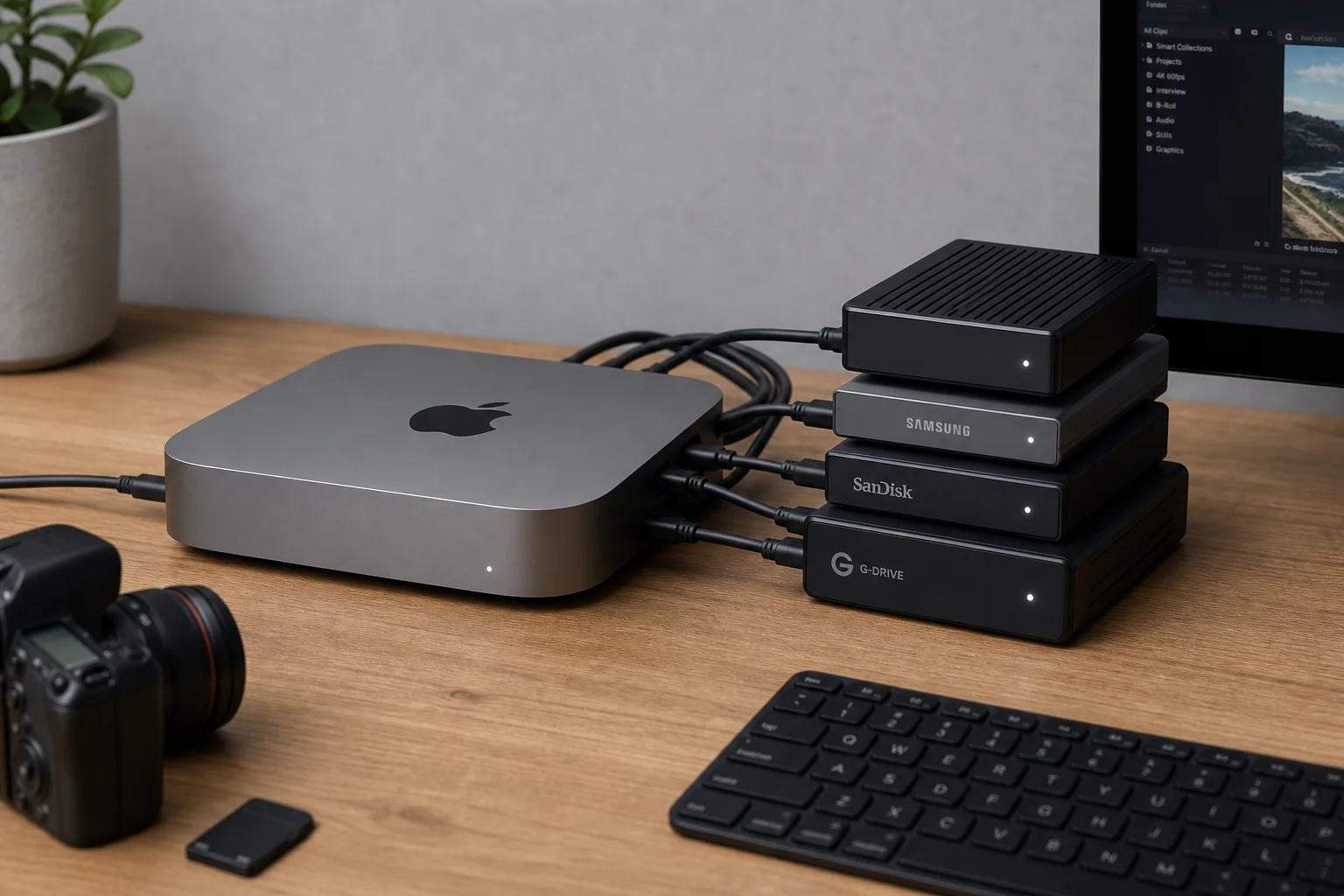
For most users, the Samsung T7 or Crucial X9 Pro provides excellent value. These compact drives handle photo editing and standard video work without compromise, and their lower cost makes them accessible for casual external storage needs.
Advanced users doing multi-camera editing, regular terabyte-scale file transfers, or professional video work should prioritize the SanDisk Pro-G40 or OWC U34 Bolt. Both maintain consistent performance under sustained load and offer speeds roughly three times faster than USB 3.2 alternatives. The OWC U34 Bolt edges ahead on price-to-capacity ratio for larger configurations.
Custom enclosures like the Satechi USB4 option suit users who already own compatible NVMe SSDs or want maximum flexibility, provided they accept the lack of performance guarantees. The SanDisk Pro-Blade system is ideal for editors building a modular storage ecosystem where multiple projects need simultaneous access to fast, organized storage.
On the horizon, Thunderbolt 5 drives promise speeds up to 6,000 megabytes per second, roughly double current professional drives. However, these will command premium pricing and require a Mac Mini M4 Pro with Thunderbolt 5 ports.
Conclusion
External SSD choice depends on your actual workflow. Casual users and photo editors benefit from affordable USB 3.2 drives. Video editors and content creators moving large files regularly should invest in Thunderbolt 3 or USB4 solutions. Modular systems and custom enclosures suit specialized workflows where flexibility or cost optimization matter more than simplicity. All options provide meaningful storage expansion for the Mac Mini M4, transforming it into a capable machine for professional creative work.
Further reading
Related Reviews
Automotive Accessories
70mai Dash Cam Comparison: A200 vs A510 vs A810
Three dash cameras from 70mai across different price points reveal how resolution and sensor quality impact real-world footage clarity, especially for number plate visibility and low-light performance.
Cycling Power Meters
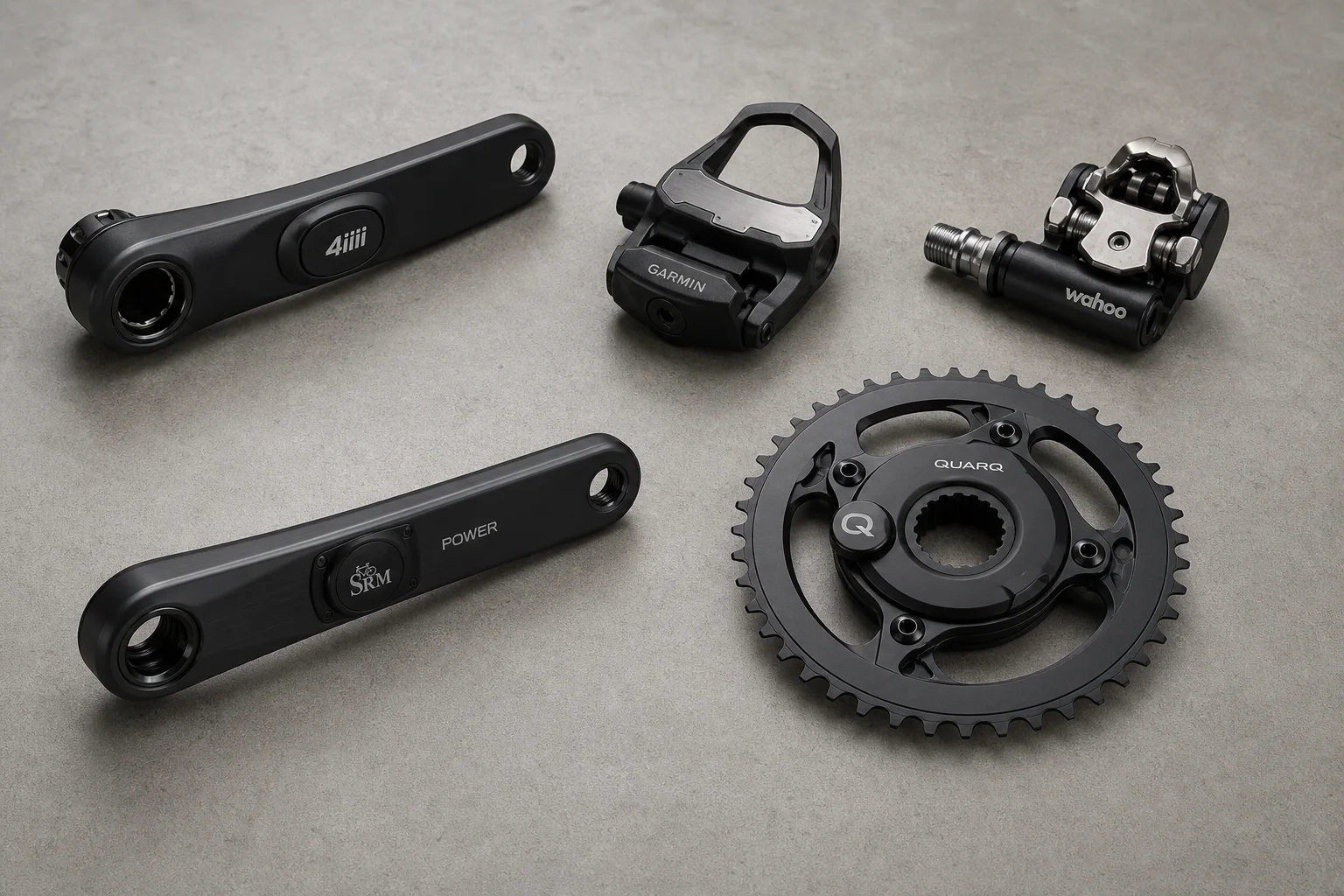
Five Affordable Power Meters for Road and Off-Road Cycling
Five practical power meter options under $500 that deliver reliable power measurement without breaking the budget.

Coffee Gear
AliExpress Coffee Gear Review: Five Products Worth Testing
A practical look at five coffee tools from AliExpress, including a sand heater, automatic brewer, latte art printer, espresso machines, and home roaster.