PC Gaming Peripherals
Best Flight Sim Joysticks and HOTAS 2026: Budget to High-End Gear Compared
A practical comparison of three flight simulation setups, from the affordable Logitech Extreme 3D Pro to the premium Winwing Orion 2, with real-world testing in War Thunder and Star Wars Squadrons.
Introduction
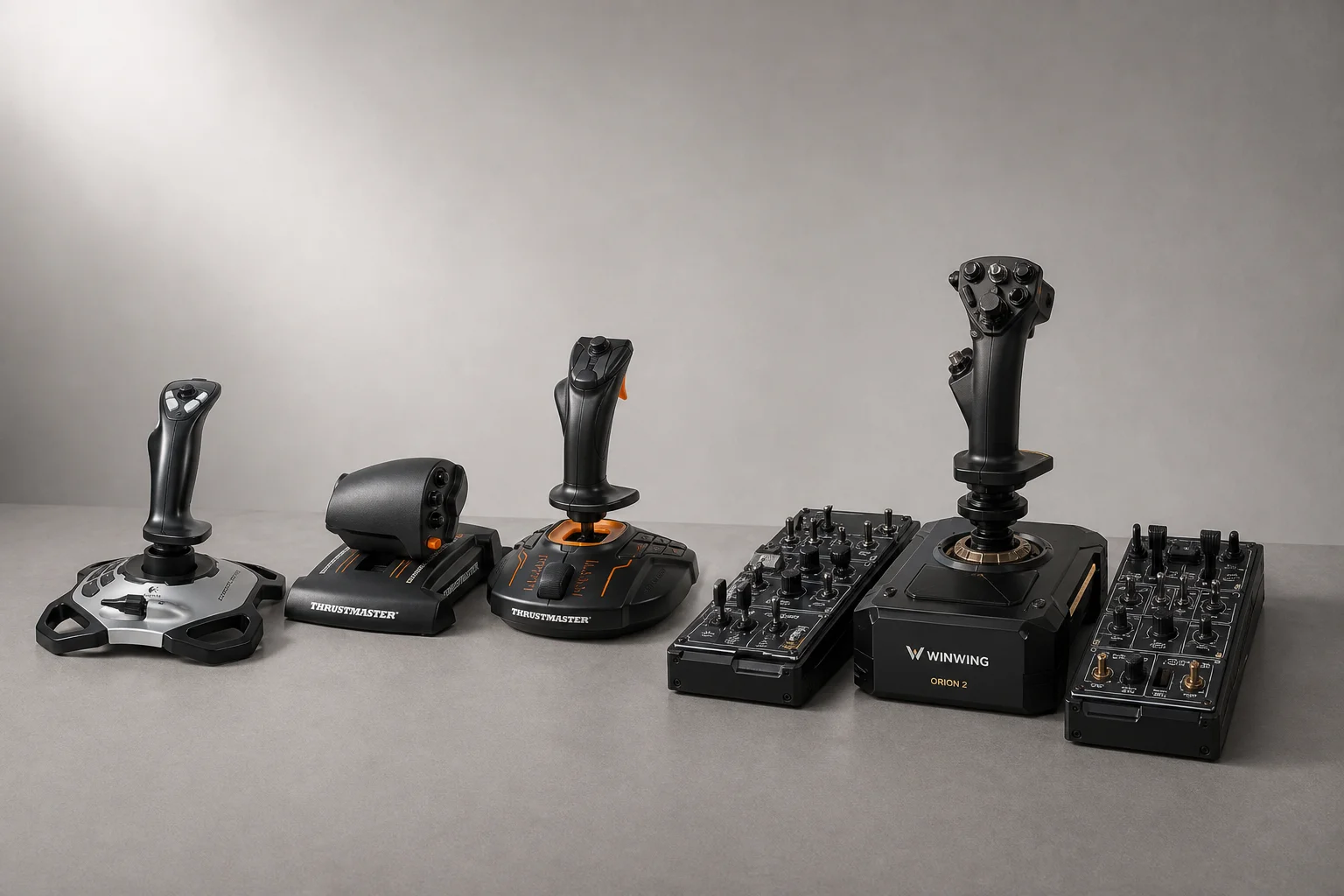
Flight simulation has become an increasingly accessible hobby for PC gamers, but choosing the right peripheral setup can be overwhelming. The market spans from budget-friendly options to high-end professional-grade equipment, each with distinct trade-offs in build quality, button count, and overall feel. This guide compares three popular HOTAS (hands-on throttle and stick) configurations across different price points, tested in actual flight sims to help you understand what you’re paying for at each tier.
Budget Option: Logitech Extreme 3D Pro
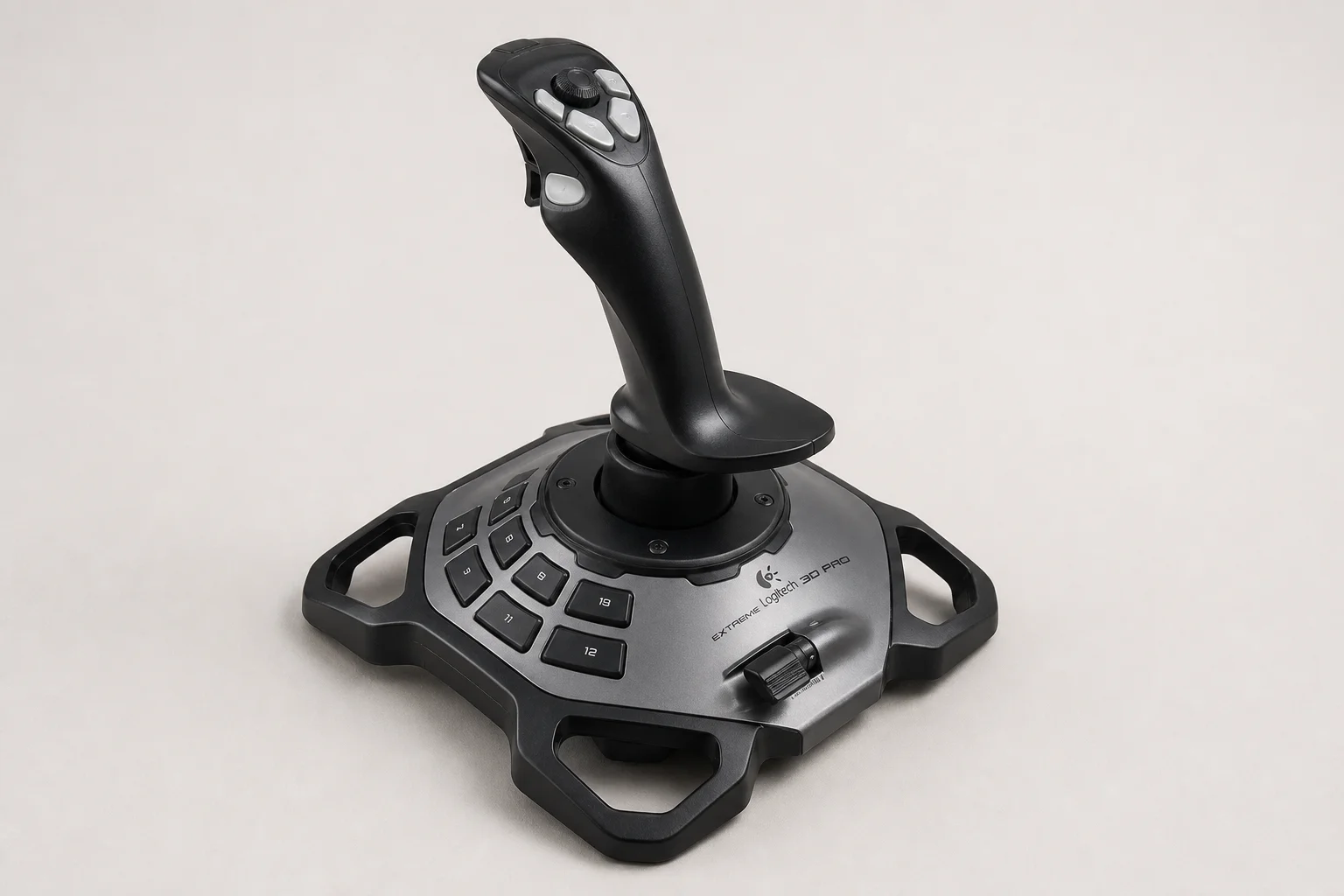
The Logitech Extreme 3D Pro has remained largely unchanged for years, and that longevity speaks to its reliability. At around 50 CAD, it represents the most affordable entry point into flight simulation.
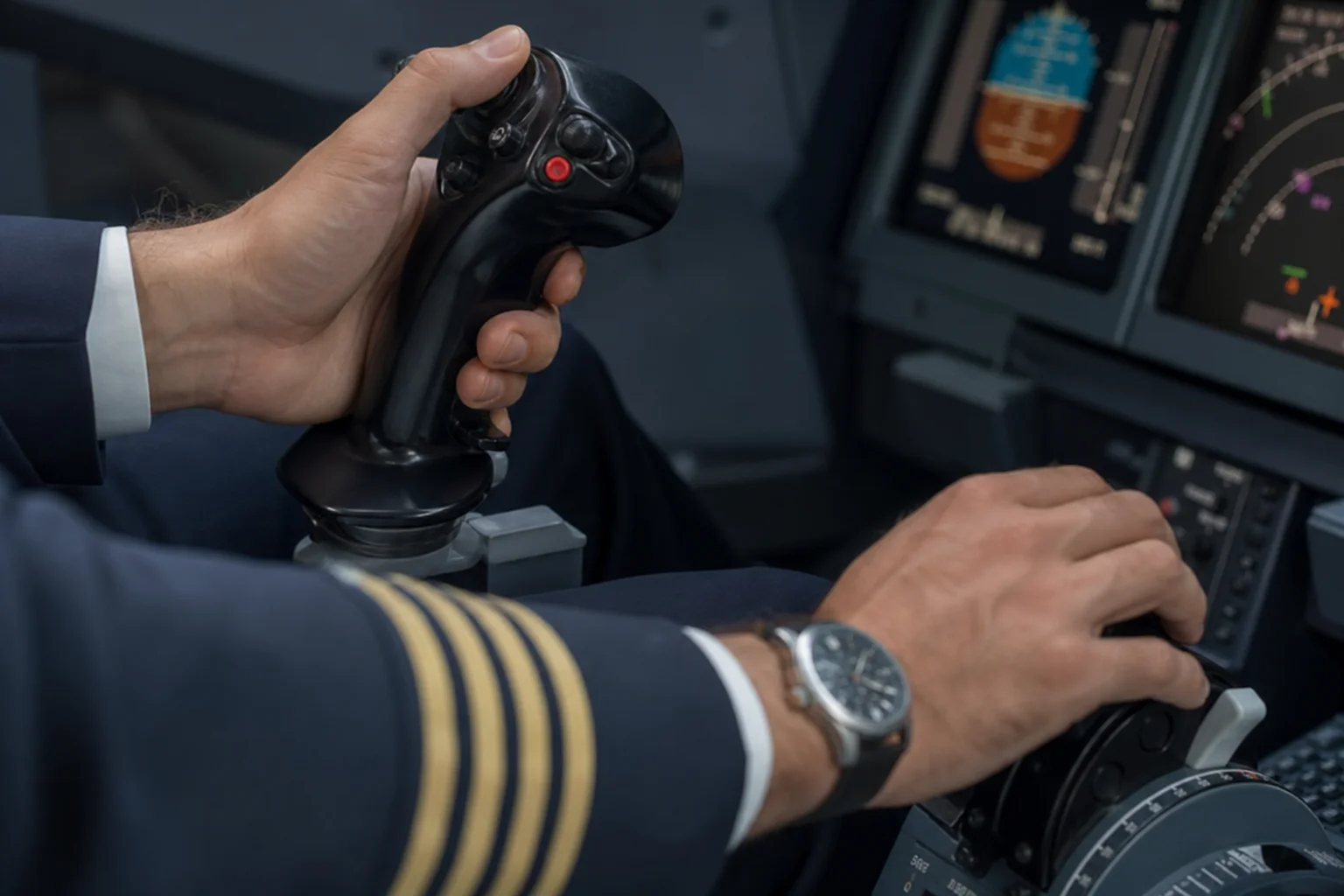
The joystick itself is serviceable for the price. It features a granny hip socket design that allows smooth movement, with buttons distributed across the stick and base. The plastic construction feels appropriately budget-conscious, and the buttons lack the satisfying tactile feedback of premium alternatives. The most significant limitation is the throttle control, which is essentially a small slider on the stick’s base rather than a dedicated throttle axis. For basic flight tasks it functions, but it feels more like adjusting a volume knob than controlling engine power.
What the Logitech does excel at is stability. The feet grip a desk surface effectively, preventing unwanted movement during intense gaming sessions. Build quality is robust enough that these joysticks are known for lasting years without failure.
Mid-Range Option: Thrustmaster T16000M
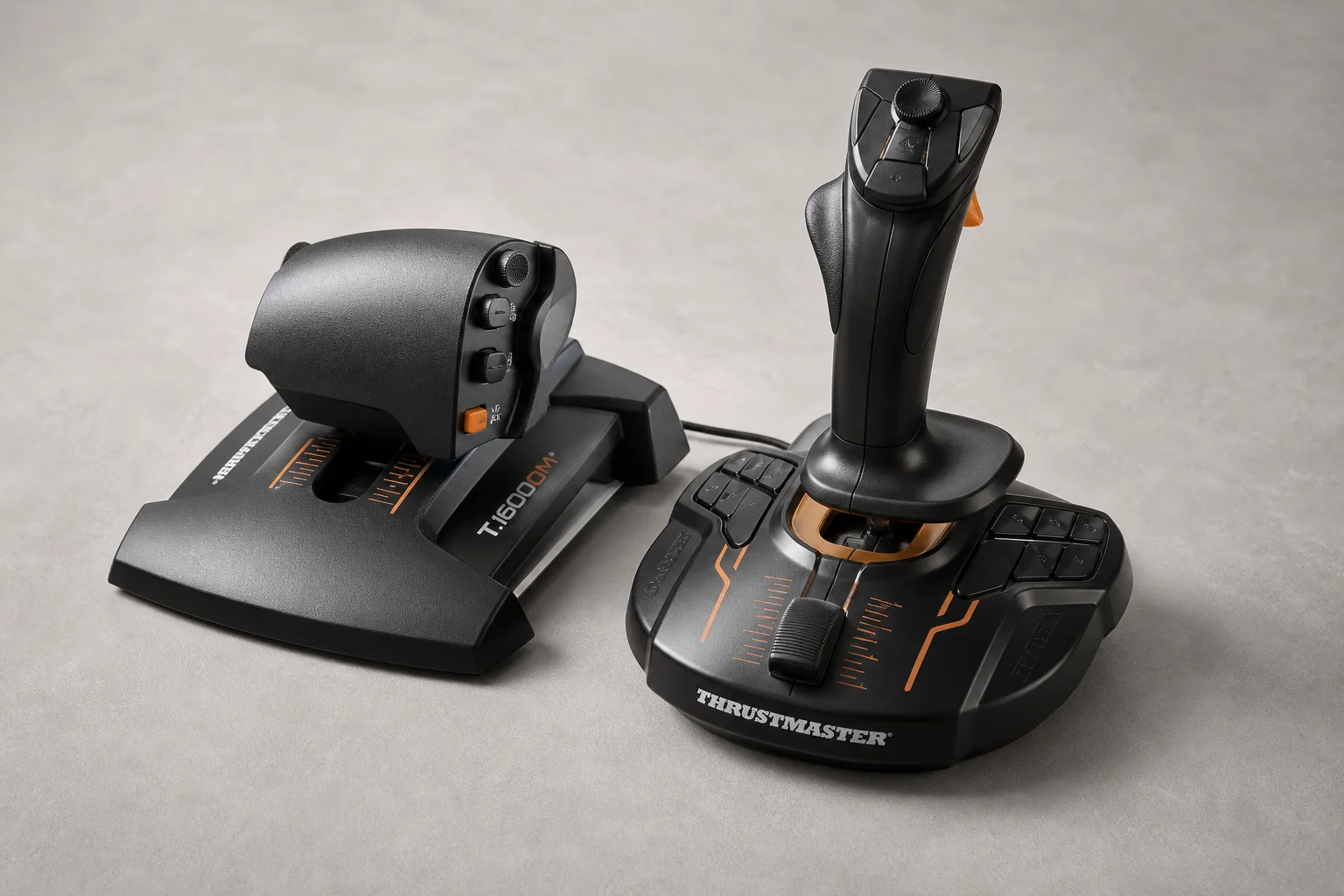
The Thrustmaster T16000M can be purchased as a joystick alone or as a complete HOTAS bundle with a dedicated throttle. The joystick itself represents a meaningful step up from the Logitech.
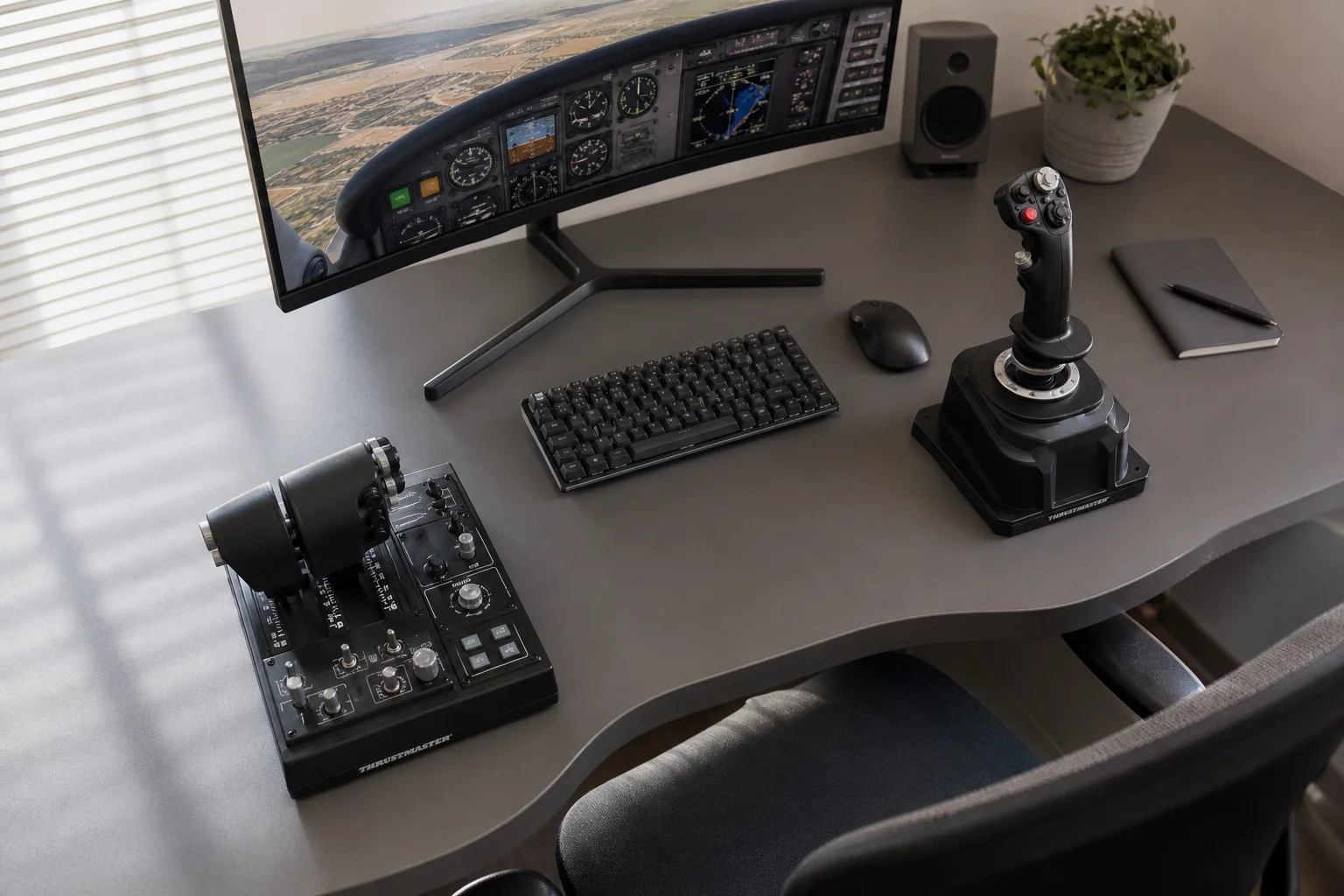
Despite also using a hip socket design, the Thrustmaster stick offers a more refined action as you move away from center. The precision feels noticeably improved, and the center detent is tighter without the wobbliness of the Logitech. Button placement is more thoughtful, with additional controls on the base that provide better key binding flexibility when paired with the throttle unit.
The dedicated throttle is where expectations meet reality. While the novelty of a separate throttle is appealing, the execution feels compromised. The action is simultaneously sticky and loose, resembling a cheap toy rather than a precision control. This inconsistency makes it difficult to recommend the full HOTAS bundle despite the joystick’s quality. For many users, purchasing the Thrustmaster joystick alone and upgrading to a better throttle later represents a more sensible path.
Premium Option: Winwing Orion 2
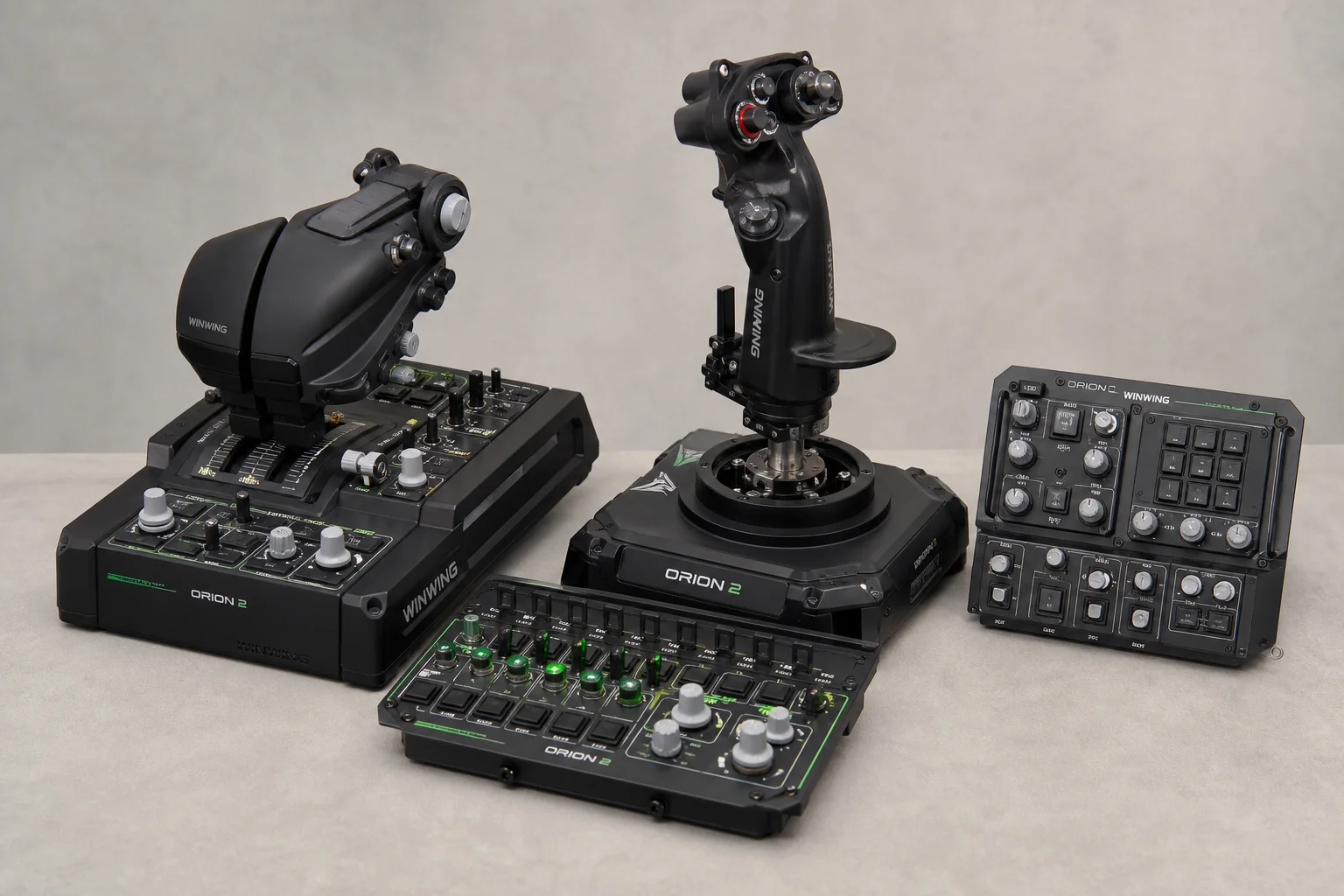
The Winwing Orion 2 occupies a different category entirely. At 580-770 CAD depending on sales, it represents a significant investment, but the build quality justifies the cost.
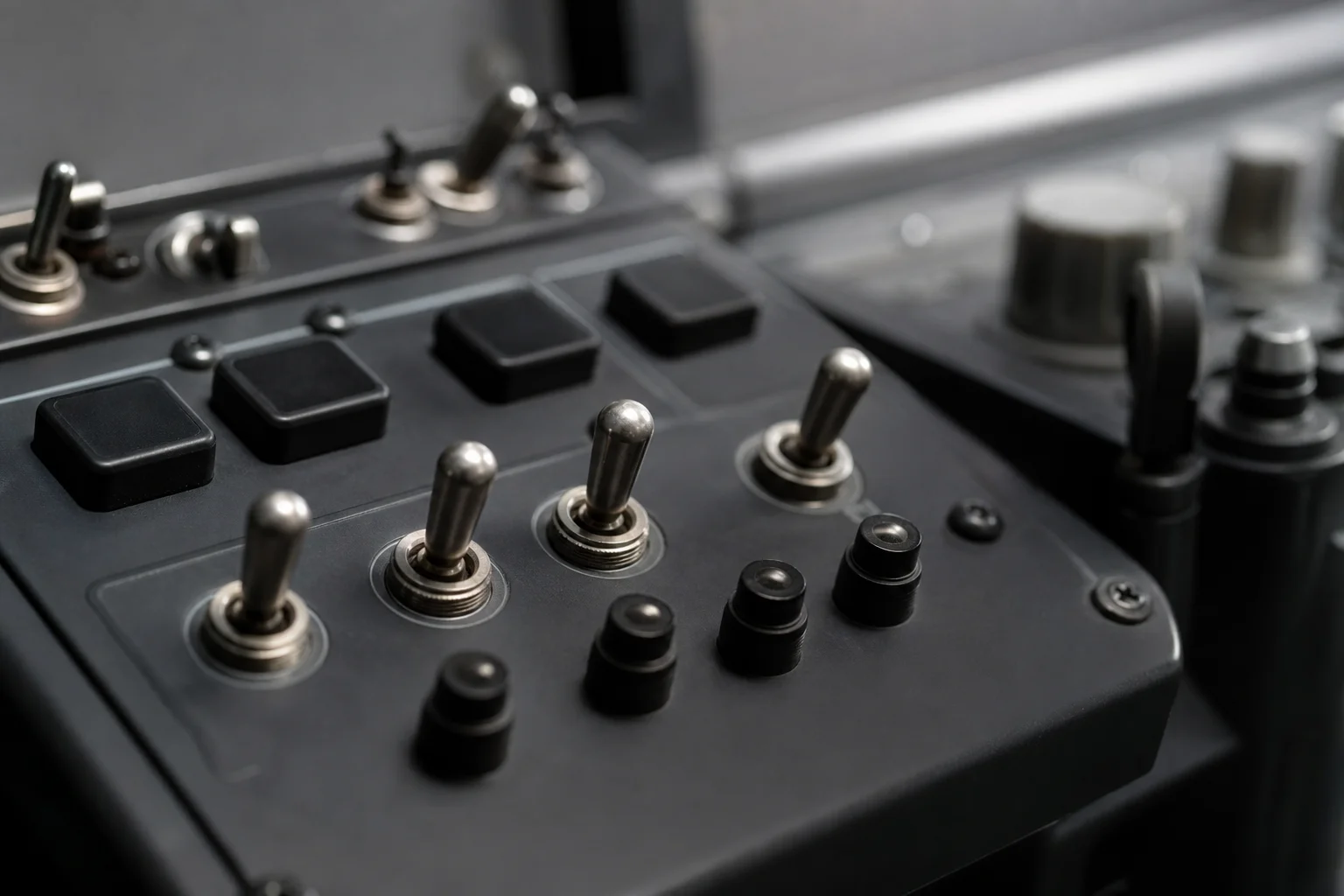
Assembly is required out of the box, and the first impression is weight. The joystick feels like it was extracted from an actual aircraft, with a cam rail system that delivers buttery smooth movement and exceptional customization. The throttle features satisfying mechanical switches that provide genuine tactile feedback, a stark contrast to the plastic buttons on budget options.
The throttle body itself is more plasticky than expected for the price point, and the included suction cup mounts struggle on smooth desk surfaces, sliding around under vertical force. Despite these minor compromises, the overall action on every control is exceptional. The startup sequence of an aircraft becomes a genuinely immersive experience with this setup.
Modularity is a key advantage. Additional panels like the takeoff panel can be purchased separately, allowing gradual expansion of your cockpit without replacing core components. For users with a preference for switches and buttons, this ecosystem provides nearly unlimited customization potential.
Real-World Testing and Performance
Testing across War Thunder and Star Wars Squadrons revealed important practical insights. The Logitech stick is a substantial upgrade over a standard controller, but the limited throttle control becomes apparent during sustained flight. Adding a dedicated throttle transforms the experience, making both hands active and significantly improving immersion.
The Thrustmaster HOTAS bundle works well in practice, though the throttle quality remains its weak point. The joystick itself handles combat maneuvers smoothly, and the additional buttons enable more complex key bindings. However, the plastic feel of the throttle undermines the overall experience.
The Winwing setup delivers noticeably superior control response and tactile feedback. The joystick precision allows for finer adjustments during dogfighting, and the mechanical switches provide confidence that inputs are being registered. Key binding complexity increases significantly with more buttons available, requiring patience during initial setup.
Mounting considerations matter more than expected. The Winwing throttle’s suction cups are inadequate for smooth desks, and improvised mounting solutions can create ergonomic issues. Proper desk clamps or mounting brackets are essential for safe, comfortable use.
Buying Recommendations
For users new to flight simulation, the Logitech Extreme 3D Pro offers the lowest barrier to entry. It’s reliable, affordable, and sufficient to determine whether the hobby will hold your interest. The plastic feel and limited throttle control are acceptable trade-offs at this price point.
If you’re committed to the hobby, the Thrustmaster joystick alone represents better value than the full HOTAS bundle. Pair it with a quality throttle from a premium brand once your budget allows. This approach minimizes plastic waste and ensures you’re investing in components that will satisfy long-term.
For serious enthusiasts willing to invest, the Winwing Orion 2 delivers the quality and customization that justify its cost. The modular ecosystem allows gradual expansion, and the build quality ensures years of reliable use. This is the setup that transforms flight simulation from a novelty into a genuinely immersive experience.
Conclusion
The flight simulation peripheral market offers genuine value at every price tier, but the quality jump between budget and premium options is substantial. Your choice should reflect both your budget and your commitment level to the hobby. Start affordable, test your interest, and upgrade strategically as your skills and enthusiasm grow.
Further reading
Related Reviews
Flight Simulation
Complete Home Flight Simulator Setup Guide: Every Component Explained
A detailed breakdown of a professional home flight simulator cockpit, from avionics and controls to displays and motion platforms, with budget alternatives for each major component.
Flight Simulation
10 Essential Tips for Starting Digital Combat Simulator: A Rookie Pilot's Guide
A practical roadmap for new DCS pilots covering hardware, learning resources, and progression strategies to avoid frustration and build skills effectively.