Home Security
Best IP Cameras and NVR Setup: Four Practical Security Solutions for Home Monitoring
A practical guide to four IP camera systems with real-world installation experience, covering dual-lens cameras, wireless NVRs, network switches, and budget-friendly options for home security.
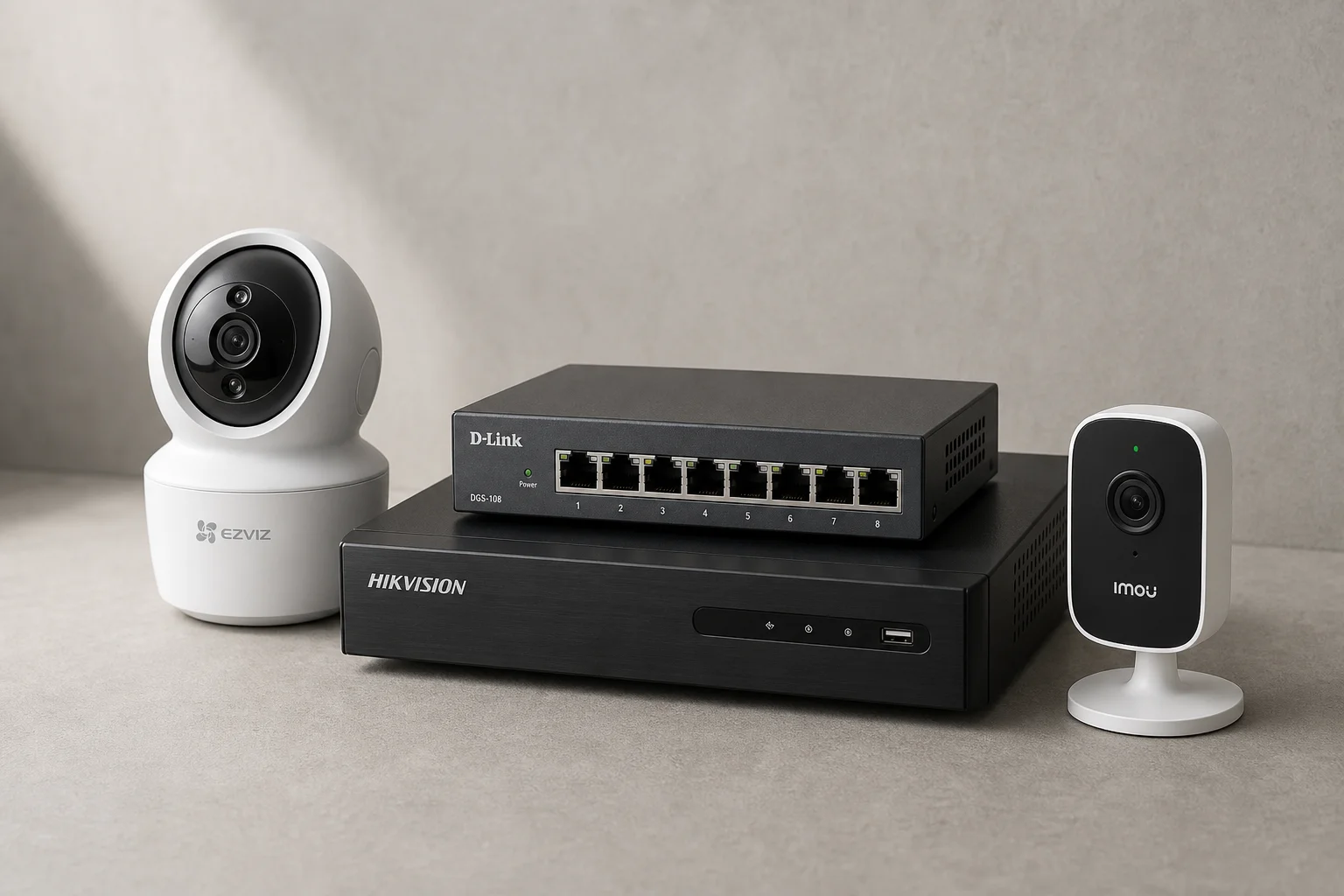
Why Choose IP Cameras Over Traditional CCTV
Traditional CCTV installation requires significant planning: determining hard drive capacity, power supply specifications, the number of DVR channels needed, and extensive cabling throughout the home. IP camera systems simplify this process by offering flexible, scalable solutions that work with existing home networks.
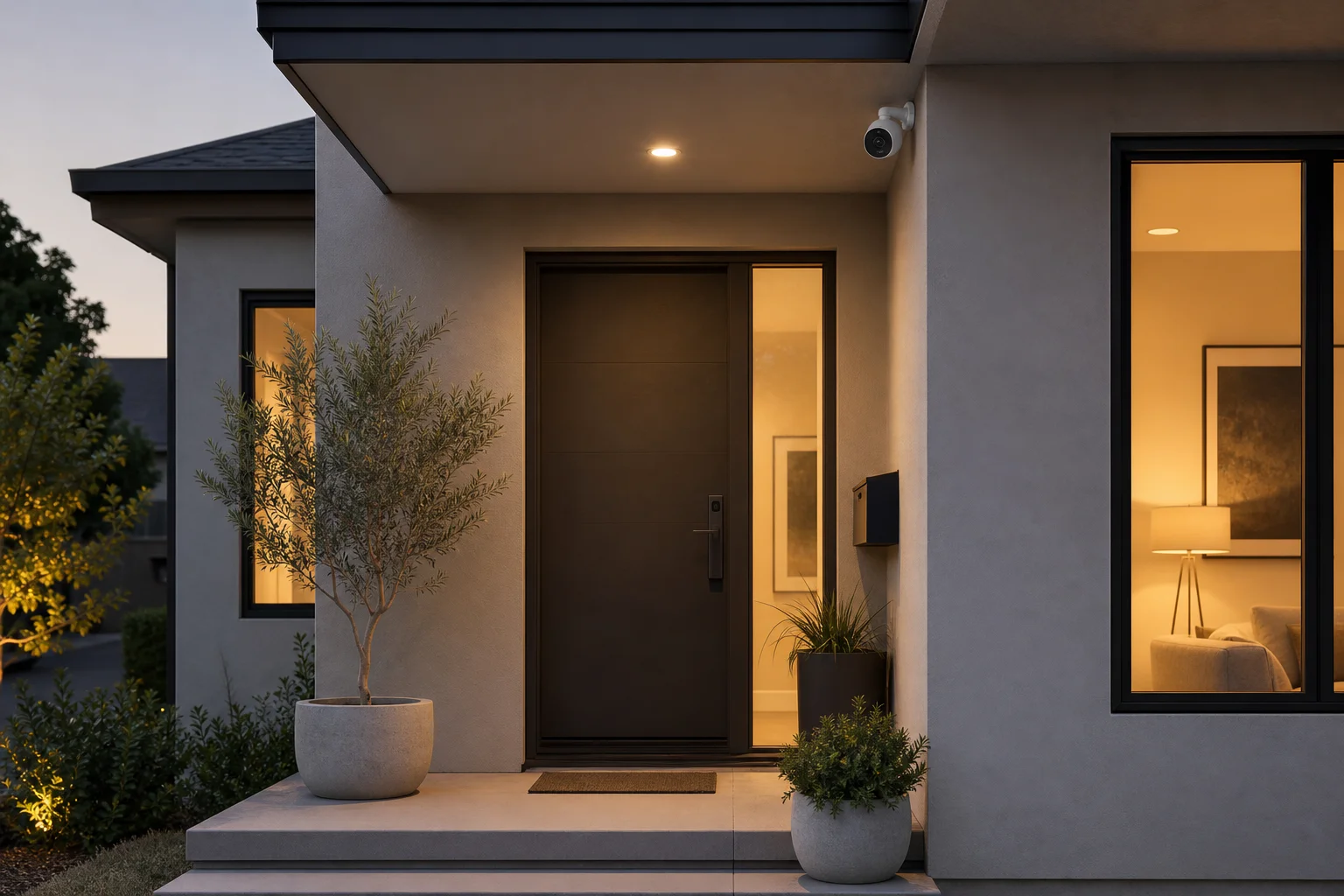
The systems featured here represent current market options that balance quality, ease of installation, and real-world performance. Each addresses different needs, from compact dual-lens designs to wireless network recording.
Ezviz Dual-Lens IP Camera
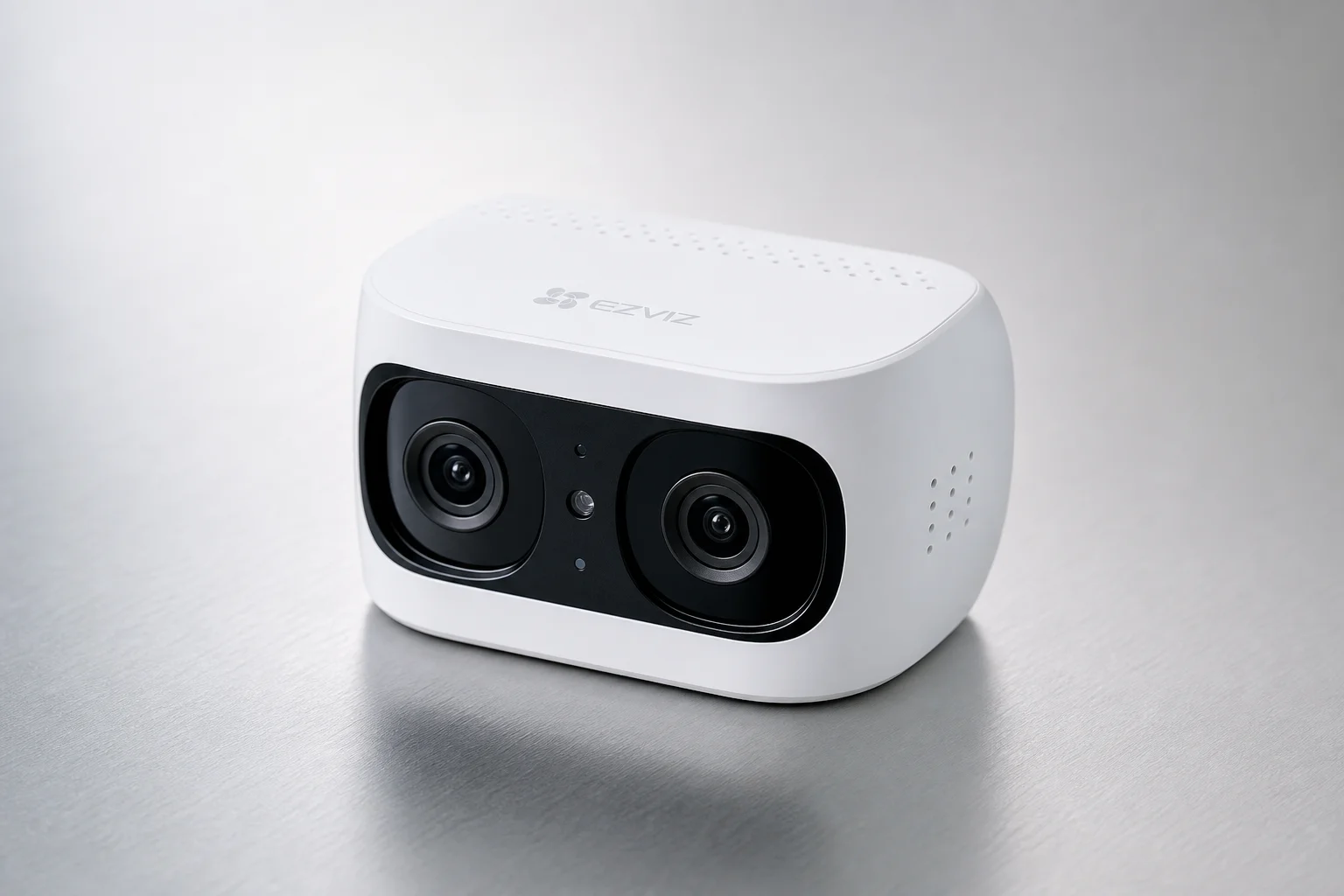
Ezviz produces several IP camera models available in the market. The dual-lens variant stands out for delivering 2K resolution with strong clarity at a reasonable budget. While not the highest-end option available, it provides excellent video quality for the price point.
A key feature is the built-in calling button. Pressing it allows two-way communication with any phone where the Ezviz application is installed, enabling calls to be initiated from the camera itself rather than only from phones to the camera. The camera also supports memory card storage, making it usable without a DVR or NVR for those without existing systems.
The dual-lens design means two separate optical paths on a single unit, with one fixed lens and one movable lens. This allows viewing two areas simultaneously on a single screen, with the option to select which window to expand for full-screen viewing.
D-Link Network Switch for Extended Coverage
For homes with existing DVRs or NVRs, or those planning to extend network coverage, a quality network switch becomes essential. The D-Link switch provides multiple ports for distributing high-speed connections throughout the home. When a single cable connection exists, connecting the first port to your modem and using the switch to distribute to multiple devices ensures consistent, high-speed performance.
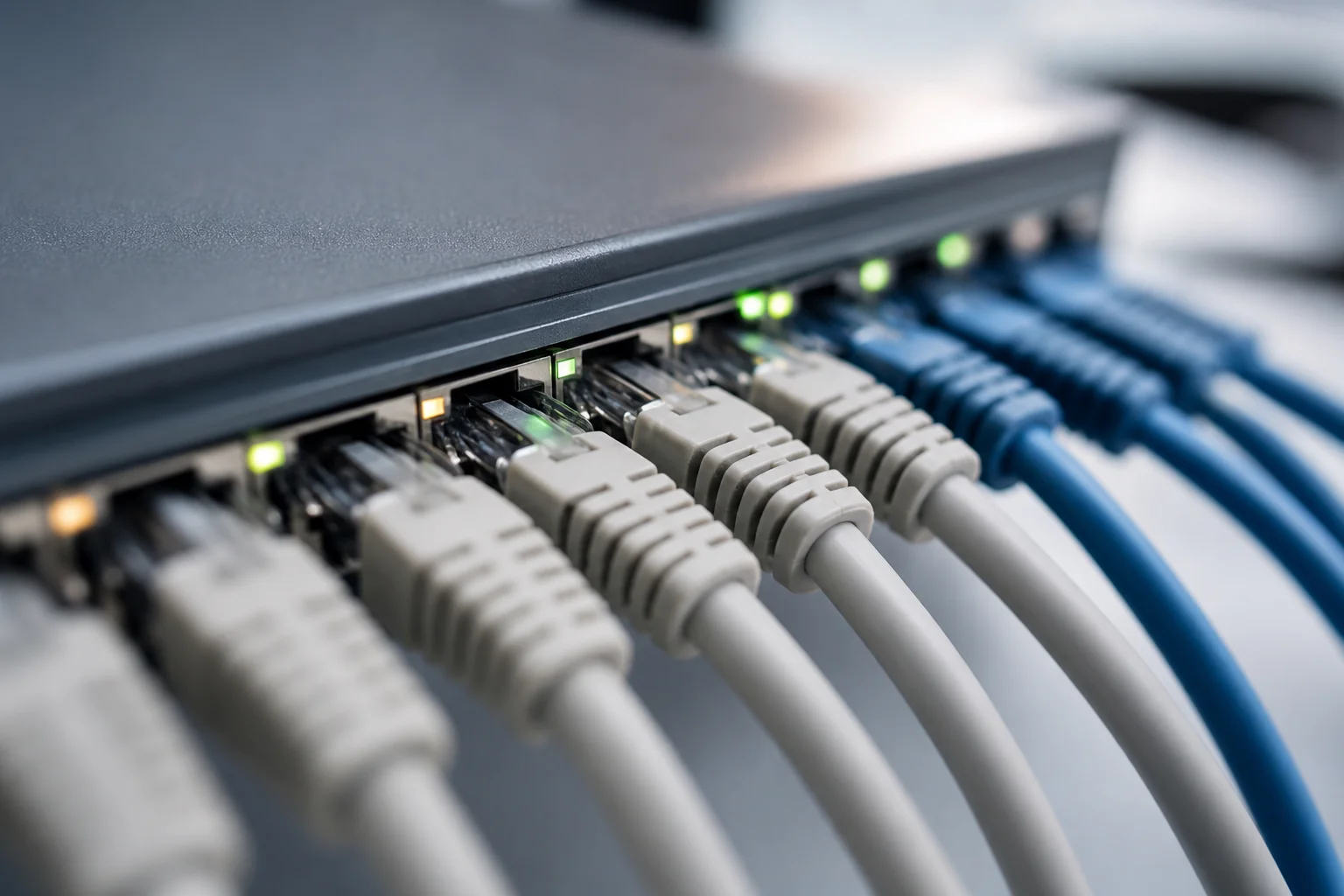
This is the fourth unit of this brand purchased for testing, confirming its reliability for repeated installations.
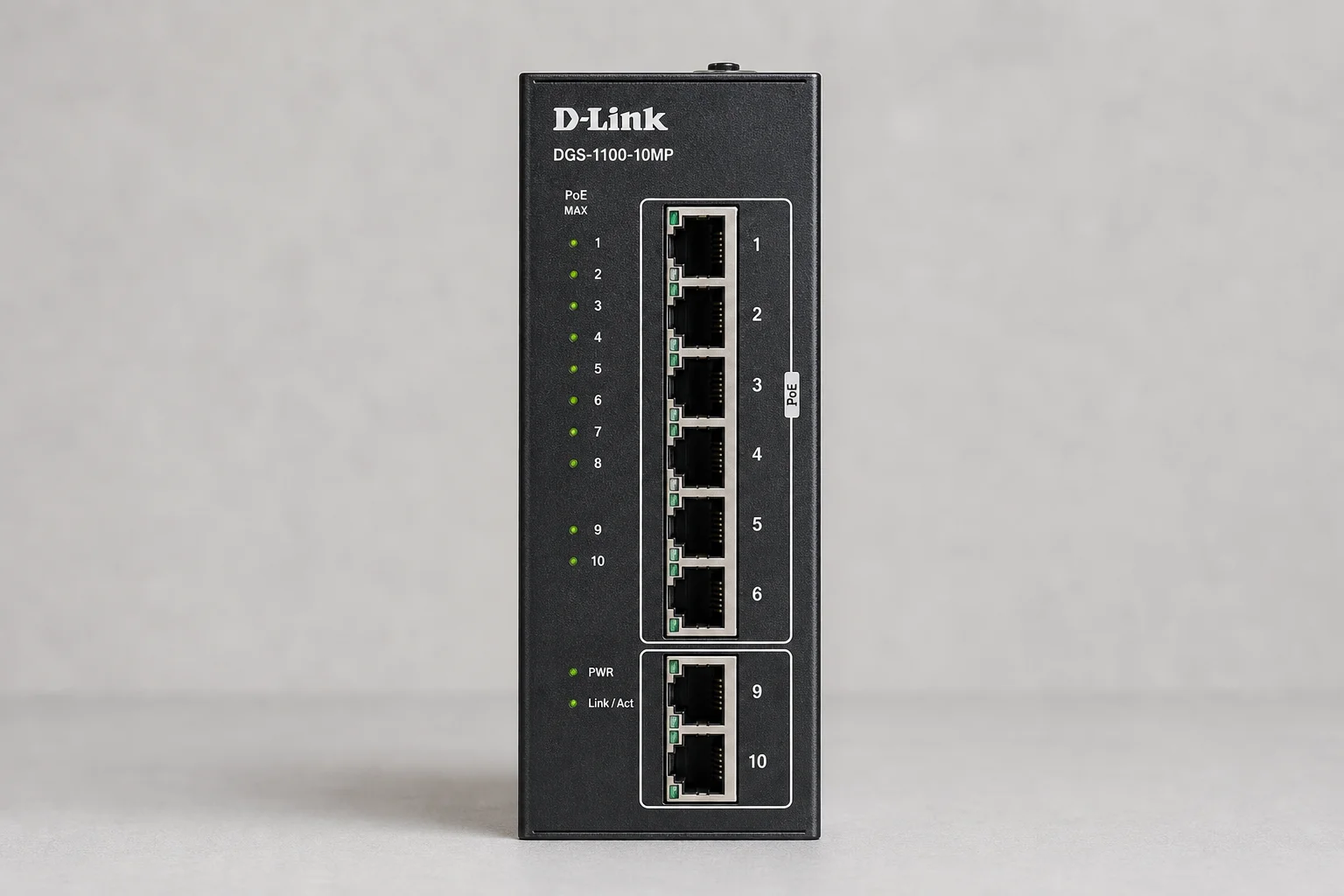
Hikvision Wireless NVR Configuration
The Hikvision wireless NVR simplifies setup by eliminating the need for extensive cabling. It includes an HDMI cable and power adapter, connecting directly to a television with no additional cables required. Two built-in antennas enable wireless communication with IP cameras within a 100-meter range.
Inside the unit, a 2TB hard drive provides storage for multiple camera feeds. Installation involves opening the enclosure, installing the hard drive with the provided mounting bracket and SATA cable, and connecting power. The setup process guides users through password creation, pattern selection, and system configuration via an intuitive interface.
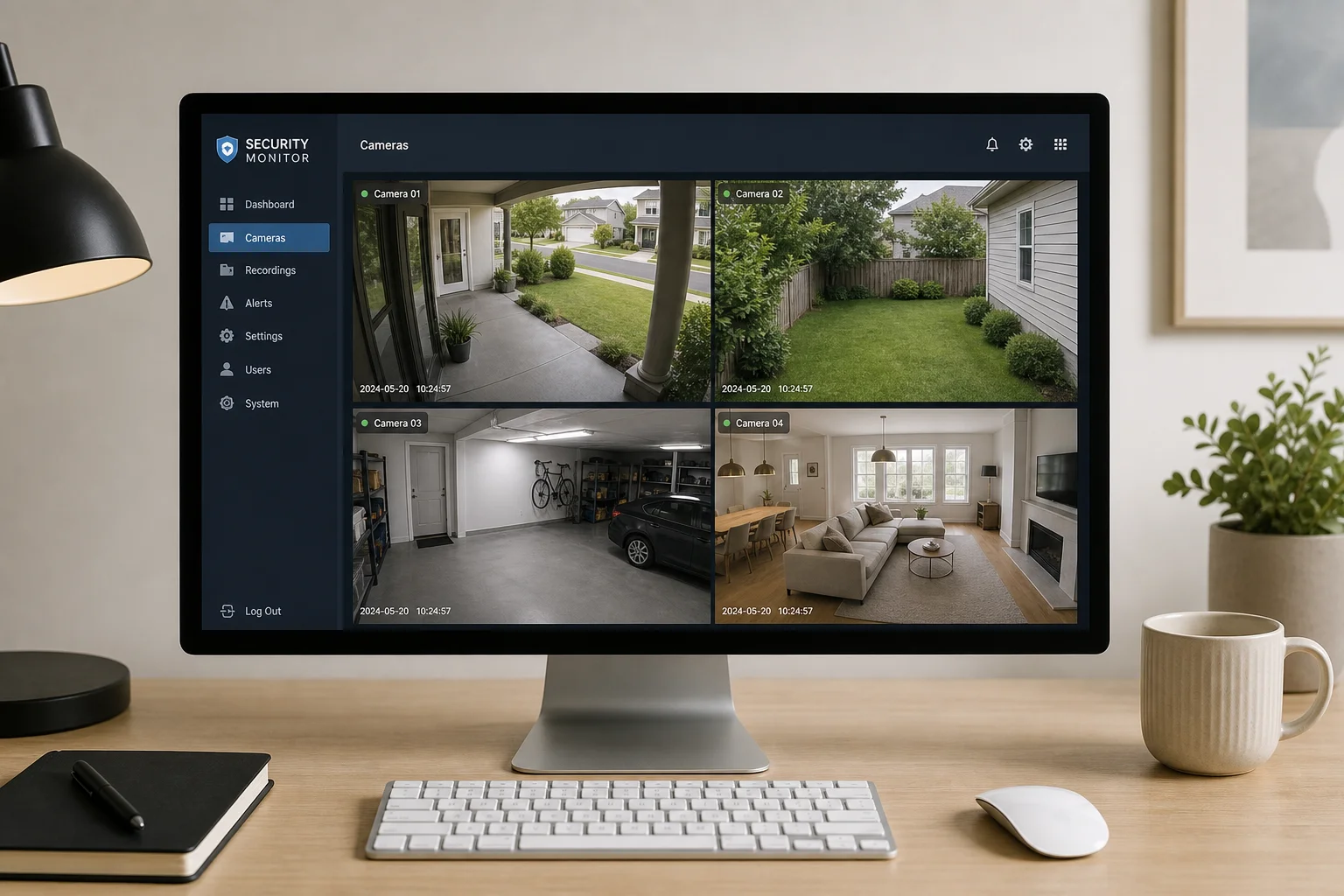
Once configured, the NVR communicates wirelessly with all IP cameras within range, storing footage directly to the internal hard drive. Live monitoring is accessible through both mobile applications and computer software, allowing world-wide access to camera feeds from anywhere with an internet connection.
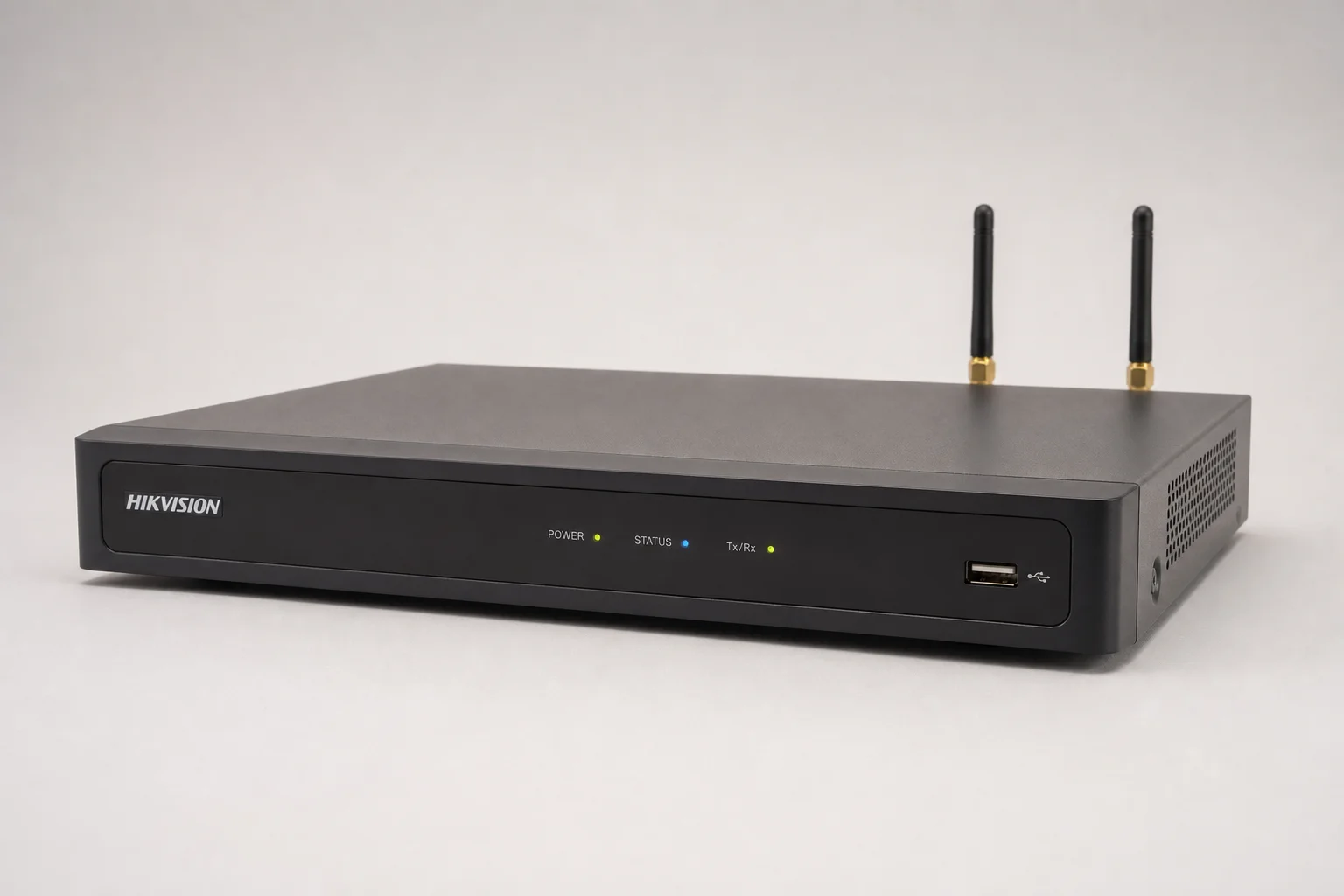
Imou Camera Integration and Performance
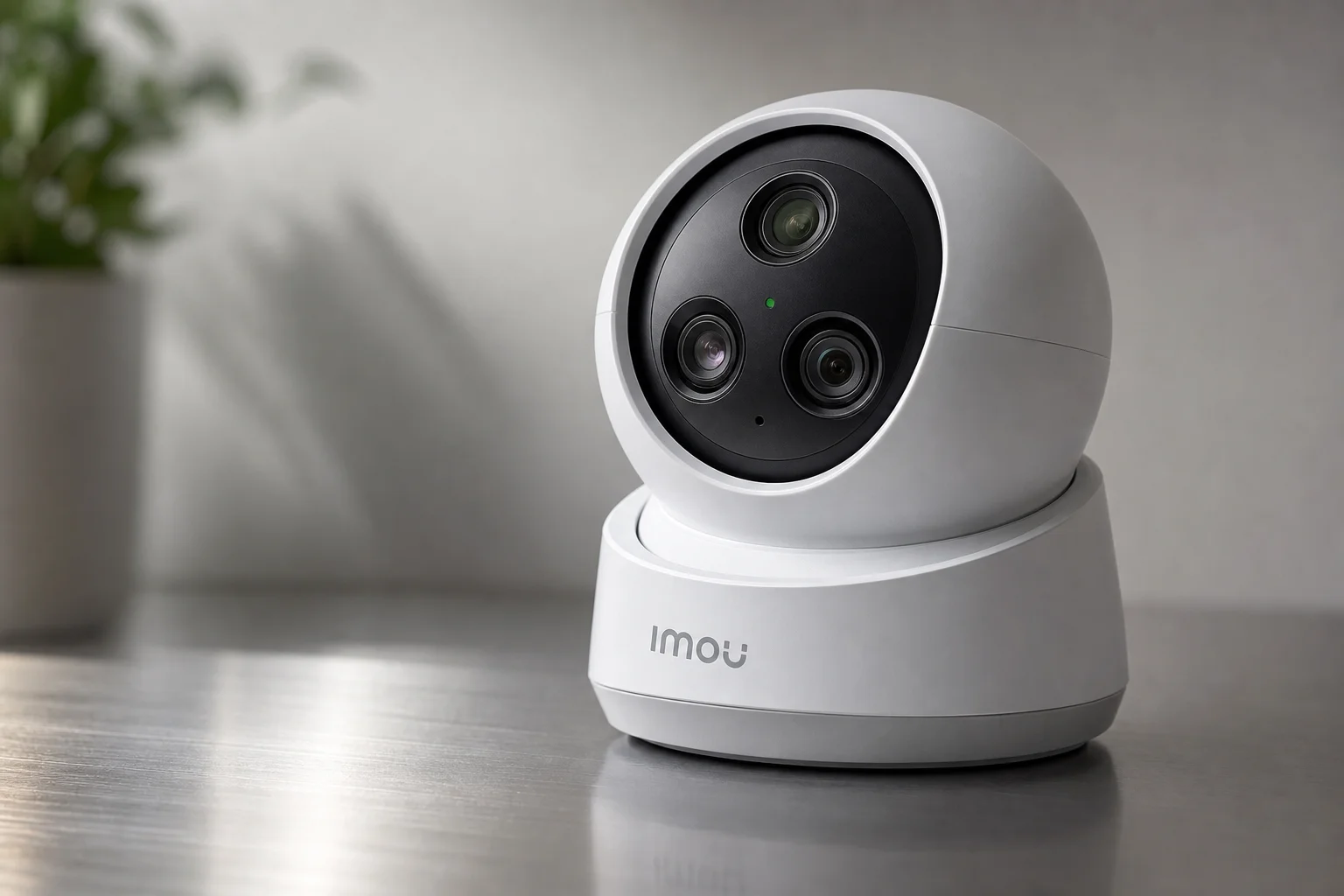
Imou represents a newer brand launch in the security camera market. The model tested features three lenses, making it suitable for large homes. When positioned centrally, a three-lens camera eliminates the need for three separate units: the left lens covers the left side, the right lens covers the right side, and the center lens can rotate 360 degrees for full coverage.
The camera delivers high-quality video with excellent human tracking and stabilization. It requires a standard tripod mount (an international standard available locally for approximately 20 rupees). Once mounted, the camera integrates with the Hikvision NVR through network connection.
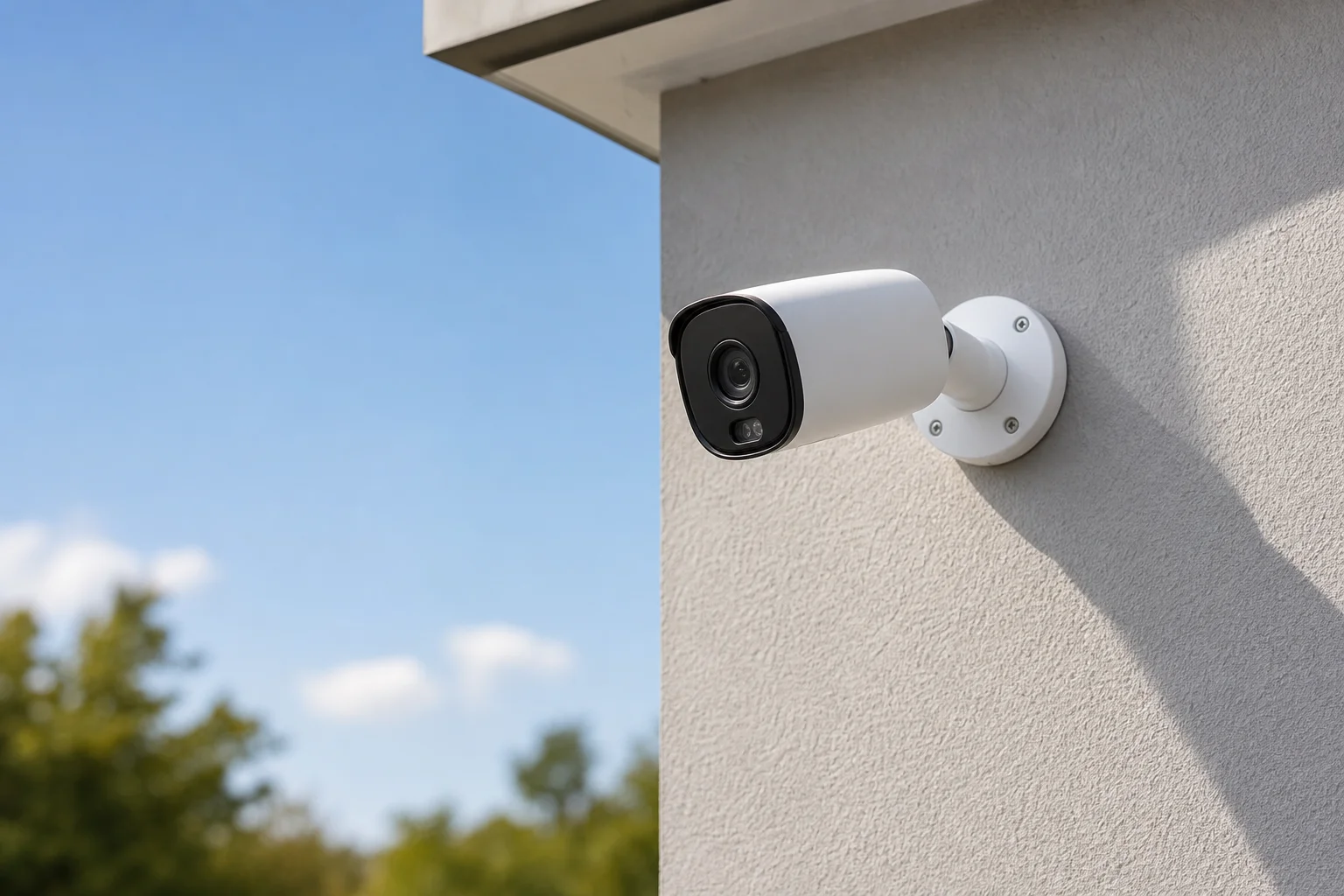
Testing confirmed that the Imou camera works with the Hikvision NVR when properly configured on the local network. The camera’s three-lens design and smooth pan-tilt-zoom capabilities make it a practical choice for comprehensive home coverage without requiring multiple separate units.
Practical Installation Considerations
When setting up any IP camera system, several factors require attention. Network connectivity is essential; cameras need stable connections to the NVR or DVR. The Hikvision wireless NVR’s 100-meter range covers most residential properties, though actual performance depends on obstacles and interference.
Power requirements vary by camera model. The Ezviz dual-lens camera and Imou camera require different power specifications, so verify adapter compatibility before installation. The D-Link network switch requires a 12V, 2-ampere power supply to handle multiple cameras drawing power simultaneously.
For those uncomfortable with technical setup, professional installation services are available, though many users find the process straightforward enough to handle independently.
Conclusion
These four products represent practical options for home security monitoring. The Ezviz dual-lens camera suits budget-conscious buyers seeking good clarity without a DVR. The D-Link network switch addresses connectivity needs for extended installations. The Hikvision wireless NVR provides centralized storage and monitoring without extensive cabling. The Imou camera offers multi-lens coverage for larger properties.
Choosing between them depends on your existing infrastructure, budget, and coverage requirements. All four have proven reliable in real-world testing and installation scenarios.
Further reading
Related Reviews
Home Security
Best Home Security Cameras 2026: Five Options From Budget to Premium
Five home security cameras tested across budget, mid-range, and premium categories. Find the right balance of features, cost, and privacy for your home.
Home Security
Best Indoor Security Cameras Without Subscription 2025: Five Strong Picks
Five indoor security cameras that deliver clear footage, smart alerts, and local storage without monthly fees or hidden costs.
Home Security
Best Security Cameras 2026: Six Options From Budget to Premium
Security cameras have evolved dramatically this year. We tested six standout models spanning budget 4K options, extreme battery life, dual-camera tracking, and floodlight systems to help you find the right fit.