Storage & Backup
Best Portable SSDs 2026: Performance, Reliability, and Real-World Testing
A comprehensive guide to external SSDs tested across Windows, Mac, iOS, and Android. Find the right drive for your budget and workflow.
Introduction
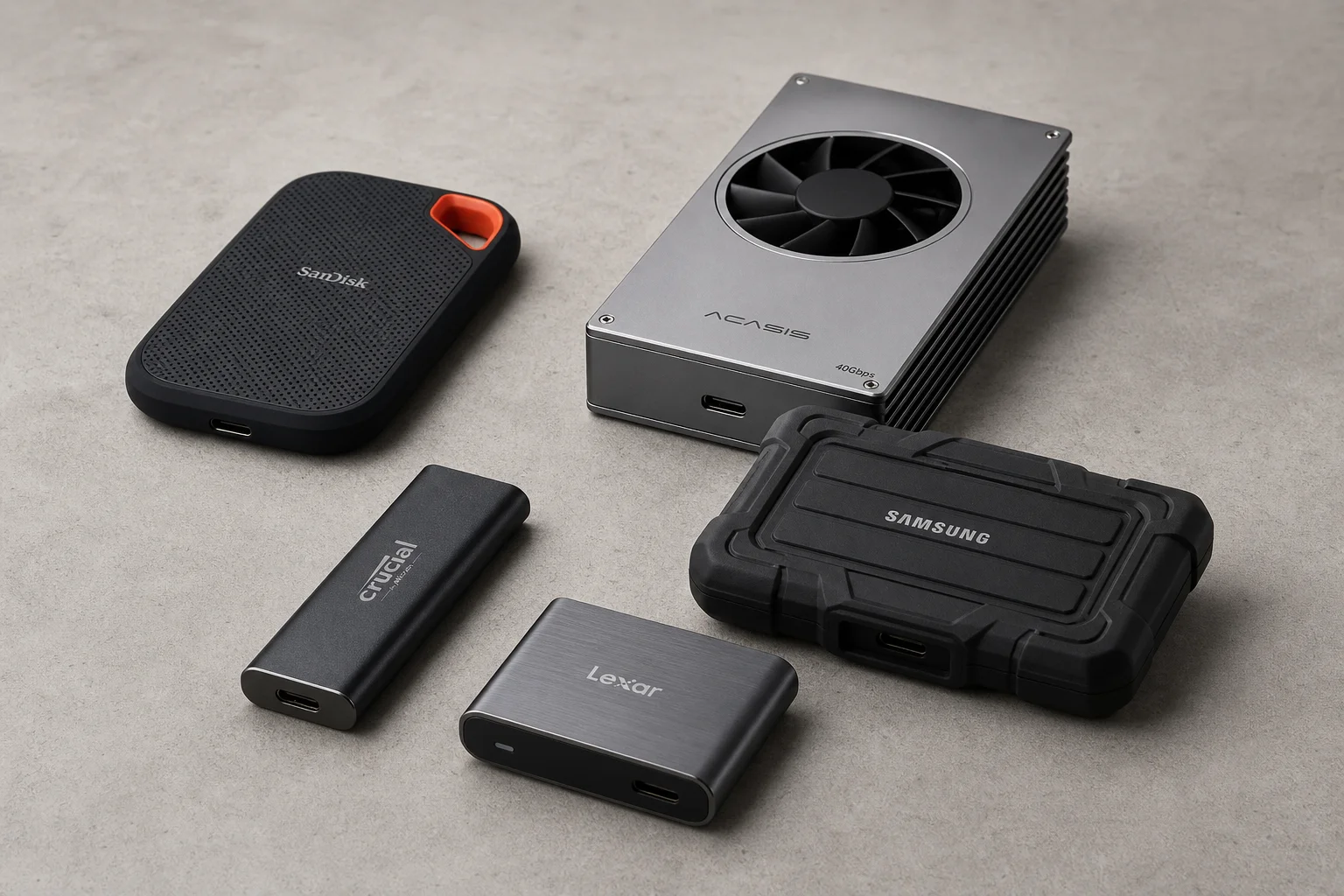
External SSDs have become essential for content creators, photographers, and anyone managing large files. This guide covers the most popular options tested across multiple platforms and operating systems to help you choose the right drive for your needs and budget.
Understanding Performance and Heat Management
When evaluating external SSDs, three factors matter most: performance, convenience, and price. However, one critical aspect often overlooked is heat management. Temperature directly impacts sustained performance. Some drives maintain speed under load, while others throttle significantly when hot.
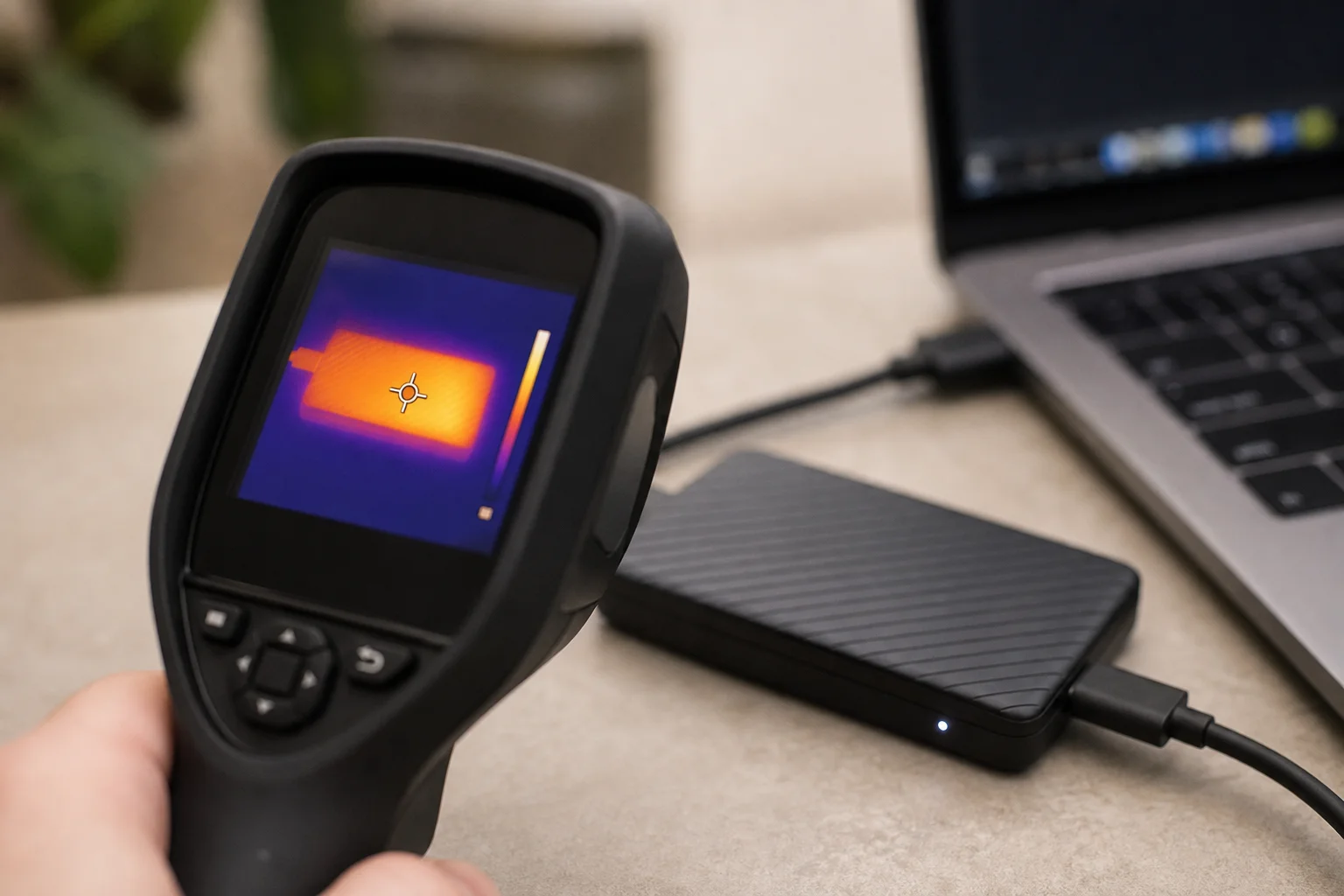
Testing was conducted using Blackmagic Design Speed Test (5GB test over 10 cycles) and realistic 125GB folder transfers with mixed file types. All raw data, spreadsheets, and test videos are available for transparency. Temperature monitoring throughout testing revealed important differences in thermal design between models.
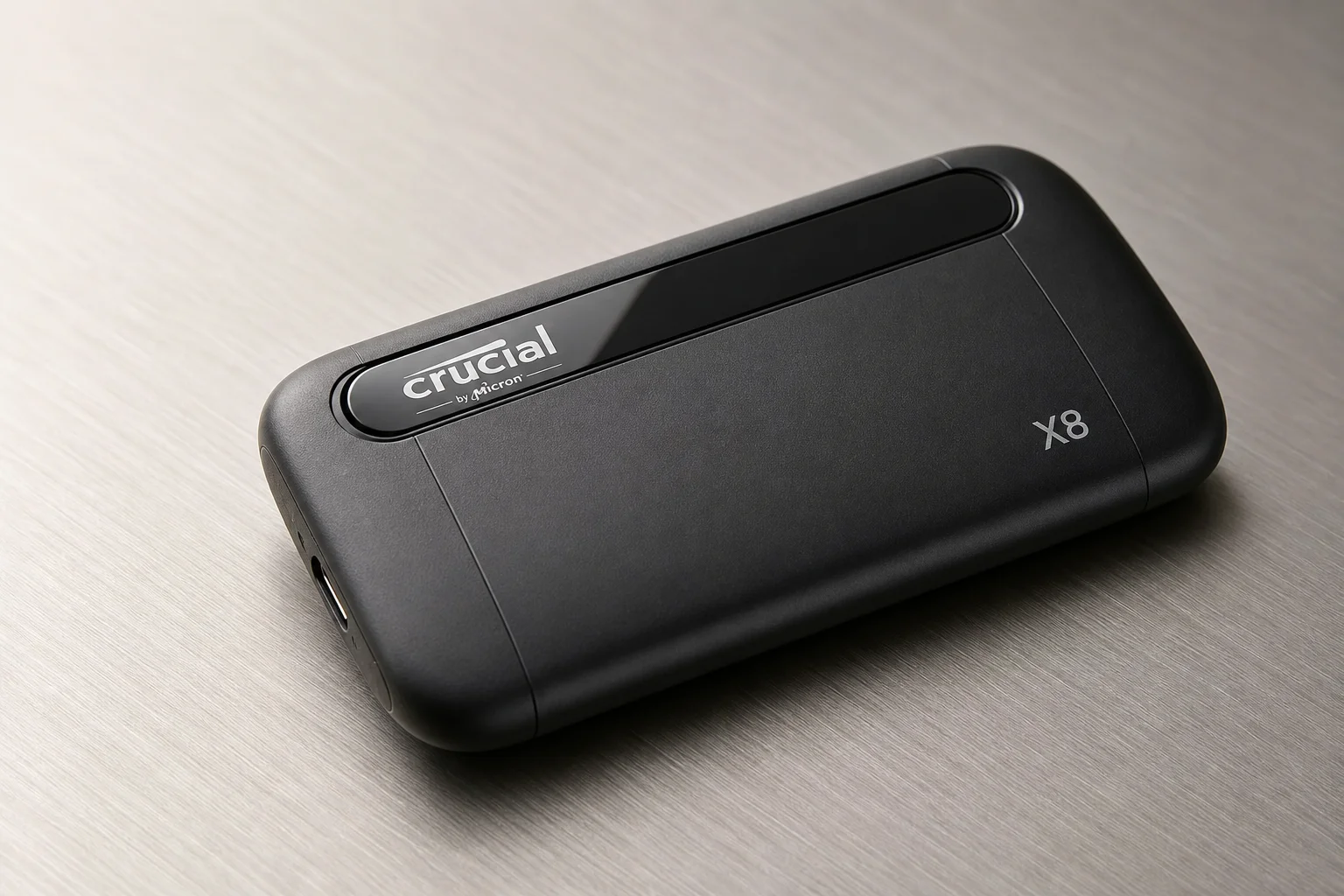
Best Value: Crucial X8
The Crucial X8 remains an excellent entry point for external storage. In testing, it maintained read speeds around 800MB/s on large files and write speeds near 720MB/s during sustained transfers. Performance drops slightly when handling many small documents, but remains respectable.
The standout feature is thermal management. The aluminium design stays cool to the touch even during extended use, with no throttling observed during testing. This makes it reliable for backup workflows and general file transfers without worrying about heat-related slowdowns.
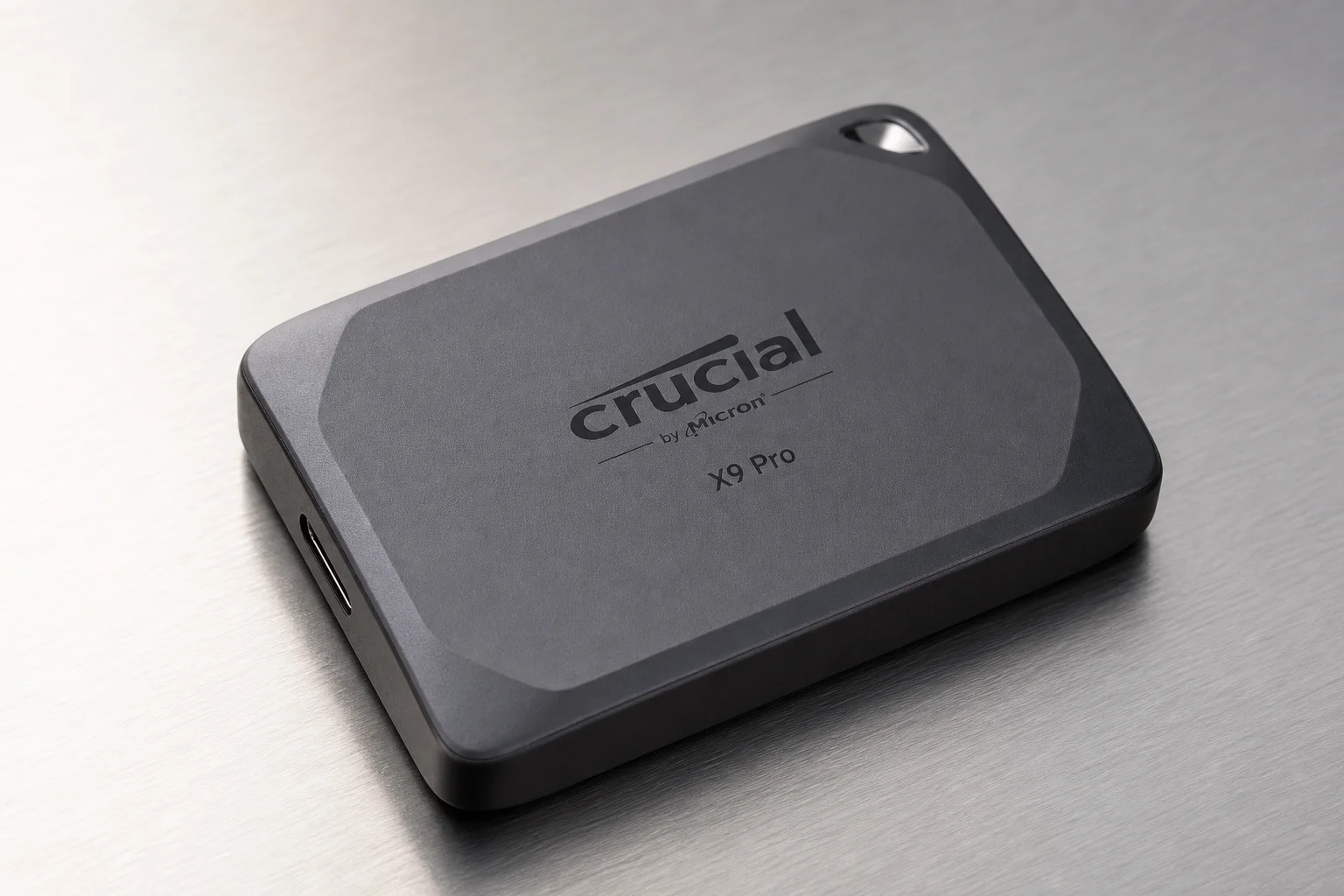
Best Balance: Crucial X9 Pro
The X9 Pro strikes an excellent balance between performance, size, and price. Read speeds reach approximately 900MB/s and write speeds around 700MB/s. The compact form factor is genuinely convenient for portable workflows.
The drive does run warmer than the X8 but handles the heat well without performance degradation. Many users are migrating their archive storage (files 1+ year old) to these drives, keeping only active projects on local storage.
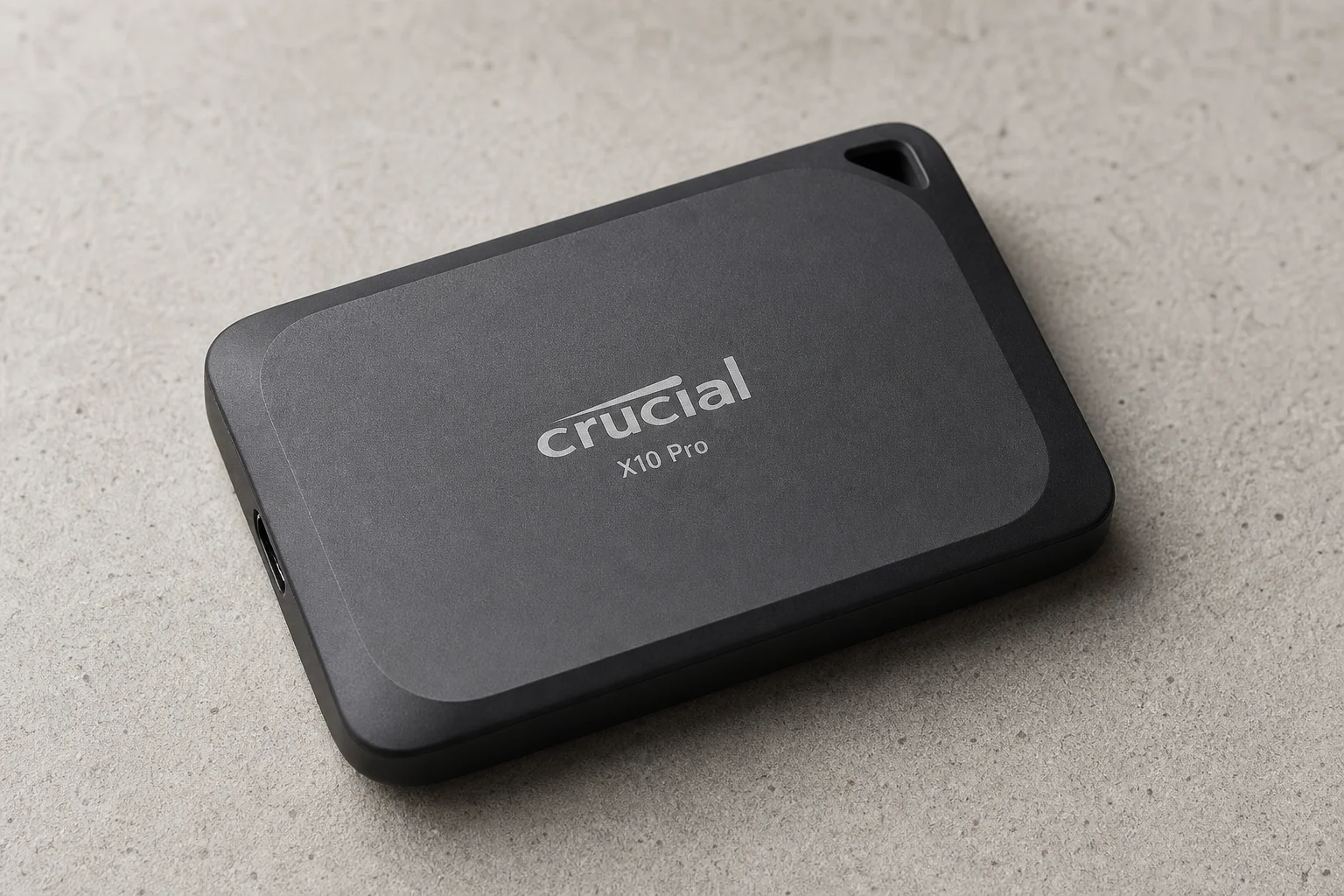
High-Performance Production: Crucial X10 Pro and Acasis Enclosure
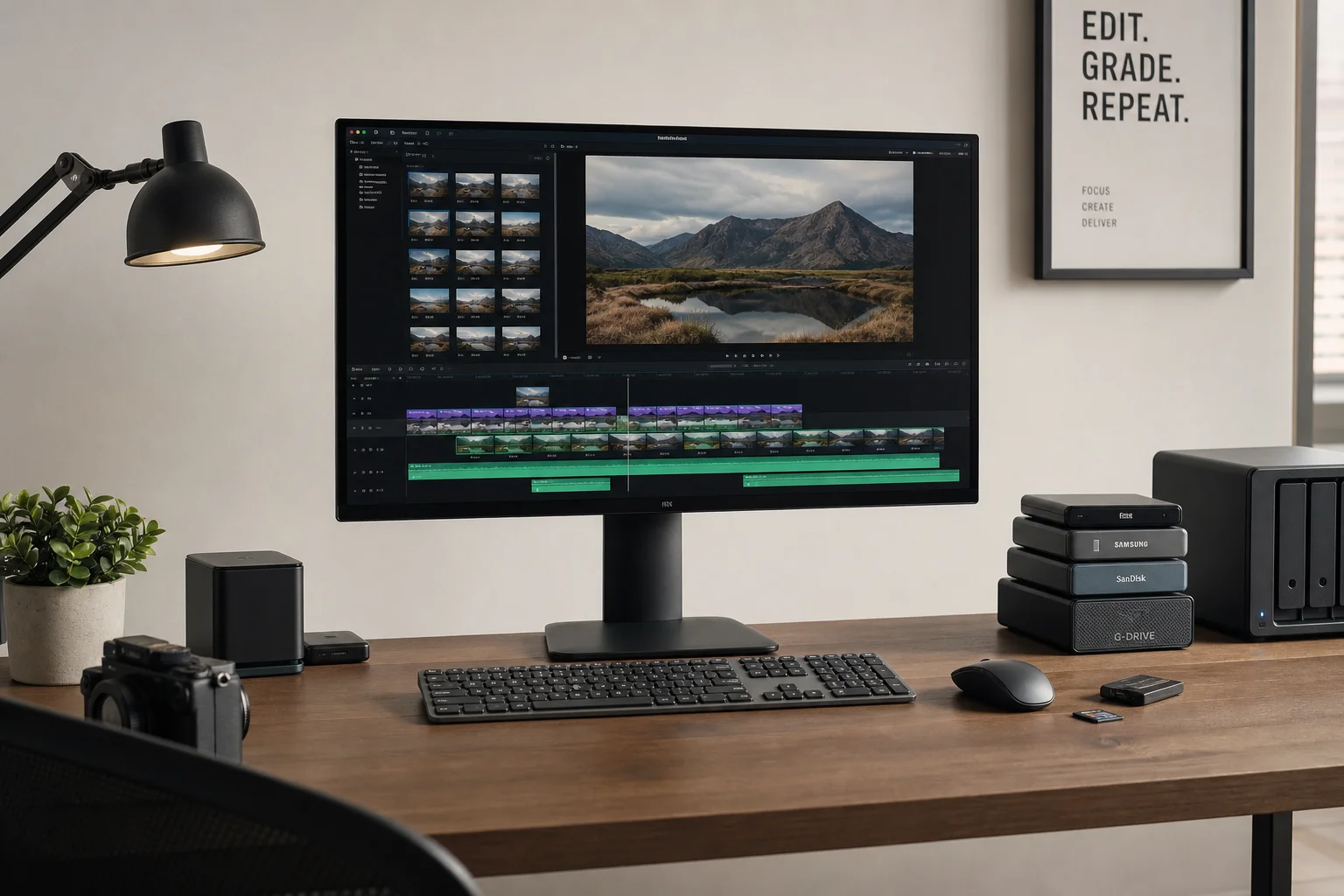
The Crucial X10 Pro is the production workhorse. When editing 4K video in Final Cut Pro or processing large raw image batches in Lightroom, performance matches internal MacBook Pro SSDs. This is exceptional for an external drive.
Stress testing with 1.9TB transfers showed the drive maintains speed even under extreme load. Running simultaneous benchmark tests during a large transfer caused temperature to reach 95°F (34.7°C), but performance remained stable. After stopping the benchmark, temperatures dropped to 93.6°F (34.2°C) within 10 minutes. This scenario is rare, but demonstrates the drive can handle sustained high-intensity workloads without dropping connection or overheating.
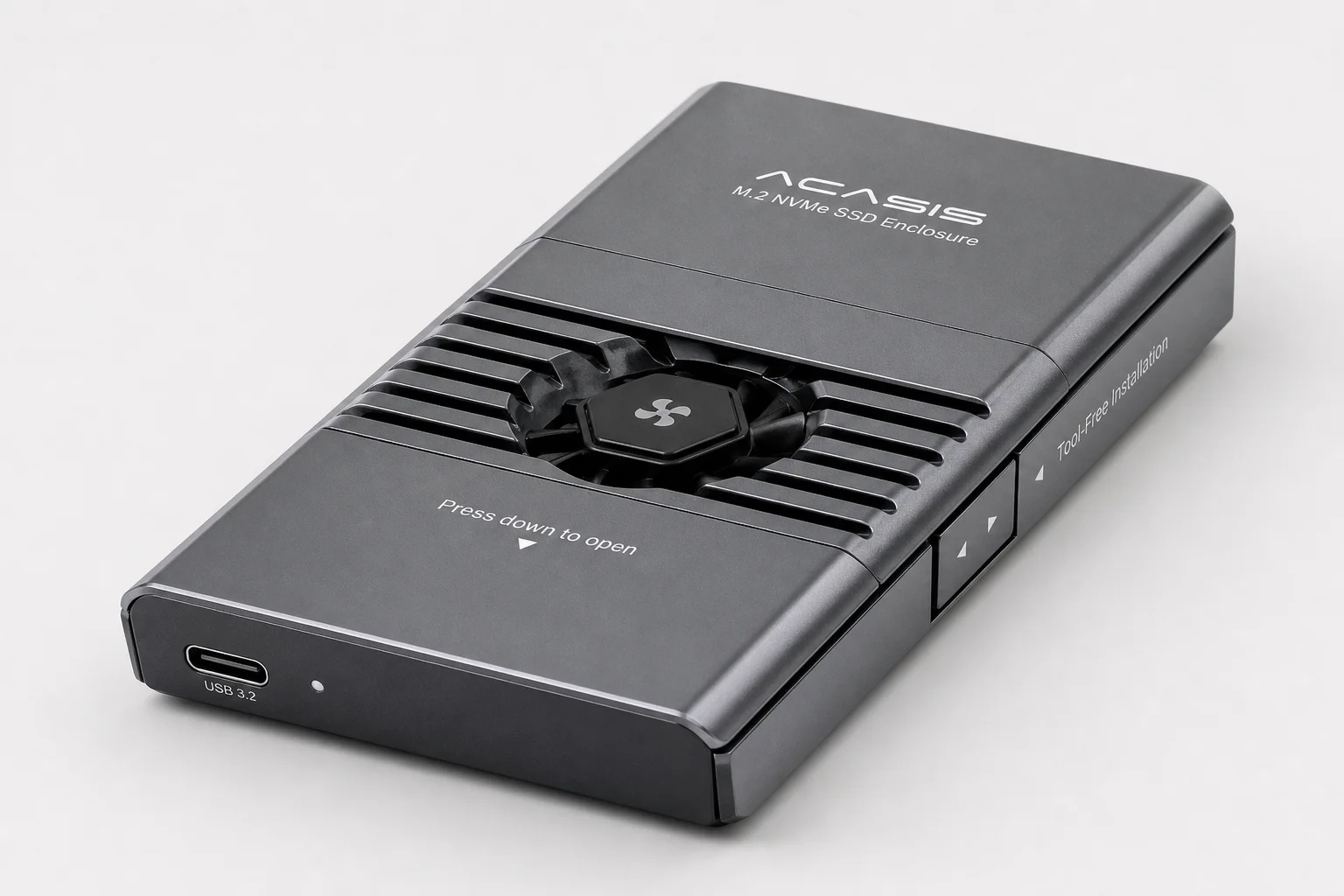
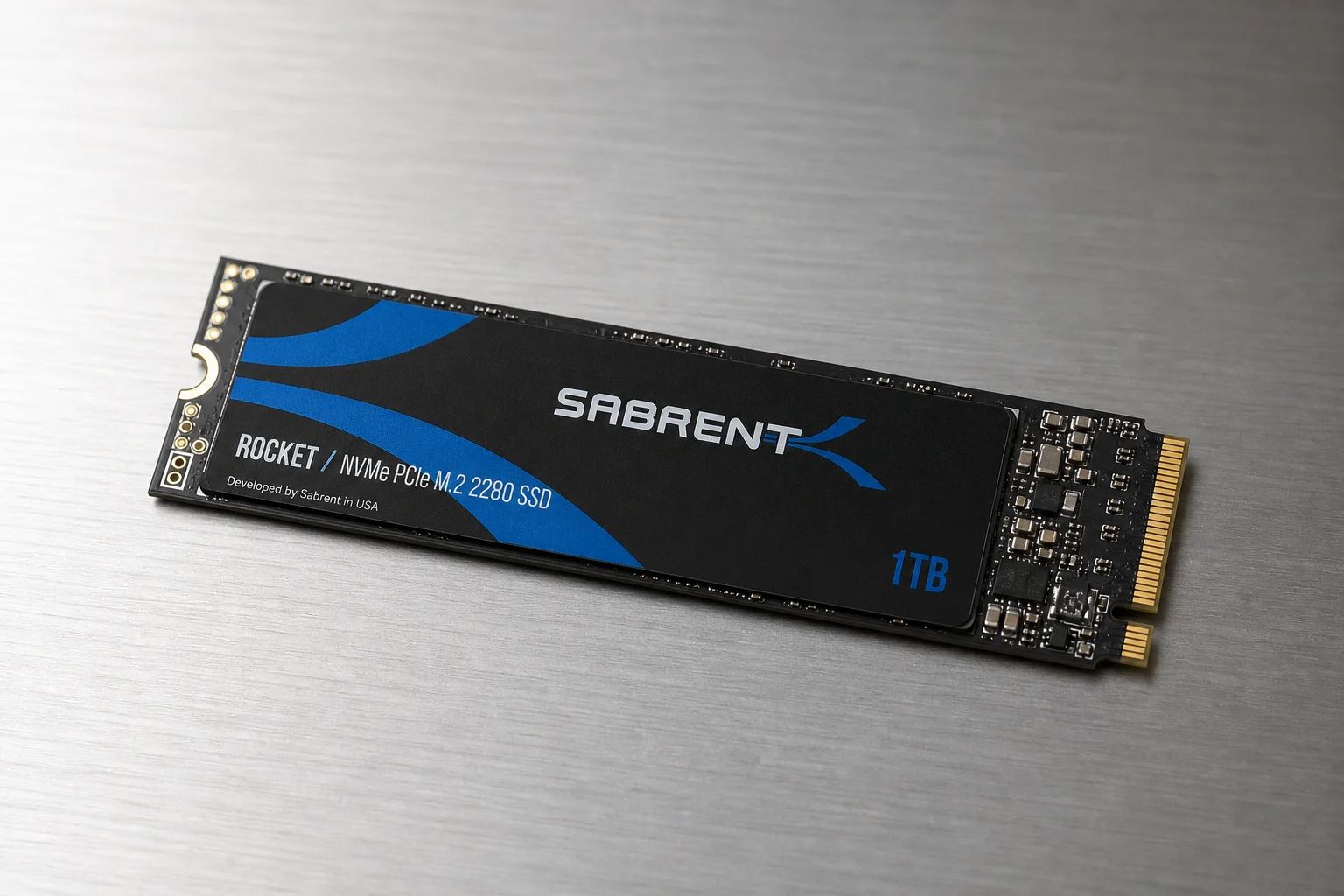
For maximum performance, the Acasis Enclosure with Sabrent Rocket M.2 drives offers the fastest speeds in testing, exceeding 2.5GB/s read speeds during large transfers. The built-in fan button keeps temperatures optimal during export operations. Tool-free access allows swapping multiple M.2 drives as needed. Acasis also manufactures hubs with additional ports (Ethernet, HDMI, USB-C, USB-A) and laptop power delivery, adding genuine utility beyond storage.
Budget-Friendly Options: Samsung T5 and T7 Shield
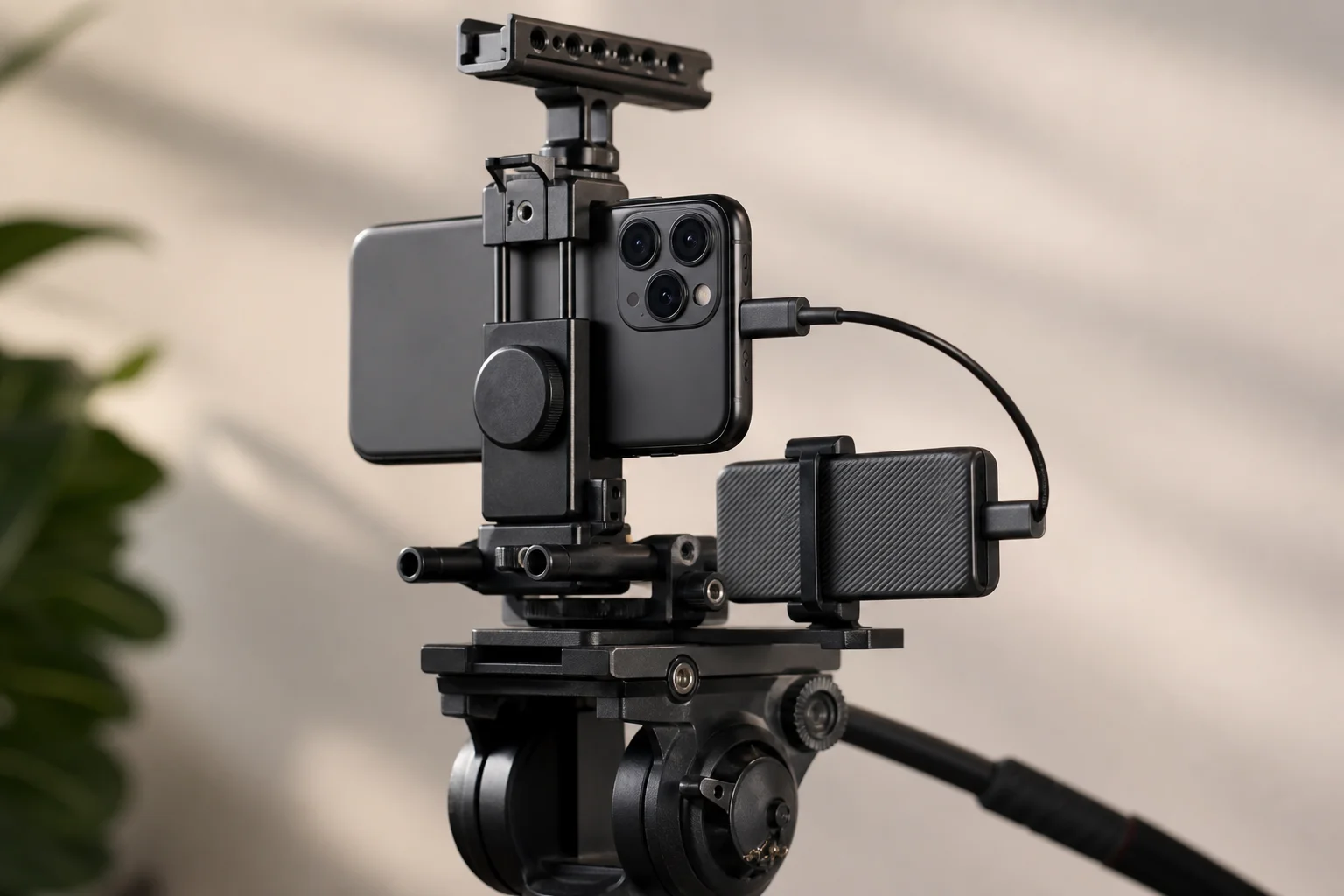
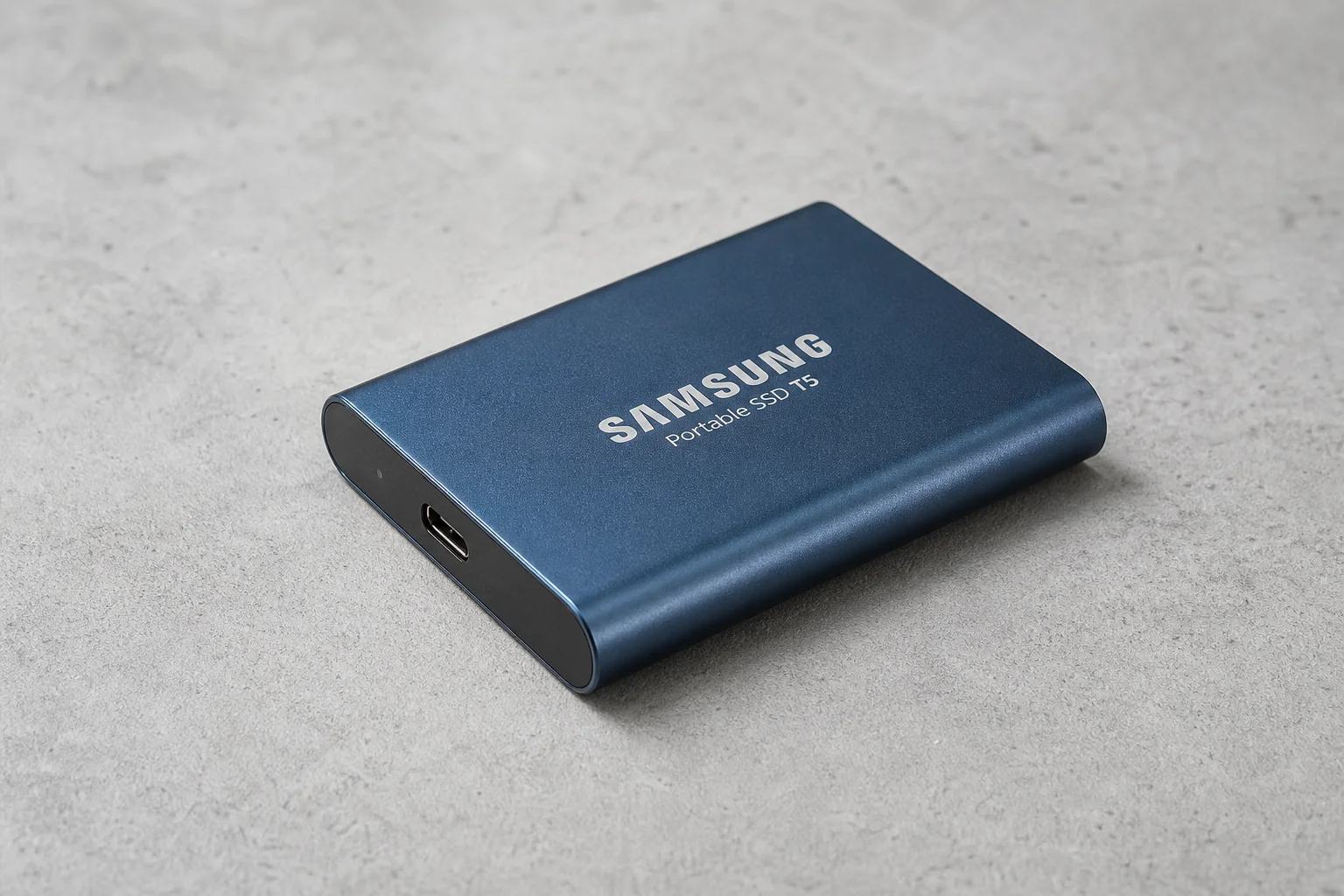
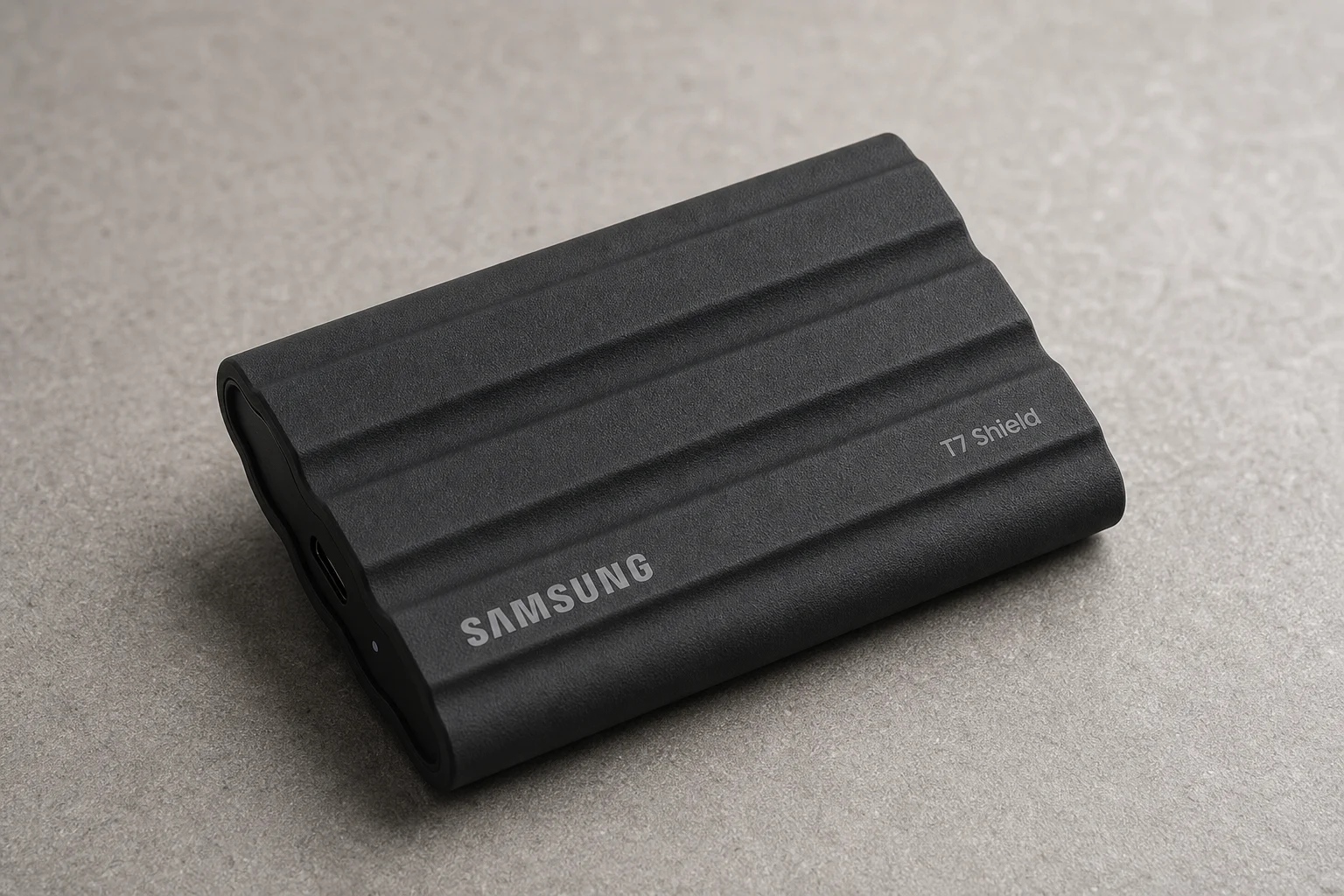
Samsung’s T5 and T7 Shield remain popular in the sub-$200 range and are suitable for basic backup and file storage. However, they are not recommended for ProRes recording on iPhone. Testing showed that while short clips (3-5 minutes) may work, longer recordings (10-15 minutes) result in dropped frames that only become apparent when reviewing footage later.
The T7 Shield offers better durability with 3-meter drop protection and IP65 rating for dust and water resistance. However, after extended use, some users report formatting issues and mounting problems across different operating systems. For short-term backup solutions, these drives work adequately, but they lack the longevity and performance of Crucial options.
Important Notes on Advertised Speeds
Every manufacturer publishes impressive speed numbers on packaging and websites. In real-world testing, these speeds are rarely achieved. The small print typically indicates these are theoretical maximums under specific conditions. Always expect actual performance to be 20-40% lower than advertised figures.
Drives to Avoid
SanDisk Extreme and WD Black models have reported data loss issues. Until these are resolved, they cannot be recommended despite their previous popularity. Additionally, the WD Black experiences severe throttling when temperatures exceed 100°F (40°C), slowing to 500MB/s or less, making it unsuitable for sustained production work despite impressive read speeds up to 1.3GB/s.
Conclusion
For most users, Crucial offers the best combination of performance, reliability, and value. The X9 Pro is ideal for portable workflows, while the X10 Pro handles professional production work. For maximum performance, the Acasis Enclosure with Sabrent drives is unmatched. Budget-conscious users should choose Crucial over Samsung options for better long-term reliability.
Further reading
Related Reviews
Automotive Accessories
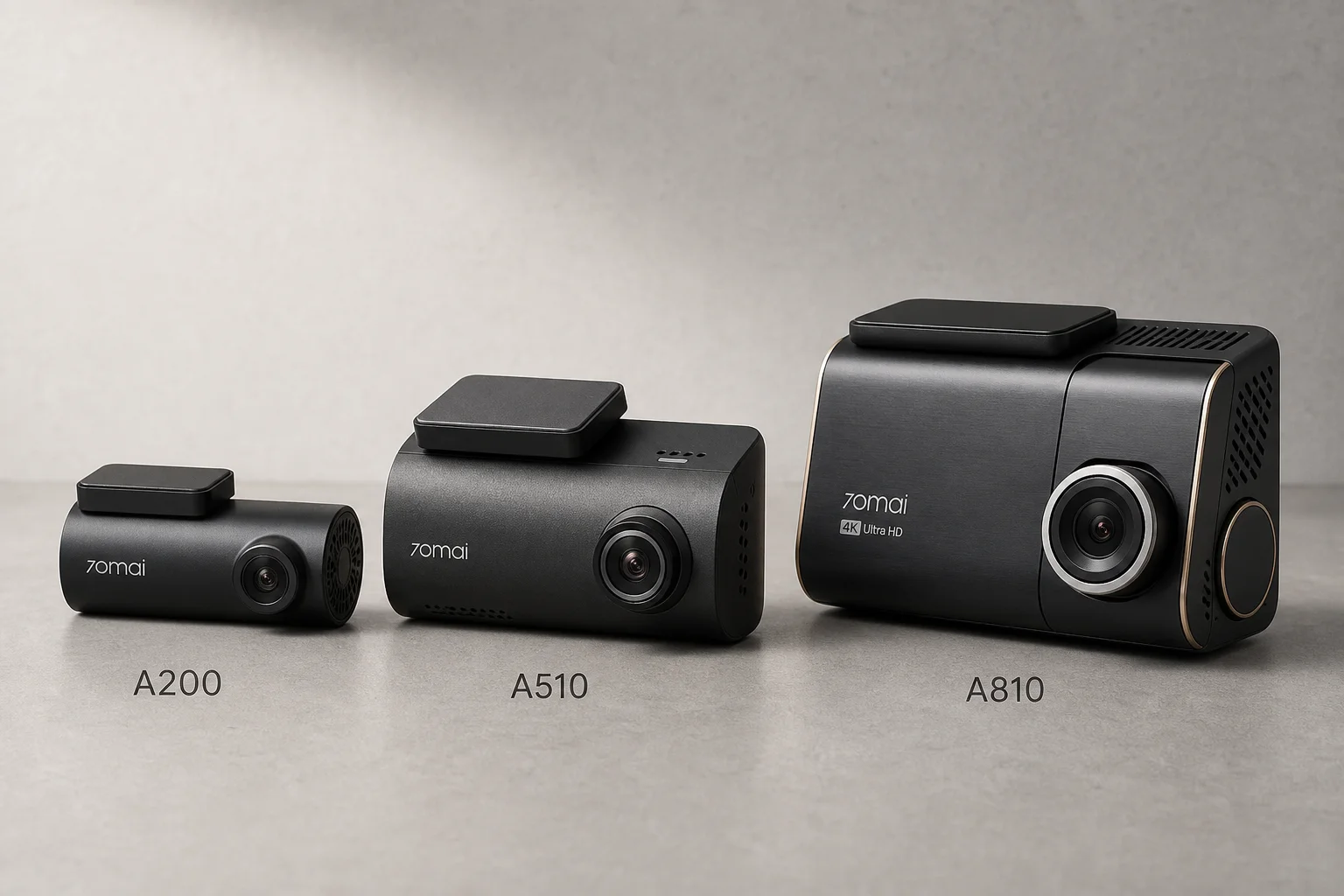
70mai Dash Cam Comparison: A200 vs A510 vs A810
Three dash cameras from 70mai across different price points reveal how resolution and sensor quality impact real-world footage clarity, especially for number plate visibility and low-light performance.
Cycling Power Meters
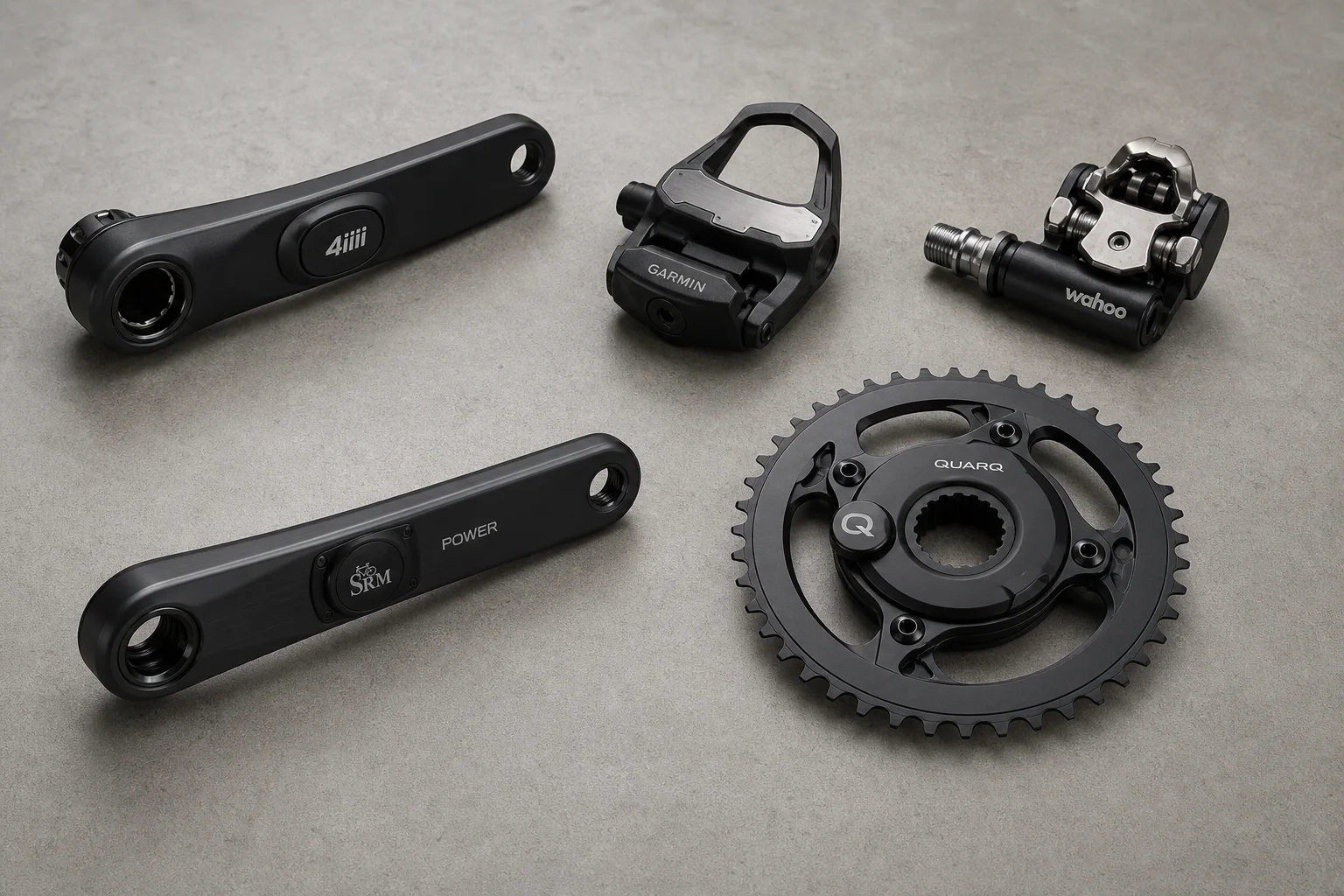
Five Affordable Power Meters for Road and Off-Road Cycling
Five practical power meter options under $500 that deliver reliable power measurement without breaking the budget.
Coffee Gear
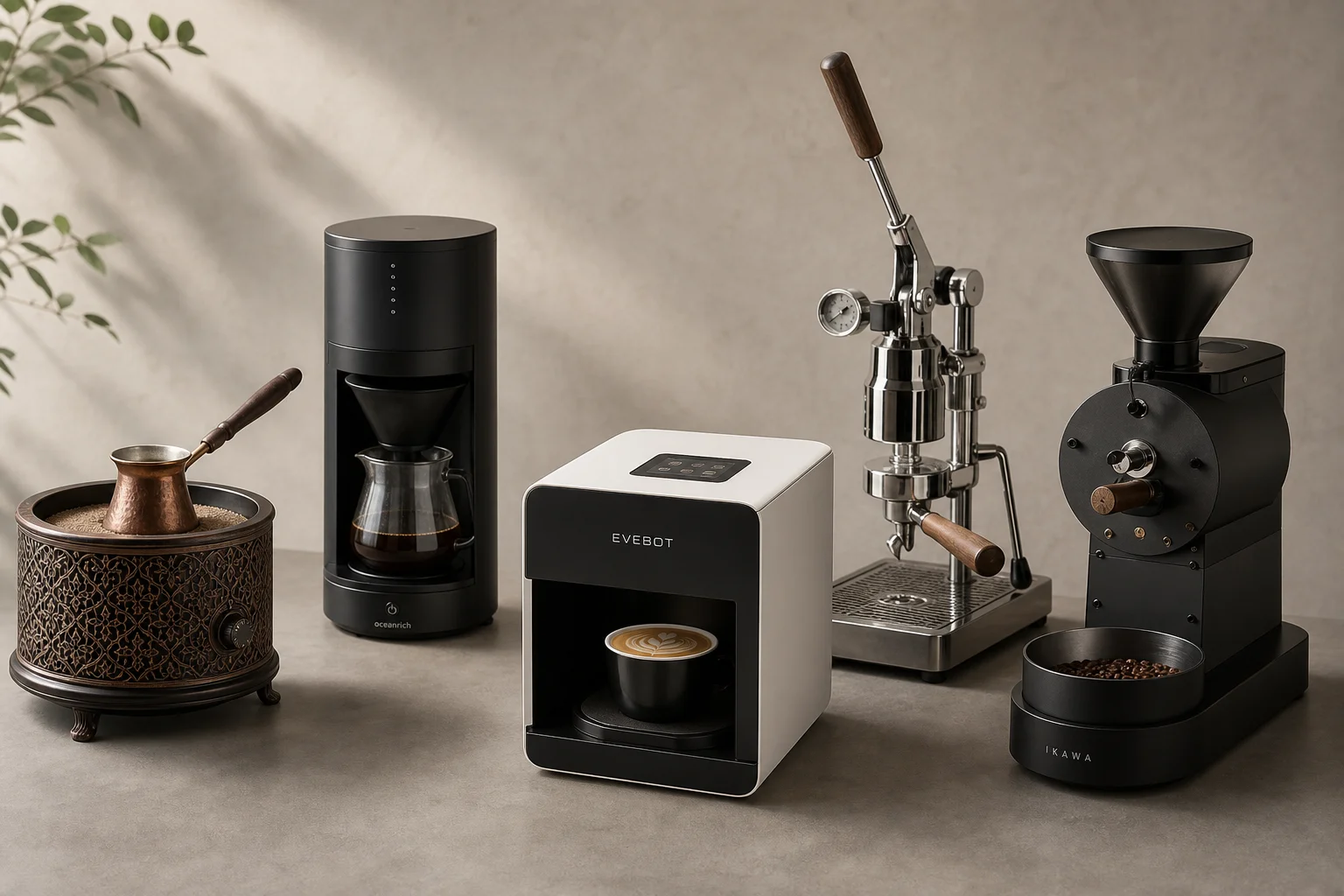
AliExpress Coffee Gear Review: Five Products Worth Testing
A practical look at five coffee tools from AliExpress, including a sand heater, automatic brewer, latte art printer, espresso machines, and home roaster.