Tech Reviews
Mac mini M4 Review: Three Reasons This Tiny Desktop Stands Out
Apple's redesigned Mac mini M4 combines an impossibly compact form factor, exceptional base-model value, and surprising portable workstation credentials into one five-by-five-inch package.
Introduction
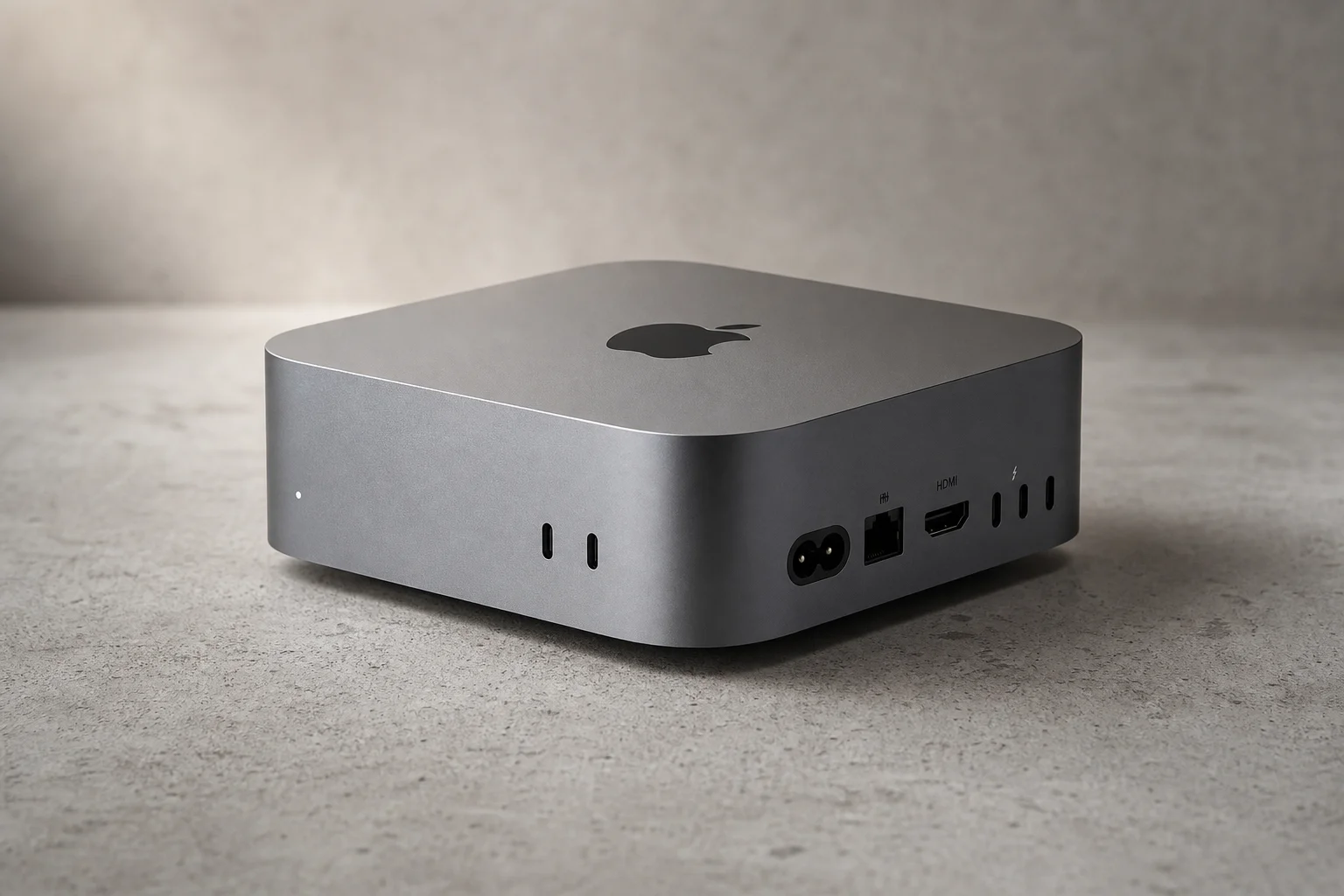
Apple’s M4 Mac mini refresh brings three genuinely unusual qualities to a desktop computer: a form factor so compact it redefines what “small” means for a capable machine, a base model that represents one of the best value propositions in consumer tech right now, and a credible case as a portable workstation for professionals who need to travel with serious computing power.
The Impossibly Tiny Form Factor
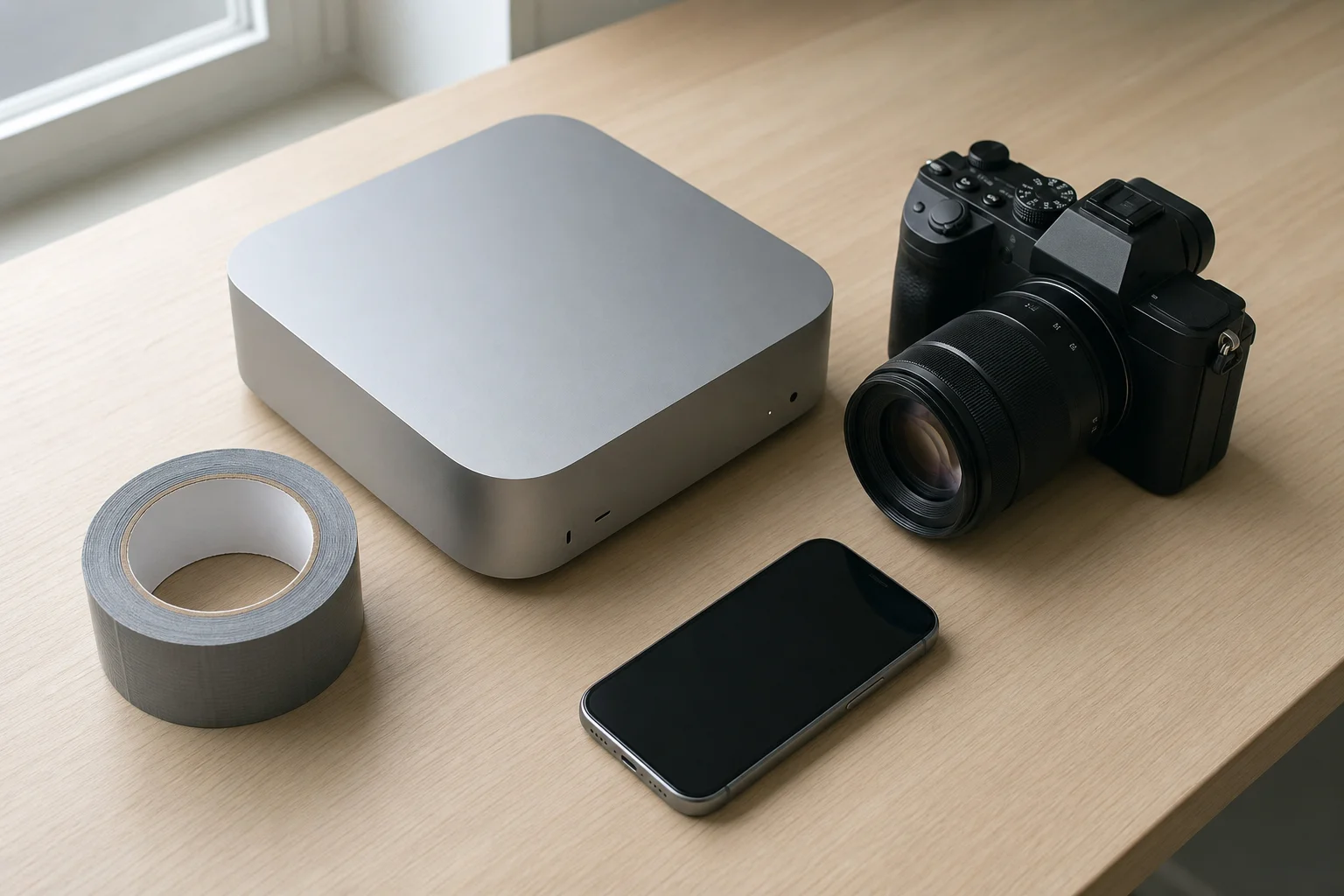
The new Mac mini measures five inches by five inches with a height of two inches. To put that in perspective, it is smaller than a camera body with a lens attached, smaller than a new roll of duct tape, and barely larger than an Apple TV. This is not incremental miniaturization; this is a fundamental rethinking of how much capability can fit into a desktop form factor.
Apple has long pursued an obsession with making certain computers as small as possible, even before Apple silicon arrived. The M4 generation has unlocked another level entirely. The redesign moves away from the previous Mac mini aesthetic toward something that resembles a shrunken Mac Studio. Despite the compact dimensions, the machine still houses a fan for active cooling, maintains full-size HDMI output, includes Gigabit Ethernet by default, and provides three Thunderbolt ports on the rear plus two USB-C 3 ports on the front alongside a headphone jack.
The trade-off is notable: there is no SD card reader, and USB-A connectivity has been eliminated entirely. If you attempted to build or purchase another computer matching this size and capability combination, you would either end up with something equally small but far less capable, or something equally capable but significantly larger. The engineering constraint is real, and Apple has chosen to prioritize performance and thermal efficiency over legacy connectivity.
Connectivity and Design Trade-offs
One design choice stands out as deliberately provocative: the power button is located on the bottom rear corner of the unit. This placement is functionally inconvenient without being genuinely problematic. Most users rely on sleep and wake functions rather than powering the machine on and off regularly, so the button’s awkward location becomes more of a design quirk than a practical hindrance. It is precisely the kind of minor annoyance that generates discussion without creating a real usability issue.
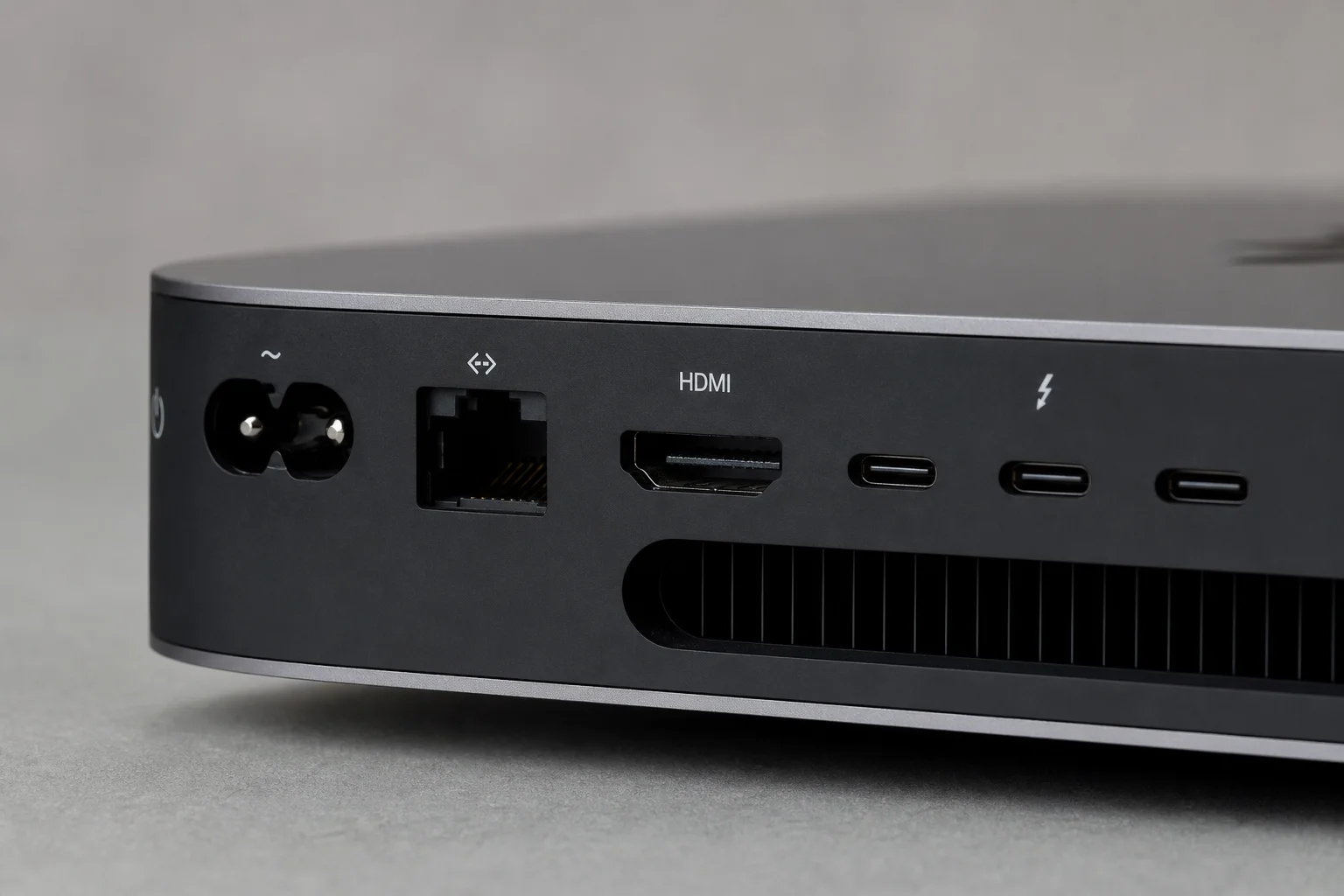
The rear port arrangement is comprehensive for a machine this size. Gigabit Ethernet, full-size HDMI, and three Thunderbolt ports provide solid connectivity for a desktop environment. The front USB-C 3 ports and headphone jack add convenience for everyday peripherals. The absence of USB-A and SD card support reflects Apple’s broader ecosystem direction, though it does mean users with legacy devices will need adapters.
Thermal management has been redesigned to work effectively within the constrained space. The single fan remains quiet during normal operation and only becomes audible during sustained heavy workloads. This represents a meaningful achievement in thermal engineering, especially given the performance density packed into the chassis.
Performance and Everyday Use
The base M4 Mac mini costs $599 and arrives with 16 gigabytes of unified memory as standard, double the previous generation’s eight gigabytes. The 10-core CPU and 10-core GPU configuration handles everyday tasks with ease: web browsing, music streaming, and aggressive multitasking all run smoothly. The machine is capable of medium-grade workloads including photo editing, coding and development, and light creative work.
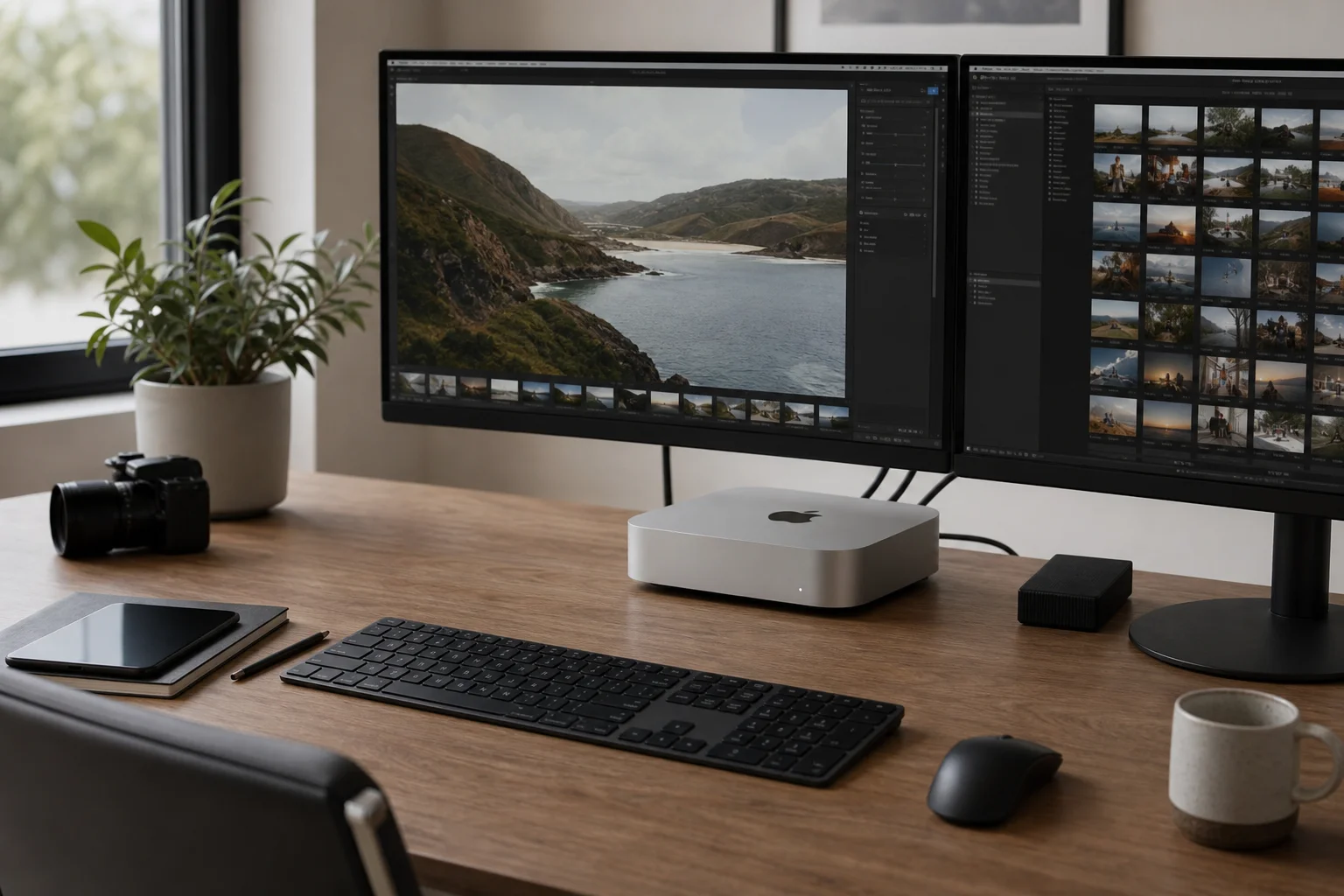
Four generations into Apple silicon, the performance gains have accumulated meaningfully. The M4 base chip delivers the world’s fastest single-core performance in its class and handles applications like Pixelmator without strain. Running dozens of browser tabs, managing multiple applications simultaneously, and switching between tasks feels responsive and fluid. The machine is not designed for heavy graphically-intensive gaming or professional video editing at high bitrates, but it covers a broad range of productive and creative work comfortably.
The base model’s value proposition is particularly strong when compared to the M4 iMac, which starts at $1,299 for essentially the same computer in an upright form factor with a non-replaceable display. The $700 difference allows users to select any external monitor they prefer, making the Mac mini the more flexible choice for most buyers.
Apple’s upgrade pricing structure becomes aggressive once you move beyond the base configuration. The 256-gigabyte storage can be expanded to one terabyte for an additional $400, and upgrading to 10-gigabit Ethernet adds another $100. These costs approach the price of an entire additional Mac mini, which is why the base model’s value is so compelling. All memory and storage are soldered at purchase; no upgrades are possible after the fact.
The Portable Workstation Case
The M4 Pro variant, priced at $1,399, makes a compelling argument as the most portable high-performance Mac available. With 48 gigabytes of memory, this configuration achieves the highest CPU benchmark scores of any desktop Mac ever released, surpassing the Mac Pro and Mac Studio. Multi-core performance ranks at the top of Geekbench’s all-time Mac list.
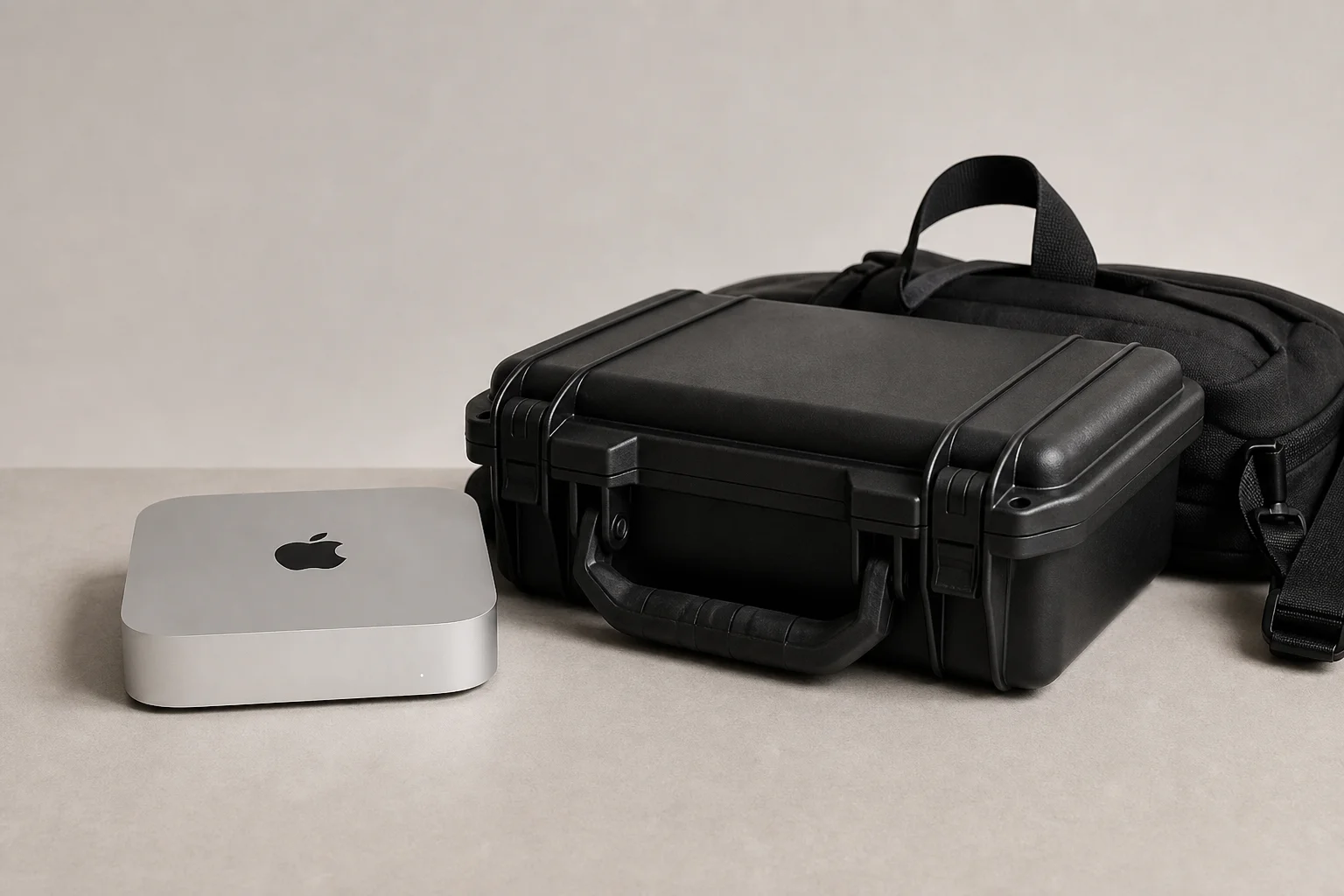
For professionals who previously transported iMac Pro units in Pelican cases to events and locations, the M4 Pro Mac mini offers a practical alternative. An equivalent MacBook Pro with M4 Pro starts at $2,000, making the Mac mini a more affordable option for those who do not require a built-in display or keyboard. The M4 Pro configuration also upgrades the rear Thunderbolt ports to Thunderbolt 5, enabling support for three 6K displays instead of two.
This machine represents the culmination of Apple’s long-standing desire to create impossibly small, powerful computers. Earlier attempts like the cylindrical Mac Pro and razor-thin MacBook Pro models with thermal issues demonstrated the challenge of fitting workstation-class performance into minimal form factors. Apple silicon’s efficiency has finally made this vision practical.
Conclusion
The Mac mini M4 deserves attention for three distinct reasons: its genuinely revolutionary compactness, its exceptional base-model value at $599, and its credible positioning as a portable workstation for professionals who need to travel with serious computing power. The power button placement and lack of USB-A connectivity are minor quirks rather than serious drawbacks. For anyone seeking an affordable entry point to macOS, a capable desktop for everyday creative work, or a portable high-performance machine, the Mac mini M4 merits serious consideration.
Product link
View more details for Mac mini M4
This product is mentioned in the review. Check the specifications, options, and compatibility before buying.
View more details for Mac mini M4Further reading