Aquarium Equipment
Monitor Powerhead Performance with Neptune Apex: A Complete Guide
Learn how to use Neptune Apex to track pump health, catch failures early, and protect your tank from common powerhead issues.
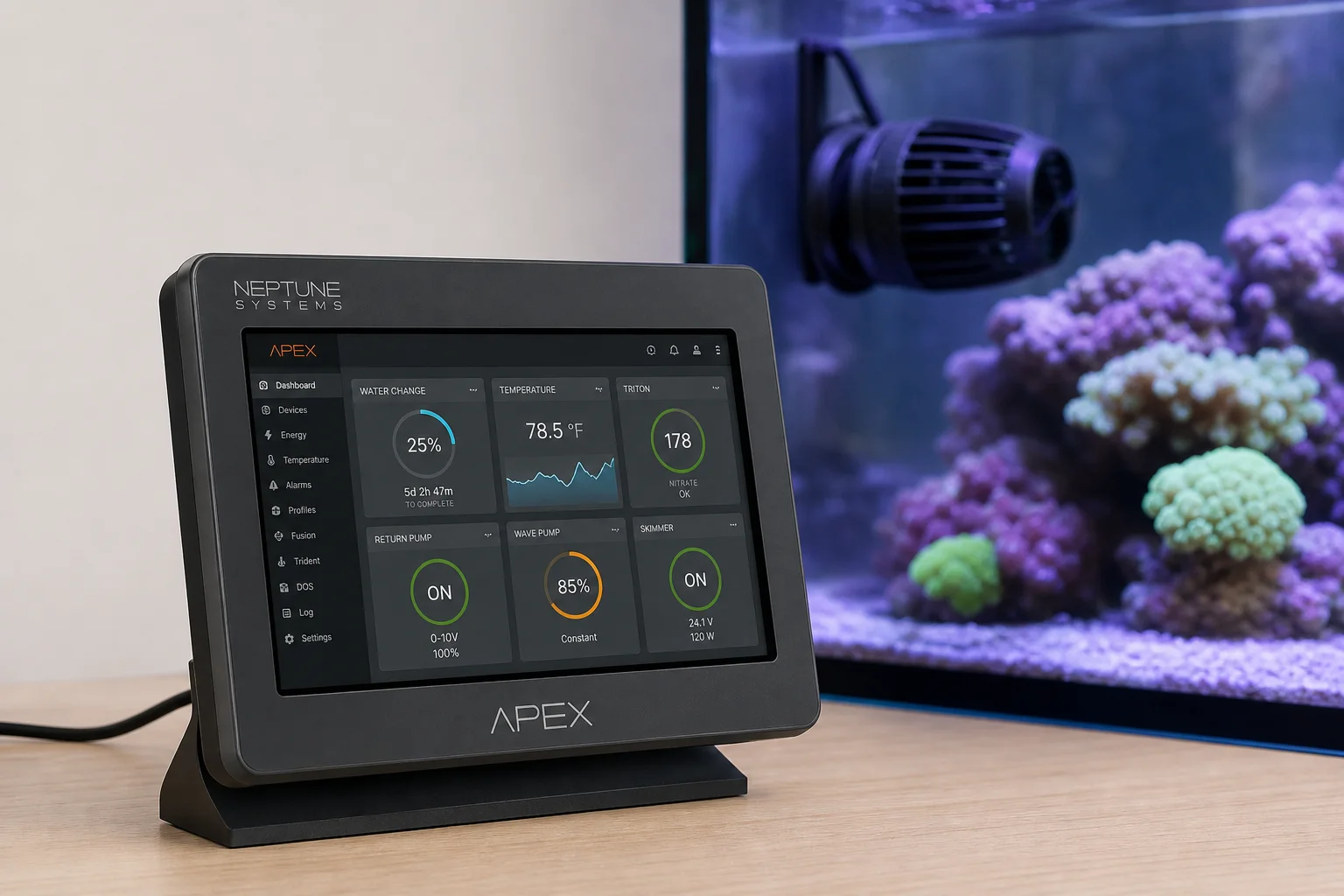
Why Powerhead Monitoring Matters
Powerheads are essential to reef tank health, but they face constant challenges. A pump can become clogged with detritus, lose suction and tumble into the sand bed, or fail completely without warning. When flow stops, your corals and fish face a ticking clock. Oxygen depletion and waste buildup accelerate quickly, especially during power outages when you may be away from the tank.
The difference between catching a pump failure in minutes versus hours can mean the survival of your entire tank. Fortunately, Neptune Apex provides several tools to monitor pump performance and alert you the moment something goes wrong.
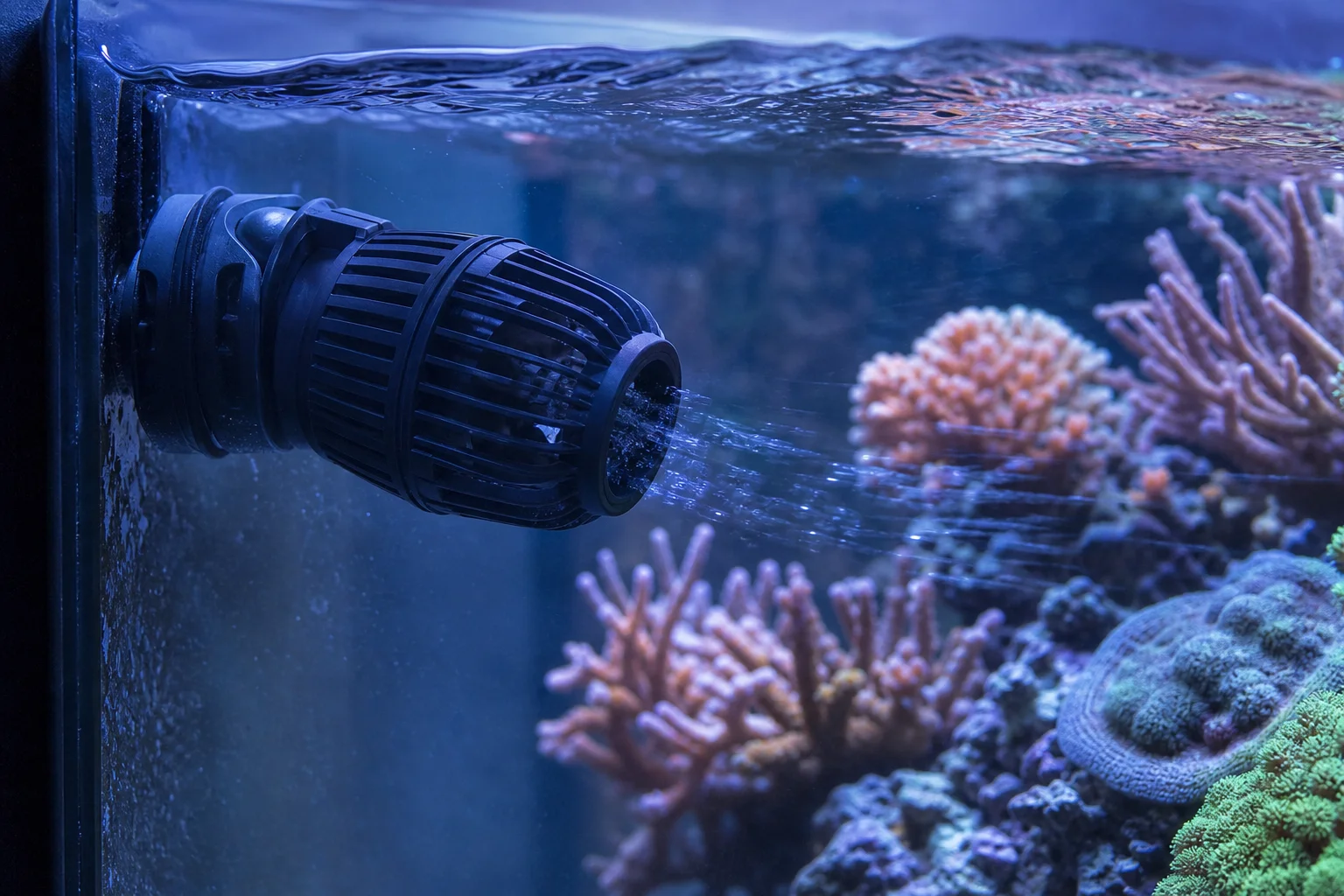
Enable Apex Heartbeat for Power Outage Detection
Before adding any powerhead monitoring, set up the most critical alert: the Apex heartbeat. This feature notifies you immediately if your Apex loses internet connection, indicating a power failure at your breaker box or home.
To enable it, open the Fusion dashboard dropdown menu (upper left on desktop, upper right on mobile), scroll to heartbeat, and select enable. Test the alert by unplugging your Apex head unit to confirm you receive a notification. This single feature can save your entire tank investment if a power outage occurs while you are away.
Setting Up Power Usage Monitoring
Powerheads draw measurable electrical current. When a pump slows due to clogging, draws excess power from being accidentally sped up, or stops entirely, the power draw changes. By monitoring power usage, you catch these issues before they harm your corals.
To set this up, plug your powerhead into an Apex outlet, click the gear icon, rename it (for example, “Powerhead Right”), select advanced control type, and ensure fallback and set are both enabled. Repeat for each powerhead.
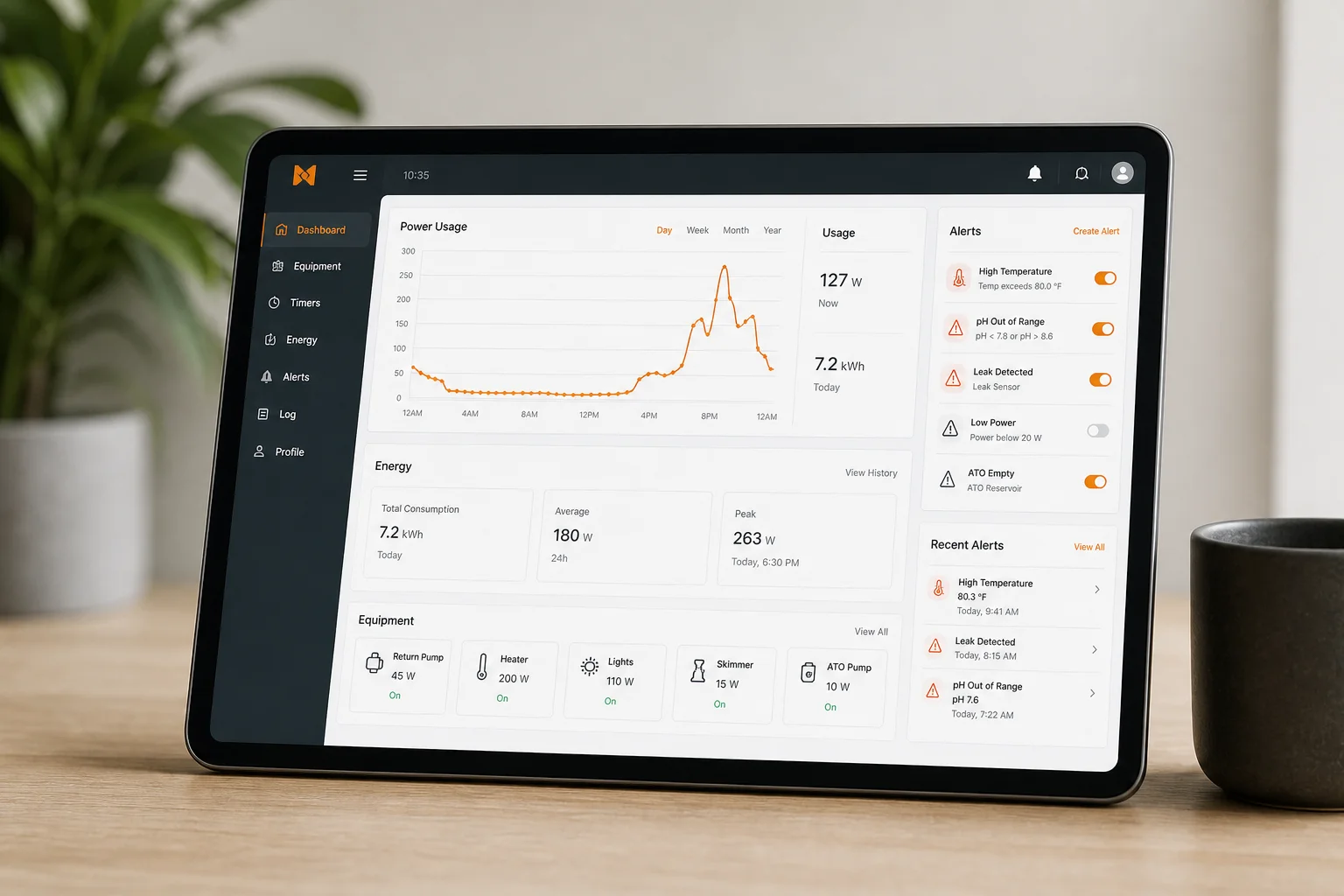
Next, create a power usage alarm. Click the task icon in your dashboard, search for power usage alarm, select your powerhead outlet, and set minimum and maximum wattage thresholds. The Apex recommends ranges automatically, but allow your pumps to run for several days first so the system can establish accurate baseline power draw. This way, you will be alerted if a pump becomes clogged, fails, or is accidentally turned off.
Monitor Tank Chemistry for Sand Bed Disturbance
If a powerhead loses suction and falls into the sand bed, it can stir up months or years of accumulated detritus. This sudden release of organic matter causes a measurable drop in tank ORP (oxidation reduction potential).
Set up an ORP alarm by finding the probe alarm task, selecting your ORP probe, and defining minimum and maximum ORP ranges. After a few days of baseline measurement, the Apex will alert you if ORP drops sharply, signaling a potential sand bed disturbance before it damages your corals.
Protecting Your Stand and Floors
Powerheads mounted too high or running during water changes can splash water over the tank edge, damaging your stand and floors. Prevent this in two ways.
First, add your powerheads to feed mode so they turn off automatically during maintenance. Click the gear icon for each powerhead outlet and add the line: if vd000 then off. By default, feed mode runs for five minutes, but you can adjust this in miscellaneous setup (wrench icon) to anywhere from one to 999 minutes.
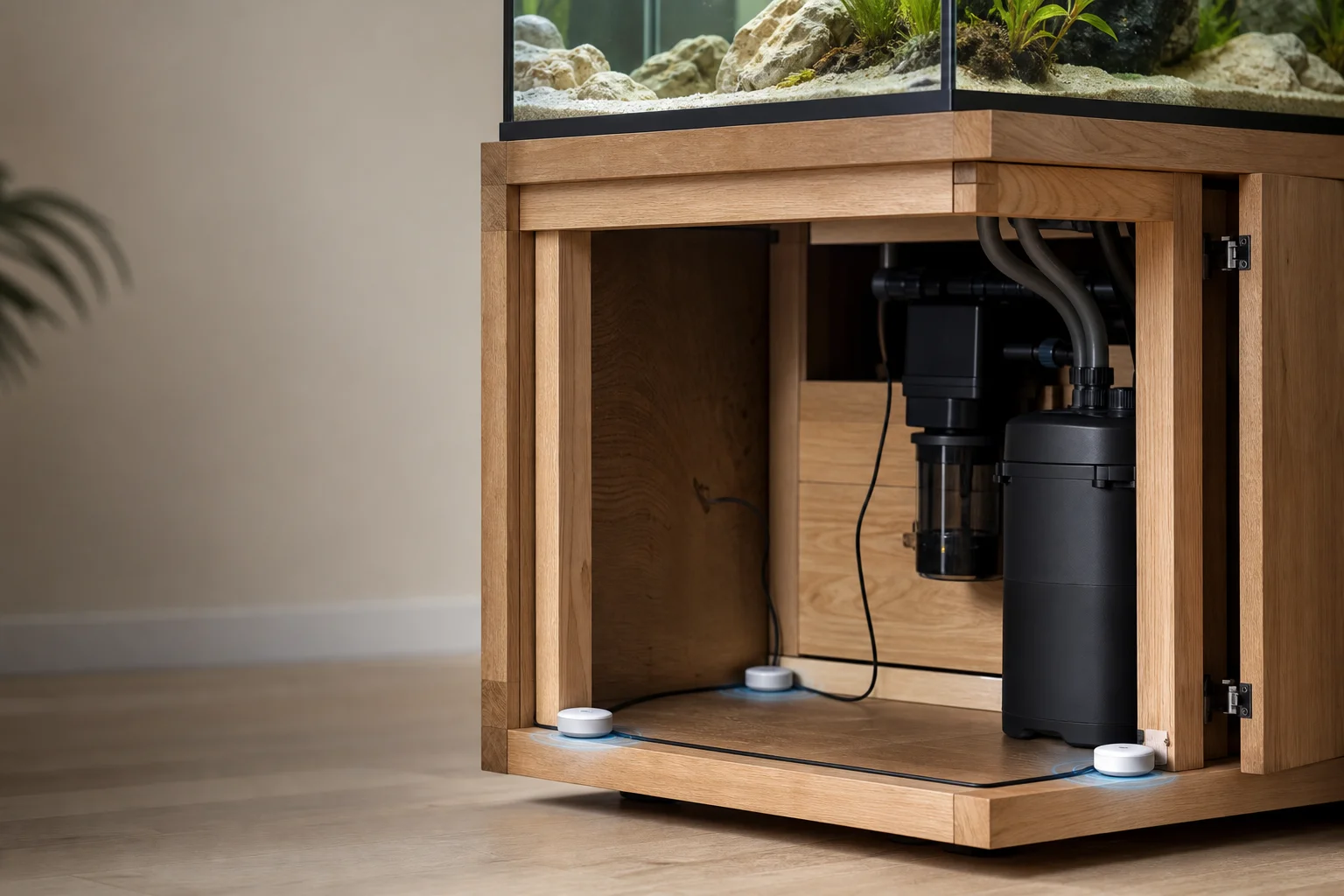
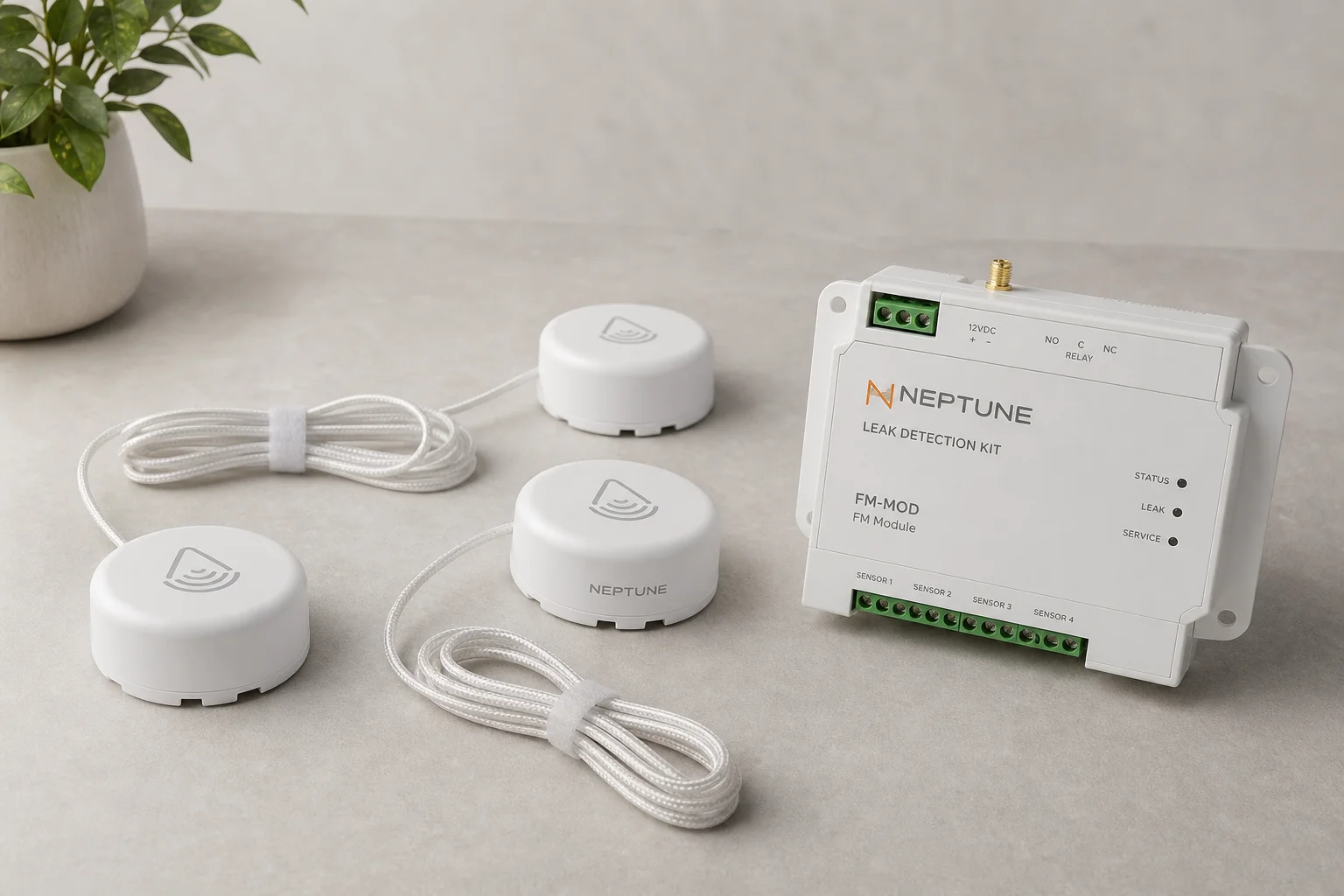
Second, use the Neptune LDK leak detection kit to catch splashing water before it causes damage. Place leak sensors near the edges of your stand or underneath carpeting, plug them into the FM module, and set up automatic alerts through the LDK task function. This combination catches both obvious and subtle water leaks.
Advanced Control with Neptune Wave
Standard powerheads run at a fixed speed, but variable-speed pumps connected to Apex variable speed outlets allow you to program different flow rates throughout the day. The Apex includes a graph-based wizard for scheduling, and you can download pre-configured schemes from the community library.
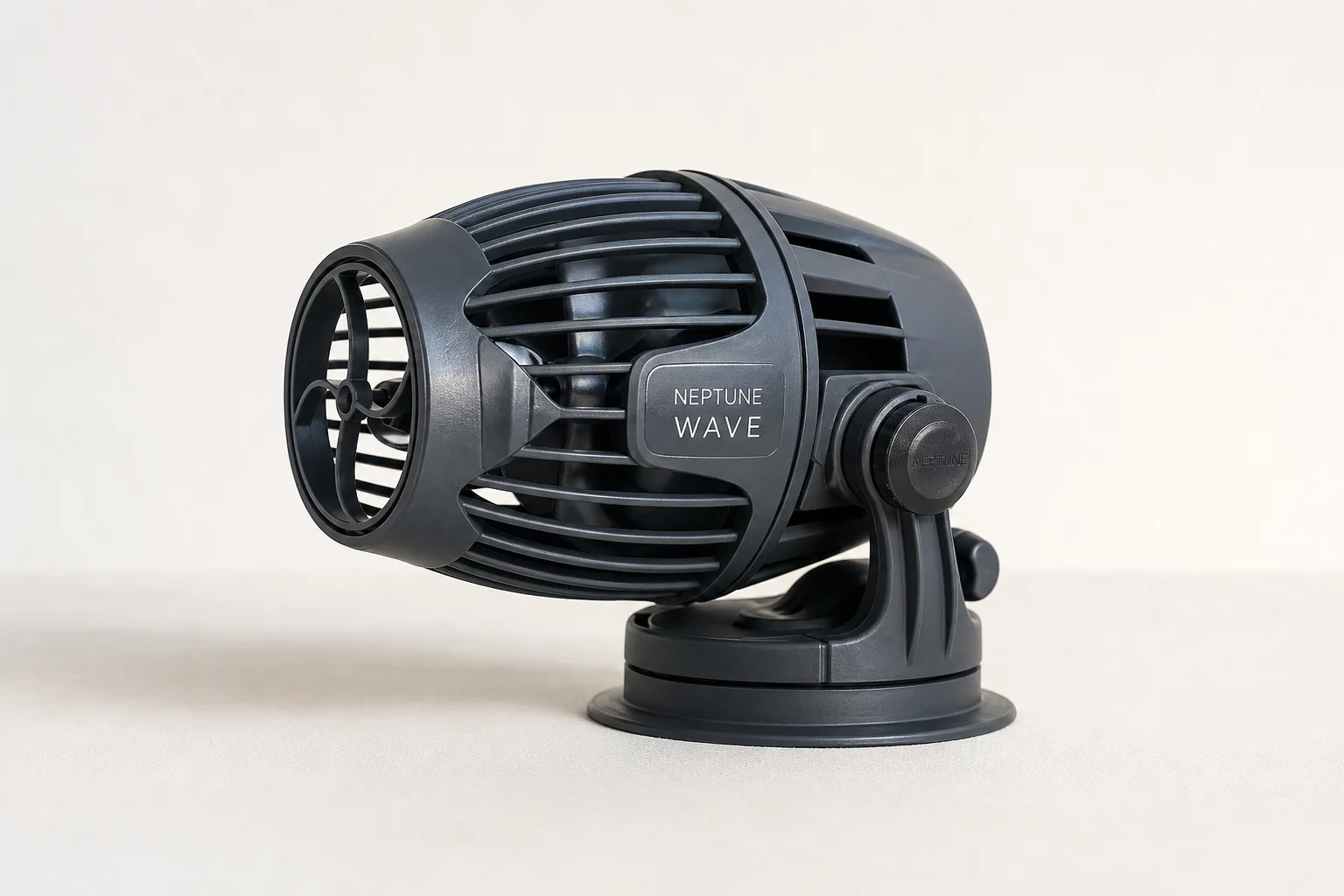
The Neptune Wave takes this further with seven advanced flow mode types that automatically vary the flow pattern for you. More importantly, the Wave detects when it is out of water and shuts itself off automatically, eliminating the need to remember to turn it off during maintenance or water changes.
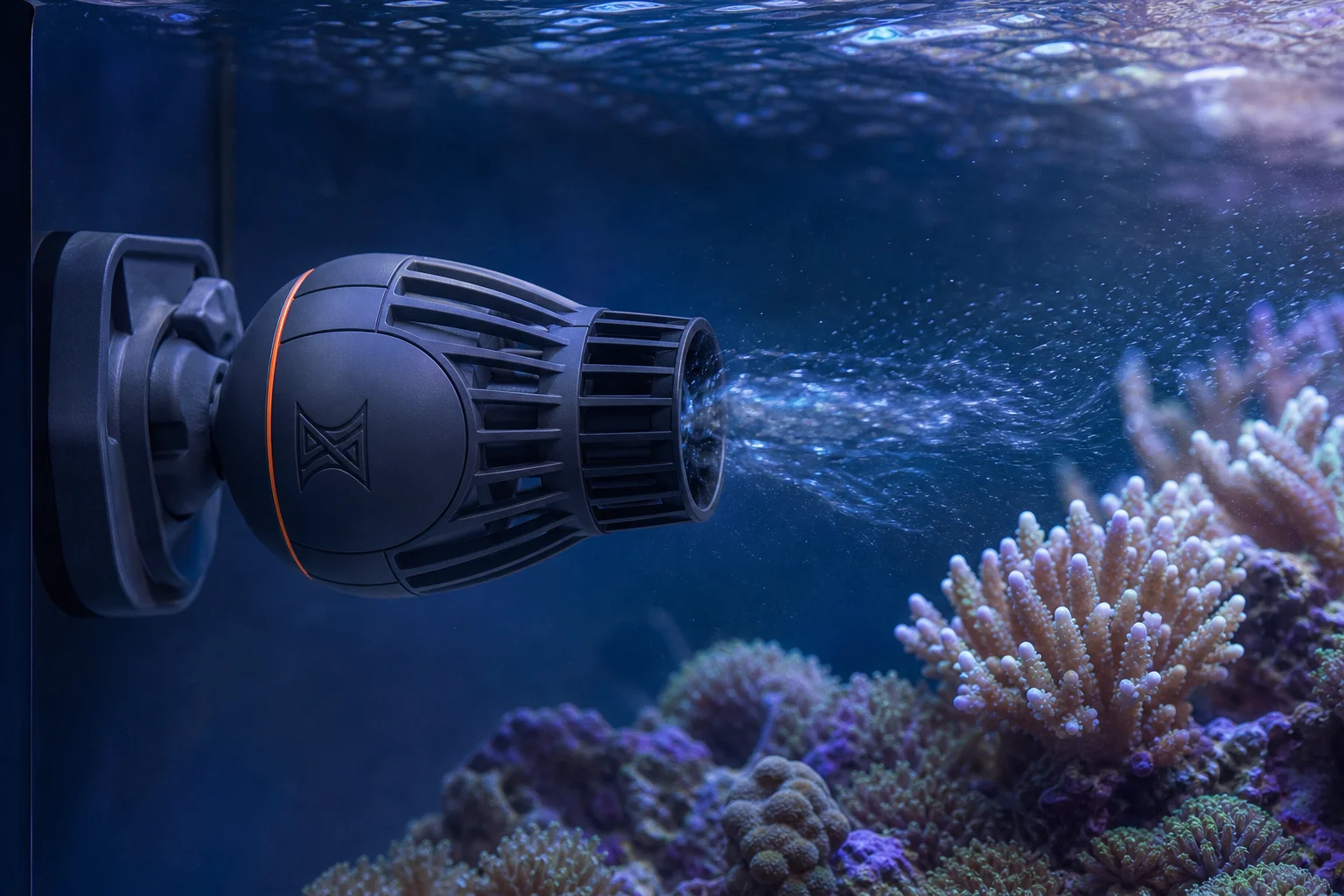
The Wave also includes additional safety alerts for internal temperature, voltage, and stall errors, notifying you of pump failure symptoms before they become critical. This makes it one of the smartest powerheads available for Apex-controlled tanks.
Conclusion
Powerhead failures happen to every reefer, but early detection prevents tank disasters. By enabling Apex heartbeat, setting up power usage alarms, monitoring ORP, and using leak detection, you transform your Apex into a comprehensive pump health system. For those seeking maximum control and safety, the Neptune Wave adds intelligent automation and advanced diagnostics that keep your tank stable and your corals thriving.
Further reading
Related Reviews
Aquarium Equipment
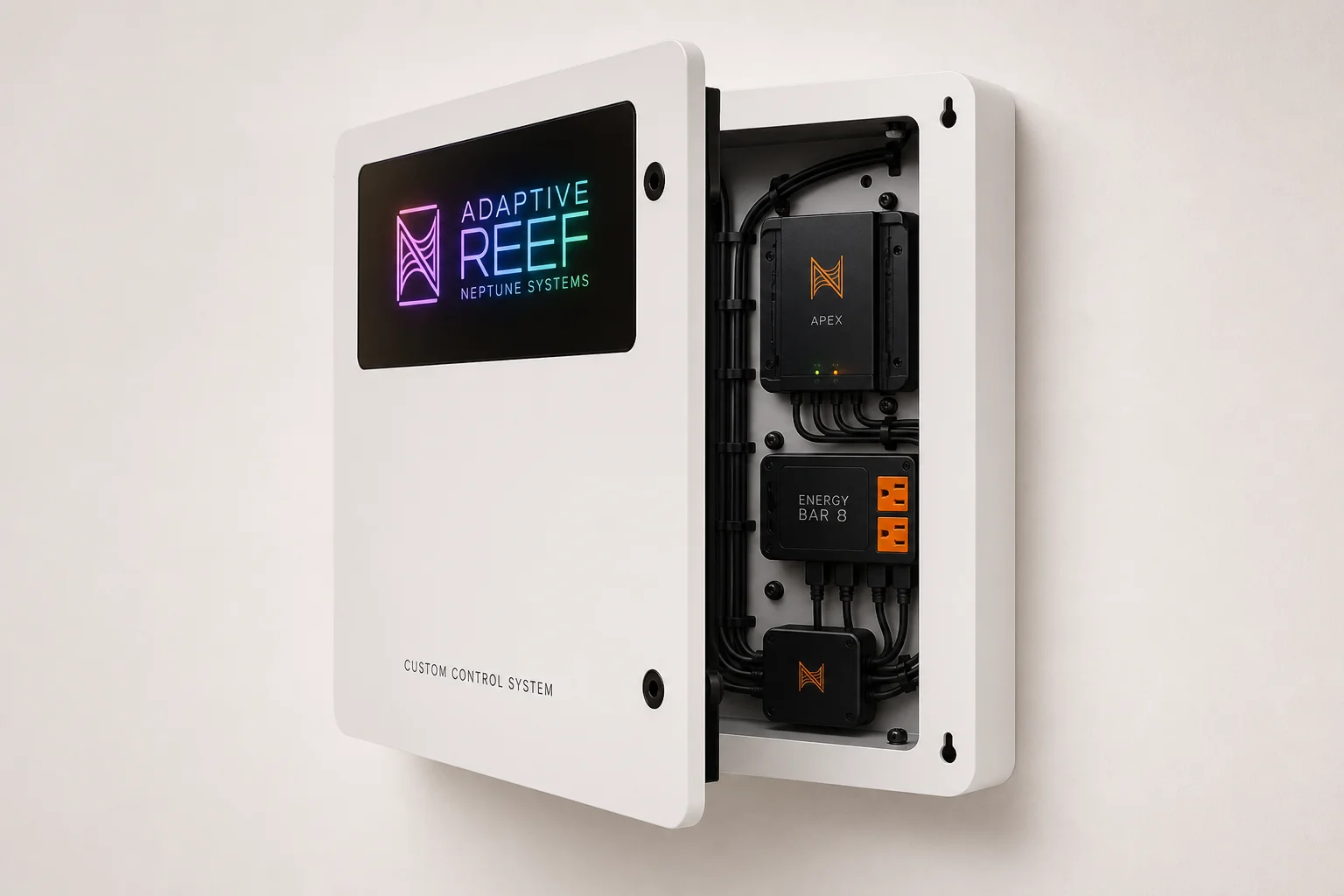
Adaptive Reef Neptune Systems Custom Control Board Review: Purpose-Built Organization for Apex Systems
A pre-configured controller board designed specifically for Neptune Systems Apex setups, offering integrated cable management, tablet mounting, and RGB lighting in a ready-to-use package.
Aquarium Equipment
Aqua Ultraviolet Advantage Hang-On UV Sterilizer: 8-Watt vs 15-Watt Guide
Two compact UV sterilizers designed for aquarium owners seeking parasite and algae control without complex plumbing or large footprints.
Aquarium Equipment
Best Aquarium CO2 Systems: Five Options From Budget DIY to Multi-Tank Setups
A practical guide to five aquarium CO2 systems, from homemade fermentation kits to pressurized cylinders with multi-tank regulators. Find the right setup for your tank size and budget.