Aquarium Equipment
Neptune Systems Apex Aquarium Controller: Complete Review and Setup Guide
A comprehensive look at the Neptune Systems Apex, covering what it does, how it works, setup process, control capabilities, and whether it justifies the investment for reef aquarium hobbyists.
What Does Neptune Apex Do?
The Neptune Systems Apex is a comprehensive aquarium control system designed to transform a reef tank into a smart, automated ecosystem. At its core, Apex monitors your aquarium’s parameters continuously and controls virtually every piece of equipment connected to it. This includes detecting leaks, sending real-time notifications to your smartphone if something goes wrong, and providing what amounts to a constant heartbeat for your tank that can help prevent catastrophic losses during emergencies.
The system’s real power lies in its ability to create redundancies and automated safety nets. Rather than manually managing equipment or relying on standalone digital controllers, Apex allows all your reefing gear to work together intelligently. You can set up sophisticated rules that change how multiple pieces of equipment react to one another and to shifts in tank parameters. This automation makes reefing both easier and more hands-free while simultaneously making it safer and less risky for the inhabitants in your tank.
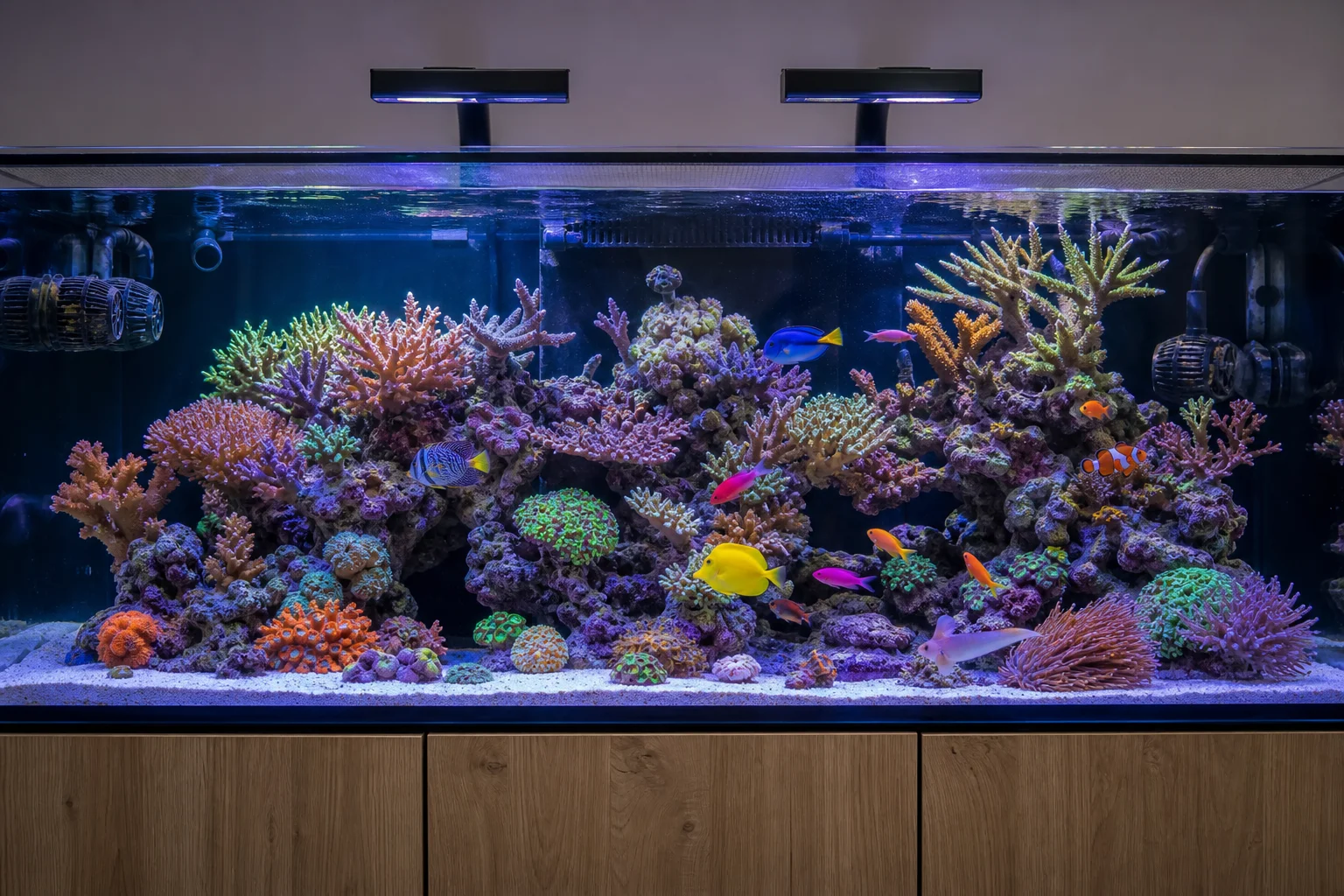
Beyond convenience, Apex excels at preventing disasters. The system can notify you immediately if a power outage occurs, a pump jams, or if temperature, pH, or alkalinity spike unexpectedly. This early warning gives you invaluable time to address problems before your fish and corals are in critical condition. For many serious hobbyists, this safety net alone justifies the investment, especially when you consider the potential cost of losing an entire tank of livestock.
How Does the Neptune Apex System Work?
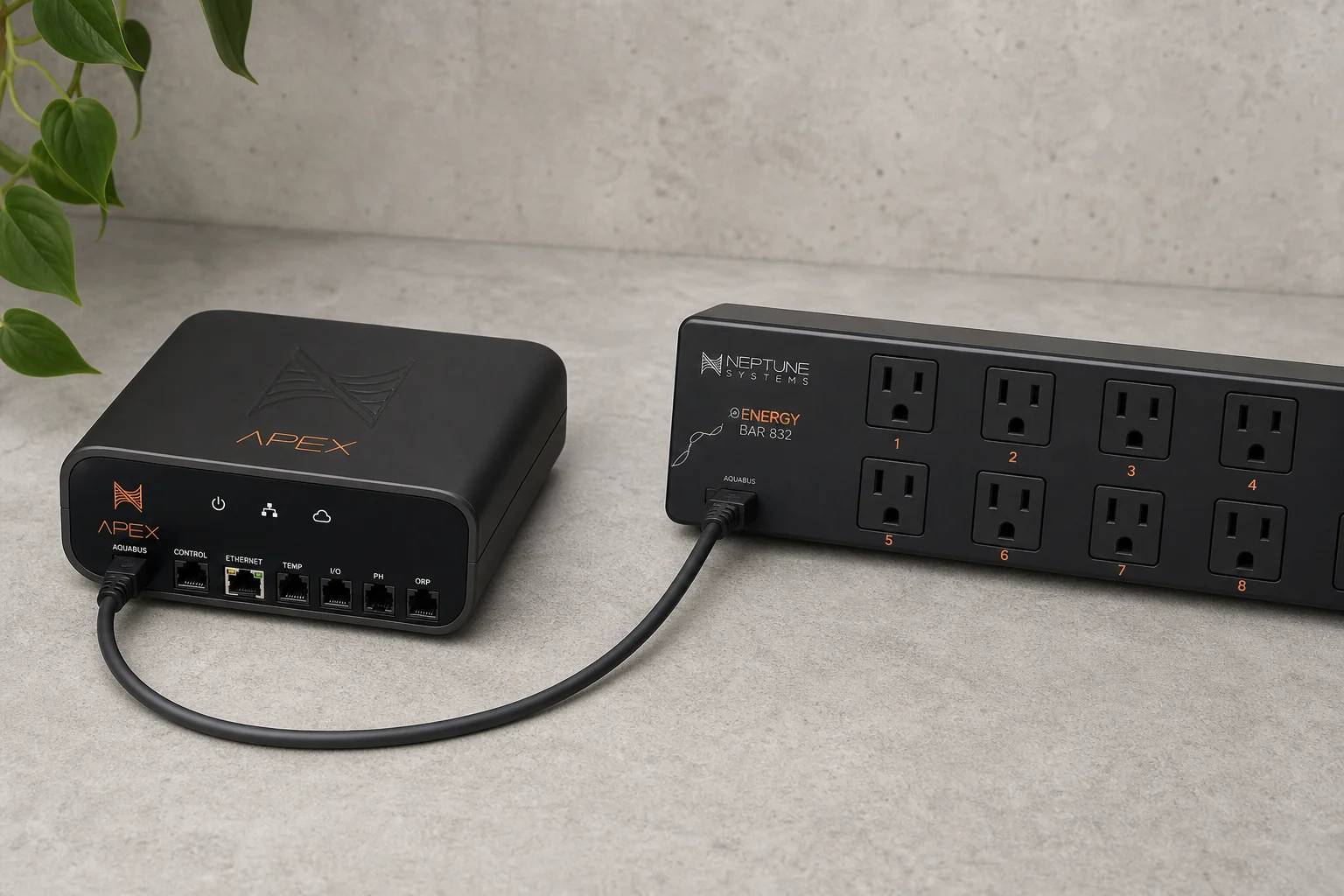
The Apex system consists of two main components: the base unit, which serves as the brains of the operation, and the EB 832 energy bar, which functions as a sophisticated set of smart outlets along with extra ports for power and connectivity for other Neptune Systems devices.
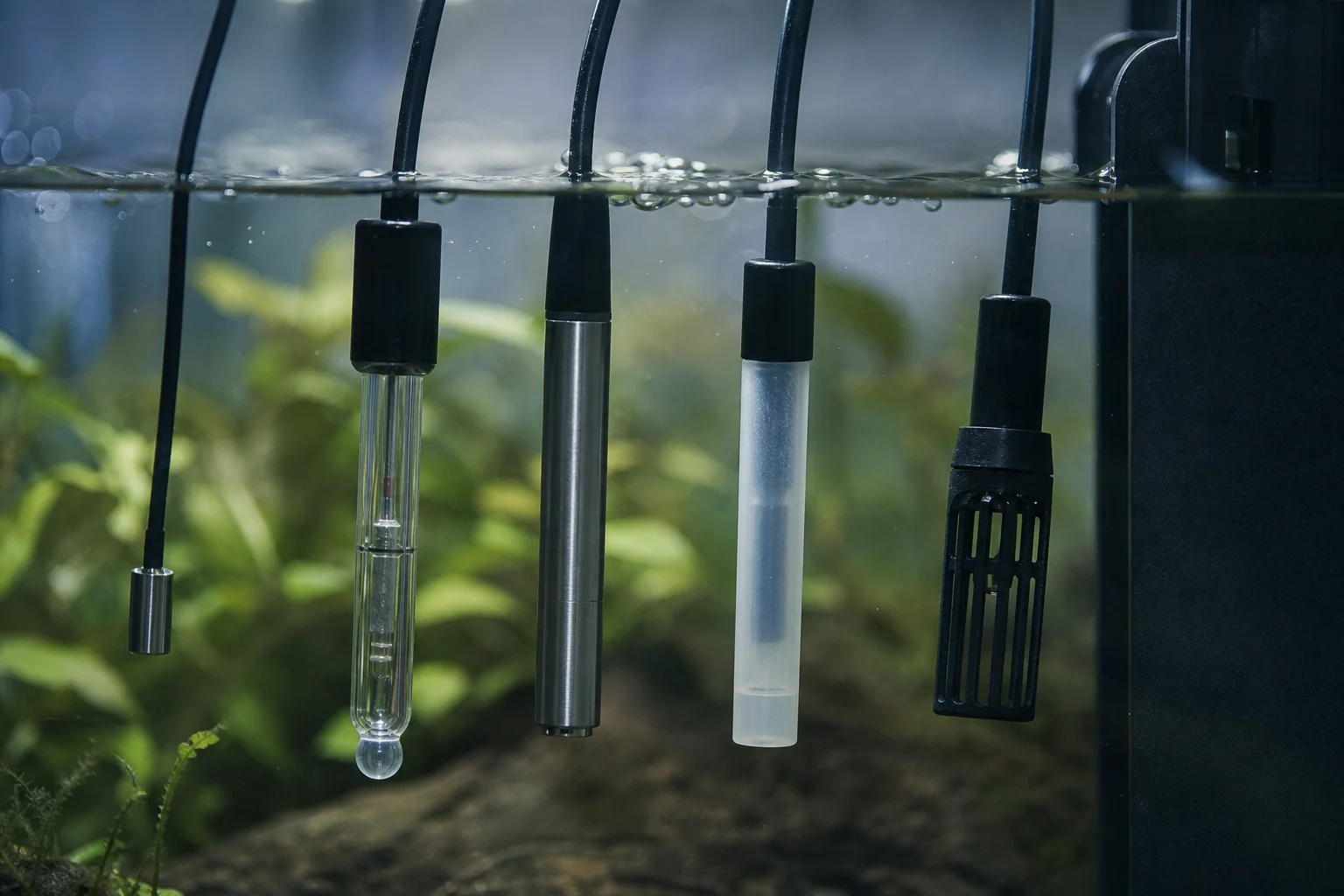
The base unit allows you to connect various probes to monitor parameters including pH, temperature, ORP (oxidation-reduction potential), and salinity. It also has the ability to control devices that use zero to ten volt connections, enabling dimming and ramping functionality for compatible equipment.
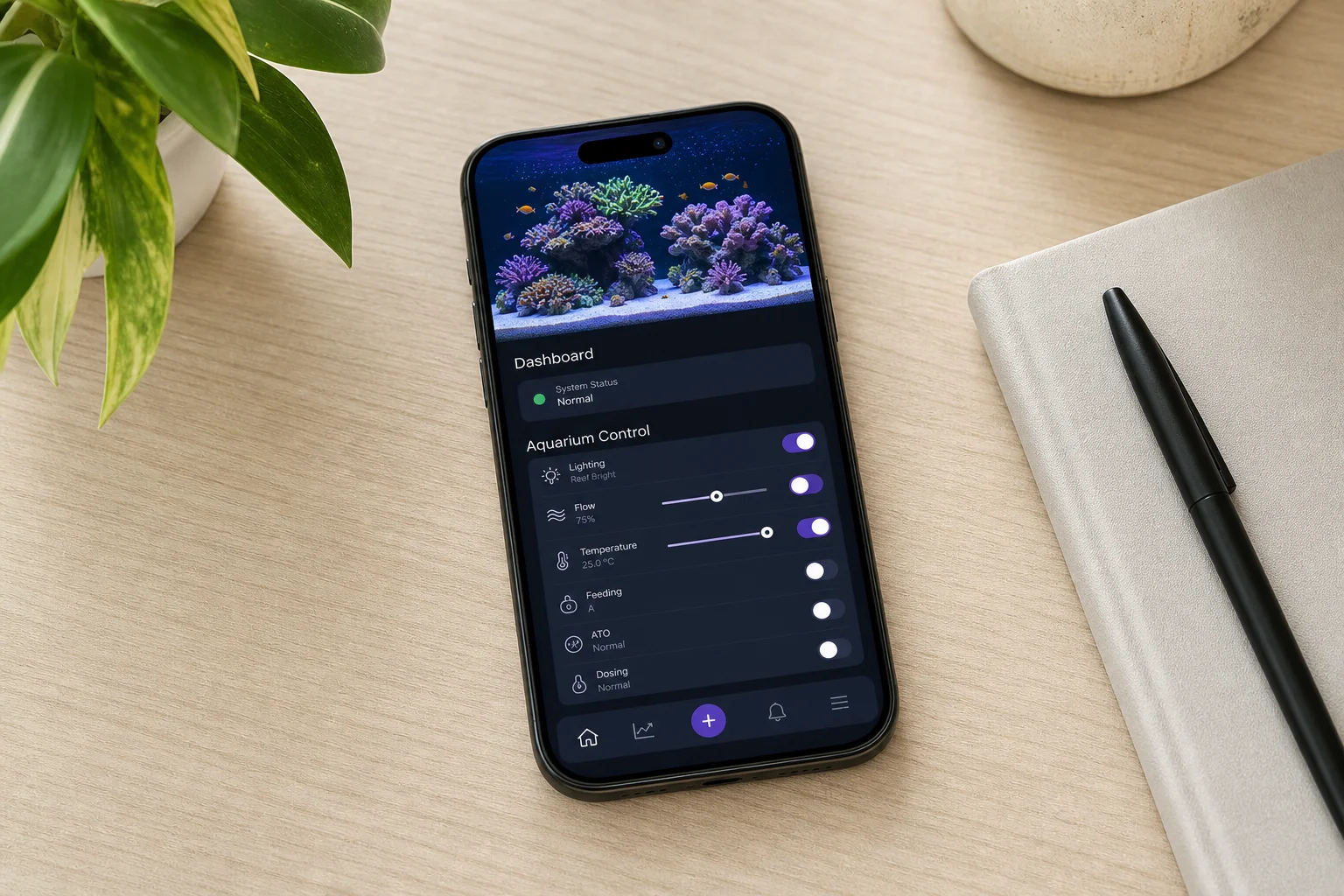
You interact with the Apex through the Fusion app, available on both Android and iOS devices, or through a web browser. The app provides an intuitive interface where you can set up tasks and functions to control all your reefing gear while monitoring tank parameters in real time. For example, you can navigate to the Tasks section, select Heater, and follow prompts that walk you through setting up a specific outlet as a heater controller with minimum and maximum temperature thresholds. The system comes with many preset configurations for common reefing equipment, making basic setup straightforward even for beginners.
If you want more advanced custom functionality, you don’t need to code it yourself. The Apex community has created numerous pre-built custom functions that you can copy and paste into your system, allowing you to access sophisticated automation without technical expertise.
Is Neptune Apex Worth the Money?
Whether Apex justifies its cost depends partly on personal preference, but for most serious reef hobbyists, the answer is yes. Not every reefer wants to dive into aquarium automation, and many are content managing equipment manually. However, once you’ve used an Apex for an extended period, returning to manual reefing becomes difficult to imagine.
The real value extends beyond convenience and routine automation. The redundancies and built-in safety nets are what truly win over most users. Real-world examples illustrate this clearly: power outages are common, and without Apex, you might not know your tank has lost power until you arrive home to find your livestock dead. With Apex, you receive an immediate push notification, giving you time to rush home and activate a backup generator before your tank suffers irreversible damage. This single feature has already saved reef tanks multiple times over for hobbyists who own the system.
At professional aquarium facilities like BRS, more than 90% of their 50+ tanks run an Apex, primarily for this safety net functionality. When you consider that replacing lost livestock can cost hundreds or thousands of dollars, and that the emotional cost of losing a carefully cultivated reef is immeasurable, the Apex investment becomes clearly justified.
How Do I Set Up My Neptune Apex?
Setup is remarkably straightforward and takes approximately ten minutes from start to finish. Begin by connecting the Apex control base unit to the EB 832 energy bar using the included AquaBus cable. Plug the EB 832 into a standard outlet in your home. Next, download the Fusion app on your Android or iOS device, create an account, and the app will guide you through the remaining setup process step by step.
All outlets on the EB 832 come pre-programmed for the most common reefing equipment, so you don’t need to configure anything from scratch. If you want to add extra equipment like a DOS dosing pump or a Trident auto-testing system, you can do so through the Tasks function, which again walks you through each step. The entire process is designed to be accessible to users with no prior experience with aquarium controllers or the Fusion platform.
What Can Apex Control?
The list of equipment that Apex can control is extensive, but understanding the different control methods is more useful than memorizing specific devices. Neptune Systems gear such as the SKY LED light, DOS dosing pump, WAV wavemaker, Trident auto-tester, and ATK alkalinity tester all have advanced control through Fusion when connected via AquaBus or one-link cable.
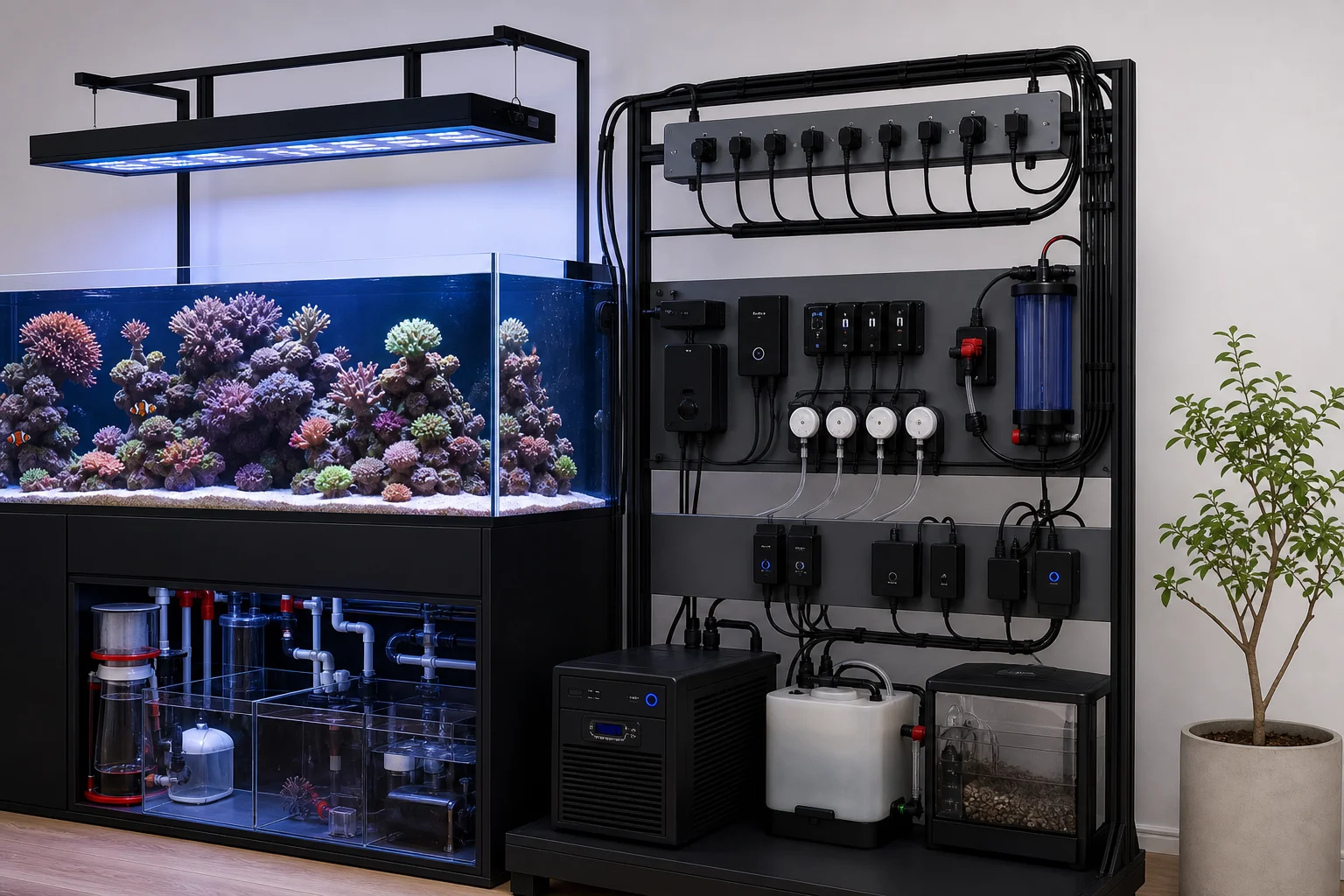
Apex includes zero to ten volt control ports that enable ramping or dimming functionality for flow pumps, LED lighting, and T5 lighting systems. This allows you to create dynamic lighting schedules rather than simple on-off control. The system also supports WiFi control via IoT (Internet of Things) for aquariums, allowing third-party equipment to work wirelessly with Apex. Kessil LED lights, for example, can be scheduled and controlled through the Fusion app instead of the Kessil app, keeping all your tank automation in one place.
For the majority of reefing equipment with standard plugs, plugging them into the EB 832 energy bar provides simple on-off control. Even basic on-off functionality becomes powerful when combined with Apex’s automation rules. You can set up a dosing schedule for a simple doser and simultaneously configure your protein skimmer to turn off whenever the doser is delivering amino acids to the tank. Apex can also monitor a wide variety of parameters including pH, ORP, salinity, temperature, calcium, alkalinity, magnesium, PAR, flow rates, and even atmospheric CO2, then control equipment based on those readings.
The best way to maximize Apex is to create custom functions or borrow popular pre-built configurations from the community. These allow you to access advanced functionality without needing to code anything yourself, making the system accessible to users of all experience levels.
Conclusion
The Neptune Systems Apex represents a significant step forward in reef tank automation and safety. Its combination of real-time monitoring, equipment control, and emergency notifications makes it an investment that pays dividends through both convenience and peace of mind. For serious reef hobbyists, the safety features alone justify the cost, while the automation capabilities make the hobby more enjoyable and sustainable long-term.
Product link
View more details for Neptune Systems Apex
This product is mentioned in the review. Check the specifications, options, and compatibility before buying.
View more details for Neptune Systems ApexFurther reading
Related Reviews
Aquarium Equipment
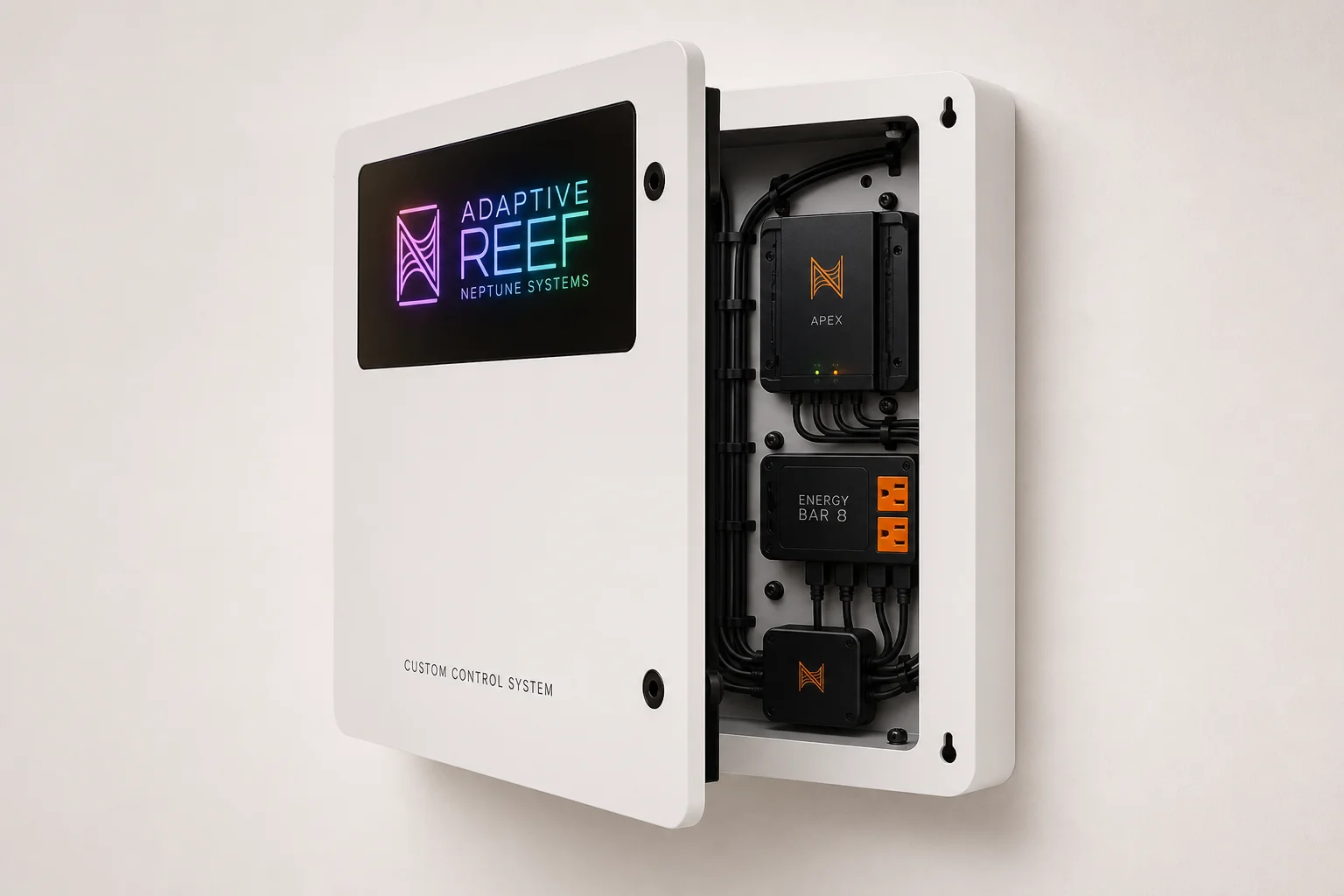
Adaptive Reef Neptune Systems Custom Control Board Review: Purpose-Built Organization for Apex Systems
A pre-configured controller board designed specifically for Neptune Systems Apex setups, offering integrated cable management, tablet mounting, and RGB lighting in a ready-to-use package.
Aquarium Equipment
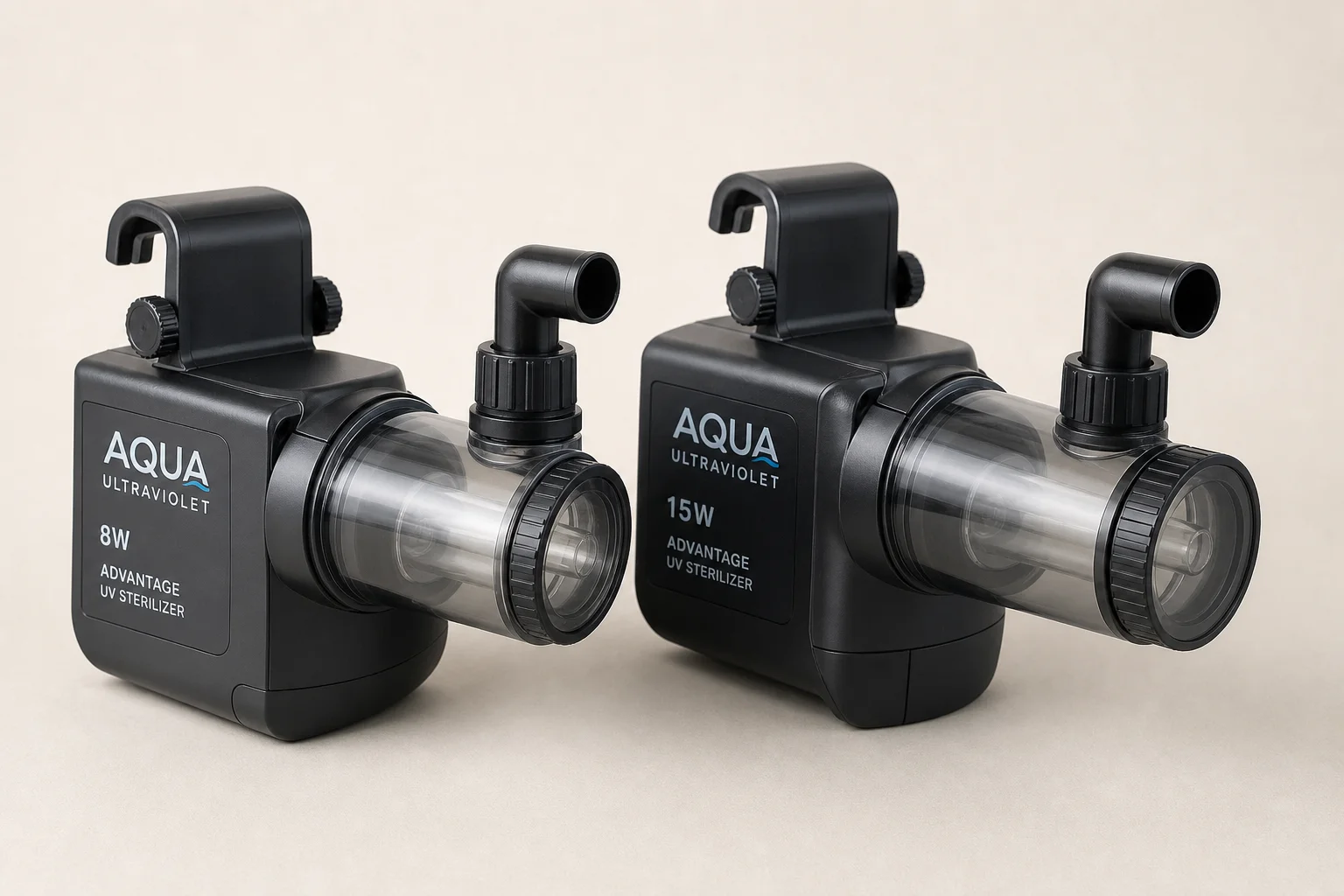
Aqua Ultraviolet Advantage Hang-On UV Sterilizer: 8-Watt vs 15-Watt Guide
Two compact UV sterilizers designed for aquarium owners seeking parasite and algae control without complex plumbing or large footprints.

Aquarium Equipment
Best Aquarium CO2 Systems: Five Options From Budget DIY to Multi-Tank Setups
A practical guide to five aquarium CO2 systems, from homemade fermentation kits to pressurized cylinders with multi-tank regulators. Find the right setup for your tank size and budget.