Networking Equipment
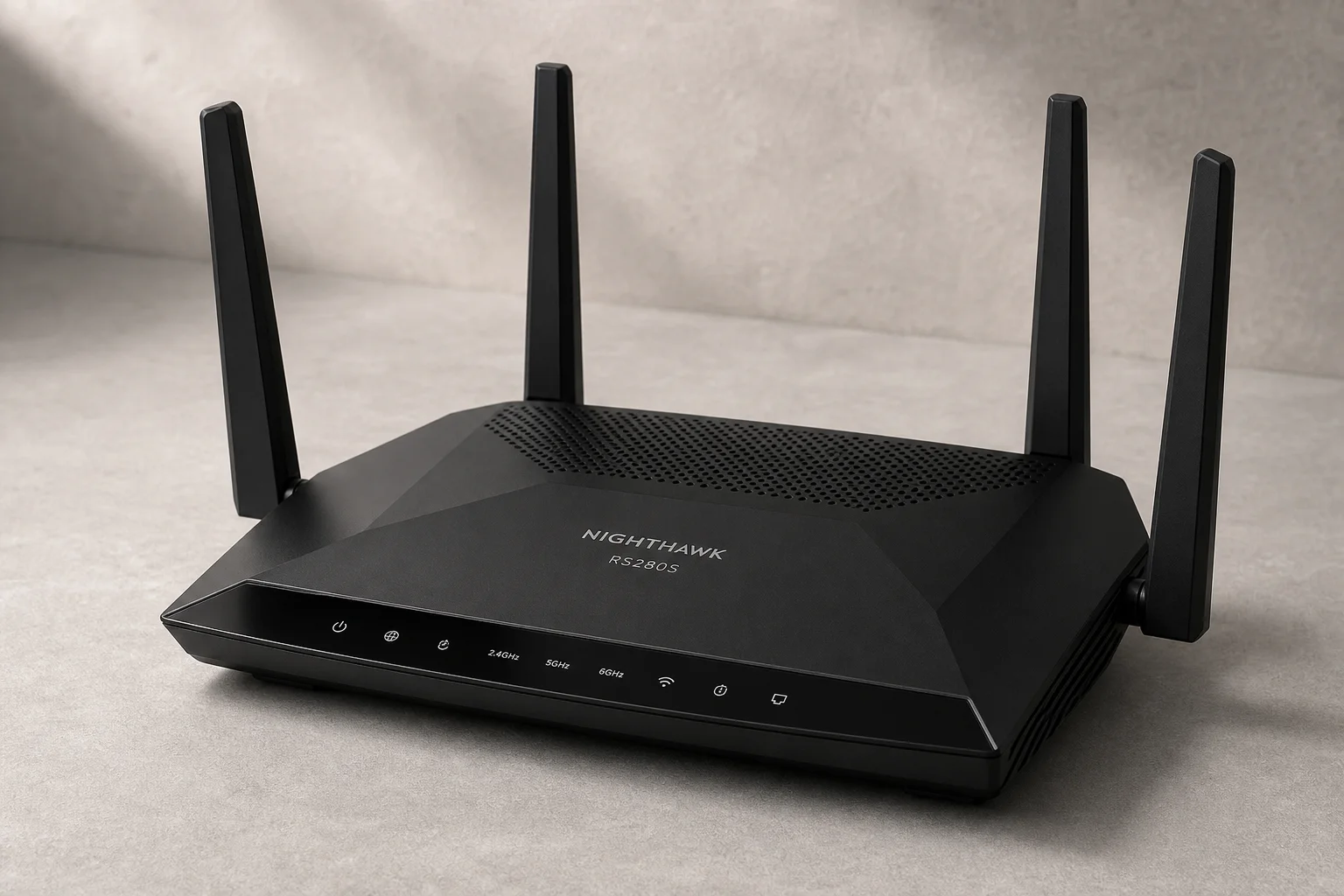
Netgear Nighthawk RS280S Review: A Practical Router for Non-Technical Users
The Netgear Nighthawk RS280S offers solid hardware and effortless setup, but its paywall-locked features and limited advanced networking make it best suited for users who want their internet to simply work.
Introduction
The Netgear Nighthawk RS280S is one of the most visible consumer routers on store shelves, available at major retailers including Costco. At its Costco price of around 199 dollars, it offers Wi-Fi 7 capability and 2.5 gigabit ethernet ports, which sounds impressive on paper. But whether it makes sense for your home depends entirely on what you actually need from a router and how much time you’re willing to spend configuring it.
Hardware and Ports
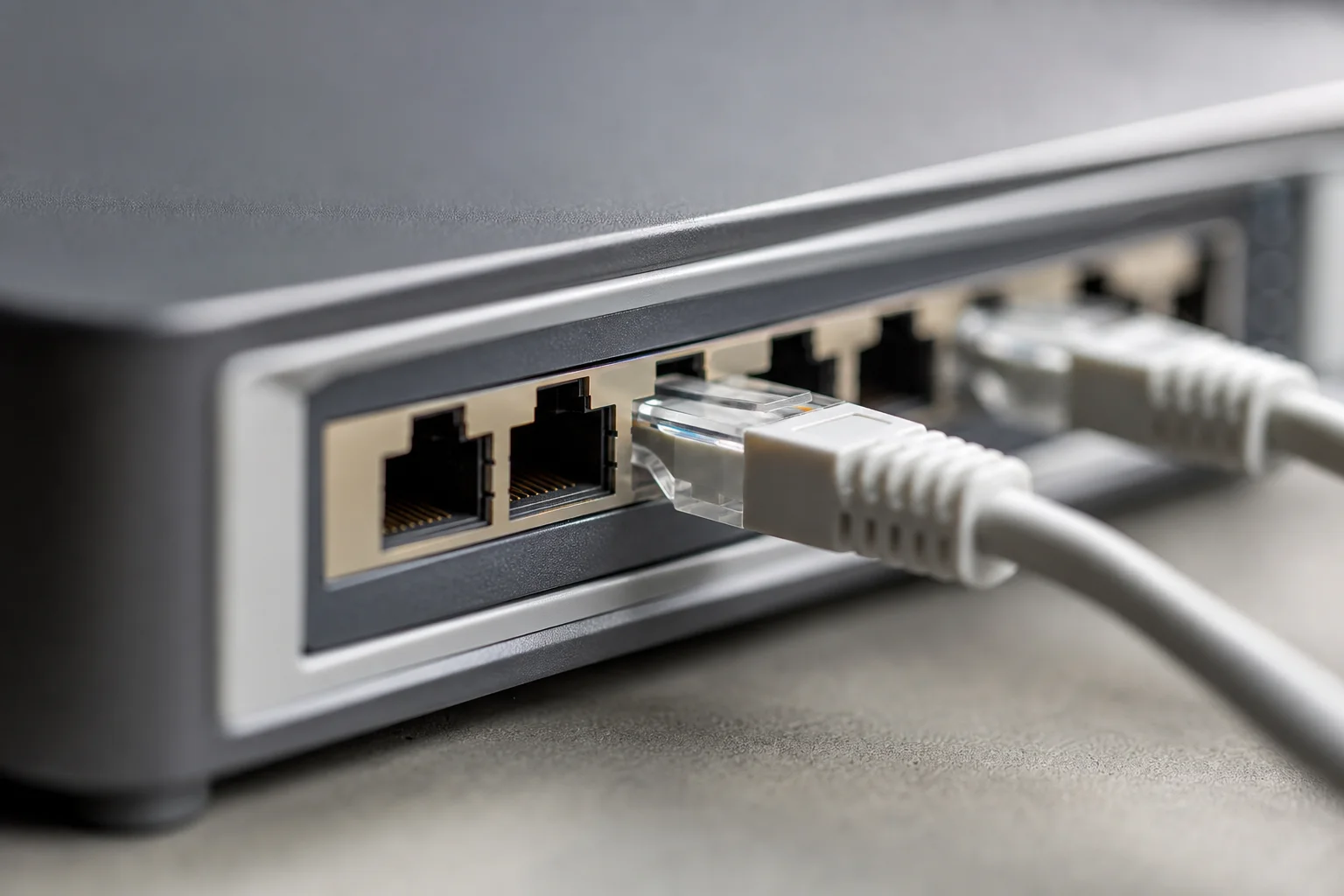
The RS280S features a 2.5 gigabit WAN port for your internet connection and four LAN ports: two at 2.5 gigabit and two at one gigabit. This port configuration is practical for most homes. The one gigabit ports work fine for devices like surveillance cameras or smart TVs that do not require high bandwidth. The 2.5 gigabit ports are useful if you plan to transfer large files between your computer and network-attached storage, such as a Synology NAS, though both ends of the connection must support 2.5 gigabit speeds to realize the benefit.
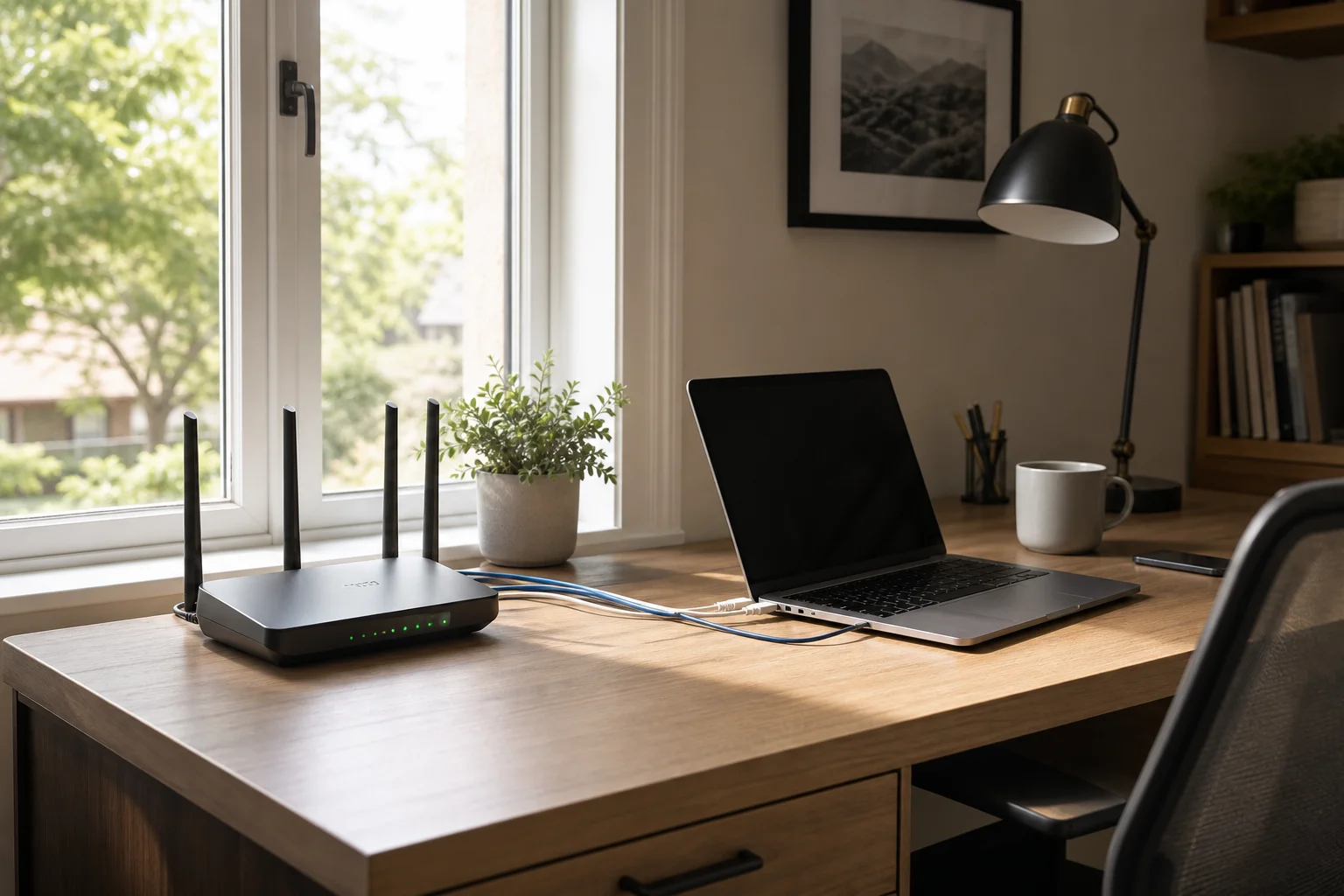
For the price, the hardware is solid. Comparable Wi-Fi 7 and 2.5 gigabit ethernet capability from professional-grade equipment would cost significantly more. The Costco version is also a better value than Netgear’s online RS300 model, which carries the same specifications but costs around 100 dollars more.
Wi-Fi 7 and Speed Claims
The box claims up to 9.3 gigabits per second of wireless speed, but this number deserves scrutiny. That figure combines the transmit and receive speeds across all three wireless bands simultaneously, which no single device will ever use at once. The actual breakdown is 0.6 gigabits in the 2.4 gigahertz band, 2.9 gigabits in the five gigahertz band, and 5.8 gigabits in the six gigahertz band. Adding these together creates a misleading marketing statistic that does not reflect real-world performance.
More importantly, Wi-Fi 7 itself offers minimal practical benefit for home users. The technology is designed to improve efficiency in networks with hundreds of connected devices, not to increase speeds for individual users. Most Wi-Fi 7 devices are still limited by internet connection speeds when streaming or browsing, and local file transfers over wireless are uncommon in typical homes. If you can get a good deal on a router with Wi-Fi 7, it is fine, but do not pay extra solely for the latest wireless standard.
Setup and Configuration
Setup is where the Nighthawk truly excels. The process is straightforward and guided, with the app walking you through password creation, wireless network naming, and recovery questions before the router updates to the latest firmware. Netgear even instructs you to power-cycle your ISP’s modem first, which is a thoughtful touch that prevents connection issues caused by hardware identifier conflicts.
The app does force you to wait through three to six-minute pauses at multiple points during setup, which is intentional on Netgear’s part to reduce user impatience and support tickets. It is annoying but understandable. Once online, the default configuration works for most people, and they never need to adjust settings again.
App and Web Interface
The Nighthawk app itself offers limited functionality beyond speed tests and basic Wi-Fi settings. More advanced options like IP addressing, DNS servers, and DHCP configuration require logging into the web interface at 192.168.1.1 with your admin credentials.
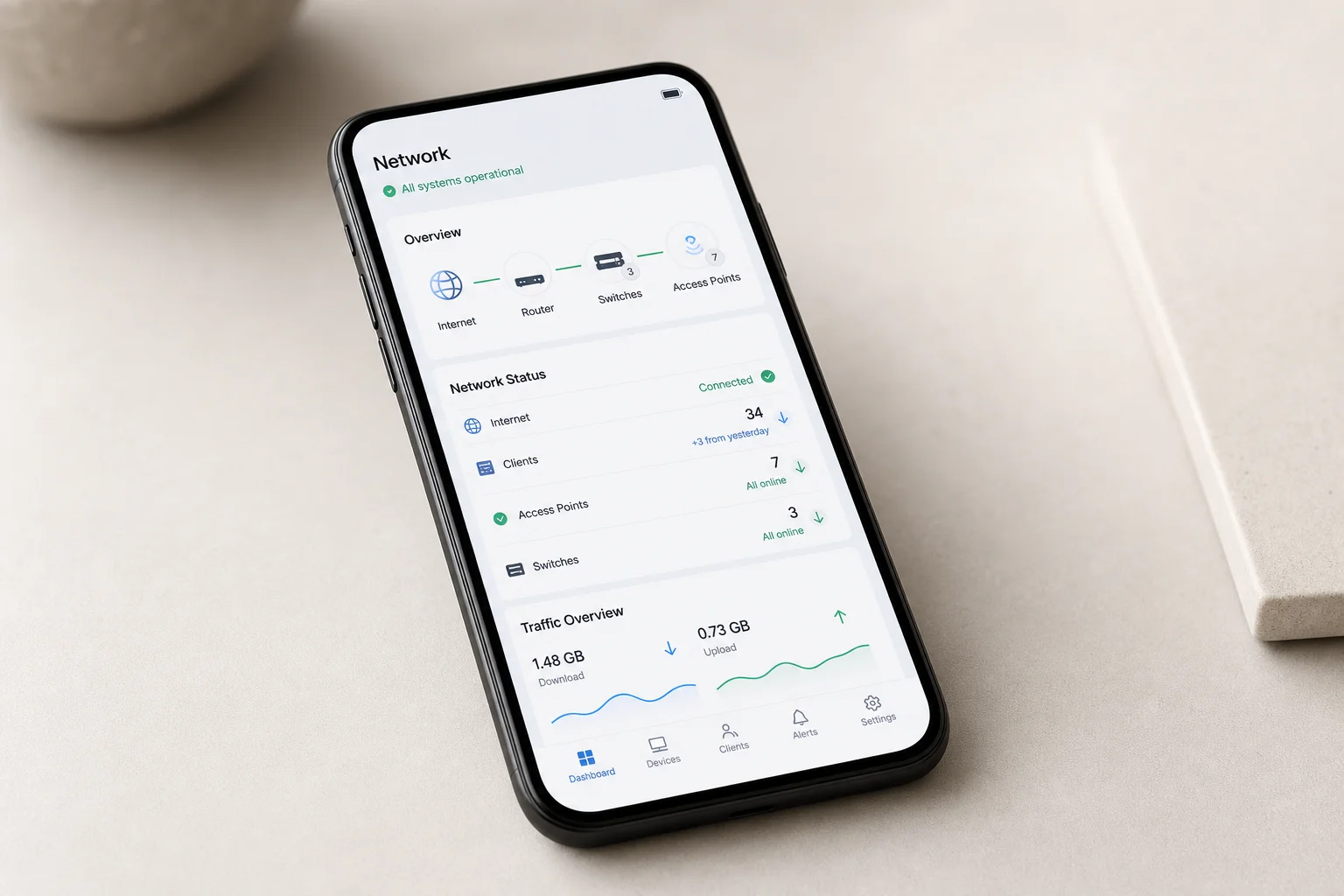
The web GUI provides access to wireless channel settings, USB network storage configuration, and some advanced options including PPPoE and VLAN support. However, the feature set is constrained compared to professional equipment. You cannot customize DHCP options or choose which DNS servers are distributed to client devices. Guest networks are isolated from other devices but share the same subnet rather than being on a separate network. There is no support for additional subnets, VLANs, or access control lists beyond basic port forwarding and dynamic DNS.
One frustrating aspect is Netgear’s subscription model. Parental controls require an 8-dollar monthly or 70-dollar annual subscription. Network security features through Netgear Armor, powered by Bitdefender, cost up to 45 dollars per year and include vulnerability scanning, malware blocking, and a VPN client. These are features that come standard with other solutions or are available free elsewhere, but Netgear’s target market often lacks the technical knowledge to find alternatives, making them more likely to pay.
Performance and Coverage
Netgear claims the RS280S covers 2,500 square feet, which is reasonable for an average home. Coverage depends heavily on router placement. If your ISP’s modem and router are located in a far corner of the house, wireless coverage may not reach all areas. Expanding coverage requires purchasing additional Nighthawks and setting them to access point mode, which doubles the cost. At that price point, mesh systems like Netgear’s Orbi or TP-Link’s Deco become competitive, though they are expensive for what they offer.
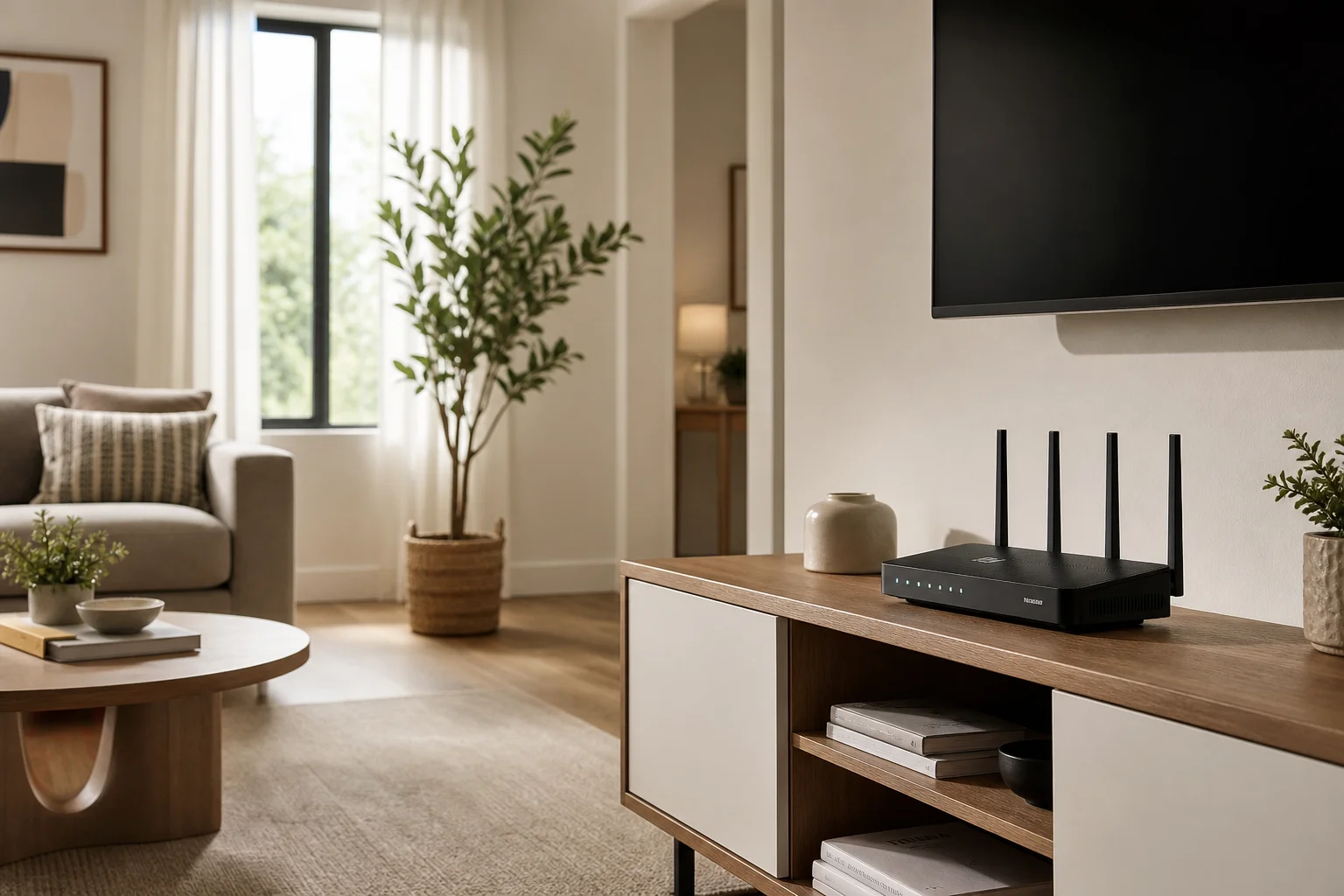
For users who need more sophisticated network expansion, professional equipment like Ubiquiti UniFi allows you to purchase components separately and fine-tune coverage based on your specific needs. The trade-off is a steeper learning curve, which is not ideal for the non-technical users who typically buy consumer routers.
Security and Support
The Nighthawk includes WPA3 Personal encryption for Wi-Fi and requires a strong admin password during setup, which is a good security practice. A basic firewall protects against external threats. Beyond that, additional security features are locked behind the Netgear Armor paywall. For free security, you get the essentials, but not much more.
Netgear’s customer support reputation is mixed. The Better Business Bureau rates them at 1.06 out of five stars, with complaints about extended wait times, unresolved issues, and aggressive upselling of warranties and services. If you purchase this router, you should expect to troubleshoot most issues independently.
Who Should Buy This Router
The Netgear Nighthawk RS280S is an excellent choice for non-technical users who want a router that works without requiring configuration or ongoing maintenance. It is ideal for parents, grandparents, or anyone who simply wants Netflix and email to function reliably without thinking about networking.
The router also makes sense for users who want straightforward parental controls. While the feature requires a subscription, the app-based interface is simpler than configuring advanced networking rules on professional equipment.
Where the Nighthawk falls short is with users who have advanced needs. If you plan to expand your network with additional access points, set up a home lab, create separate subnets for IoT devices, or learn networking beyond the basics, you will quickly outgrow this device. At that point, professional equipment like UniFi becomes a better long-term investment despite its higher upfront cost and learning curve.
Buying Advice
At 199 dollars from Costco, the RS280S represents reasonable value for the hardware. At 300 dollars online, it is less compelling. If you are considering this router, prioritize finding the Costco deal. The Wi-Fi 7 and 2.5 gigabit ports provide some future-proofing, even if you do not fully utilize them immediately.
Before purchasing, honestly assess whether you need advanced networking features. If your answer is no, and you simply want reliable internet without hassle, the Nighthawk is a solid choice. If you suspect you might want to expand or customize your network in the future, investing in professional equipment now will save frustration later.
Conclusion
The Netgear Nighthawk RS280S is a capable, easy-to-use router for straightforward home networking. Its hardware is solid for the price, setup is painless, and default settings work for most households. The subscription model for parental controls and security features is frustrating, and the limited advanced networking options mean it will not grow with users who develop more sophisticated needs. For non-technical users seeking simplicity, it is a reasonable purchase at the right price. For anyone planning to learn more about networking or expand their setup, look elsewhere.
Product link
View more details for Netgear Nighthawk RS280S
This product is mentioned in the review. Check the specifications, options, and compatibility before buying.
View more details for Netgear Nighthawk RS280SFurther reading
Related Reviews
Automotive Accessories
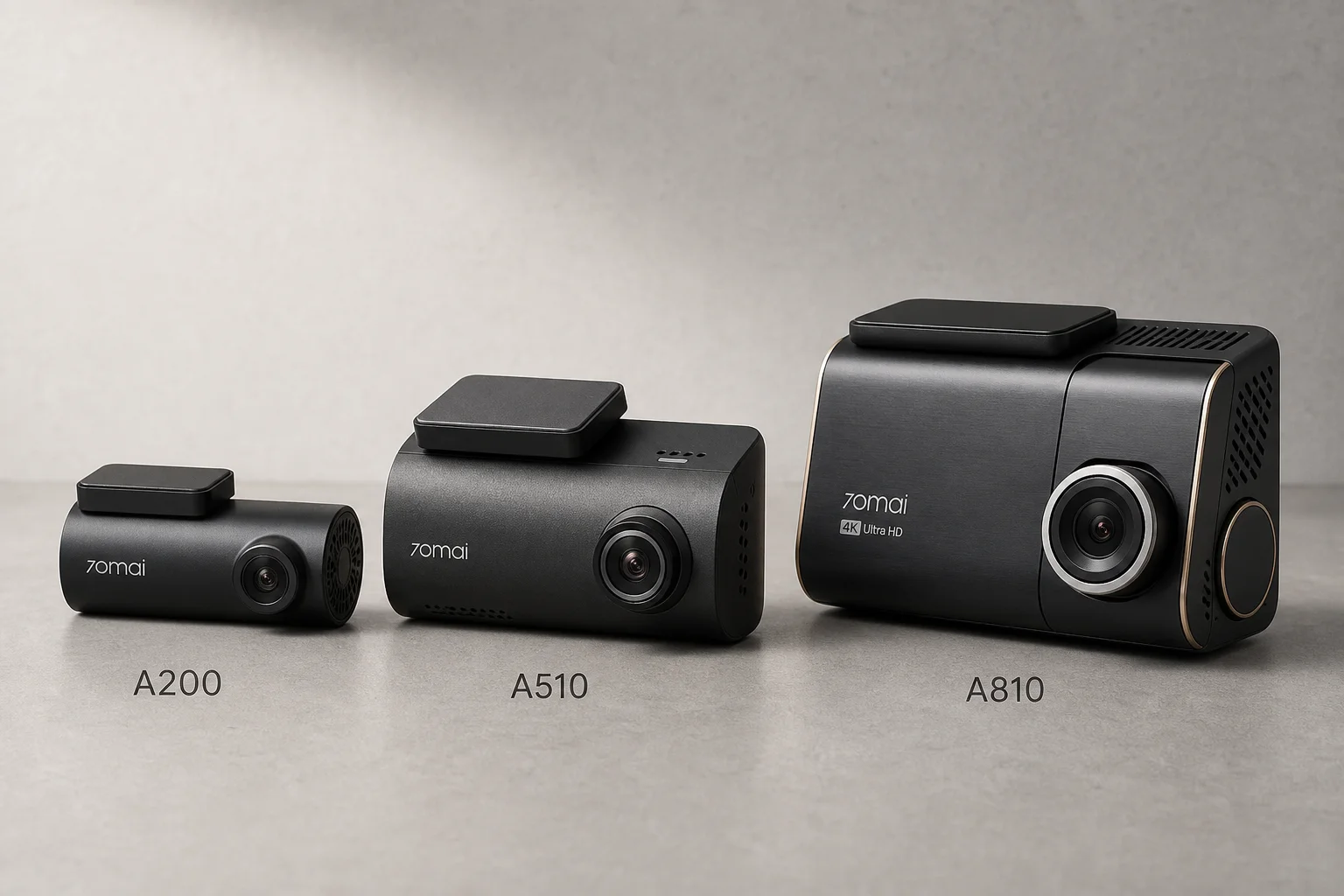
70mai Dash Cam Comparison: A200 vs A510 vs A810
Three dash cameras from 70mai across different price points reveal how resolution and sensor quality impact real-world footage clarity, especially for number plate visibility and low-light performance.
Cycling Power Meters
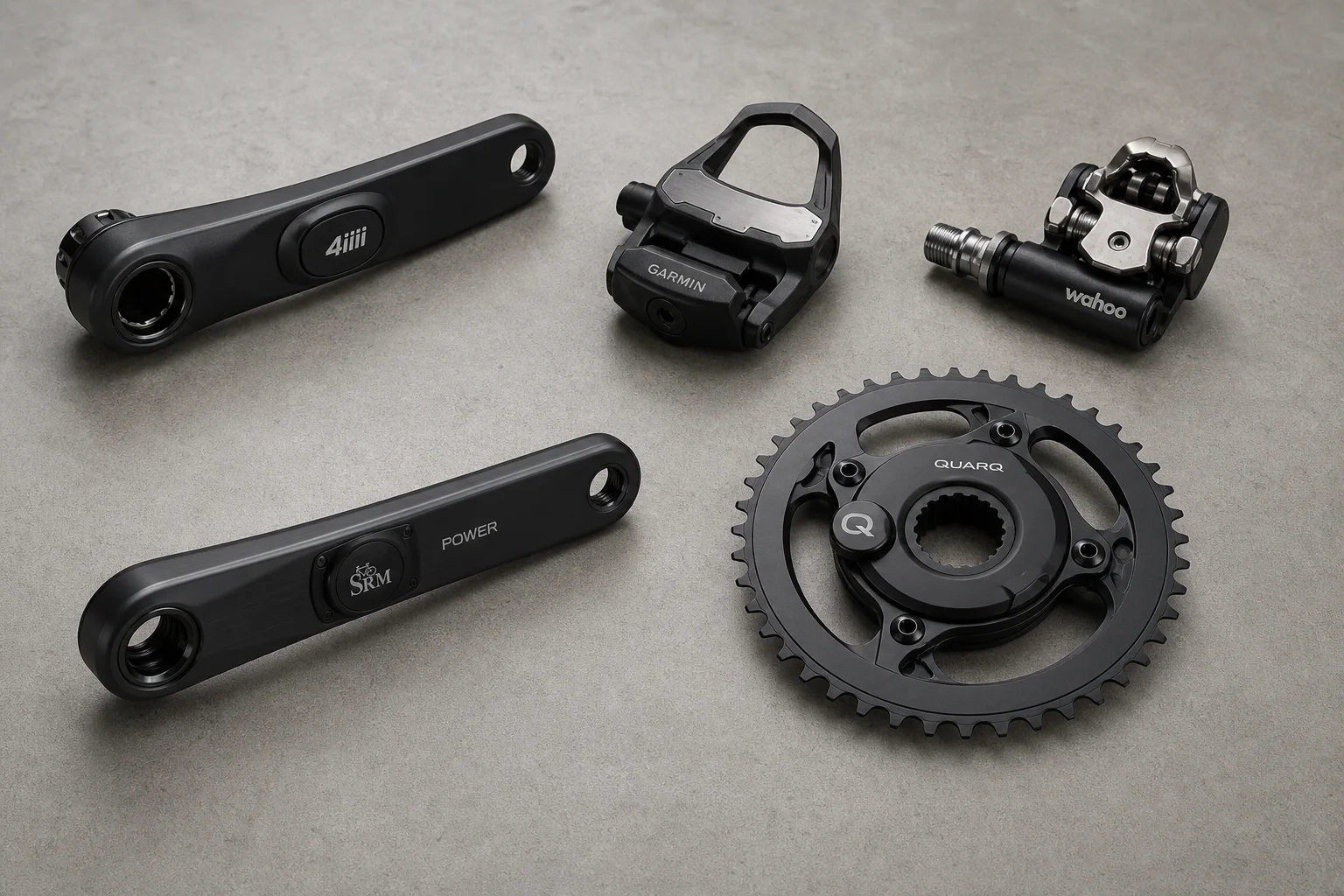
Five Affordable Power Meters for Road and Off-Road Cycling
Five practical power meter options under $500 that deliver reliable power measurement without breaking the budget.
Coffee Gear
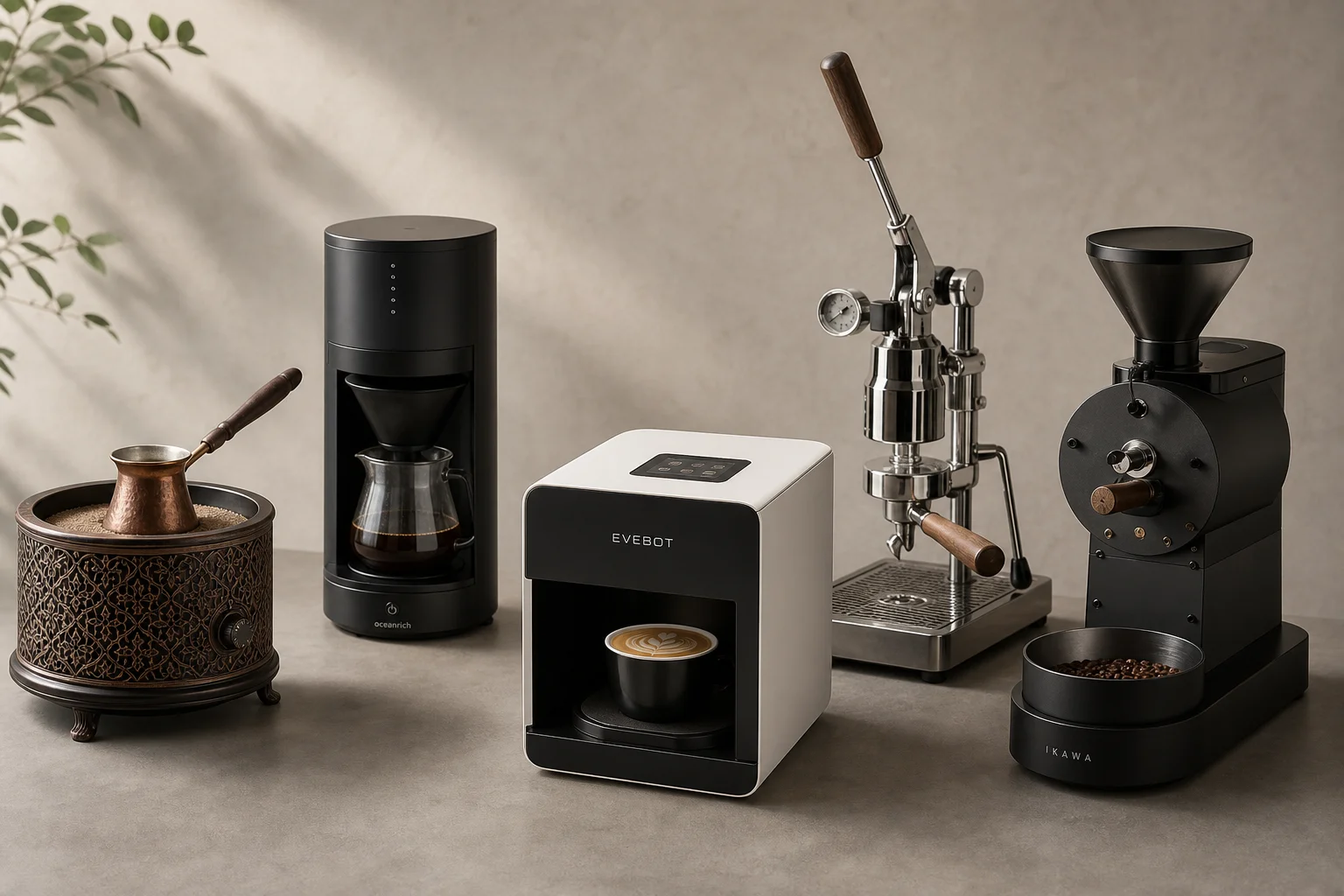
AliExpress Coffee Gear Review: Five Products Worth Testing
A practical look at five coffee tools from AliExpress, including a sand heater, automatic brewer, latte art printer, espresso machines, and home roaster.