Gaming Peripherals
Budget Gaming Keyboard-Mouse Combos Under 1600: Which Ones Are Worth Buying
A practical review of eight affordable keyboard-mouse combos, identifying which deliver genuine value and which to skip when building a budget gaming setup.
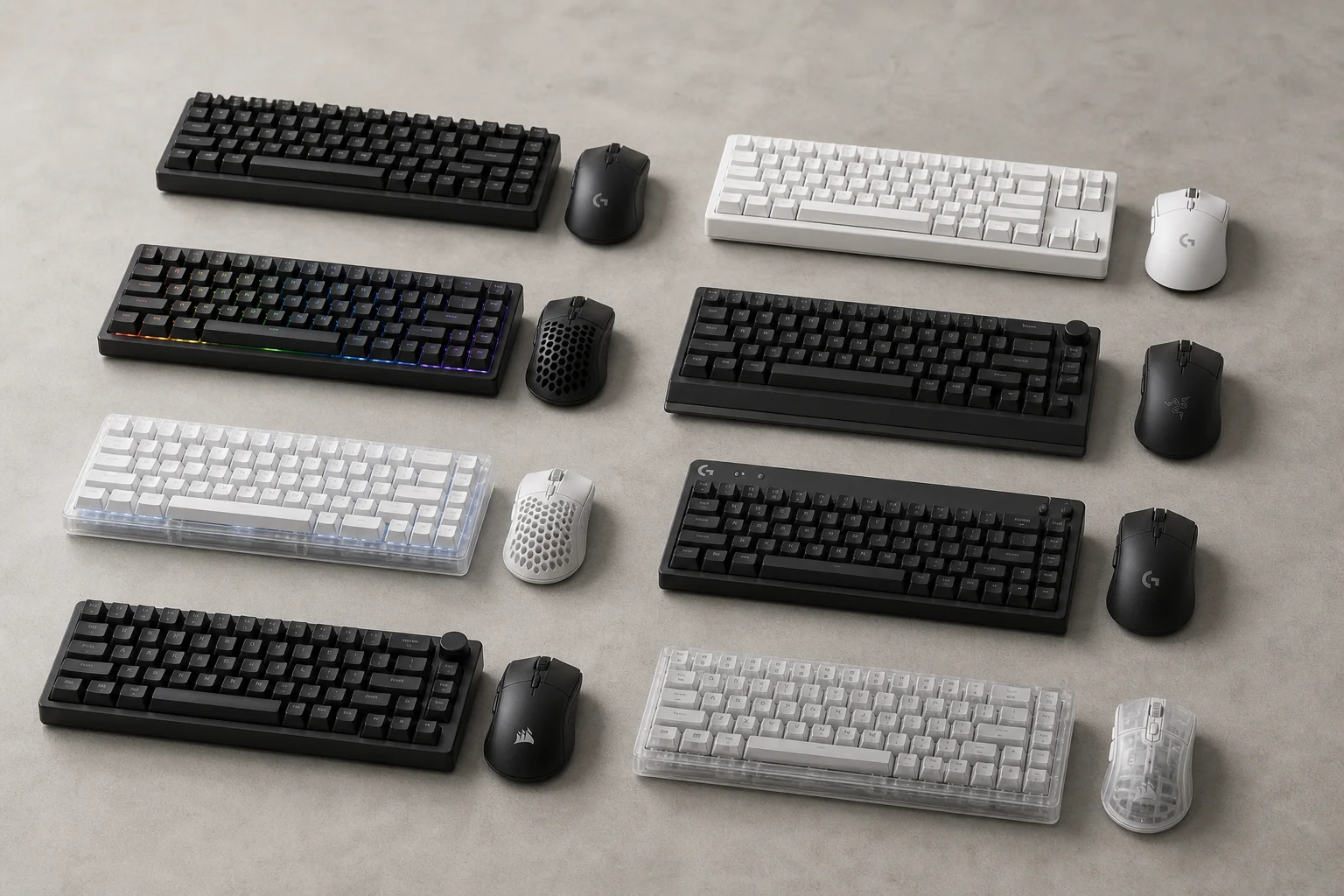
Introduction
Building a gaming PC or laptop setup on a tight budget means making smart choices about peripherals. A keyboard and mouse are essential, but many people hesitate to spend heavily on them when the PC itself has already stretched the budget. This review covers eight affordable gaming keyboard-mouse combos, all priced under 1600, to help you identify which ones deliver real value and which ones to skip.
Most of these combos share common limitations: basic mice with 125Hz polling rates that suit casual and story-driven games but lack the responsiveness needed for competitive esports. However, some stand out for their build quality, typing experience, and overall design. Here is what matters when choosing one.
Ant Esports KM1610: The Absolute Budget Entry
The Ant Esports KM1610 is the cheapest option in this roundup, available for around 800. The keyboard arrives in a white finish with a flexible plastic frame that feels fragile under pressure. There is no elevation clip at the bottom, only a plastic cover with a raised design. It is a full-size keyboard with a numpad and a thin wire as expected at this price point.
The lighting is minimal: a single RGB effect that you can turn on or off. The mouse features an Ant Esports logo with light passing through translucent plastic. It supports DPI adjustment from 1200 to 3600, but there is no software for customization. The overall experience is average and matches the low price tag.
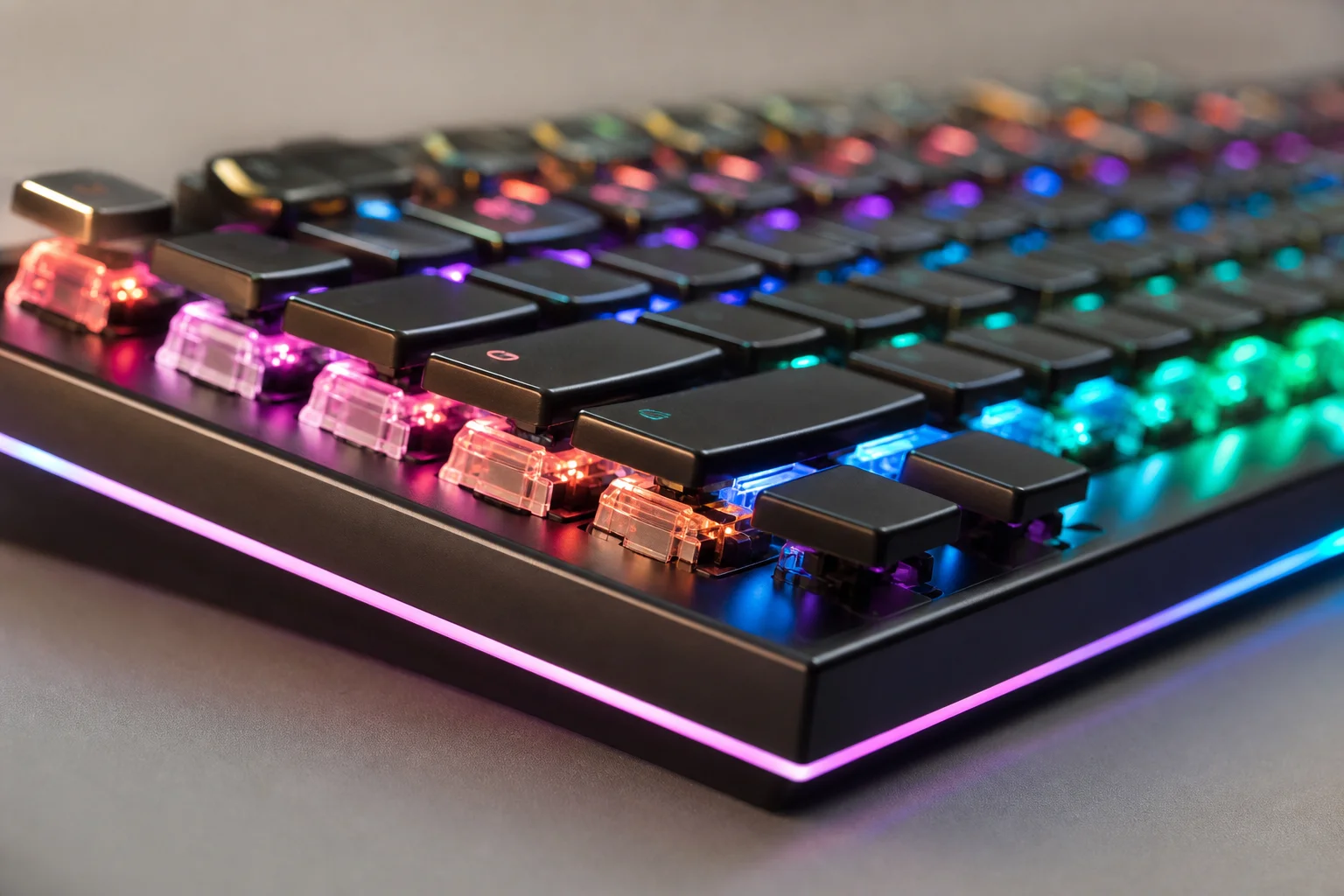
This combo works if you need something under 1000 and expect minimal features. The white and black color combination looks decent on a desk. However, the build quality is fragile, and the lack of customization options makes it feel more like a basic input device than a gaming peripheral. For casual use only.
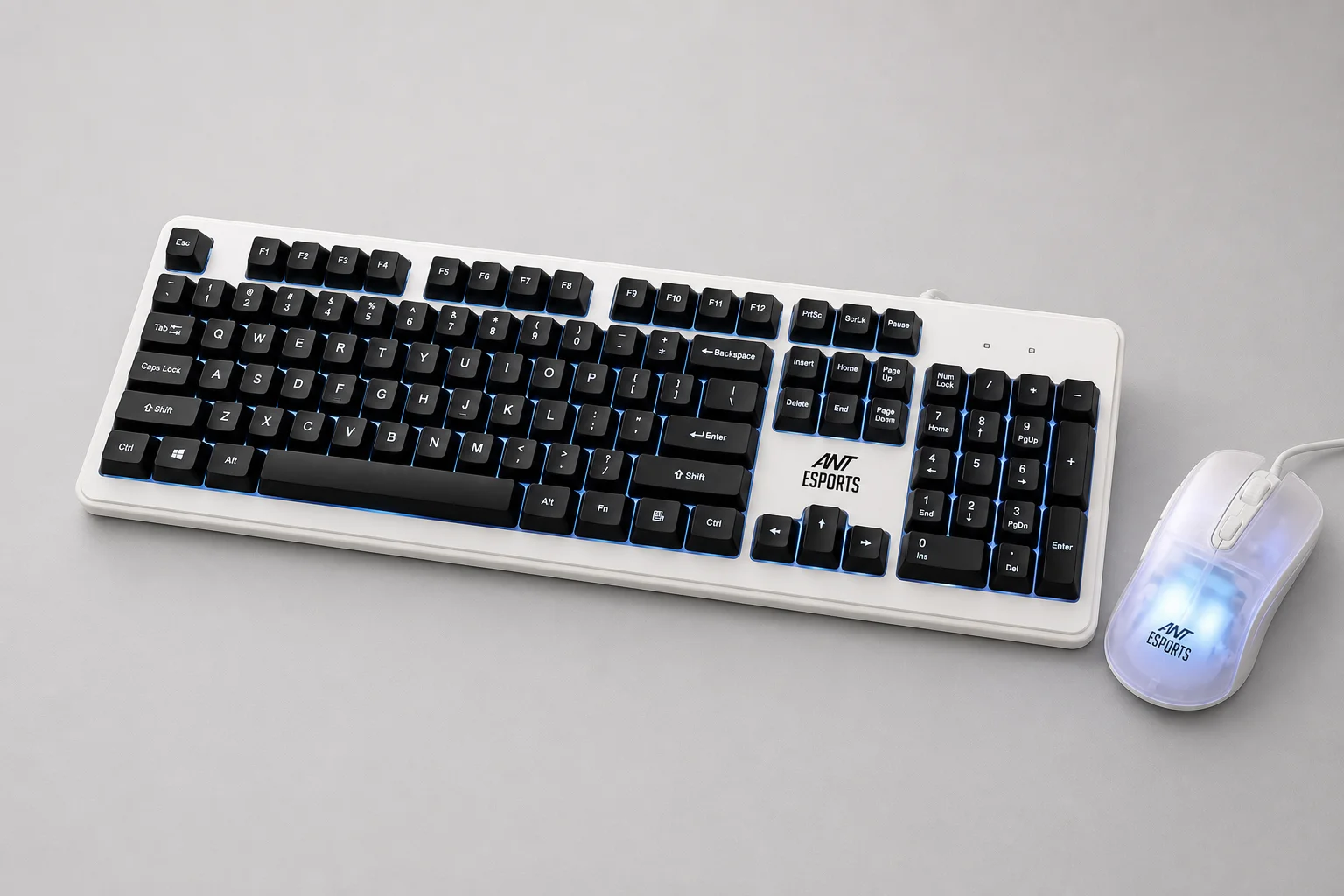
DYAZO Cyborg Edition: Transformer-Inspired Design
The DYAZO Cyborg Edition costs around 999 and features a transformer-like aesthetic with a plastic middle section and metal accents. The design caught attention during unboxing, but the execution fell short. The keyboard has the same single-pattern RGB with breathing and stable effects controlled via FN plus scroll lock. The RGB output is dull.
The mouse looks interesting visually but feels poor in hand. The typing and mouse experience are both basic. Without established brand recognition or clear after-sales support, this combo is difficult to recommend despite its attractive design. The transformer aesthetic alone is not enough to justify the purchase when better alternatives exist at similar or slightly higher prices.
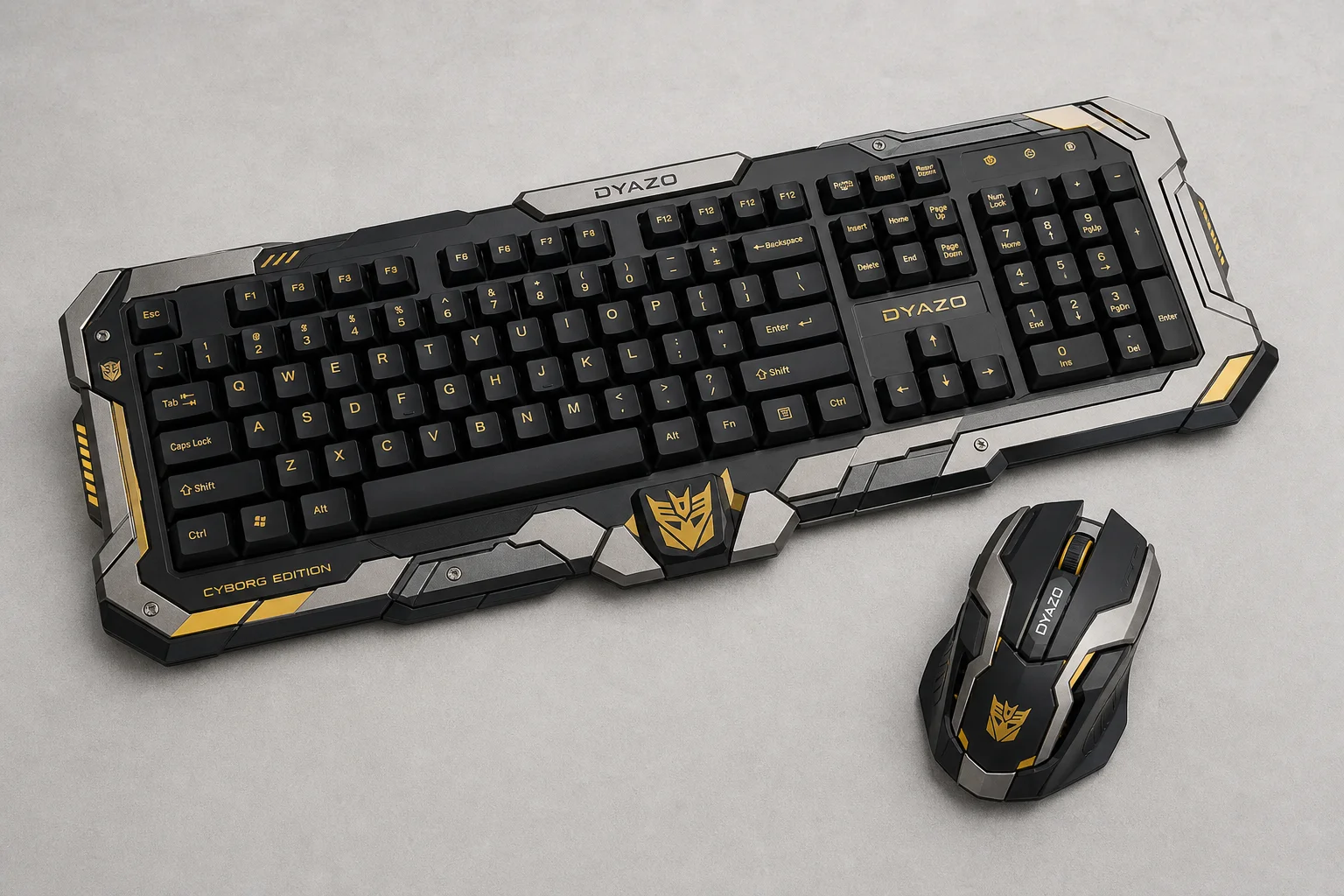
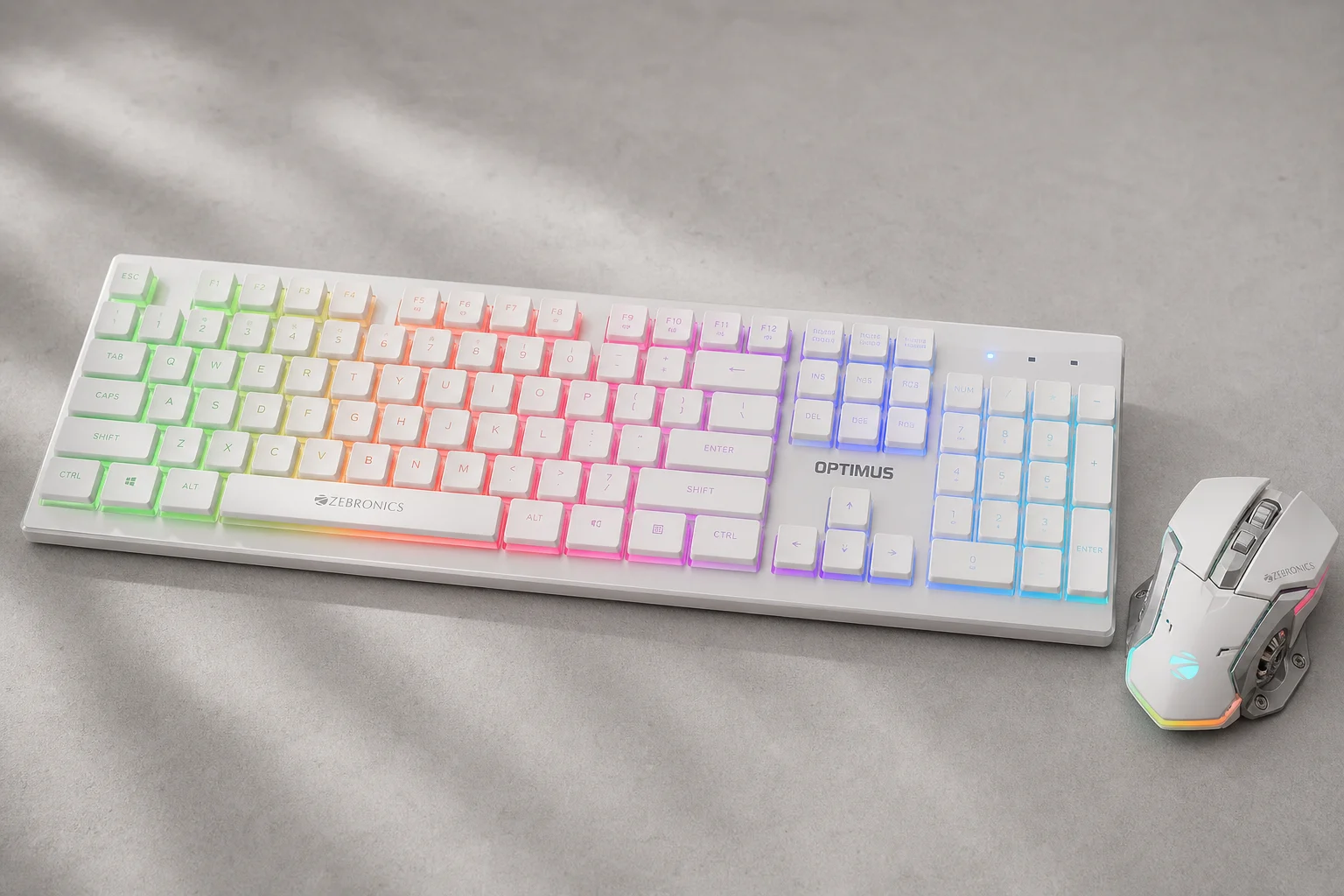
Zebronics Optimus: Light Build, Casual Gaming Focus
The Zebronics Optimus combo is available for around 999. The keyboard is light but features solid build quality with no flex. The keys are low-profile and flat, making the typing experience smooth but less suited to gaming. Extra multimedia buttons sit on the right side, and the left side has additional controls.
The RGB is strong with a breathing effect and 3-zone lighting that spreads well across the white keycaps and sides. Both keyboard and mouse have braided wires. The mouse has a transformer-like design with a heavy metal plate and weighs 134 grams. It supports DPI adjustment from 1000 to 3600 but lacks anti-ghosting. This combo is better for casual gamers than serious esports players.
Ant Esports KM500 Pro: The Sweet Spot
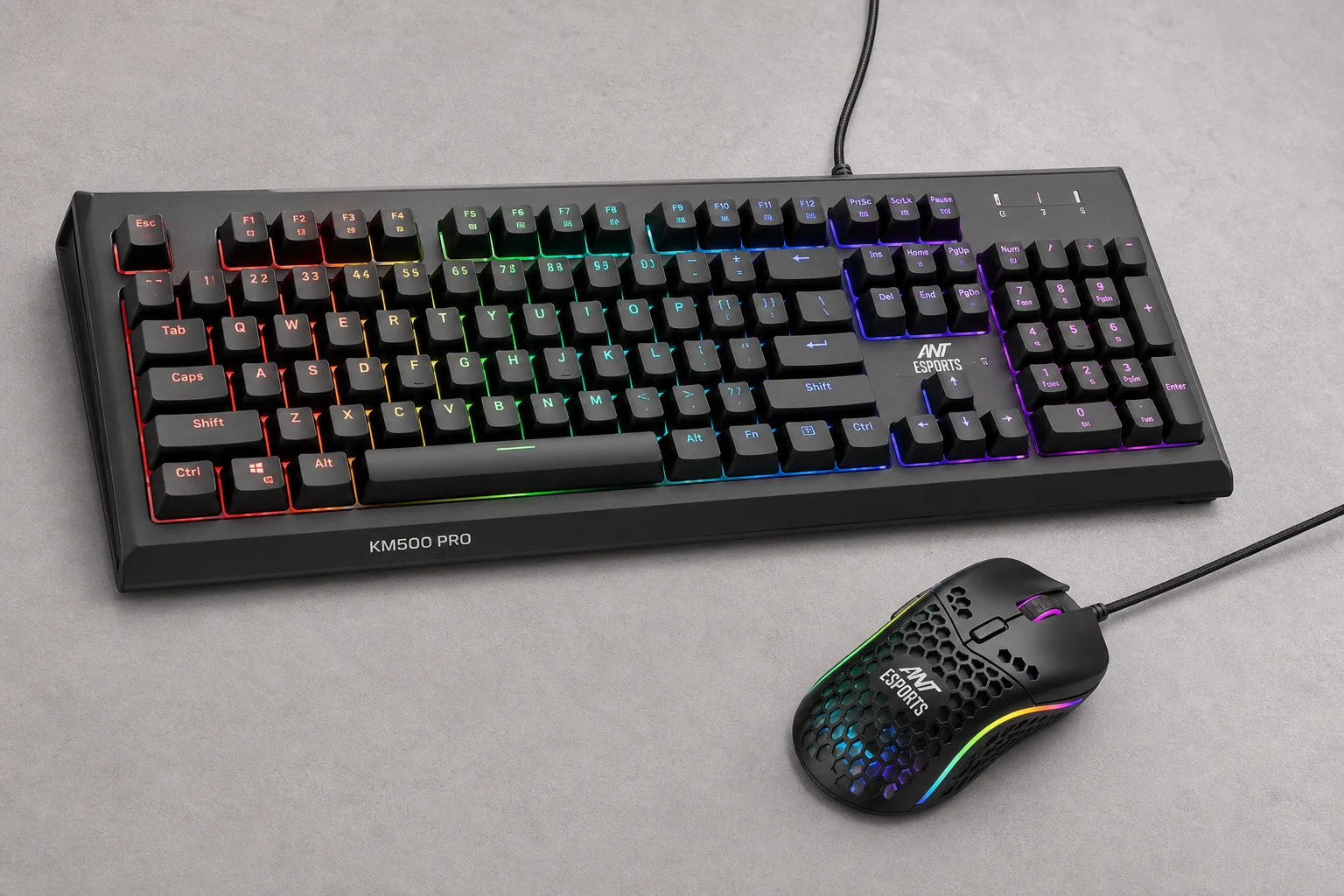
The Ant Esports KM500 Pro is priced around 1097 and represents the best value in this roundup. The keyboard and mouse both look and feel premium out of the box. The keyboard features 19-key anti-ghosting, which prevents key failure when pressing multiple keys simultaneously, a useful feature for gaming.
The RGB is visible even in well-lit environments and allows color customization with three effects. The mouse has a DPI button, forward and backward buttons, and a braided wire. The DPI range of 800 to 3200 is suitable for casual gaming. The keyboard has good elevation clips at the bottom for comfortable typing. The overall build quality is solid, and the typing experience is satisfying.

This combo is recommended for anyone with a budget around 1100. It strikes a balance between build quality, features, and price. The anti-ghosting feature and good RGB implementation make it feel like a genuine gaming peripheral rather than a basic input device. This should be on your wishlist if you are shopping in this price range.
Zebronics Trion: Thin Build, Limited Appeal
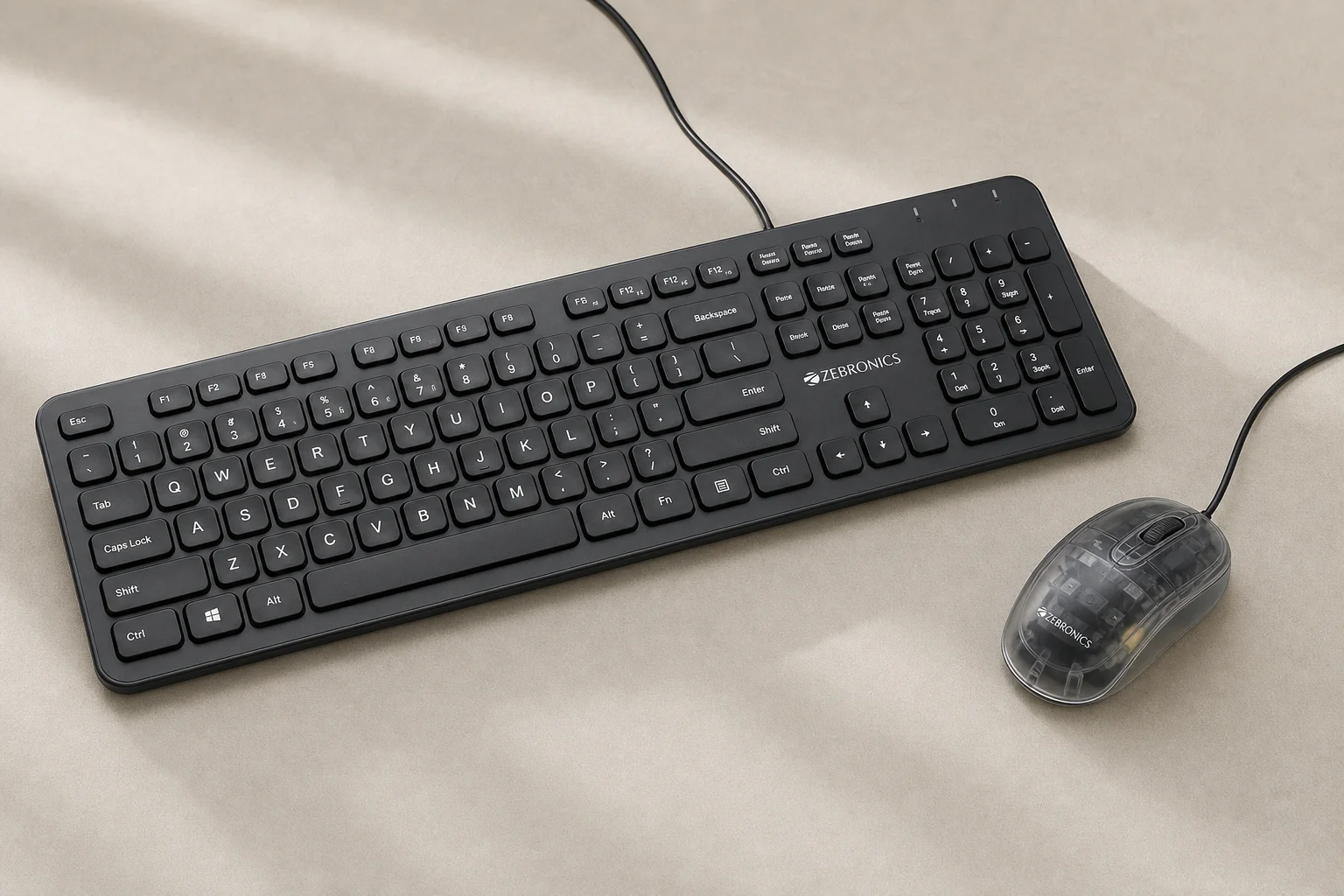
The Zebronics Trion combo costs around 1200 and features a very thin keyboard and mouse with thin wires. The only distinguishing feature is a translucent layer on the mouse, but the real-world appearance does not match the product photos. The keyboard is so thin that rough handling could break it in half.
The mouse is very light and lacks a gaming-grade sensor. Despite the low weight, it is not suitable for esports. For 1200, you can buy the Ant Esports KM500 Pro for 1100 instead, which offers significantly better build quality and features. This combo is not recommended at its price point.
Livetech Keyboard-Mouse Combo: The Bundle Option
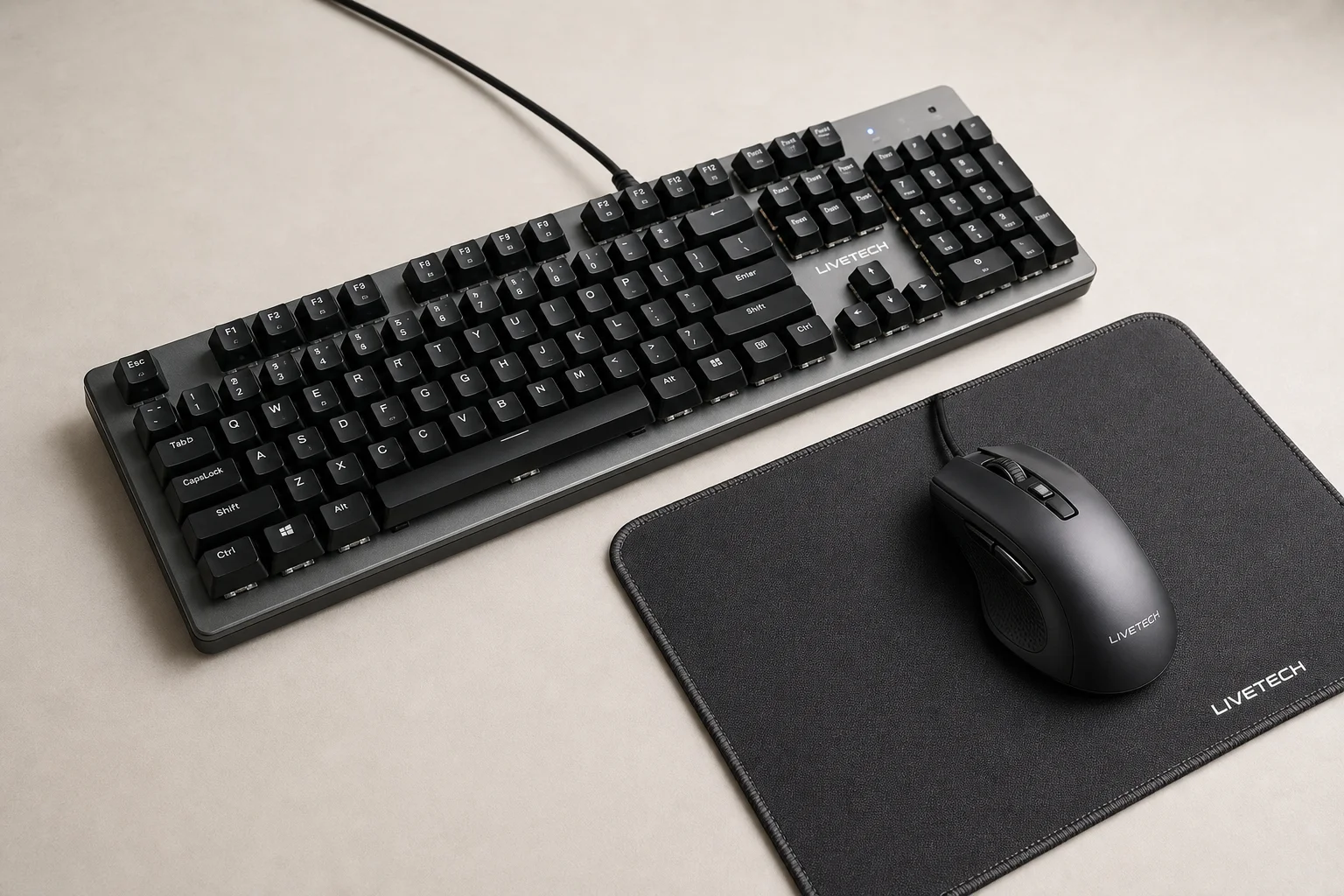
The Livetech combo includes a keyboard, mouse, and mousepad, making it a complete package. The mousepad is well-made with good texture and stitching. The keyboard has a metal plate and solid build quality, delivering a good typing experience. It includes 19-key anti-ghosting and an RGB on-off button with a single effect.
However, the mouse is extremely heavy at 160 grams, making it feel like holding a stick during use. The heavy weight is a significant drawback that overshadows the otherwise decent build quality. If your budget is tight and you want a complete setup, this combo works. However, you will be disappointed by the mouse weight during regular use.
The mousepad alone adds value, but the heavy mouse is a deal-breaker for extended gaming sessions. Only consider this if you prioritize having a complete setup over mouse comfort and can tolerate the weight.
Gamdiaz Ares P2 Lite: Overpriced for Features
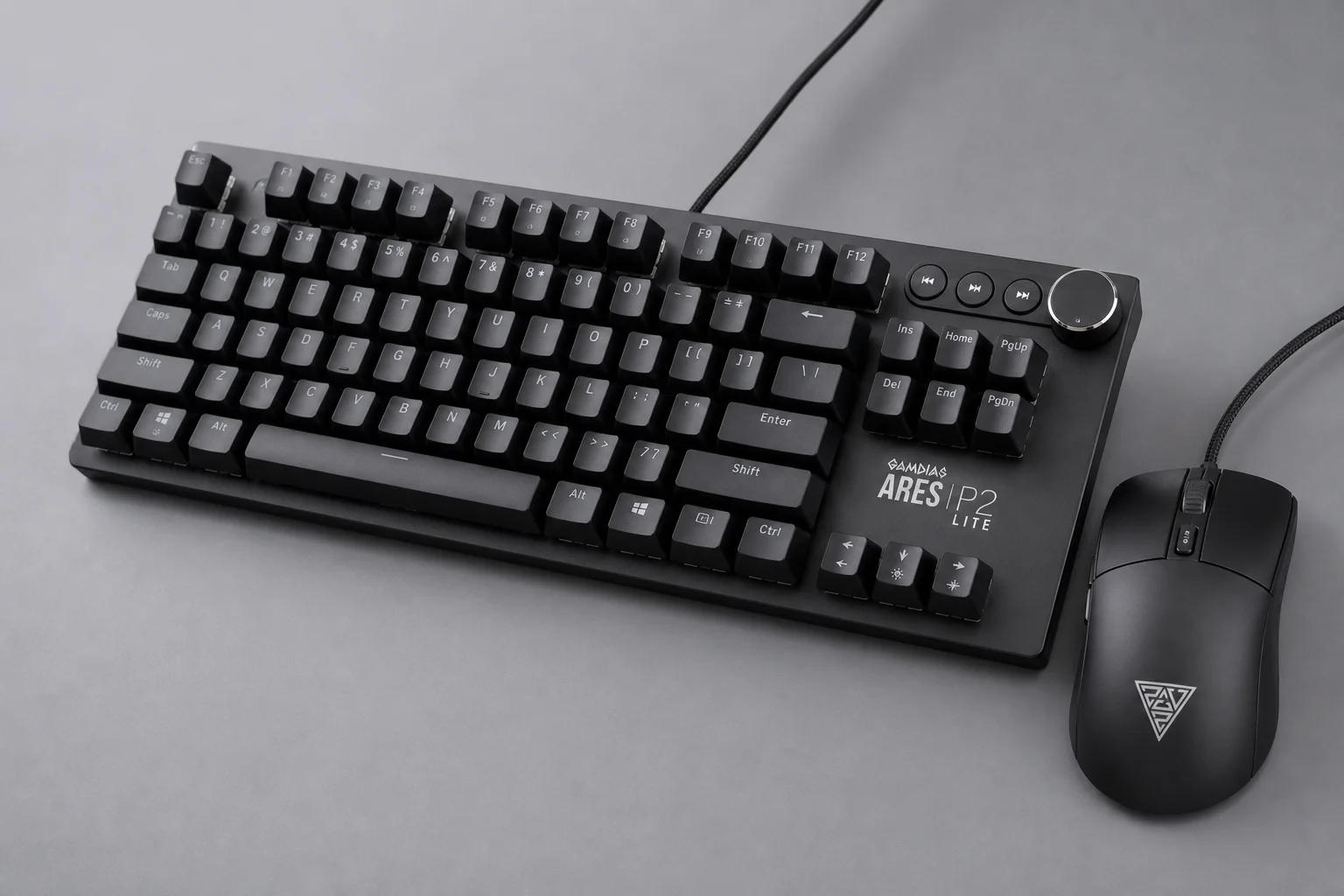
The Gamdiaz Ares P2 Lite is priced at 1530, making it one of the more expensive options. The keyboard has decent build quality with a braided wire, though the wire is thin and weak. The mouse has a plastic wire and weighs around 100 grams. The keyboard includes a volume knob, which is a nice addition.
The mouse supports DPI adjustment from 1200 to 3600 with a good experience. The keyboard offers multiple RGB effects via FN plus scroll lock, more variety than most combos at this price. The build quality is decent overall, but the combo feels slightly overpriced at 1530. At 1200 to 1300, it would have been a better value proposition. Compared to the Ant Esports KM500 Pro, this combo does not justify the extra cost.
Zebronics Transformer Pro: Wireless Gaming Combo
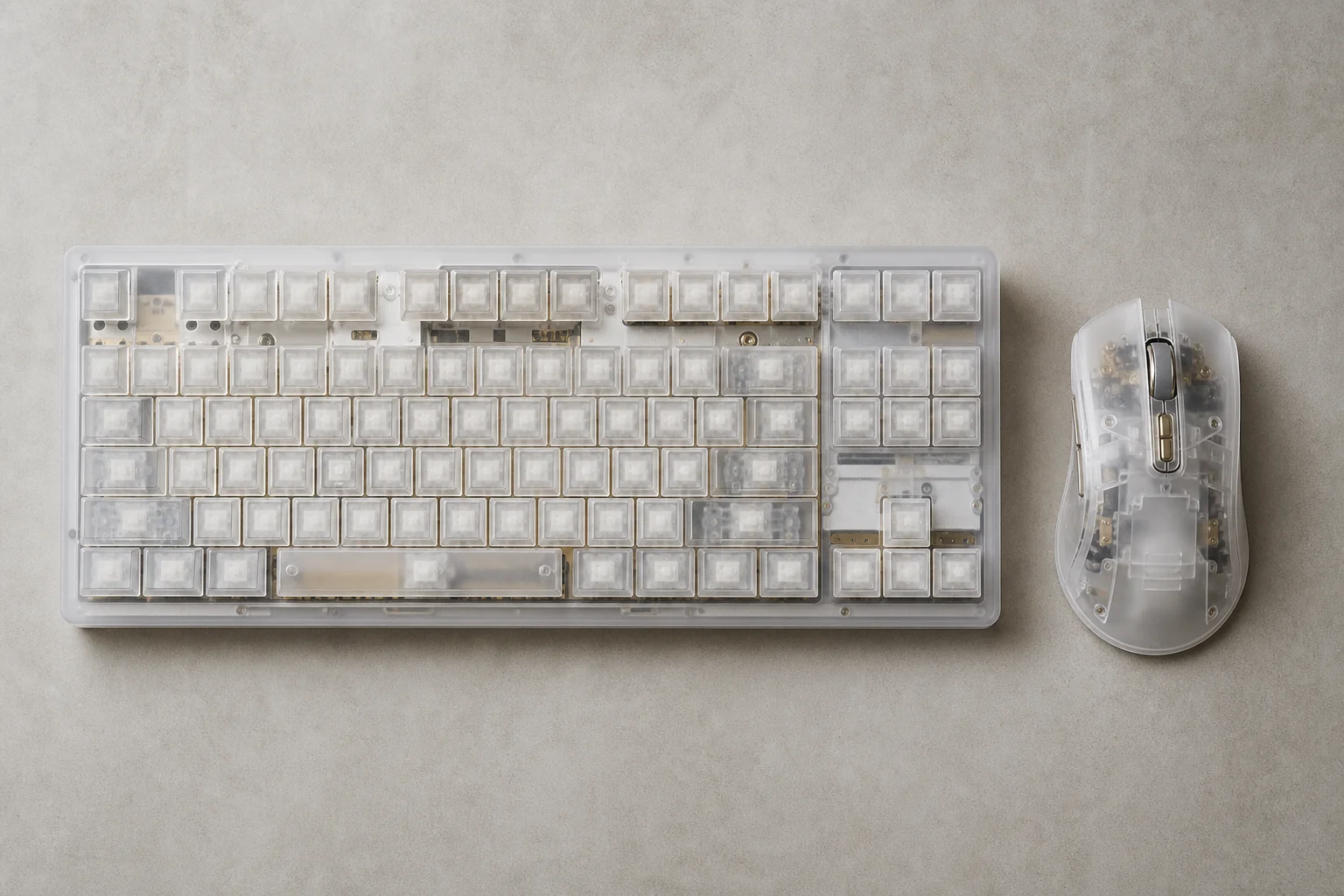
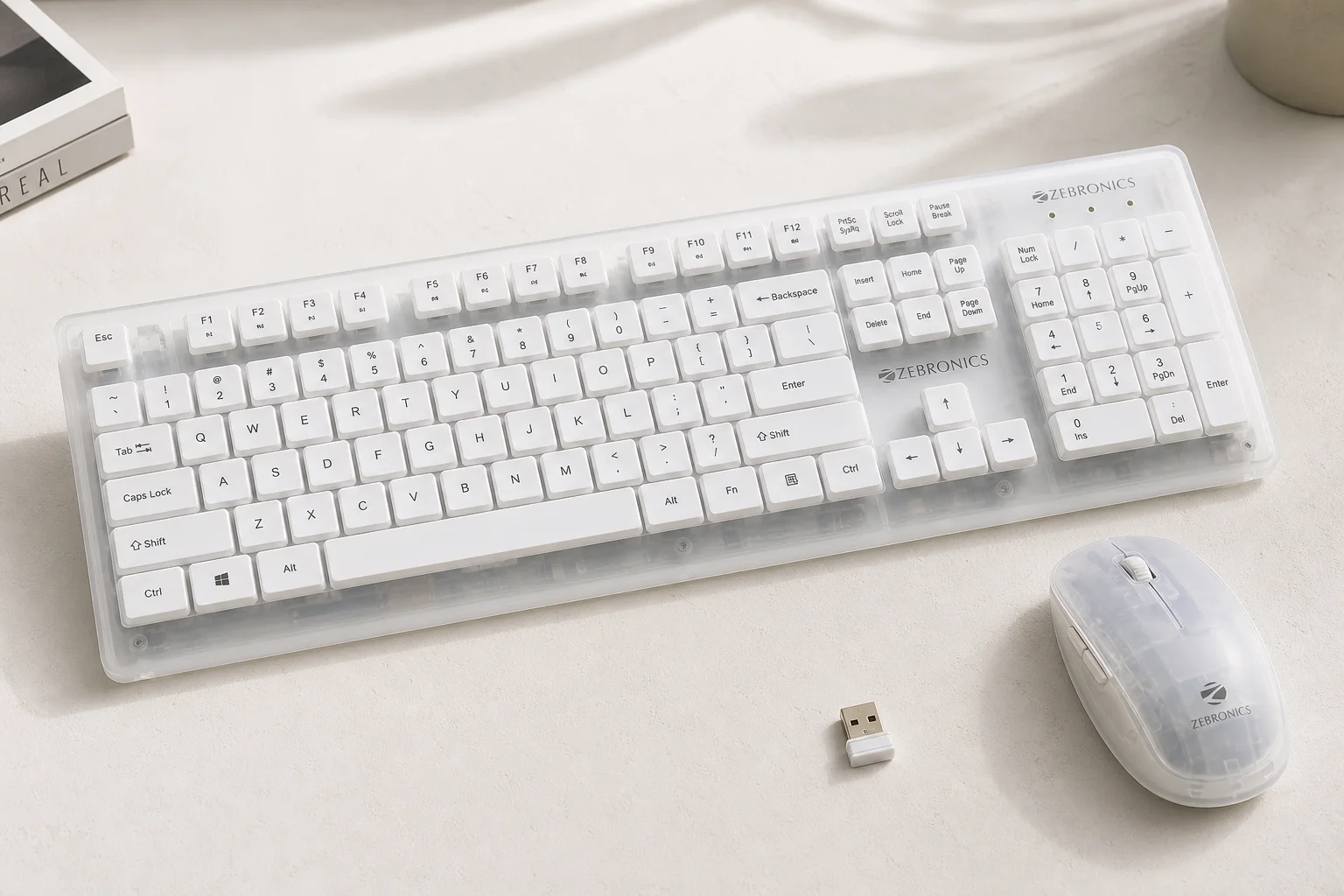
The Zebronics Transformer Pro is a wireless keyboard-mouse combo priced around 1600. The keyboard is made of metal with a translucent white finish that looks bright and modern. The build quality is good with no flex and two elevation levels. The mouse weighs around 100 grams and feels comfortable to use.
This is a wireless combo with a dongle that you can carry in the mouse. A button behind the mouse turns it on. The keyboard has two effects: breathing and static, plus an off option. The lighting is good from the front due to the translucent white casing. The mouse has a light effect, though a single visible light inside gives it a slightly cheap feeling.
The mouse supports DPI adjustment from 1600 to 4000 with an optical sensor and a 260Hz polling rate, significantly higher than the 125Hz standard in most budget combos. However, the keyboard lacks anti-ghosting, so pressing too many keys simultaneously can cause failure. At 1600, this is a solid choice if you want a wireless gaming combo with decent lighting and a higher polling rate mouse. It gives a gaming vibe without the premium price of professional gaming peripherals.
Buying Recommendations
If you have a budget around 1100, the Ant Esports KM500 Pro is the clear winner. It offers anti-ghosting, good RGB, solid build quality, and a satisfying typing experience. This combo delivers genuine gaming features without unnecessary compromises.
If you can stretch to 1600, the Zebronics Transformer Pro is worth considering. The wireless design, higher polling rate mouse, and modern translucent white aesthetic make it a good choice for a complete gaming setup. The lack of keyboard anti-ghosting is a trade-off, but the overall package is solid.
The Livetech combo is acceptable if you need a complete setup including a mousepad and can tolerate the heavy mouse. Skip the DYAZO Cyborg Edition, Zebronics Optimus, Zebronics Trion, and Gamdiaz Ares P2 Lite. These combos either lack standout features, feel overpriced, or have significant drawbacks that make better alternatives available at similar prices.
Conclusion
Budget gaming keyboard-mouse combos serve a real purpose for people building their first PC or laptop setup. Most of these combos use membrane switches and basic mice with 125Hz polling rates, making them suitable for casual gaming and story-driven games but not for competitive esports.
The key is matching the combo to your actual needs. If you want a gaming look and decent functionality without breaking the budget, the Ant Esports KM500 Pro at 1100 is the best choice. If you prefer wireless and can spend up to 1600, the Zebronics Transformer Pro is a solid option. For everything else, you are better off saving a bit more and investing in a mechanical keyboard and a dedicated gaming mouse with a gaming-grade sensor.
All links to these products are available in the description for easy comparison and purchase.
Further reading
Related Reviews
Gaming Peripherals
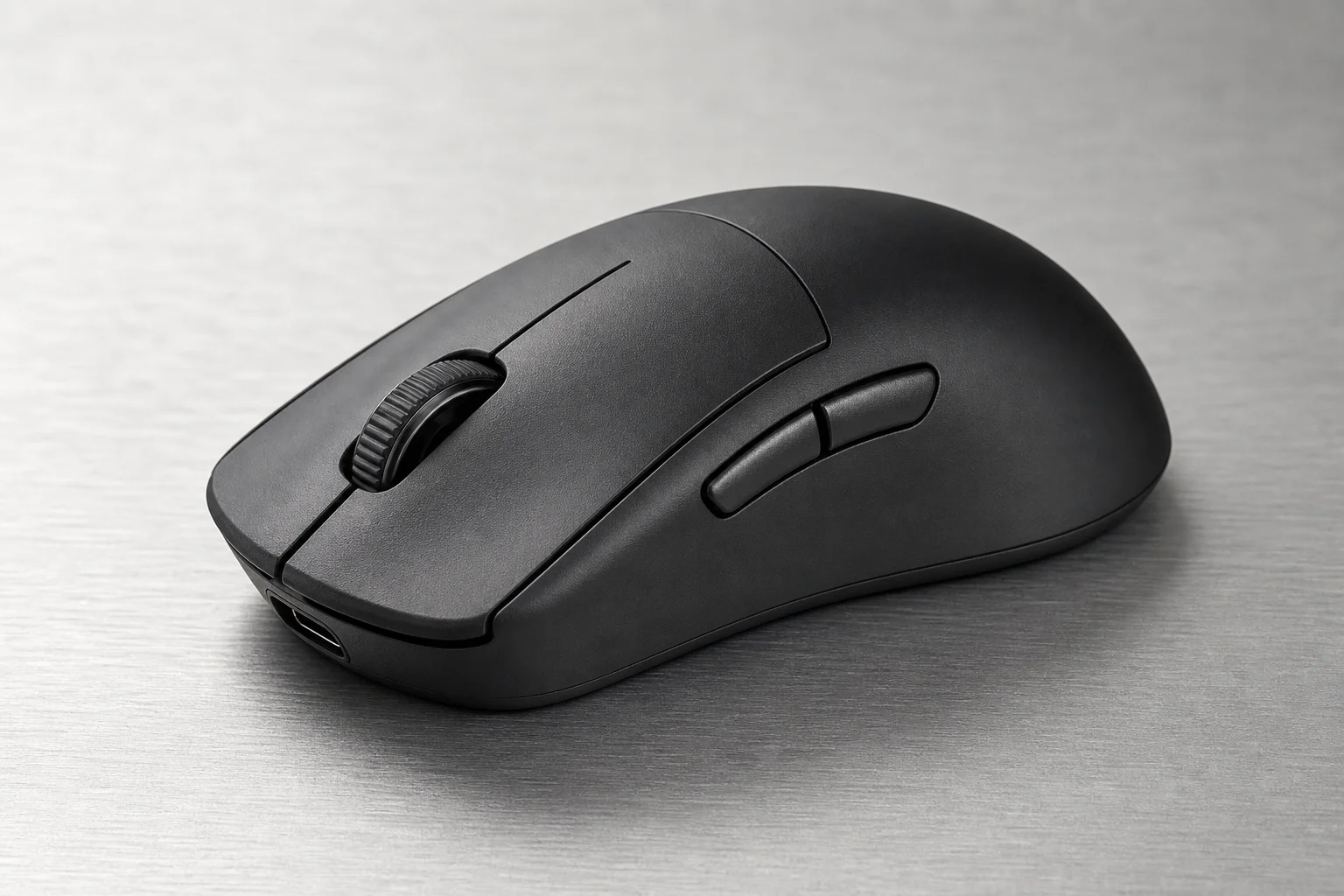
Logitech Pro X2 SUPERSTRIKE Gaming Mouse Review: Haptic Triggers and Rapid-Fire Precision
A lightweight esports mouse with haptic inductive triggers, adjustable actuation points, and rapid-trigger technology designed for competitive gaming.
Gaming Peripherals
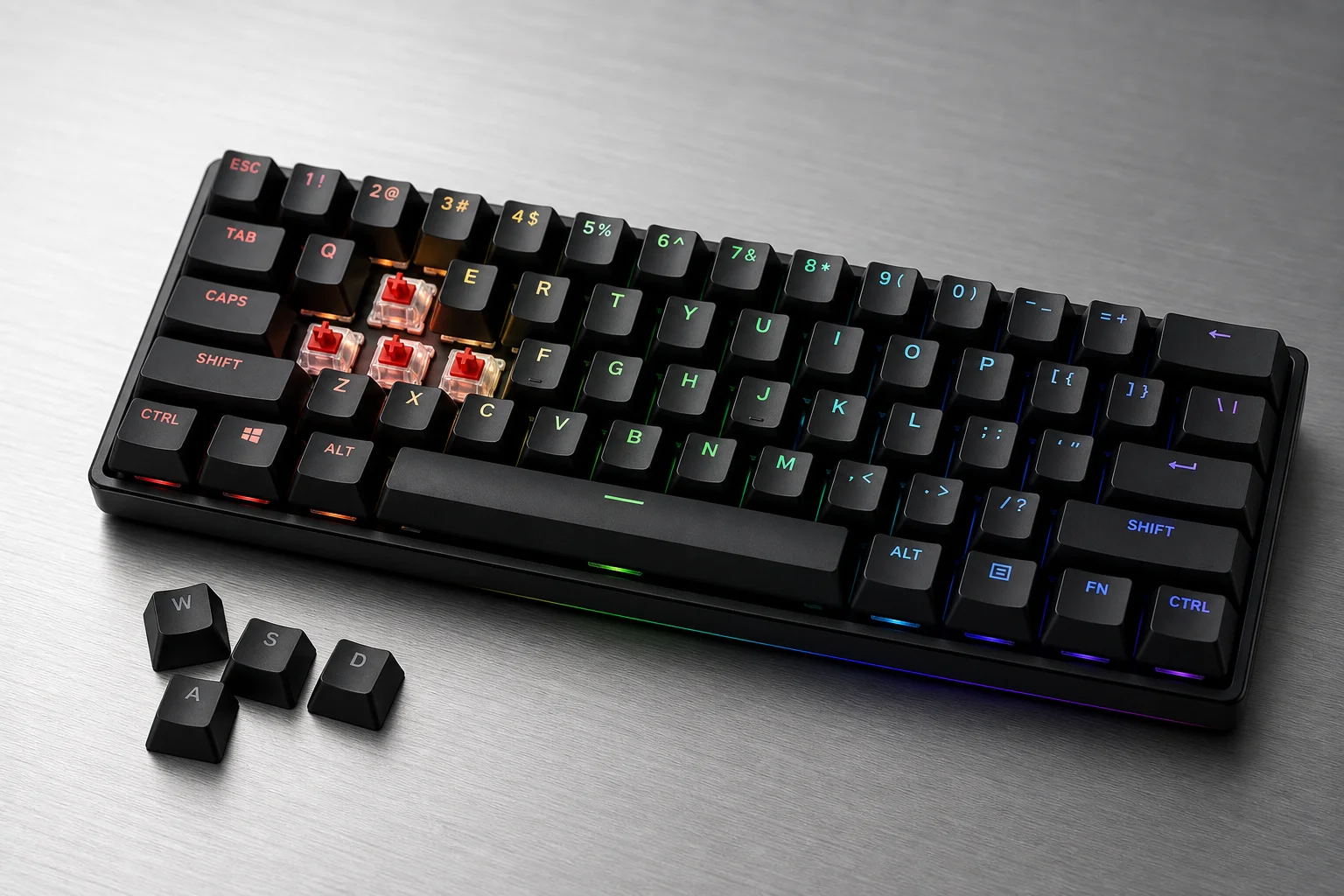
TMR Sensors vs Hall Effect: The Next Generation of Gaming Keyboards
TMR sensors represent a meaningful evolution in gaming keyboard technology, offering better accuracy, lower power consumption, and hybrid switch compatibility. Here's what you need to know before upgrading.
Gaming Peripherals
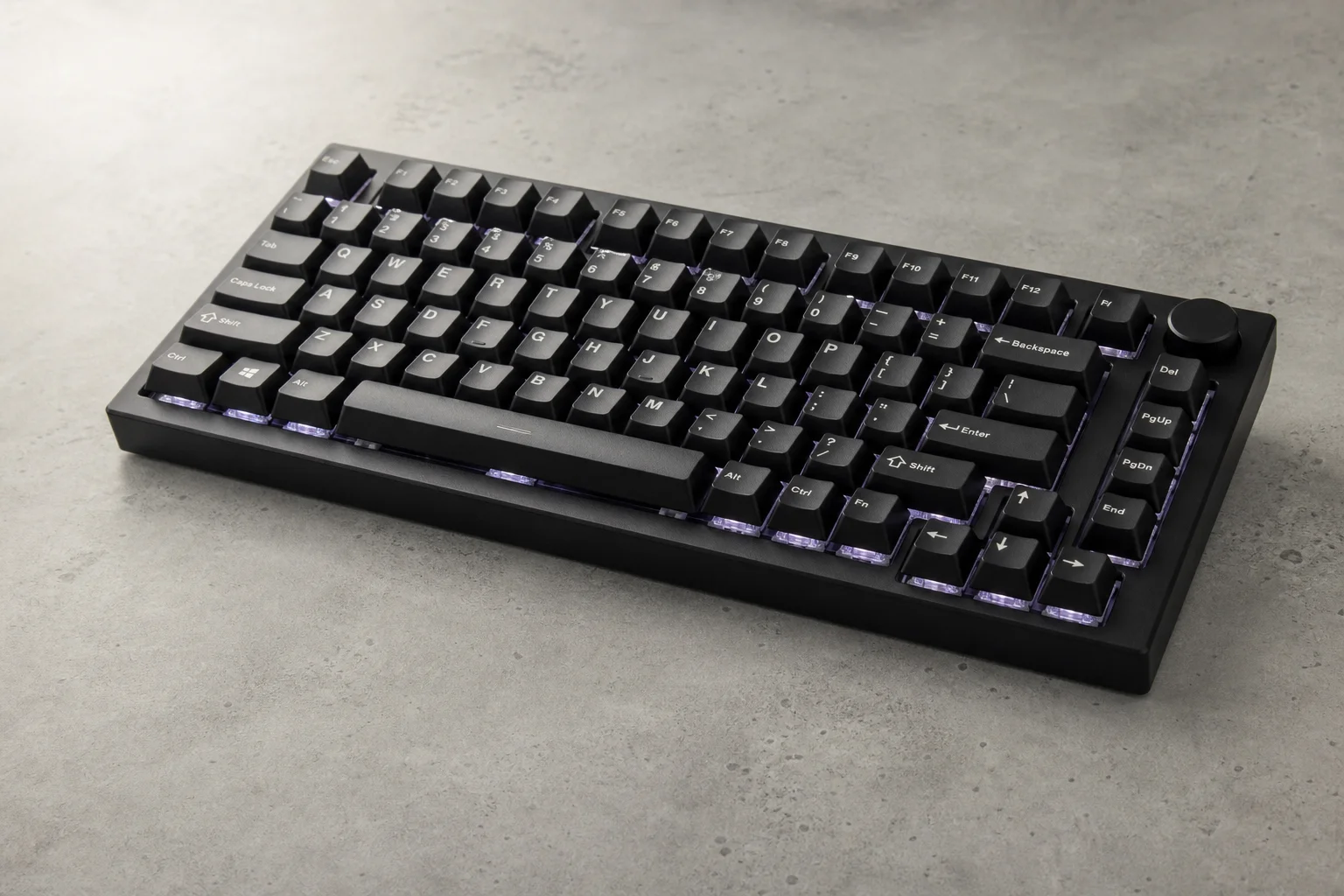
TMR Sensors vs Hall Effect Keyboards: What Changed in Gaming Input Technology
TMR sensors represent a meaningful evolution in analog keyboard and controller technology, offering better accuracy, lower power consumption, and new design possibilities compared to Hall Effect.