3D Printers
Creality Ender 3 S1 Pro Review: A Premium 3D Printer Built for Klipper
The Ender 3 S1 Pro delivers excellent print quality and thoughtful hardware design, but its Marlin firmware falls short. Pairing it with the Sonic Pad unlocks its full potential.
Introduction
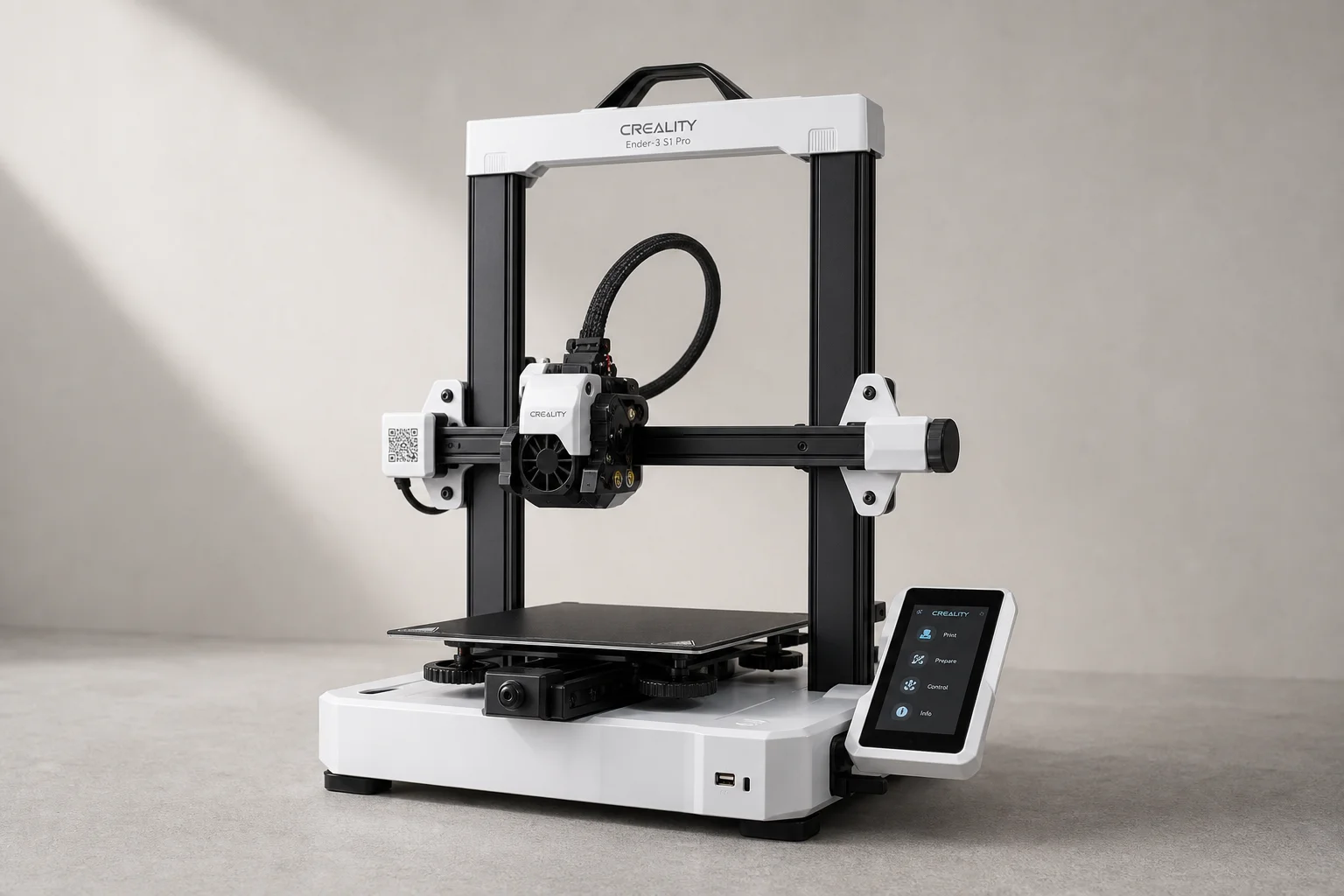
The Creality Ender 3 S1 Pro stands as the flagship model in the Ender line, delivering premium hardware and exceptional print quality. However, its Marlin firmware implementation leaves room for improvement. This review examines what makes the S1 Pro a strong choice for serious makers, and why pairing it with the Sonic Pad transforms it into a truly outstanding machine.
Mechanical Design and Assembly
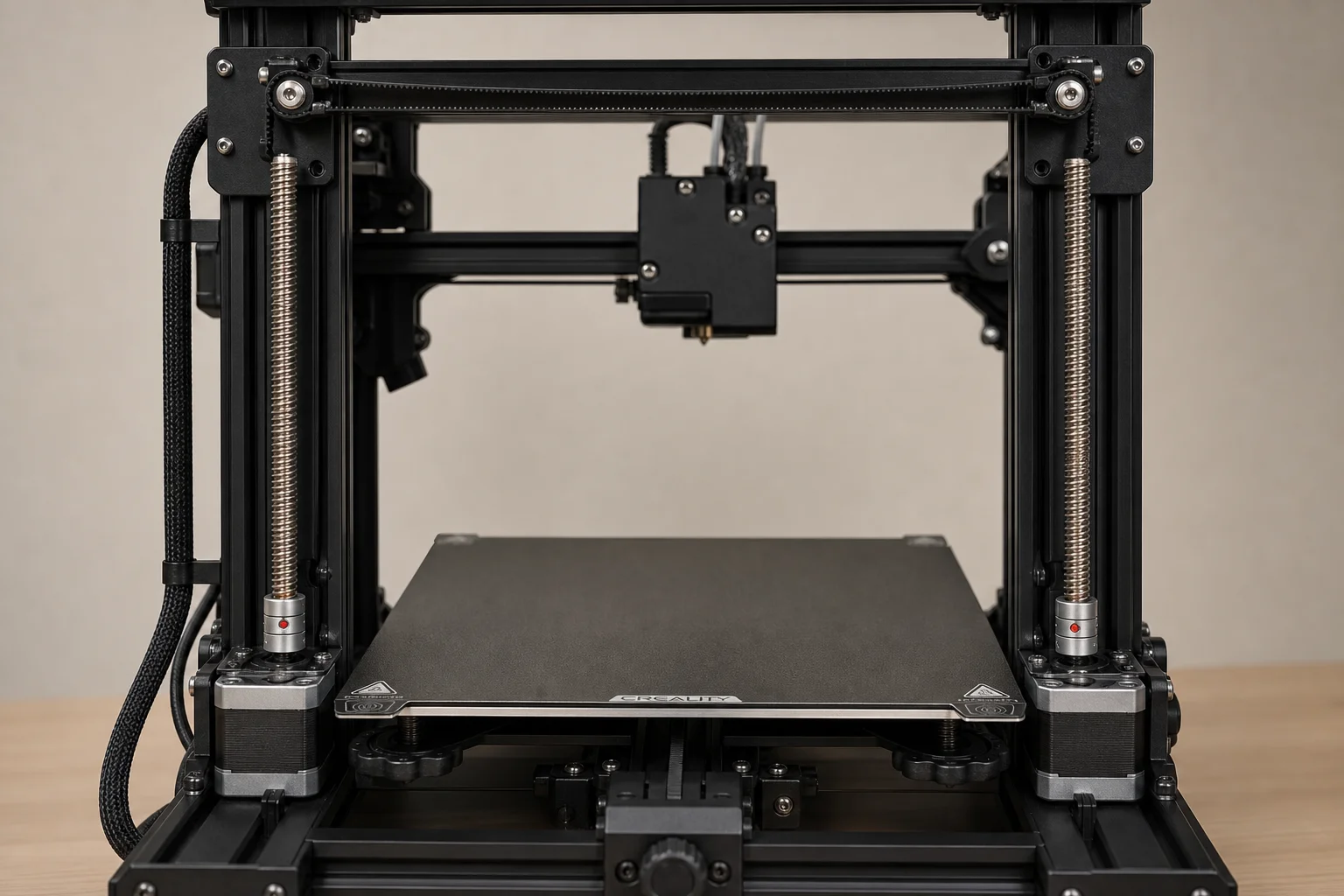
The Ender 3 S1 Pro arrives well-organized and assembles in under 20 minutes. The dual Z-axis design uses two stepper motors connected by a timing belt to keep them perfectly synchronized, preventing the gantry from tilting or sagging under load. This is a significant engineering advantage over single-motor designs.
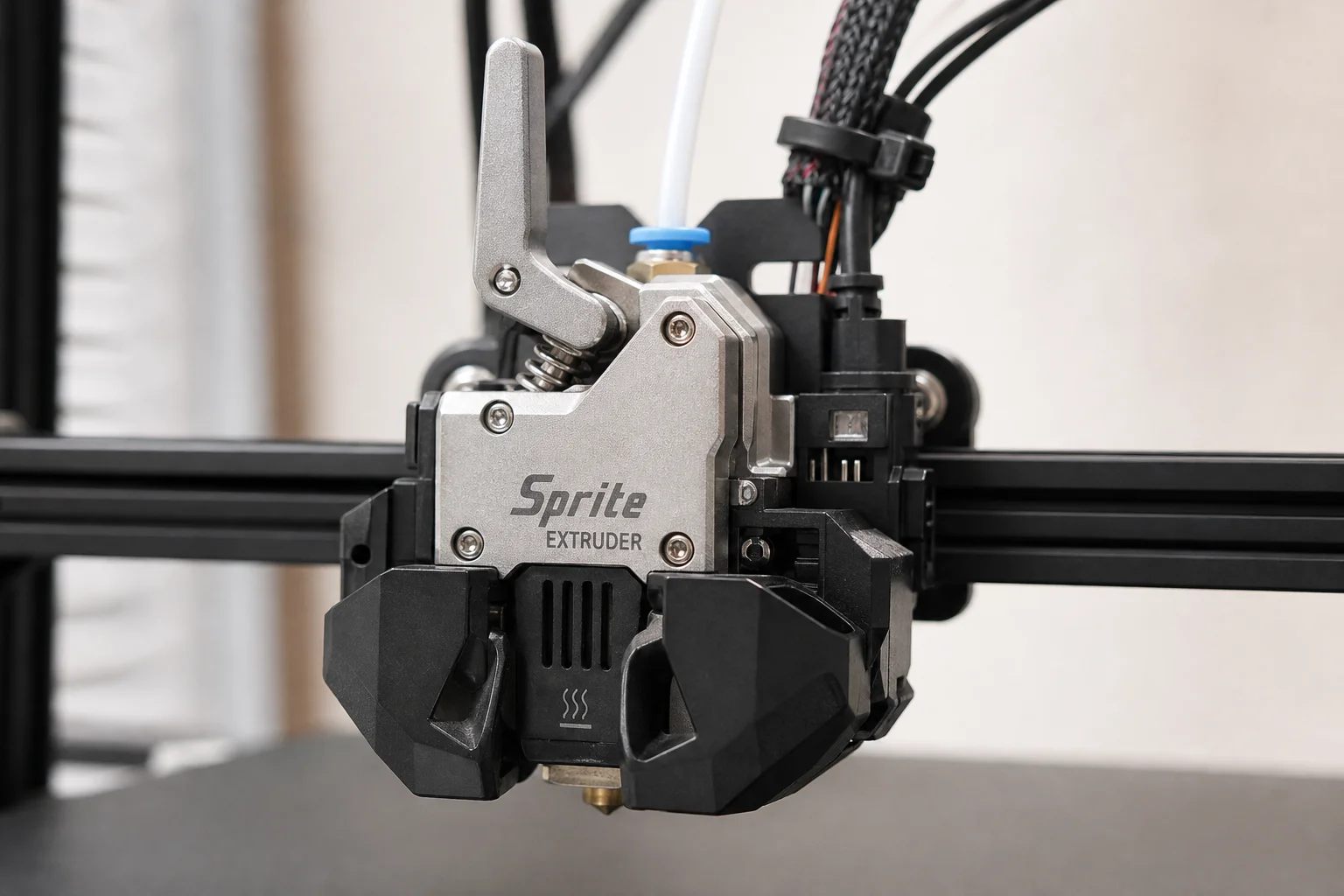
The X-gantry uses hard yellow springs that hold their adjustment indefinitely, eliminating the need for frequent re-leveling. Assembly is straightforward, though the manual omits one critical step: if the print bed arrives loose or wobbly, the wheels must be adjusted. The printer includes all necessary tools for this task.
A practical assembly tip: when installing the gantry, tighten only one side first, then manually lower the gantry to let it self-accommodate the other side before tightening the remaining screws. This ensures perfect tramming without additional adjustment.
Hardware Strengths: The Sprite Extruder
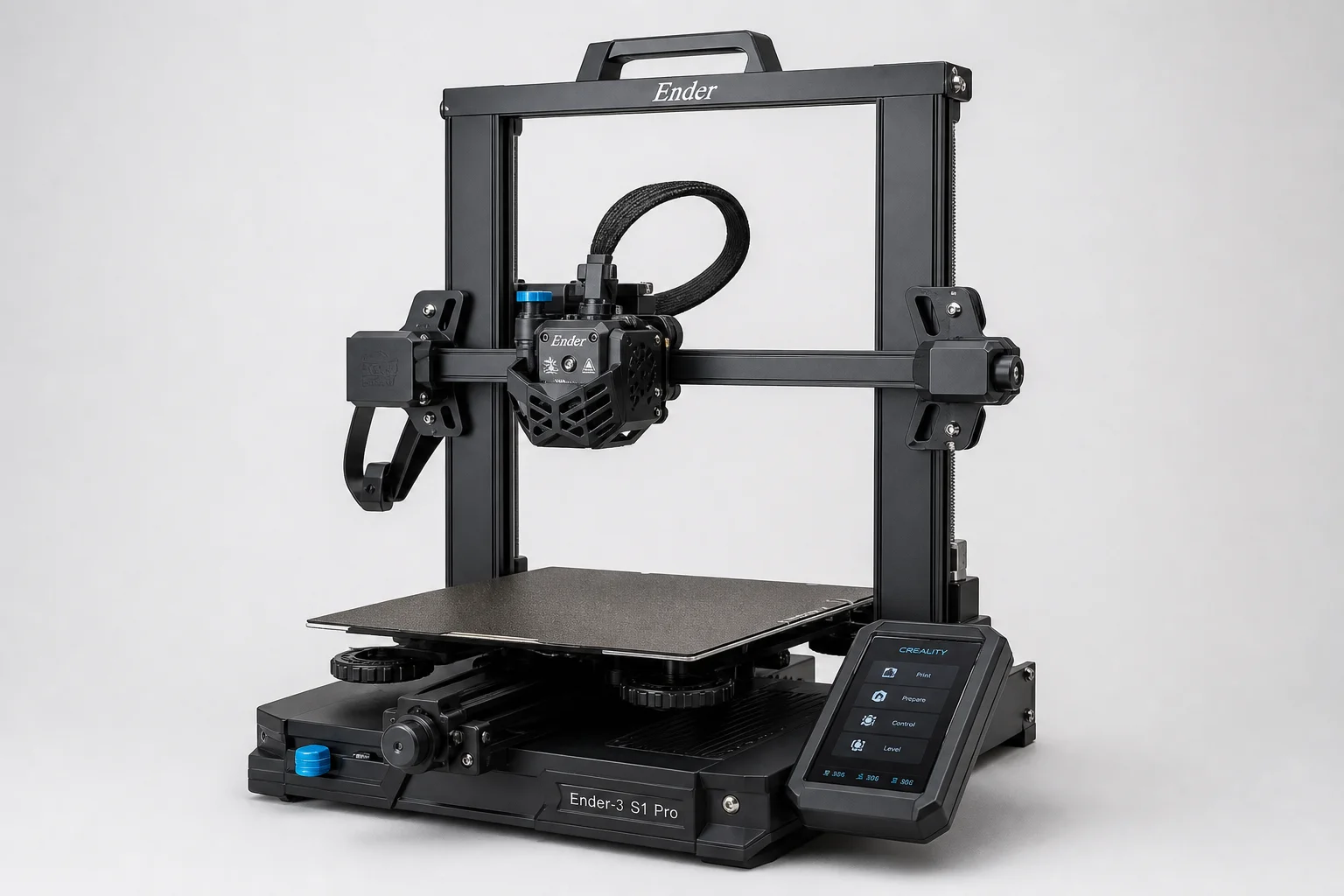
The Sprite Extruder is arguably the best feature of this printer. Its design is refreshingly simple and functional, with all components exposed and accessible. Installation is straightforward, and cable management is elegant. The all-metal hot-end supports high-temperature materials, opening possibilities for advanced filaments.
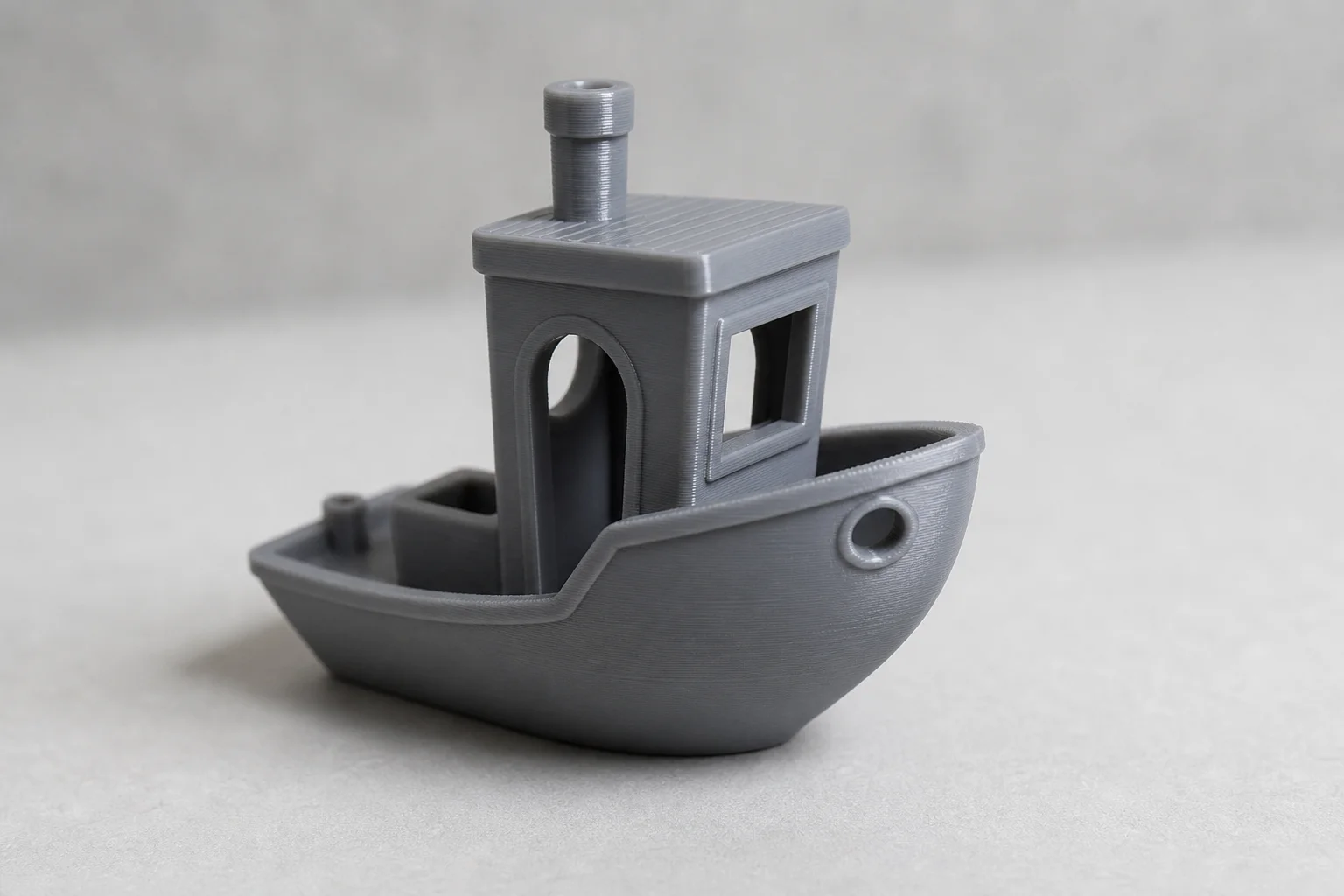
Cooling performance is excellent despite using only a single part-cooling fan. The dual cooling ducts direct airflow precisely where needed, producing sharp corners and clean overhangs. Filament changes are fast and intuitive thanks to the well-designed lever mechanism. Creality sells the Sprite Extruder as an upgrade kit, making it a compelling option for owners of older Ender models.
The filament sensor uses an optical switch to detect whether filament is present, but it does not detect filament movement or jams. It will pause the print when the spool runs out, though without an audible alarm. The sensor works reliably for end-of-spool detection but offers limited jam protection.
Print Quality and Results
Out of the box, the S1 Pro produces excellent prints. The textured PEI print surface on a spring steel sheet allows prints to pop cleanly when cooled, and the magnetic bed makes plate changes effortless. The bed includes heat insulation underneath, improving temperature stability.
Bed leveling uses a two-stage approach: manual assisted leveling on each corner, followed by auto-leveling to measure the entire bed and generate a compensation mesh. This hybrid method works well and requires minimal user intervention.
Sample prints demonstrate strong dimensional accuracy and surface finish. The 3D Benchy benchmark prints cleanly with sharp details and minimal artifacts. The calibration cat’s tail, a notoriously difficult feature, prints without deformation, confirming that cooling performance is genuinely strong.
Design and User Experience
The touchscreen is beautiful and intuitive, though it displays fewer menu options than older Ender LCD interfaces. Some advanced functions, like PID auto-tuning and power-loss recovery settings, require a computer connection or direct GCode input. This is a notable limitation for users who prefer standalone operation.
The printer features warm-white LED lighting controlled by a manual switch. While not RGB or printer-controlled, the lighting is genuinely useful for visibility during printing and maintenance.
The chassis is sturdy plastic with no sharp edges, making it easy to keep clean. A full-size SD card slot is included, which is far superior to the micro-SD cards found on many competitors. The aluminum internal frame provides structural rigidity while keeping the overall design compact.
One observation: the Y-axis motor runs noticeably hot, which may warrant monitoring during extended print sessions. The X-axis motor runs warm, while the Z-axis motors remain only slightly warm.
Firmware and the Sonic Pad Solution
The Ender 3 S1 Pro ships with Marlin firmware, which is open-source but lacks several useful features. Linear Advance is disabled, which could improve corner sharpness. The Filament Change function, used for color swaps, does not pause reliably and may resume printing before the user is ready.
Upgrading to a more capable Marlin build requires compiling the firmware yourself or using community releases. Alternatively, Klipper offers advanced features like input shaping and superior motion control, but installing Klipper traditionally required a Raspberry Pi and significant setup effort.
Creality’s Sonic Pad addresses this limitation directly. This dedicated control unit runs Klipper out of the box, includes a 7-inch touchscreen, WiFi connectivity, and comes with an input shaping sensor. It costs less than a Raspberry Pi 4 and eliminates the complexity of manual Klipper installation. For the Ender 3 S1 Pro, the Sonic Pad is the ideal companion, unlocking the printer’s full potential without requiring technical expertise.
Conclusion
The Creality Ender 3 S1 Pro is a premium 3D printer that excels in hardware design, print quality, and user experience. Its Sprite Extruder, dual Z-axis, and thoughtful mechanical engineering make it a strong choice for serious makers. The primary limitation is its Marlin firmware, which lacks advanced features found in competing systems.
Pairing the S1 Pro with the Sonic Pad transforms it into a state-of-the-art machine. Klipper’s advanced motion control, input shaping, and superior user interface make the combination genuinely compelling. For anyone considering the Ender 3 S1 Pro, the Sonic Pad should be part of the purchase decision.
Further reading
Related Reviews
3D Printers
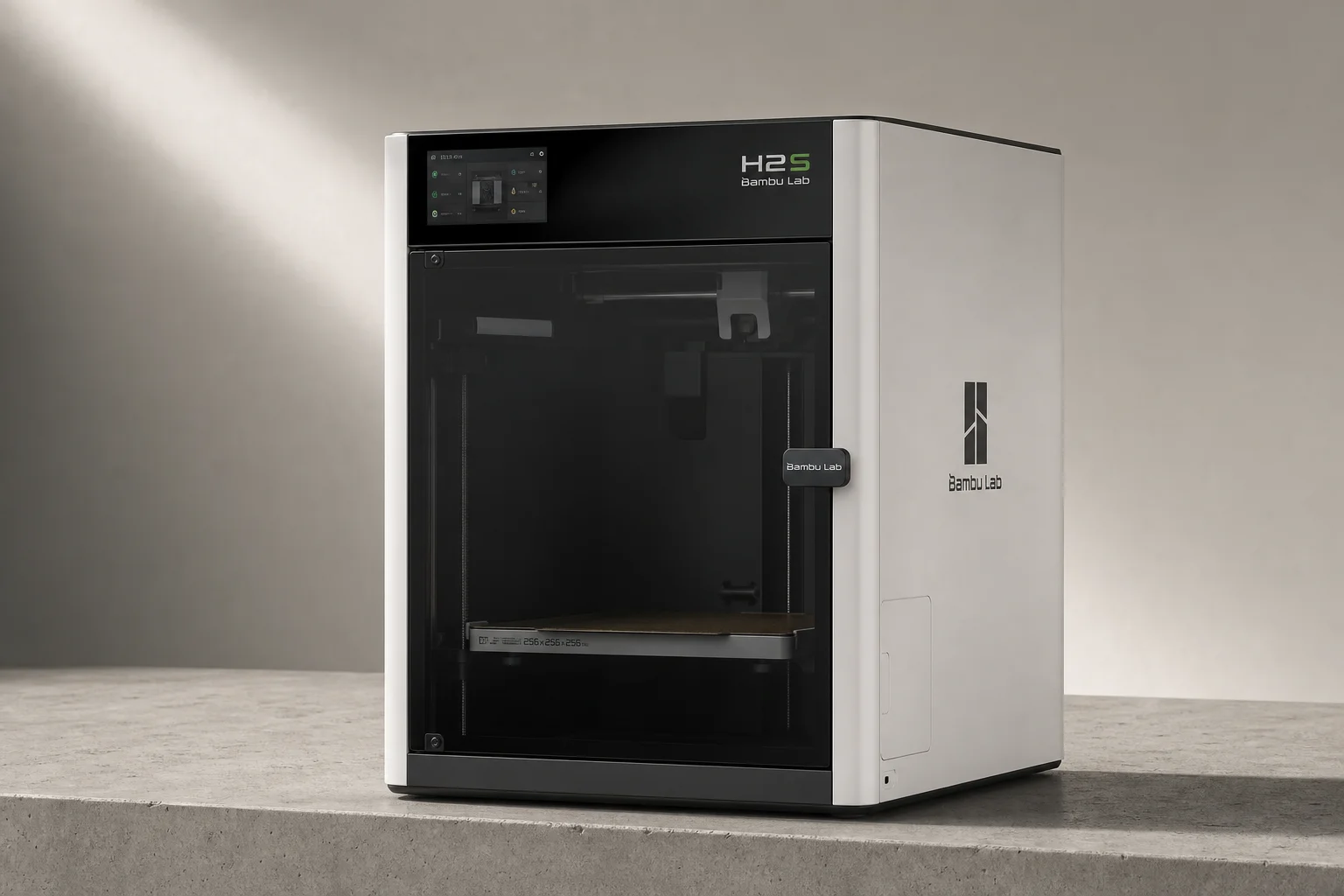
Bambu Lab H2S Review: Large-Format 3D Printing Without the Dual Extruder
The H2S strips away the H2D's dual-nozzle complexity for a simpler, cheaper large-format printer. Here's what that trade-off means for your prints.
3D Printers
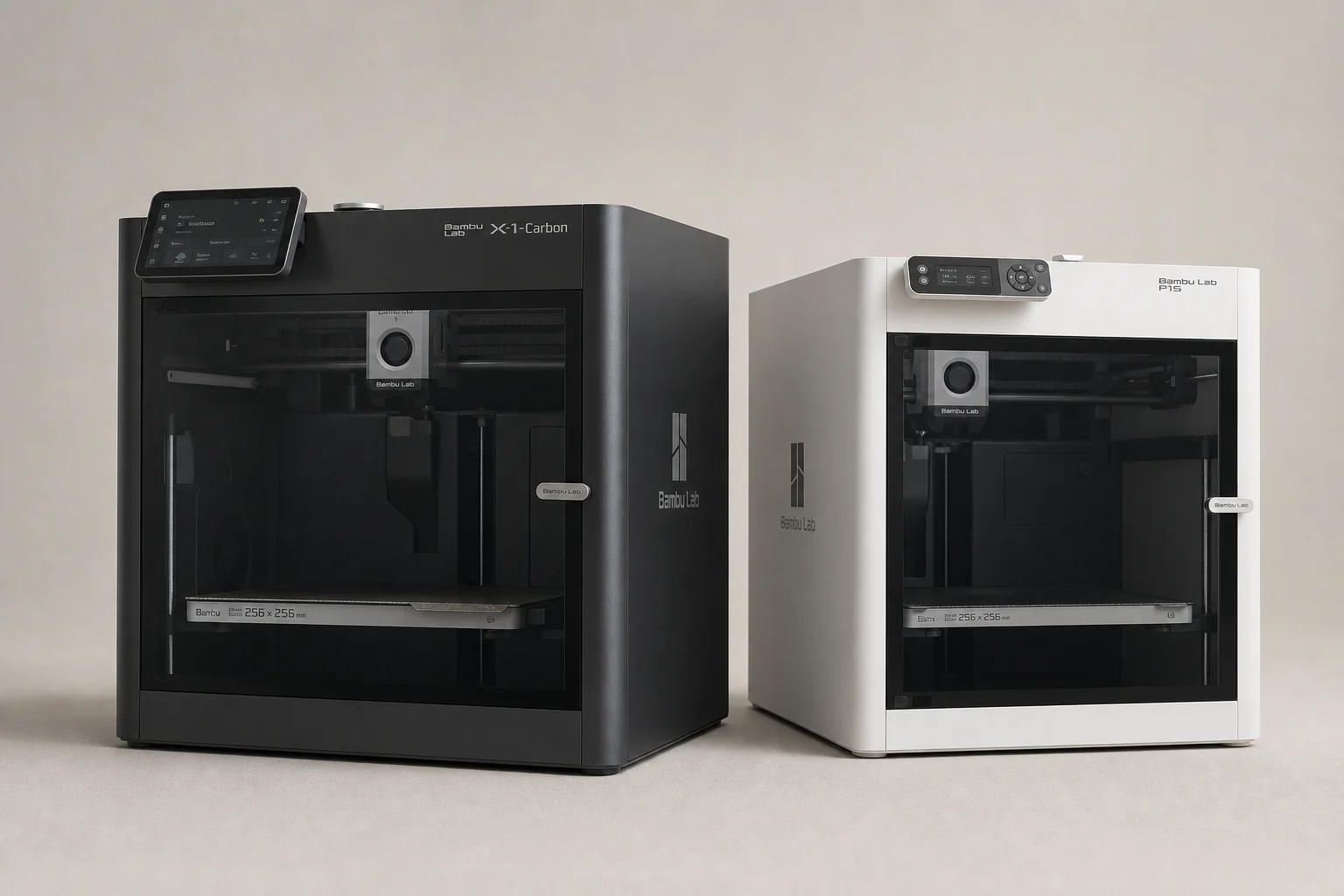
Bambu Lab P1S vs X1 Carbon: Why the Budget Option Wins
After testing both printers side by side, the P1S delivers nearly identical print quality at half the price. Here's what the premium features actually cost you.
3D Printers
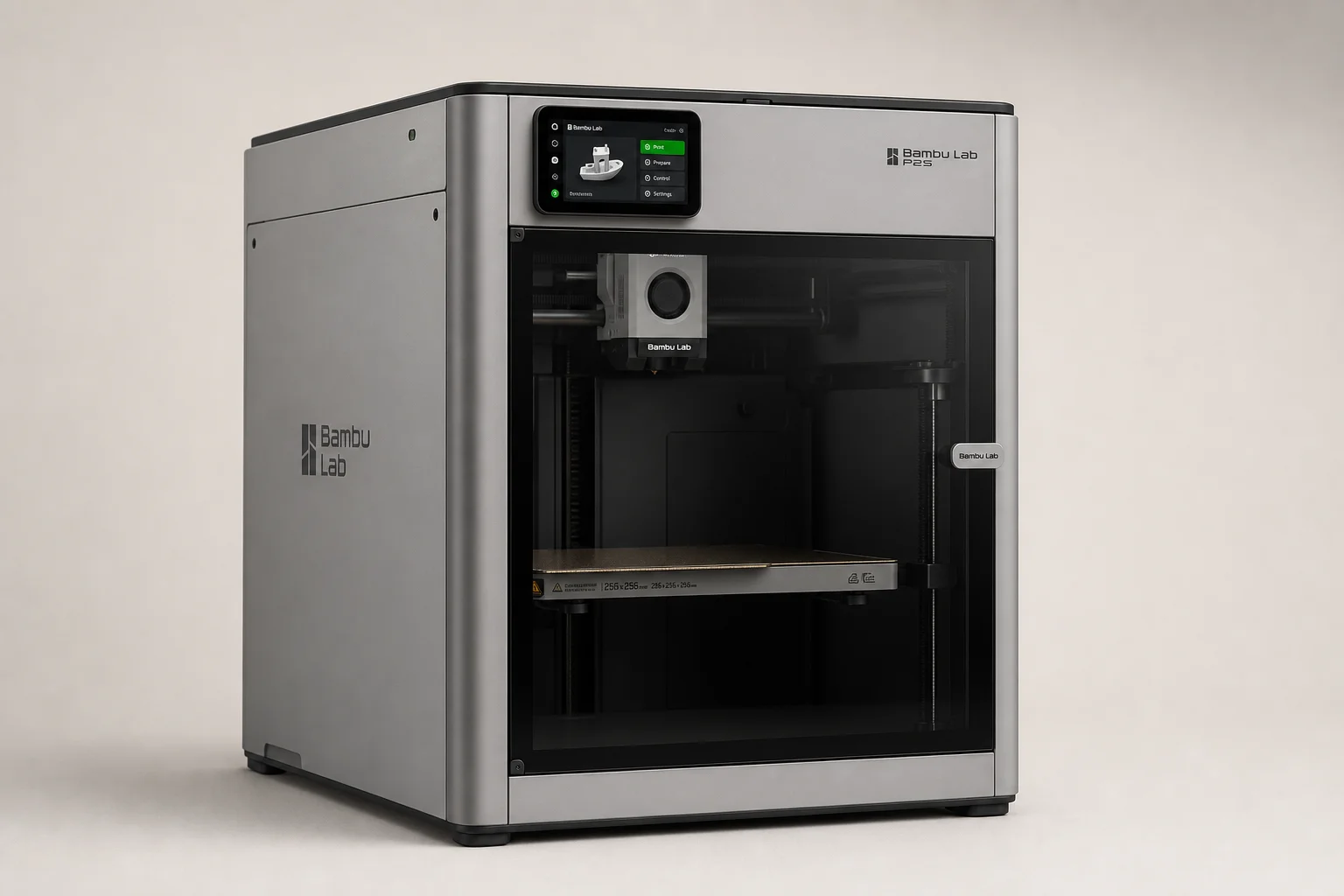
Bambu Lab P2S Review: A Strong Mid-Range 3D Printer Worth Considering
The Bambu Lab P2S brings significant upgrades over its predecessor, including a new touchscreen, improved cooling, and quick-swap nozzles. Here's what real-world use reveals about its strengths and trade-offs.