3D Printers
Elegoo Centauri Carbon 2 Review: Affordable Multi-Material 3D Printing Workhorse
The Elegoo Centauri Carbon 2 delivers multi-color printing and serious material capability at a price point that punches well above its weight. A practical choice for budget-conscious makers and small print farms.
Introduction
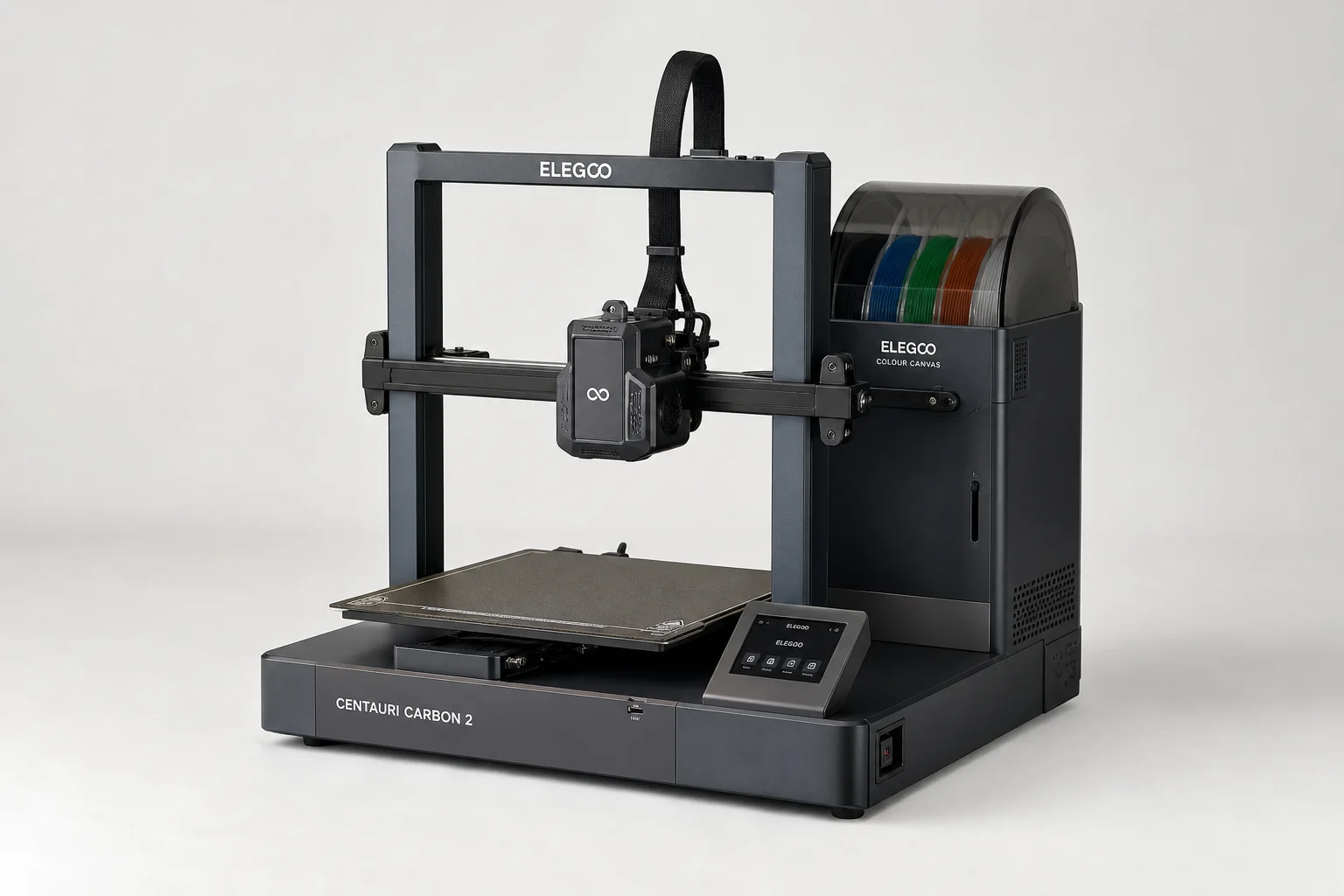
The Elegoo Centauri Carbon 2 arrives as a meaningful upgrade to an already capable budget 3D printer. At approximately £399 in the UK market, it introduces multi-color printing to a price tier where such capability was previously unavailable. This machine targets makers and small print farm operators who need reliable output without premium pricing, and it delivers on that promise with some genuine surprises.
Who This Printer Is For
The Centauri Carbon 2 makes the most sense for makers operating on a tight budget who want multi-material capability without compromise. If your budget sits below £500, this printer represents the strongest value proposition currently available. It also appeals to users who already own the original Centauri Carbon and want a second machine dedicated to multi-color work, leaving the first as a single-color workhorse.
Small print farm operators will find the combination of reliability, material flexibility, and price particularly compelling. The machine handles engineering filaments like PA6 GF, ABS, TPU, and polypropylene, opening up possibilities beyond decorative printing.
If your budget stretches to £1,000 or beyond, you should evaluate tool-changer systems before committing, as they offer greater flexibility despite their higher cost.
Main Strengths
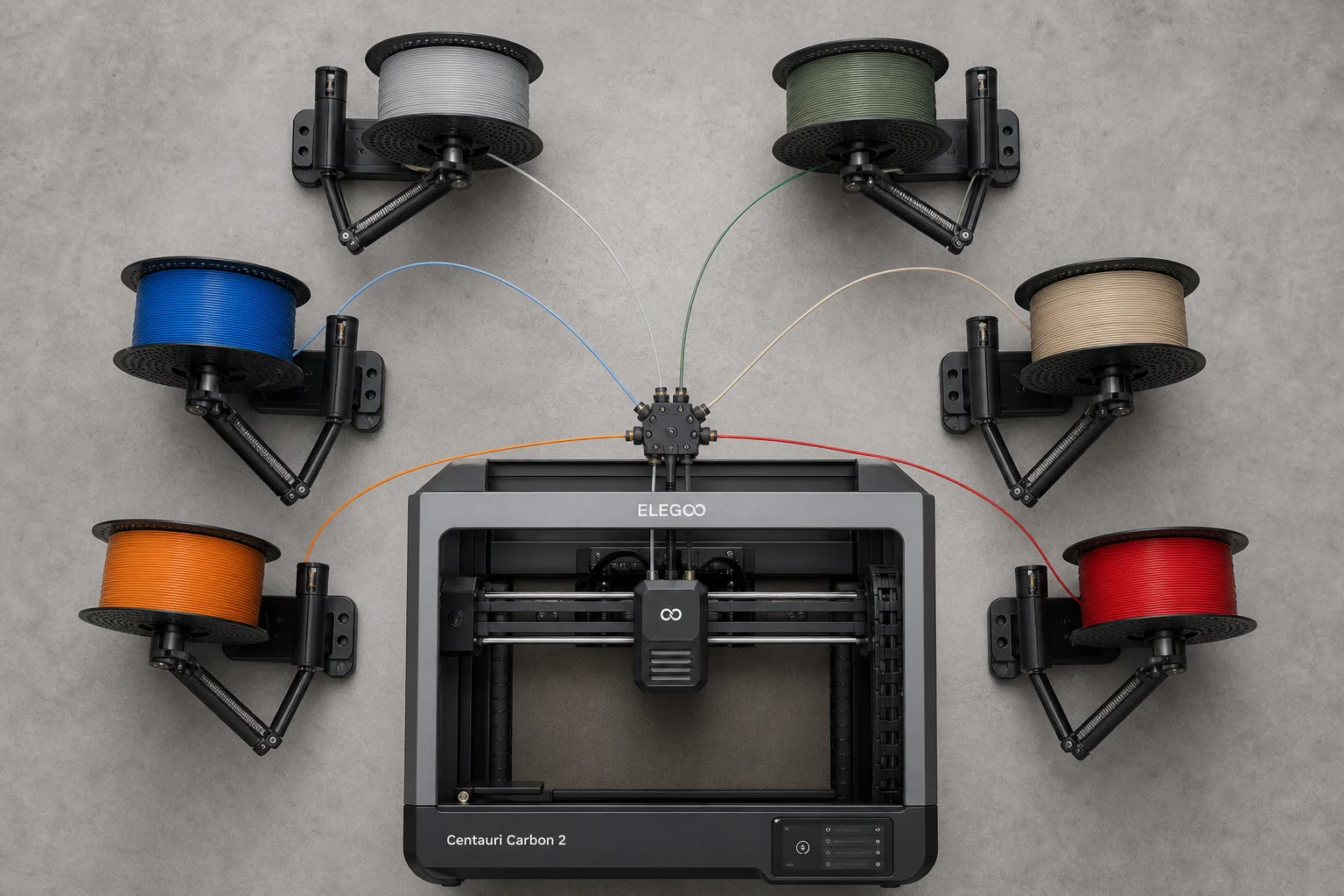
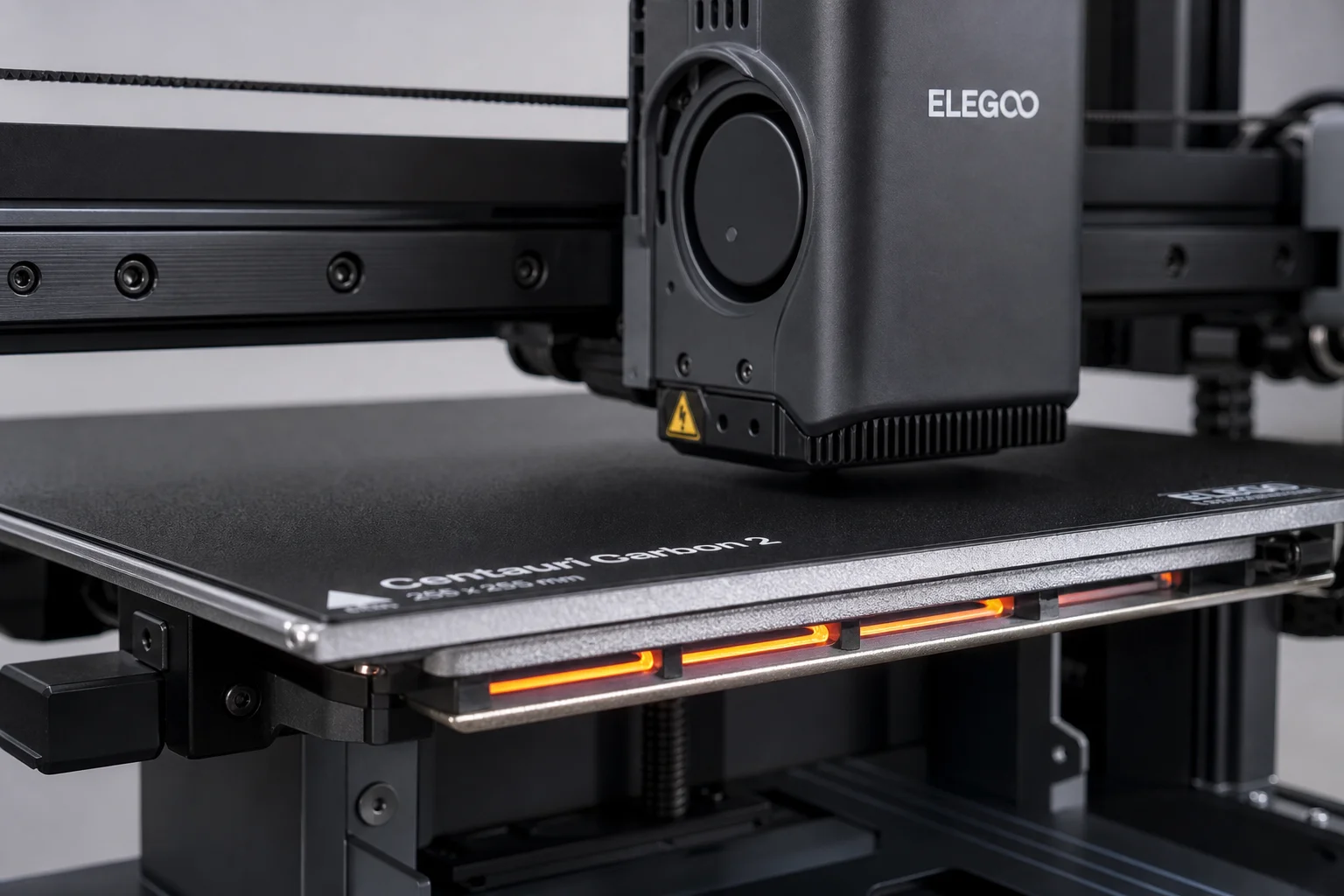
The Centauri Carbon 2 excels in several areas that justify its position in the market. The multi-material canvas system represents the best single-nozzle multi-input implementation currently available. By merging filament lines directly at the toolhead, the system minimizes retraction distance during color changes, resulting in faster, more reliable swaps with minimal respooling. This design mirrors the approach used in premium machines like the Bambu Lab X1 series.
Thermal capability punches well above the price point. The machine reaches 110°C on the bed and 350°C at the nozzle, sufficient for serious engineering materials. While there is no integrated chamber heater, a third-party solution like the Big Tree Tech Panda Breath (approximately £9) fits within the machine and enables heated-chamber printing for advanced materials. This means you can build a multi-material heated-chamber printer for well under £500.
Filament detection and error handling work reliably. The printer detects blockages, feed jams, and color change errors, pausing gracefully rather than failing catastrophically. This level of sensor integration and firmware responsiveness is genuinely surprising at this price tier.
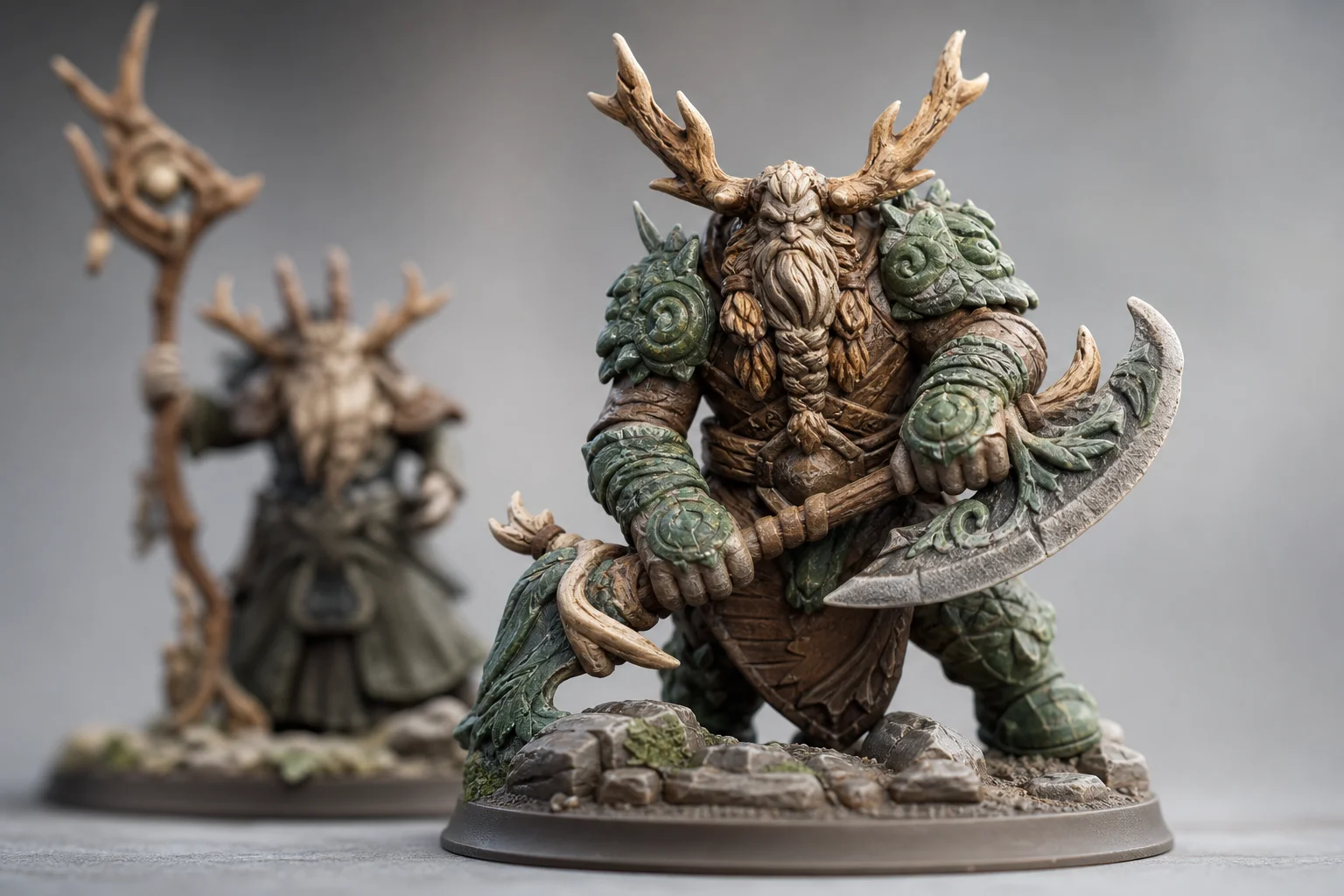
Print quality for multi-color miniatures rivals much more expensive machines. Output shows fine detail, smooth color transitions, and minimal stringing even with default profiles. The printer achieves this on a 0.4mm nozzle without the benefit of a 0.2mm option yet available.
The firmware has been released as open source on GitHub, and Elegoo has proposed an open RFID protocol for filament identification. This means you can apply your own RFID tags to spools or create custom material swatches, enabling personalized material profiles without vendor lock-in.
Things to Consider Before Buying
The firmware arrived with some rough edges, though this is typical for new machines at this price point. Updates will likely address minor issues, but early adopters should expect occasional quirks.
Multi-material printing with certain filament combinations requires careful tuning. TPU and PLA, for example, have conflicting thermal requirements that can cause nozzle blockages. TPU paired with PETG is a safer combination. Users experimenting with mixed materials should have spare nozzles on hand and be prepared to adjust tool-change macros.
The machine uses bespoke parts rather than standard Clipper components, which may affect long-term repairability and parts availability compared to machines built on open-source hardware standards.
Reel loading order matters. The canvas system uses passive spring-loaded reels, and loading them backwards is easy to do and not immediately obvious. The instructions specify the correct order, but mistakes happen.
The four-color limit is a practical constraint for most users, though a workaround exists: you can swap inactive reels mid-print without pausing. This is almost certainly unintended behavior and could be removed in future firmware updates, but it currently works and opens possibilities for projects like Hueforge that require more than four colors.
Buying Advice
If you are shopping for your first 3D printer and your budget is under £500, the Centauri Carbon 2 is the strongest choice available. The combination of multi-color capability, material flexibility, and reliable operation makes it exceptional value.
If you already own a Centauri Carbon 1, the decision depends on the timeline and pricing of the announced color upgrade kit. Until those details emerge, the CC2 offers a straightforward path to multi-color printing without waiting.
If your budget extends to £1,000 or more, evaluate tool-changer systems before deciding. They offer greater flexibility and may better suit your long-term workflow, even though they cost significantly more.
If you already own a tool-changer printer and want a secondary workhorse for single-color production, the Centauri Carbon 2 fills that role efficiently and affordably.
Conclusion
The Elegoo Centauri Carbon 2 delivers on its core promises. It prints reliably, handles multiple materials, and produces quality output across a wide range of filament types. The multi-color canvas system is thoughtfully implemented, and the thermal capability enables serious engineering work. Yes, there are minor rough edges and some material combinations require careful tuning, but at this price point, those trade-offs are easily overlooked. For budget-conscious makers and small print operations, it remains a compelling recommendation.
Product link
View more details for Elegoo Centauri Carbon 2
This product is mentioned in the review. Check the specifications, options, and compatibility before buying.
View more details for Elegoo Centauri Carbon 2Further reading
Related Reviews
3D Printers
Bambu Lab H2S Review: Large-Format 3D Printing Without the Dual Extruder
The H2S strips away the H2D's dual-nozzle complexity for a simpler, cheaper large-format printer. Here's what that trade-off means for your prints.
3D Printers
Bambu Lab P1S vs X1 Carbon: Why the Budget Option Wins
After testing both printers side by side, the P1S delivers nearly identical print quality at half the price. Here's what the premium features actually cost you.
3D Printers
Bambu Lab P2S Review: A Strong Mid-Range 3D Printer Worth Considering
The Bambu Lab P2S brings significant upgrades over its predecessor, including a new touchscreen, improved cooling, and quick-swap nozzles. Here's what real-world use reveals about its strengths and trade-offs.