Networking
GL.iNet Comet KVM Over IP: Remote Server Control Made Simple
Three affordable KVM over IP devices from GL.iNet that let you manage remote servers and PCs from anywhere, with built-in security, Tailscale integration, and optional hardware accessories.
What Is KVM Over IP and Why You Need It
Imagine it’s late at night and a remote server has locked up. You need to press the power button, but the machine is across town or across the country. Traditionally, you either make the drive yourself or find someone on-site to do it for you. KVM over IP solves this problem by giving you keyboard, video, and mouse control over a remote system from anywhere with an internet connection.
While KVM over IP technology is not new, with options ranging from DIY solutions to enterprise IPMI cards, GL.iNet has created an affordable lineup that combines simplicity with professional features. Their new Comet devices bring polished hardware and straightforward software to a market that often feels unnecessarily complex.
Comet PoE: Compact and Power-Efficient
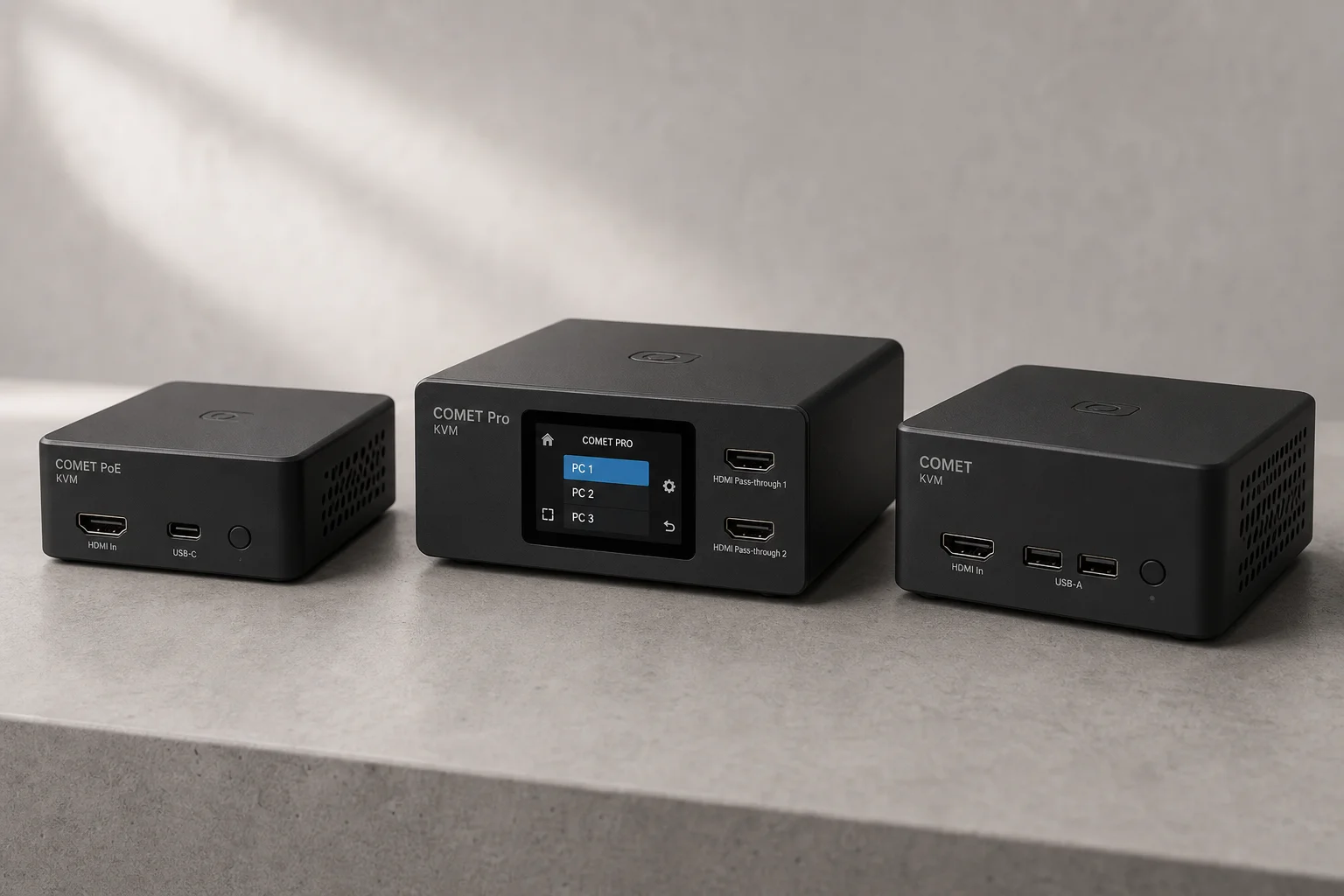
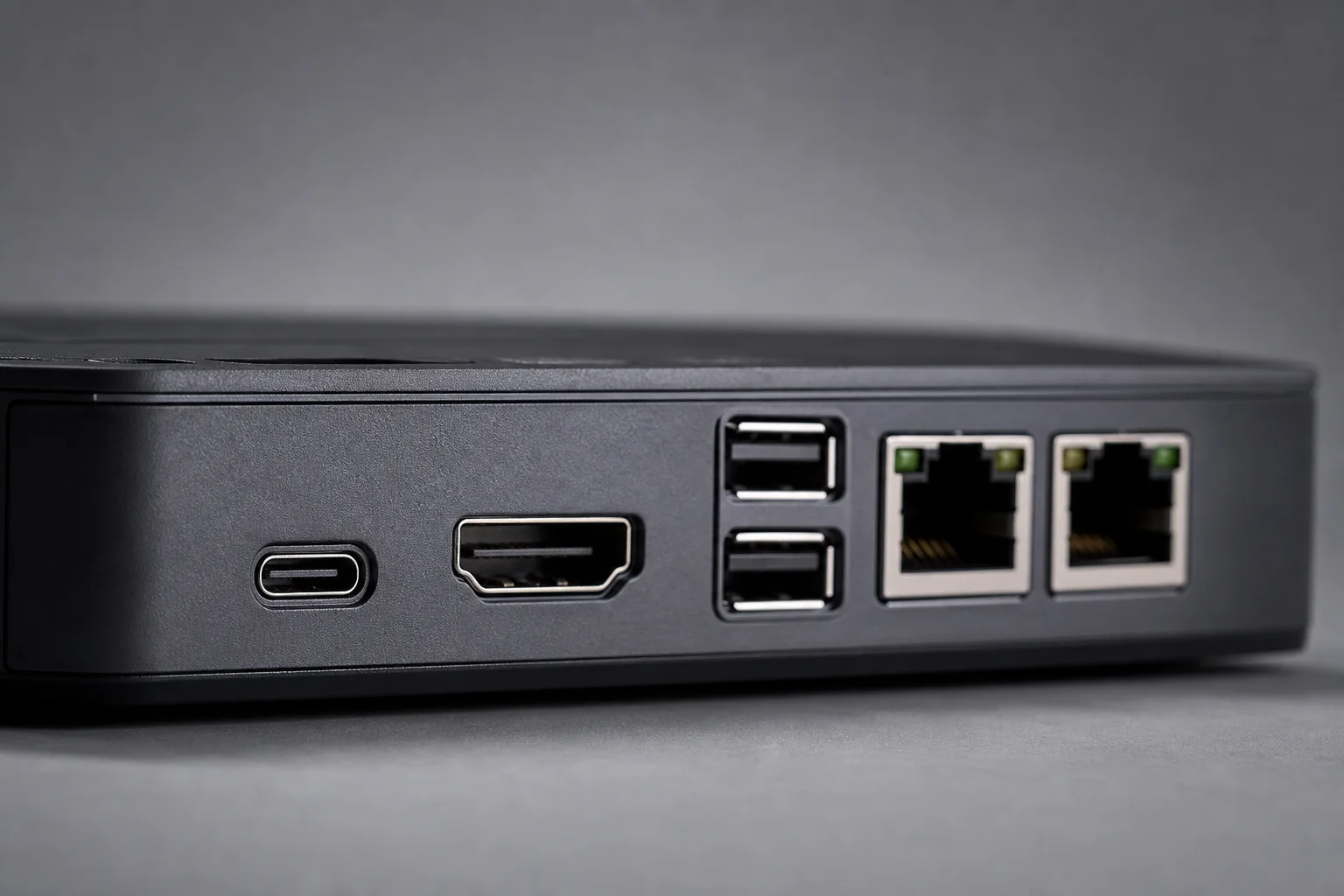
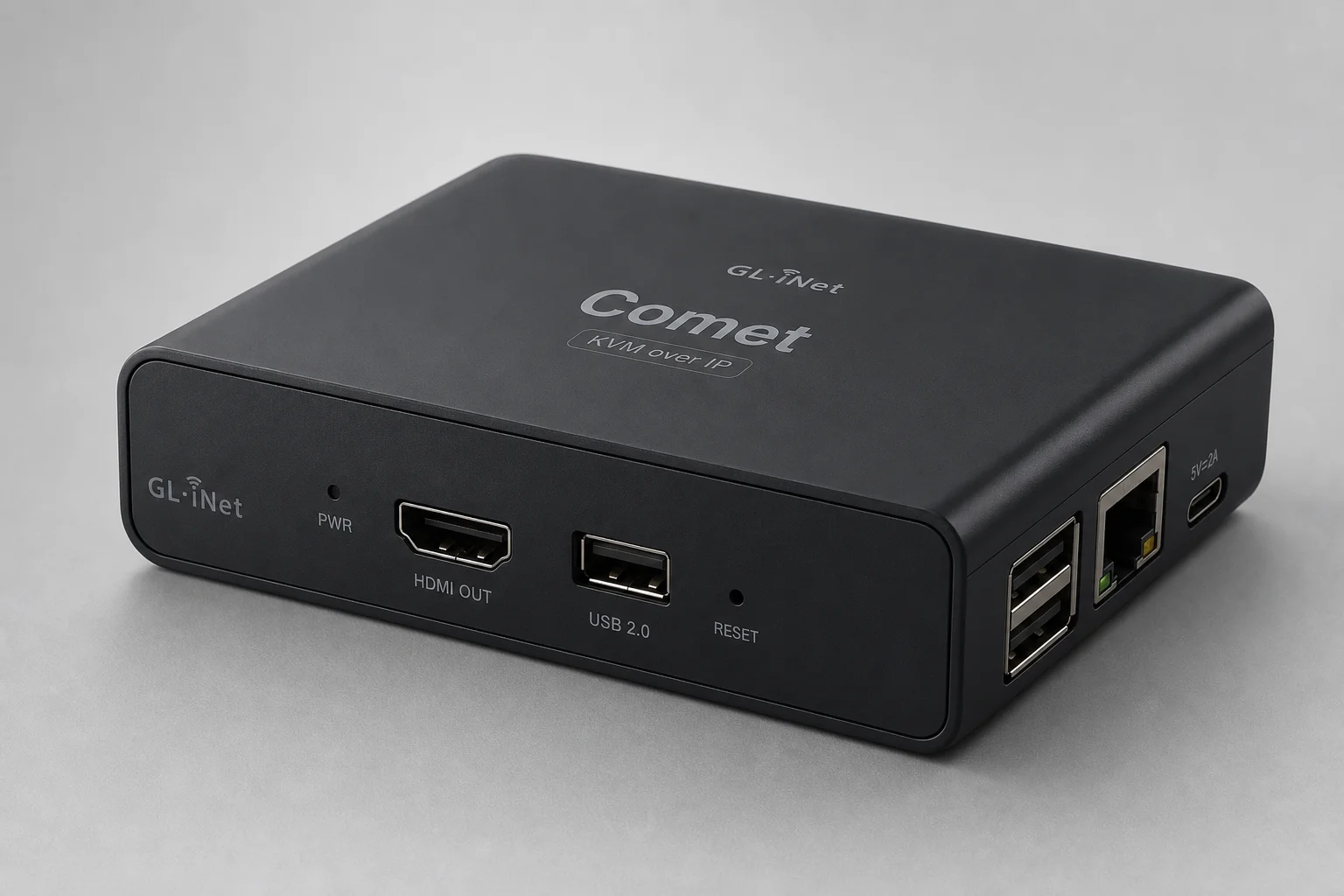
The Comet PoE is the smallest and most flexible of the three models. Its compact form factor makes it ideal for tight network rack spaces. On the back, you’ll find USB 2.0 ports for optional accessories, a full-size HDMI port (no adapters needed), and USB-C for keyboard and mouse connectivity. The standout feature is Power over Ethernet support, which means a single cable handles both power and network connectivity, keeping your rack clean and organized. If you prefer, you can still power it via USB-C on the side.
Inside, the Comet PoE includes 32GB of eMMC storage for file sharing with the connected host computer. At USD 109, it strikes a balance between affordability and capability, making it a practical choice for small offices, labs, or distributed server environments where space and cable management matter.
Comet Pro: 4K Pass-Through and Local Transparency
The Comet Pro is designed for users who need both remote and local access to the same system. Its defining feature is dual HDMI pass-through with 4K support, which means the device sits invisibly in line with your main workstation. When you’re physically present, you use your monitor and peripherals normally. When you’re remote, you connect via KVM over IP and take full control.
This setup is ideal for professionals who want to work remotely from anywhere while maintaining the appearance of being at their desk. The Comet Pro also includes a beautiful touchscreen display that lets you manage wireless settings, set PIN codes, adjust brightness, and even use it as a desk clock. A quick swipe lets you reboot the KVM or lock it down without opening the admin interface.
Connectivity includes two USB Type-C ports (one for KVM, one for power), a USB 2.0 accessory port, and an optional RJ45 ethernet port. Built-in Wi-Fi 6 means you don’t need to hardwire it to the network. The Comet Pro carries an MSRP of USD 159, though Kickstarter pricing brought it down to USD 129 with shipping expected in December.
The Original Comet: Budget-Friendly Baseline
For users who simply need reliable KVM over IP without extra features, the original Comet offers solid functionality at USD 90. It provides the core remote access capability without PoE or 4K pass-through, making it the most affordable entry point into GL.iNet’s KVM lineup.
Accessories and Extended Functionality
GL.iNet has designed several accessories that extend what these KVMs can do. The most distinctive is the finger bot, a small USB dongle that wirelessly controls a robotic finger capable of pressing physical power buttons. While the name is playful, the utility is genuine. On a server running Ubuntu, you can remap the power button to suspend, allowing the finger bot to toggle sleep mode with a light press. For hard locks, a long press forces an eight-second shutdown, followed by a short press to restart. You can even enter BIOS during boot if needed.
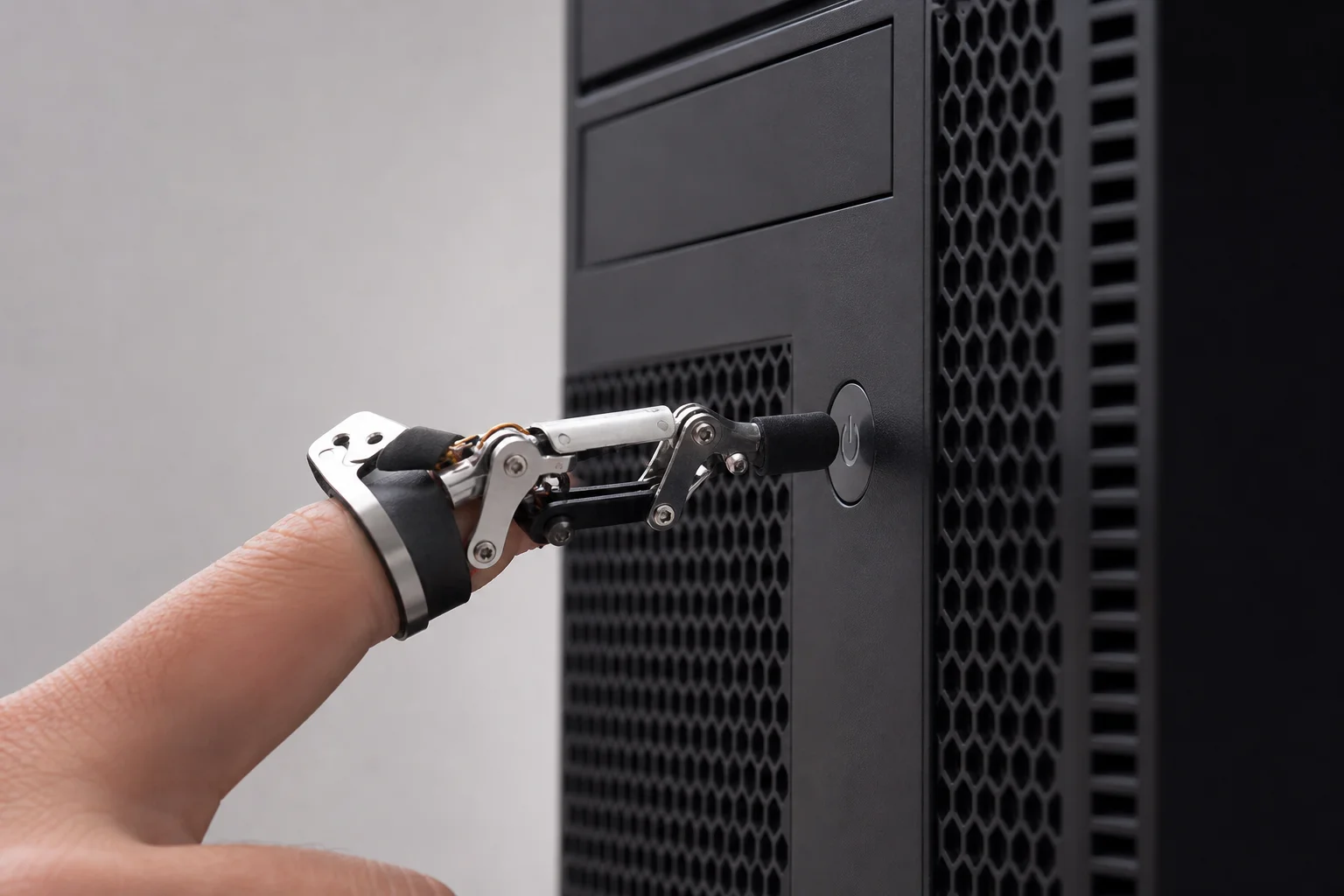
Another accessory is the ATX board, which installs inside a PC and acts as a pass-through for the nine-pin motherboard headers. This provides direct power control without relying on the finger bot, useful for systems where physical button access is limited.
Both the Comet Pro and PoE include 32GB of onboard storage for virtual media. You can upload files to the KVM and mount that storage as a USB drive on the host machine. This is particularly valuable in professional deployments: at Crosstalk, they preload Comets with tools before sending them to client sites, so everything needed is already present when the connection is established.
Security, Integration, and Cloud Access
The admin interface includes password protection and two-factor authentication via Google Authenticator, Authy, or any TOTP-compatible software. Display, keyboard, and mouse behavior can be fine-tuned in settings, and dark mode is available for those who prefer it.
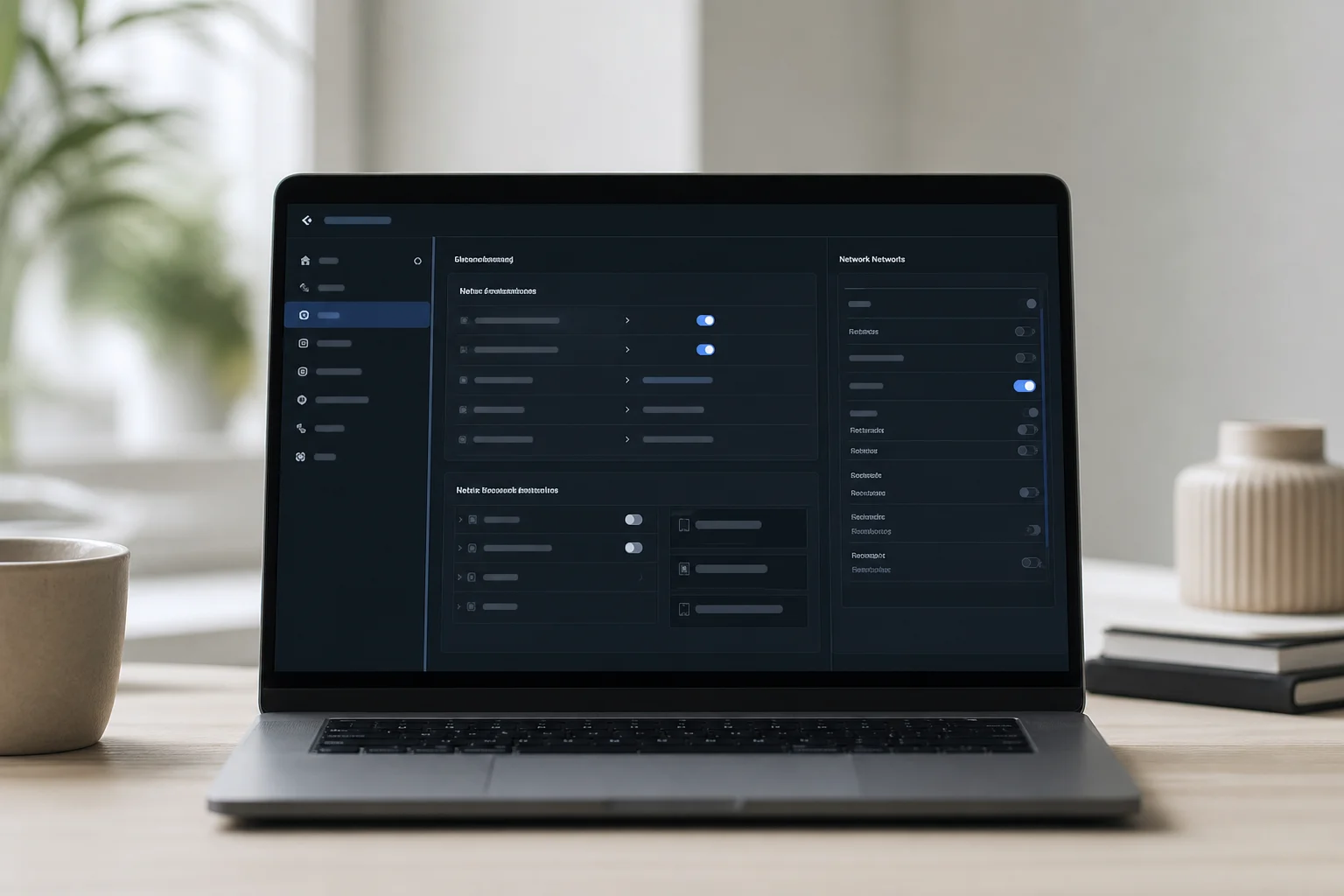
The most powerful feature is direct Tailscale integration built into the App Center. A single click to bind the device with your Tailscale credentials adds the KVM to your Tailnet instantly. This means you can reach your KVMs at multiple office locations from anywhere, and the device can even function as an exit node for your network.
If you don’t use Tailscale, GL.iNet provides a free cloud service at glkvm.com, offering a central portal to manage all your connected KVMs. This removes the need for complex port forwarding or VPN setup, making remote access straightforward for teams of any size.
Conclusion
GL.iNet’s Comet lineup addresses a real problem with three practical solutions. The Comet PoE suits network administrators and small offices where space and power efficiency matter. The Comet Pro is ideal for remote workers who need seamless local and remote access to the same workstation. The original Comet serves budget-conscious users who need basic KVM functionality without extras. All three include solid security, Tailscale integration, and optional accessories that extend their usefulness. For anyone managing remote systems, these devices eliminate the need for late-night drives or finding someone on-site to hit a button.
Further reading