Networking
GL.iNet Slate 7 Travel Router Review: Wi-Fi 7 and Touchscreen Control
The Slate 7 combines Wi-Fi 7 capability with a functional touchscreen interface, making it a versatile travel router for managing multiple internet sources and VPN profiles on the road.
Introduction
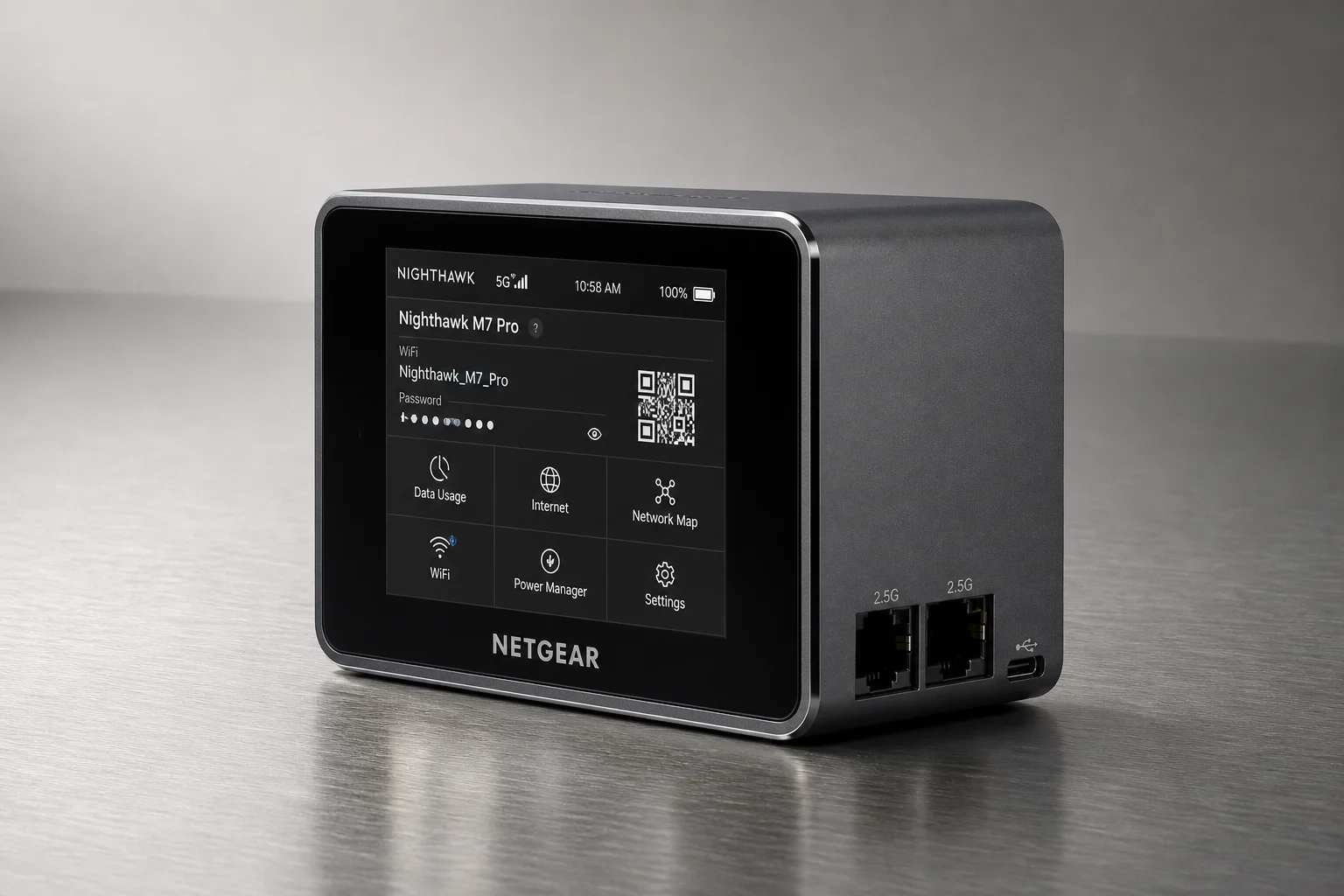
The GL.iNet Slate 7 represents a meaningful step forward in travel router design. It combines Wi-Fi 7 capability with a functional touchscreen interface that reduces the need to log into the admin interface when you’re on the road. For anyone who travels regularly and needs reliable internet connectivity across multiple devices, this router offers practical versatility in managing both standard networks and VPN connections.
Touchscreen Display and Quick Controls
The most immediately noticeable feature is the interactive touchscreen display across the front. This isn’t merely decorative; it provides genuine utility for road-based operation. From the touchscreen, you can view network status, scan QR codes for device connectivity, monitor real-time speed, and toggle VPN connections on and off. You can also select between different VPN client profiles directly from the display, which streamlines the workflow considerably when you need to switch between multiple VPN destinations.

The touchscreen reduces friction when managing your network from a hotel room or campsite. Rather than opening a browser and navigating to the admin interface, you can accomplish most common tasks directly from the display. This is particularly valuable when you’re troubleshooting connectivity or need to quickly enable or disable privacy features.
Wi-Fi 7 and Multi-Band Support
The Slate 7 is Wi-Fi 7 capable, which means it can establish separate network SSIDs for 2.4 GHz, 5 GHz, or MLO (multi-link operation). MLO combines both bands for compatible Wi-Fi 7 client devices, such as newer smartphones. This allows compatible devices to transfer data across both frequency bands simultaneously, which can improve throughput for devices that support it.
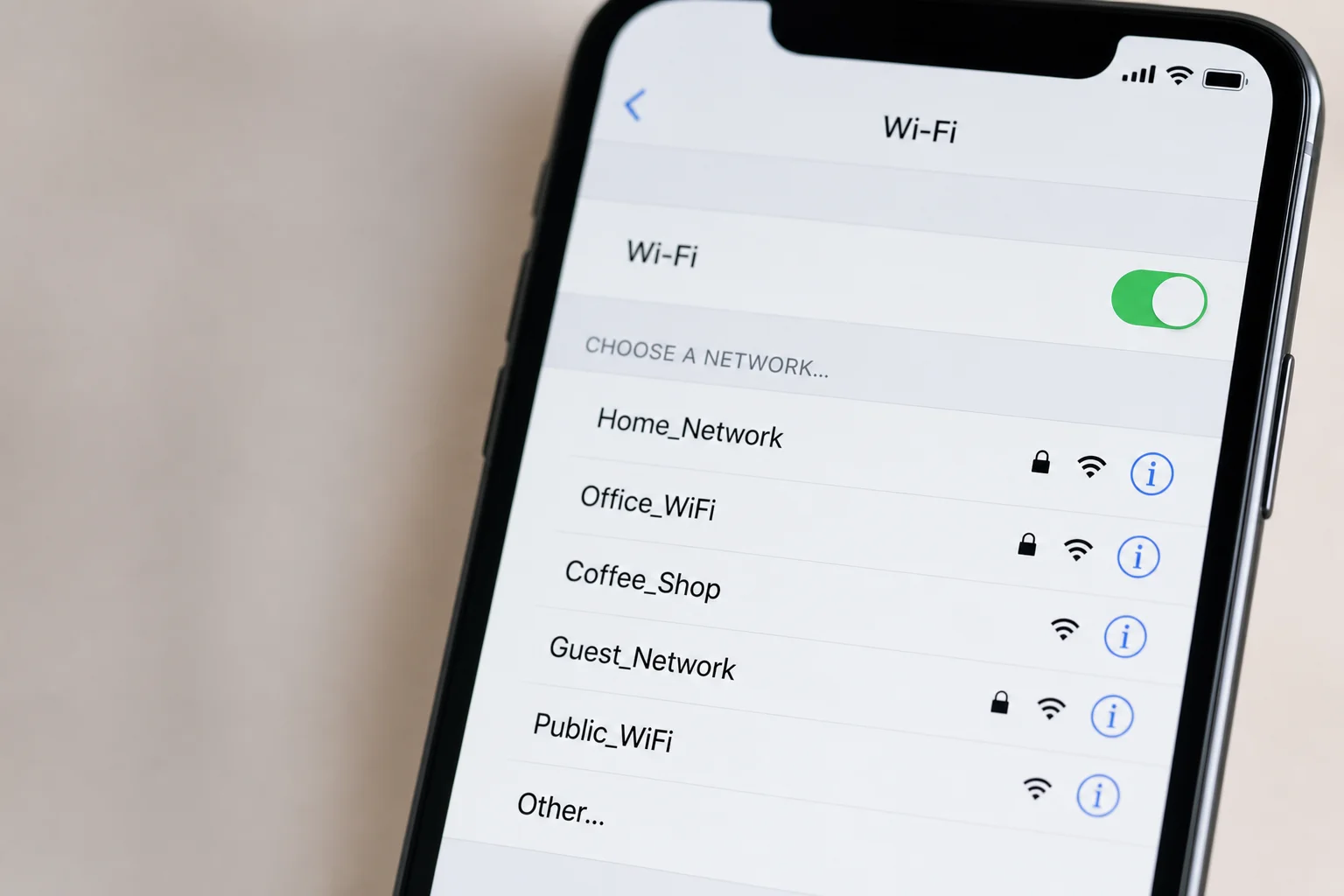
For most users, the ability to set up distinct SSIDs for different frequency bands provides flexibility in managing device connections. Older devices can connect to 2.4 GHz, while newer or performance-sensitive devices can use 5 GHz or MLO. The router also supports 160 MHz dynamic bandwidth, which scans the local environment to determine whether wider channel widths can be safely enabled.
WAN Options and Connectivity
One of the strongest aspects of using a travel router is the flexibility in WAN connectivity options. The Slate 7 can connect via hardwired ethernet through its dual 2.5 gig RJ45 ports, or it can use hotel Wi-Fi as a WAN source. The router can bypass captive portals, which is essential when the only available internet is behind a hotel login page.
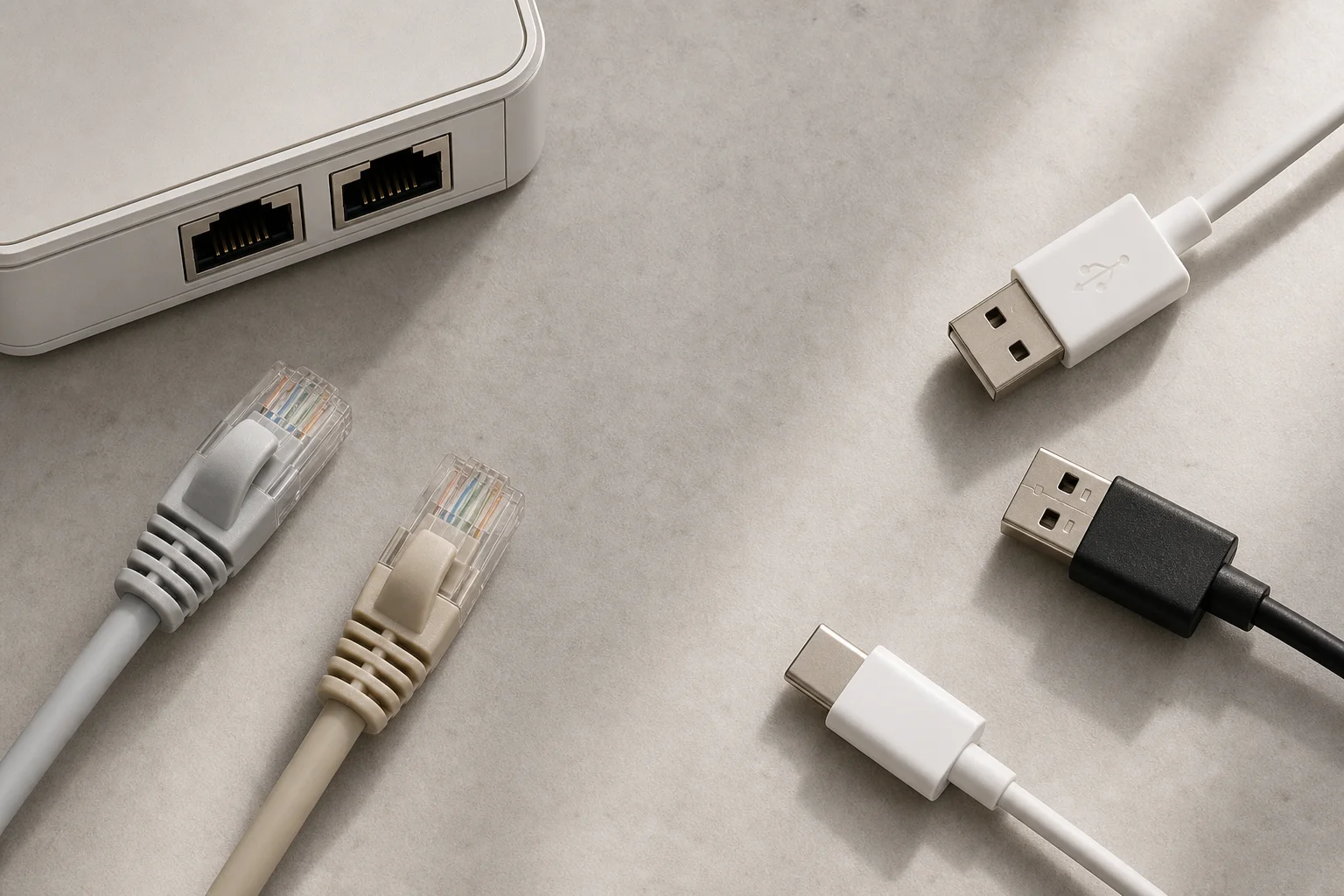
The device also includes a USB 3 Type-A port for connecting an external SSD for file storage or for tethering an internet connection from your phone or a cellular modem. Power input supports 5V, 9V, or 12V, and the router ships with four different international plug options. This multi-source approach means you can prioritize your preferred connection (such as Starlink when camping) and set a secondary connection (such as campground Wi-Fi) as failover.
VPN Configuration and Management
The Slate 7 can function as either a VPN server or a VPN client. In most travel scenarios, you’ll use it as a VPN client to connect outbound to a VPN service or to tunnel back to your home network. The router supports WireGuard and includes pre-configured options for popular VPN providers. Setting up a WireGuard client connection to a VPN service involves selecting your provider, logging in with your credentials, choosing your preferred servers, and applying the configuration.
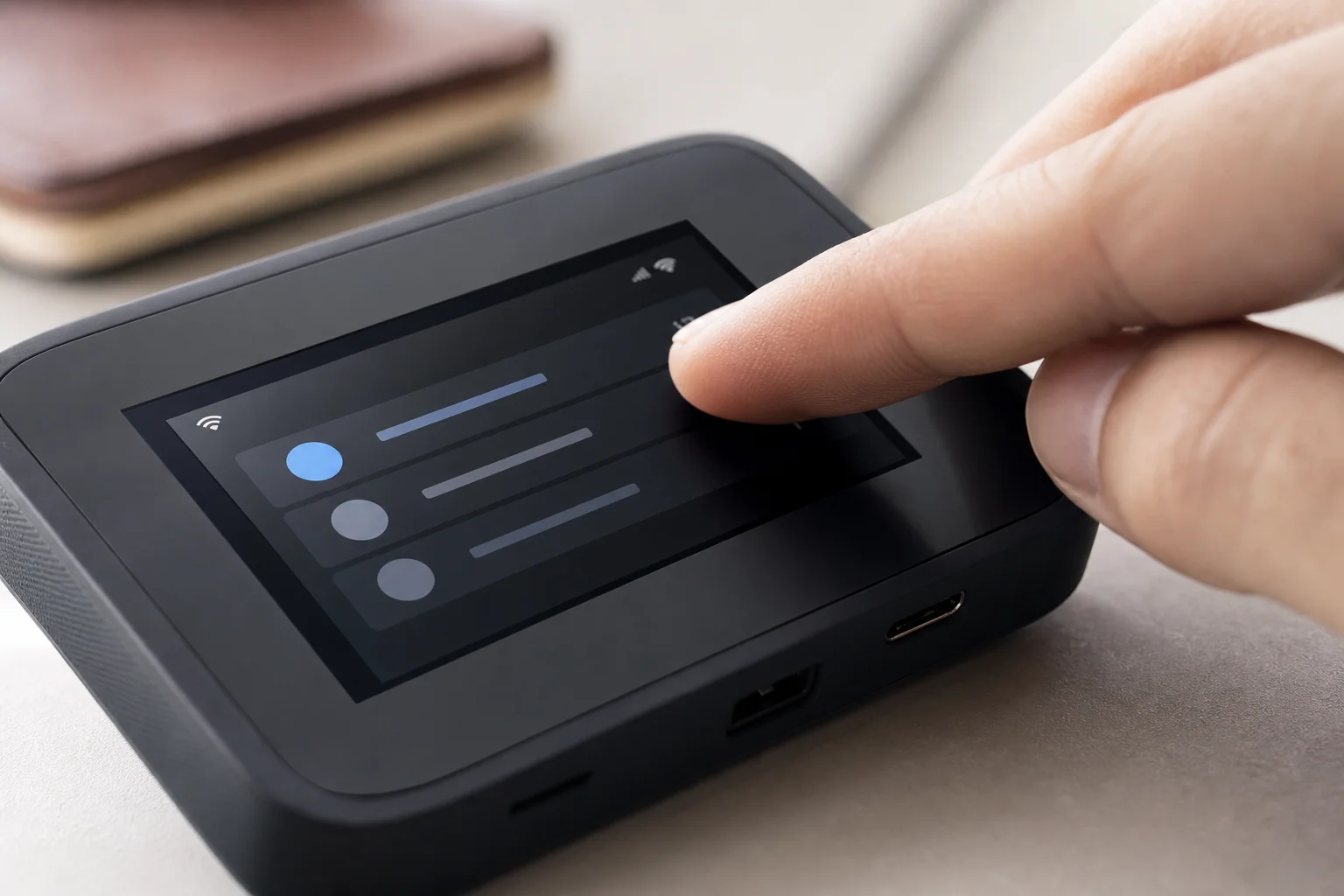
If you want to VPN into your home router, you can create a WireGuard configuration file on your home VPN server, download it, and upload it to the Slate 7. Once configured, you can toggle between multiple VPN profiles directly from the touchscreen. This is particularly useful if you maintain both a commercial VPN connection for privacy and a home VPN connection for accessing local resources.
The router also supports AdGuard Home, which provides network-wide ad and tracker blocking. If you enable AdGuard Home, you may need to temporarily disable it during VPN setup, as some VPN providers are blocked by AdGuard’s default configuration. Once the VPN is running, you can re-enable AdGuard Home and it will continue to function alongside your VPN.
Network Management Features
The admin interface provides several additional configuration options. Multi-WAN settings allow you to set priorities and choose between load balancing or failover when using multiple internet sources. LAN configuration lets you adjust DHCP and other local network settings. For public Wi-Fi scenarios, you can enable AP isolation on the guest network to prevent wireless clients from accessing the rest of your network.
Dynamic DNS is available if you want to access the router remotely using a fully qualified domain name, though this is less practical in hotel or public network environments where you’re likely behind a double NAT. For remote access in restricted networks, services like Tailscale or GL.iNet’s Astro warp SD-WAN platform are more reliable options.
Conclusion
The GL.iNet Slate 7 is a capable travel router that combines modern Wi-Fi 7 support with practical touchscreen controls. It excels at managing multiple WAN sources, handling VPN client connections, and providing quick access to network controls without requiring you to log into the admin interface. The dual 2.5 gig ports and USB connectivity add flexibility for different travel scenarios. If you travel regularly and need reliable, configurable internet connectivity across multiple devices, the Slate 7 offers genuine value.
Product link
View more details for GL.iNet Slate 7
This product is mentioned in the review. Check the specifications, options, and compatibility before buying.
View more details for GL.iNet Slate 7Further reading
Related Reviews
Networking
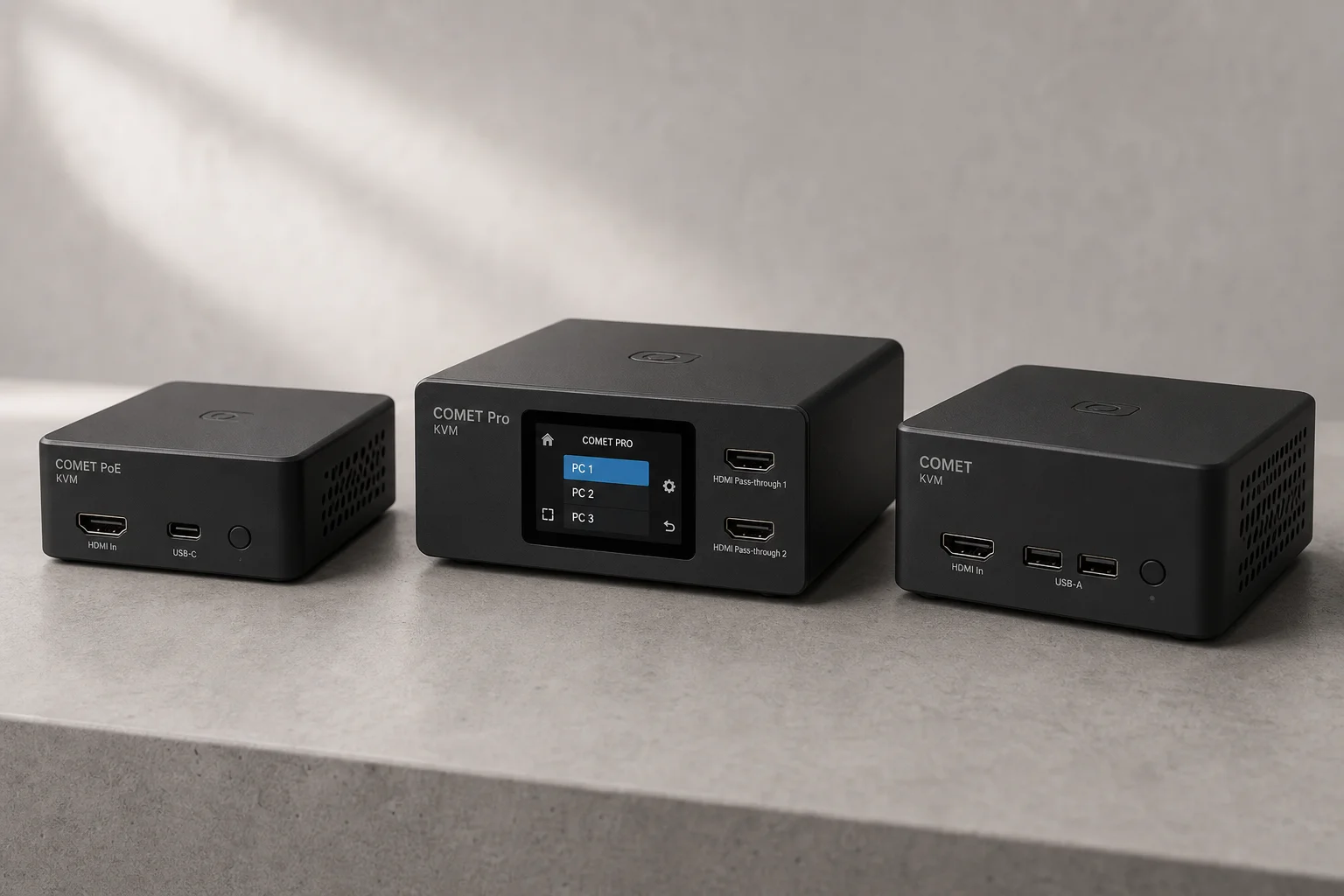
GL.iNet Comet KVM Over IP: Remote Server Control Made Simple
Three affordable KVM over IP devices from GL.iNet that let you manage remote servers and PCs from anywhere, with built-in security, Tailscale integration, and optional hardware accessories.
Networking Equipment
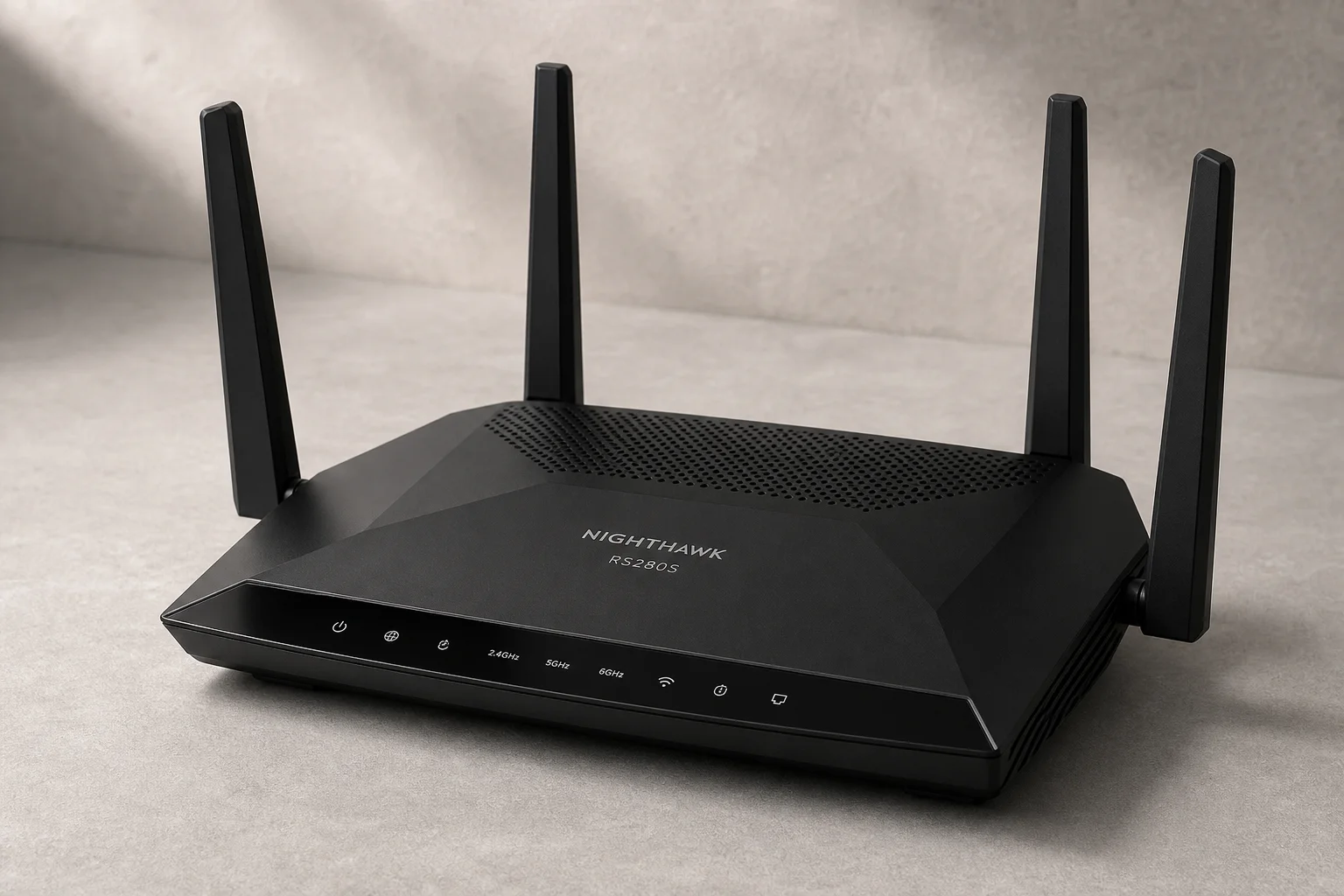
Netgear Nighthawk RS280S Review: A Practical Router for Non-Technical Users
The Netgear Nighthawk RS280S offers solid hardware and effortless setup, but its paywall-locked features and limited advanced networking make it best suited for users who want their internet to simply work.
Network Equipment
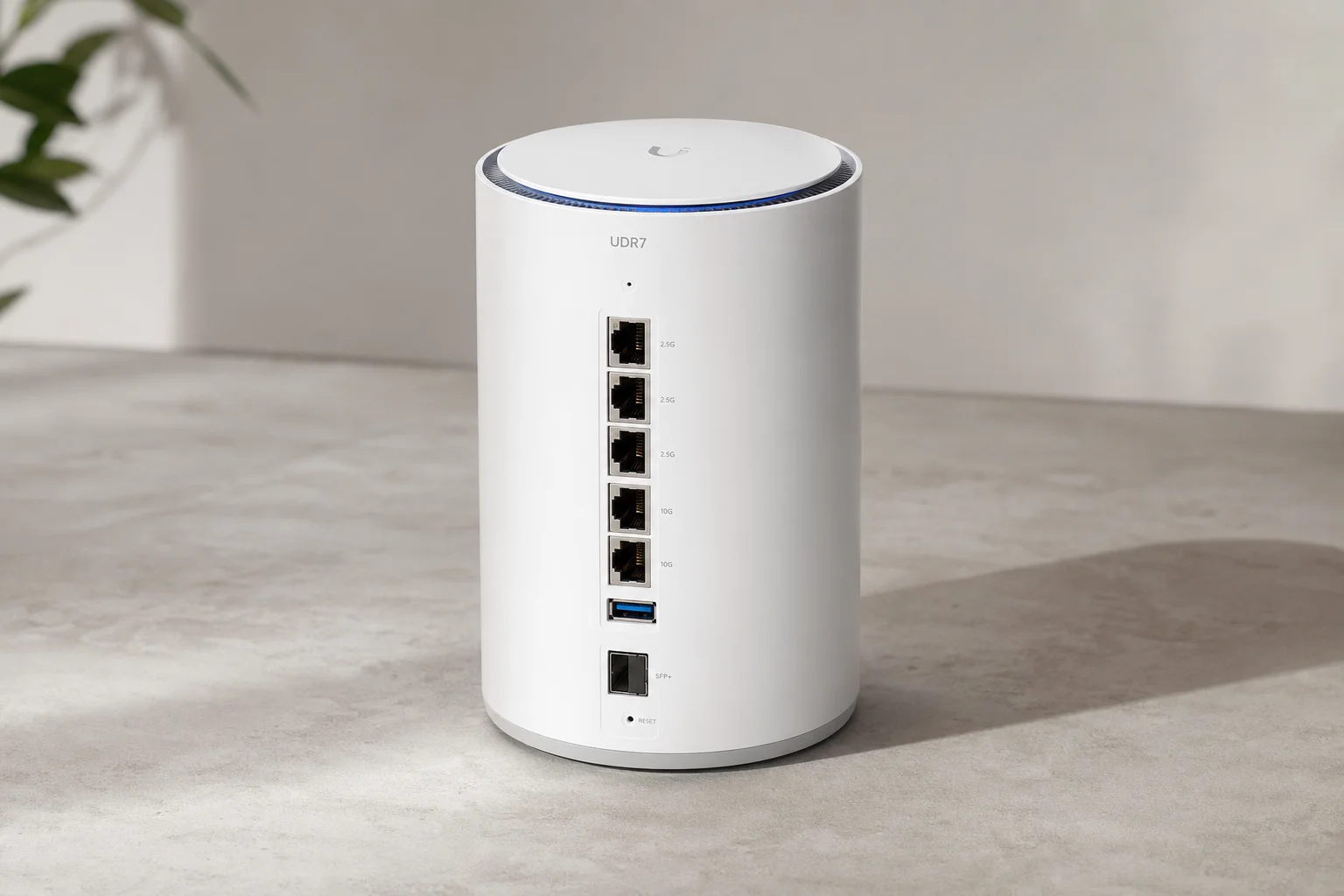
Ubiquiti UDR7 Dream Router Review: Wi-Fi 7 Unified Gateway for Home and Small Business
The UDR7 combines Wi-Fi 7, dual WAN, and 10 gigabit connectivity in a compact cylindrical form factor. A practical all-in-one network solution for users ready to step into unified networking.