Network Equipment
Ubiquiti UDR7 Dream Router Review: Wi-Fi 7 Unified Gateway for Home and Small Business
The UDR7 combines Wi-Fi 7, dual WAN, and 10 gigabit connectivity in a compact cylindrical form factor. A practical all-in-one network solution for users ready to step into unified networking.
Introduction
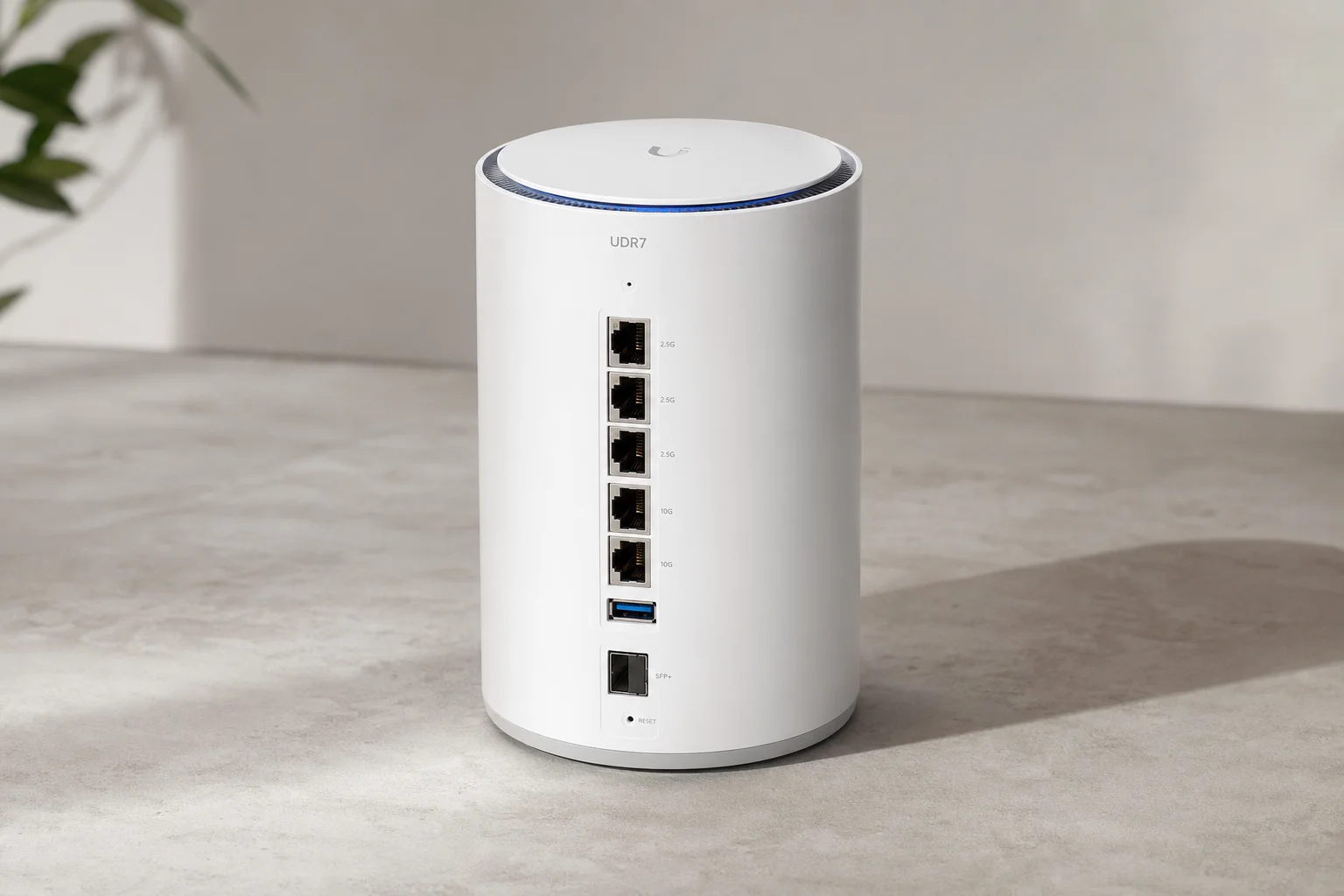
Ubiquiti has released the UDR7, a unified gateway that builds on the popular Dream Router lineage with Wi-Fi 7 and expanded connectivity options. The device combines UnifiOS and unified network management in a single compact unit, eliminating the need for separate controllers. This review covers the hardware design, port configuration, real-world performance across wired and wireless connections, and practical use cases.
Design and Physical Layout
The UDR7 maintains the same cylindrical form factor as its predecessor, the UDR (also known as the R2 DreamTube). The device is compact and sits well in most home or office environments. A small display on the front shows status information, and the Wi-Fi 7 access point is integrated into the top of the unit.

The packaging includes a power cable, a quick start guide, and a small Ubiquiti tool. The device is straightforward to unbox and ready for setup within minutes.
Port Configuration and Dual WAN Setup
The rear of the UDR7 features four 2.5 gigabit RJ45 ports, one 10 gigabit SFP+ slot, and a micro SD card slot positioned below the ports. This represents a meaningful upgrade from the original UDR, which had a single gigabit WAN port.
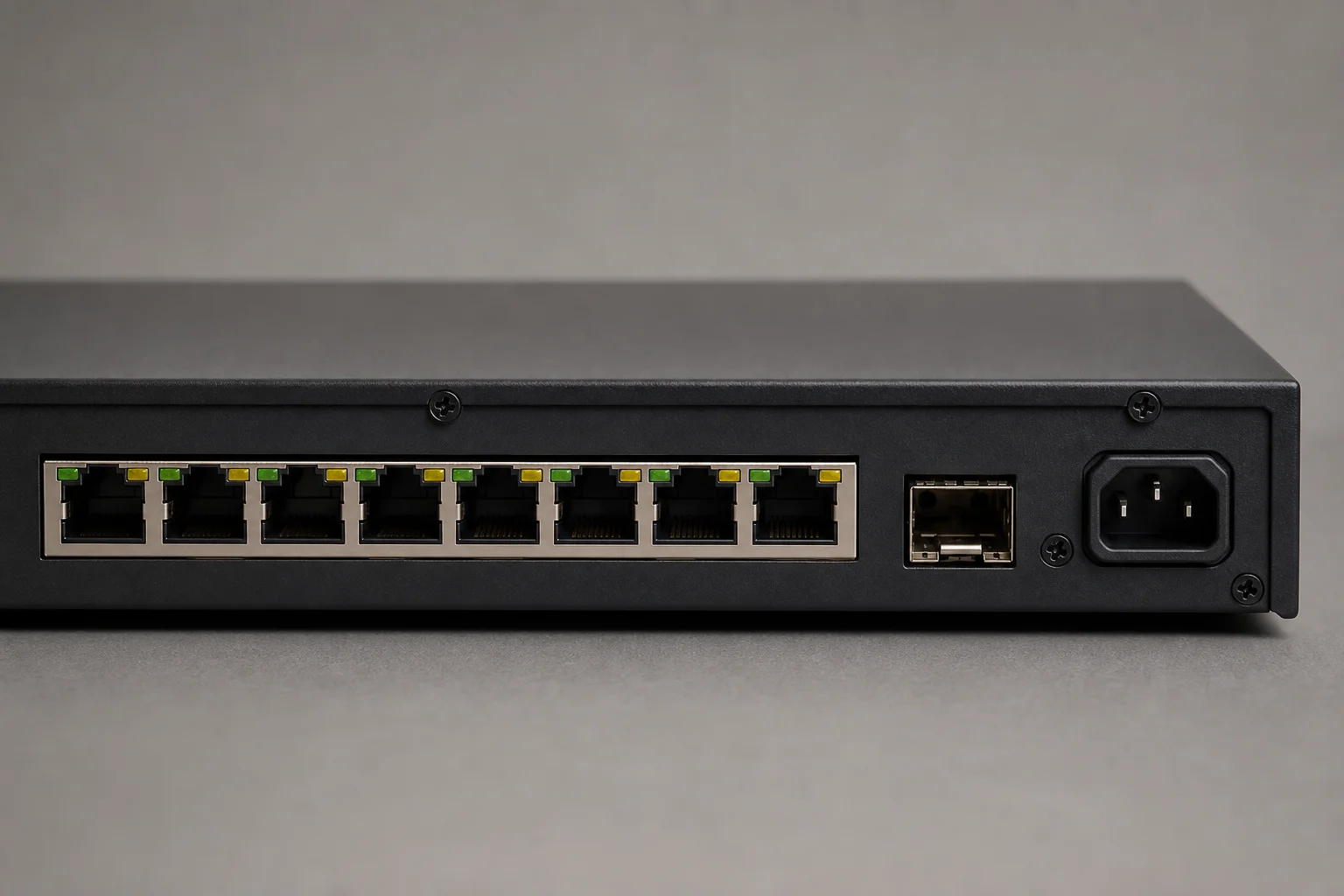
The dual WAN capability allows you to connect two separate internet sources. In testing, port four serves as the primary WAN, port three as a secondary WAN for a second internet connection, and the SFP+ slot can function as either a tertiary WAN or be reconfigured as a LAN port for high-speed local connections. The micro SD card slot supports additional storage for unified protect surveillance footage, though for more than one or two cameras, a dedicated NVR like the UNVR is recommended.
The flexibility to choose which ports function as WAN connections is a practical feature for users with multiple internet providers or those who want to reserve the SFP+ for local 10 gigabit connectivity.
Wired Performance Testing
Initial setup is handled through the Ubiquiti mobile app. The device runs a speed test during configuration to verify internet connectivity. In testing with a sub-gigabit internet connection, the UDR7 reported 932 Mbps down and 237 Mbps up, well within the device’s capabilities.
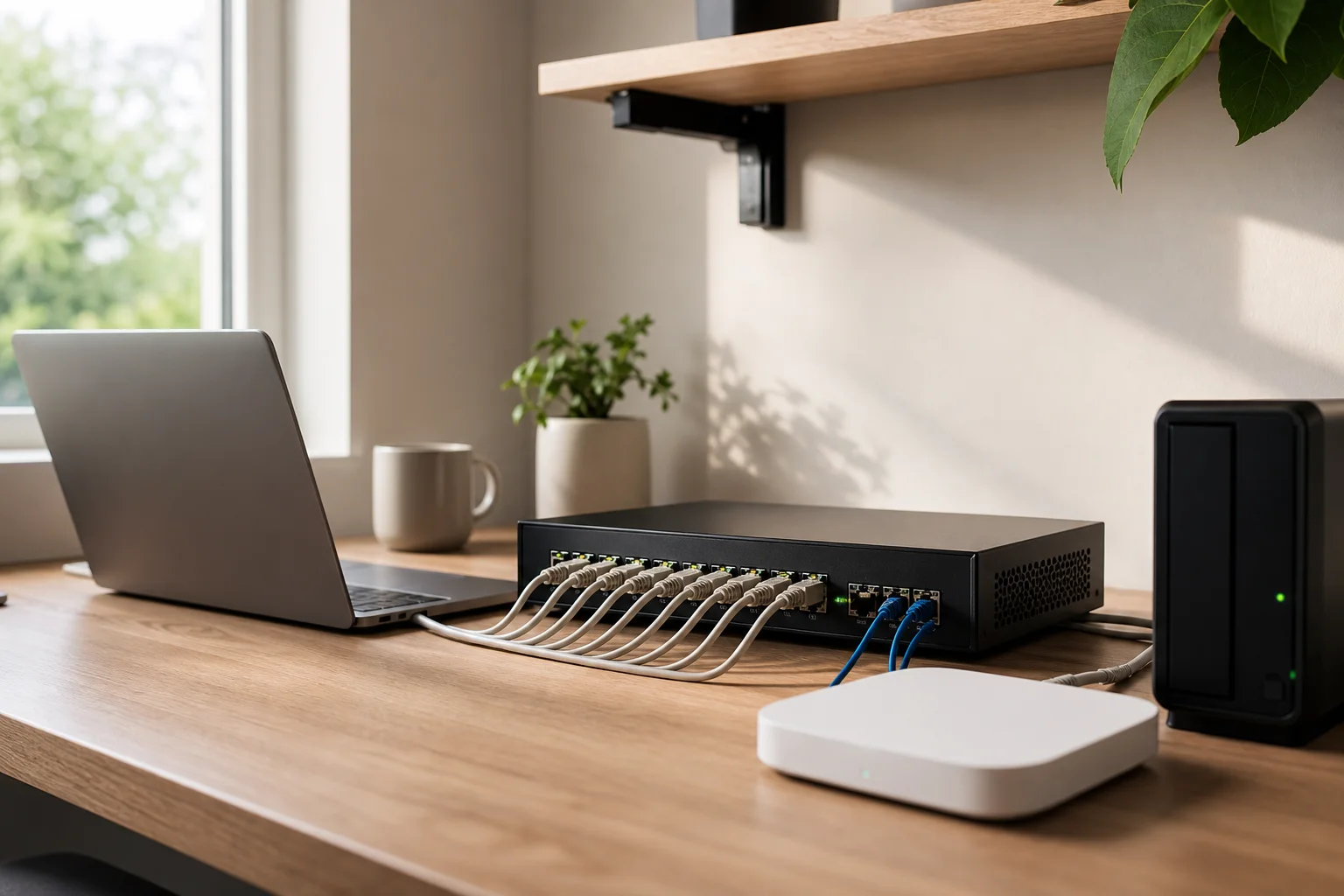
For local wired performance, a 2.5 gigabit test between two servers connected through the UDR7 achieved 2,460 Mbps down and 2,493 Mbps up, demonstrating full wire-speed throughput. A separate test from a laptop with a single gigabit adapter achieved 984.6 Mbps down and 980.7 Mbps up, confirming that the device does not introduce bottlenecks for wired clients.
The 10 gigabit SFP+ port negotiated at full 10 gigabit speeds when connected to compatible equipment, providing a genuine high-speed path for local network traffic or future expansion.
Wireless Performance and Wi-Fi 7
The UDR7 integrates a Wi-Fi 7 access point. To achieve maximum wireless bandwidth, channel width must be configured appropriately. Testing used a 240 megahertz channel width on the 5 gigahertz band and a 320 megahertz channel width on the 6 gigahertz band.
An iPhone 13 Pro Max with Wi-Fi 6 (two by two antenna configuration) achieved 760.8 Mbps down and 792.7 Mbps up when connected to the UDR7 and tested against a 10 gigabit server. A Google Pixel 8 with Wi-Fi 7 (two by two antenna configuration) achieved 1,740.5 Mbps down and 1,867.7 Mbps up under the same conditions, demonstrating the performance advantage of Wi-Fi 7 when both the access point and client support the standard.
Wireless performance scales with client capability. Older Wi-Fi 6 devices will see meaningful speeds, while Wi-Fi 7 clients unlock the full potential of the access point.
Who This Device Suits
The UDR7 is well-suited for users new to unified networking who want a single, compact device to manage their entire network. The all-in-one design eliminates the need for a separate cloud key or network controller. For small businesses or home administrators, the device offers enough flexibility to expand with additional access points, surveillance cameras, or VoIP phones as needs grow.
The dual WAN capability appeals to users with multiple internet providers or those seeking redundancy. The 10 gigabit SFP+ port serves users with high-speed local storage or server infrastructure.
Things to Consider Before Buying
The UDR7 is a unified networking device, not a traditional consumer router. Setup and ongoing management require familiarity with the Ubiquiti ecosystem and the mobile app. Users accustomed to simple plug-and-play routers may find the configuration options more involved.
The micro SD card slot is suitable for light surveillance storage only. Users planning to record multiple cameras continuously should budget for a dedicated NVR.
Pricing was not confirmed at the time of this review, though Ubiquiti typically positions its Dream Router line at a mid-to-premium price point relative to consumer routers.
Buying Advice
If you are building a home network from scratch and want the flexibility to add cameras, phones, or additional access points later, the UDR7 provides a solid foundation. The Wi-Fi 7 access point ensures compatibility with current and near-future wireless devices. The dual WAN and 10 gigabit options add practical value for users who need them, without forcing unnecessary complexity on those who do not.
For IT professionals deploying networks at small businesses or family homes, the compact form factor and unified management make the UDR7 a practical choice that avoids the clutter of separate switches and controllers.
Conclusion
The UDR7 represents a meaningful update to Ubiquiti’s Dream Router line. The addition of Wi-Fi 7, dual WAN, and 10 gigabit connectivity addresses real use cases without sacrificing the simplicity of an all-in-one design. Real-world performance testing confirms that the device delivers full throughput on both wired and wireless connections. For users ready to adopt unified networking, the UDR7 is a capable and flexible choice.
Product link
View more details for Ubiquiti UDR7 Dream Router
This product is mentioned in the review. Check the specifications, options, and compatibility before buying.
View more details for Ubiquiti UDR7 Dream RouterFurther reading
Related Reviews
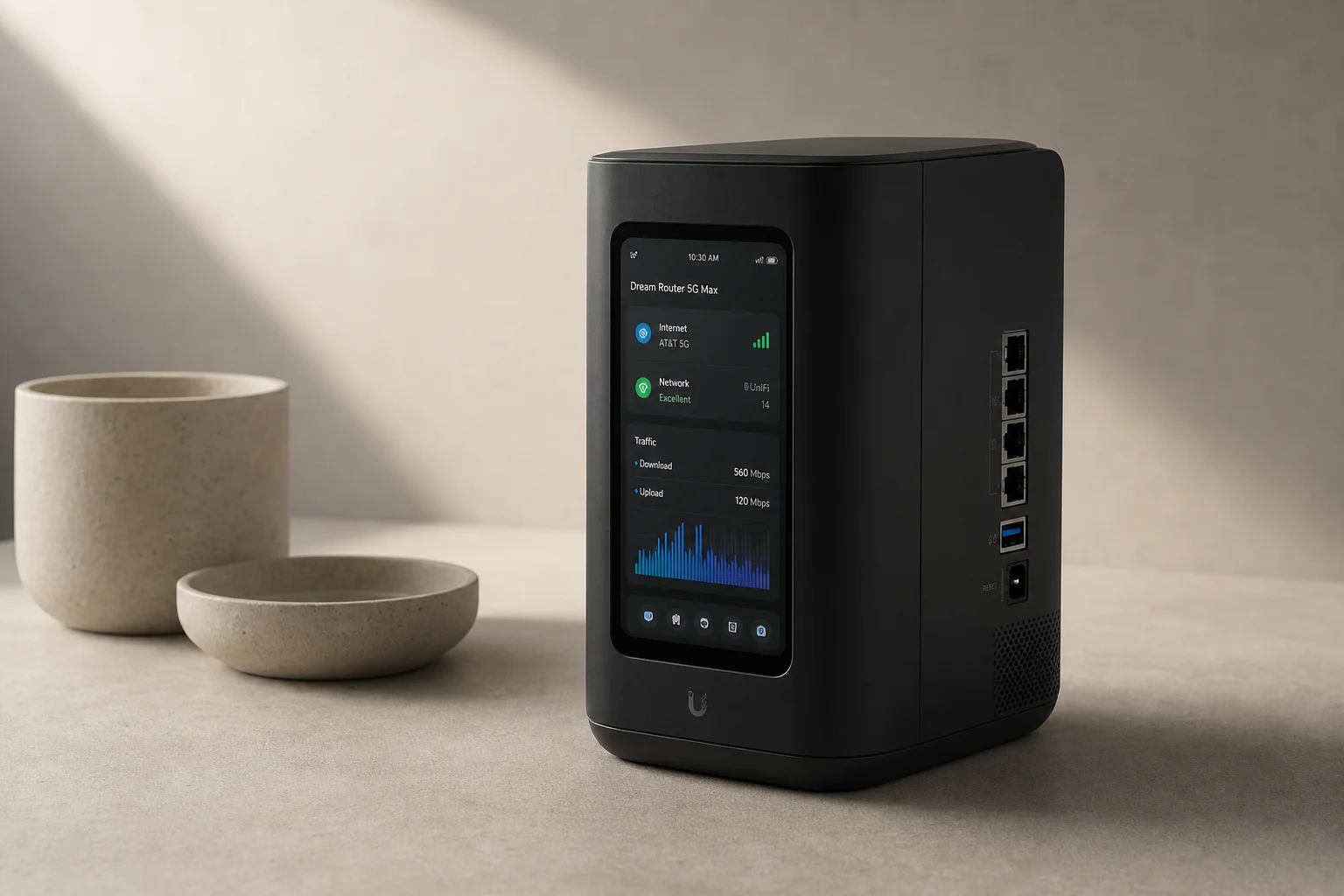
Network Equipment
Dream Router 5G Max Review: Integrated Cellular Gateway for Small Business Networks
A practical look at Ubiquiti's integrated 5G cellular router, including setup, performance, and real-world use cases for small business and backup internet scenarios.
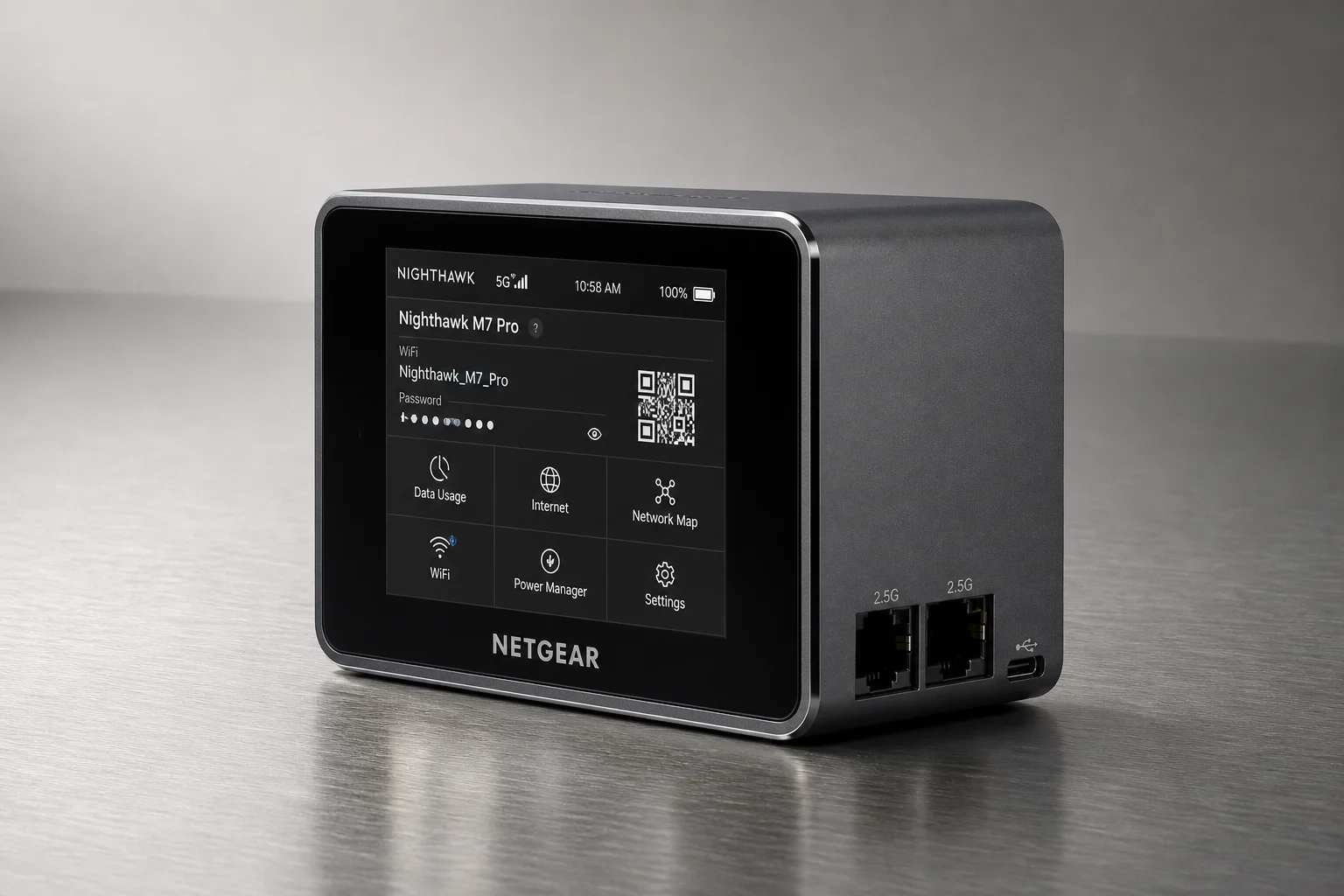
Networking
GL.iNet Slate 7 Travel Router Review: Wi-Fi 7 and Touchscreen Control
The Slate 7 combines Wi-Fi 7 capability with a functional touchscreen interface, making it a versatile travel router for managing multiple internet sources and VPN profiles on the road.
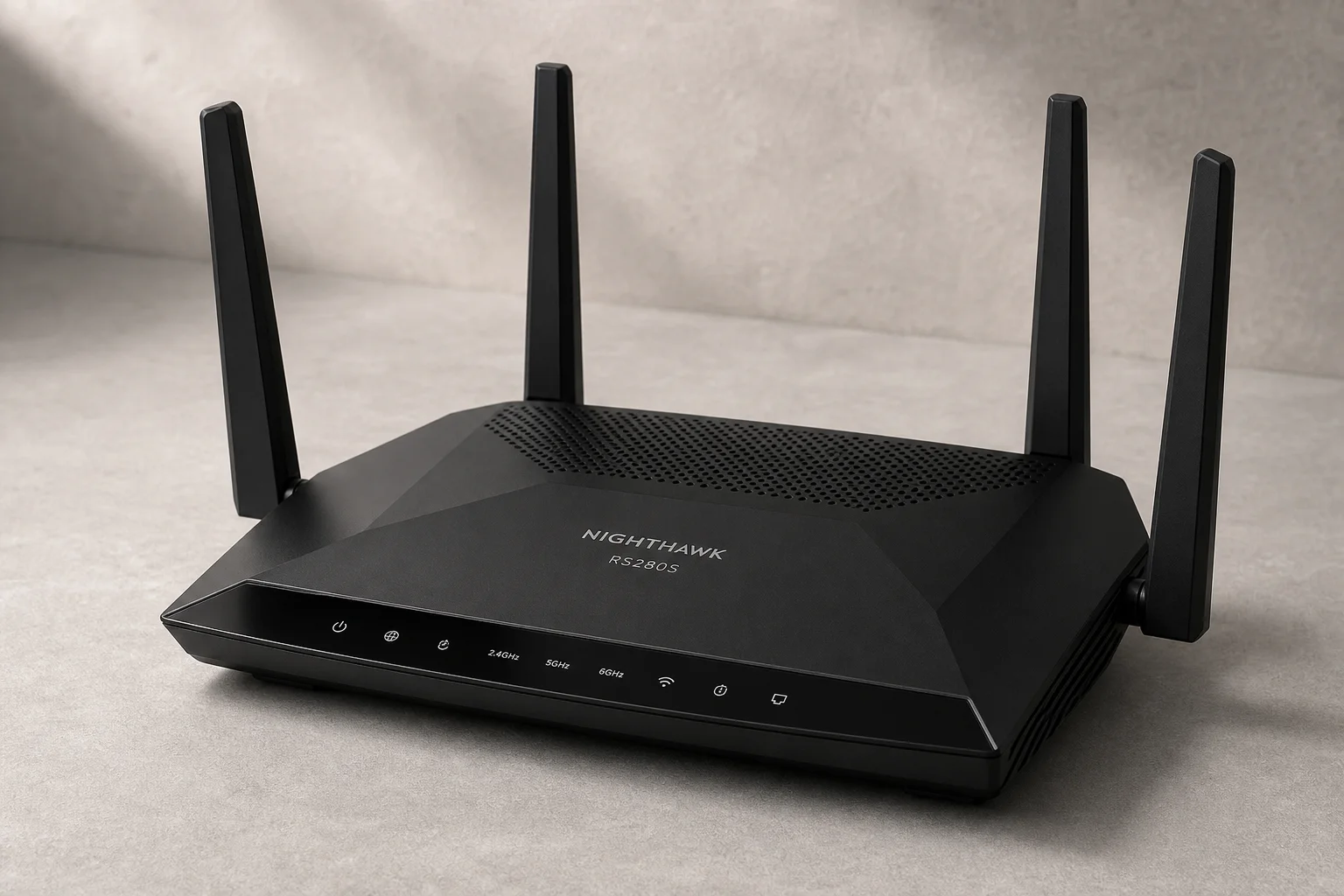
Networking Equipment
Netgear Nighthawk RS280S Review: A Practical Router for Non-Technical Users
The Netgear Nighthawk RS280S offers solid hardware and effortless setup, but its paywall-locked features and limited advanced networking make it best suited for users who want their internet to simply work.