Network Equipment
Dream Router 5G Max Review: Integrated Cellular Gateway for Small Business Networks
A practical look at Ubiquiti's integrated 5G cellular router, including setup, performance, and real-world use cases for small business and backup internet scenarios.
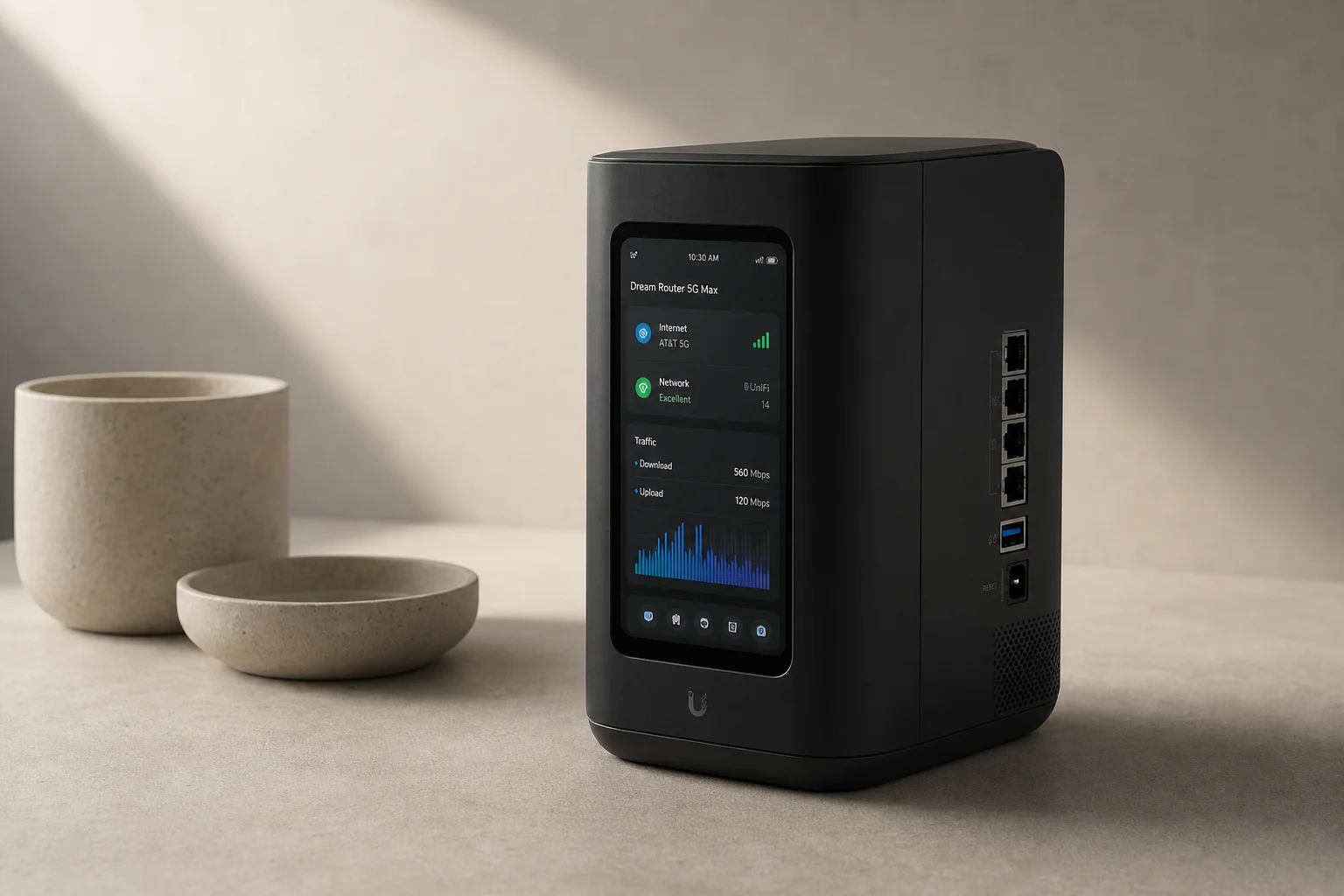
Introduction
The Dream Router 5G Max combines Ubiquiti’s UniFi gateway platform with an integrated dual-SIM cellular modem. At an MSRP of 499 dollars, it sits 100 dollars above the standard Dream Router, making it a practical option for users who want 5G backup or primary internet without adding a separate cellular device. This review covers setup, performance, and the practical trade-offs to consider before purchasing.
Setup and SIM Configuration
The device ships with a power cable, ethernet patch cord, SIM ejector tool, and power brick. Two nano SIM slots on the rear support both physical SIM cards and eSIM capability on the second slot. The setup process requires inserting a SIM card before adoption, though hardwired ethernet adoption is also possible without a SIM installed.
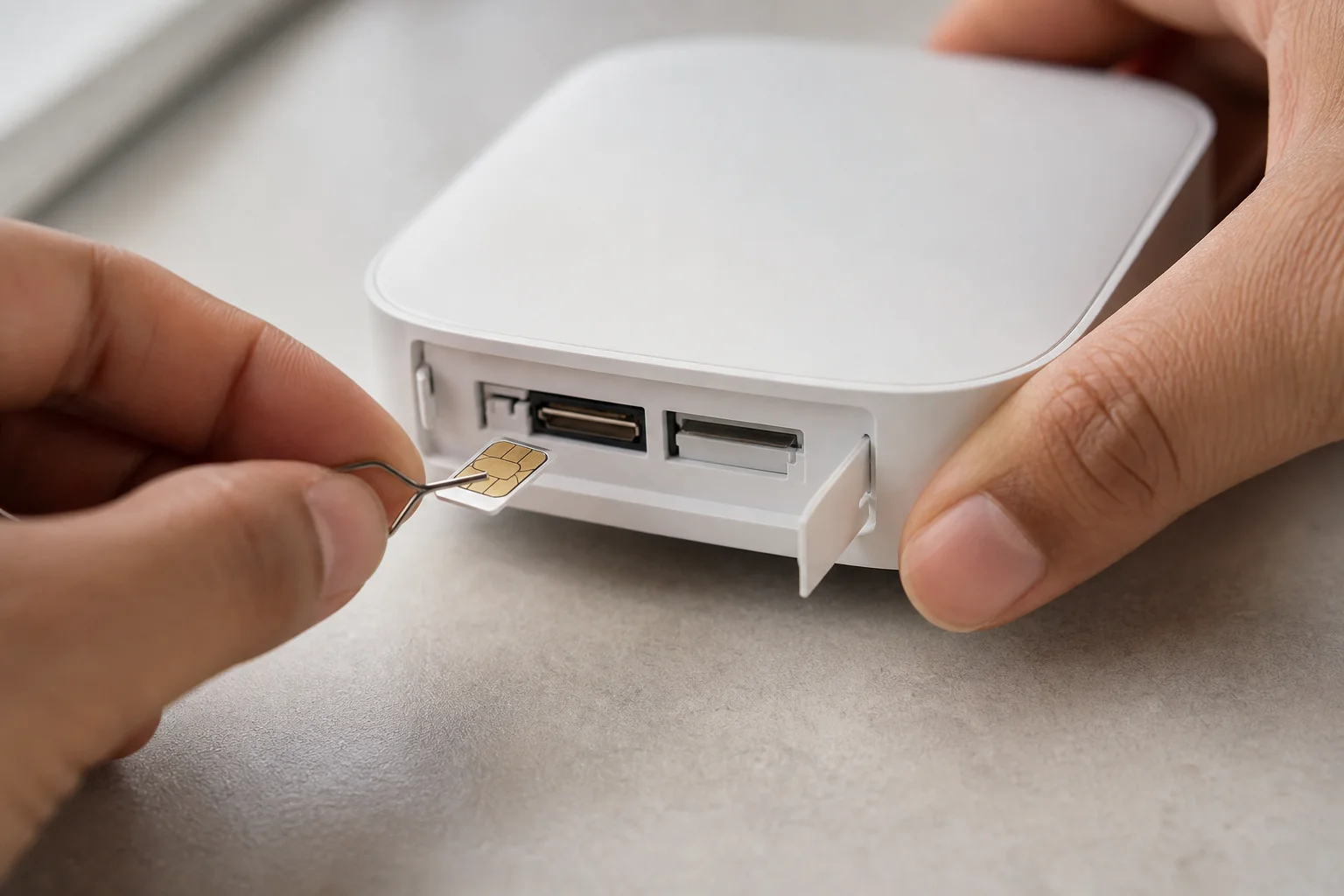
The device automatically detected T-Mobile as the ISP and assigned the SIM to WAN3 during initial setup. The UniFi app on mobile devices handles most configuration, though some settings like custom APN configuration and LED color customization require the web browser interface or the front touchscreen display. This split between mobile app and web interface is worth noting if you prefer managing everything from one place.
Front Display and Interface
The large front touchscreen provides real-time network information without requiring a computer or phone. Pulling down from the top reveals throughput metrics, while tapping the cellular icon shows SIM status for both slots. The display also includes settings for screen brightness, LED brightness, LED color customization, and fan control. A speed test function is available directly from the touchscreen, though it performed inconsistently during testing.
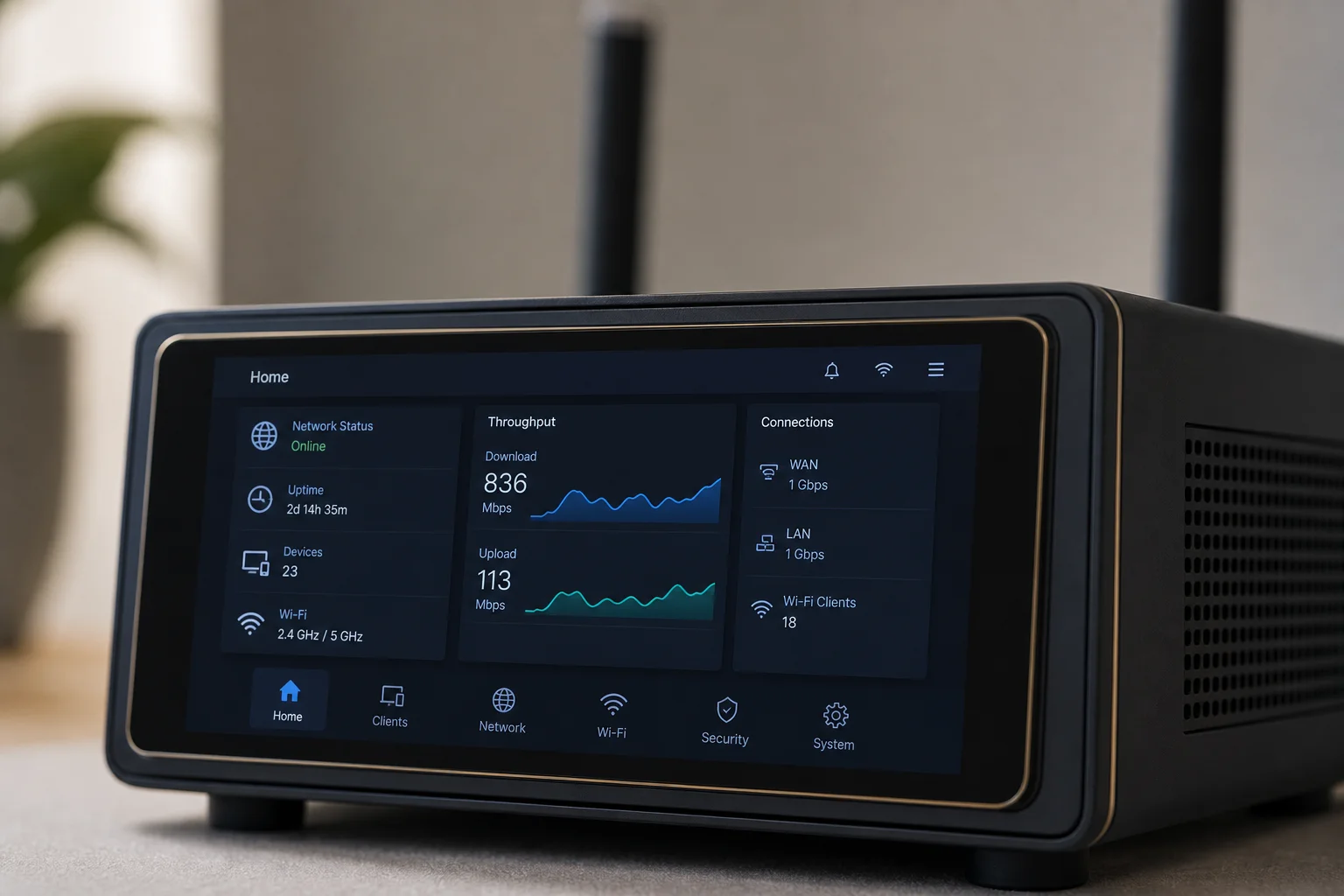
The touchscreen is a useful feature for quick status checks, but the interface is limited to viewing and basic controls. You cannot scroll horizontally or vertically through additional screens, so the information displayed is fixed to what Ubiquiti has chosen to show.
Port Configuration and WAN Options
The device includes four 2.5 gigabit RJ45 ethernet ports, one of which provides PoE output rated at 15.4 watts (standard PoE, not PoE Plus). A 10 gigabit SFP Plus port is also available for higher-speed uplinks. By default, ports four and five are configured as WAN1 and WAN2, but port one can be reassigned as a WAN source if you want to use its PoE capability to power a remote access point or camera that also serves as a backup internet source.
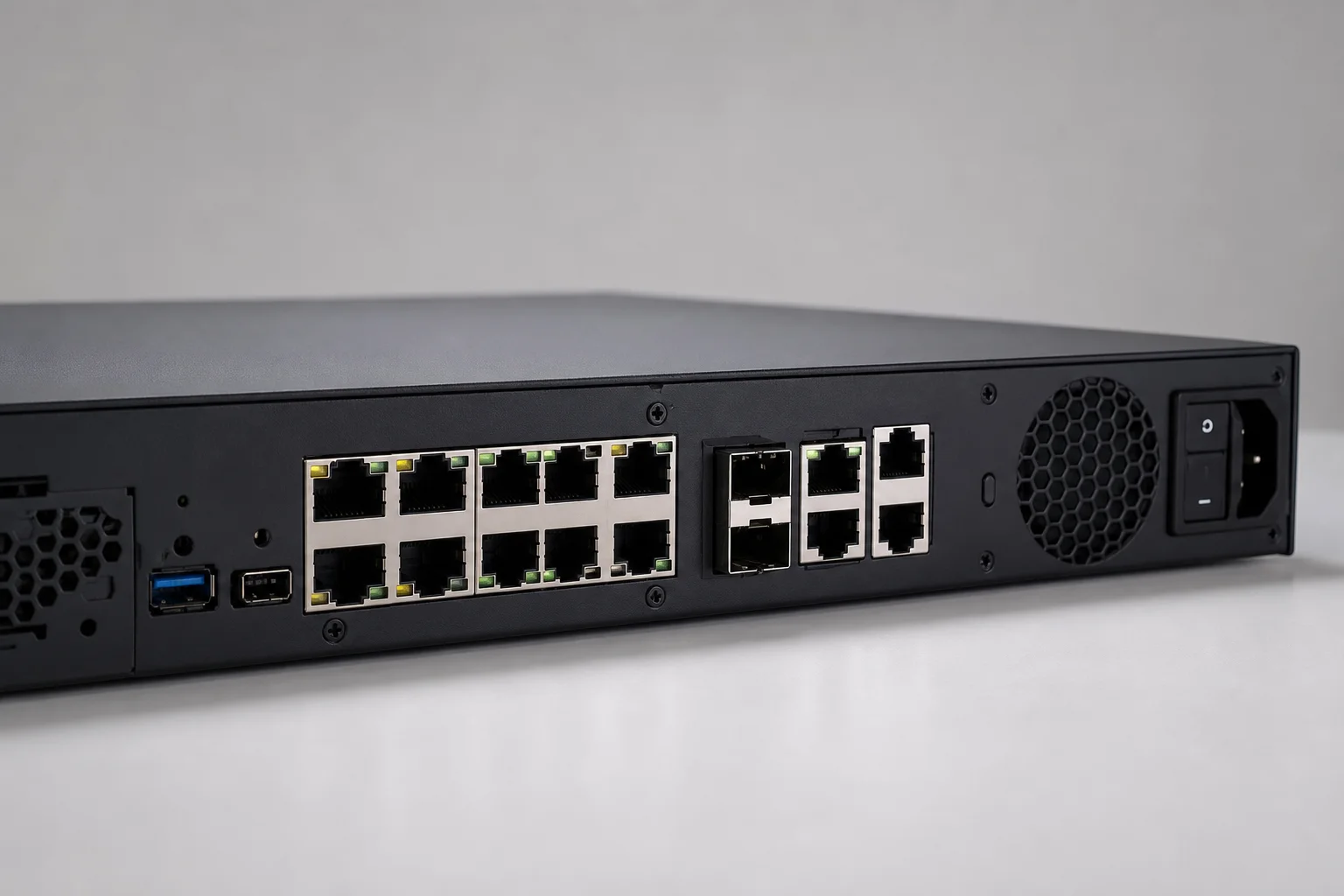
The cellular SIM automatically assigned itself to WAN3, allowing the device to use multiple internet sources simultaneously. The settings interface clearly shows which ports are designated as WAN sources, and reconfiguration is straightforward through the UniFi web dashboard.
Real-World Performance and Use Cases
Initial speed tests showed 150 megabits down and 48 megabits up on a Crosstalk Mobile 5G Unlimited SIM. The device was positioned in the middle of an office surrounded by equipment, so moving it to a window would likely improve signal strength. The PoE port enables adding supplementary access points elsewhere in the building, which is practical for homes or offices where a single gateway location does not provide adequate coverage.
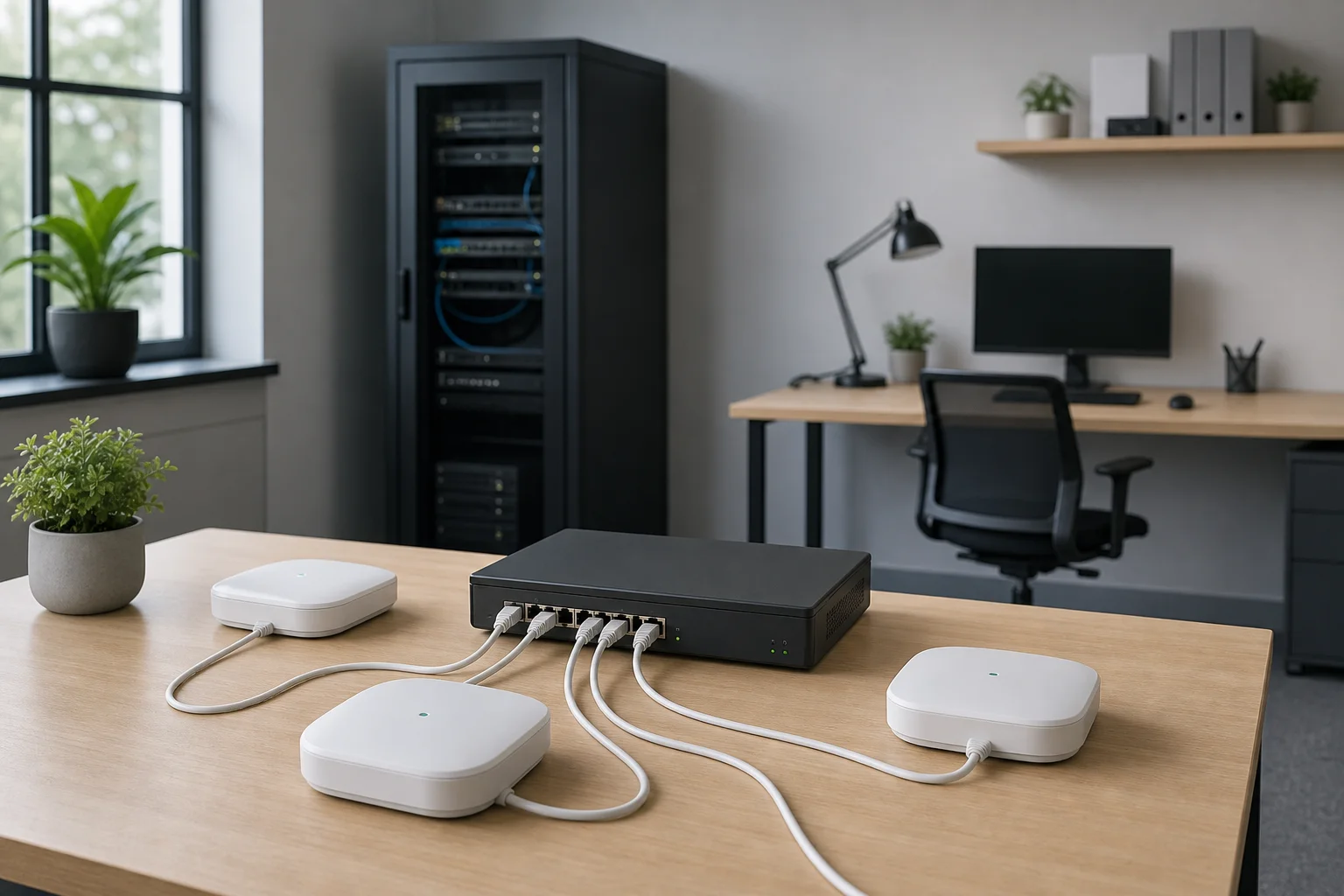
For small businesses or service providers deploying 5G backup internet, the integrated cellular modem eliminates the need for a separate 5G add-on device. If you already own a UniFi gateway and want to add cellular backup, upgrading to the Dream Router 5G Max costs only 100 dollars more than purchasing the standalone 5G Max add-on modem separately. However, home users seeking redundancy may find it more cost-effective to use a T-Mobile or Verizon home internet plan as WAN2, since those services cost 25 to 50 dollars per month and do not require upgrading the entire gateway.
One important note: Ubiquiti officially states that T-Mobile and Verizon home internet SIMs are not supported in this device. Business-class SIMs like Crosstalk Mobile are required. Some users have reported success with home internet SIMs anyway, but this is not officially supported and results may vary.
Conclusion
The Dream Router 5G Max is a well-integrated solution for small businesses or service providers who know they need 5G cellular capability built into their gateway. The touchscreen display, dual-SIM support, and straightforward UniFi integration make it practical to deploy and manage. The main limitation is stock availability, which is currently limited. For home users, the cost difference between upgrading to this device and using a separate home internet plan as backup is worth calculating based on your specific needs and existing equipment.
Product link
View more details for Dream Router 5G Max
This product is mentioned in the review. Check the specifications, options, and compatibility before buying.
View more details for Dream Router 5G MaxFurther reading
Related Reviews
Network Equipment
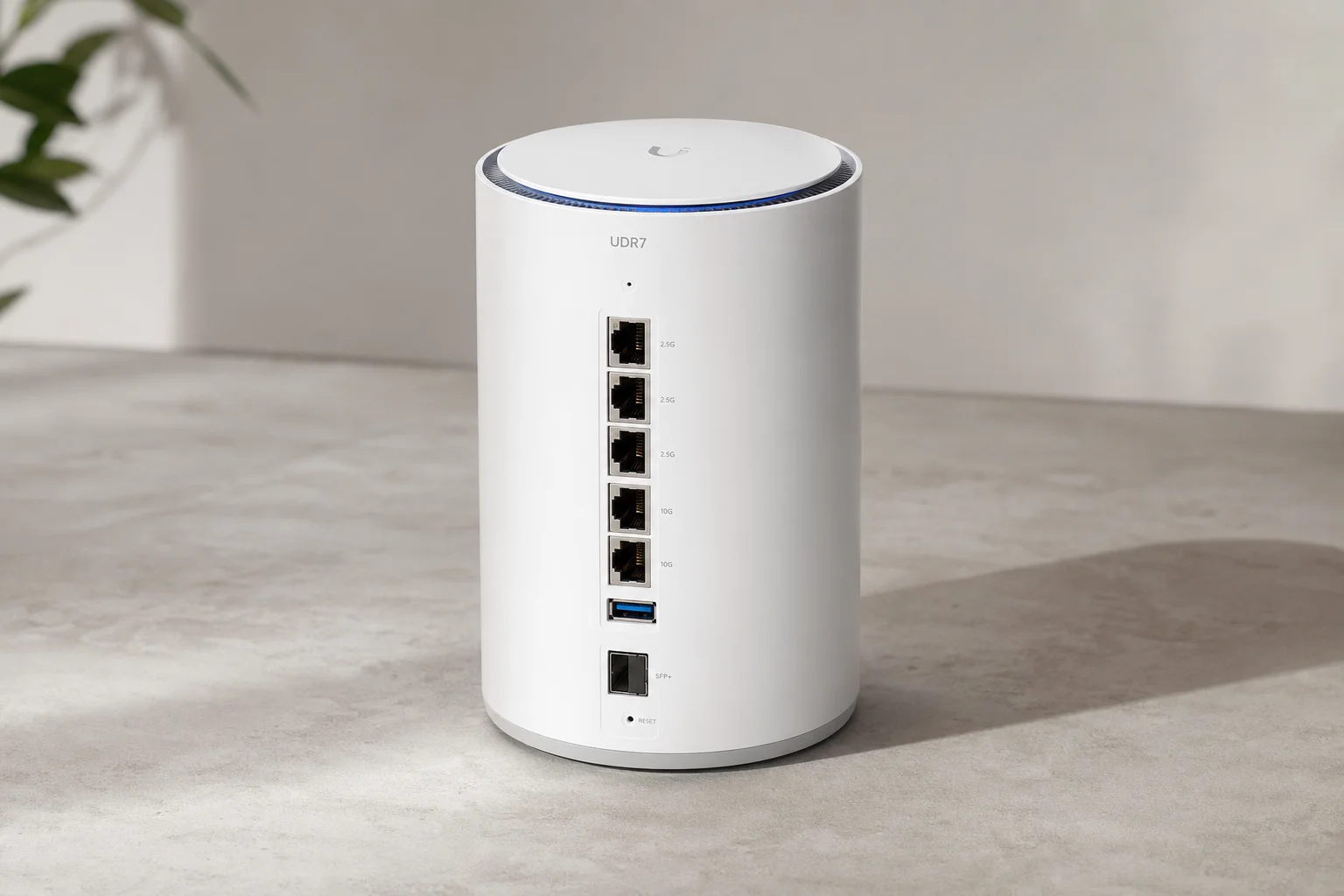
Ubiquiti UDR7 Dream Router Review: Wi-Fi 7 Unified Gateway for Home and Small Business
The UDR7 combines Wi-Fi 7, dual WAN, and 10 gigabit connectivity in a compact cylindrical form factor. A practical all-in-one network solution for users ready to step into unified networking.
Coffee Equipment
Budget Espresso Machines for Small Cafes: Three Solid Two-Group Options
A practical guide to choosing an affordable espresso machine for a coffee trailer, small cafe, or office space, with detailed comparisons of three reliable two-group models.