Tech Accessories
iPad with Sidecar vs Portable Display: Which Makes a Better Second Monitor for Mac
A practical comparison of using an iPad via Sidecar versus a dedicated portable display like the Dell C1422H as a secondary monitor for Mac laptops and desktops.
Introduction
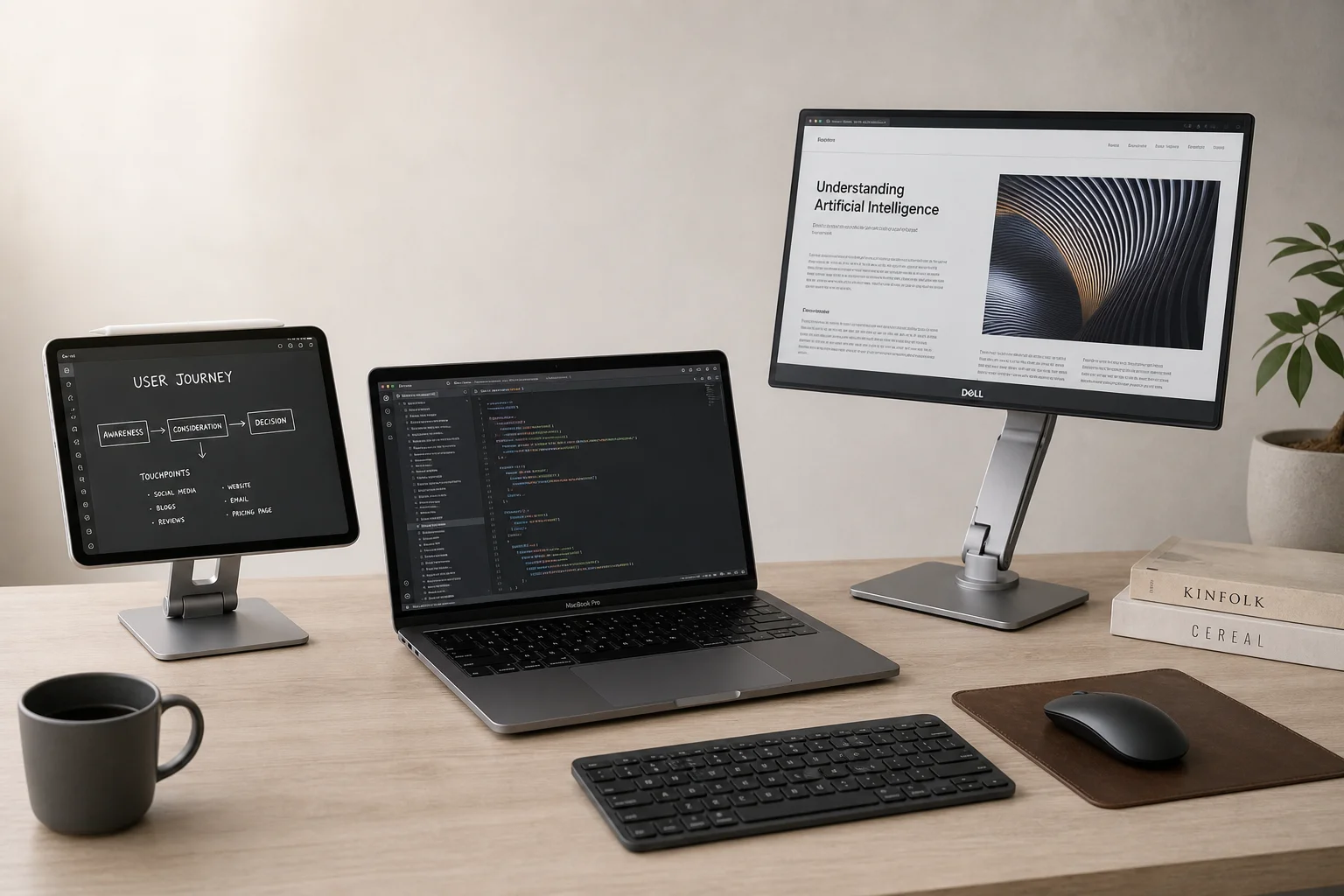
If you work on a Mac and need extra screen real estate, you have two main options: a portable display powered via USB-C, or an iPad running Apple’s Sidecar feature. Both can serve as a secondary monitor, but they approach the problem differently. Understanding the strengths and weaknesses of each will help you choose the right solution for your workflow.
Design and Build Quality
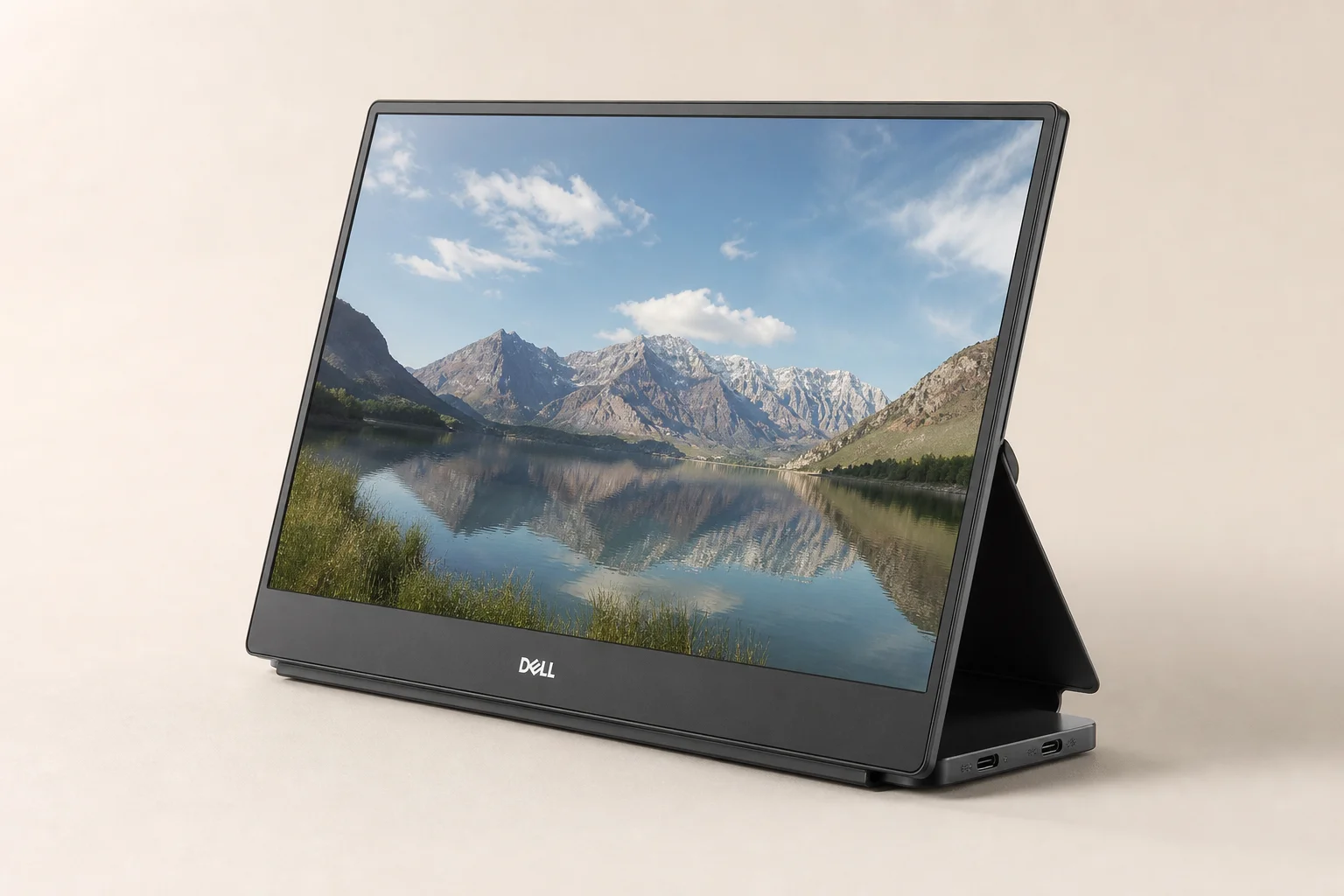
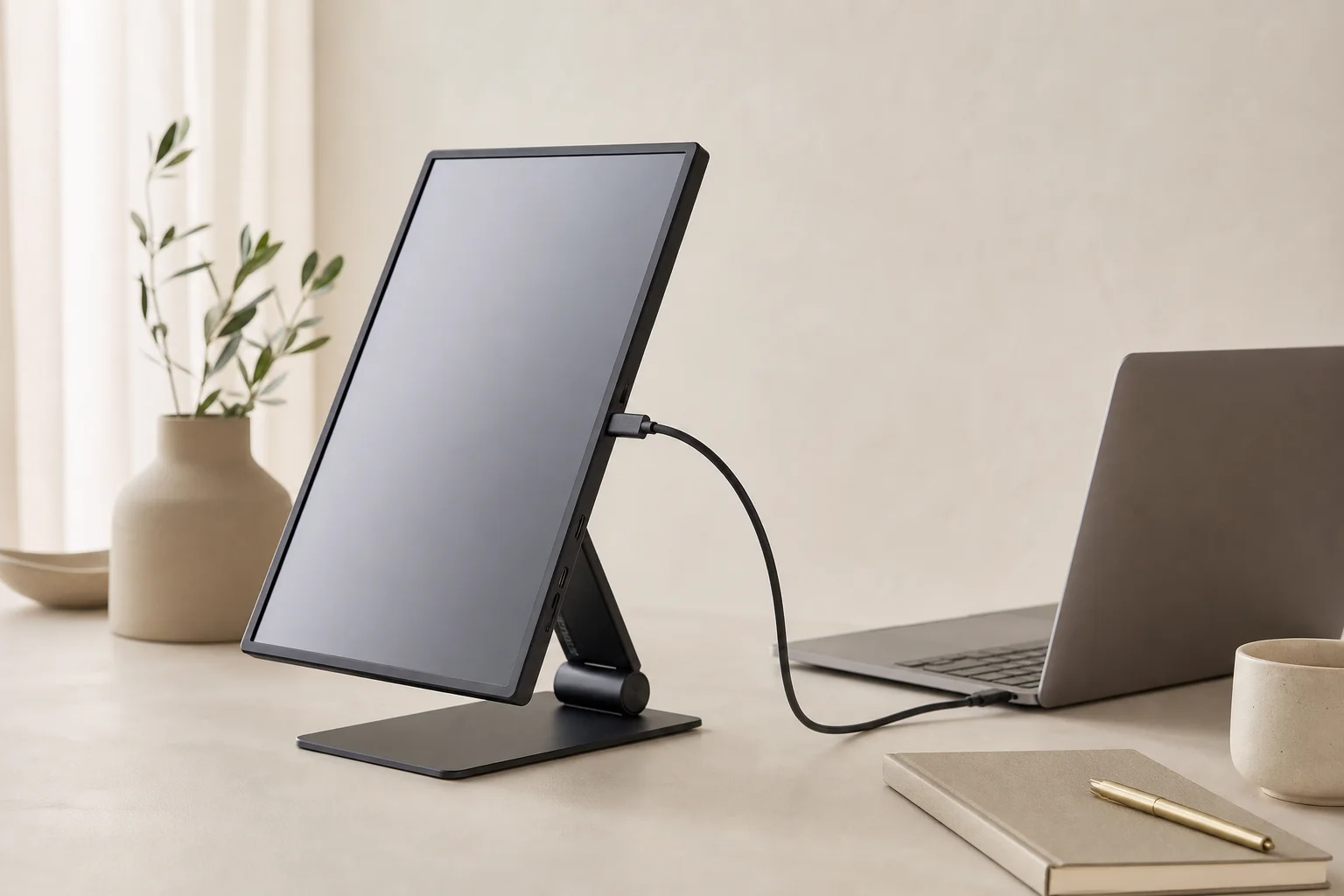
The Dell C1422H is a 14-inch portable display with a matte finish panel, minimal bezels on three sides, and a Dell logo at the bottom. It includes an integrated adjustable stand that lets you find a comfortable viewing angle without additional accessories. The base houses two USB-C ports, a power button, a brightness rocker switch, and a comfort view button. The chassis is plastic with a space gray finish.
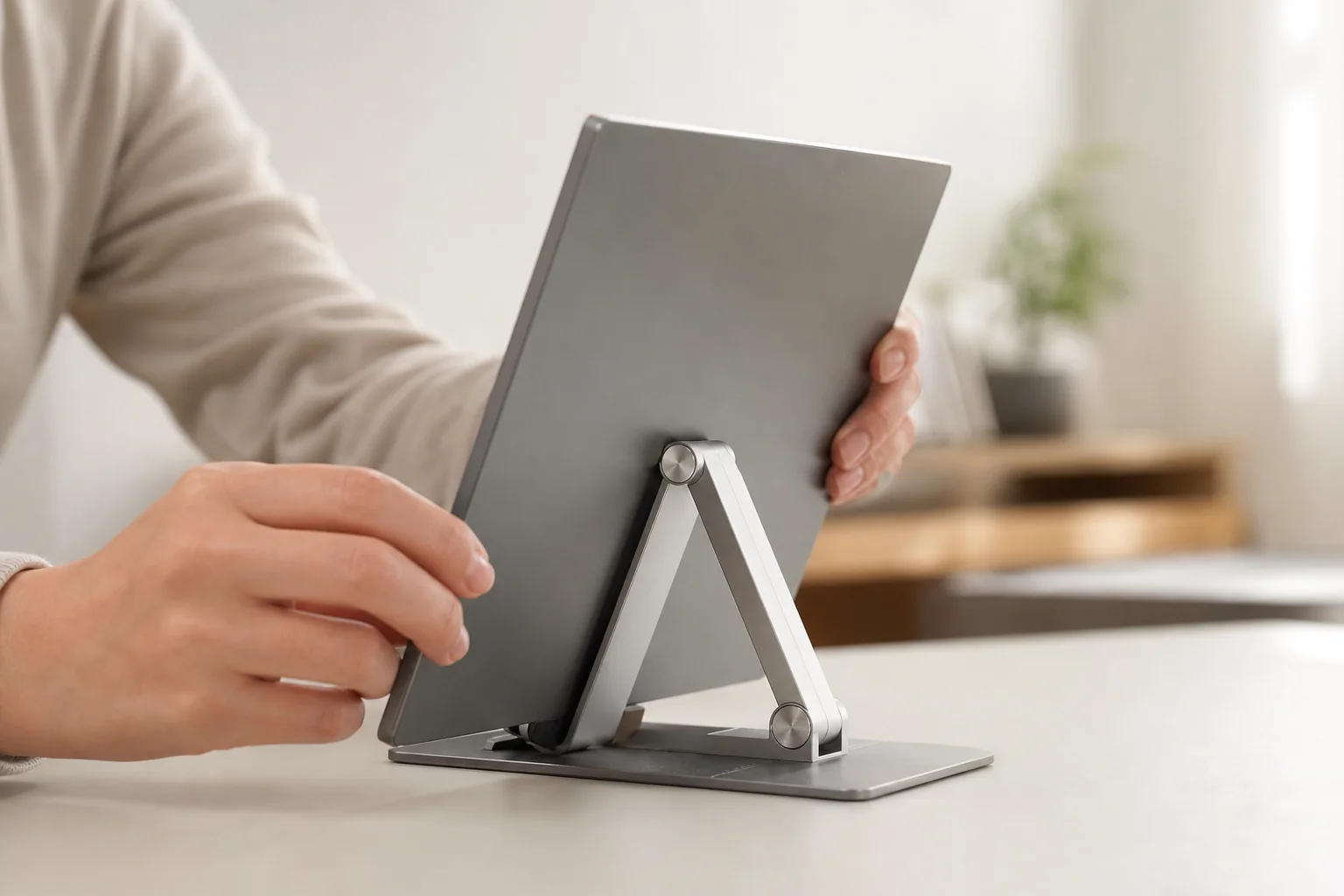
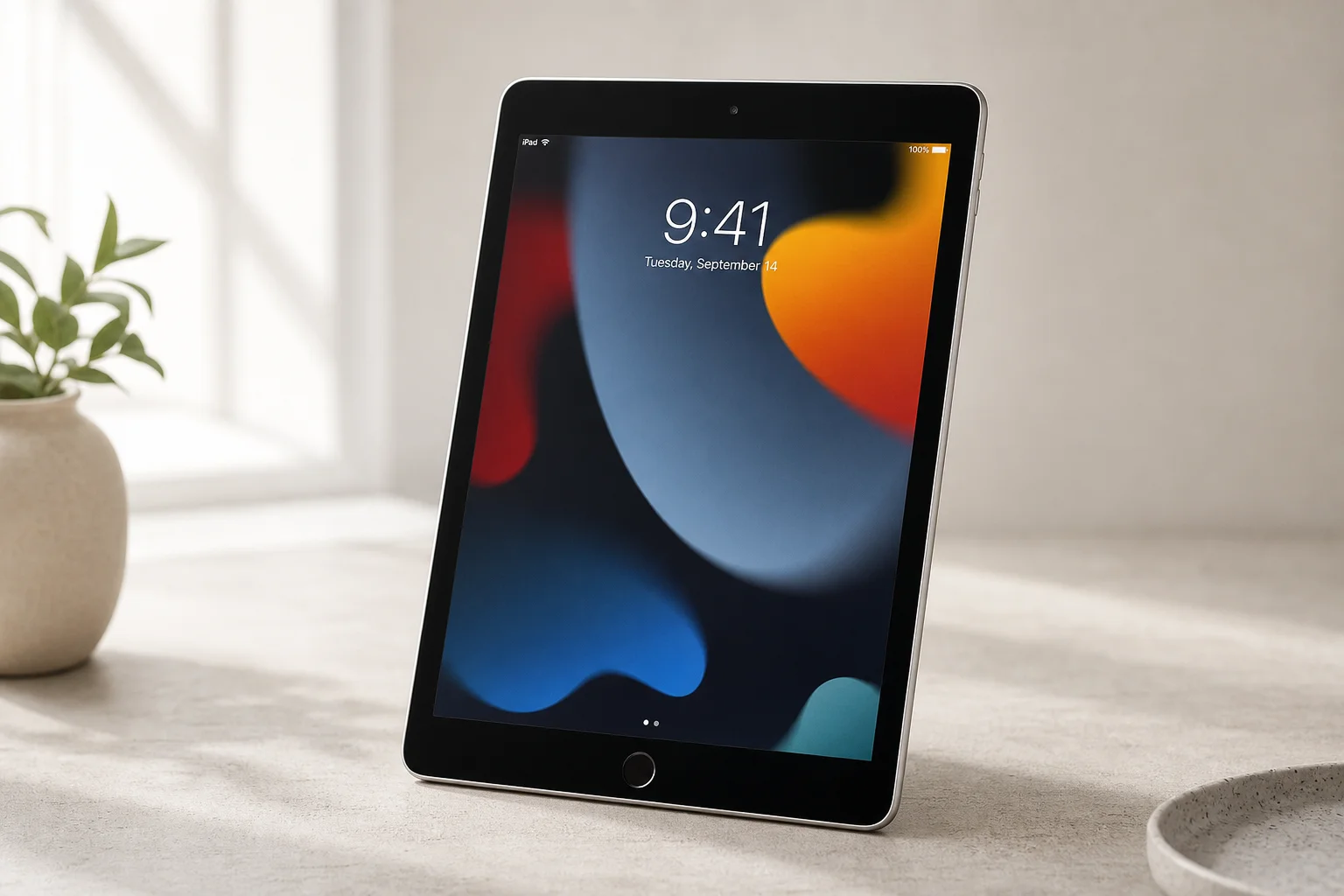
iPads, by contrast, are glass and aluminum slabs available in various screen sizes. They have buttons on the sides for sleep, wake, and volume control, along with speaker cutouts and USB-C or Lightning ports. The physical differences between iPad models mainly come down to screen size, camera bumps, and display technology.
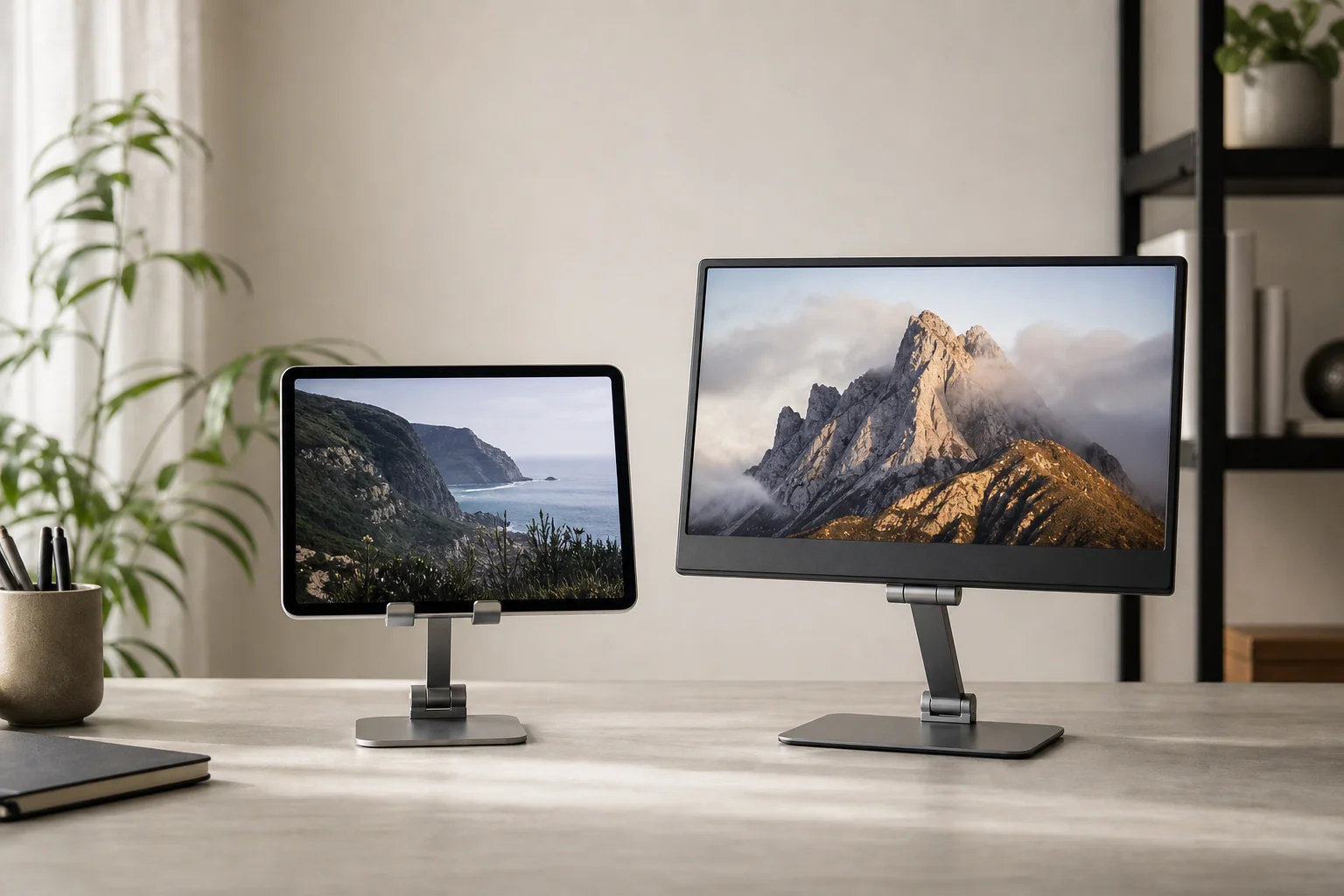
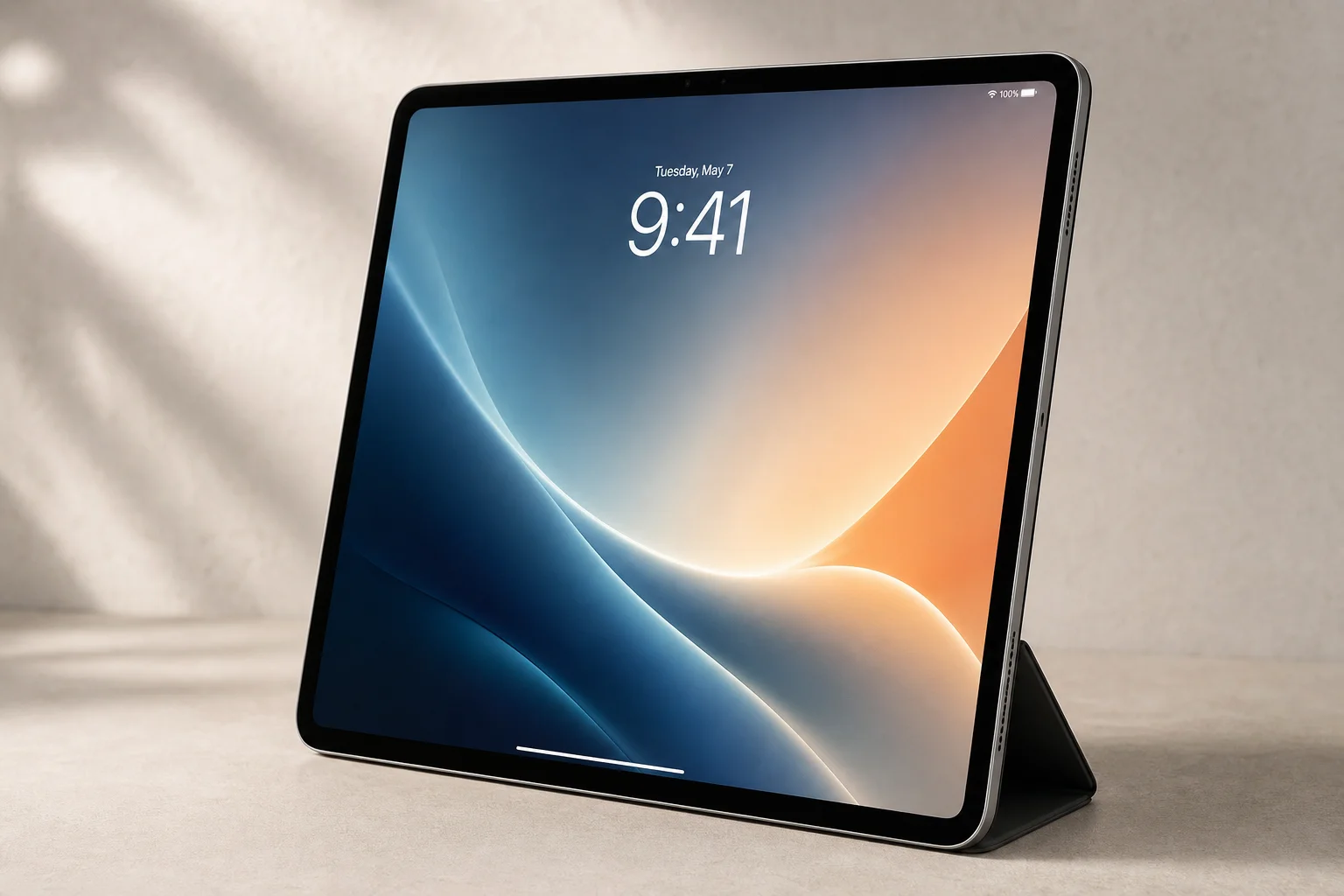
A key practical difference emerges when you consider portability and desk use. The Dell’s built-in stand is convenient for fixed setups, but iPads require a separate case or stand. Apple’s Smart Folio is expensive and offers limited angle options, while third-party stands like aluminum models are cheaper and lighter but add cost and bulk to a portable setup.
Display Quality and Resolution
The Dell C1422H has a 14-inch 1080p display with a pixel density of 157 pixels per inch. iPads start at 264 pixels per inch and go higher depending on the model. However, Apple’s Sidecar feature doubles the pixel count for rendering, so a 12.9-inch iPad Pro displays content at an effective 1366 by 1024 resolution, compared to the MacBook Air’s native 1440 by 900. This means text and interface elements appear slightly larger and sharper on iPads than on the Dell’s native 1080p output.
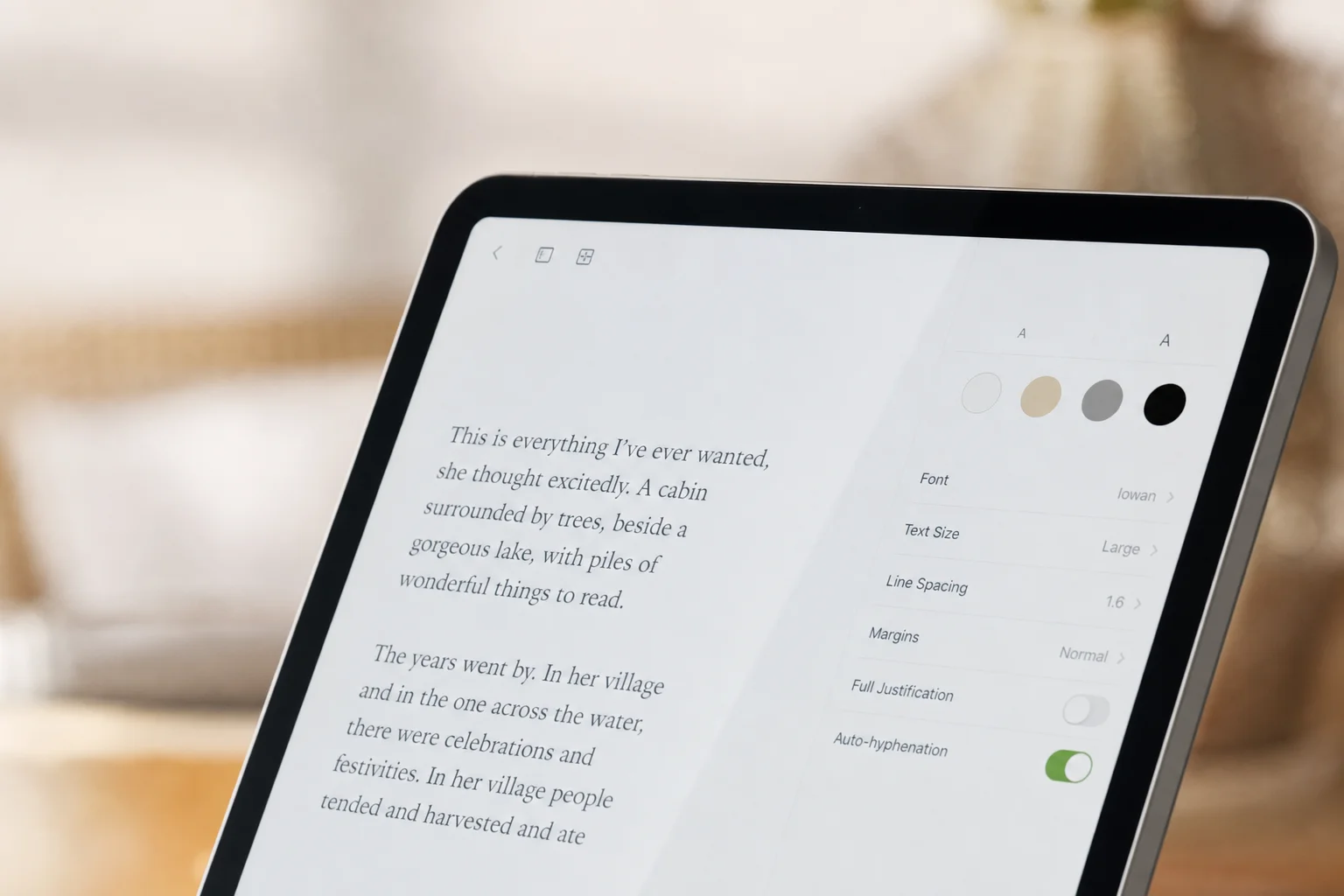
The 12.9-inch iPad Pro nearly matches the screen real estate of a larger desktop display, while the standard 10.2-inch iPad 9th Gen offers a smaller but still usable secondary screen. For many users, the difference in sharpness and text rendering may be subtle, but the iPad’s higher pixel density generally produces a cleaner appearance.
Color Accuracy and Video Performance
When tested with a colorimeter, the Dell C1422H achieved 98 percent of the sRGB color range and 75 percent of the P3 range. iPads via Sidecar achieved approximately 95 percent sRGB and 73 percent P3, likely due to compression in Apple’s Sidecar implementation. Visually, however, the iPad’s glossy panel often appears more vibrant and better-looking to the eye, even though the measurements suggest otherwise.
Neither display is suitable for color-critical work such as photo or video editing. Both have 60 Hz refresh rates, but the Dell suffers from poor pixel response times, creating visible ghosting and trails when scrolling text. iPads handle scrolling and video playback much more smoothly, with faster pixel transitions and no noticeable tearing.
The Dell reaches 300 nits of brightness, while iPads typically deliver 400 to 500 nits or more depending on the model. Both support blue light reduction through ComfortView (Dell) or Night Shift (iPad).
Practical Use Cases and Flexibility
The iPad offers advantages beyond secondary display duty. You can disconnect it and use it as a standalone device, enable the Apple Pencil for annotation, or add a Touch Bar at the bottom of the screen. Sidecar also works wirelessly, though wired connections via USB-C are significantly more stable and reliable than wireless.
The Dell Portable Display supports pass-through charging at up to 65 watts via its two USB-C ports, which may be essential if your Mac setup requires continuous power delivery while using the secondary display. It also includes a protective sleeve and requires no additional accessories beyond the included USB-C cable.
Both devices work well for office tasks like note-taking, web research, remote desktop access, and reference material. They are less suitable for multimedia consumption, photo editing, or any work requiring color precision.
Conclusion
If you already own an iPad, Sidecar is worth trying, especially with a wired USB-C connection for stability. The iPad generally provides better display performance, sharper text rendering, and the added benefit of being a fully functional device when disconnected from your Mac. You will need to purchase a case or stand, but the overall value proposition remains strong.
If you do not own an iPad and want a dedicated secondary display, the Dell C1422H is a solid choice, particularly for fixed desk setups where you want a plug-and-play solution with an integrated stand and pass-through charging. However, at similar price points, an iPad—especially during sales—offers superior display quality and versatility.
For most users, the iPad with wired Sidecar is the better choice due to its brighter, sharper display and dual functionality. Choose a portable display only if you need dedicated pass-through charging, plan to use it permanently at a desk, or prefer not to manage a separate device.
Further reading
Related Reviews
Tech Accessories
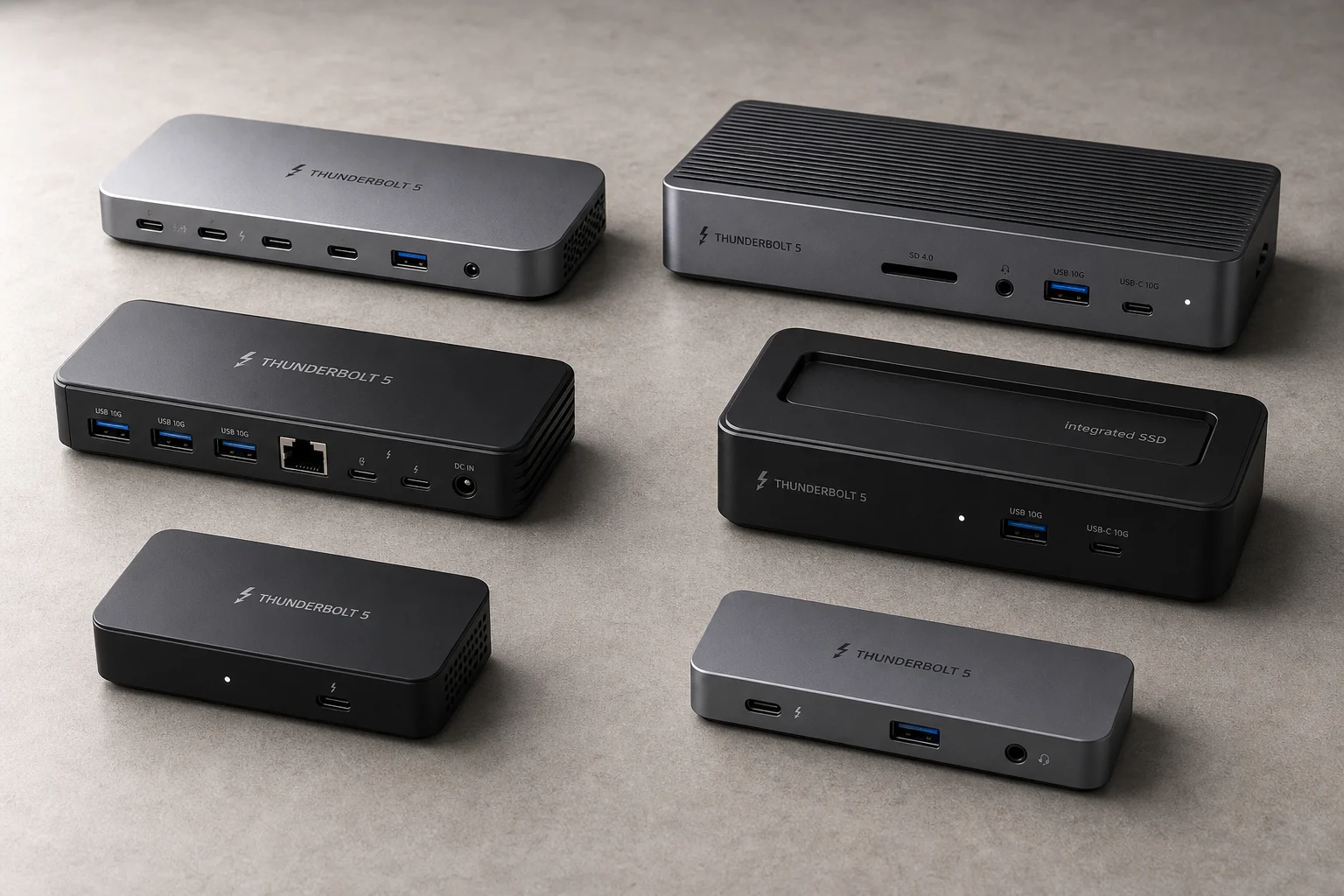
Best Thunderbolt 5 Docks 2026: Six Options Tested for Desktop Connectivity
A practical guide to six Thunderbolt 5 docking stations, covering their strengths, trade-offs, and which setup they suit best.
Tech Accessories
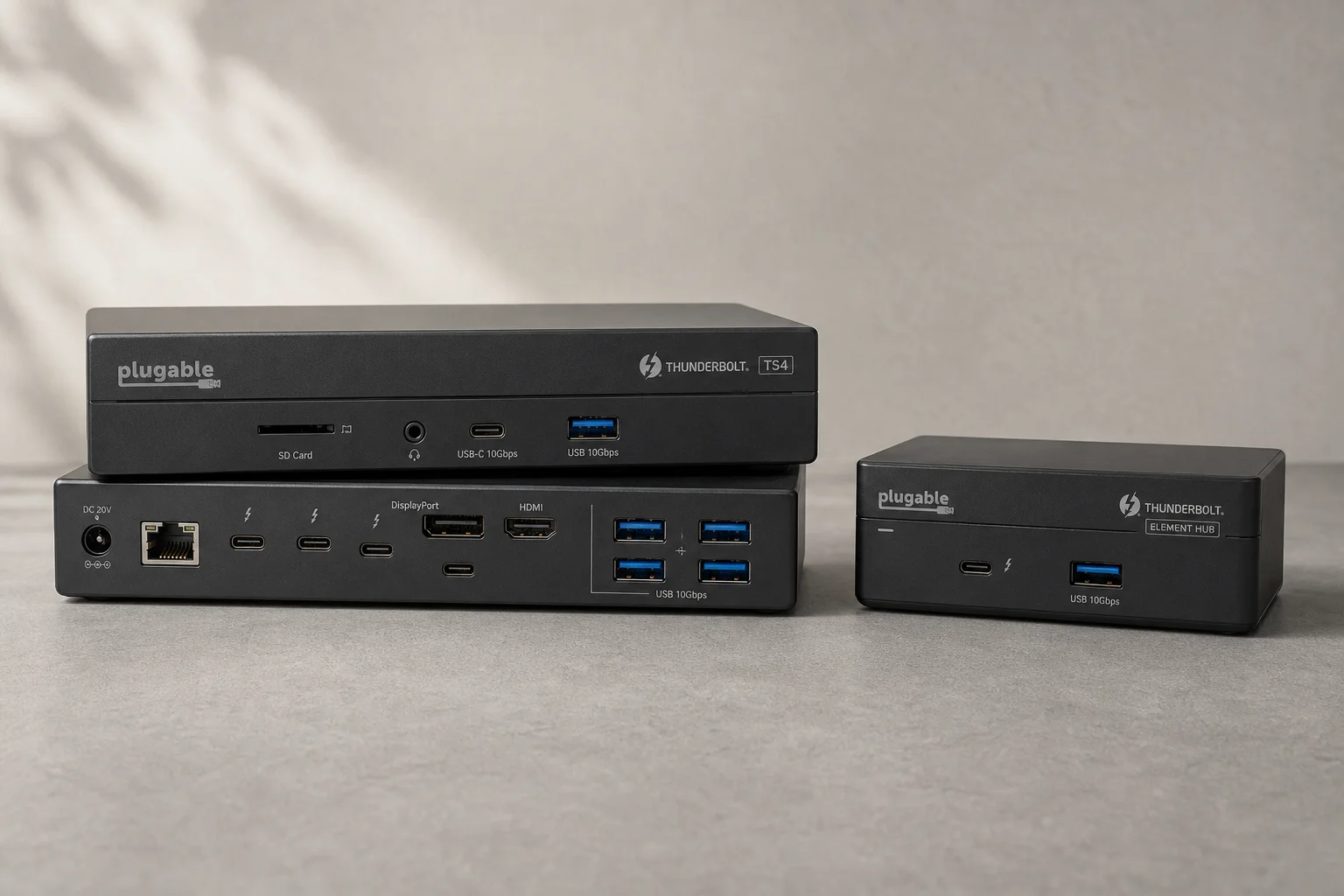
CalDigit Thunderbolt Docks: TS4 vs Element Hub
Two Thunderbolt docking solutions with different port counts and use cases. The TS4 offers 18 ports and 2.5 Gbps ethernet; the Element Hub provides a compact 8-port alternative.
Tech Accessories
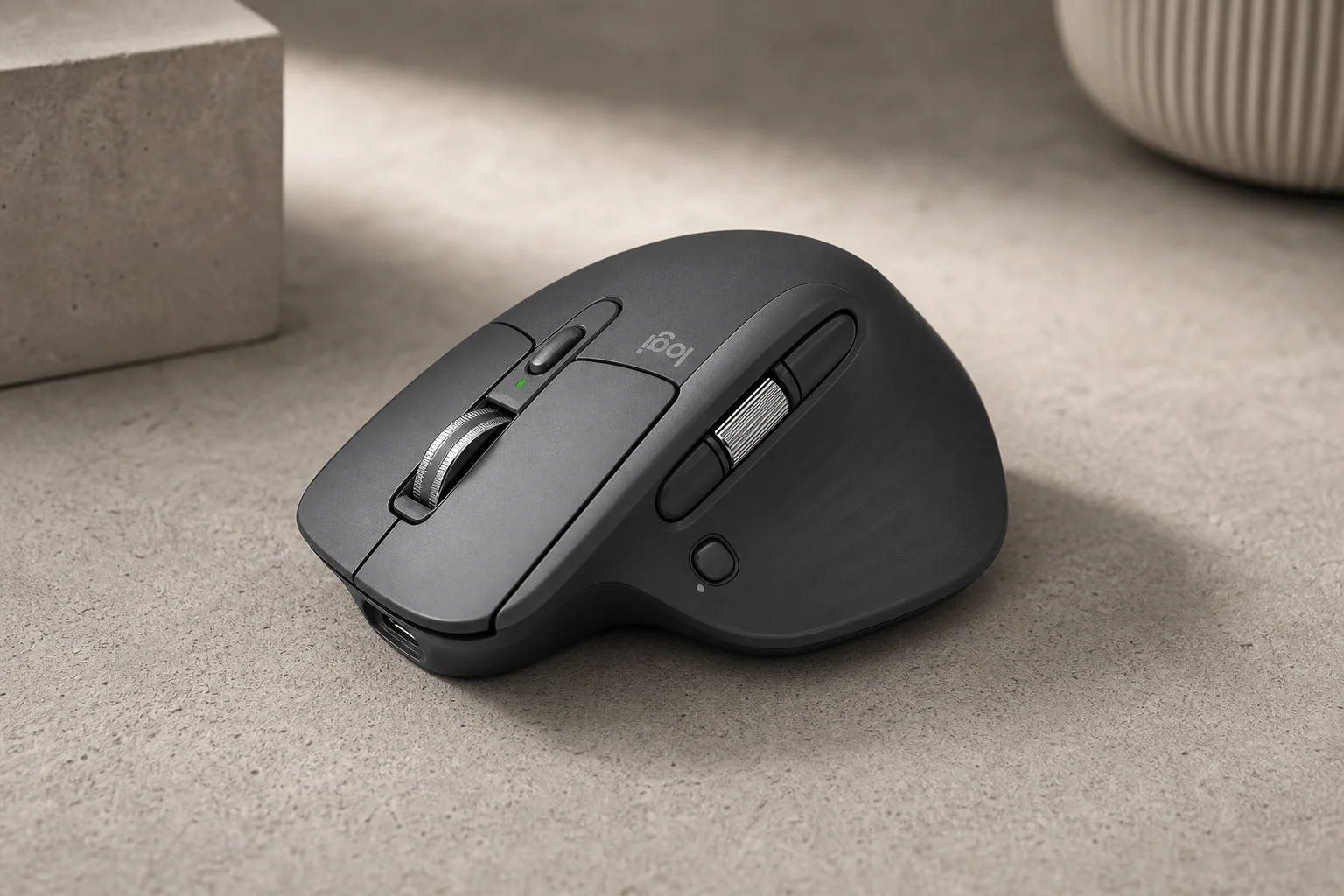
Logitech MX Master 4 Review: Wireless Mouse for Professionals
The Logitech MX Master 4 combines upgraded materials, haptic feedback, and customizable gesture controls to streamline workflows across Windows, Mac, and creative applications.