Mechanical Keyboards
Kreo Swarm vs Aula F75: Which 75% Keyboard Offers Better Value
A detailed comparison of two similarly priced 75% mechanical keyboards, examining design, layout, sound, typing experience, and overall value.
Introduction
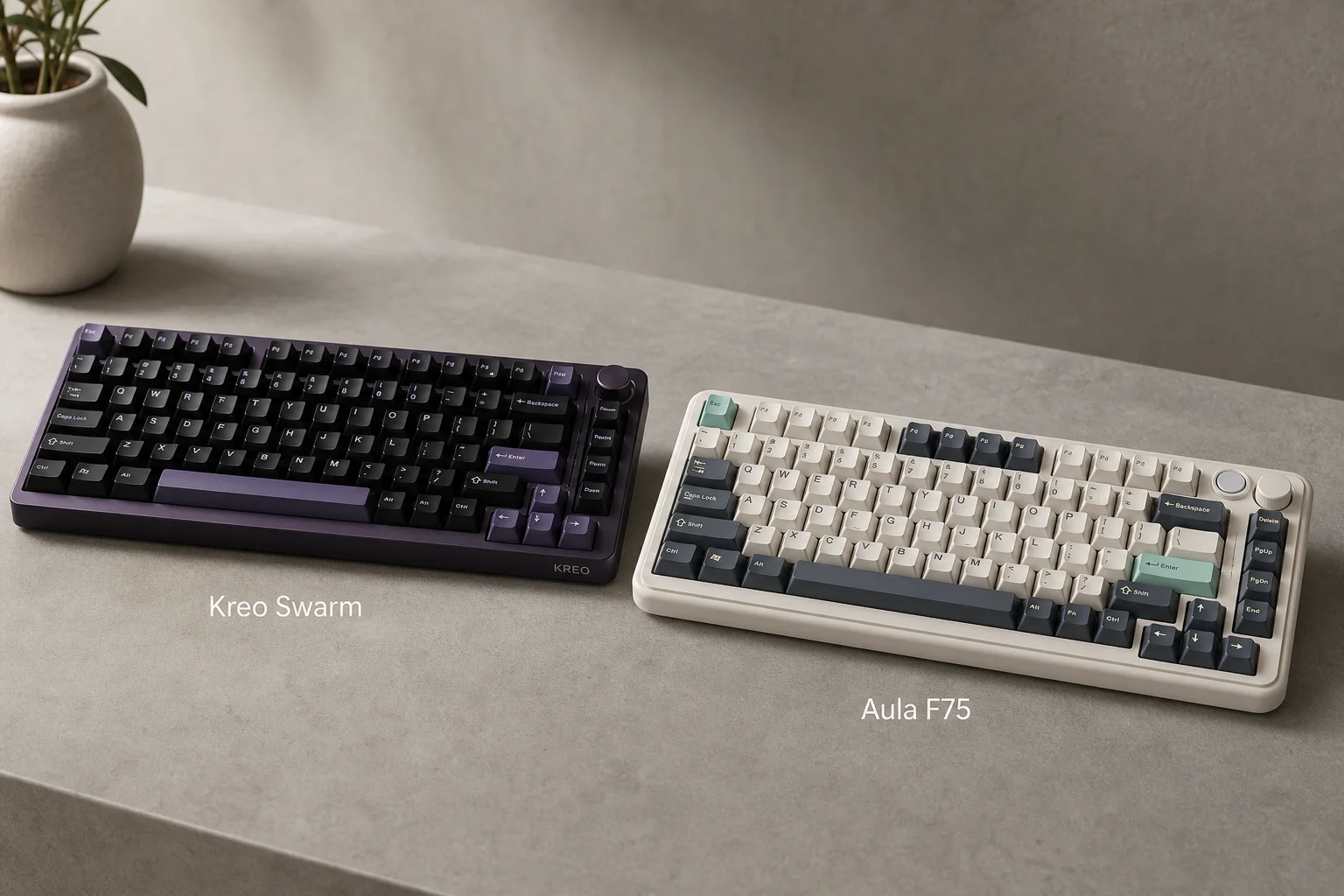
The Kreo Swarm and Aula F75 are two 75% mechanical keyboards priced similarly at around 5,500 Rs., making them direct competitors for anyone seeking a compact, feature-rich keyboard. Both offer wireless connectivity, modular switches, and solid build quality. This comparison examines their key differences to help you choose the better option for your needs.

Design and Build Quality
The Aula F75 features a design with rounded edges and more decorative elements, while the Kreo Swarm takes a minimalist approach with cleaner lines. Both designs are subjective in appeal, so your preference will depend on personal taste.
The Swarm comes in four color options with purple and black or white blends, while the Aula offers unique color choices that stand out in the market. Both keyboards feature thick rubber feet underneath and can be positioned at three different angles, providing stable and adjustable typing positions. Build quality on both is solid and feels premium for the price range.
Layout and Key Placement
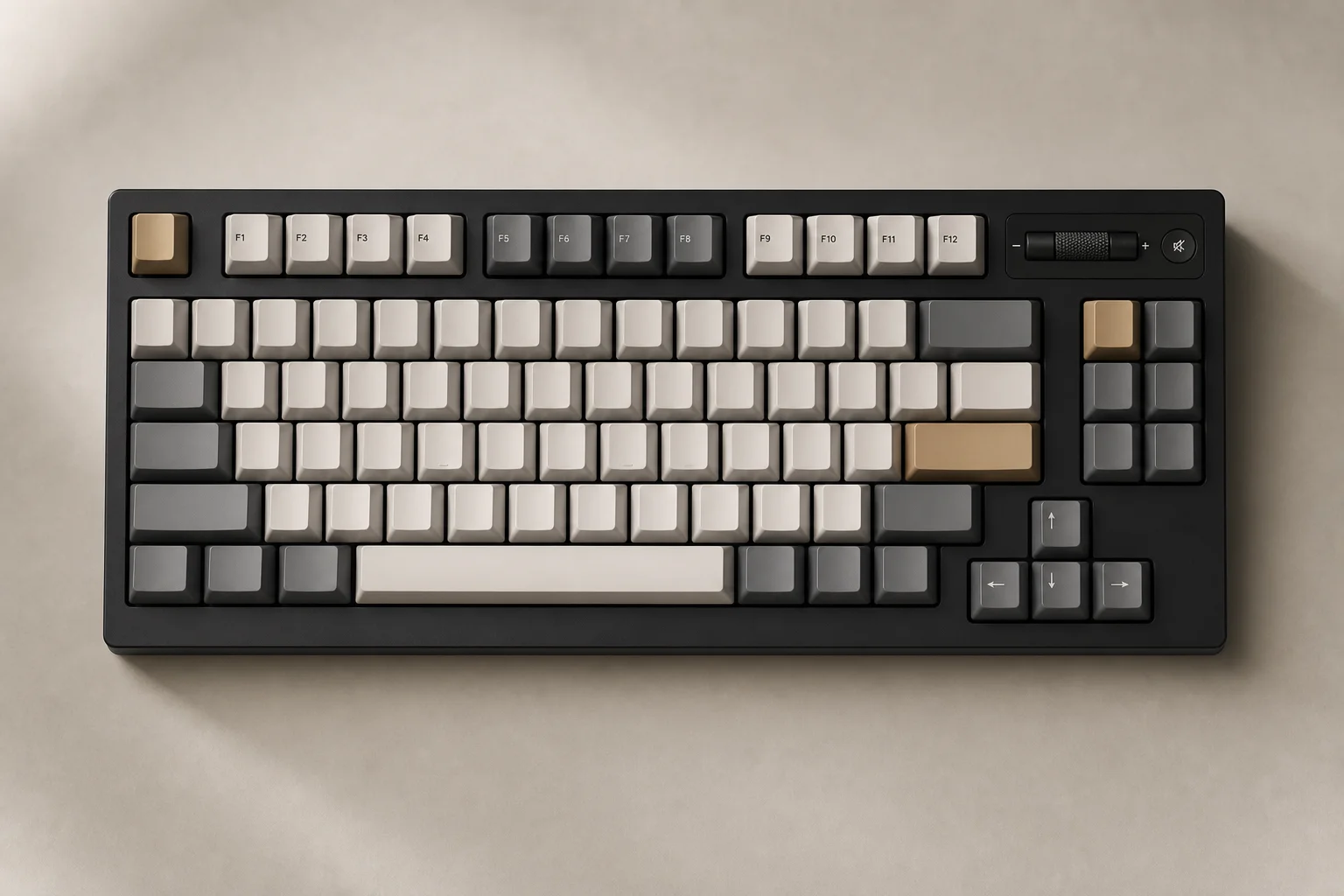
The layout is where the Kreo Swarm gains a clear advantage. Despite being nearly identical in size, the Swarm includes a dedicated Print Screen key, which is useful for frequent users, and an Alt key on the right side for easier keyboard shortcuts. The arrow keys and Page Up/Down row are also more spaced out on the Swarm, reducing the likelihood of accidental key presses.
Both keyboards feature a volume rocker that can be pressed to mute audio. The new Swarm knob operates silently, whereas the older version produced a clicky sound. The Aula’s volume rocker has less resistance and functions similarly to the new Swarm design.
Connectivity and Lighting
Both keyboards offer identical connectivity options: wired mode, 2.4 GHz wireless, and Bluetooth. This multi-mode support makes both excellent value propositions at their price point.
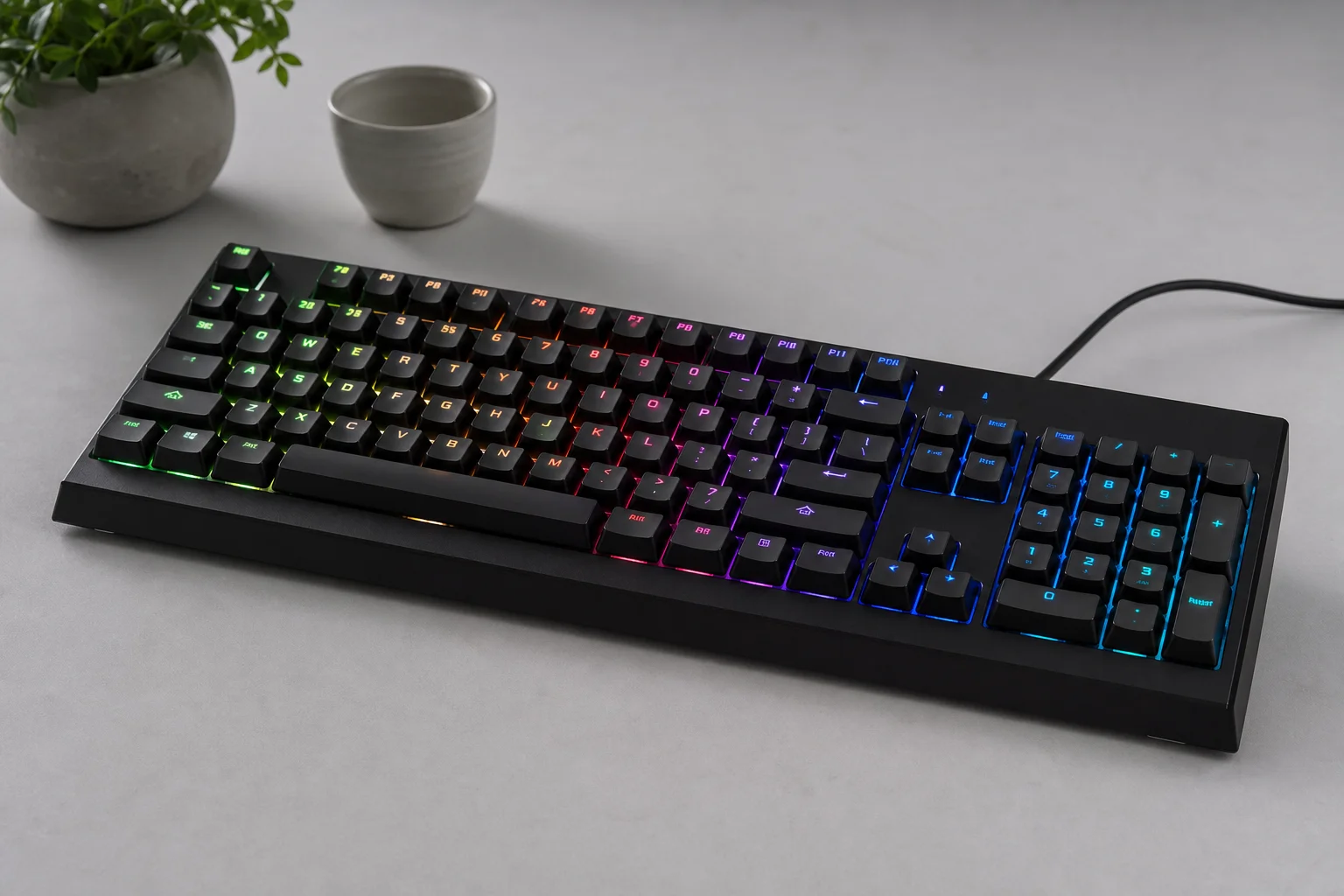
Both keyboards feature double-shot PBT keycaps, which are durable and feel premium. However, neither keyboard allows RGB light to pass through the keycaps, which limits the visual impact of the lighting effects. Both offer the same types of lighting effects, including rainbow, static, and reactive modes.
Sound and Acoustics
Sound preference is highly subjective among keyboard enthusiasts. The Swarm V2 includes additional layers that add more “pop” to the sound compared to the original version. The Aula is quieter overall and is praised for its thocky sound character. While both keyboards sound similar in many respects, the Swarm produces more sound when keys bounce back, which some users find more satisfying.
The sound experience will vary significantly depending on the switch type installed. Both keyboards allow sound modification by opening the case and adjusting internal layers. The Kreo Swarm is easier to open, requiring only screw removal, while the Aula requires prying the case open, which carries a slightly higher risk of damage.
Software and Customization
Both keyboards use identical software, which is unusual given they are from different manufacturers. The software interface, fonts, effect names, and number of effects are all the same. Both allow you to assign different functions across multiple key layers and create macros. However, neither keyboard supports profile switching based on the active application.
Both keyboards feature a 4,000 mAh battery. The Aula previously had a battery check feature, but the new Swarm now includes this capability by pressing Fn and Space. The new Swarm also offers more advanced battery protection against overcharging from high-voltage chargers.
Typing Experience and Switch Options
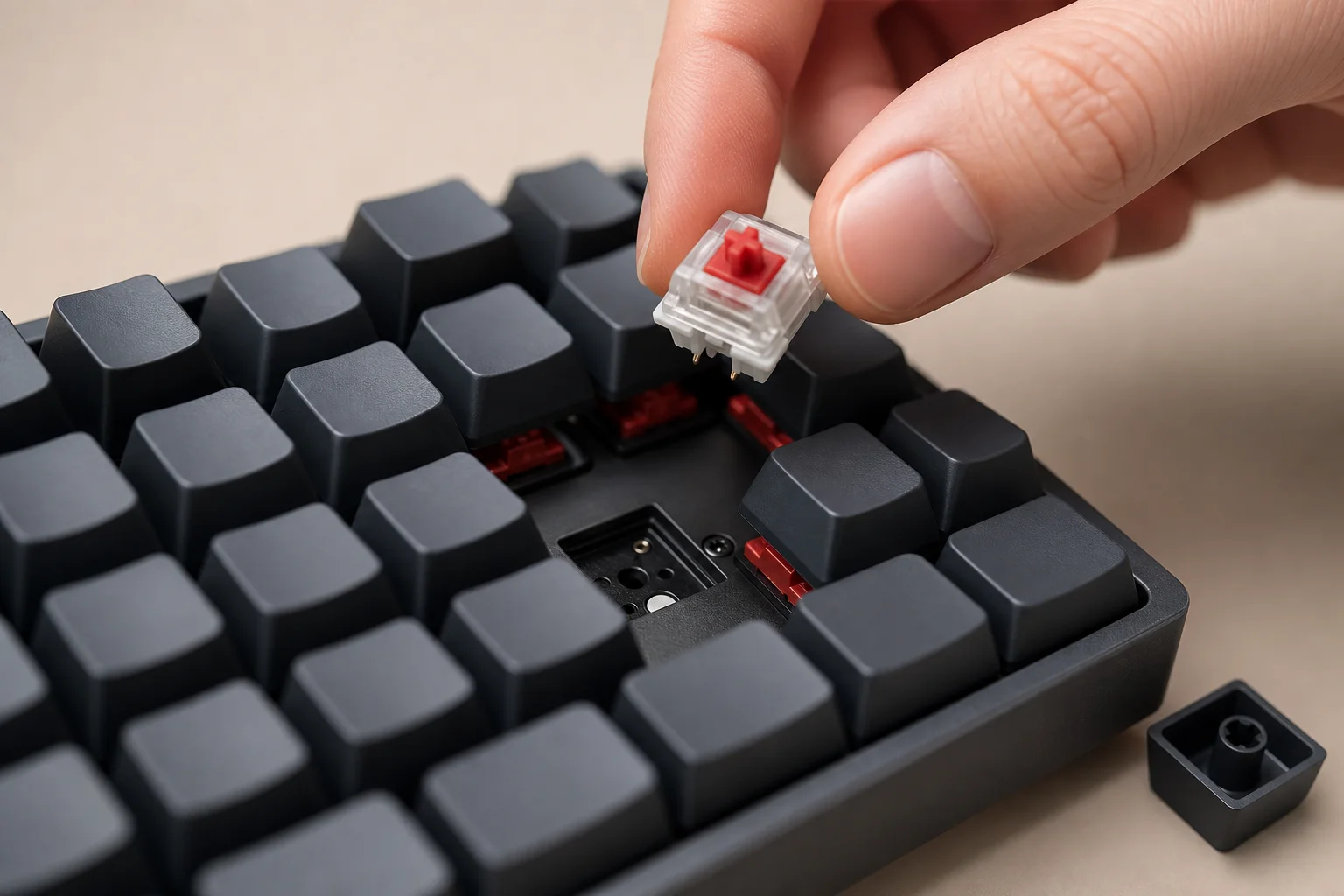
Both keyboards deliver an excellent typing experience with similar linear switch options. The Kreo Swarm offers the GTMX Sense switch, which is linear but includes a subtle tactile initial feeling that enhances the typing experience. For gaming, the Huano Speed switch is available on the Swarm and provides faster actuation.
The Aula F75 comes with the Leobog Reaper switch, which feels very similar to the Huano Speed switch. Both keyboards ship with pre-lubed switches from the factory, ensuring a smooth typing experience out of the box. The Aula may not offer a tactile switch option comparable to the GTMX Sense, which could be a consideration if tactile feedback is important to you.
Overall Verdict
Both keyboards are close in overall quality and user experience, and you will be satisfied with either choice. However, the Kreo Swarm has several objective advantages that make it the stronger option. The superior layout with dedicated Print Screen and Alt keys, combined with the tactile switch option and improved battery protection, gives the Swarm an edge.
The Aula F75 still has merit if you prefer its design aesthetic, unique color options, or thocky sound character. Additionally, the Aula is sometimes available at the same price as the Swarm, though the Swarm is generally cheaper across most retailers.
If you already own the original Swarm V1, the improvements in V2 are incremental rather than dramatic, so upgrading is not essential.
Conclusion
Choose the Kreo Swarm if you value layout efficiency, tactile switch options, and overall feature completeness. Choose the Aula F75 if its design, color options, or sound signature align better with your preferences and you are willing to trade some layout advantages for aesthetic appeal.
Product link
View more details for Kreo Swarm
This product is mentioned in the review. Check the specifications, options, and compatibility before buying.
View more details for Kreo SwarmFurther reading
Related Reviews
Mechanical Keyboards
Budget Hall Effect Keyboards Compared: Can Cheap Alternatives Match Premium Performance?
We tested eight affordable Hall Effect keyboards against the Wooting 80HE to see if budget options deliver on their promises of 8K polling, rapid trigger, and low latency.
Keyboards
Best Budget Keyboards on Amazon 2026: Six Solid Options Under $150
A practical roundup of six budget-friendly mechanical keyboards available on Amazon, each with real strengths and trade-offs worth considering before purchase.
Keyboards
Budget Hall Effect Keyboards Tested: Six Chinese Models Under $50 Compared
We tested six affordable Hall Effect keyboards priced under $50 to find which delivers the best value. Here's what we learned about build quality, software, and real gaming performance.