Portable Displays
Kwumsy P2 Pro Review: Triple Portable Monitors for Road Warriors
The Kwumsy P2 Pro delivers three 13.3-inch displays in a portable package, but brightness limitations and cable complexity require careful consideration before buying.
Introduction
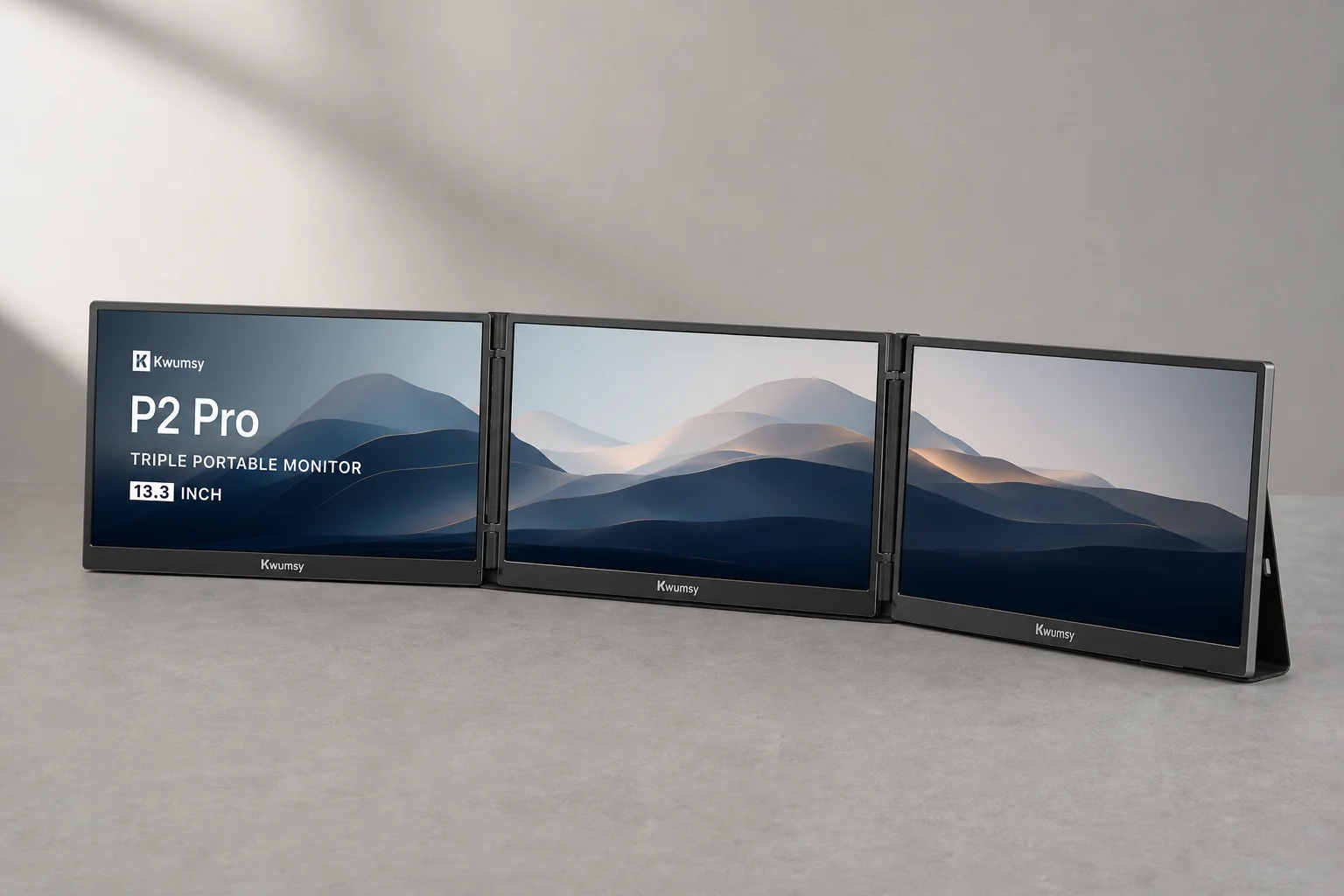
The Kwumsy P2 Pro represents a genuine attempt to solve a real problem for mobile workers: the need for expanded screen real estate without the weight and complexity of traditional external monitors. After years of failed promises from other manufacturers, this triple-display system actually ships and works. However, brightness limitations and power delivery quirks mean it is not a perfect solution for every road warrior.
Who This Product Is For
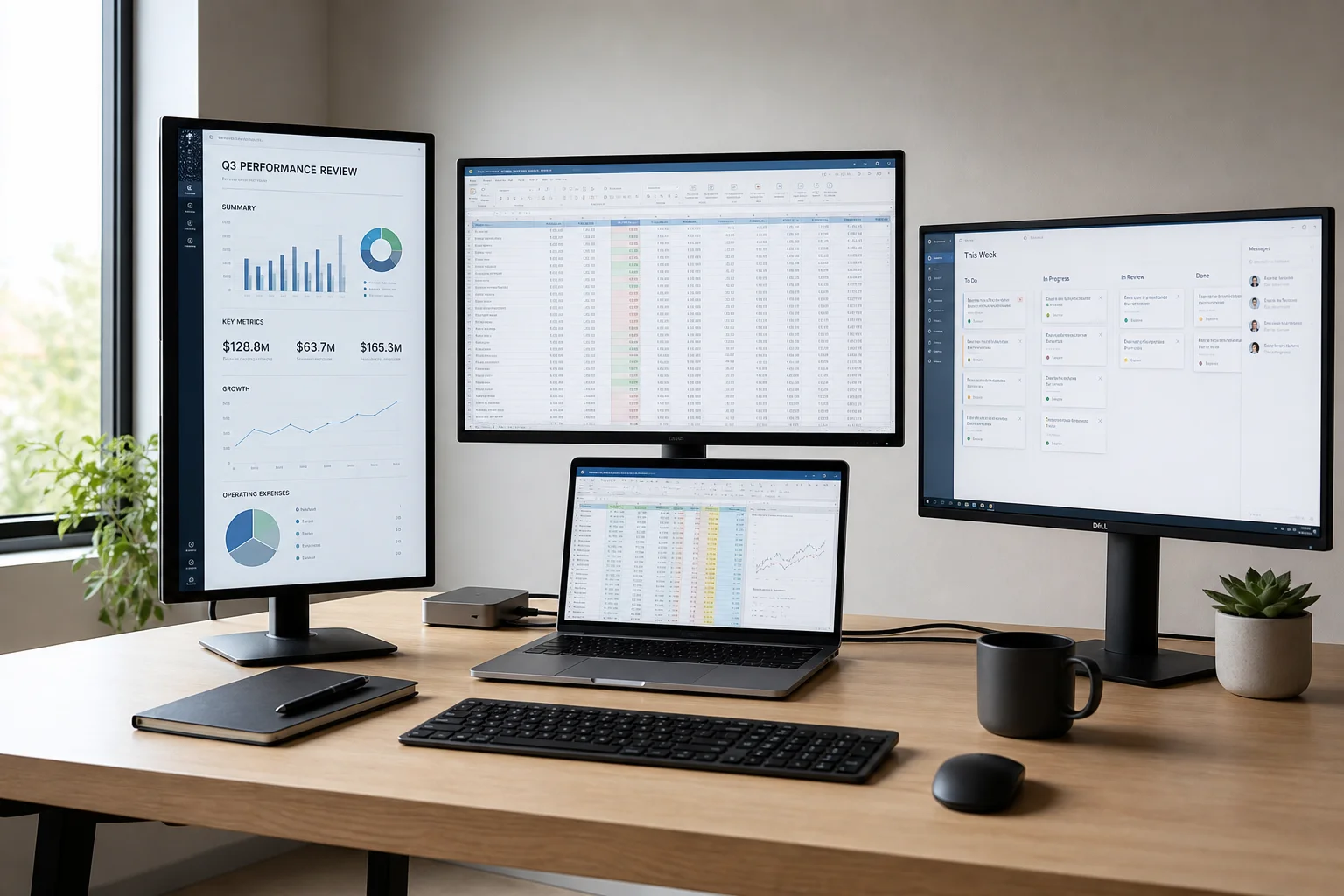
The P2 Pro suits professionals who spend significant time working away from a desk and need multiple windows visible simultaneously. This includes software developers managing code across several applications, financial analysts tracking multiple spreadsheets, and content creators reviewing assets side by side. The three 13.3-inch displays provide genuine productivity gains for tasks that benefit from expanded screen real estate.
The product is less suitable for users who work primarily in bright environments or who prioritize battery life on unplugged laptops. The displays are also best paired with laptops that have robust USB-C power delivery support.
Main Strengths
The most obvious strength is the sheer amount of screen real estate available in a portable form factor. Three 13.3-inch panels deliver meaningful workspace expansion without requiring a permanent desk setup. The displays support multiple configurations including portrait mode, presentation mode, and triple-screen mode, giving users flexibility in how they arrange their workspace.
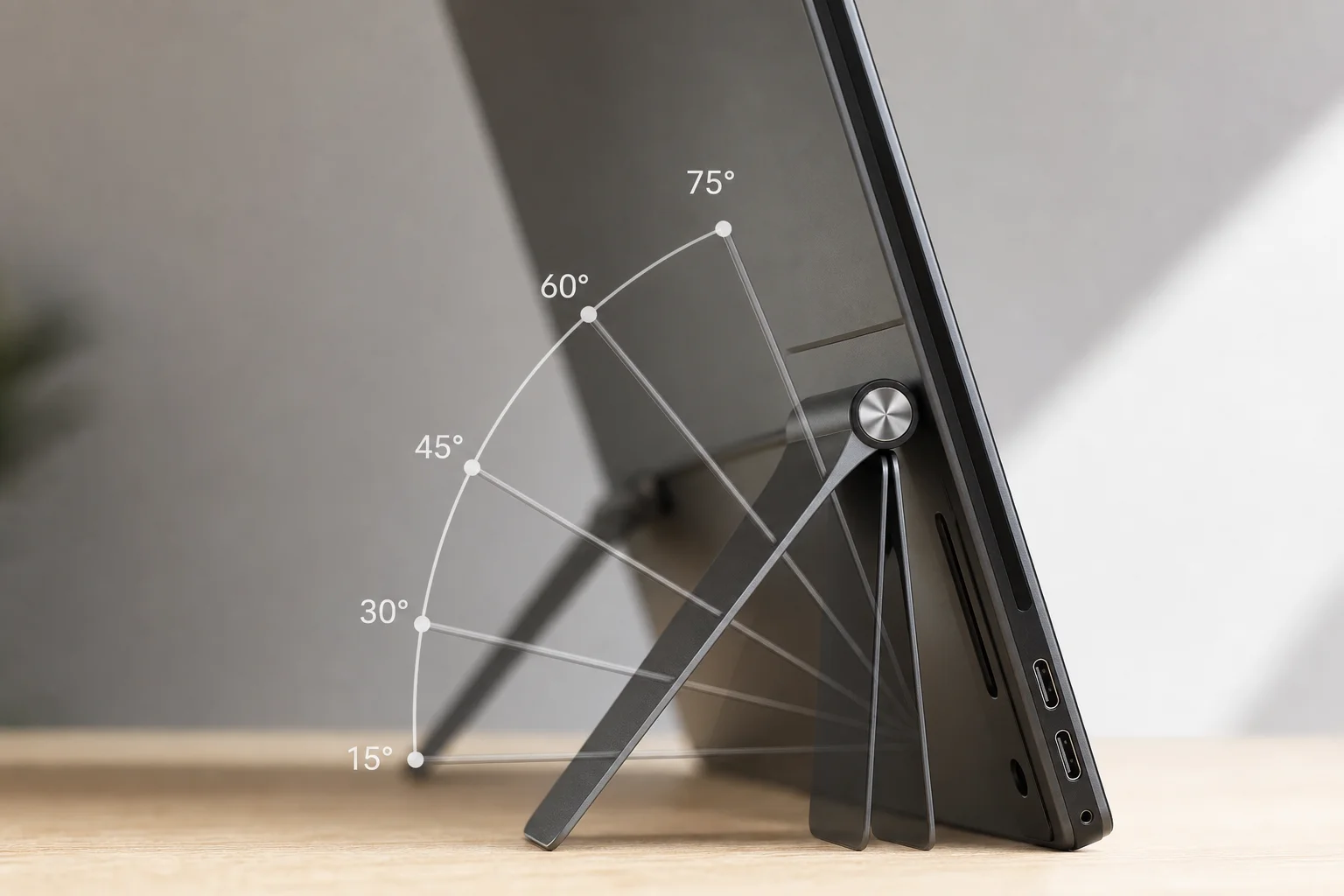
The carrying case is well-designed with protective alcantara-like material that minimizes transport damage. Setup is straightforward once drivers are installed, and the product actually delivers on the core promise of portable triple-monitor productivity. The kickstand allows angle adjustment, and the overall build quality feels solid for a niche product from a smaller manufacturer.
Things to Consider Before Buying
Brightness is the most significant limitation. The displays are rated at 220 nits, but real-world testing revealed approximately 93 nits at peak brightness when using a single power cable. Reaching the advertised brightness requires connecting both USB-C cables simultaneously, which adds complexity and defeats the single-cable convenience promise. In bright environments or direct sunlight, the screens become difficult to read.
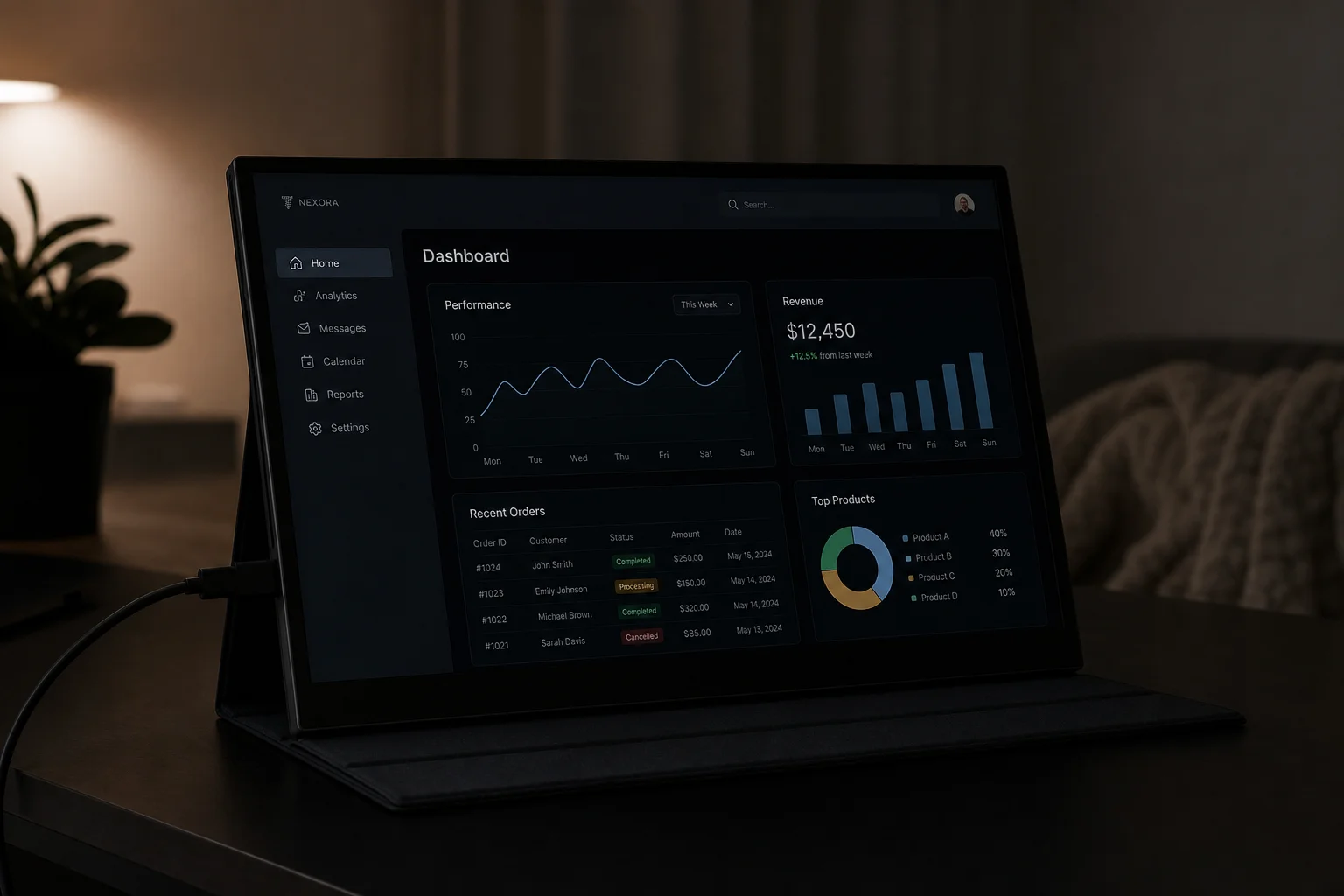
The on-screen display menu for adjusting brightness is unintuitive, and the controls do not clearly indicate which settings affect actual panel brightness versus gamma adjustment. The viewing angles are also limited, meaning the screens must be positioned carefully to avoid colour shift and contrast loss.
Battery drain on the host laptop is substantial. Testing on a 17-inch laptop showed approximately 33 percent battery reduction when the displays were active and unplugged. Users relying on battery power should expect significantly reduced runtime.
The hinge mechanism offers 207 degrees of rotation, but the practical range for comfortable use is narrower. The wide form factor means even small angle adjustments create large changes in desk footprint. Cable management is also an oversight; there is no integrated storage for the multiple USB cables required, and users must manage them separately in their carrying bag.
The product shares an identical design with another brand called Ophia, raising questions about the manufacturing relationship and long-term support. Documentation is sparse, and customer service responsiveness is untested. As a small Chinese manufacturer without established regional presence, support expectations should be modest.
Buying Advice
The Kwumsy P2 Pro makes sense for professionals who genuinely need expanded screen real estate and can work around the brightness limitations. If you work primarily indoors, have access to power, and value the productivity gains of three simultaneous displays, the product delivers real value. The carrying case is protective, and the setup is reliable once drivers are installed.
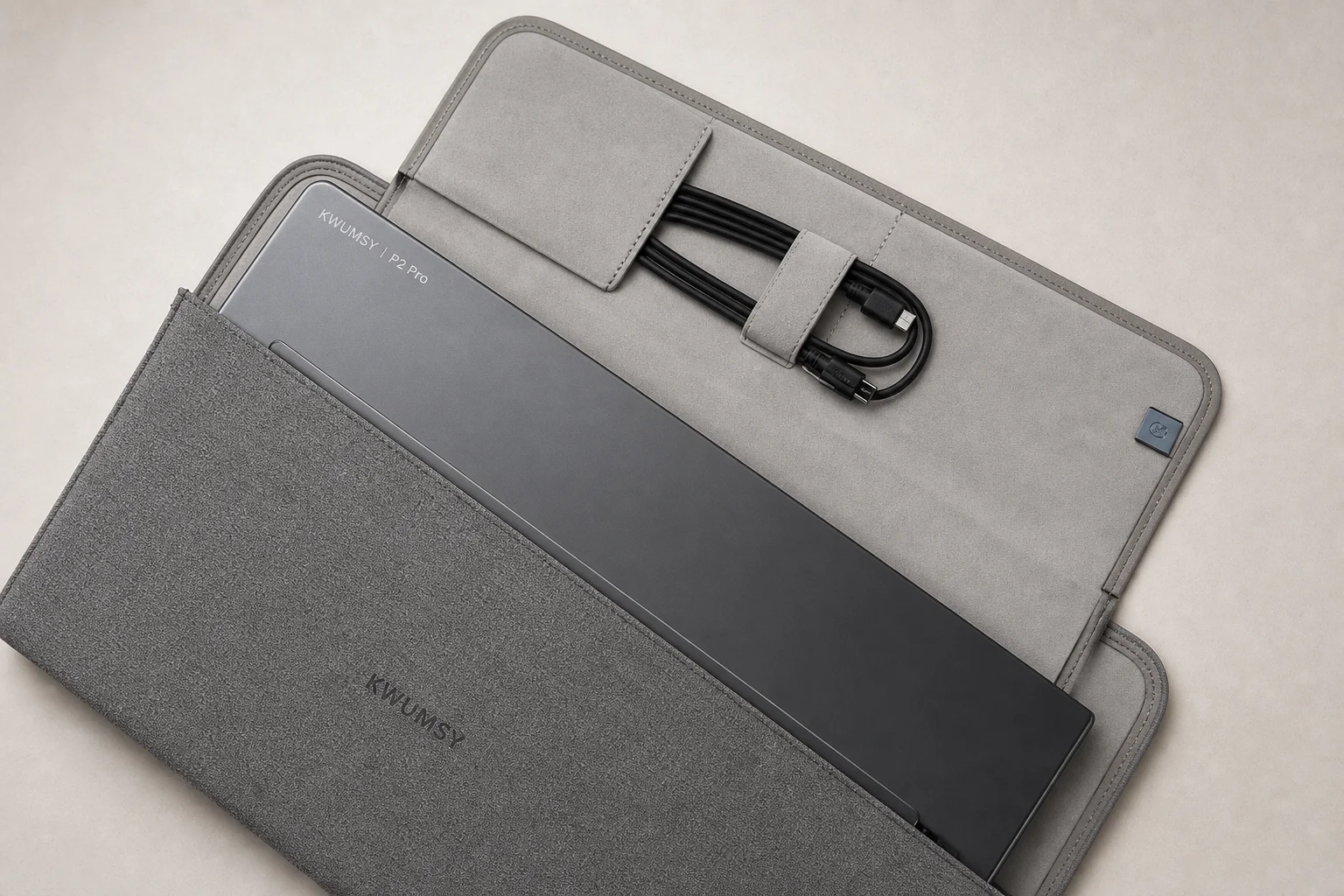
However, if you work in bright environments, prioritize battery life, or expect seamless single-cable operation, this product will frustrate you. The brightness issue is not a minor inconvenience; it is a fundamental limitation that affects usability in many real-world scenarios. The requirement for dual cables to reach advertised brightness is a significant oversight in product design.
Consider this purchase only if you have tested the product in person or have a clear return policy. The small manufacturer status means support options are limited, and documentation gaps are likely to persist.
Conclusion
The Kwumsy P2 Pro is a legitimate portable triple-monitor solution that actually works, which alone sets it apart from years of vaporware and failed crowdfunding campaigns. The core product delivers on its promise of expanded screen real estate in a portable package. However, brightness limitations, power delivery complexity, and modest battery impact mean it is not a universal solution for all mobile workers. For the right user in the right environment, it is a genuinely useful productivity tool. For others, the compromises may outweigh the benefits.
Product link
View more details for Kwumsy P2 Pro
This product is mentioned in the review. Check the specifications, options, and compatibility before buying.
View more details for Kwumsy P2 ProFurther reading
Related Reviews
Portable Displays
Best Portable Displays 2026: Ten Options for Mobile Work and Creative Professionals
A comprehensive roundup of ten portable displays designed for remote workers, creators, and professionals who need flexible workspace solutions on the go.
Workspace Setup
Best Desk Setup Upgrades: A Practical Guide to Ergonomic Workspace Design
Essential desk upgrades for comfort and productivity, from standing desks and ergonomic chairs to monitors, lighting, and accessories that make long work sessions sustainable.
Mac Accessories
Best Mice for Mac Users: Five Practical Alternatives to the Magic Mouse
The Magic Mouse remains divisive. Here are five alternatives, from budget gaming mice to premium productivity options, each with clear strengths and trade-offs.