Aquarium Controllers
Neptune Apex Feeding Guide: Automate Fish and Coral Feeding with Feed Modes, AFS, and DOS
Master three Neptune Apex tools to automate and optimize your tank feeding: custom feed modes, the AFS automatic feeder, and the DOS dosing system for precise nutrient delivery.
Introduction
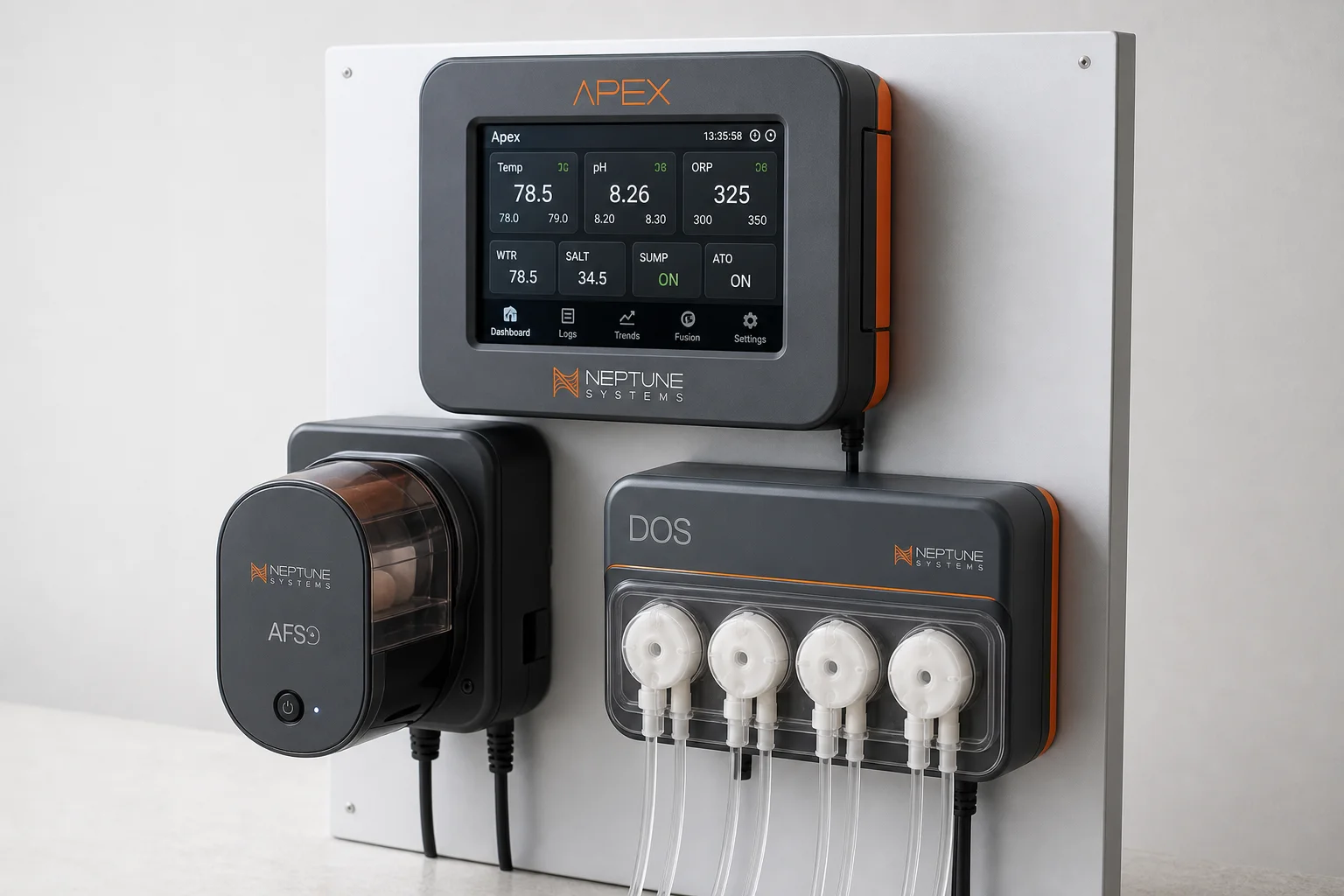
The Neptune Apex controller transforms tank feeding from a manual daily chore into an intelligent, automated system. Three core tools work together to keep your fish and corals fed more accurately and consistently: custom feed modes that temporarily disable equipment during feeding, the AFS automatic feeder for scheduled daily feeding, and the DOS dosing system for precise nutrient and food delivery. This guide walks through setting up each tool to improve feeding efficiency, reduce waste, and give your livestock better nutrition.
Setting Up Custom Feed Modes
Custom feed modes are the foundation of smarter feeding. When you activate a feed mode, the Apex automatically turns off equipment like your skimmer, return pump, ATO, and powerheads for a set duration, keeping food in the tank longer so fish and corals have time to capture it before it drains into the sump.
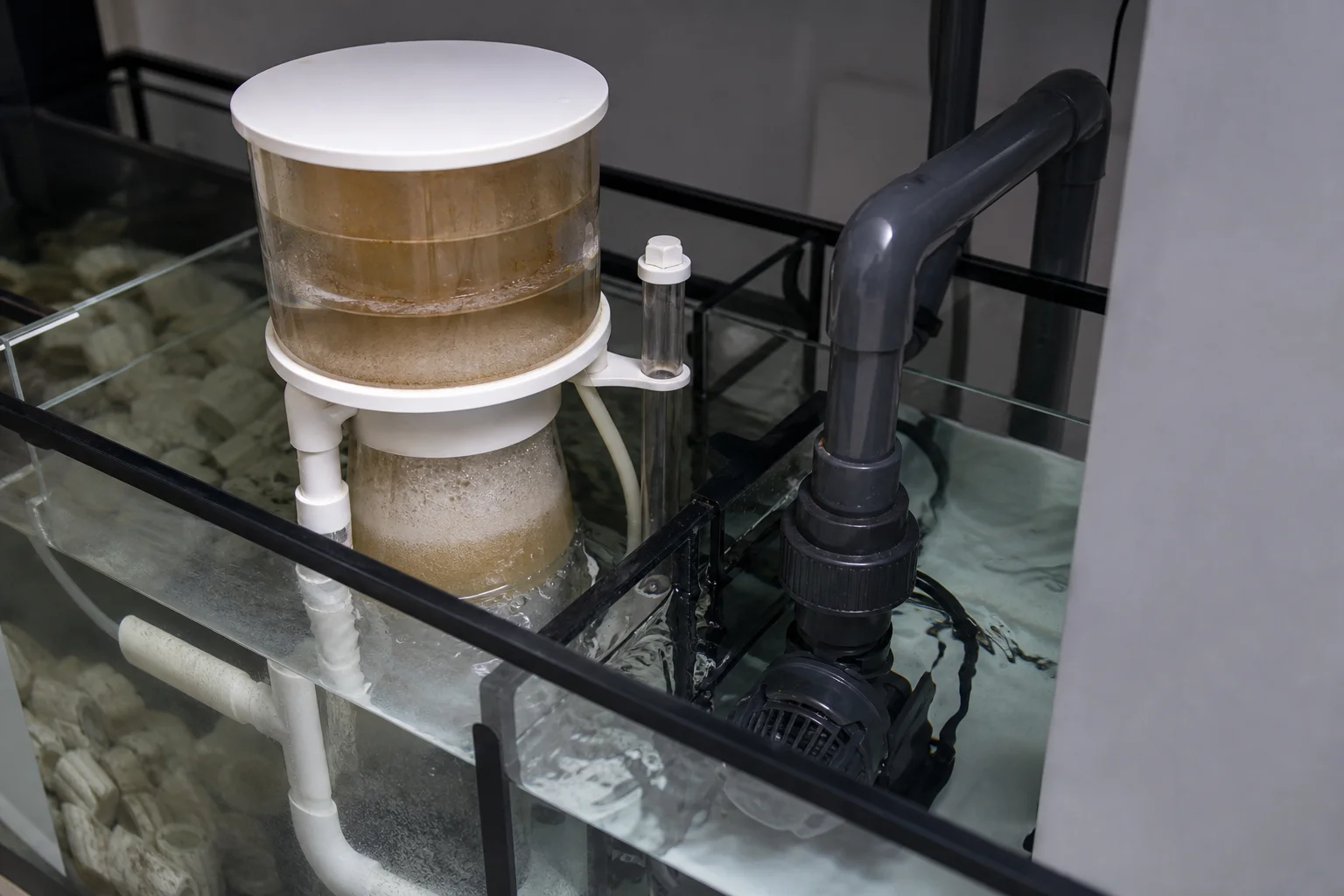
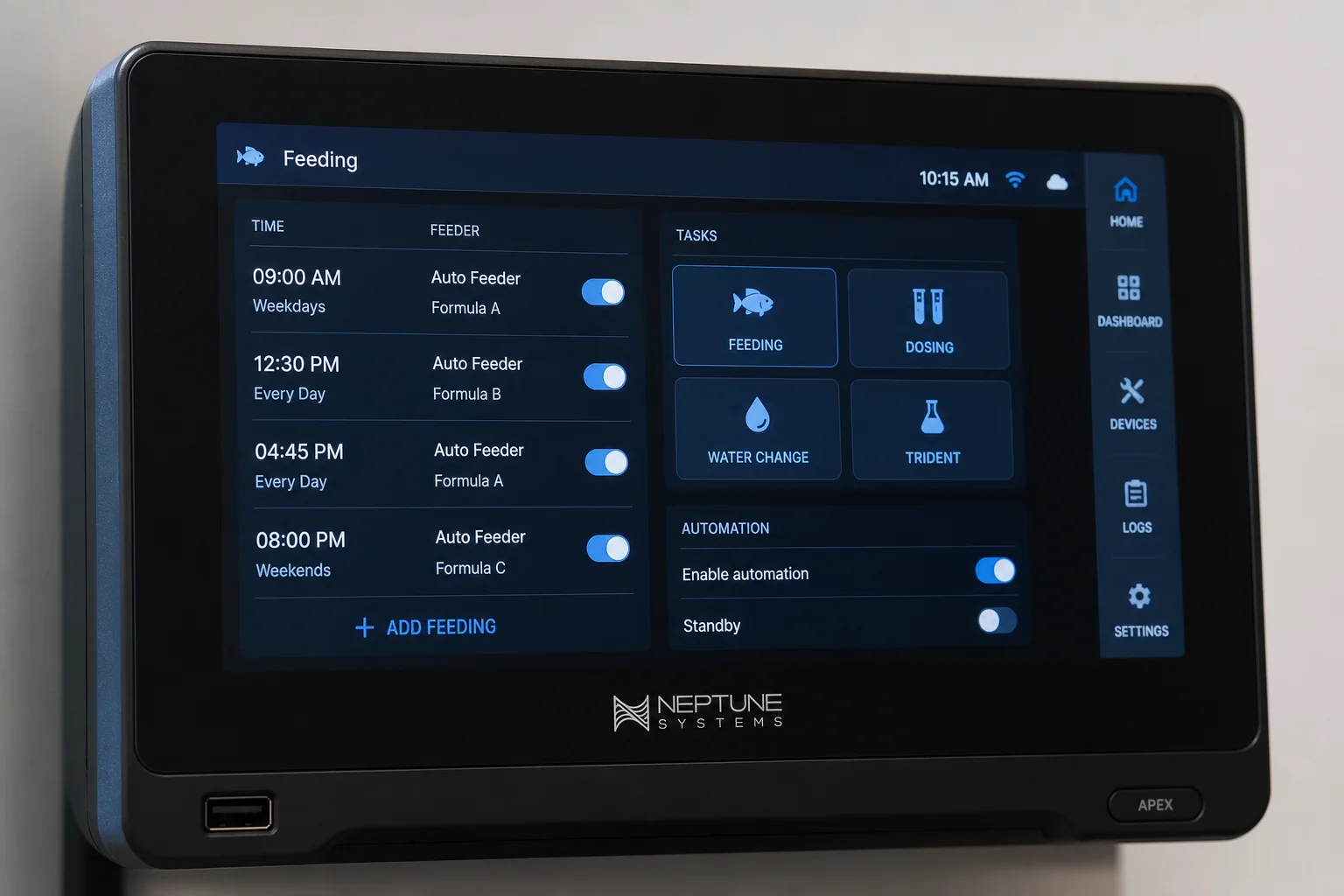
To set up a basic feed mode, add a single line to each piece of equipment you want to control. For example, add the line if feed a 0 0 0 then off to your skimmer, return pump, and ATO. This turns them off for five minutes when you trigger feed mode A. You can adjust the duration by changing the time in the miscellaneous settings, using seconds (for example, 600 seconds equals 10 minutes).
Place the feed mode line above any deferred lines in your outlet configuration. Many devices like skimmers and ATOs include defer lines that wait for the sump level to stabilize before restarting, so your feed mode line must come first to take priority.
For more control, use different feed modes for different feeding scenarios. Feed mode A might shut down only the return pump, skimmer, and ATO while keeping powerheads on for fish feeding. Feed mode B could shut down everything including powerheads for 10 minutes when feeding corals. Simply add the corresponding feed mode line to each device and adjust the duration as needed.
If you use Neptune COR return pumps or Neptune WAV powerheads, you can reduce their intensity during feeding instead of powering them off completely. For WAV pumps, add a line like if feed a 0 0 then 30 to reduce intensity to 30 percent during feed mode A. You can adjust that final number from zero to 100 percent depending on your feeding needs.
Using the Neptune AFS Automatic Feeder
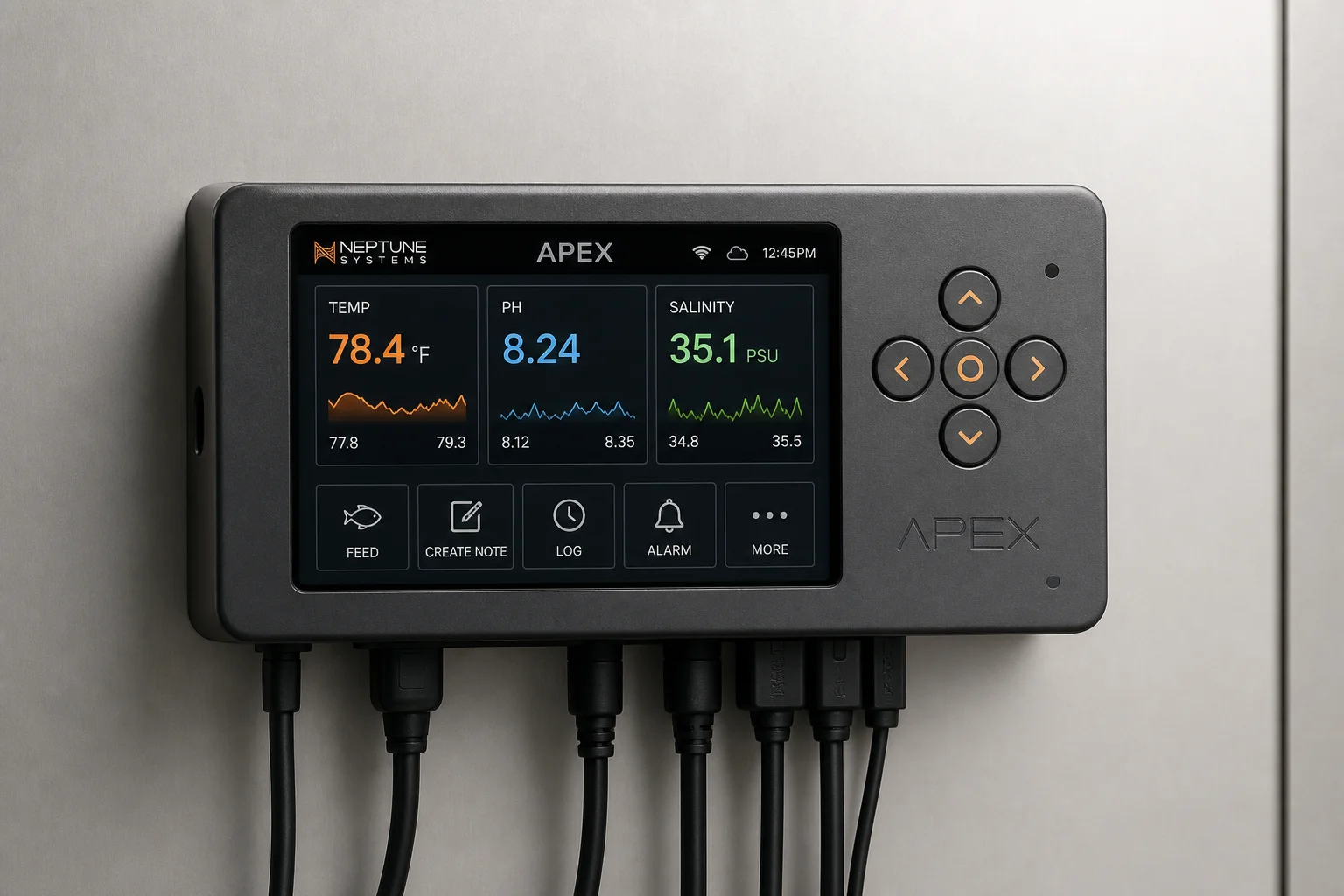
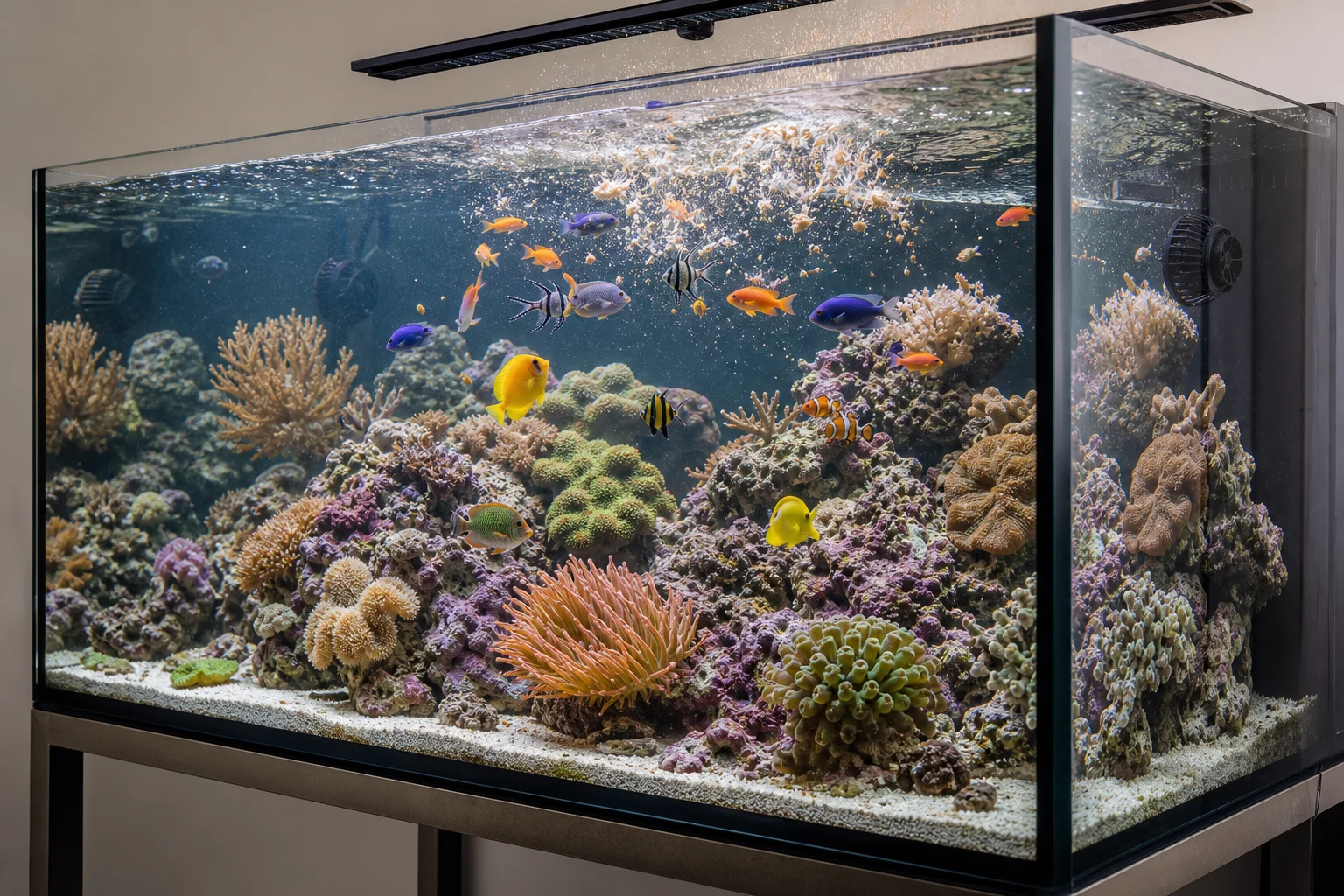
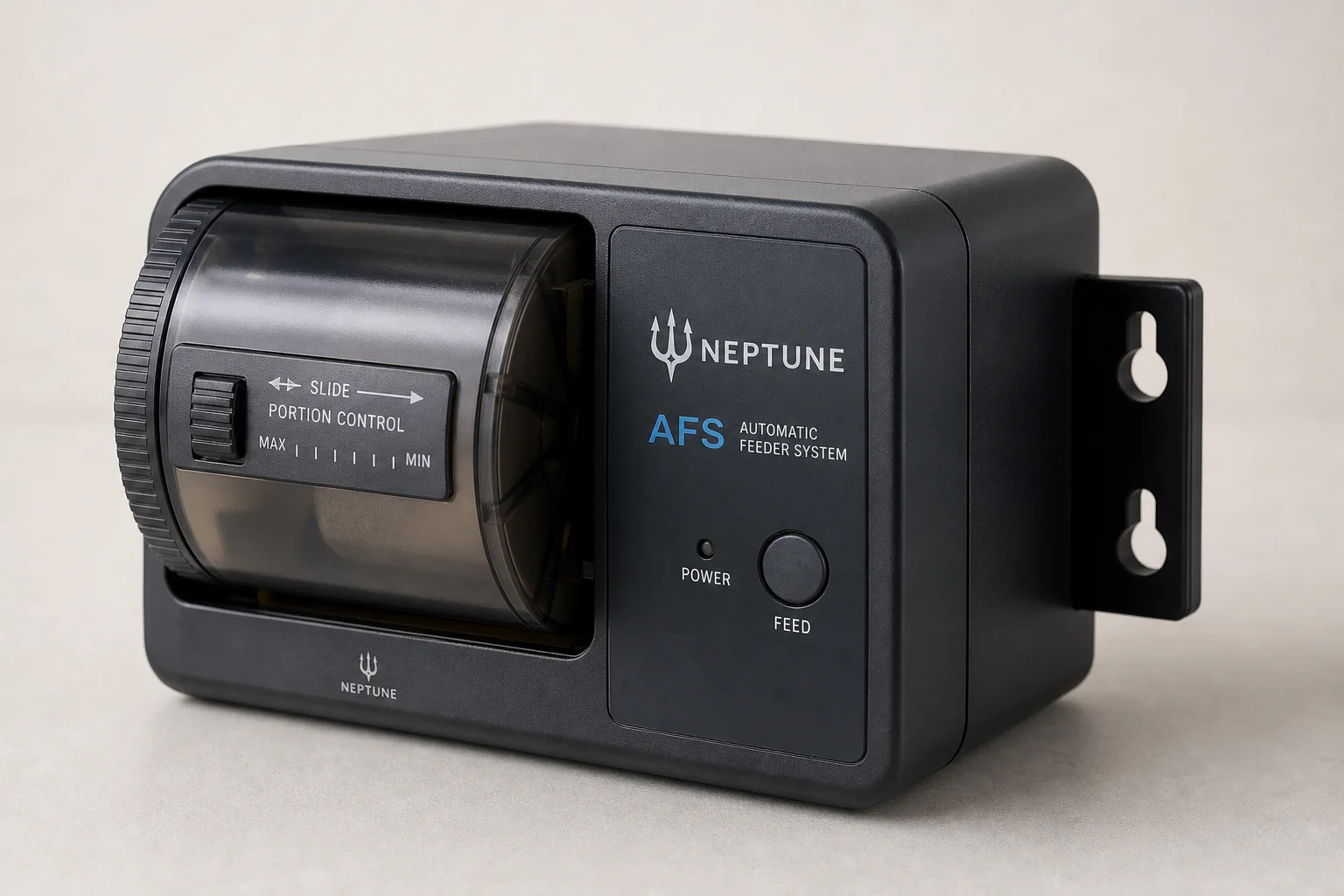
The Neptune AFS automatic feeder solves multiple feeding challenges at once. It lets you feed your tank reliably when you are away on weekends or vacation, ensures high-energy fish like anthias get fed frequently enough to meet their nutritional needs, and helps reduce aggression by providing a consistent food source. It also makes nitrate and phosphate management easier by letting you control portion size and feeding frequency precisely.
Setting up the AFS is straightforward through the Apex task function. Select the AFS task, choose your feeder unit, rename it if desired (for example, “Coral Food AFS”), set the time of day for the first feeding, choose how many drum rotations per feeding, and select how many feedings per day. If you need multiple feedings, set the interval between them. Finally, tie the AFS to a feed mode of your choice and send the configuration.
After setup, find the right portion size by placing a paper plate under the feeder, toggling the outlet on and back to auto to run one drum rotation, then adjusting the sliding door on the AFS until the portion matches your tank’s needs. Monitor your nitrate and phosphate levels closely during the first few weeks. If they trend upward, reduce feeding frequency or portion size. If they trend downward, increase either parameter. The Apex logging tool provides a helpful historical graph where you can add notes about feeding changes.
You can trigger the AFS on demand by activating its feed mode, but remember this will also trigger any other equipment tied to that same feed mode. If you want to feed without triggering other gear, simply toggle the AFS outlet to on for a few seconds, then back to auto. This runs one feed cycle without affecting other devices.
Keep an eye on the food level in the drum and set a calendar reminder (like every three weeks) to check that the feeder has enough food before you leave for a trip.
Automating Coral and Fish Feeding with Neptune DOS
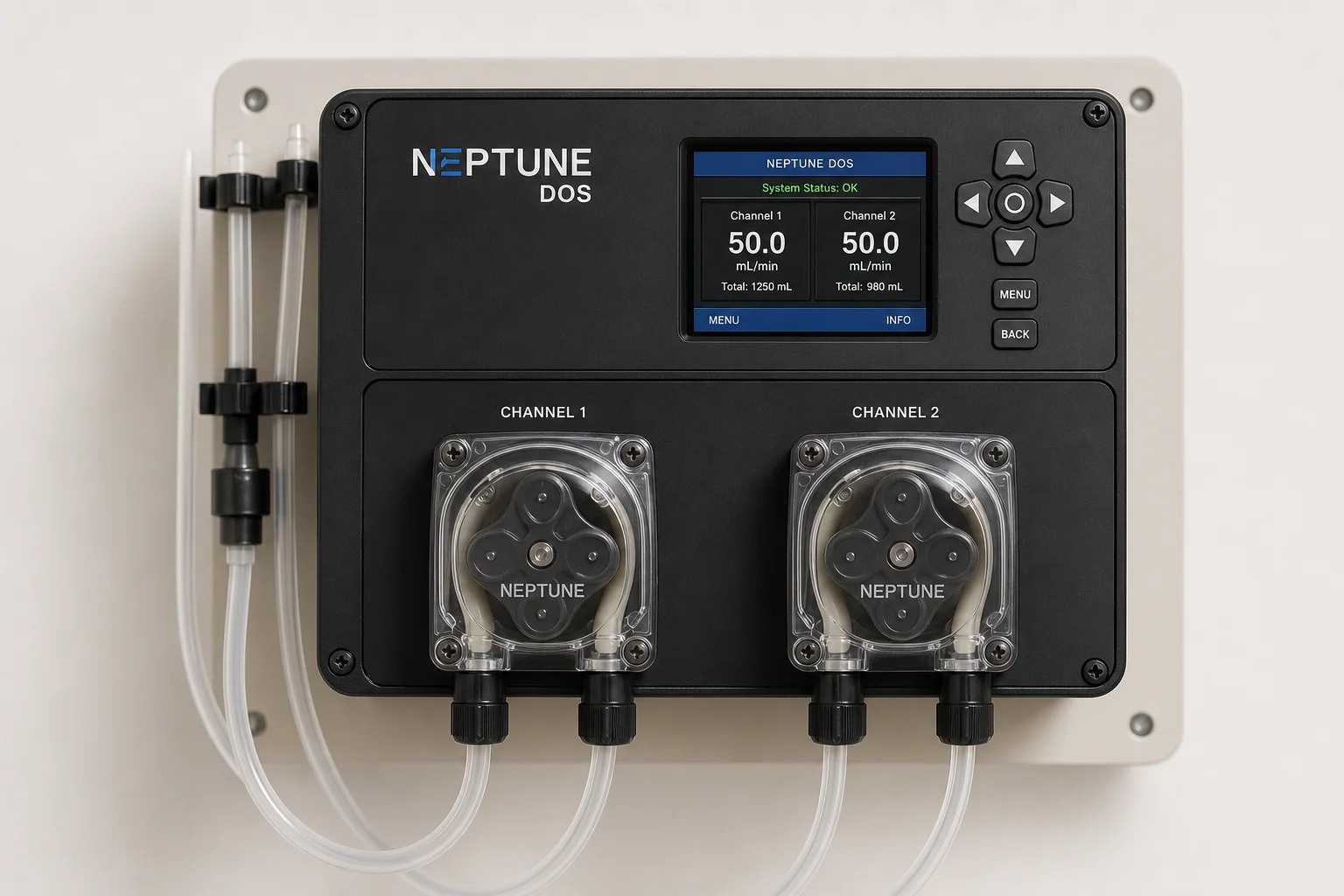
The Neptune DOS dosing system automates hand-dosing of coral foods, amino acids, fish eggs, and liquid supplements. Instead of measuring and pouring by hand each day, the DOS delivers precise volumes on a schedule you define.
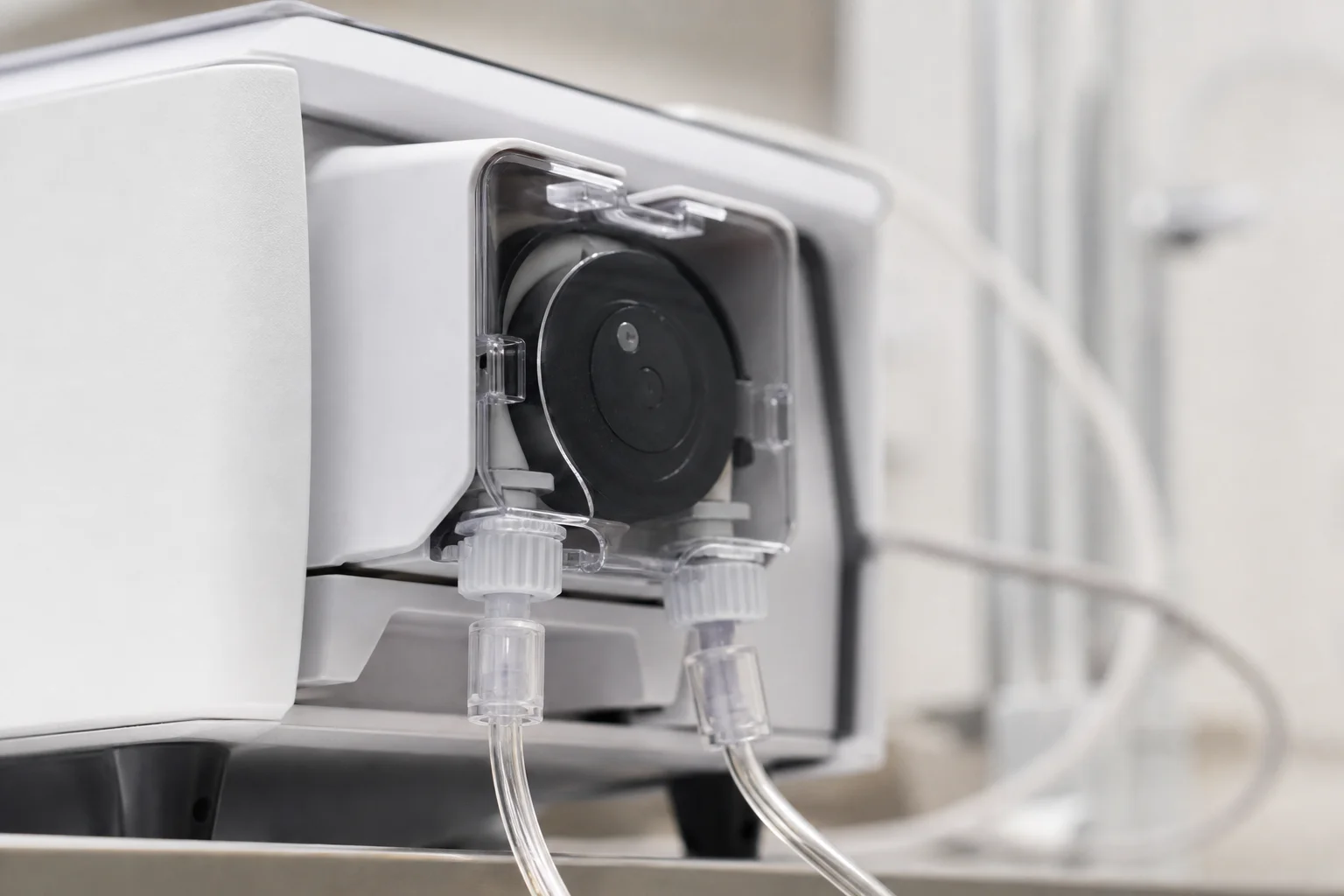
Setup requires only one task function. Select the DOS additive task, choose your dosing head (left or right), rename it for clarity (for example, “Coral Amino”), set the volume in milliliters per day, choose the time of day to dose, and send. To adjust the dose later, open the dosing head settings, select modify interval, and change the volume.
Before connecting your DOS to food or amino sources, prime and calibrate it with fresh water. This ensures accuracy and prevents wasting expensive additives. Since the DOS has two dosing heads, use one for amino acids and the other for coral foods or fish supplements.
Clean your dosing lines regularly to prevent food spoilage. To reverse the dosing head and push food back into the bottle, open the dosing head settings, select modify interval, change the action from “add” to “remove,” and save. When you toggle the outlet on, the pump will rotate counterclockwise, pushing food back. Run fresh RO/DI water through the lines for a few minutes to flush them, then change the action back to “add” before resuming your dosing schedule.
If you use refrigerated foods, mount your DOS as close to the tank as possible to minimize the amount of food sitting in warm tubing. Neptune provides detailed guidance on setting up refrigerated food systems with proper line management and cleaning protocols.
Conclusion
Combining custom feed modes, the AFS automatic feeder, and the DOS dosing system transforms feeding from a manual, inconsistent process into an intelligent, automated workflow. Feed modes keep food in your tank longer by temporarily disabling equipment. The AFS ensures consistent daily feeding even when you are away, while the DOS delivers precise nutrient and food dosing on schedule. Together, these three Neptune Apex tools reduce waste, improve fish and coral nutrition, and give you confidence that your tank is being fed accurately every single day.
Further reading
Related Reviews
Home Testing Equipment
Best Water Test Kits 2026: 10 Options for Home, Pool, and Aquarium Testing
A comprehensive guide to the top water test kits for drinking water, pools, and aquariums, from budget-friendly strips to professional lab testing solutions.
Aquarium Equipment
Chihiros Dosing Pump Review: Automated Aquarium Fertilizer Management
After over a year of daily use, the Chihiros Dosing Pump delivers reliable automated fertilizer dosing with an intuitive app and practical safety features that justify its cost.
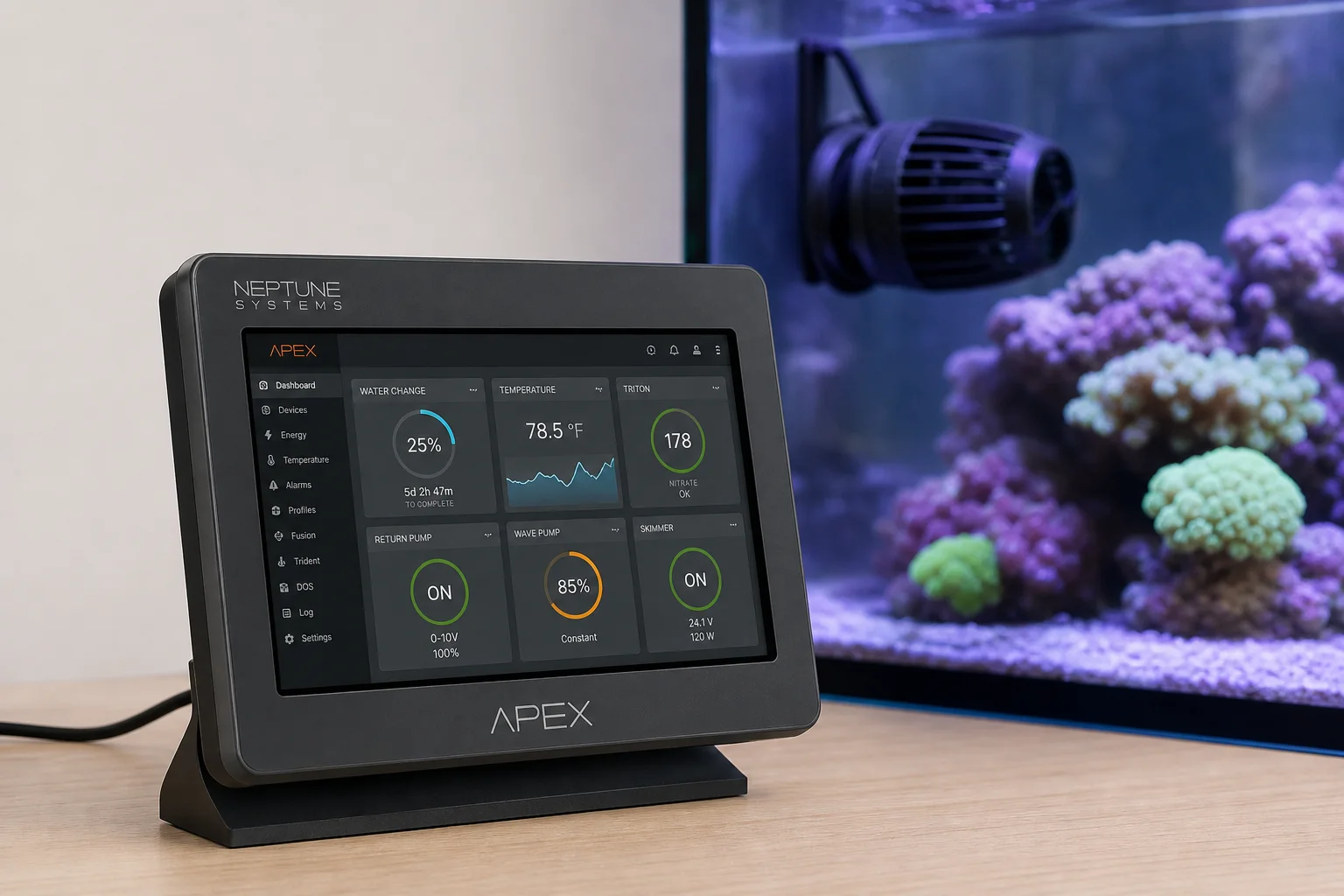
Aquarium Equipment
Monitor Powerhead Performance with Neptune Apex: A Complete Guide
Learn how to use Neptune Apex to track pump health, catch failures early, and protect your tank from common powerhead issues.