Mac Storage
Best External SSDs for Mac: A Guide to Speed Classes and Real-World Performance
Understanding USB 3.0, Thunderbolt, and enclosure options to choose the right external SSD for your Mac workflow.
Introduction
External SSDs have become essential for Mac users who need fast, portable storage for creative work, backups, and file management. But the market offers many options across different speed classes, and not all of them deliver their promised performance on Apple Silicon Macs. Understanding the differences between USB 3.0, Thunderbolt, and enclosure-based solutions will help you choose the right drive for your actual workflow rather than overspending on speeds your Mac cannot use.
Understanding Speed Classes and Drive Types
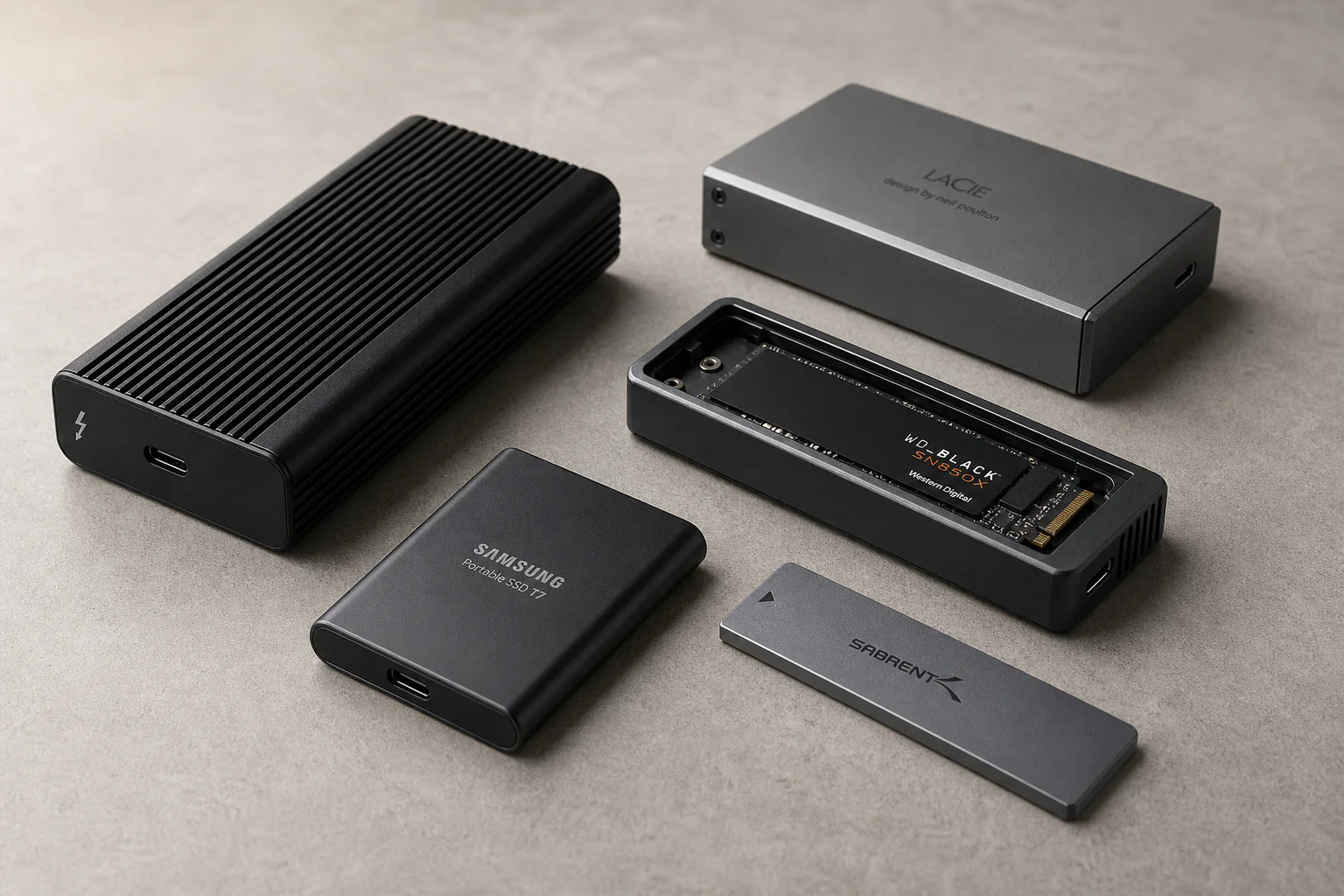
When shopping for external SSDs, you’ll encounter two main categories: prebuilt drives and enclosures. Prebuilt drives come ready to use out of the box. Enclosures require you to install your own NVMe drive, which is straightforward but introduces variables around heat management and drive compatibility.
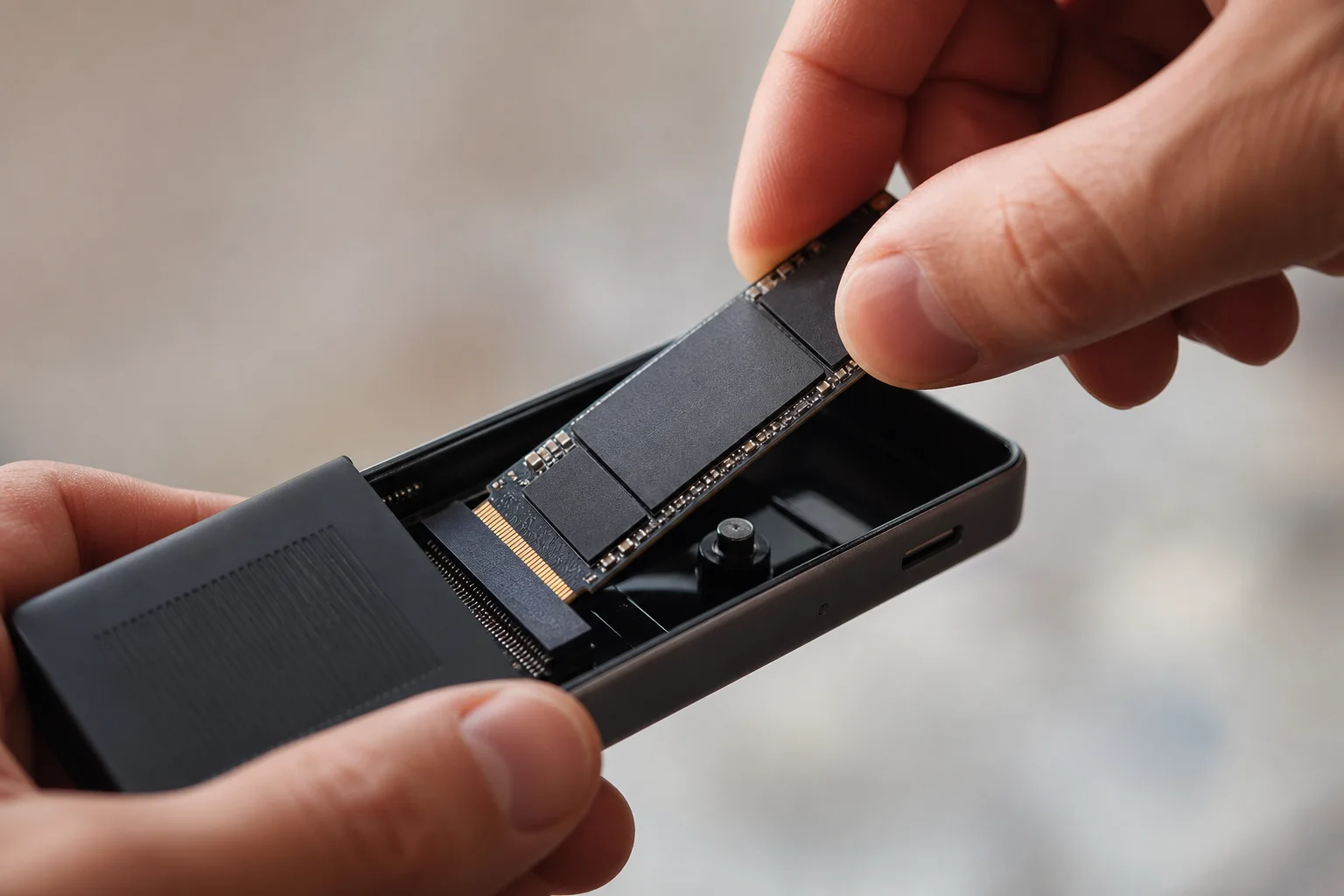
For most users, prebuilt drives are the better choice because manufacturers have already optimized the drive, controller, and enclosure combination for reliable performance. Enclosures can save money and offer flexibility, but they lack the guaranteed compatibility and thermal engineering of purpose-built solutions.
USB 3.0 Drives: Solid Everyday Performance
The entry-level speed class uses USB 3.0 connectivity and delivers speeds around 950 megabytes per second. Drives like the Crucial X9 Pro and Samsung T7 fall into this category and handle most day-to-day tasks well, including photo editing, light video work, and file offloading.

These drives work reliably for users who need fast external storage without the premium price tag. However, if you plan sustained intensive video editing, you may notice performance degradation over longer sessions. They remain an excellent choice for archiving completed projects or expanding storage capacity on a budget.
USB 3.0 2x2 Drives: A Speed Class to Skip
Some manufacturers market USB 3.0 2x2 drives with promised speeds up to 2,000 megabytes per second. The Crucial X10 Pro and Samsung T9 exemplify this class. However, Apple Silicon Macs do not support these faster speeds, and these drives will run at the same performance as their slower USB 3.0 counterparts. Unless you find them at a significant discount, there is no reason to choose them over standard USB 3.0 options.
Thunderbolt 3.0 and 4.0: Professional-Grade Performance
Thunderbolt 3.0 and 4.0 drives support speeds up to 3,000 to 3,200 megabytes per second and represent a meaningful step up for professional workflows. Most drives in this class feature aluminum cooling cores and are engineered for sustained all-day use. The SanDisk Professional Pro G40 and Oyen U34 Bolt both deliver excellent performance in this tier.
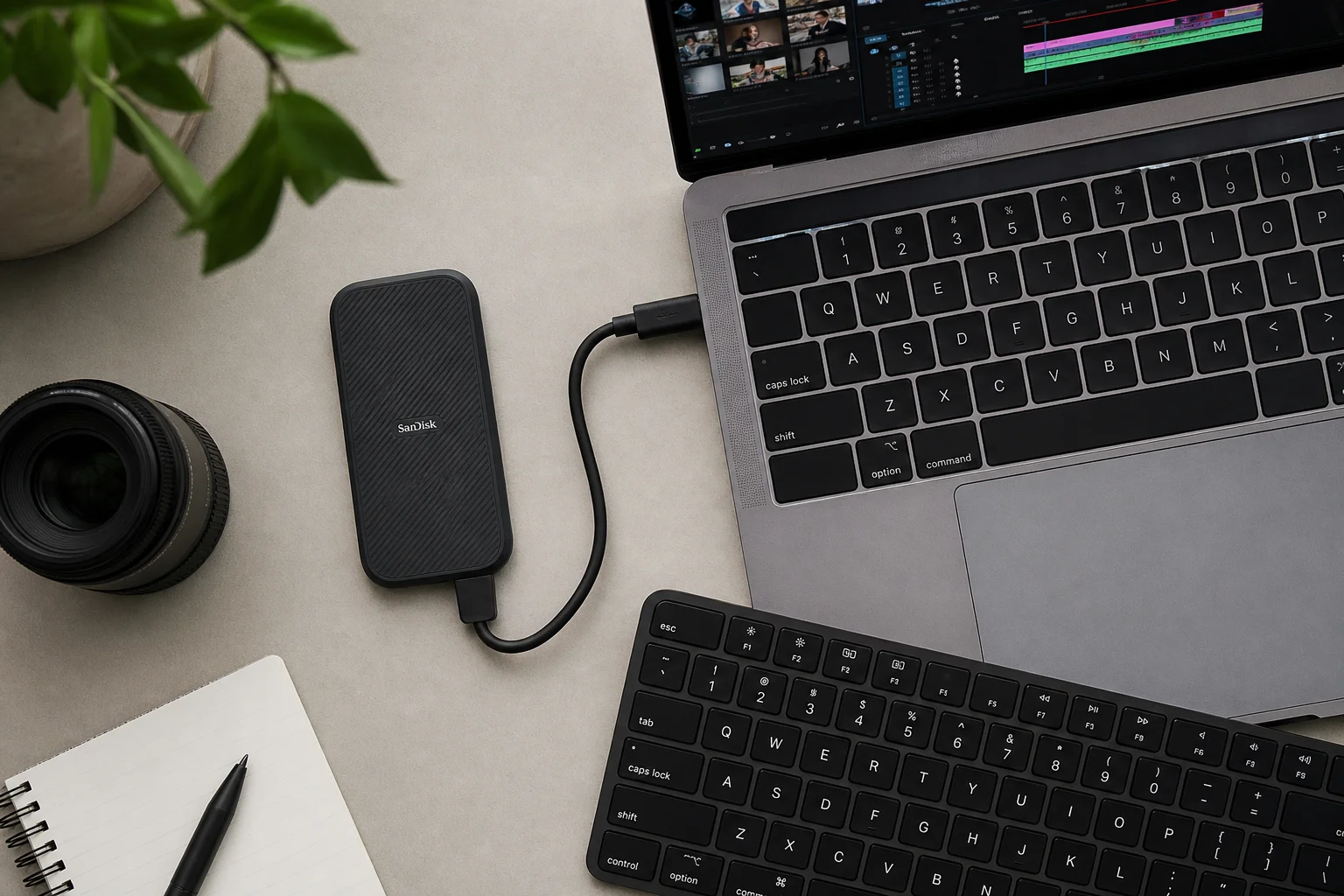
The SanDisk Professional Pro G40 offers a slim, rugged design and is available in one, two, or four terabyte capacities. The Oyen U34 Bolt is slightly faster and supports capacities up to eight terabytes, making it ideal for users who need substantial portable storage alongside speed. Both drives handle heavy editing workloads without throttling, making them suitable for professional video and photo work.
Thunderbolt 5 and USB 4.0 V2: Maximum Speed
The fastest external SSDs use Thunderbolt 5 or USB 4.0 V2 connectivity and achieve speeds around 6,000 megabytes per second. The OWC Envoy Ultra represents this class, though it features a built-in cable that cannot be replaced if damaged. The Acasys TB501 Pro enclosure, when paired with a compatible NVMe drive, delivers write speeds near 6,000 megabytes per second and read speeds around 5,500 megabytes per second.
These speeds require an M4 Pro, M4 Max, or M4 Max MacBook Pro to be fully realized. Older Macs will default to the fastest speed their hardware supports. For most users, these speeds exceed practical needs, and the premium pricing reflects the cutting-edge technology rather than everyday utility.
Building Your Own: Enclosure Options
If you prefer flexibility and cost savings, enclosures like the Satechi USB4 enclosure and Acasys Thunderbolt 3 or 4 options let you install your own NVMe drive. Installation is simple: insert the drive at an angle, secure it, and you have a working external SSD. You can swap drives later or use multiple NVMe drives with a single enclosure.
The trade-off is that manufacturers cannot test every NVMe combination with their enclosures, so peak performance is not guaranteed. If maximum sustained performance matters for your work, prebuilt drives from SanDisk Professional or Oyen offer better assurance.
Choosing Capacity and Speed for Your Workflow
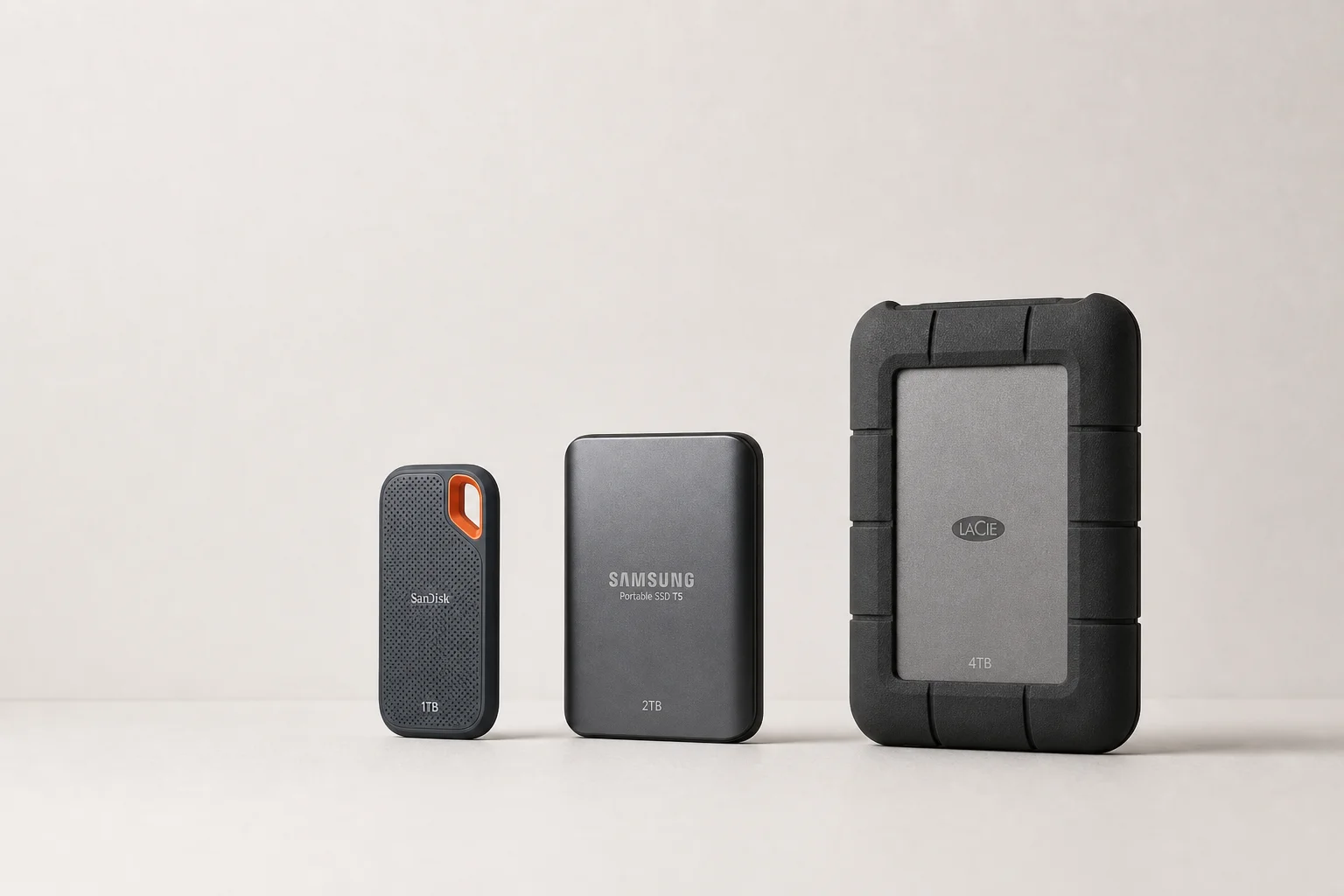
Start by determining your capacity needs. One terabyte suits users new to external storage or those with modest file volumes. Two terabytes works well for mixed photo and video work or music production. Four terabytes is recommended for serious video editing or large media libraries. Eight terabytes, available on the Oyen U34 Bolt, suits professionals managing extensive project archives.
Next, match speed to your actual work. For file offloading and light editing, USB 3.0 drives like the Crucial X9 Pro or Samsung T7 provide excellent value. For sustained heavy editing, the SanDisk Professional Pro G40 or Oyen U34 Bolt deliver the speed and thermal stability needed for all-day work. Thunderbolt 5 drives like the OWC Envoy Ultra are overkill for most users unless you specifically need maximum speed and have compatible hardware.
Conclusion
The best external SSD for your Mac depends on your actual workflow, not marketing claims about speed. USB 3.0 drives handle everyday tasks reliably and affordably. Thunderbolt 3.0 and 4.0 drives suit professional creative work. Thunderbolt 5 drives offer maximum speed for a select audience with compatible hardware. Enclosures provide flexibility and modest savings but sacrifice the performance guarantees of prebuilt solutions. Choose based on your capacity needs and the intensity of your editing work, and you will have a drive that serves you well for years.
Product link
View more details for Crucial X9 Pro
This product is mentioned in the review. Check the specifications, options, and compatibility before buying.
View more details for Crucial X9 ProFurther reading
Related Reviews
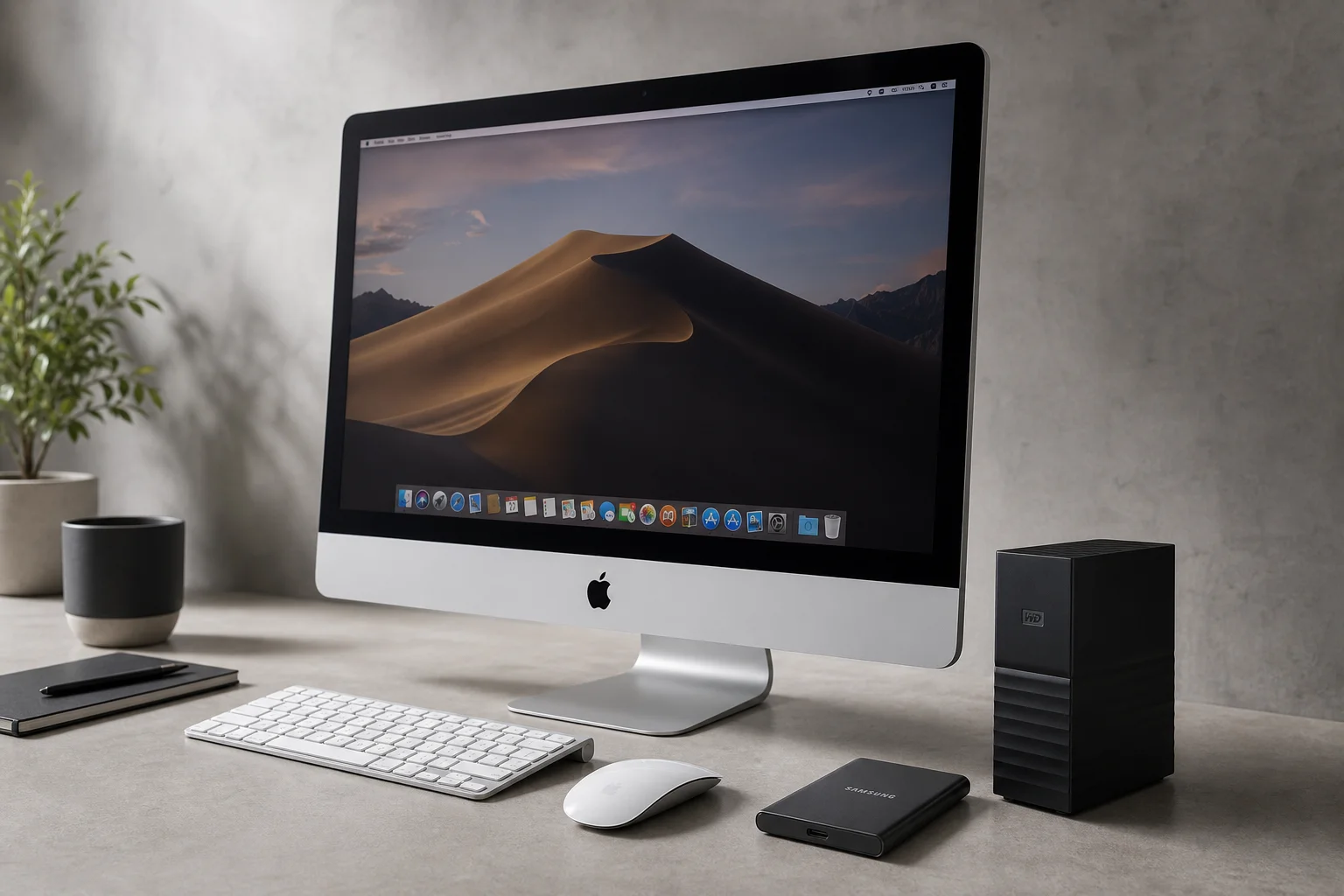
Mac Storage
Mac External Storage Guide: SSDs vs Hard Drives and How to Choose
A practical guide to understanding Mac external storage options, port compatibility, and whether to buy an SSD, hard drive, or build your own setup.
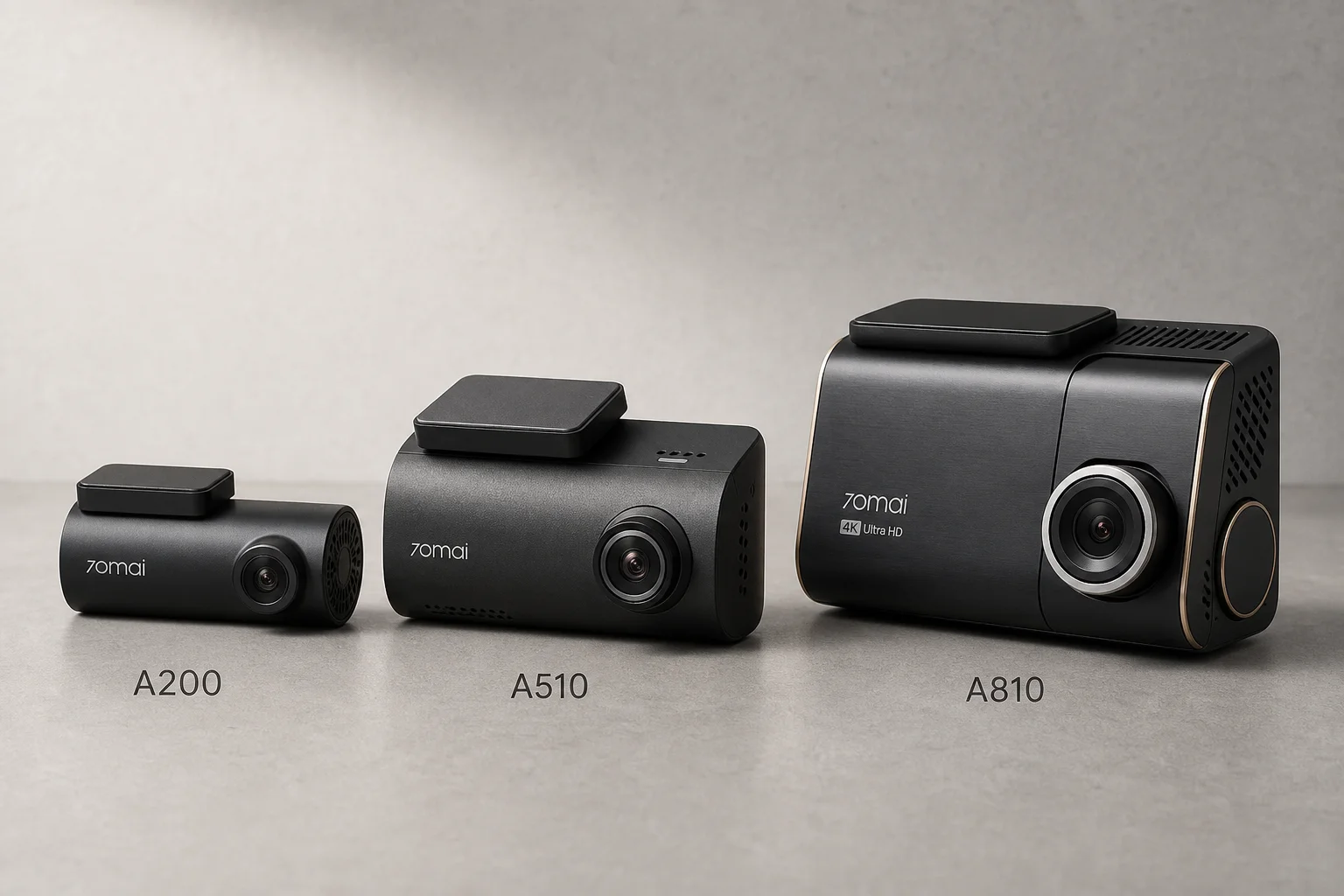
Automotive Accessories
70mai Dash Cam Comparison: A200 vs A510 vs A810
Three dash cameras from 70mai across different price points reveal how resolution and sensor quality impact real-world footage clarity, especially for number plate visibility and low-light performance.
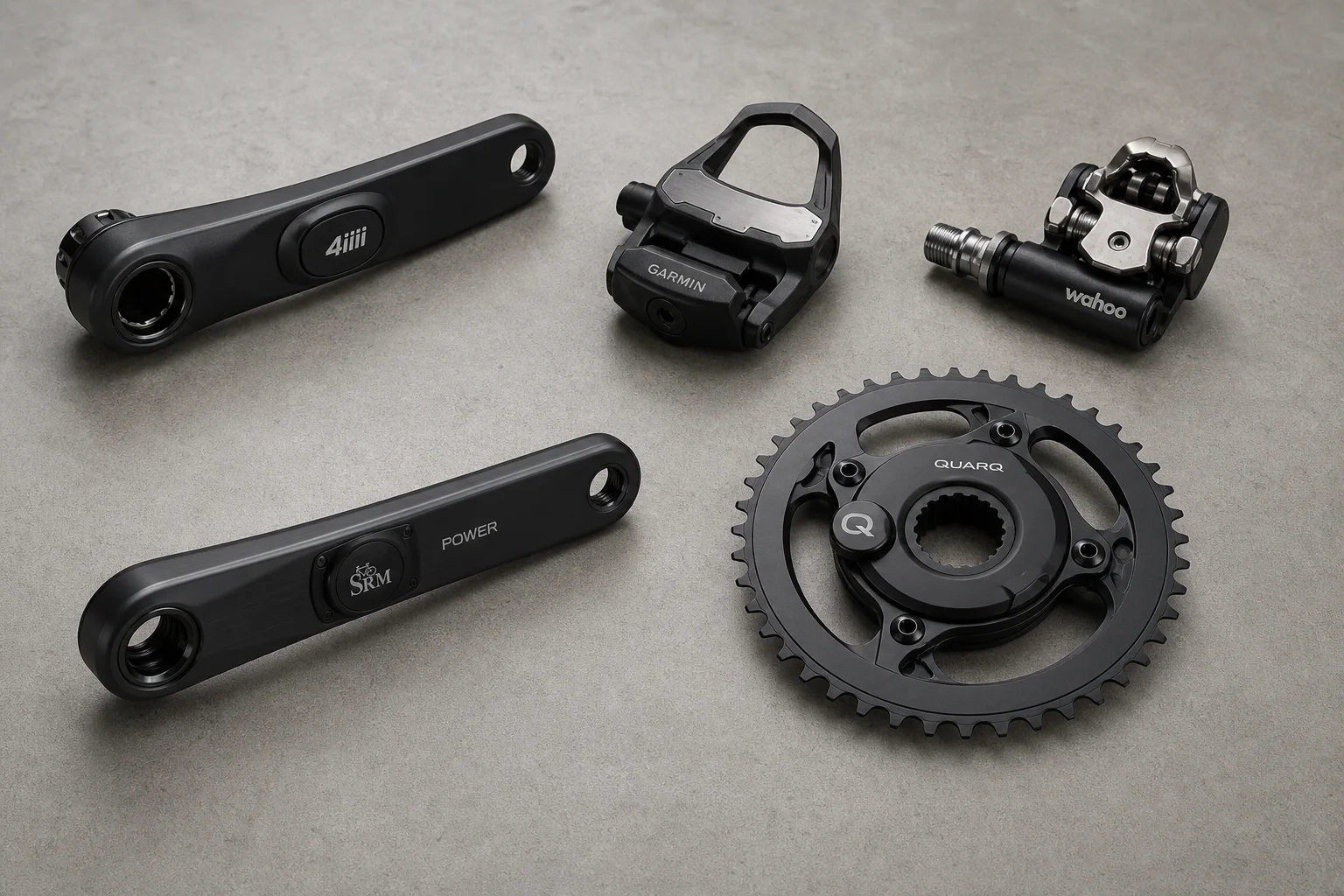
Cycling Power Meters
Five Affordable Power Meters for Road and Off-Road Cycling
Five practical power meter options under $500 that deliver reliable power measurement without breaking the budget.