Workspace Setup
Desk Setup Upgrades: A Practical Guide to Creating a Comfortable Workspace
Essential desk setup improvements for long working hours, from ergonomic chairs and monitor positioning to speakers and webcams that make a real difference.
Introduction
Spending long hours at a desk requires careful attention to comfort and ergonomics. After more than a decade of refining desk setups, certain upgrades consistently make the biggest difference in how you feel at the end of a working day. This guide covers the essential components and accessories worth considering, though you should choose based on your own budget and needs rather than feeling obligated to purchase everything.
The Desk: Starting With the Foundation
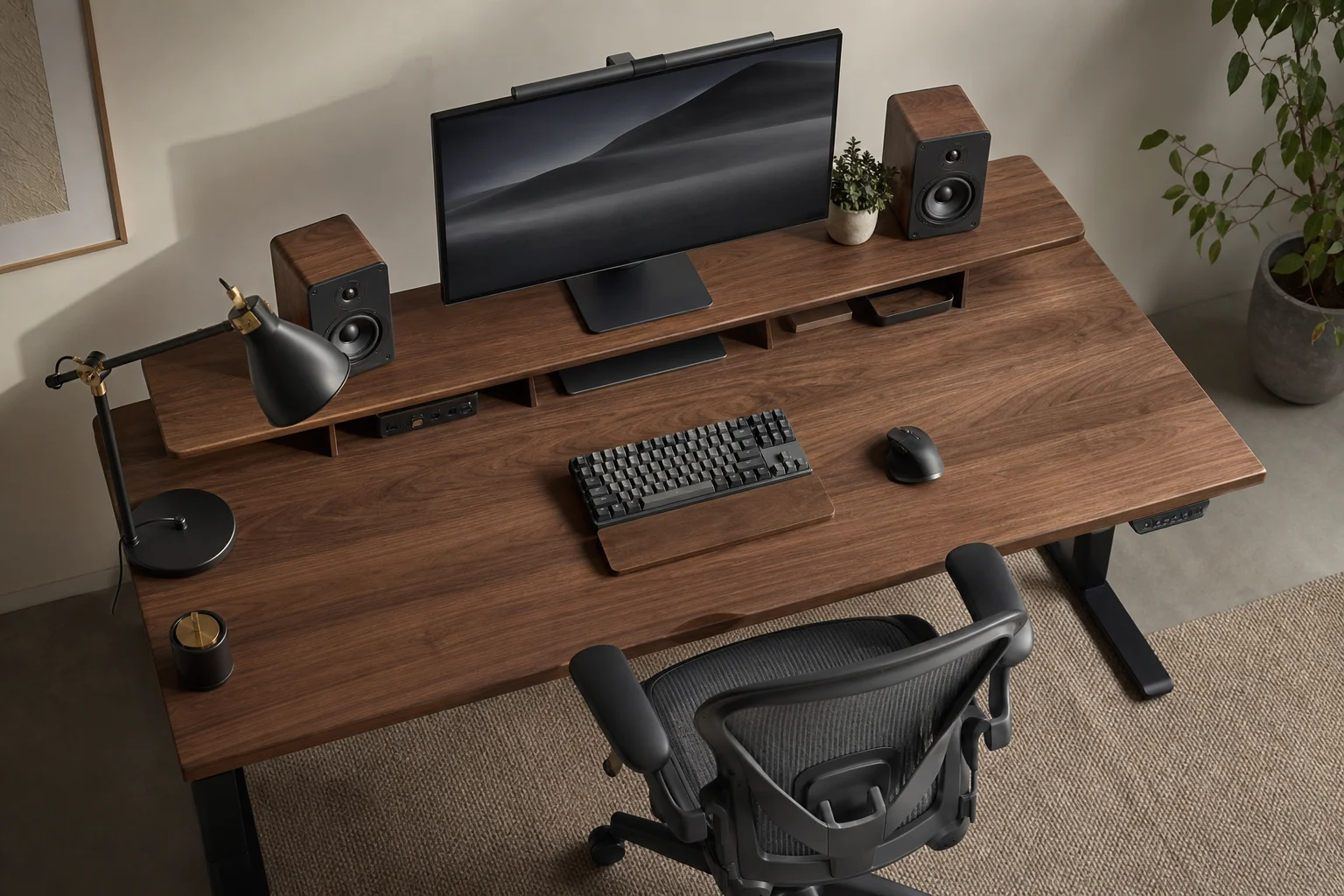
The most overlooked factor when choosing a desk is not width but depth. A shallow desk forces your arms and elbows to float unsupported while using your keyboard or mouse, which can lead to pain in your trapezius muscles over time. A desk deep enough to rest your forearms while working is essential.
If your chair has adjustable armrests, setting them to the same height as your desk surface can also solve this problem. A desk depth of at least 75 centimetres provides enough space for your arms, keyboard, mouse, and a large monitor without feeling cramped.
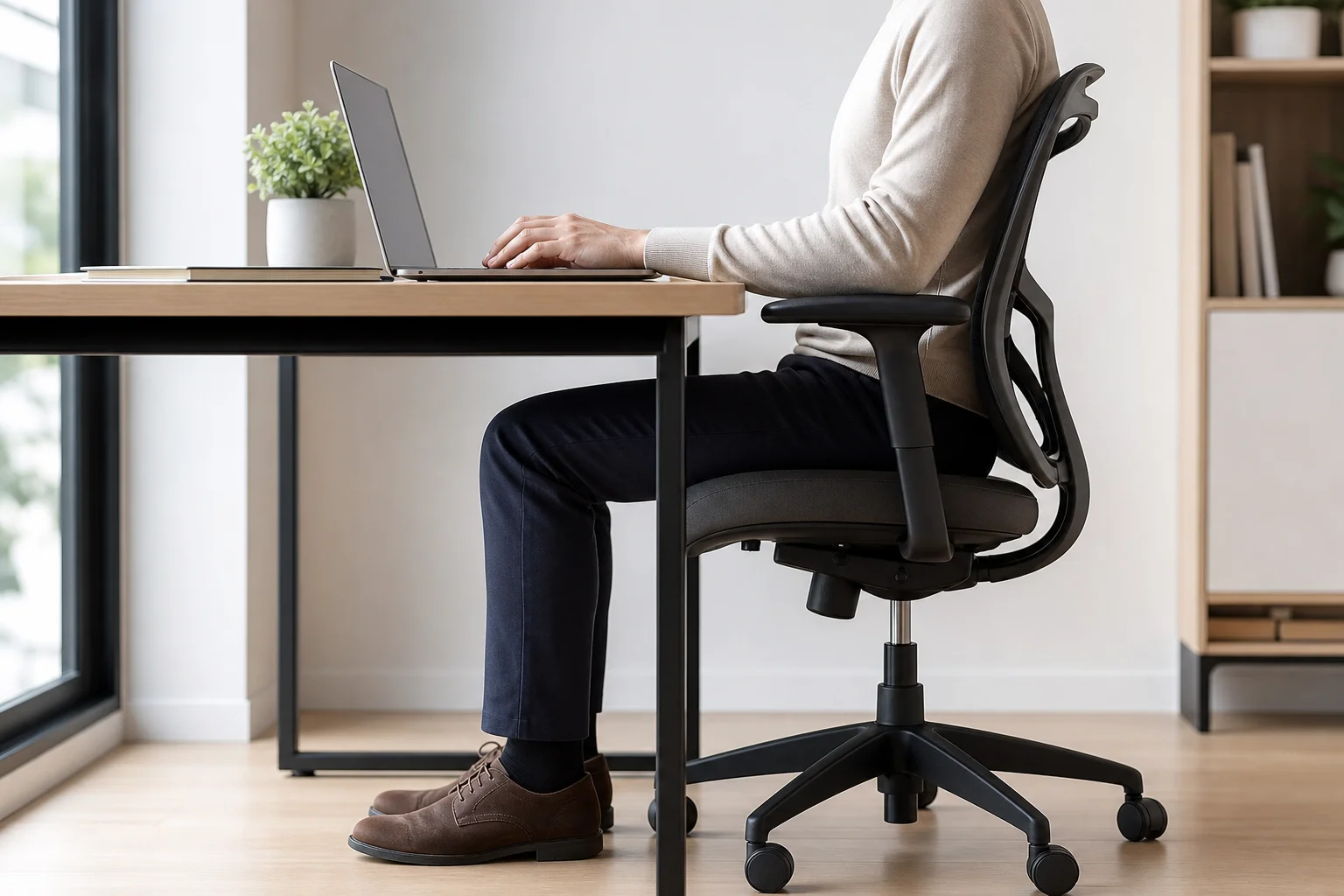
Desk placement matters more than many realize. Positioning your desk in front of or near a window provides natural sunlight, which benefits mental well-being and encourages your eyes to focus on distant objects. This helps combat myopia, or nearsightedness, which develops when eyes spend too much time focused on close objects like monitors. Regular exposure to natural light and distant focal points can slow myopia progression.
Built-in cable management and a matching desk shelf help keep your workspace organized and functional. A shelf can raise speakers closer to ear level, improving sound quality, while also providing storage for external drives and other accessories.
The Chair: Your Most Important Investment
The chair matters more than any other single component because you will spend hours in it every day. Avoid gaming chairs, which prioritize aesthetics over ergonomics and often cause back problems over time despite initial comfort.
The Herman Miller Aeron is widely considered the most ergonomic office chair available. Its extensive adjustability, including armrest height, backrest tension, and seat depth, allows it to conform to your body and weight. When properly adjusted, sitting should feel effortless.
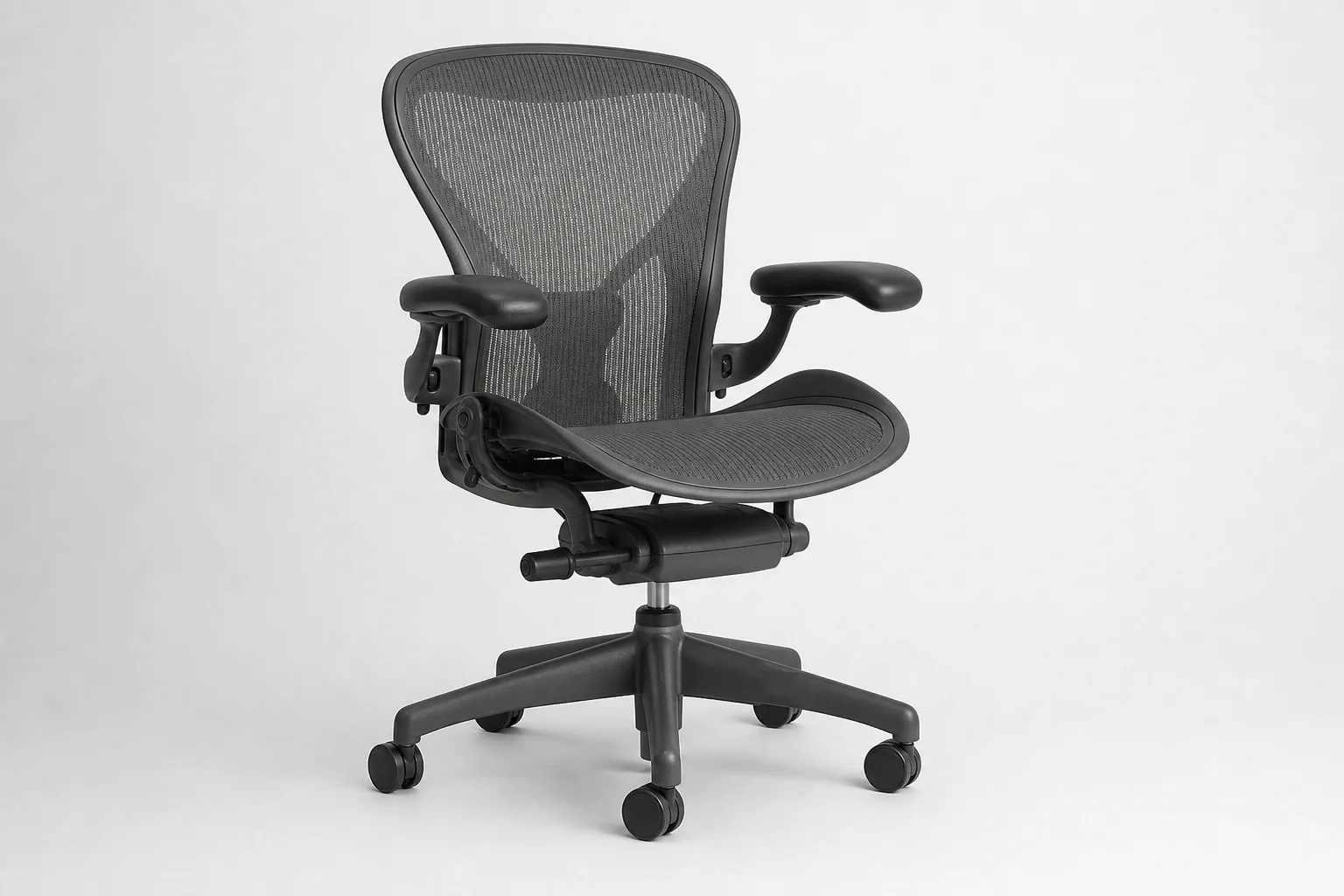
While the Aeron retails new for around $1,000, used models are often available on local marketplaces for half that price or less, as offices frequently dispose of them. These chairs are built to last 15 to 20 years with proper care, making a used purchase a sound investment.
Proper chair setup is critical. Your feet should rest flat on the floor with knees at roughly a right angle. If your desk is not deep enough to support your arms, adjust the chair’s armrests to match the desk height exactly.
The Monitor: Finding the Right Fit
Monitor choice is highly personal and depends on your specific needs. No single monitor excels at everything. Some people work comfortably with one monitor, others need multiple, and some prefer a laptop alone.
The Apple Pro Display XDR offers 6K resolution, exceptional brightness, and a 32-inch display, but its 60 Hz refresh rate makes it unsuitable for gaming. OLED monitors provide high refresh rates and excellent color but lack the brightness of mini-LED displays in bright rooms. Consider your primary use case when selecting a monitor.
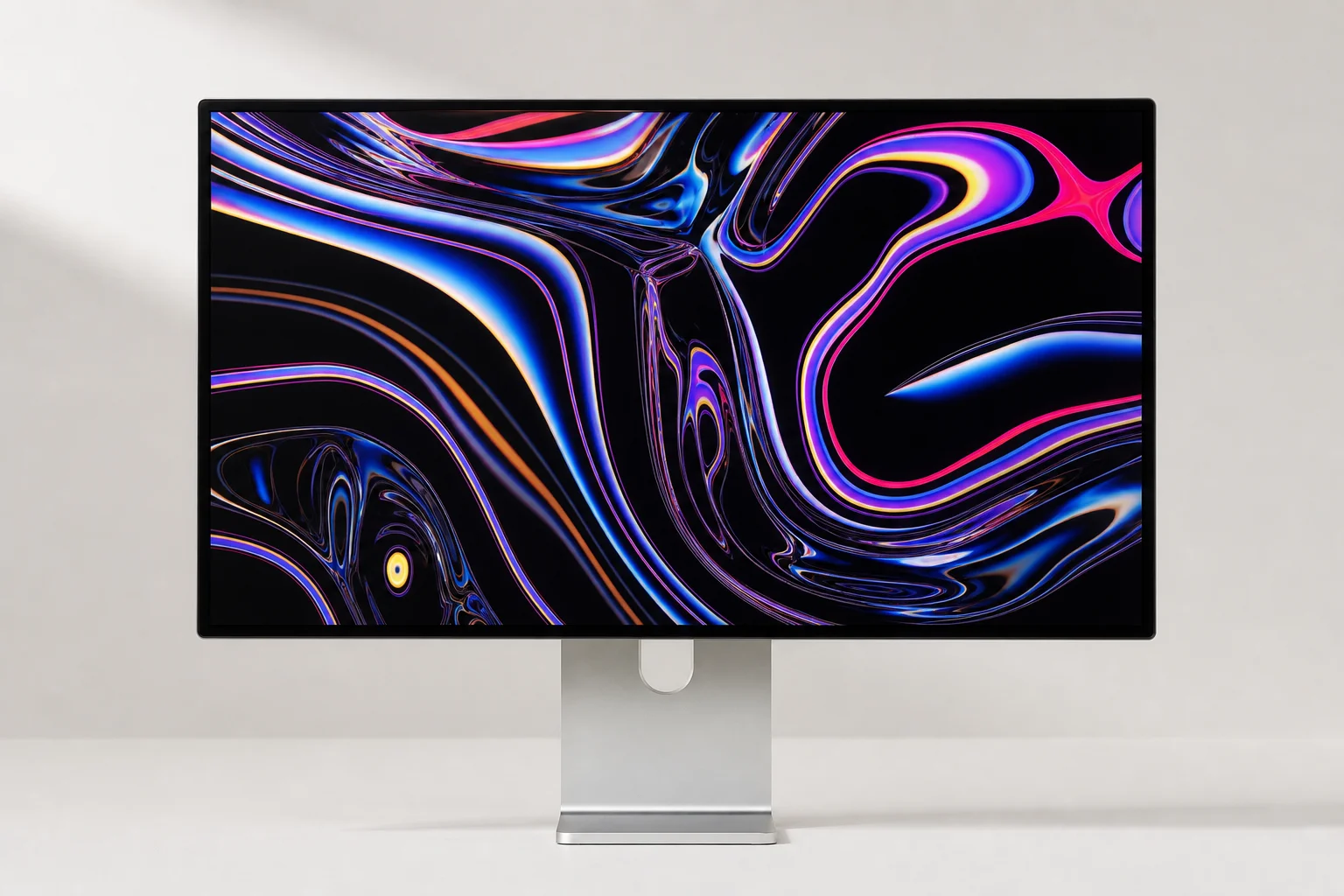
A monitor stand or arm with height and tilt adjustability is essential. Position your monitor so your neck remains straight without tilting your head too high or too low. A desk shelf can raise your monitor further while also providing space to organize accessories and elevate speakers for better sound.
Speakers and Audio Quality
If you work alone, a dedicated pair of desktop speakers will sound significantly better than built-in monitor speakers. The Audioengine A2+ delivers impressive sound quality with a wide range, sounding sharp and tactile with some content and smooth and warm with others. Pairing these speakers with a subwoofer enhances their performance further.
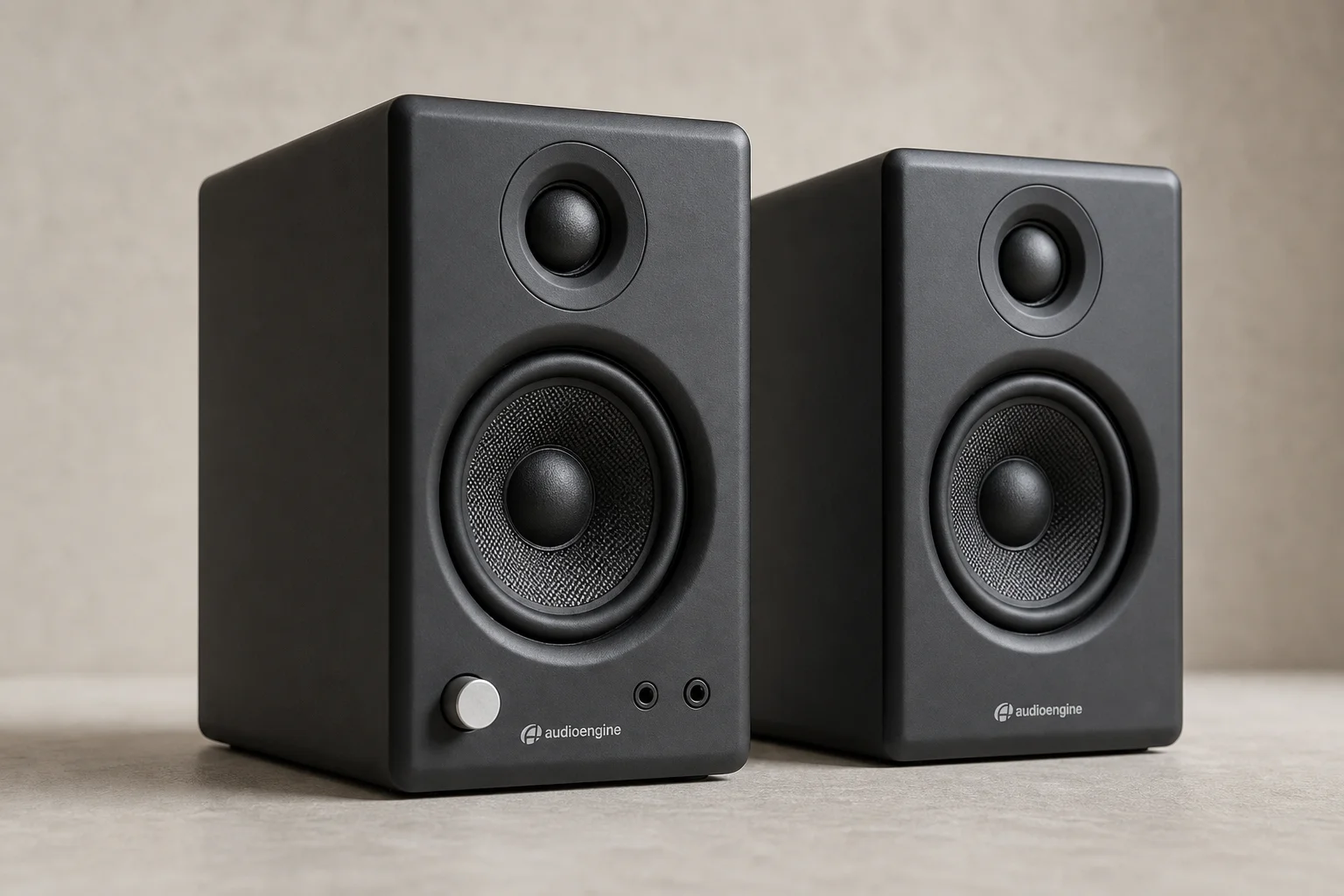
Positioning speakers on a raised shelf and angling them toward ear level improves sound quality noticeably. Speaker wedges can help achieve the correct angle for your listening position.
Webcams for Video Calls
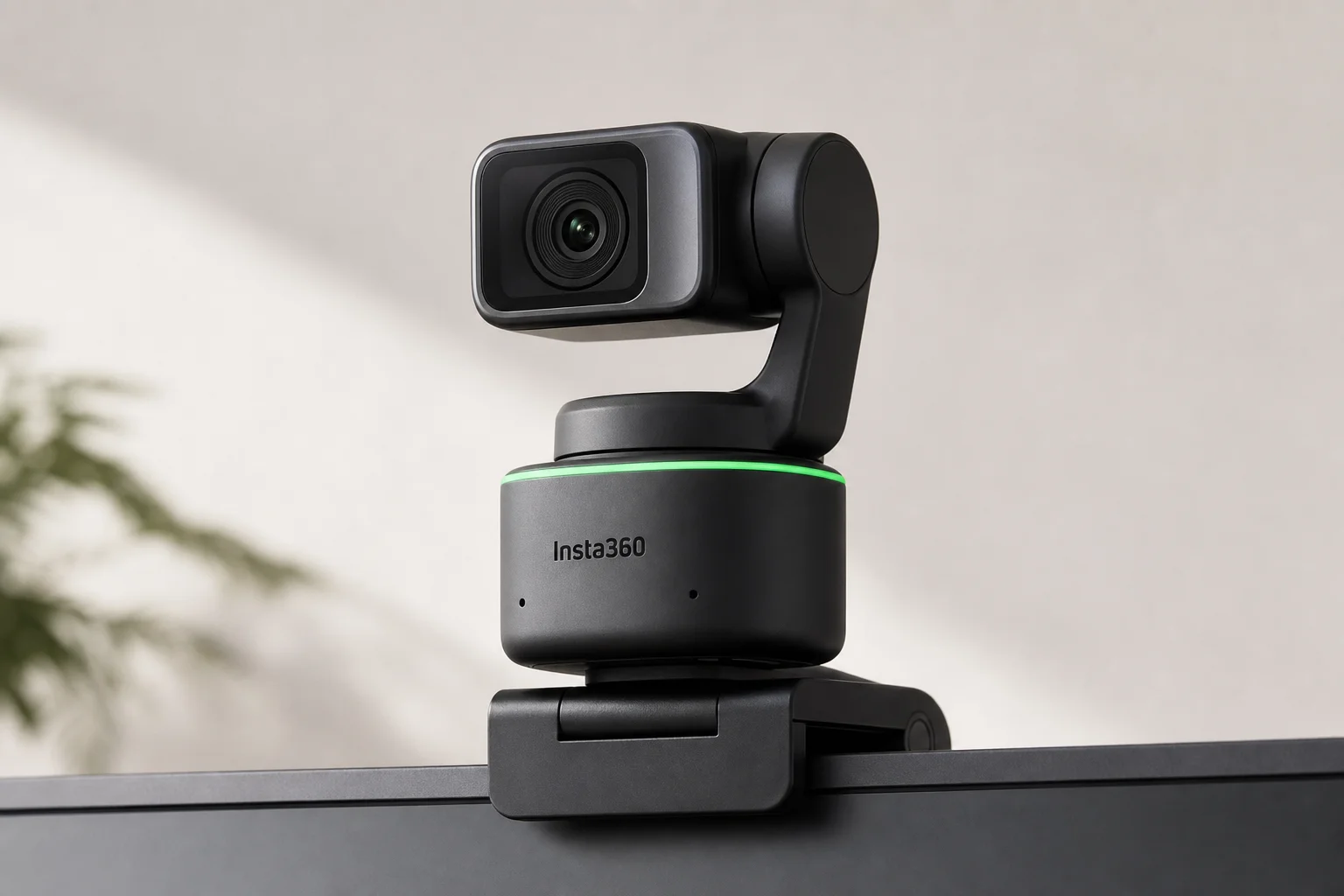
Most monitors lack built-in webcams, making an external webcam essential if you take frequent video calls. The Insta360 Link is a significant upgrade from standard laptop webcams, offering better image quality and the ability to follow you as you move around your workspace.
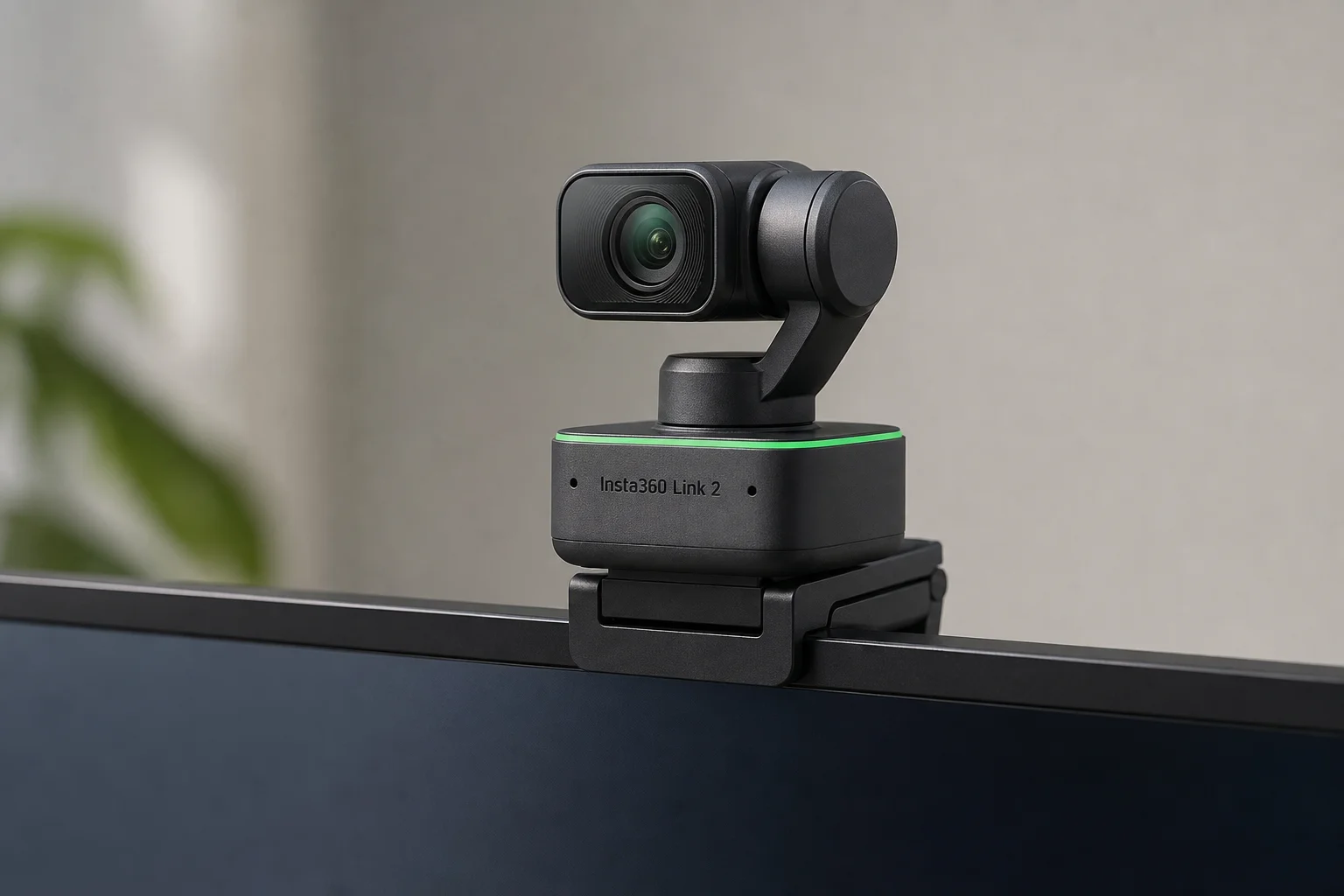
The newer Insta360 Link 2 improves on the original model with even better performance and features, making it an excellent choice if you prioritize video call quality.
Laptop Stands and Connectivity
If you use a laptop, an adjustable stand raises it to eye level, eliminating the need to bend your neck downward. A solid aluminium stand provides stability while allowing height and angle adjustments.
For setups combining a laptop and external monitor, an external dock adds USB ports and other connectivity options, simplifying cable management and accessory connections.
Small Additions That Matter
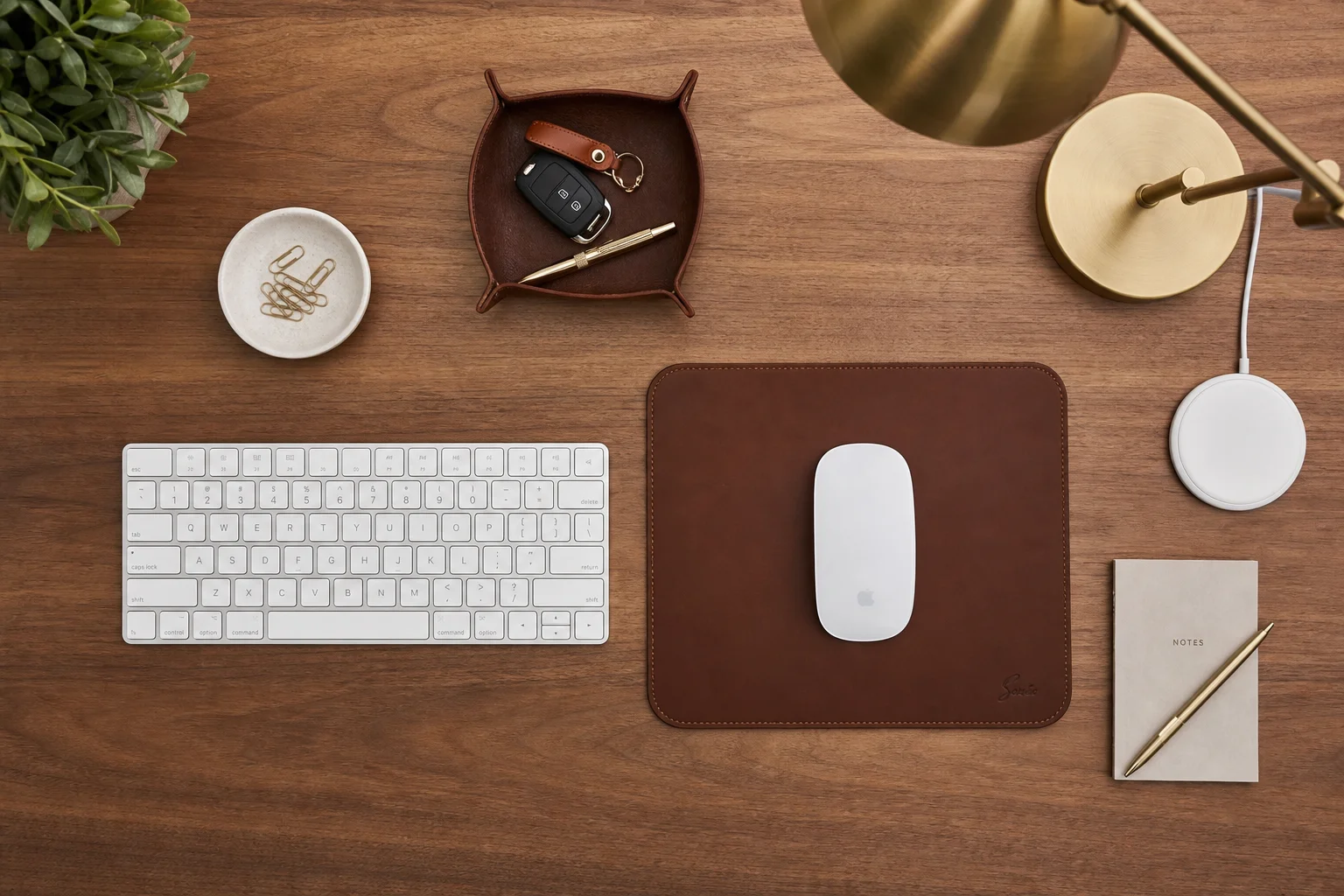
A quality mousepad protects your desk surface while adding texture and visual interest. Full-grain leather options combine durability with a premium feel.
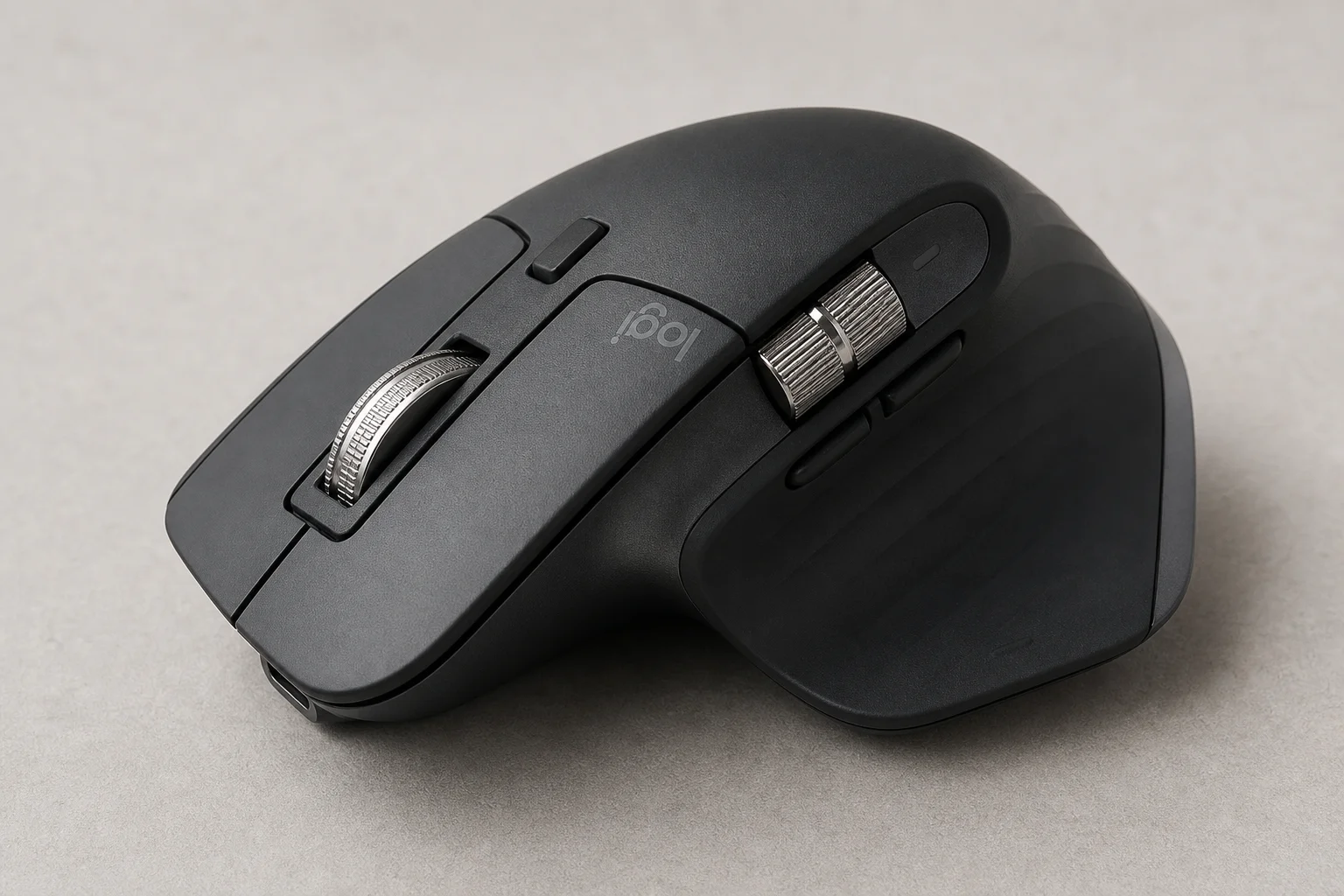
Keyboard and mouse choice is highly personal. The Logitech MX Master 3S offers extensive functionality and ergonomic comfort for most users, making it a reliable choice if you want something more comfortable than standard options.
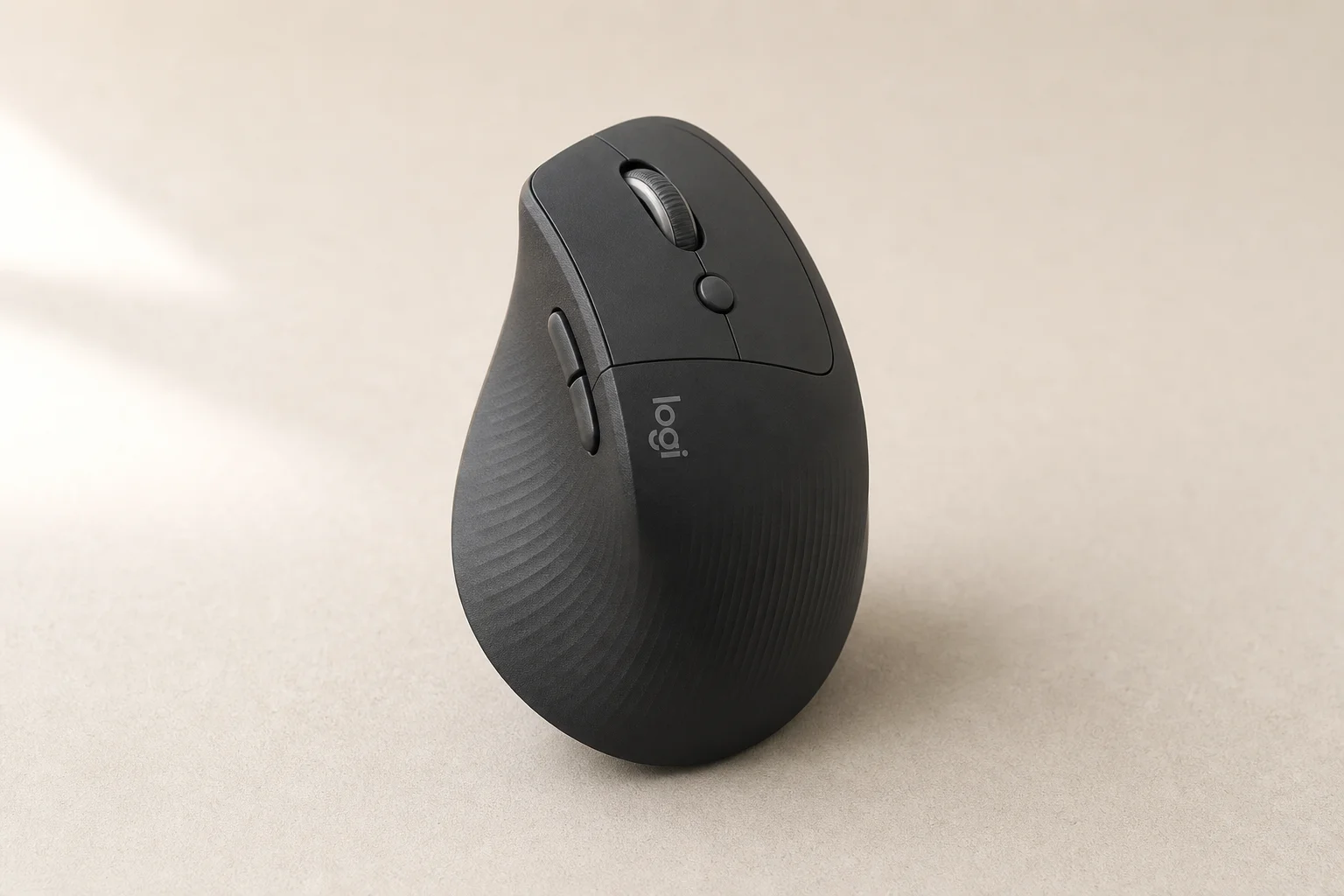
If you experience wrist issues, the Logitech Lift changes your hand angle to a more natural position, reducing strain during extended use.
A desktop charger for your phone and other accessories keeps your workspace tidy while keeping devices powered. A desk lamp becomes essential if you work into the evening, allowing you to adjust brightness and color temperature to suit your needs.
Conclusion
Creating a comfortable desk setup is an ongoing process of refinement. Start with the fundamentals: a deep desk, an ergonomic chair, and a properly positioned monitor. Add speakers, a webcam, and small accessories based on your specific work habits and budget. The goal is to reduce strain and fatigue so you can work productively and comfortably for as long as your day requires.
Further reading
Related Reviews
Workspace Setup
Best Desk Setup Upgrades: A Practical Guide to Ergonomic Workspace Design
Essential desk upgrades for comfort and productivity, from standing desks and ergonomic chairs to monitors, lighting, and accessories that make long work sessions sustainable.
Mac Accessories
Best Mice for Mac Users: Five Practical Alternatives to the Magic Mouse
The Magic Mouse remains divisive. Here are five alternatives, from budget gaming mice to premium productivity options, each with clear strengths and trade-offs.
Home Office Accessories
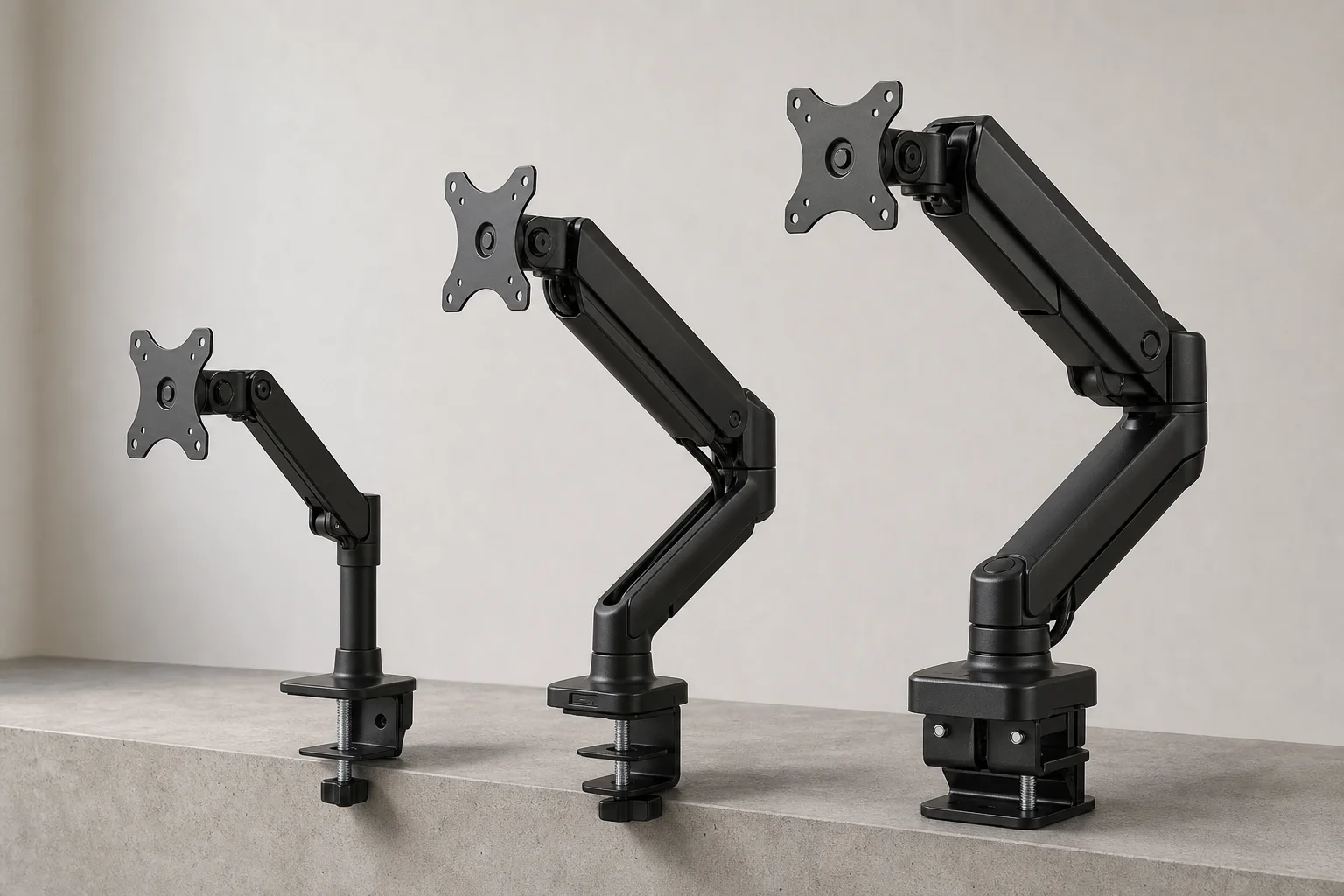
Best Monitor Arms for Home Office: Budget, Mid-Range, and Premium Options
Three monitor arms that deliver real value at different price points, from a $25 basic clamp to a $300 premium model built for heavy displays.