3D Printers
Kidoodle 3D Printer Review: A Kid-Friendly Machine That Actually Works
The Kidoodle 3D printer lets children print independently with a large touchscreen, pre-loaded models, and straightforward operation. A practical toy that teaches patience and attention to detail.
Introduction
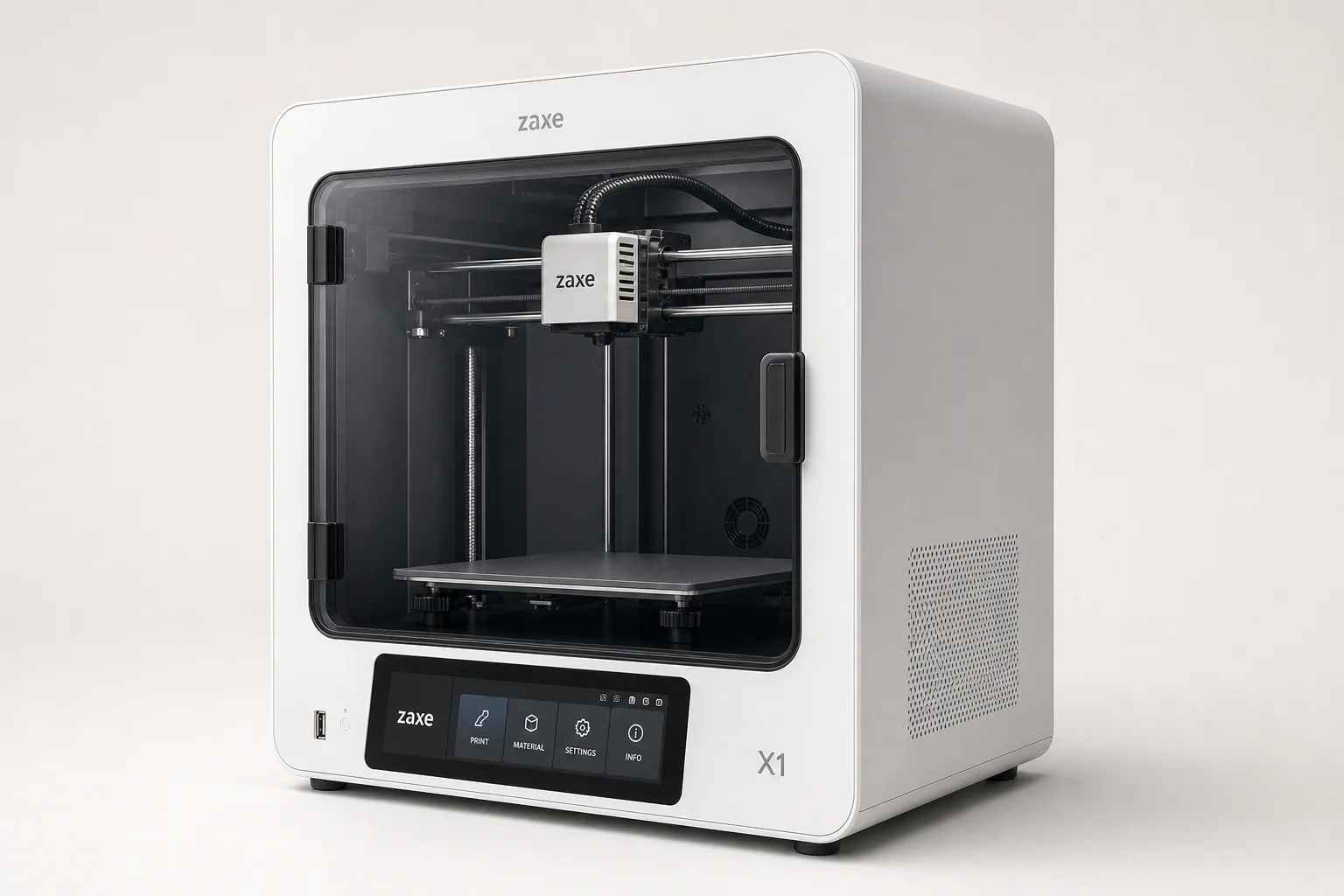
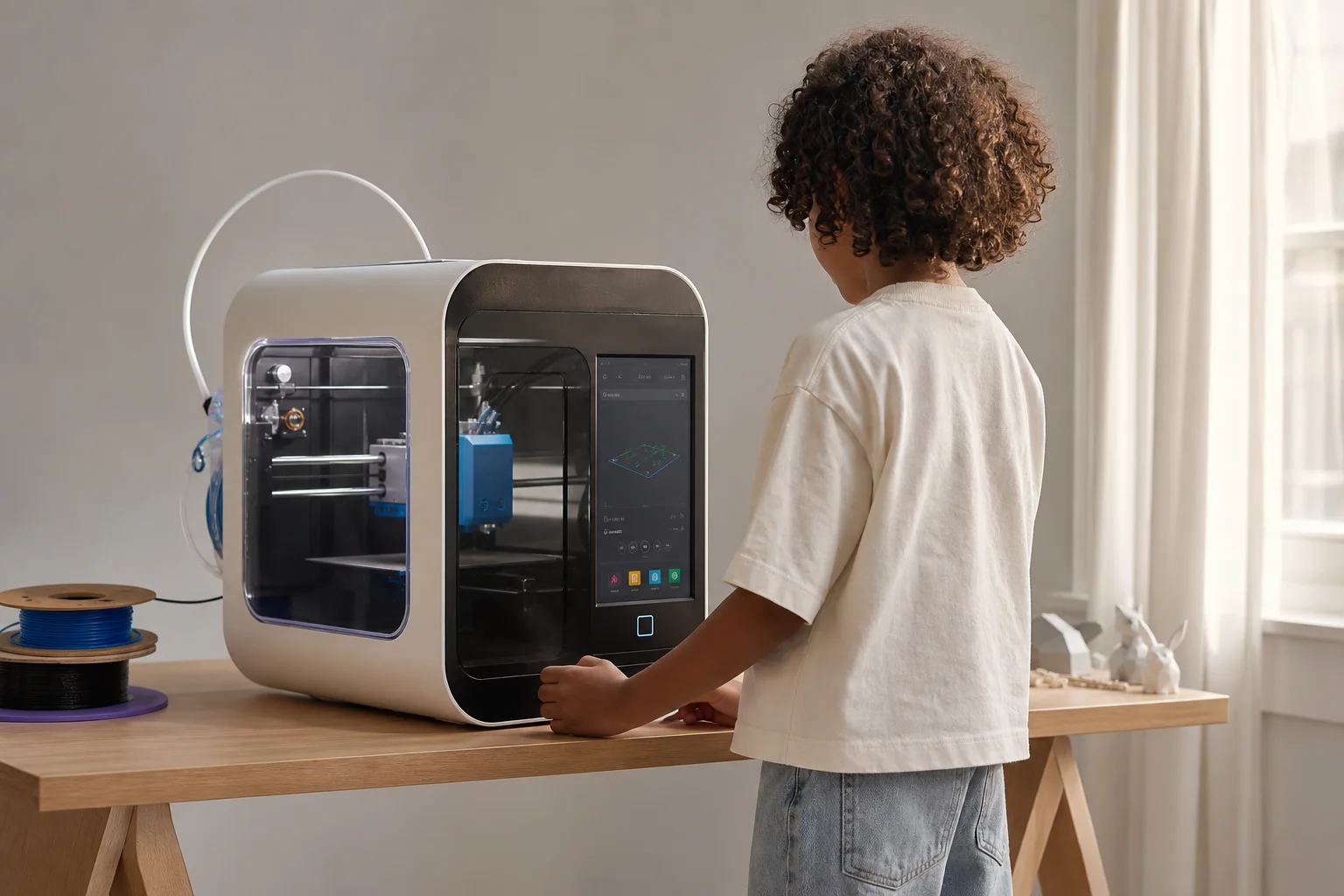
The Kidoodle 3D printer stands out because it lets children operate it independently. A six-year-old can turn it on, choose a model from the built-in touchscreen, and print without adult intervention. The printer comes with hundreds of ready-to-print models, works out of the box, and does not require a phone or computer for basic operation. It prints fast enough for a child’s attention span, and the price is accessible.
Who This Printer Is For
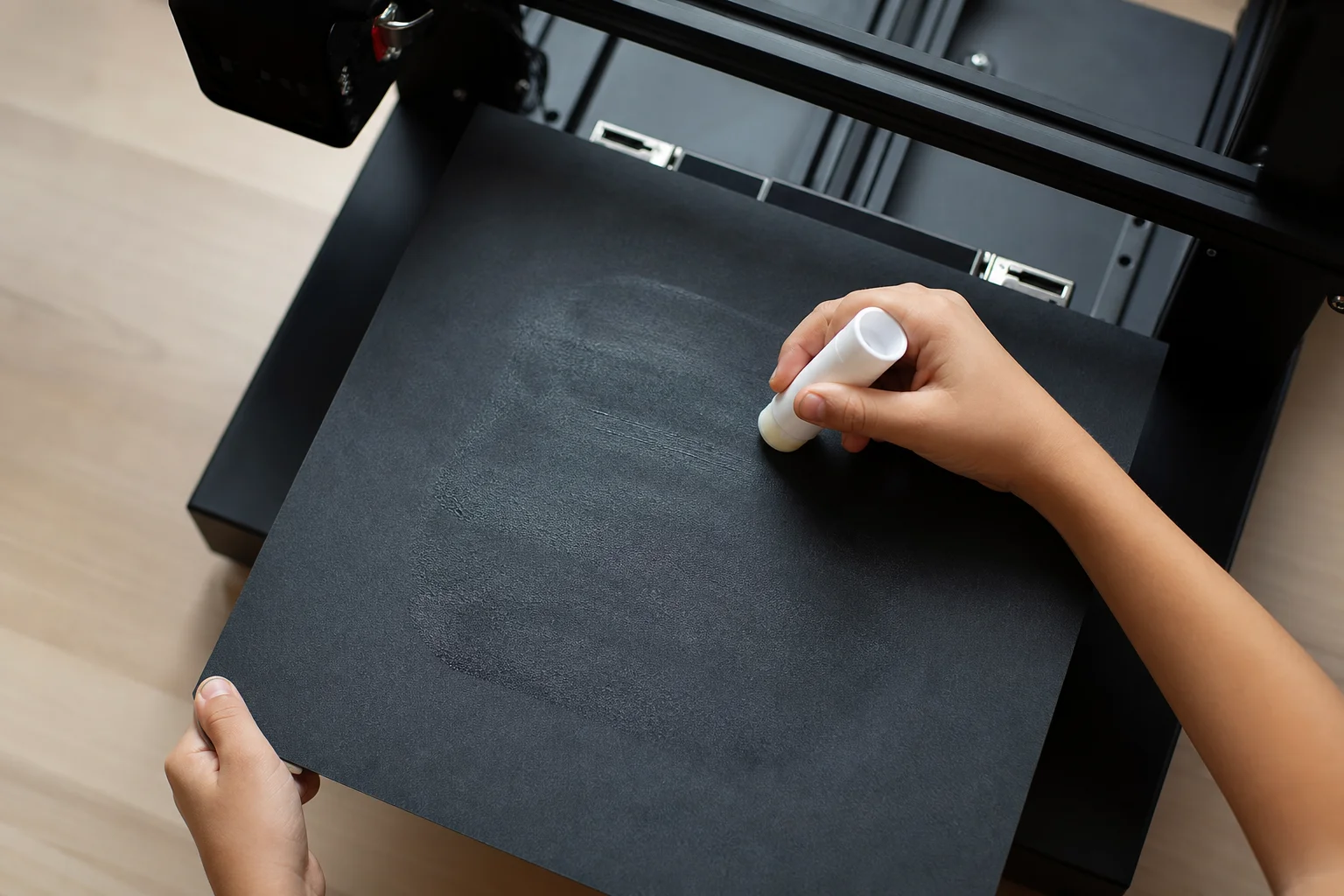
This printer works best for children aged six and up who want hands-on experience with 3D printing. It is designed as a toy, not a professional tool. The large touchscreen and simple interface mean kids can navigate the menu, select models, and start a print on their own. Adult guidance helps with the initial setup and learning how to apply the glue stick to the build plate, but after that first lesson, children can manage the workflow independently.
The printer suits families who want to introduce 3D printing without the complexity of slicing software or computer setup. It also works well in educational settings where multiple students could each have their own compact printer.
Main Strengths
The touchscreen is genuinely excellent. Unlike many 3D printers that require tweezers to enter passwords or navigate tiny on-screen buttons, the Kidoodle has a large, responsive display where children can easily tap options. The printer works immediately out of the box, even without internet, and comes pre-loaded with models ready to print.
The included 250g spool of black filament is enough to start, and the printer accepts standard 1kg spools as well. Print times are short, typically 30 minutes to one hour, which keeps a child engaged. The direct-drive extruder and all-metal hot end are legitimate 3D printer components, not toy-grade parts. The cooling fan is wide and effective, and the print head quality is comparable to much more expensive machines.
The online model catalog is substantial, featuring articulated animals, vehicles, letters, numbers, and simple designs. All models are free. Children can print the same model multiple times, modify it slightly, or explore different options without cost. The printer also includes a clever feature: when you select an online model, the printer begins warming up and preparing itself while the file is still downloading, saving time.
Printing Quality and Model Variety
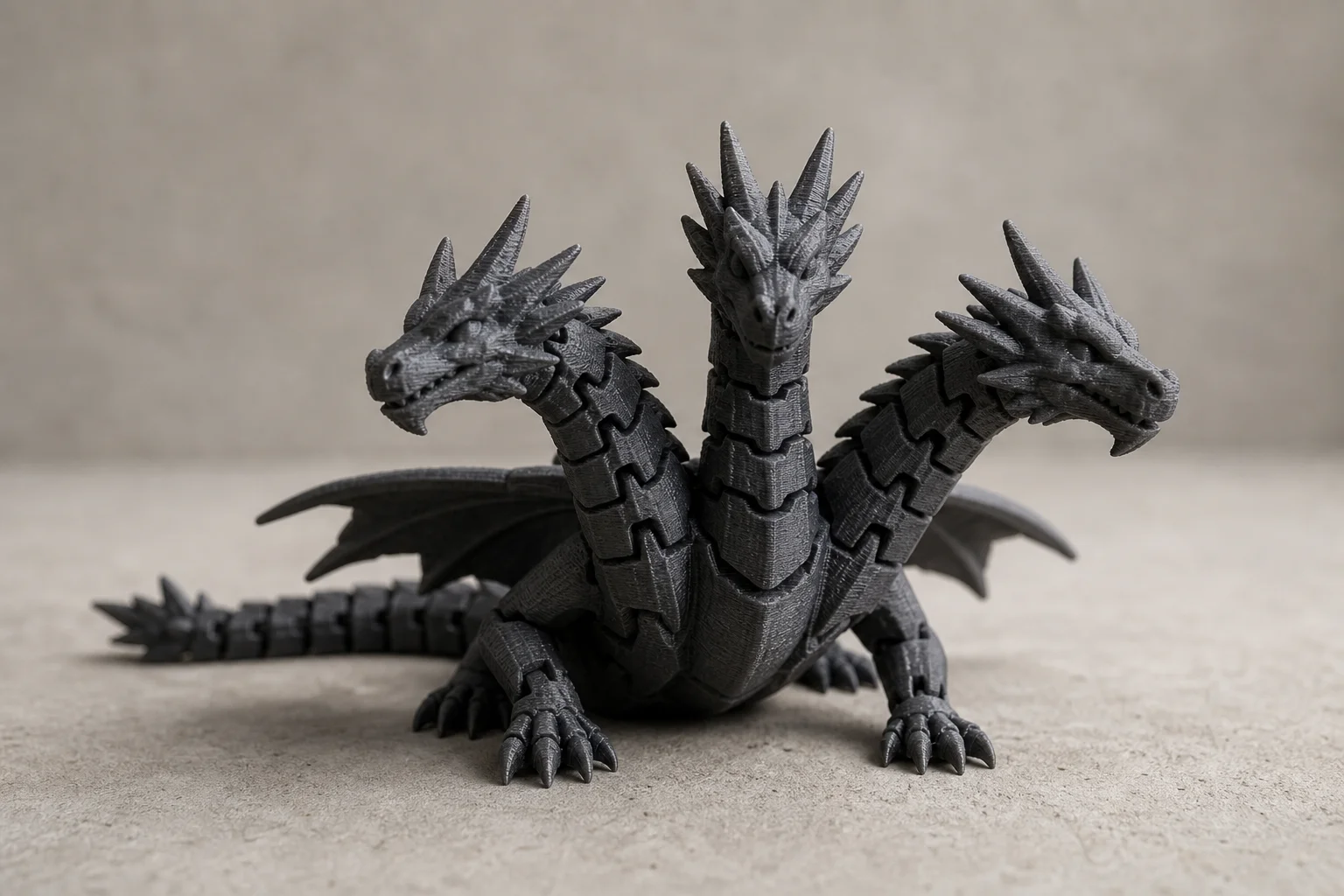
The Kidoodle prints small, simple models well. Articulated designs like dragons, unicorns, and animals with moving parts work reliably. The printer handles models that require some assembly or post-print work, such as breaking free interlocking parts or washing away support material.
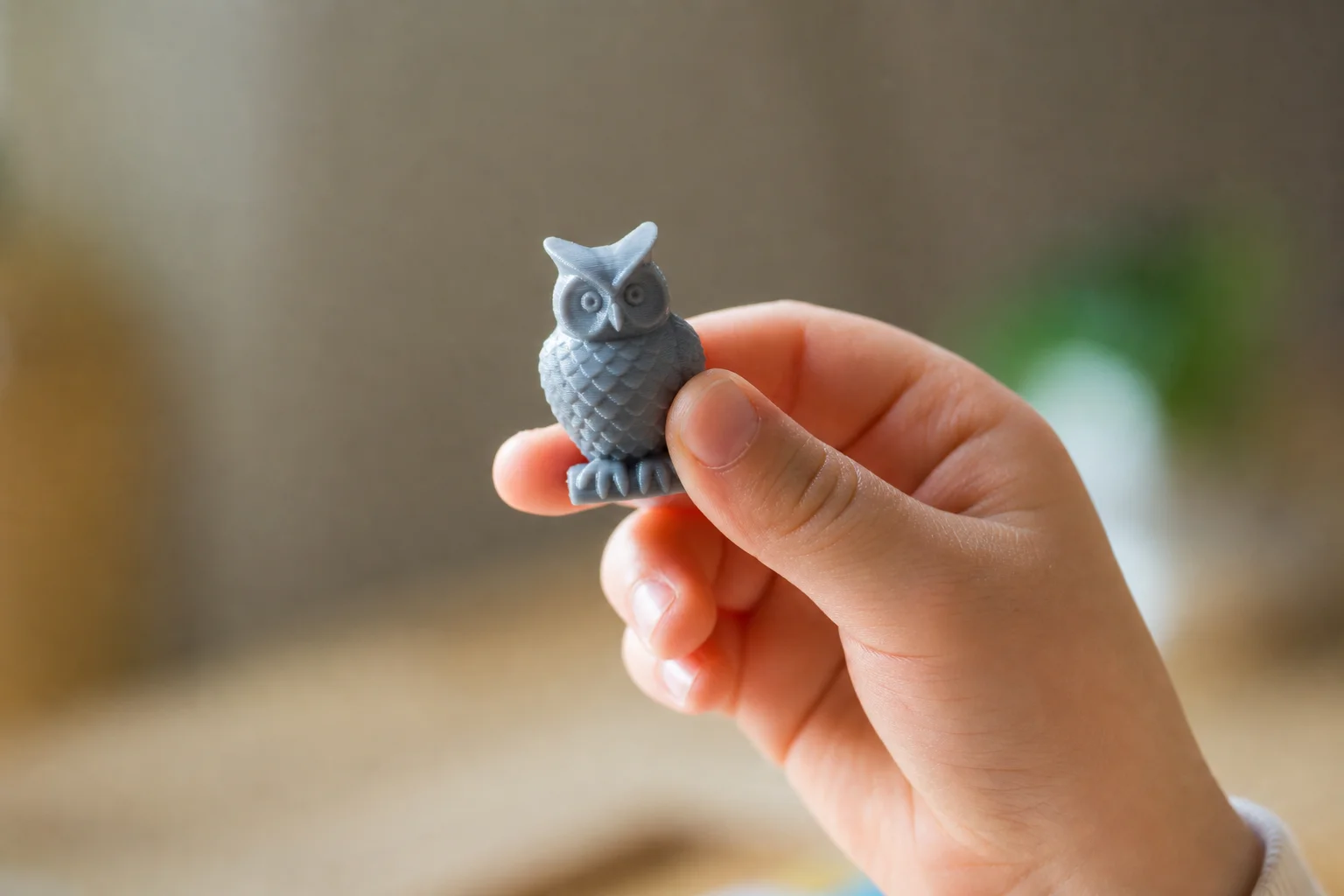
More ambitious models from the broader 3D printing community can be printed if you use the Kidoodle Slicer software on a computer to prepare the files. This software is straightforward: you can resize and rotate models, then save them to a USB drive in a “kidoodle” folder. The printer reads the drive and displays thumbnails of available models. Print quality improves when you use the Kidoodle Slicer because it applies the correct printer settings automatically.
Attempting to use third-party slicing software like Orca Slicer or Cura is possible but risky. Without the proper acceleration values, speeds, retraction settings, and G-code parameters, prints can fail or cause clogs that require disassembling the print head to fix. Unless you are experienced with 3D printer configuration, it is best to stick with the Kidoodle Slicer or the pre-loaded models.
Things to Consider Before Buying
The printer does not have a heated bed, so you must apply a glue stick to the build plate before each print. This is a learning opportunity: children discover the importance of even coverage and attention to detail. After printing, they learn to wash the glue off the finished model and clean the plate. This adds a few minutes to the workflow but teaches responsibility.
The frame and enclosure are plastic, which means the printer makes creaking and clicking sounds during operation. It is not silent. The door is not perfectly sealed, and children may be tempted to peer through the vents to watch the print, which is fine but not ideal for print quality.
The included spool holder for standard 1kg rolls is too wide and does not fit properly. You will need to design or source an alternative, or use the smaller 250g spools that come with the printer.
If you want to print models beyond the built-in catalog, you will need a computer to use the Kidoodle Slicer software. The printer itself does not have the capability to slice or modify models on its own.
Buying Advice
The Kidoodle is worth considering if you want to give a child genuine independence in 3D printing without the complexity of professional software or the cost of a full-featured printer. It teaches patience, attention to detail, and problem-solving through the glue application and print monitoring process. The print quality is good enough for toys and learning, not for functional parts or detailed models.
The printer is currently available on Kickstarter at an early-bird price. Retail pricing after the campaign is unknown. At the current price point, it represents good value for a child-focused 3D printer with legitimate hardware components and a thoughtful interface.
Conclusion
The Kidoodle 3D printer delivers on its promise: a child can use it independently, print interesting models, and feel proud of the results. It is a toy, but a well-designed one that teaches real skills and produces tangible output. For families introducing children to 3D printing, or schools looking for compact, durable printers for a classroom, the Kidoodle is a practical choice.
Product link
View more details for Kidoodle 3D Printer
This product is mentioned in the review. Check the specifications, options, and compatibility before buying.
View more details for Kidoodle 3D PrinterFurther reading
Related Reviews
3D Printers
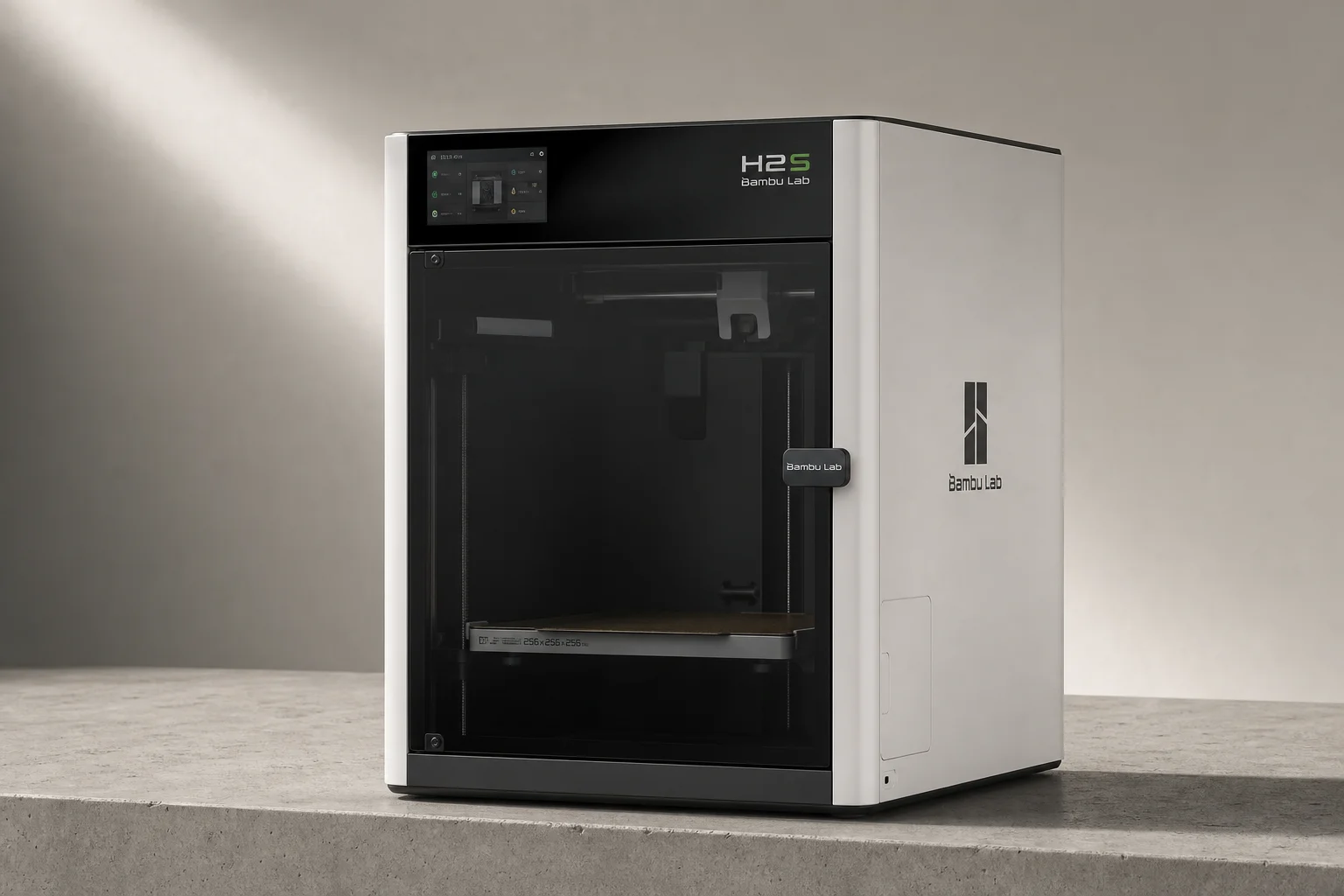
Bambu Lab H2S Review: Large-Format 3D Printing Without the Dual Extruder
The H2S strips away the H2D's dual-nozzle complexity for a simpler, cheaper large-format printer. Here's what that trade-off means for your prints.
3D Printers
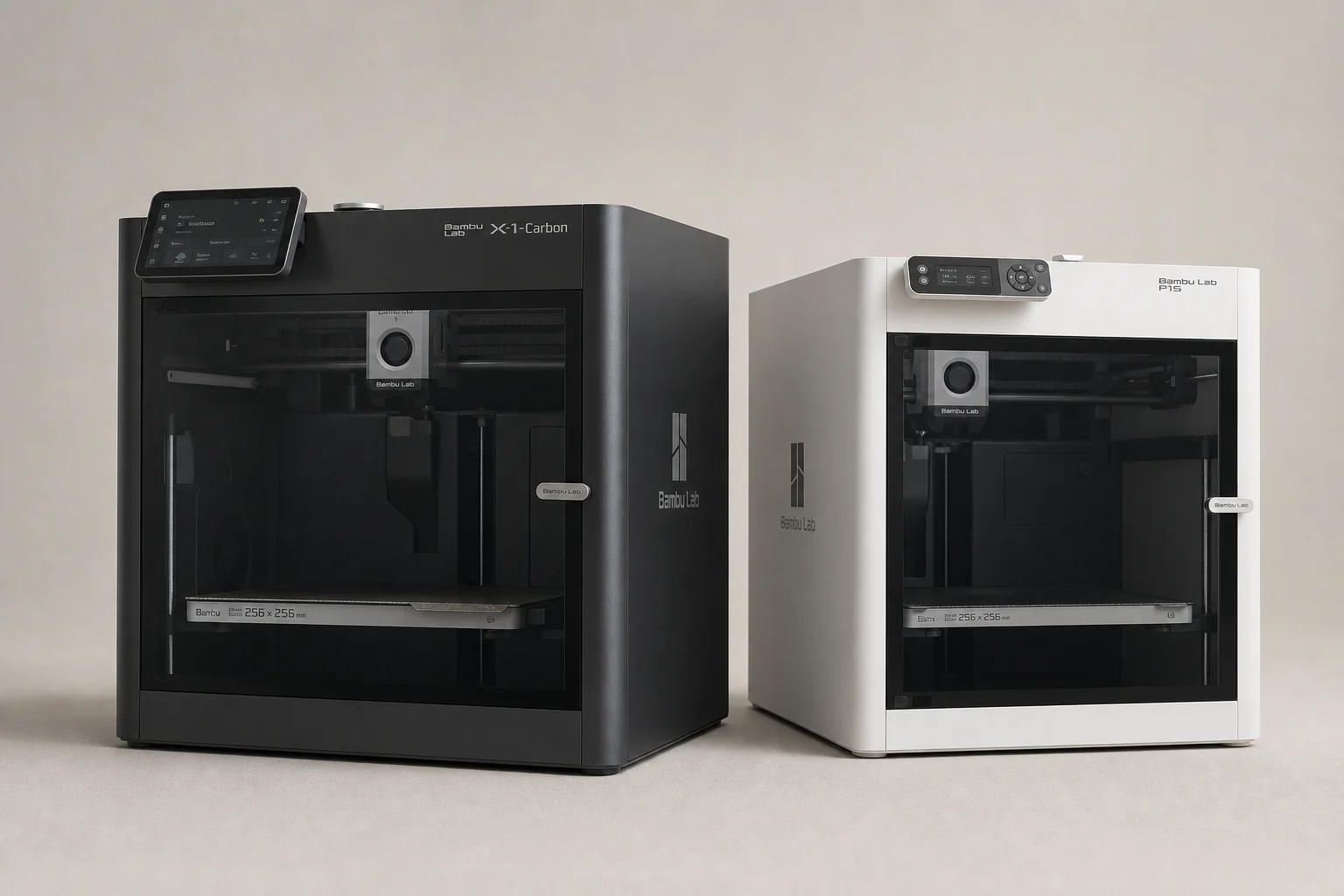
Bambu Lab P1S vs X1 Carbon: Why the Budget Option Wins
After testing both printers side by side, the P1S delivers nearly identical print quality at half the price. Here's what the premium features actually cost you.
3D Printers
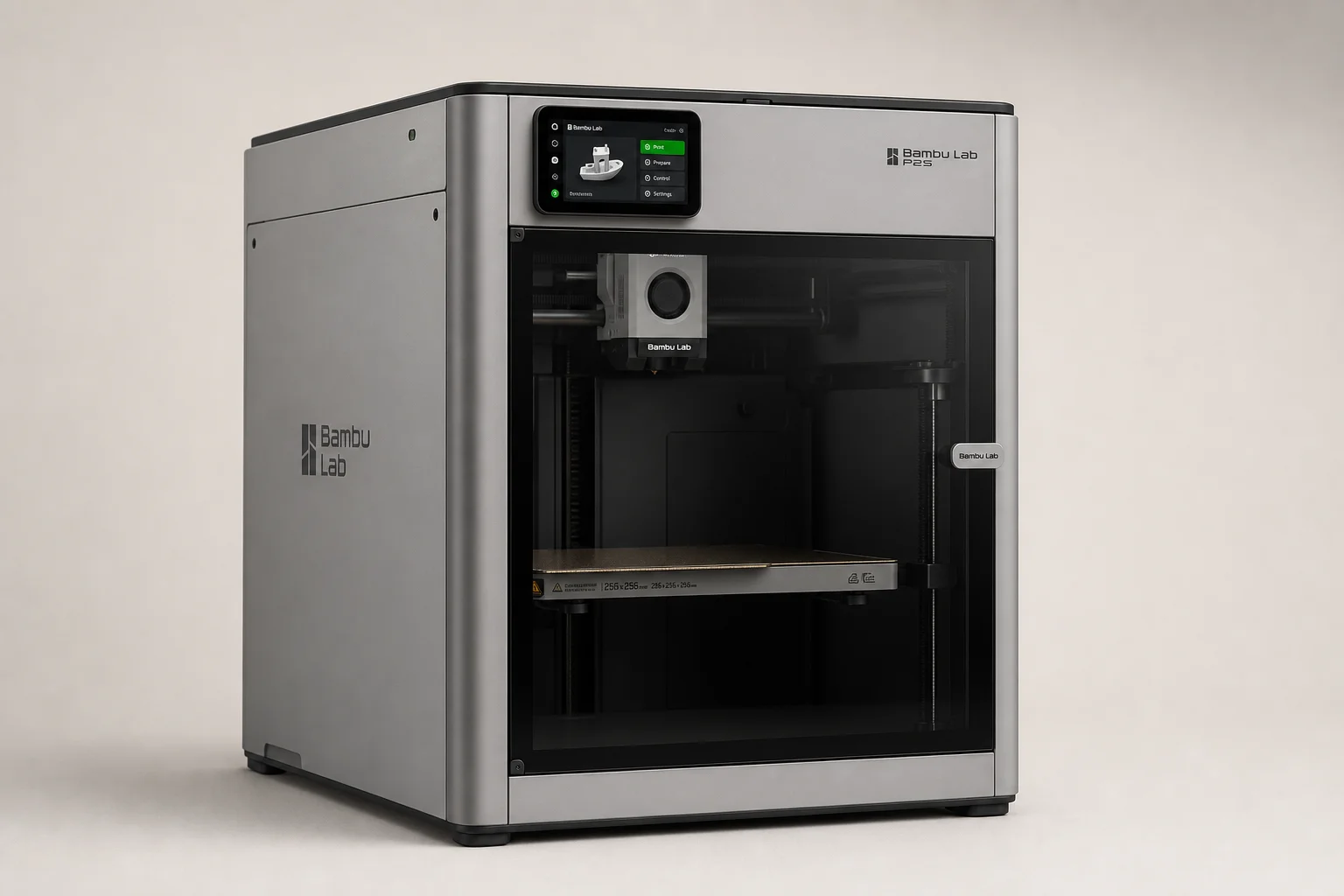
Bambu Lab P2S Review: A Strong Mid-Range 3D Printer Worth Considering
The Bambu Lab P2S brings significant upgrades over its predecessor, including a new touchscreen, improved cooling, and quick-swap nozzles. Here's what real-world use reveals about its strengths and trade-offs.