Portable Monitors
SOTSU FlipAction Go 14 vs Touch 14: Which Portable Monitor to Choose
A detailed comparison of two premium portable monitors: the non-touch FlipAction Go 14 and the touchscreen FlipAction Touch 14, examining design, performance, and real-world usability across different devices.
Introduction
The SOTSU FlipAction line represents a thoughtful approach to portable external displays. Both the Go 14 and Touch 14 models deliver strong build quality and practical usability, but they serve different needs depending on your device ecosystem and workflow priorities.
Design and Build Quality
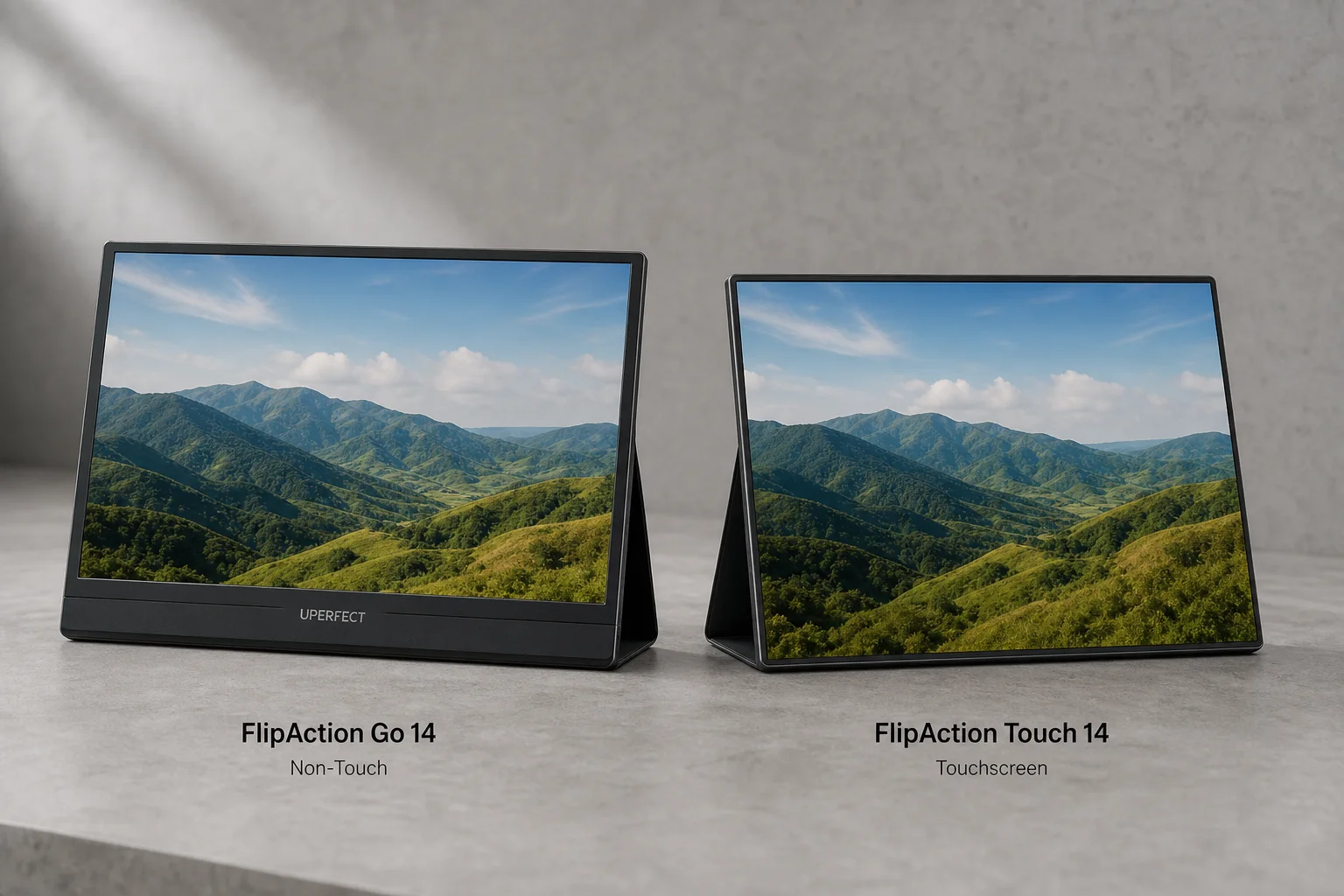
Both monitors share the same fundamental design philosophy: a solid aluminum frame with thin bezels and a magnetic stand system. The key visual difference lies in the bezel treatment. The non-touch FlipAction Go 14 features thin bezels on three sides but includes a noticeably thicker chin at the bottom. The Touch 14, by contrast, maintains seamless, uniform thin bezels all the way around the display.
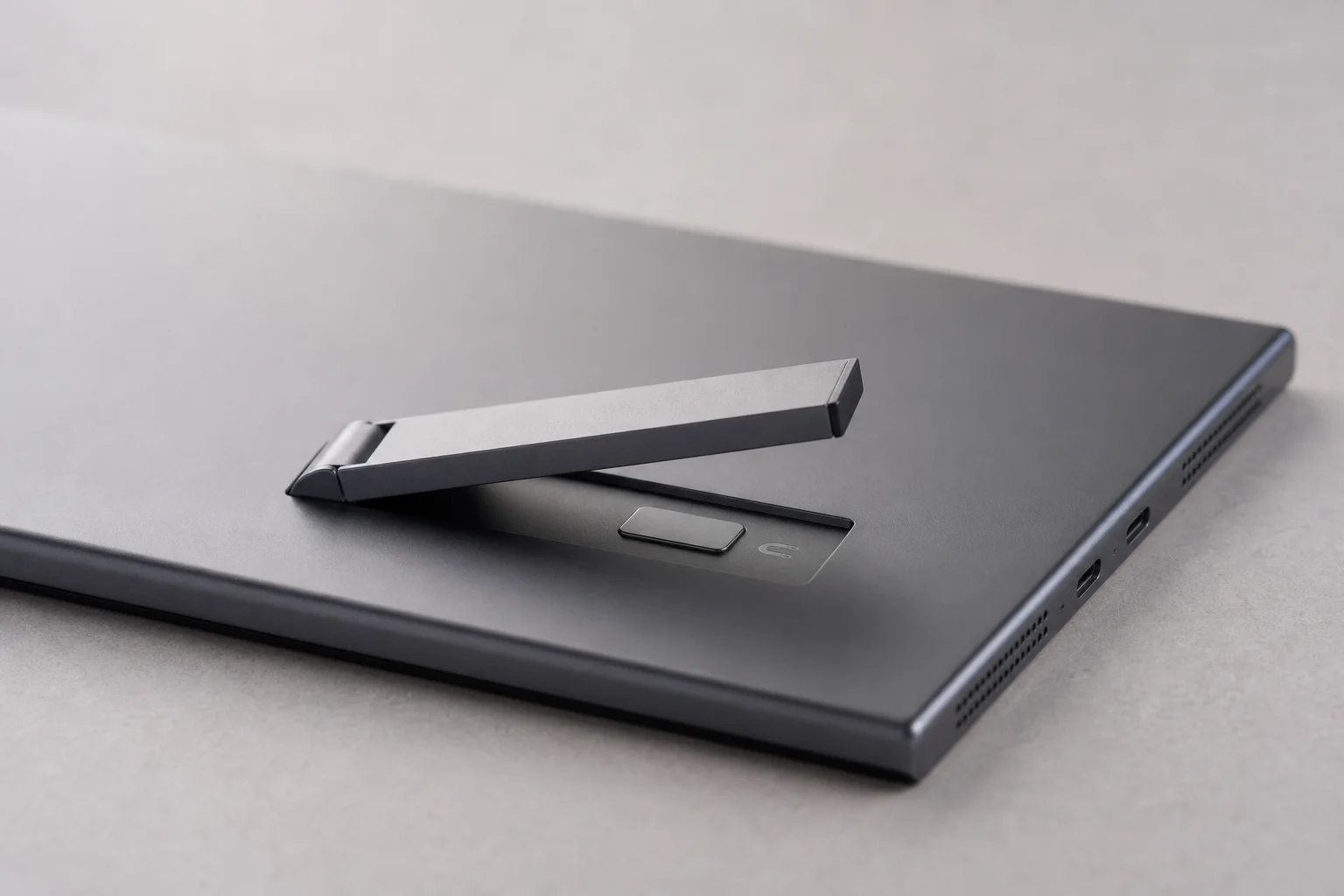
The aluminum construction feels premium across both models. The stand mechanism is particularly well-executed, folding completely flat against the back of the monitor and attaching magnetically without any wobble or play. You can position either monitor in landscape or portrait orientation, and the stand holds its angle reliably.
Both screens measure 14 inches diagonally with 1920x1080 full HD resolution and 100% RGB color gamut. The Touch 14 delivers a slightly better contrast ratio of 1500:1 compared to the Go 14’s 1200:1, though the difference is subtle when viewing the monitors side by side. Brightness is strong on both, exceeding typical MacBook display output.
Portability and Accessories
The portability story is nearly identical for both models. Each monitor folds flat with its stand, and both come with a neoprene carrying case that accommodates the monitor, stand, and cable in a compact bundle.
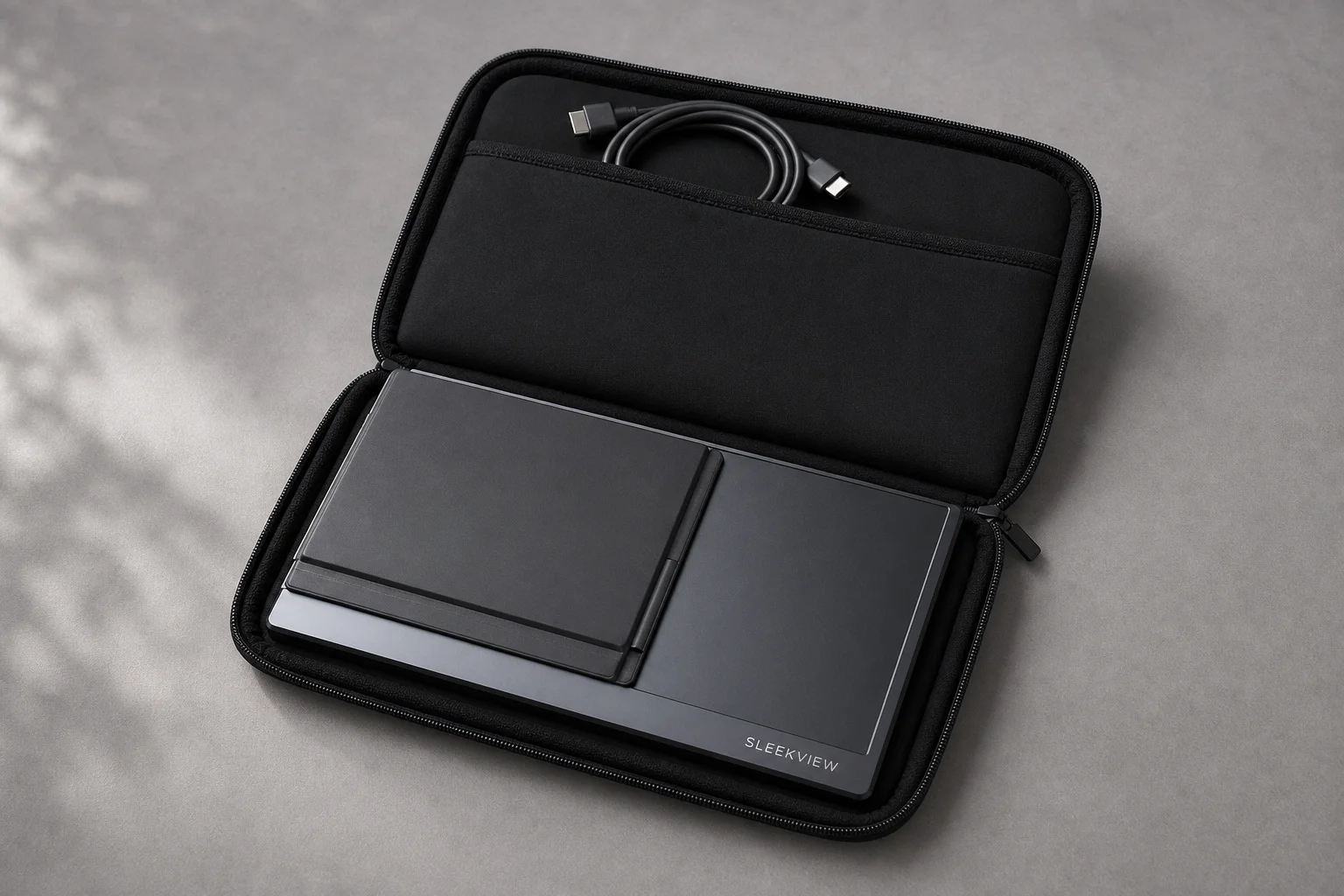
The Touch 14 includes the stand as part of the package, while the Go 14 requires a separate $69 purchase for the stand. This is an important consideration for total cost, as the stand genuinely improves usability by allowing you to adjust viewing angle and orientation.
Weight differs slightly: the Touch 14 weighs 675g while the Go 14 comes in at 700g. Interestingly, the Touch 14 consumes less power at 4 watts compared to the Go 14’s 5 watts, despite adding touchscreen functionality.
Connectivity and Power Options
Both monitors offer identical port configurations: one USB-C port for power input and two USB-C and mini HDMI ports for output. This flexibility means you can power the monitor from your laptop’s USB-C connection or use a separate power adapter. The cable management is straightforward, and both models integrate cleanly with modern laptops and tablets.
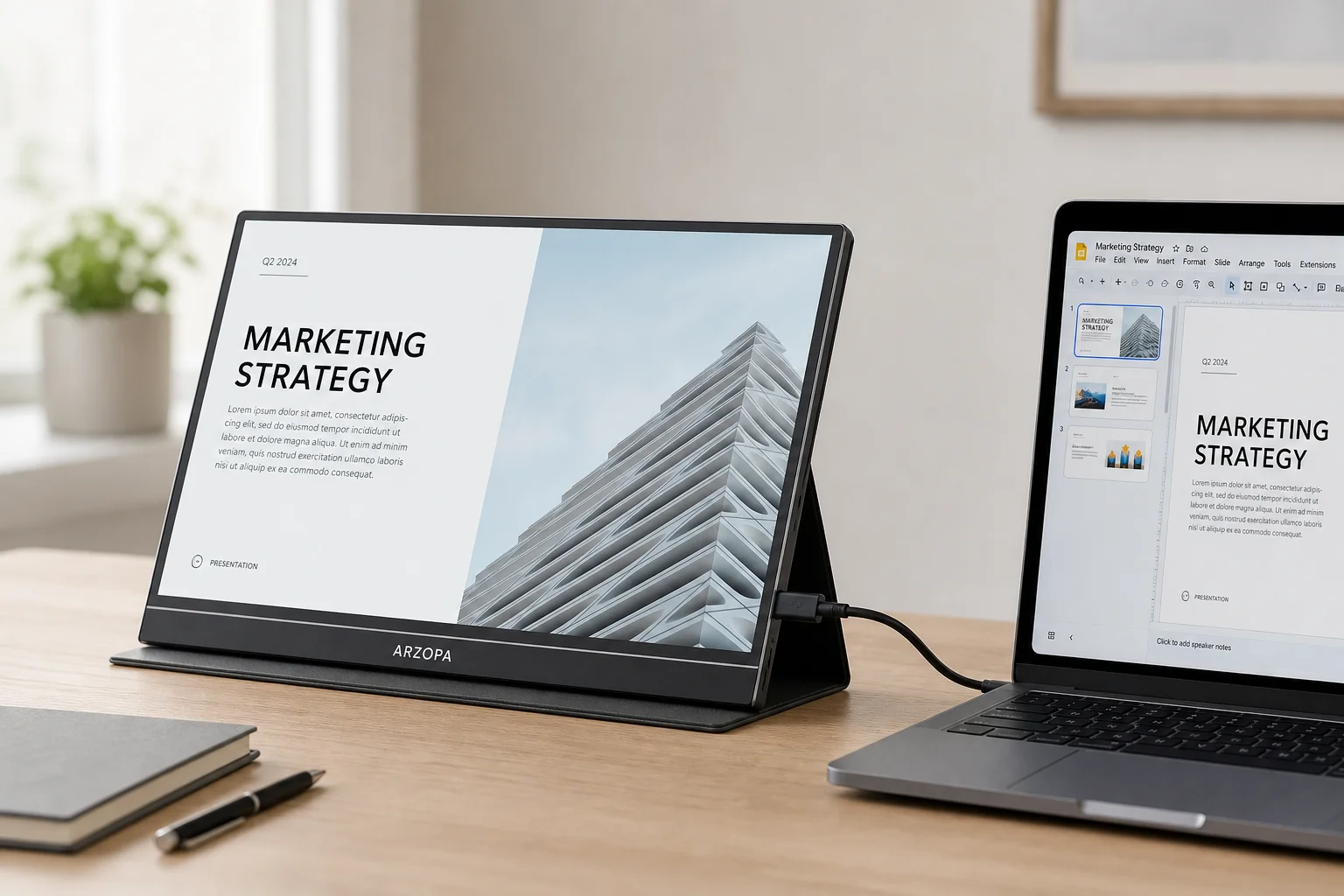
Connection quality is stable across both models, and the USB-C implementation allows for daisy-chaining if needed. The port layout is intuitive, with the power input positioned for easy access when the stand is attached.
Touch Functionality and Performance
This is where the two models diverge most significantly. The Touch 14’s touchscreen works exceptionally well on Windows PCs and Chromebooks, supporting full gesture controls including pinch-to-zoom and multi-touch interactions. However, on macOS devices, touch functionality is limited. You can interact with some UI elements like tabs and buttons, but gestures like pinch-to-zoom and scrolling require using the trackpad or scroll bar rather than direct touch input.
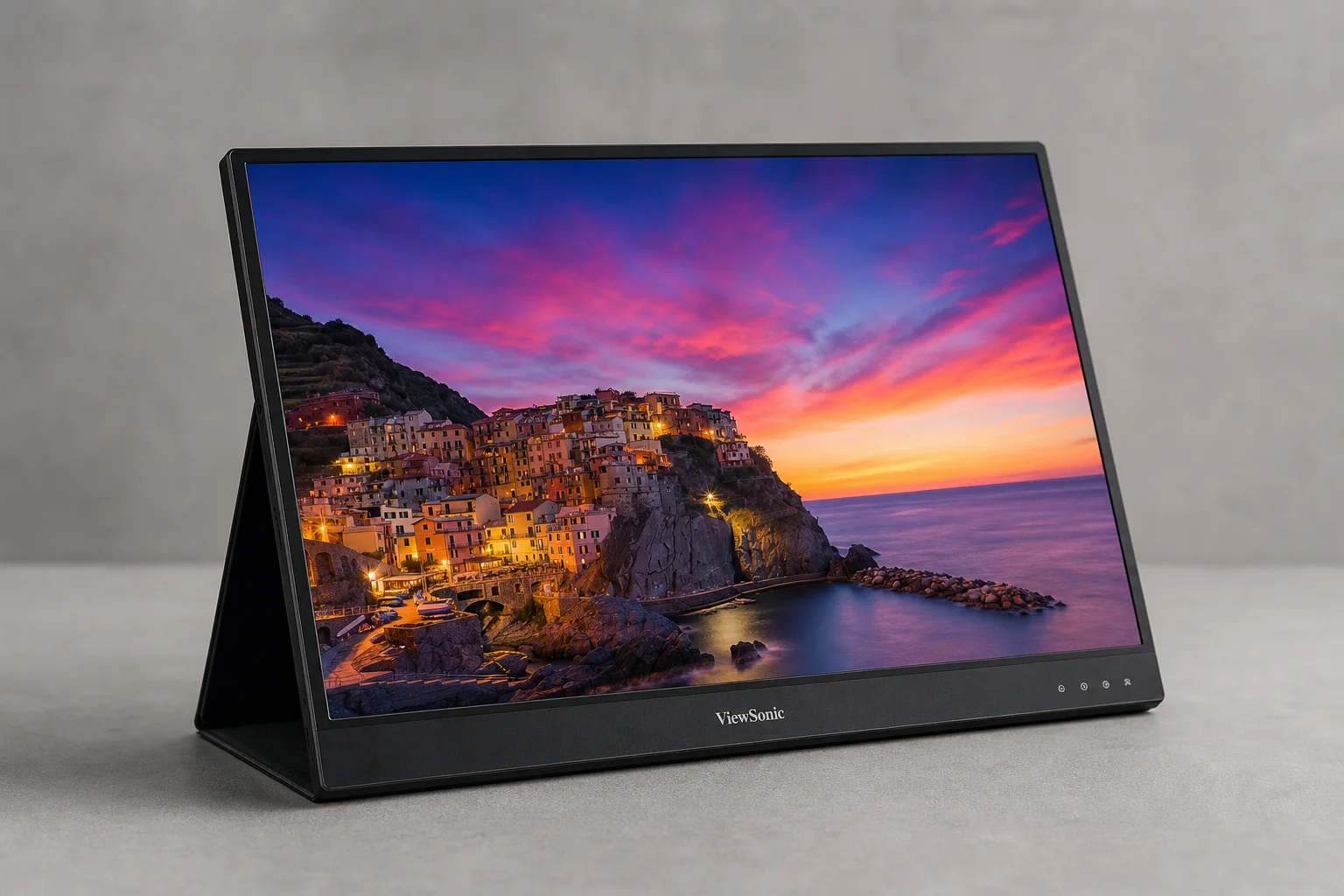
Light reflection on the touchscreen is slightly higher than on the non-touch Go 14, which is typical for touchscreen displays. However, the difference is less pronounced than expected, and the brightness of both monitors compensates for any minor reflectivity issues in most lighting conditions.
Color options differ between models. The Go 14 comes in moonlight, metallic gray, black, and silver. The Touch 14 is available in metallic gray and lilac, offering a more limited but distinctive palette.
Buying Recommendations
Choose the SOTSU FlipAction Go 14 if you prioritize cost savings, do not need touch functionality, or primarily use macOS. At $269 plus $69 for the stand (totaling $338), it remains an excellent value. The non-touch display also has a slight edge in light reflection characteristics.
Choose the SOTSU FlipAction Touch 14 if you use Windows or Chromebook devices and want full touch gesture support. At $399 including the stand, it offers better contrast, lower power consumption, and lighter weight. The seamless bezel design is also more visually refined.
Conclusion
Both monitors represent solid engineering and thoughtful industrial design. The choice between them hinges on your primary device ecosystem and whether touch functionality aligns with your workflow. For Mac users or those seeking maximum value, the Go 14 is the stronger choice. For Windows and Chromebook users who want a fully interactive display, the Touch 14 justifies its premium pricing.
Product link
View more details for SOTSU FlipAction Go 14
This product is mentioned in the review. Check the specifications, options, and compatibility before buying.
View more details for SOTSU FlipAction Go 14Further reading
Related Reviews
Portable Monitors
Best Portable Monitors 2026: Five Options from Budget to Gaming Performance
A ranked guide to five portable monitors, from the budget-friendly Asus MB166C to the gaming-focused Asus ROG Strix XG17AHP, with clear strengths and trade-offs for each.
Coffee Equipment
BEEM vs Melitta EPOS: Two Automated Pour-Over Coffee Makers Compared
A detailed comparison of two automated pour-over brewers: the budget-friendly BEEM and the feature-rich Melitta EPOS with integrated grinder. Which one delivers better coffee?
Portable Displays
Best Portable Displays 2026: Ten Options for Mobile Work and Creative Professionals
A comprehensive roundup of ten portable displays designed for remote workers, creators, and professionals who need flexible workspace solutions on the go.