Wearables
Apple Watch vs Garmin for Running: A Year of Training Compared
After a year training for marathons with both devices, here's what actually matters when choosing a running watch.
Introduction
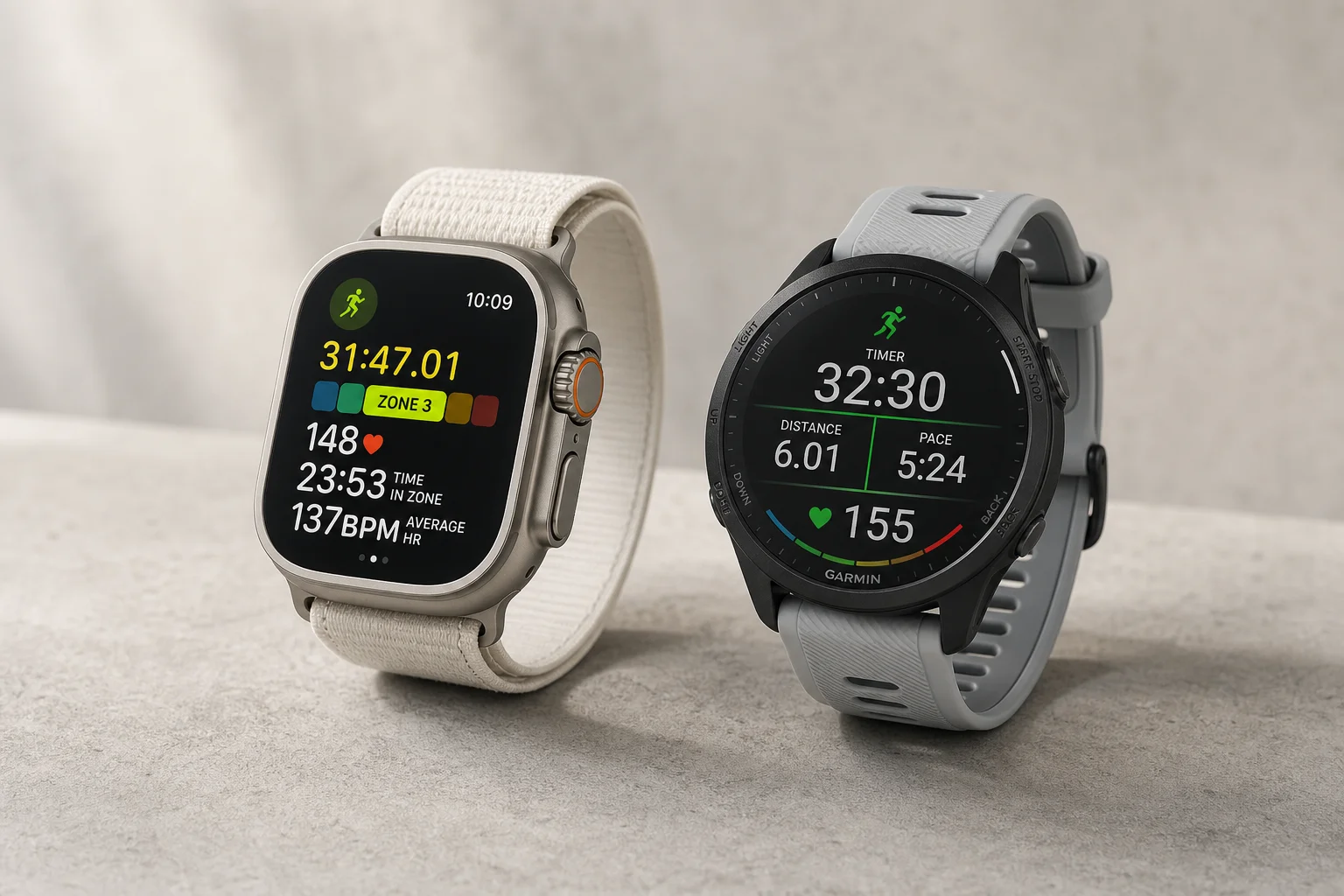
After a year of training for the London and New York City marathons while wearing both an Apple Watch and a Garmin, I want to help you avoid the expensive mistake of choosing the wrong device for your running goals. The decision between these two platforms matters most when you’re serious about training, tracking specific metrics, and integrating external sensors. While both watches excel at the basics, the differences emerge in how they handle the details of your training experience.
Starting a Workout: The First Friction Point
The easiest way to evaluate any running watch is to ask three simple questions: Can I easily start a workout without frustration? Can I view the data I need while working out? Can I easily review all the data afterward?
On Garmin, starting a workout is remarkably frictionless. Press the start/stop button without looking at the screen, select your workout type, wait for GPS, and press the button again to begin. Audio and haptic feedback confirm the start. You never need to touch the touchscreen unless you want to.

The Apple Watch approach differs significantly. On the Ultra, you can press the action button or open the workout app via the touchscreen. You must use the touchscreen to select your workout type, which introduces a friction point. Once selected, the Ultra can wait for GPS if you’ve activated precision start, allowing you to press the action button to begin. On the Series 9 and SE, there’s no GPS wait feature, so a 3-2-1 countdown starts immediately after you tap the workout type.
The button logic on Apple Watch also creates confusion. The action button starts workouts on the Ultra, but stopping requires pressing two buttons. On Series 9 and SE, two side buttons handle start and stop. This inconsistency across models means you’re never quite sure which buttons to press, especially when you’re focused on your run rather than your watch.
Both devices have experienced occasional glitches. Garmin has restarted workouts at the beginning of attempts to start, while Apple Watch has shown an orange screen that vibrates as if the workout started but doesn’t actually begin. These are rare but frustrating when they happen.
Battery Life and Charging
The battery conversation around running watches often becomes polarized, but the reality is more nuanced. The newest Apple Watch Series 9 and 8 will last through a half marathon and potentially a full marathon depending on power modes. The Ultra definitely survives a full marathon. For ultra marathons, you’ll need low power mode, but in practice, many runners start workouts at 50% battery and still complete 2-3 hour runs without issues.
The Garmin offers exceptional battery longevity. With maximum accuracy features enabled, you get 21 days of battery life with 44 hours of GPS-only runtime. This means roughly two weeks of battery in typical training mode, or up to 30 days without GPS tracking.
Where the experience diverges is charging. The Apple Watch uses a magnetic charging puck that’s effortless: remove the watch and place it on the charger. The Ultra typically needs 30-45 minutes of charging each evening to get through the next day. The Garmin requires finding the charging port, aligning the cable, and ensuring proper connection. However, the Garmin’s battery confidence means you can travel for a week without a charger, while Apple Watch users must adopt a daily charging habit.
The trade-off is personality-dependent. If you’re disciplined about daily charging, the Apple Watch is convenient. If you prefer not thinking about battery, the Garmin’s longevity wins, though you risk forgetting the charger on trips.
Connecting External Sensors and Accessories
For serious runners, external hardware matters. Heart rate straps, foot pods, and core temperature sensors provide accuracy that wrist-based sensors cannot match. The integration experience differs significantly between platforms.
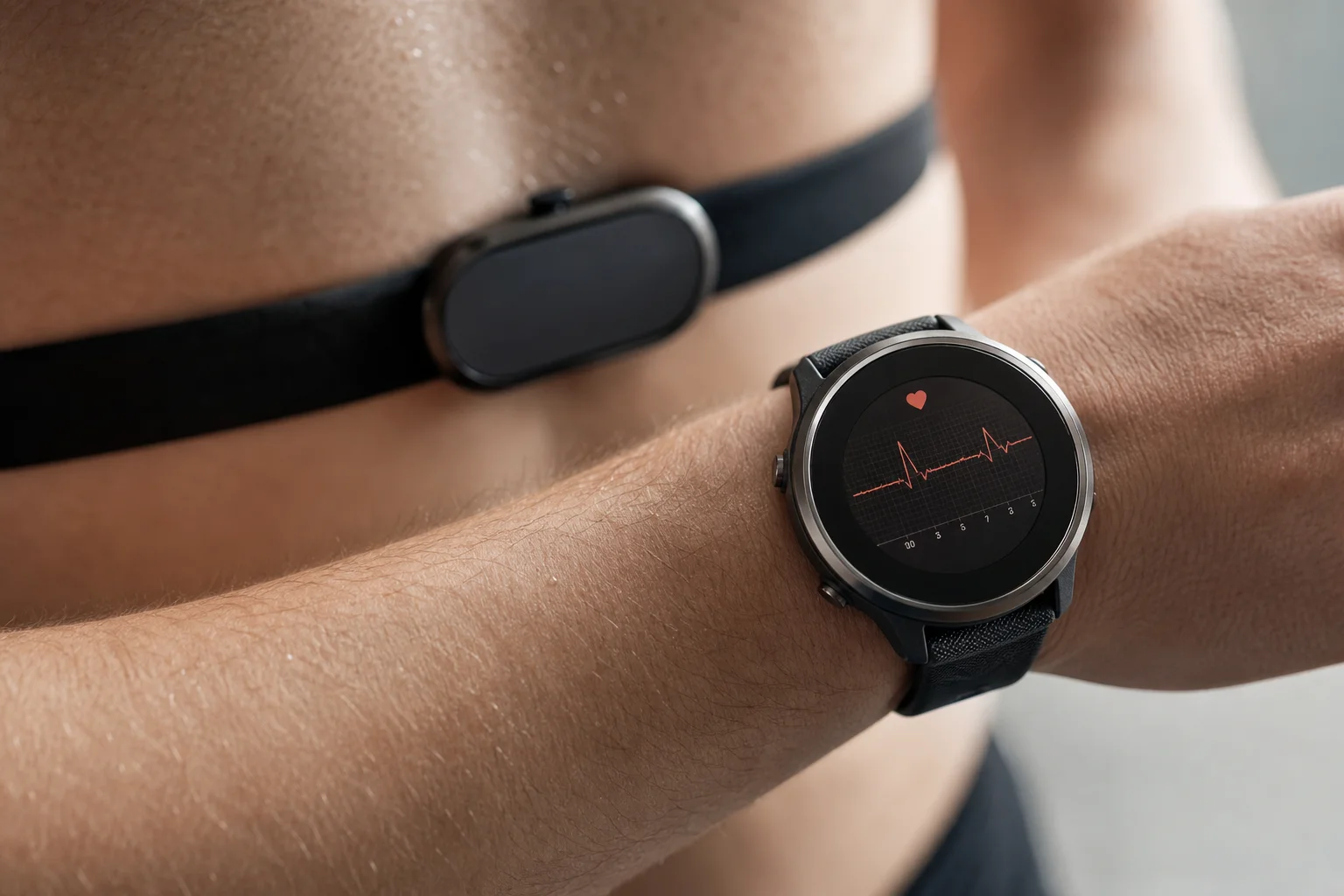
On Garmin, the workout screen displays connection status for all external devices with visual indicators: a flashing heart for heart rate monitors, a flashing shoe for foot pods, and other symbols for additional sensors. You immediately know if everything is connected before starting your run. If something isn’t connected, you can tap into settings and troubleshoot without leaving the workout screen.
On Apple Watch, there’s no such visibility. You must navigate to the home screen, open settings, scroll to Bluetooth, find your health devices at the bottom, and manually check connection status. This process happens before every run if you want to verify your sensors are paired.
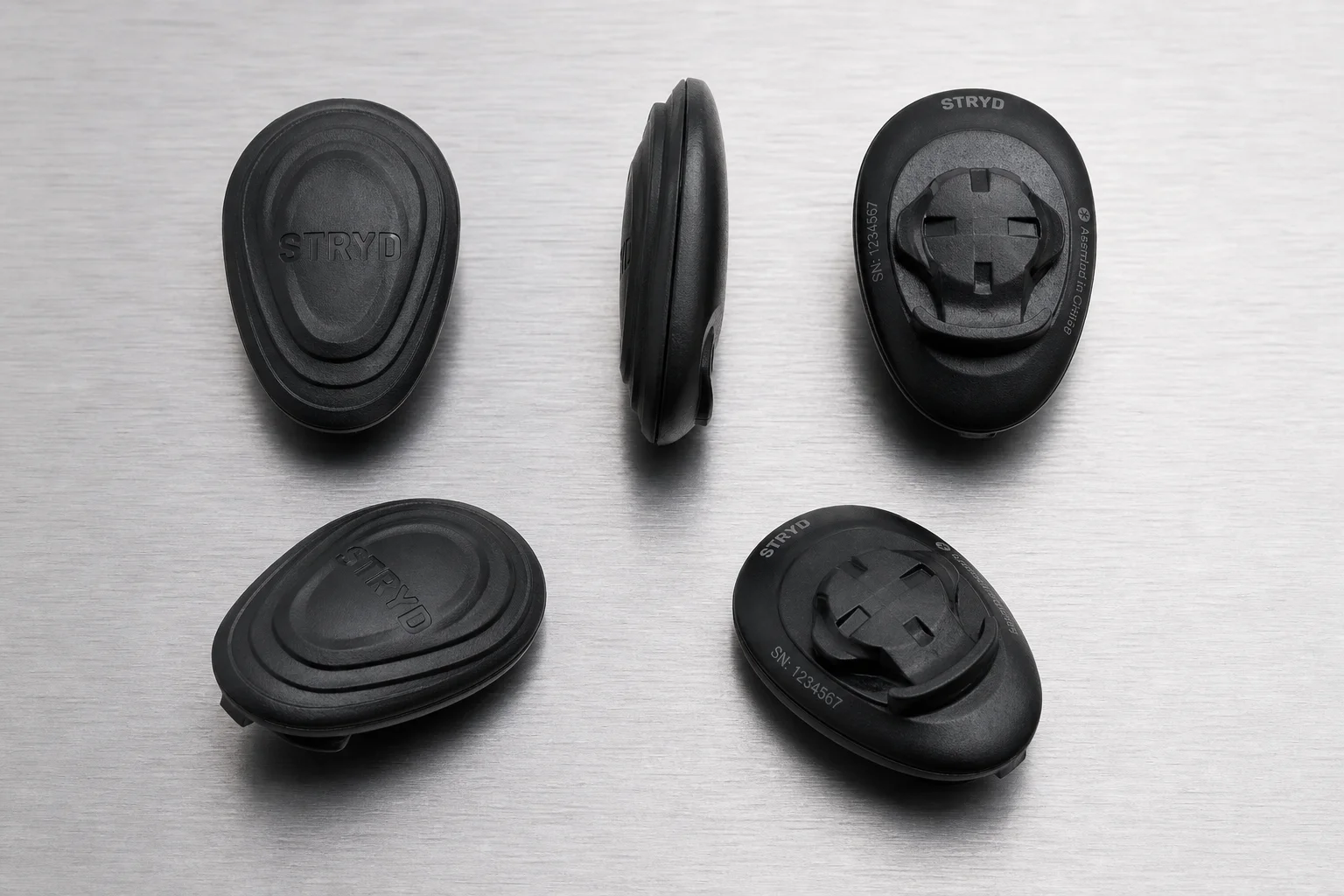
For foot pods specifically, Apple Watch natively supports the Stryd Foot Pod within the workout app, but Garmin integrates it more seamlessly. On Apple Watch, you must load the Stryd app instead of using the native workout app, which means losing the action button convenience and getting different data screens.
Custom Workouts and Coach Integration
Both watches support TrainingPeaks integration, which automatically sends coach-written workouts to your device. This is where the experience becomes notably different.
On Apple Watch, you press the action button to open workouts, find your TrainingPeaks workout for the day, and tap start. The watch then guides you through the workout. However, the display focuses primarily on distance remaining for each segment. You see the pace targets at the beginning but must memorize them as you run. There’s no persistent visual indicator of whether you’re hitting your target pace during the segment.
On Garmin, the same integration exists, but the display shows a visual pace dial with red and yellow zones. You can glance at the watch and immediately know if you’re within your target pace range. Notifications alert you if you fall outside the zone. This glance-ability is crucial during hard efforts when you’re tired and can’t afford to look away from your run.
The Garmin also displays pace information more persistently, while Apple Watch requires you to tap through screens to see upcoming segment paces. For structured workouts, this difference compounds over the course of a run.
Viewing Data During Your Workout
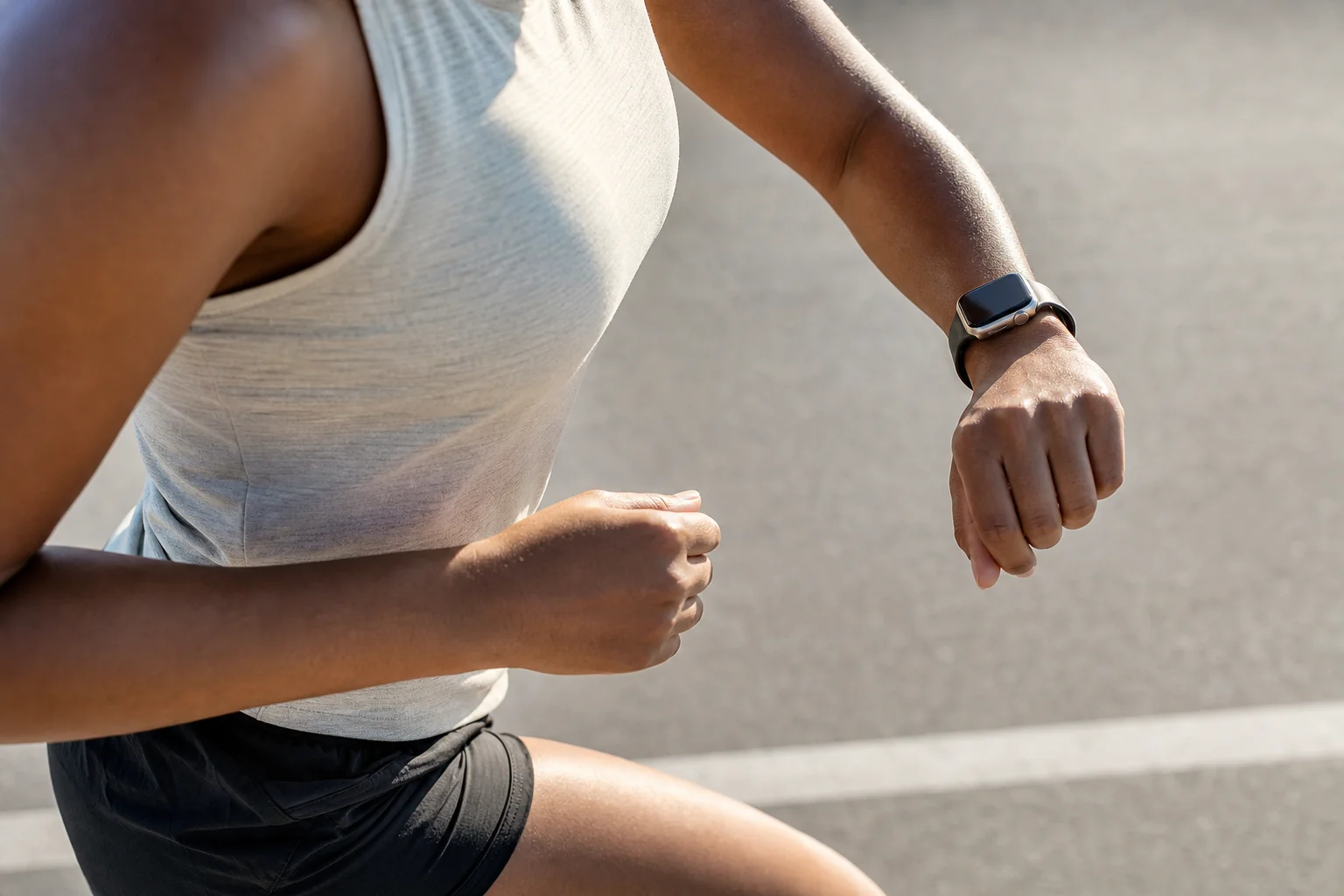
Both watches display heart rate zones with color coding, live pacing, and customizable data screens. However, the responsiveness and glance-ability differ.
Apple Watch applies more smoothing to pacing data, which rounds corners and straightens lines. Garmin shows more jagged data that reflects actual movement more literally. Over multiple miles, this smoothing can accumulate into noticeable distance discrepancies. In one 20-mile run, the Apple Watch’s corner-cutting through water and around piers resulted in nearly half a mile of lost distance compared to the actual route.
For data screen navigation, Garmin’s physical buttons allow you to scroll through screens without looking at the display. Apple Watch requires using the digital crown, which is slower and demands visual attention while running.
Screen brightness and responsiveness both favor Apple Watch. The 3,000-nit display is exceptionally bright, and the touchscreen feels responsive like an iPhone. Garmin’s touchscreen has slight lag, though newer models like the Forerunner 965 have much improved displays.
One critical difference: Garmin automatically locks the screen during workouts to prevent accidental touches. Apple Watch does not. If you’re sweaty or wearing long sleeves, you can accidentally pause or stop your workout. The solution is manually enabling water lock before every run, which adds friction to the starting process.
Reviewing Your Workout After Finishing
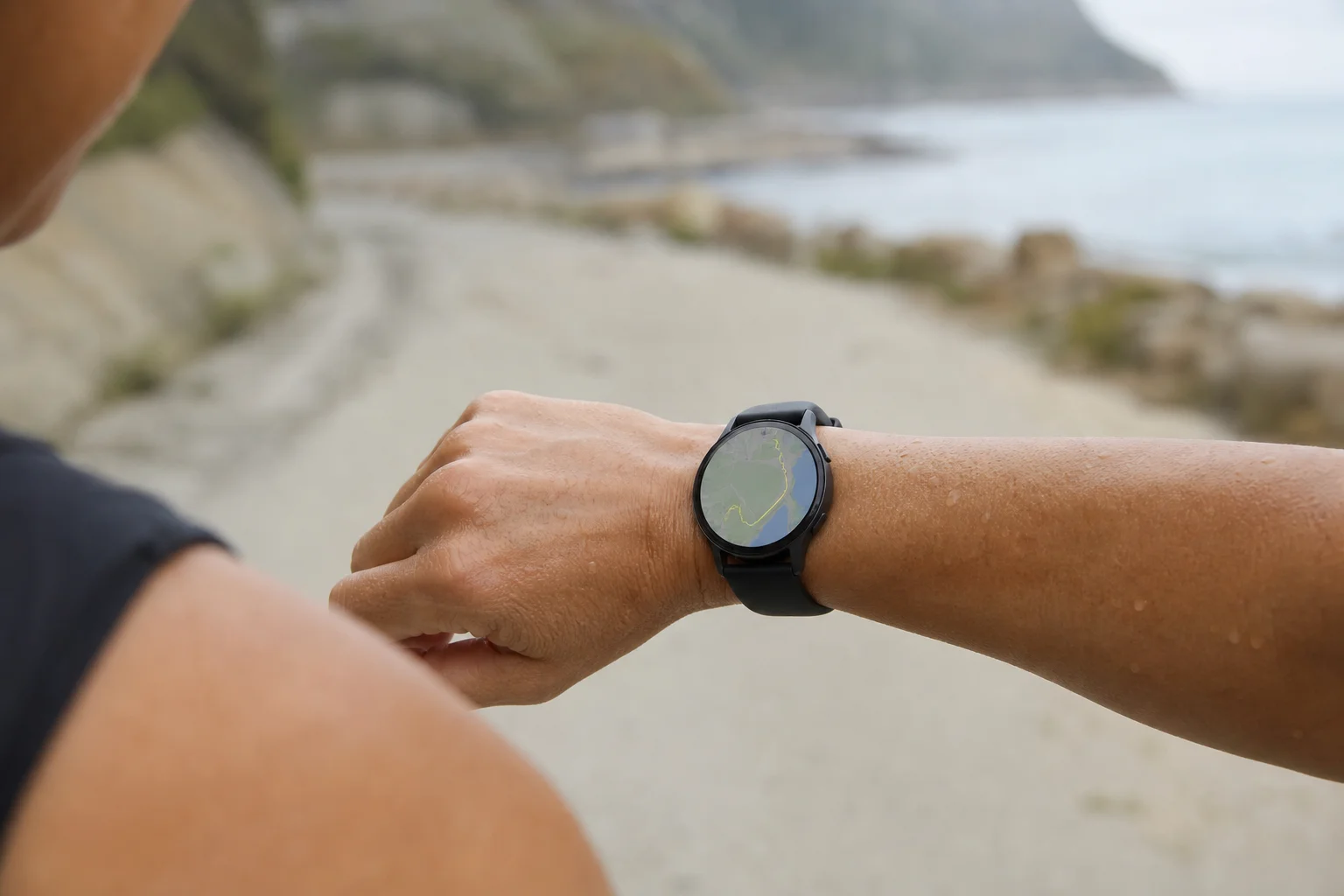
After finishing, both watches display distance, average pace, elevation, temperature, and advanced metrics. The Apple Watch shows this information via scrolling text. The Garmin automatically scrolls through the same data but also displays a visual map of your route, which is shareable and visually satisfying.
For heart rate training, external chest straps using electrical signals are more accurate than wrist-based optical sensors. Both watches work with quality straps from Garmin and Polar, though they lag behind the strap’s real-time data. Apple Watch heart rate accuracy is among the best for optical sensors, but it still lags during high-intensity efforts with rapid heart rate fluctuations.
Sleep Tracking and Training Insights
Garmin offers extensive recovery metrics including Body Battery, training readiness status, and a morning report that summarizes sleep quality, HRV, and training readiness. Apple Watch provides sleep stages and total sleep time but lacks the advanced recovery features.
While these metrics are interesting data points, they should inform rather than dictate your training decisions. The VO2 max metric on both watches is genuinely useful if you’re focused on aerobic fitness improvements. Both devices show similar VO2 max estimates and trends.
Strava Integration
Both watches publish workouts to Strava, but through different paths. Garmin sends data from watch to phone to Garmin servers to Strava, which is reliable but occasionally delayed if Garmin servers experience downtime. Apple Watch sends data through Apple Health, which requires manual uploads for reliability. Automatic uploads can be finicky, especially when Apple Health interacts with multiple apps.
For consistent Strava publishing, Garmin’s approach is more straightforward: open the app, sync, and the data goes directly to Strava without worrying about iPhone settings.
Final Recommendation
After a year of training with both devices, I’ve switched to using the Garmin as my primary running watch. The reasons are specific to serious training: too many accidental workout stops on the Apple Watch due to sweat and sleeves, occasional GPS accuracy issues with pacing and distance on the Ultra, and the friction of checking hardware connections through settings rather than seeing them on the workout screen.
These differences matter most when you’re hitting specific paces, integrating external sensors, and training for performance goals. If you’re starting your running journey, either watch is excellent. But if you’re serious about training and need reliable hardware integration and glance-able workout data, the Garmin’s design choices align better with the demands of structured running.
Conclusion
The Apple Watch and Garmin each excel in different areas. Apple Watch offers a superior charging experience, responsive touchscreen, and excellent optical heart rate accuracy. Garmin provides exceptional battery life, intuitive button-based controls, better hardware integration visibility, and superior glance-ability during structured workouts. Your choice should depend on whether you prioritize daily convenience or training-specific features.
Further reading
Related Reviews
Wearables
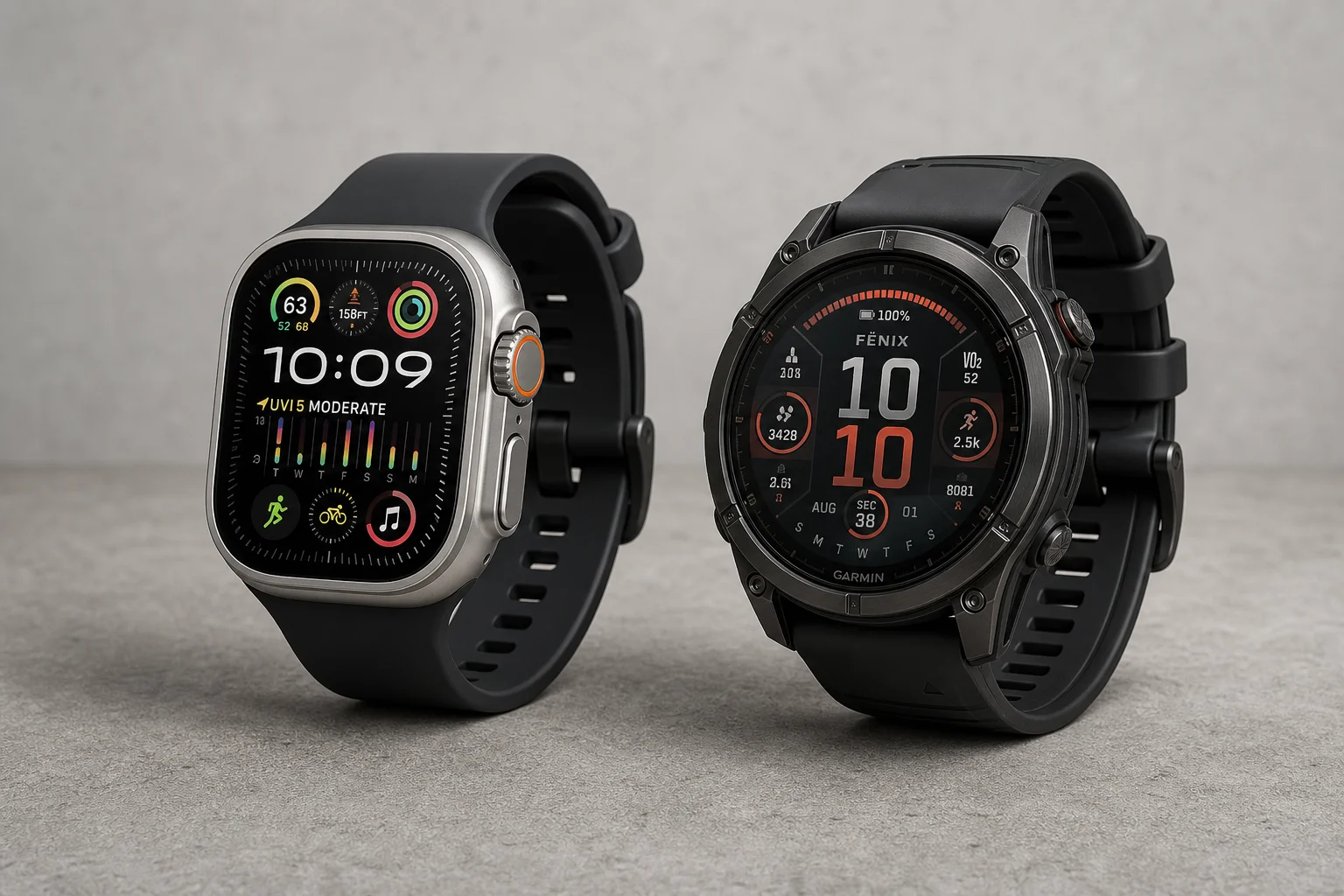
Apple Watch Ultra 3 vs Garmin: Which Training Watch Wins for Athletes
A practical head-to-head comparison of the Apple Watch Ultra 3 and Garmin for serious training, covering GPS accuracy, data tracking, usability, and recovery metrics.
Smartwatches
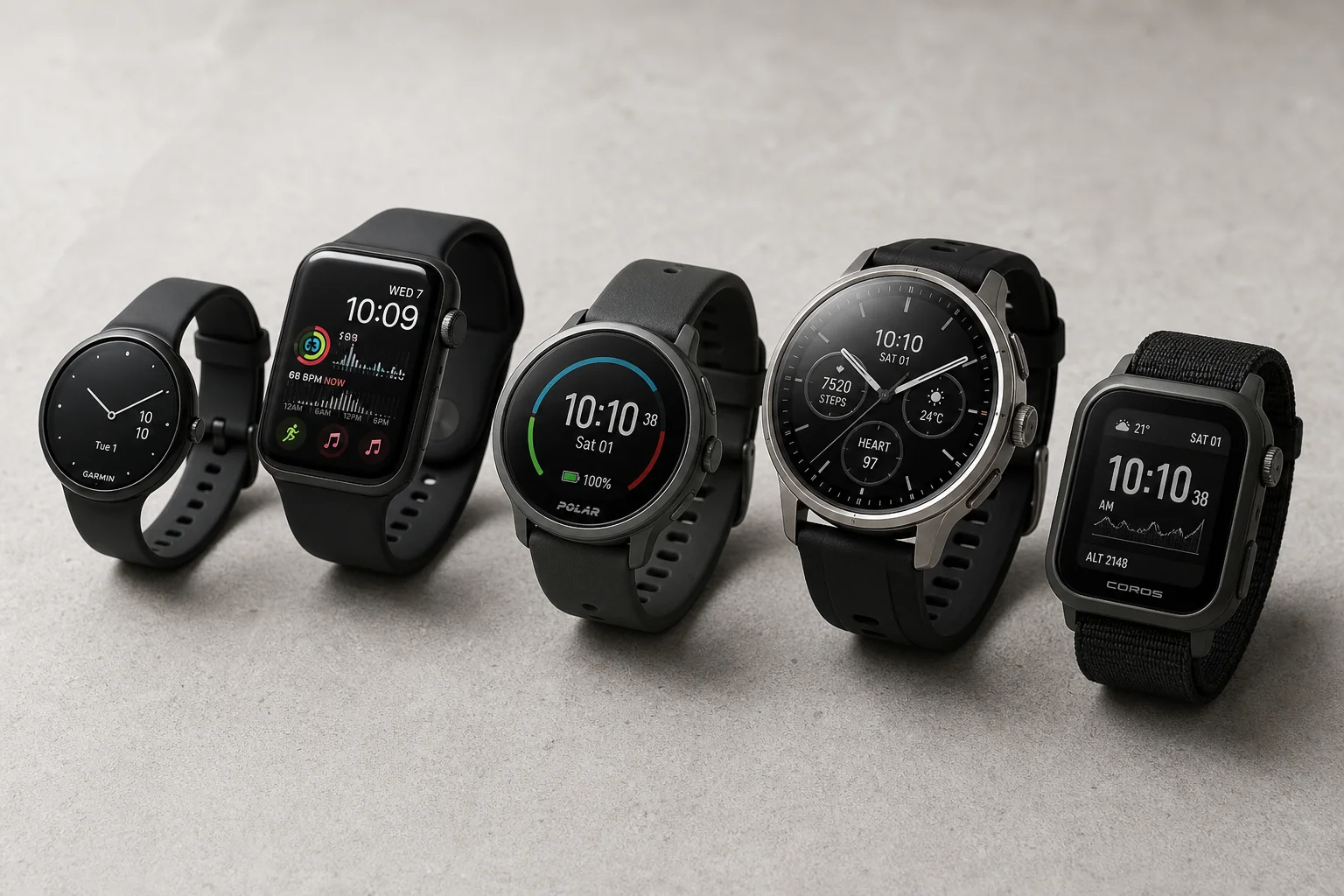
Best Budget Smartwatches 2026: Five Affordable Options That Actually Work
Five budget smartwatches tested for real daily use. From entry-level options to premium features at fraction of the cost, here's what actually delivers.
Smartwatches
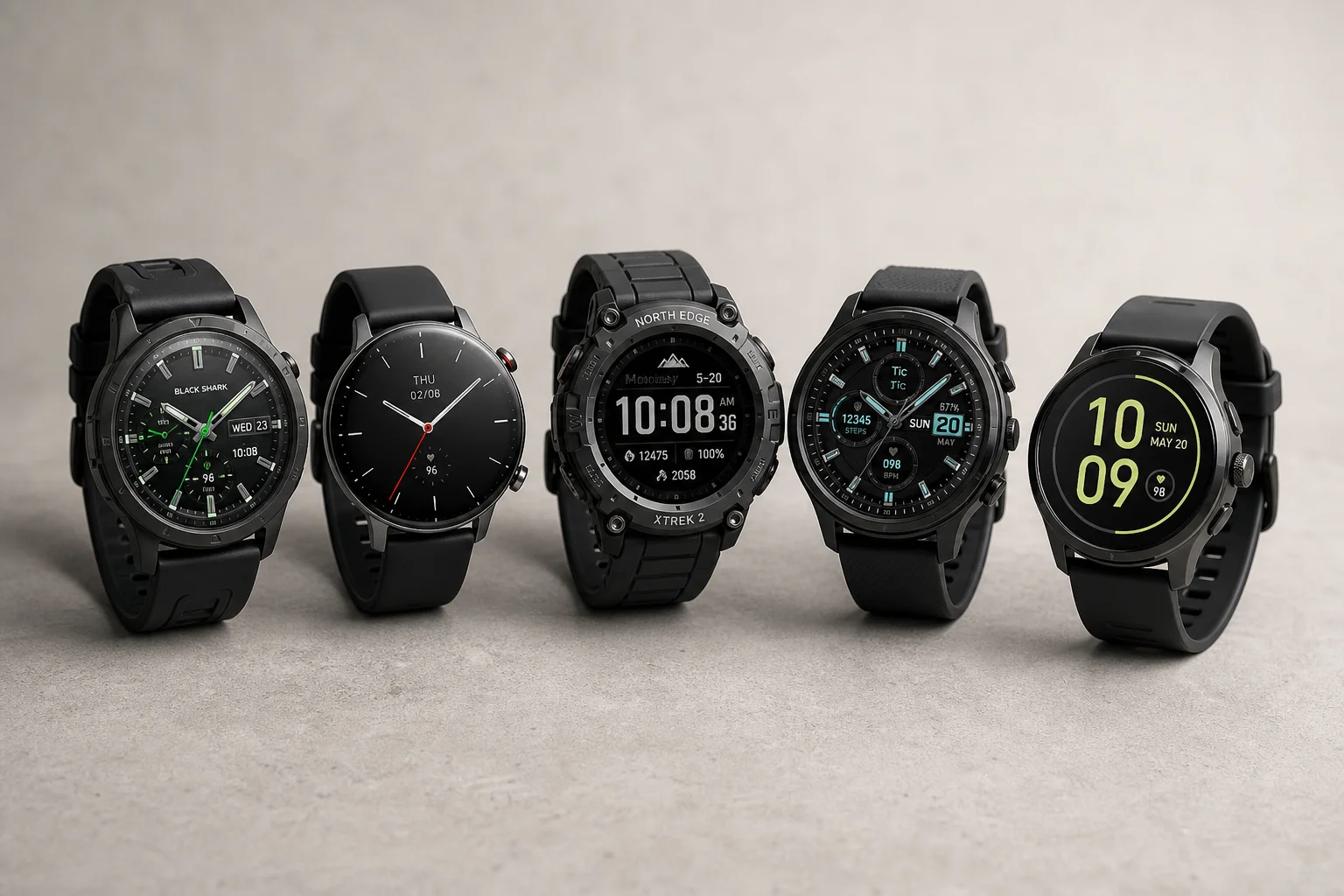
Best Smartwatches on AliExpress 2026: Five Practical Options for Different Needs
Five smartwatches with strong customer feedback and competitive pricing, each suited to different priorities: premium design, battery life, outdoor durability, advanced health tracking, and sports versatility.