3D Printing
Five Cheapest 3D Printers on Amazon: Real Testing Results
We tested five budget 3D printers ranging from $79 to $110 to see if they can actually print. Here's what we found.
Introduction
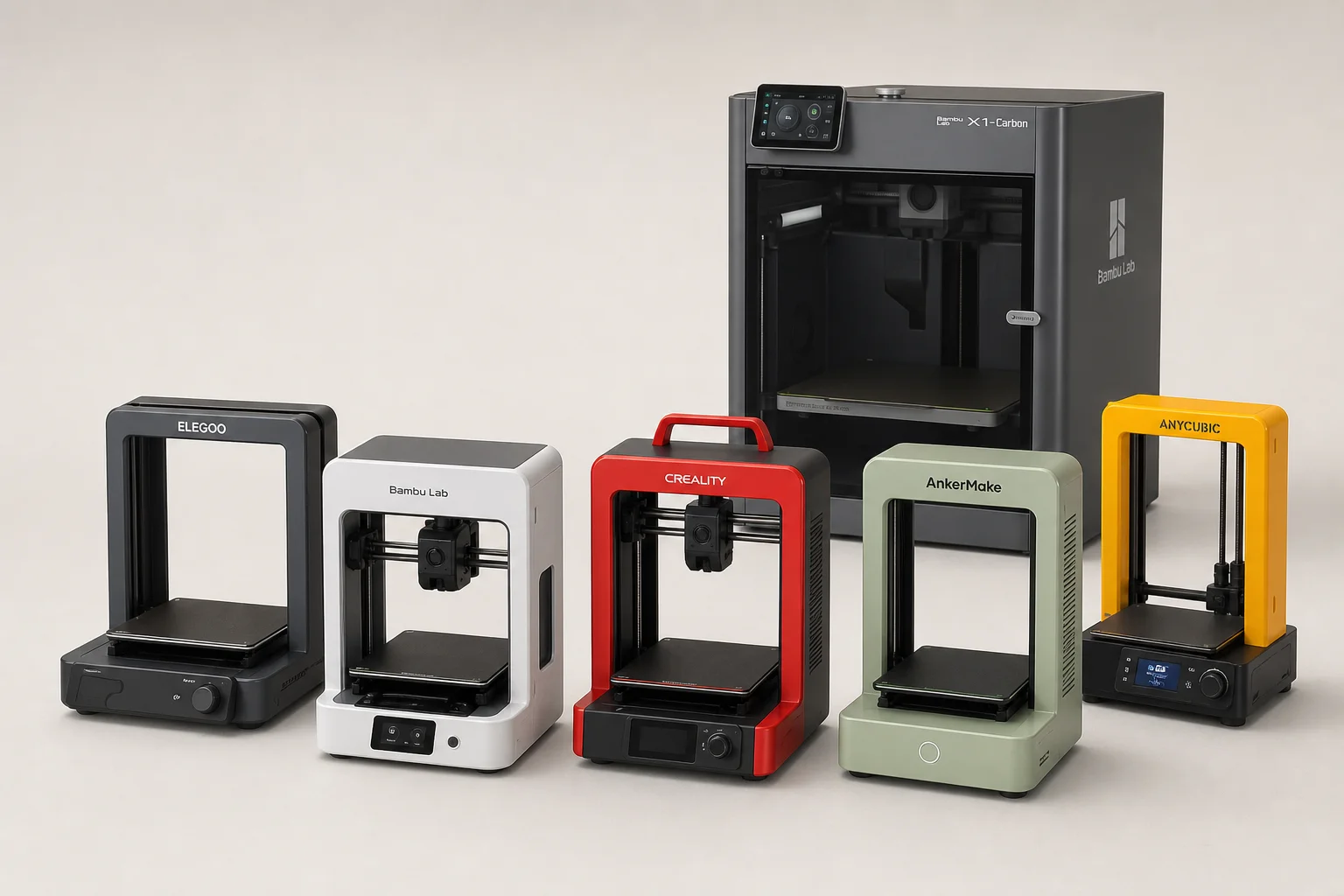
We purchased five of the cheapest 3D printers available on Amazon, ranging from $79 to $110, to answer a simple question: can they actually print? These machines arrived in surprisingly compact boxes, each small enough that all five fit inside a single larger printer box with room to spare. With a build volume of roughly 100 by 100 by 100 millimeters, these printers are among the smallest on the market. For comparison, a larger printer can produce objects 43 times larger by volume. Despite their diminutive size and budget pricing, we wanted to see whether they could deliver acceptable print quality.
Unboxing and Assembly
The unboxing experience revealed just how compact these printers truly are. The boxes themselves were only about three and a half inches thick, yet each contained a complete 3D printer. Assembly was straightforward on most units. Several arrived fully assembled and ready to use out of the box, while others required minimal setup. Most of the process went smoothly until we encountered one unit that shipped without the necessary screws or screwdriver to attach the gantry to the base. Fortunately, the retailer issued a full refund without requiring the unit to be returned, allowing us to purchase a replacement in a different color.
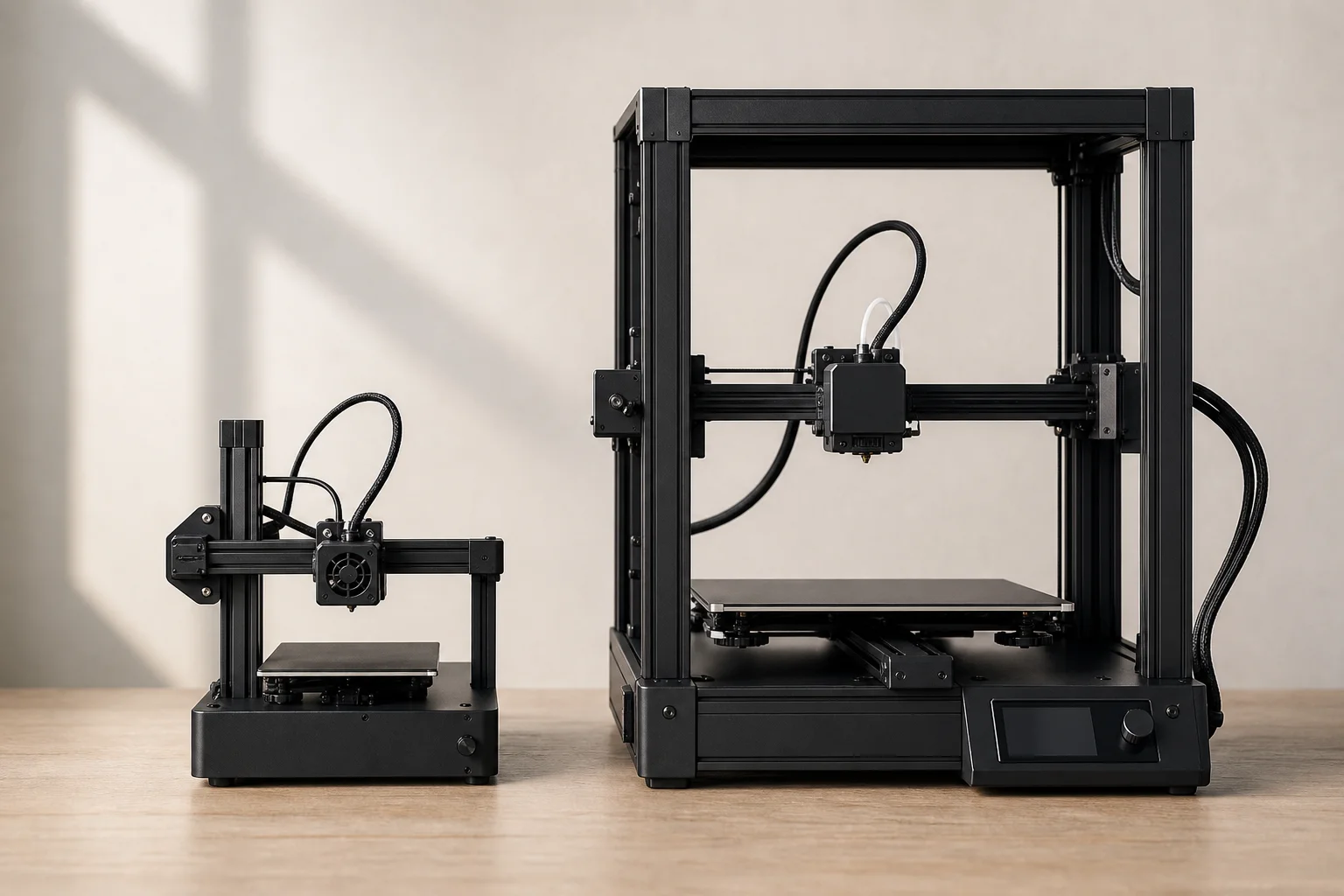
The included accessories were thoughtfully sized for the machines themselves. We found screwdrivers that were perfectly proportioned for the tiny hardware, and the overall build quality of the packaging and included components suggested these were not hastily assembled products.
Key Limitations to Know
Before diving into print testing, several important limitations became apparent. First, none of these printers feature a heated bed. This means they can only print materials that don’t require heating, such as PLA, TPU, or flexible filaments. Materials like ABS, PETG, and polycarbonate are off the table for these budget machines.
Second, four of the five printers lack any display interface beyond four basic buttons. One model includes a tiny LCD screen roughly one inch tall with about five lines of text, making it difficult to read without magnification. Despite this simplicity, the button-based interface becomes intuitive after a few days of use.
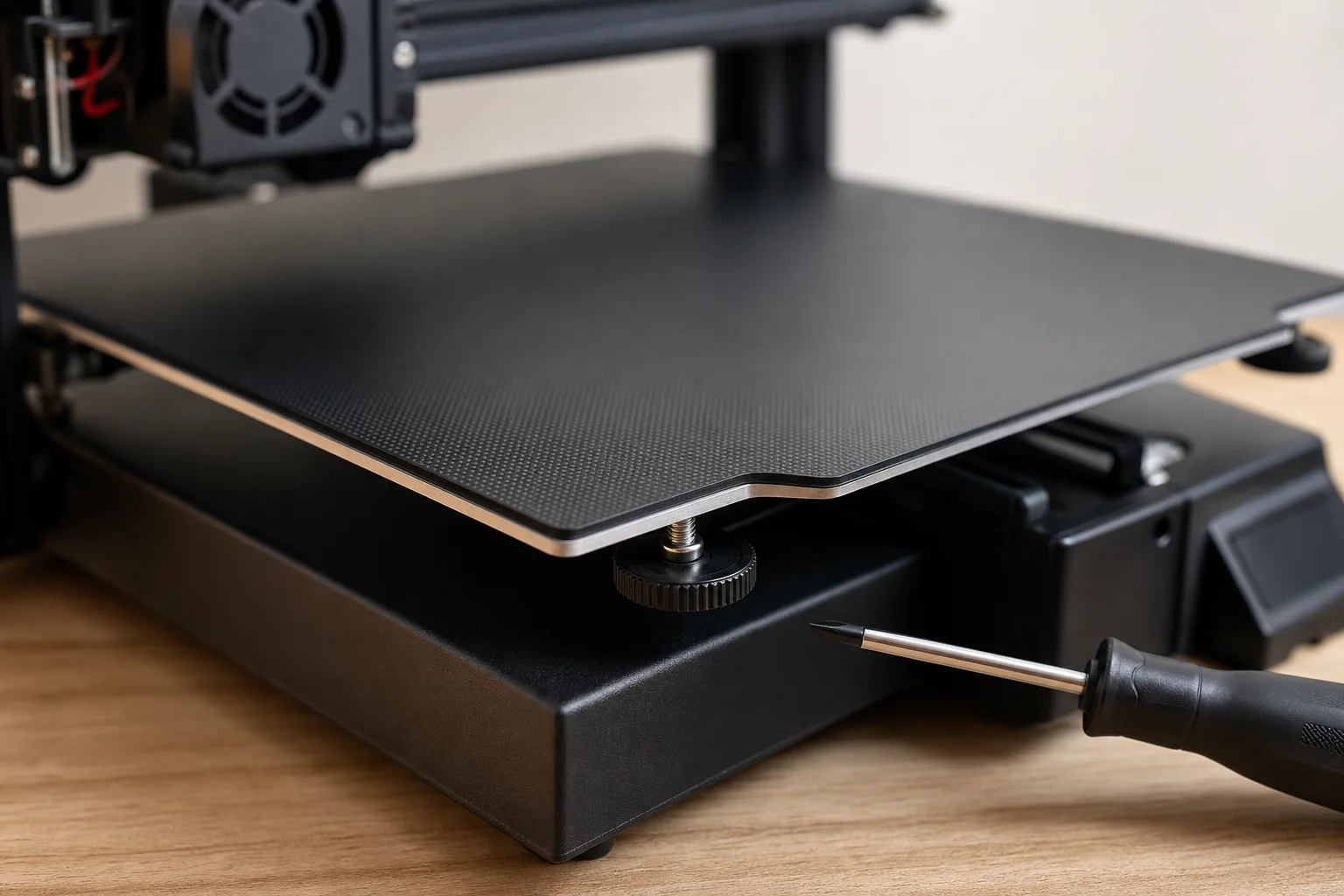
Bed leveling on these printers is a manual, somewhat awkward process. You must press the home button to zero the machine, then unplug it to power down (no power switch to save costs). After that, you manually move the print head to the four corners and center of the bed using the X and Y axes, adjusting bed height with a small screwdriver at each point. Some models include a traditional turning knob, which is slightly more convenient. The good news is that once properly leveled, the bed tends to hold its position well across multiple prints.
All five printers use a flexible magnetic bed, which proved to be an excellent design choice. The bed has decent adhesion, keeping prints firmly attached during printing, and finished prints pop off easily. If they don’t release cleanly, you can simply flex the bed and reattach it magnetically.
Calibration Cube Test
To establish a baseline for comparison, we used an Ender 3 V2 as a control printer. This well-established machine costs around $260 and serves as a reference point for what a budget-friendly but proven printer can achieve. We printed the same test objects on all five budget printers and the control.
The first test was an XYZ calibration cube designed to measure dimensional accuracy across all three axes. Each dimension should measure exactly 20 millimeters. The Ender 3 V2 achieved 0.72 percent accuracy across all three axes, setting our standard.
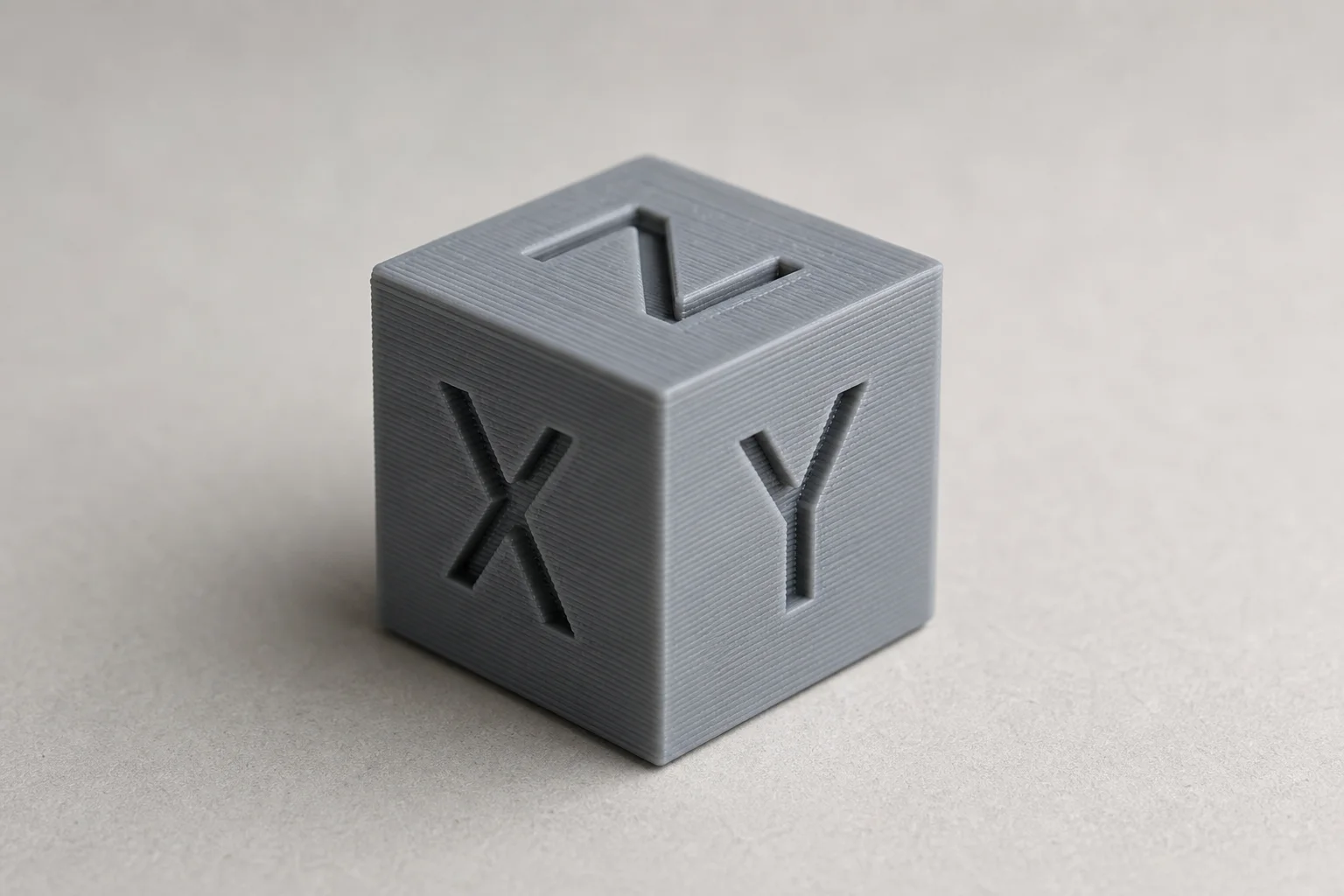
The budget printers’ first attempt at the calibration cube was largely a failure. Three of the five didn’t produce anything recognizable as a cube. A fourth suffered severe layer shift and was completely unusable. Only one produced a decent result, though even that showed enough layer shift to make precise measurement impossible.
We suspected belt tension issues, but these printers offered no adjustment mechanism. Instead, we dramatically reduced print speed to 13 millimeters per second, an embarrassingly slow pace but necessary for success. This time, four of the five printers produced measurable calibration cubes. One achieved 0.73 percent accuracy, nearly identical to the Ender 3 V2. The other three showed progressively worse results, and one unit again refused to move the Z-axis and failed completely.
Self-Watering Plant Pot Test
For the second test, we printed a self-watering plant pot measuring approximately 85 by 85 millimeters and 82 millimeters tall, consuming most of the build volume. Results were more encouraging. The previously problematic unit suddenly produced the highest quality print, featuring clean lines, minimal layer shift, and the best overall finish. The K7 placed second with a decent result. The K1 came third, the T8000 fourth, and the X1 last, suffering from significant layer shift and poor bridging.
Text Legibility and Overhangs Test
The third test involved printing a model with text and overhangs to evaluate detail quality. The previously successful unit failed again, refusing to move the Z-axis. The X1 placed fourth, the T8000 third, the K7 second, and the K1 first with the most legible text, decent overhangs, and minimal stringing. While not as clean as the Ender 3 V2, the K1 was the clear winner of this round.
Darth Vader Bust Test
The final test was a Darth Vader bust, a fun model that typical users might print. All units except the problematic one printed successfully, though with varying quality levels. The T8000 placed fourth among the successful prints, the X1 third, the K7 second, and the K1 first in terms of overall quality and surface finish.
Final Verdict and Recommendations
The testing revealed a surprising upset. The most expensive of the five budget printers, which featured a nice interface and enclosed structure, performed the worst by far. It succeeded on only two of the test prints. In contrast, the K1 emerged as the clear winner, demonstrating the most consistent results, highest success rate, and cleanest prints across all tests.
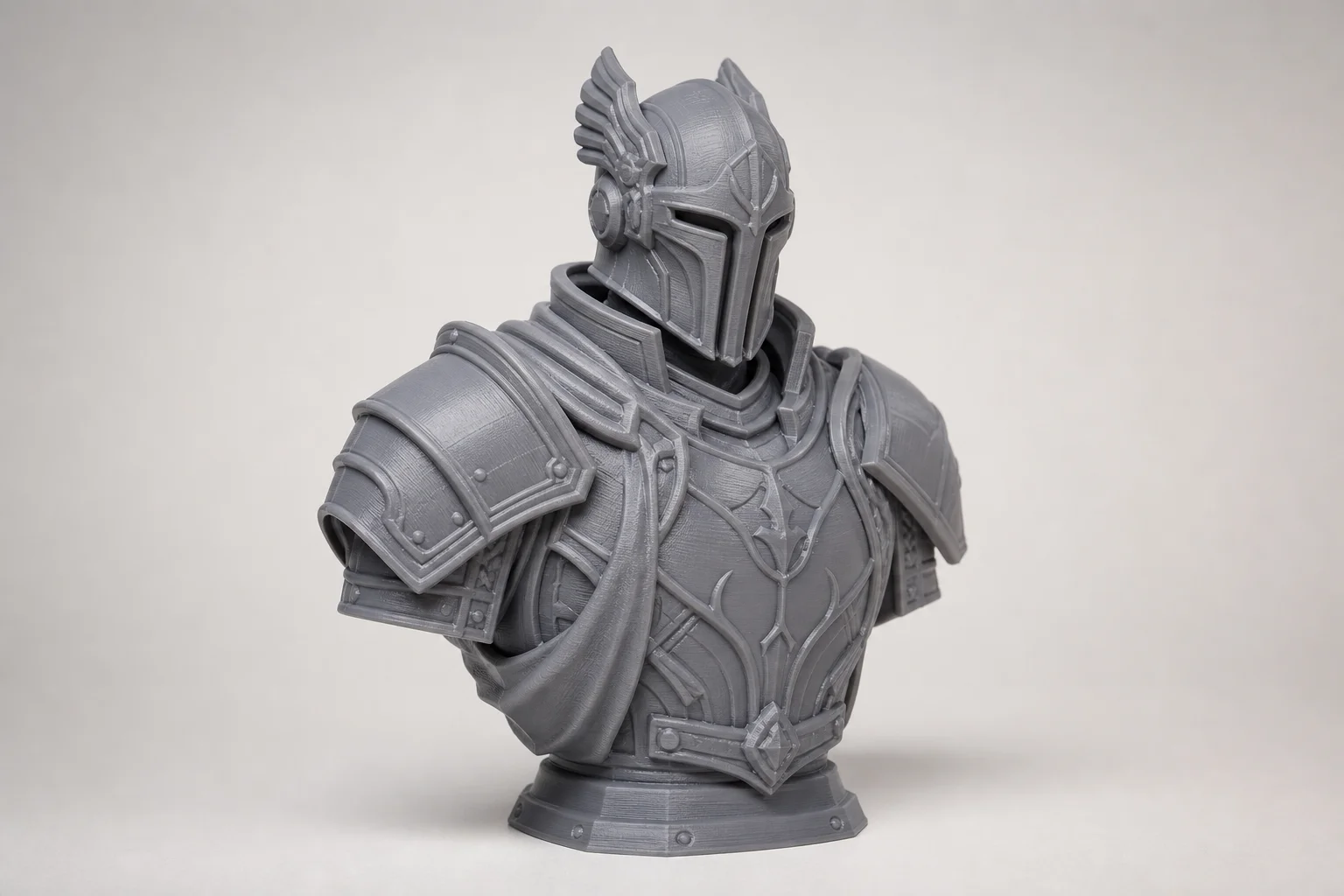
If you’re shopping for a 3D printer around the $100 mark, the K1 is the model we’d recommend. It offers a traditional gantry-style layout and delivers solid printing capabilities at a competitive price.
For those willing to spend about $50 more, upgrading to an Ender 3 is worthwhile. It’s significantly larger, far more popular, and has extensive community support and upgrade options available.
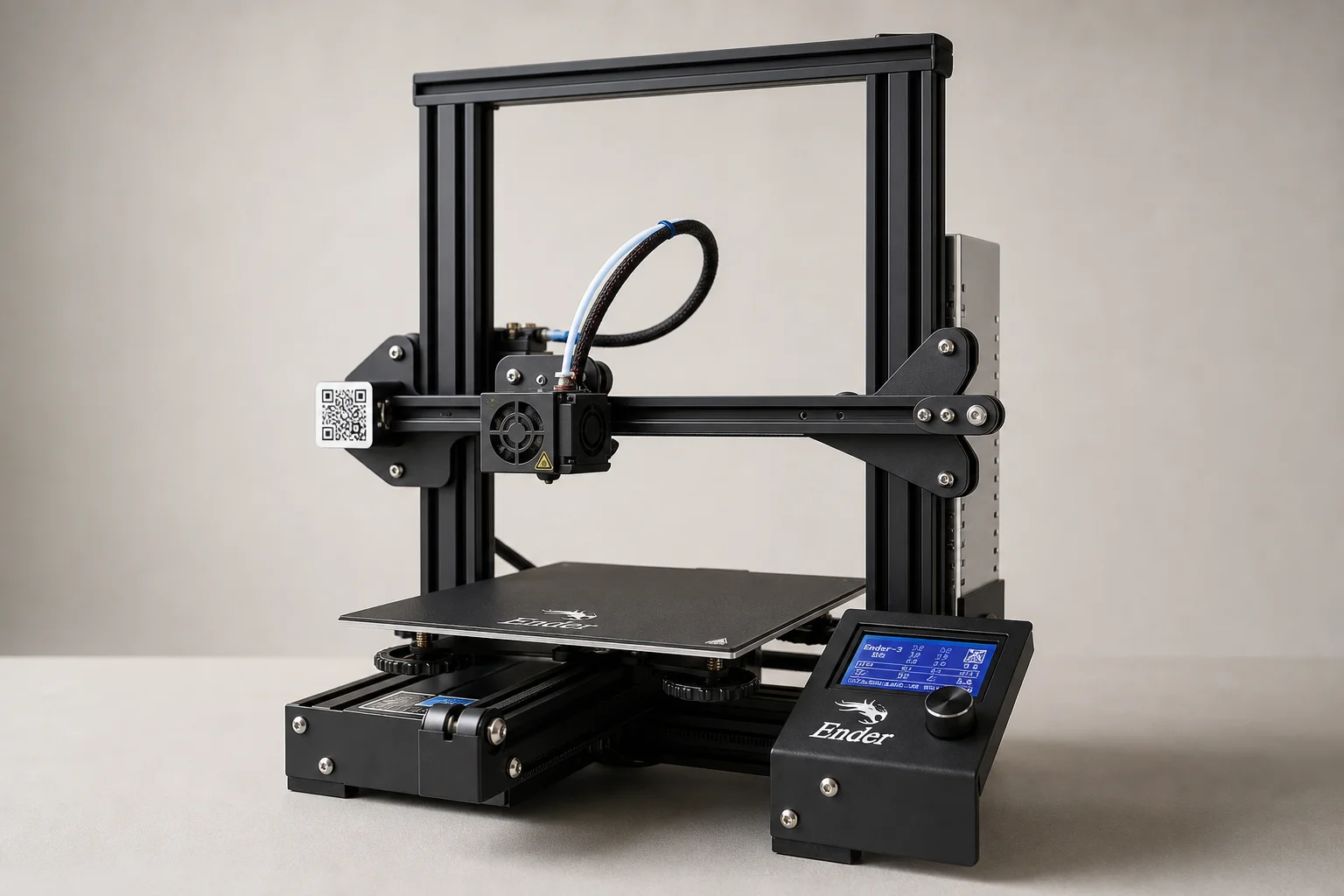
The Ender 3 V2 is a newer variant with additional features and improved build quality compared to the original Ender 3.
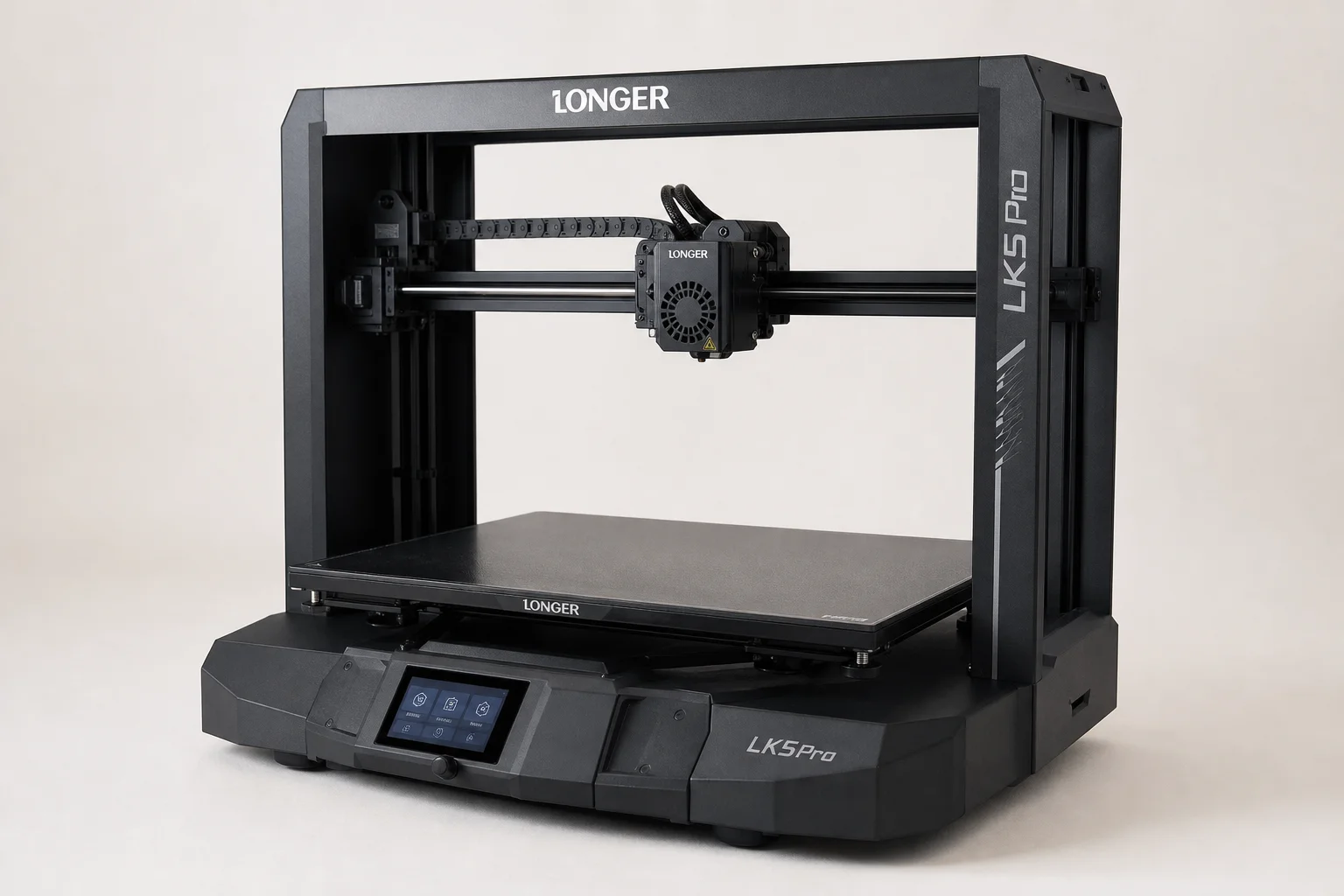
For users needing a larger build platform, the Longer LK5 Pro comes in under $300 and delivers excellent large-format prints with numerous quality-of-life features.
Conclusion
Budget 3D printers have come a long way, and some can deliver acceptable results if you manage expectations and adjust settings appropriately. The K1 proved that you don’t need to spend a fortune to get a functional printer, though patience with slow print speeds and manual bed leveling is required. For those with slightly more budget flexibility, stepping up to proven models like the Ender 3 V2 or Longer LK5 Pro offers significantly better reliability, larger build volumes, and stronger community support.
Further reading
Related Reviews
3D Printing
3D Printer Wishlist 2026: Industry Hopes and Manufacturer-Specific Improvements
A comprehensive review of what the 3D printing industry needs in 2026, from universal standards to manufacturer-specific feature requests across leading brands.
3D Printing
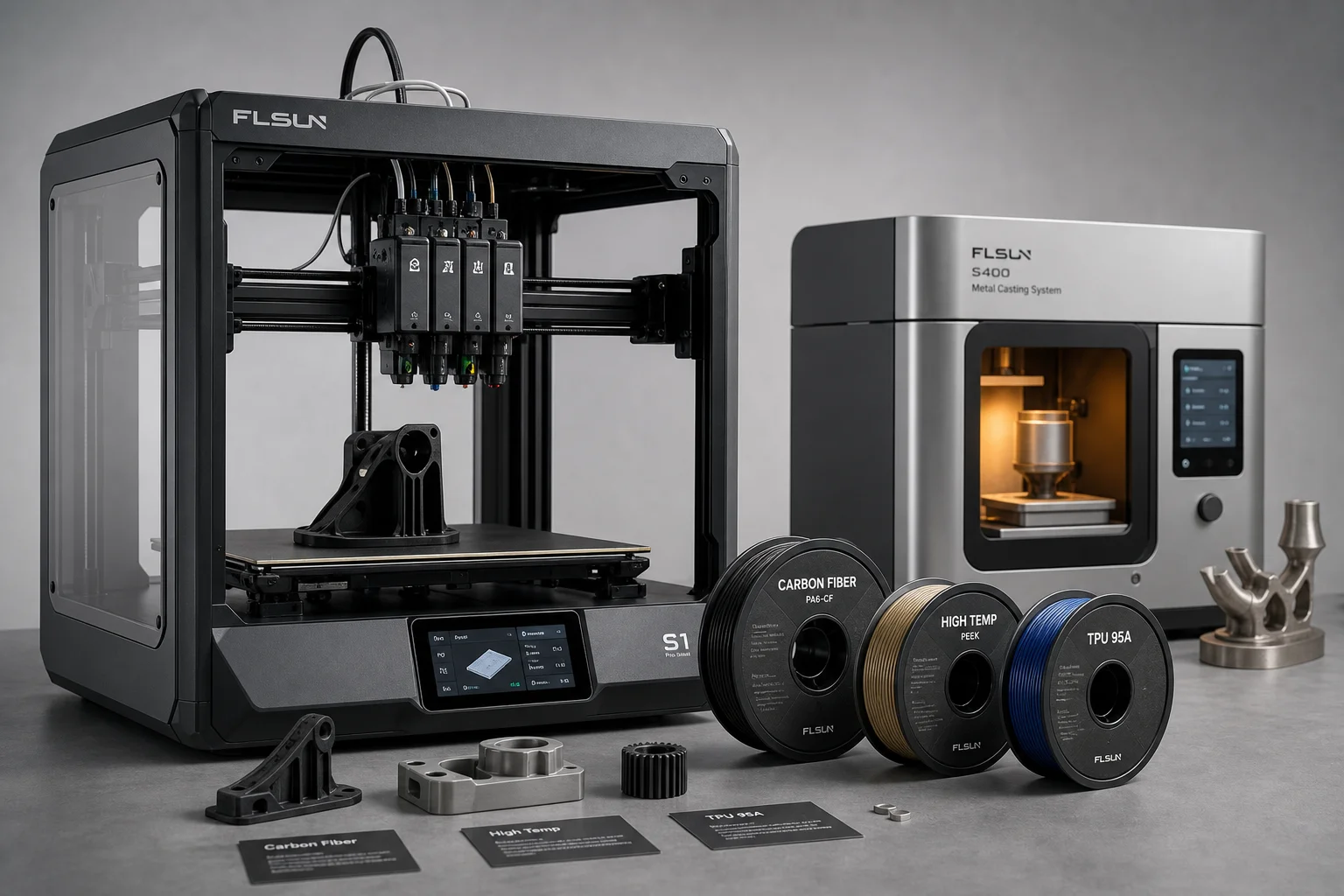
3D Printing Trends 2026: Multi-Material Systems, Stronger Filaments, and Desktop Metal Casting
FormNext 2025 revealed the direction of 3D printing in 2026: accessible multi-material printers, high-strength filaments, and innovative software solutions that bring industrial capabilities to the desktop.
3D Printing
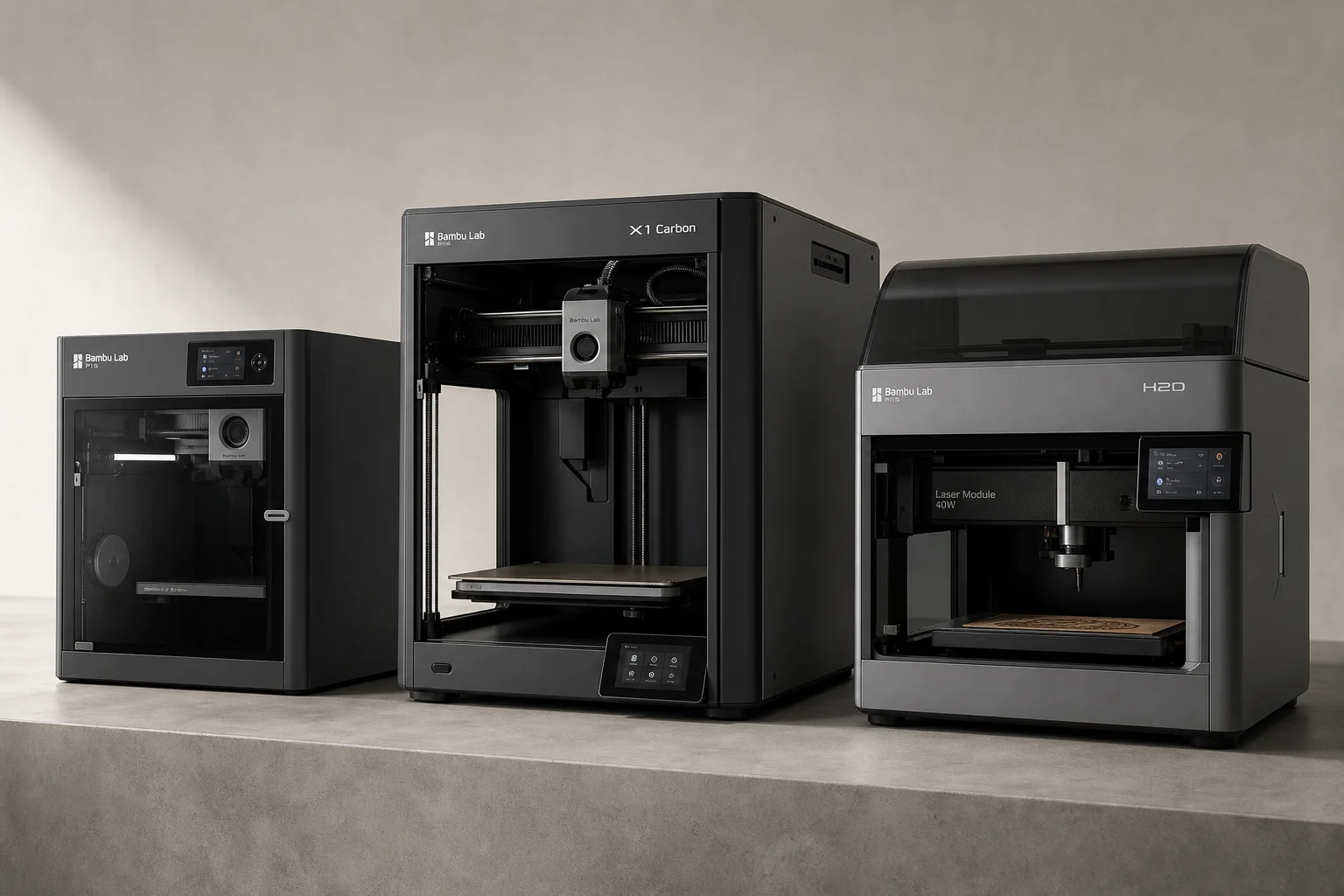
Bambu Lab 3D Printer Lineup 2025: Which Model Fits Your Needs
A comprehensive breakdown of Bambu Lab's current printer lineup, from mid-range workhorse models to flagship multifunction machines, with honest trade-offs for each.